Questions & Answers
- Model:
- i3535-A735BLK-PUS
- |
- SKU:
- 12297878
Q: Questionhow do you turn off s mode?
Asked by Anonymous.
- A:Answer Steps to Switch Out of S Mode (Windows 11) Open Settings: Press Windows + I or click the Start Menu > Settings. Navigate to: System > Activation. Find “Switch to Windows 11 Home/Pro”. Under the Switch to Windows 11 Home or Pro section, click Go to the Store. Open Microsoft Store Page: You’ll be taken to a page titled “Switch out of S mode”. Click “Get” Then click Install. It’s free and only takes a few moments. Restart (if prompted) After installation, your device will be out of S Mode. ⚠️ Important Notes: This is a one-way switch — you cannot go back to S Mode once you switch out.
Answered by YourDellTeam
Q: QuestionIs this a good laptop for someone who is starting a degree in software programming?
Asked by ImaBozo.
- A:Answer It depends on the applications you would be using. If the software and applications meets the recommended specification, it can be installed and used without any issues.
Answered by YourDellTeam
Q: QuestionDoes it include the Microsoft Store to download GAMES ?
Asked by Anonymous.
- A:Answer Microsoft Store is preinstalled on the device.
Answered by YourDellTeam
Q: QuestionIs Word program included?
Asked by Anonymous.
- A:Answer Yes, the system includes MS Office with 30-Day Trial period.
Answered by YourDellTeam
Q: Questionwhat is the operating system?
Asked by h.
- A:Answer The system is shipped with Windows 11 Home Operating System preinstalled
Answered by YourDellTeam
Q: QuestionCan this laptop work with any Cyber Security operating system? Such as Linux or Python?
Asked by Anonymous.
- A:Answer The system is shipped with Windows 11 Home OS by default. If the operating system or application you like to install meets the system specification requirements, you could install them.
Answered by YourDellTeam
Q: QuestionMay I get it with Windows 11 Pro?
Asked by Stjohn.
- A:Answer While the device is compatible with Windows 11 Pro, this system configuration is shipped with Windows 11 Home.
Answered by YourDellTeam
Q: Questioncan you add more disc space, internal or external
Asked by extrad.
- A:Answer Yes, you can connect additional external storage devices
Answered by YourDellTeam
Q: QuestionIS MY HP DESKTOP PRINTER COMPATIBLE WITH THIS MODEL?
Asked by MARIE.
- A:Answer As long as the printer is compatible with Windows 11 operating System.
Answered by YourDellTeam
Q: QuestionDoes it have a dvd drive?
Asked by Anonymous.
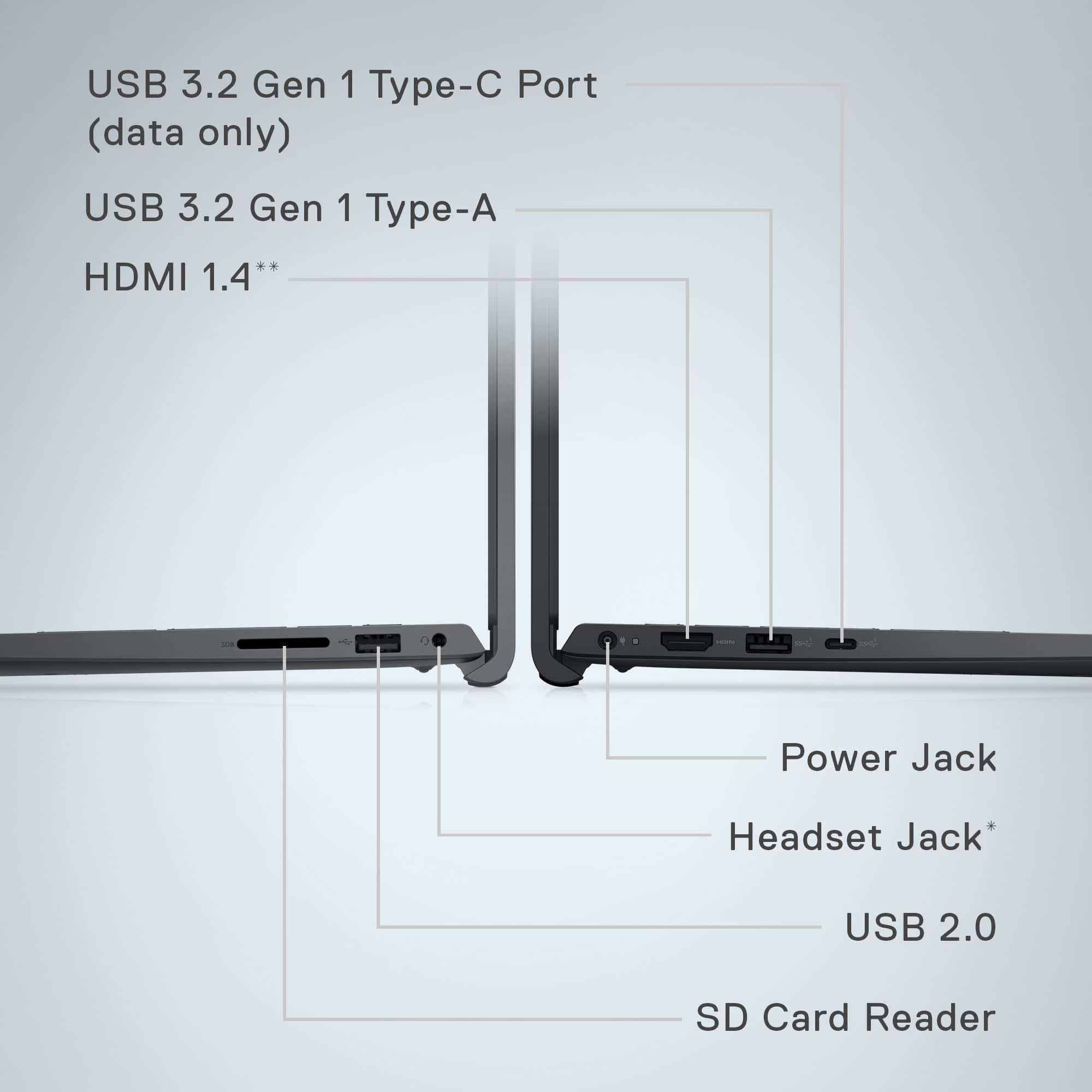
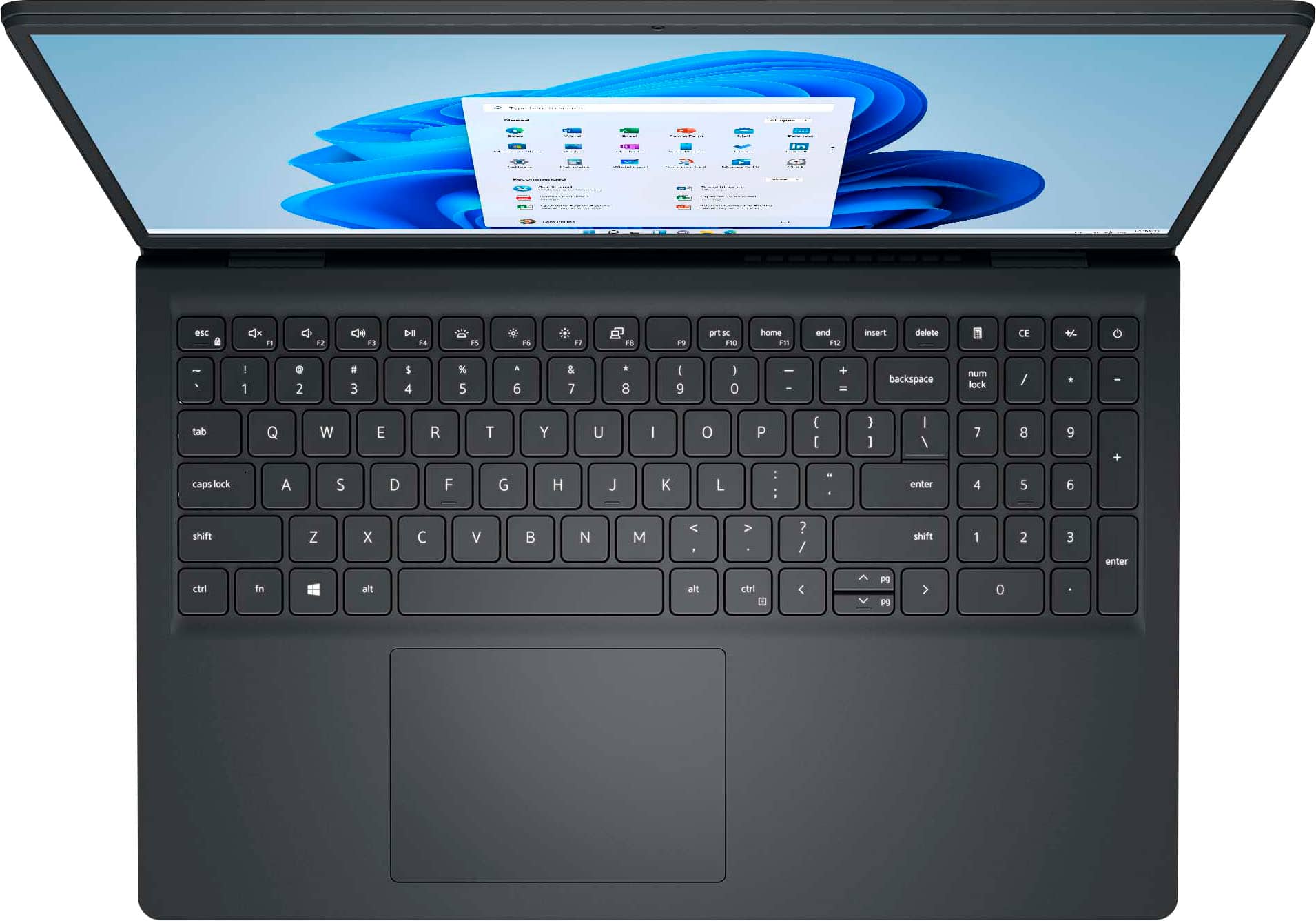
- A:Answer No, it does not have in-built DVD/ Optical drive. We recommend using an external DVD drive.
Answered by YourDellTeam
Q: QuestionI want this laptop with a spanish keyboard. Do you have it ?
Asked by Ruben.
- A:Answer Please contact your local store
Answered by Joy Systems
Q: QuestionCan I play Boggle on it?
Asked by Anonymous.
- A:Answer basic games can be played
Answered by Joy Systems
Q: QuestionCan I download CDs on this laptop?
Asked by Rick.
- A:Answer There is no CD drive but you can add an external CD drive
Answered by TIMLINTEXAS
Q: QuestionDoes it come with windows?
Asked by Anonymous.
- A:Answer Yes, Windows 11
Answered by TIMLINTEXAS
Q: QuestionDo I need an anti virus with this laptop
Asked by MamaG.
- A:Answer That is standard for computer use in general
Answered by Joy Systems
Q: QuestionDoes this laptop have Microsoft Word, excel and PowerPoint already installed?
Asked by TALLY.
- A:Answer It preinstalled Microsoft 360, but only for a free trial
Answered by TIMLINTEXAS
Q: QuestionDoes this Dell Inspiration 15 come with Windows 11 Installed.
Asked by Spenz.
- A:Answer Yes
Answered by user771537
Q: QuestionIs it powerful enough to smoothly play an HEVC video?
Asked by D3.
- A:Answer This depends on usage, you may want to consult with the software you plan to use
Answered by Joy Systems
Most-viewed items
- $499.99$499.99The price was $899.99
- $1,149.00$1,149.00The price was $1,299.00
- $199.99$199.99The price was $299.99