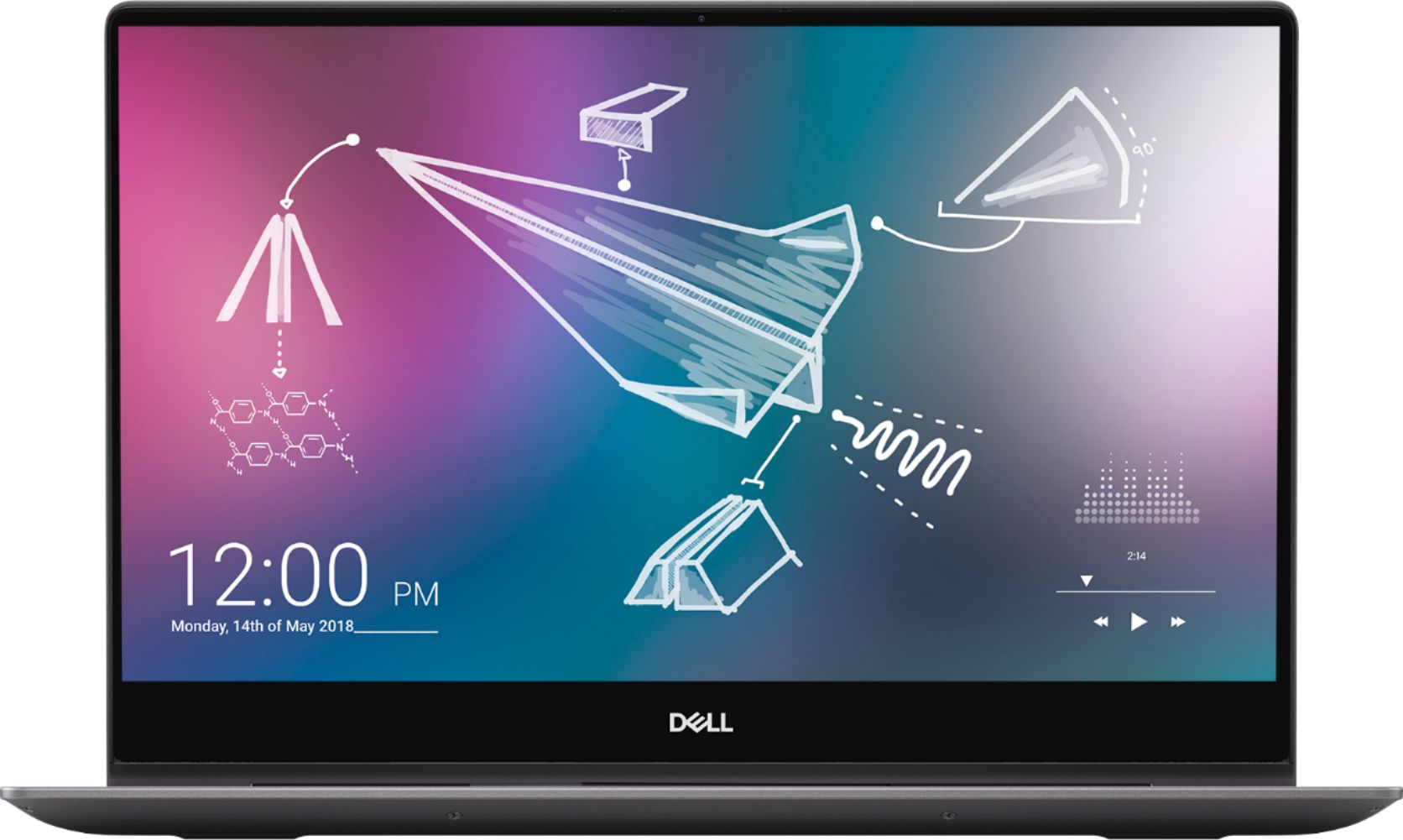
A:AnswerI would think it's a bit overkill
And overpriced for what a typical college student would need.
Also not very portable feeling. It's a bit heavy.
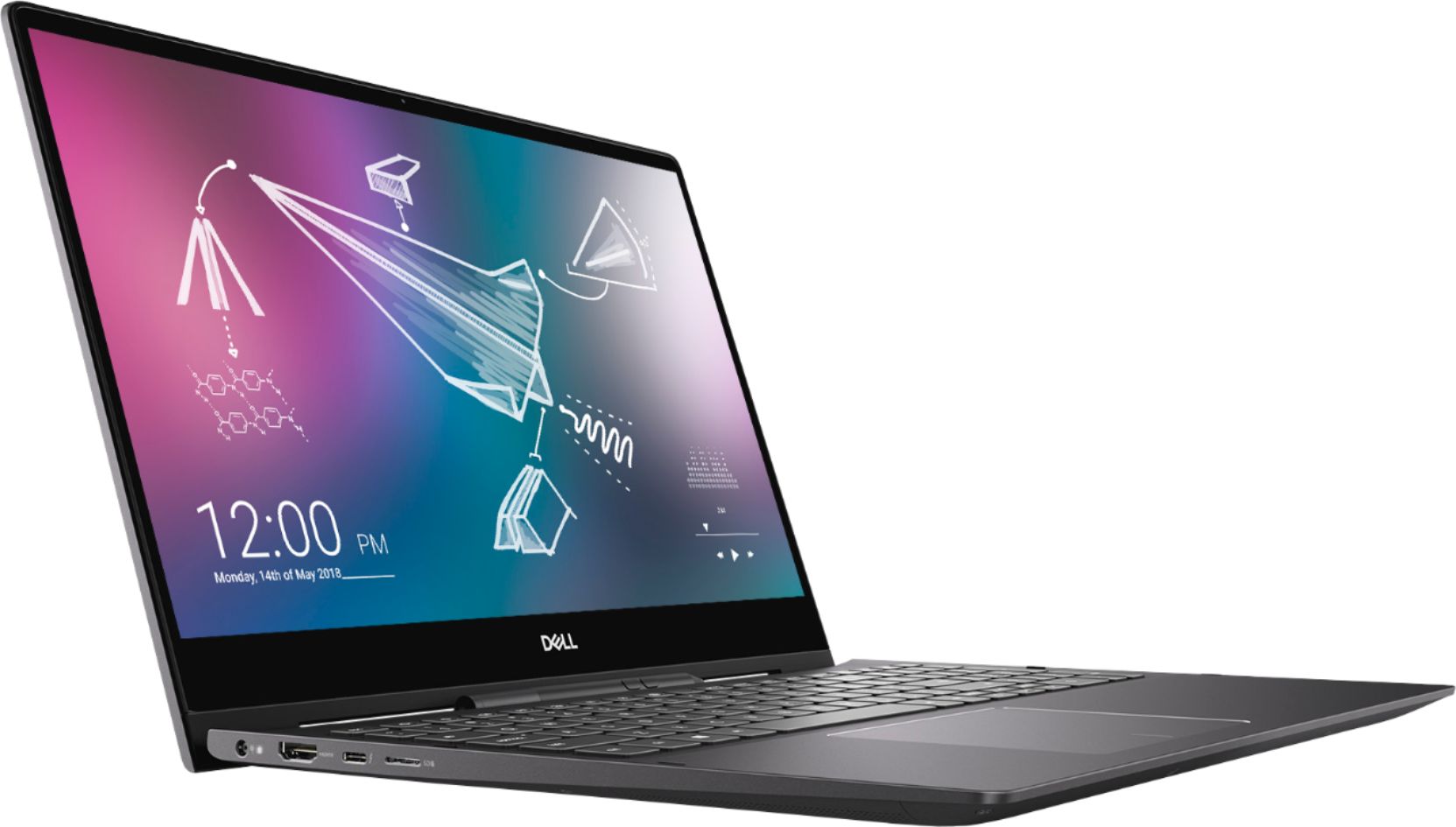
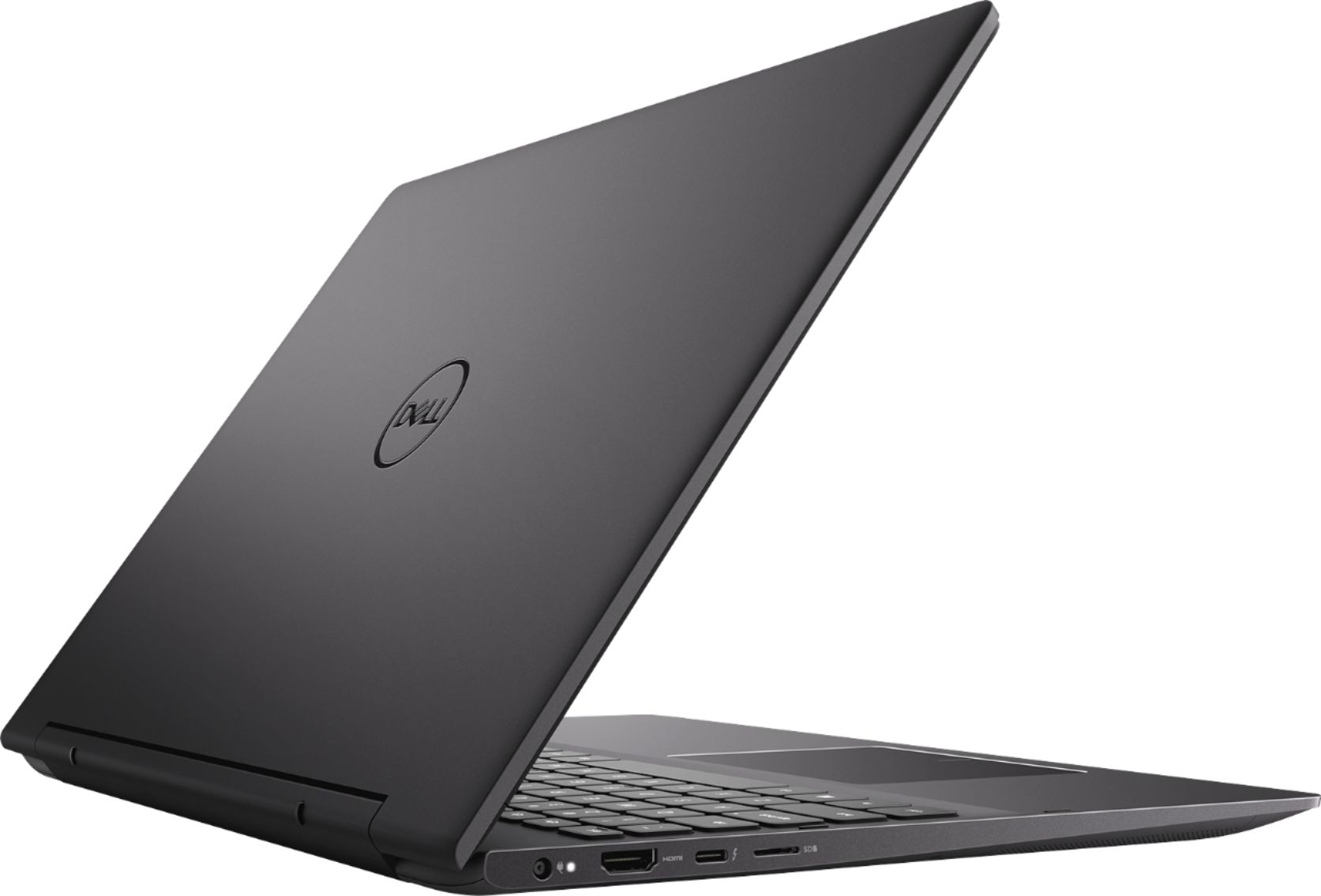
A:AnswerHello Brad! This laptop does not have an additional slot, so you would not be able to add an additional SATA drive. You could use an external drive.
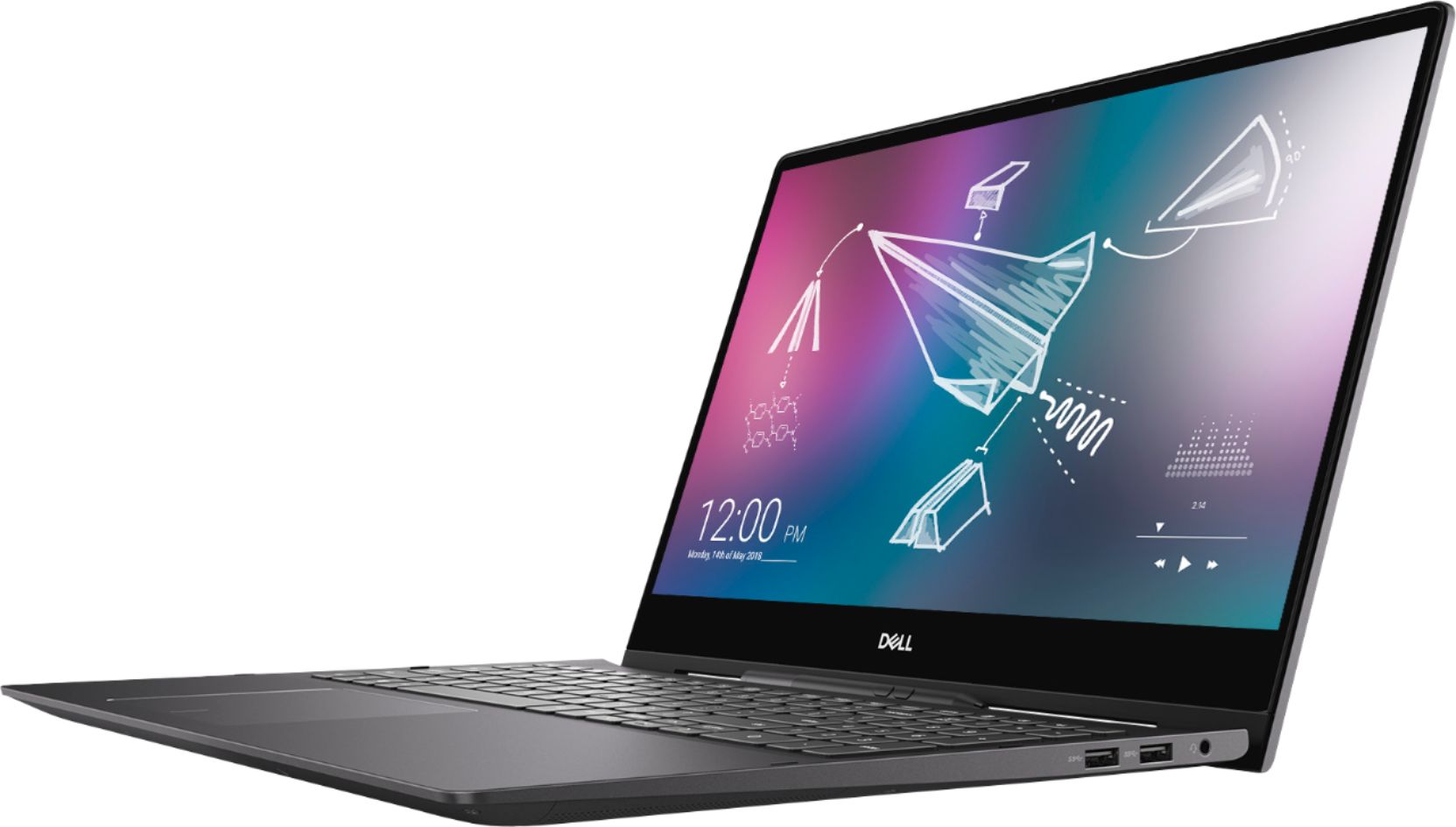
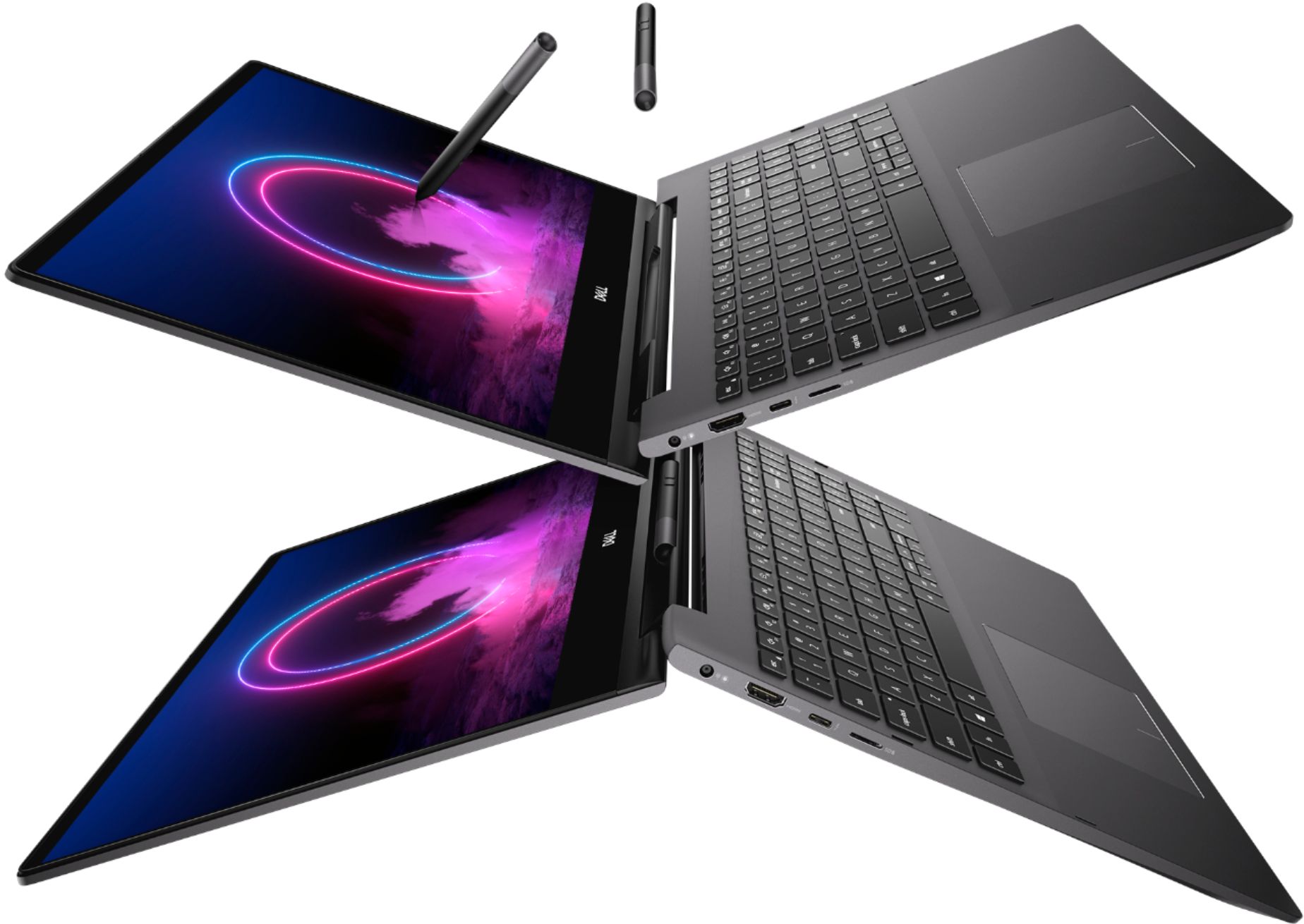
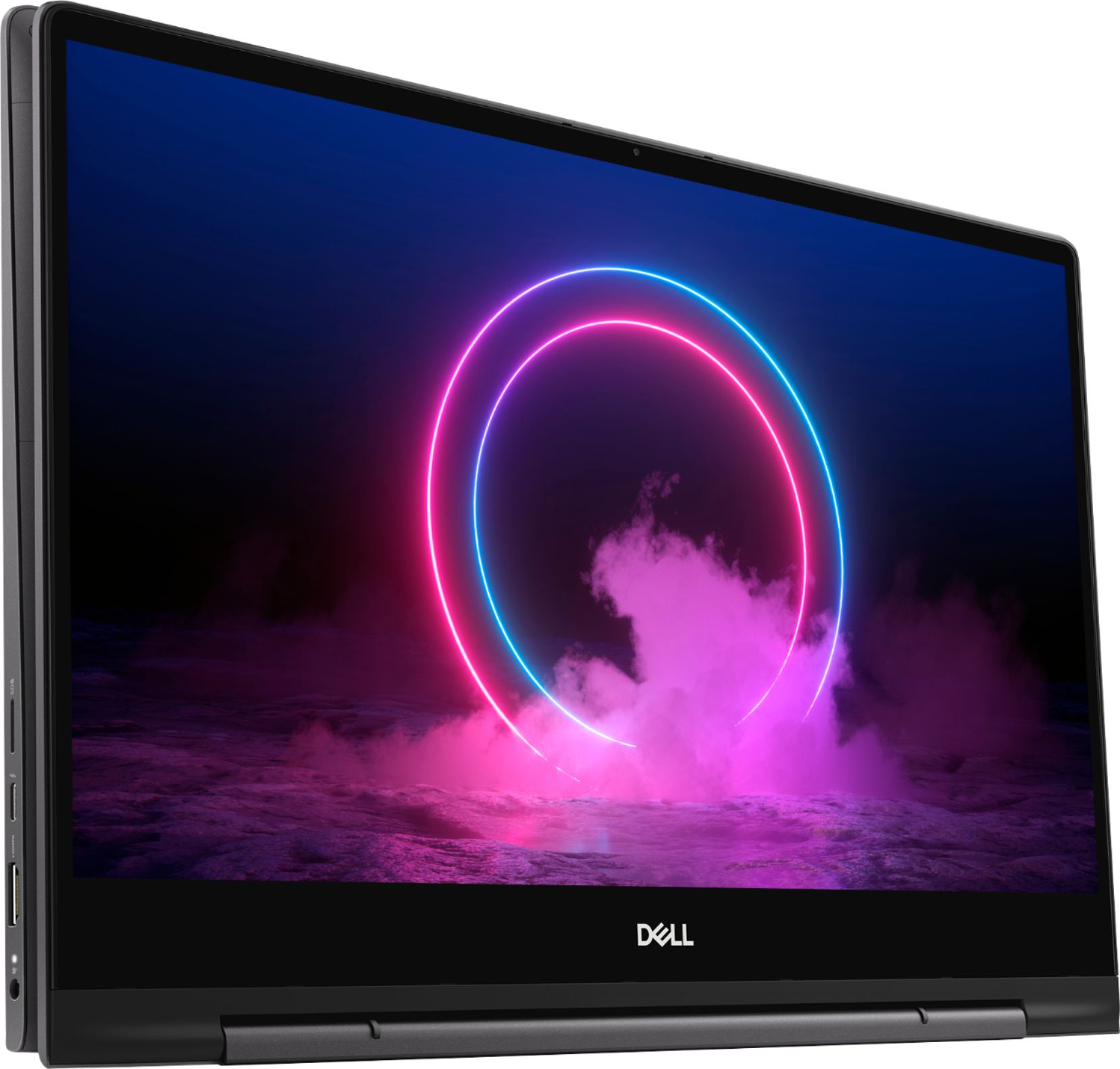
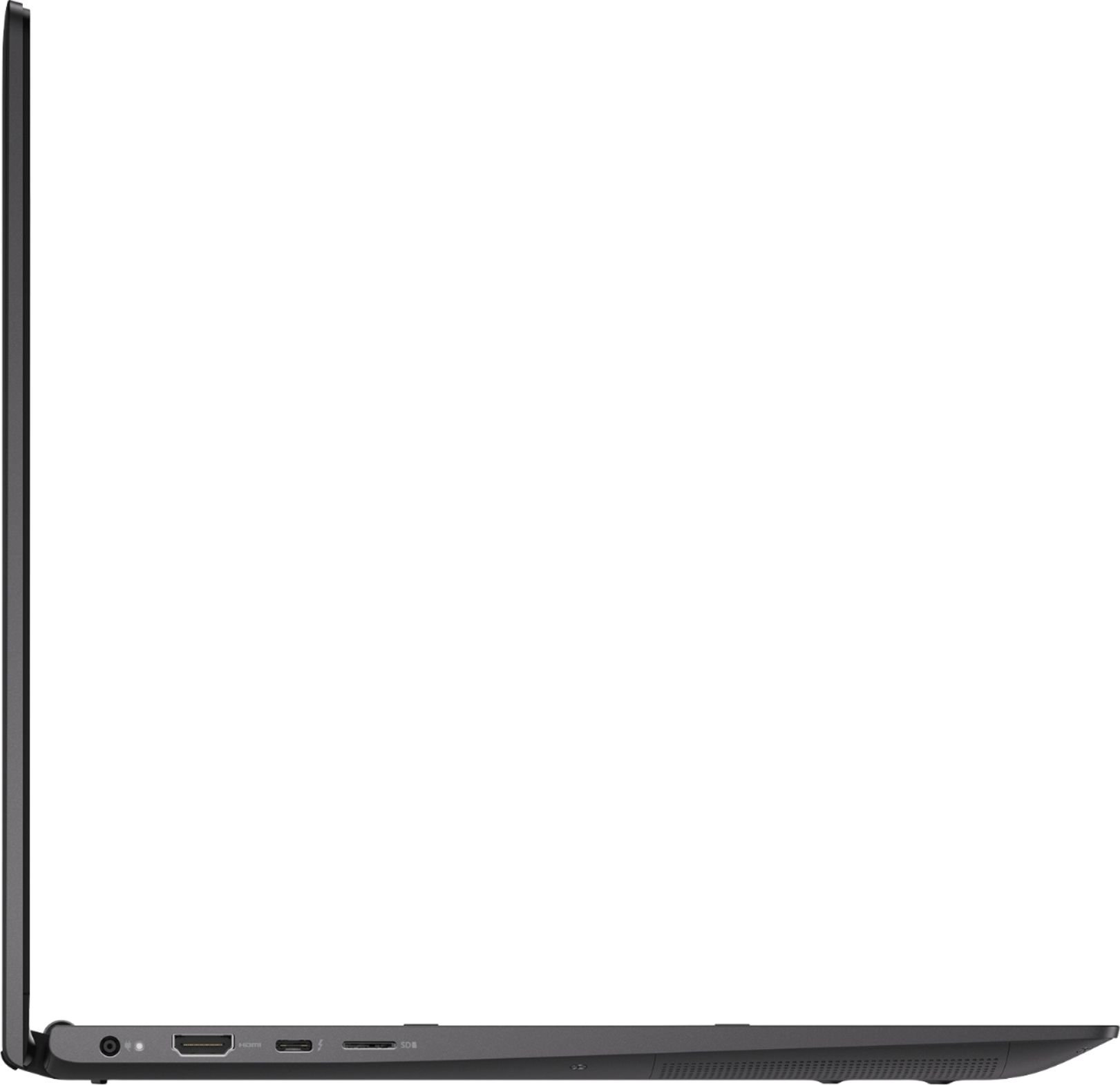
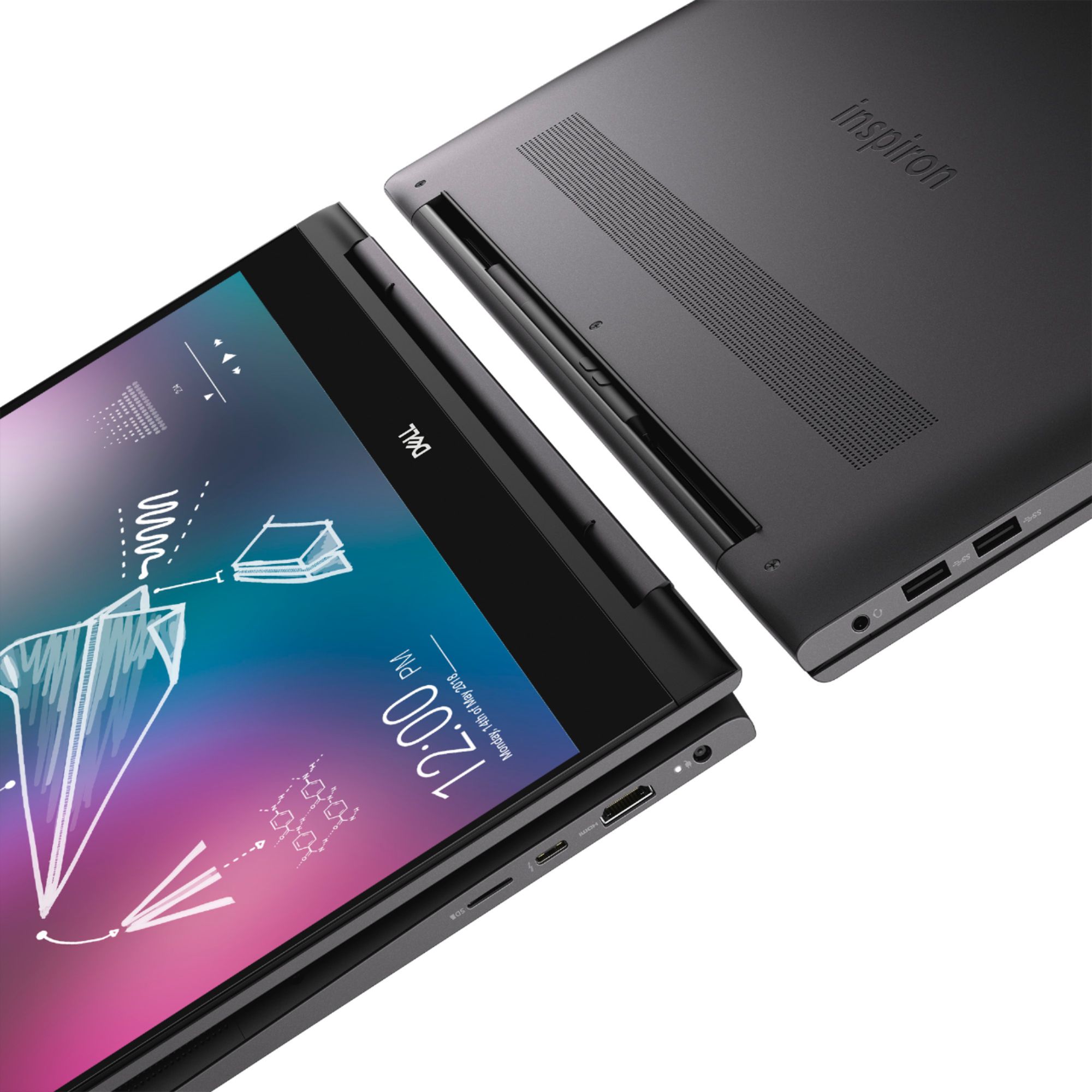
A:AnswerHello Javi! You can connect to monitors. You'll either need one HDMI monitor and one USB-C monitor. Or you will need an adapter from USB-C to HDMI for the second monitor.
A:AnswerHello! This does meet the device requirements for both Revit and AutoCAD. Our gaming devices with our advanced cooling system would be another great alternative for using these types of programs.
A:AnswerHello! We cannot guarantee a return of inventory. We do have similar Inspirons available on bestbuy.com. Please reach back out if you have any additional questions.
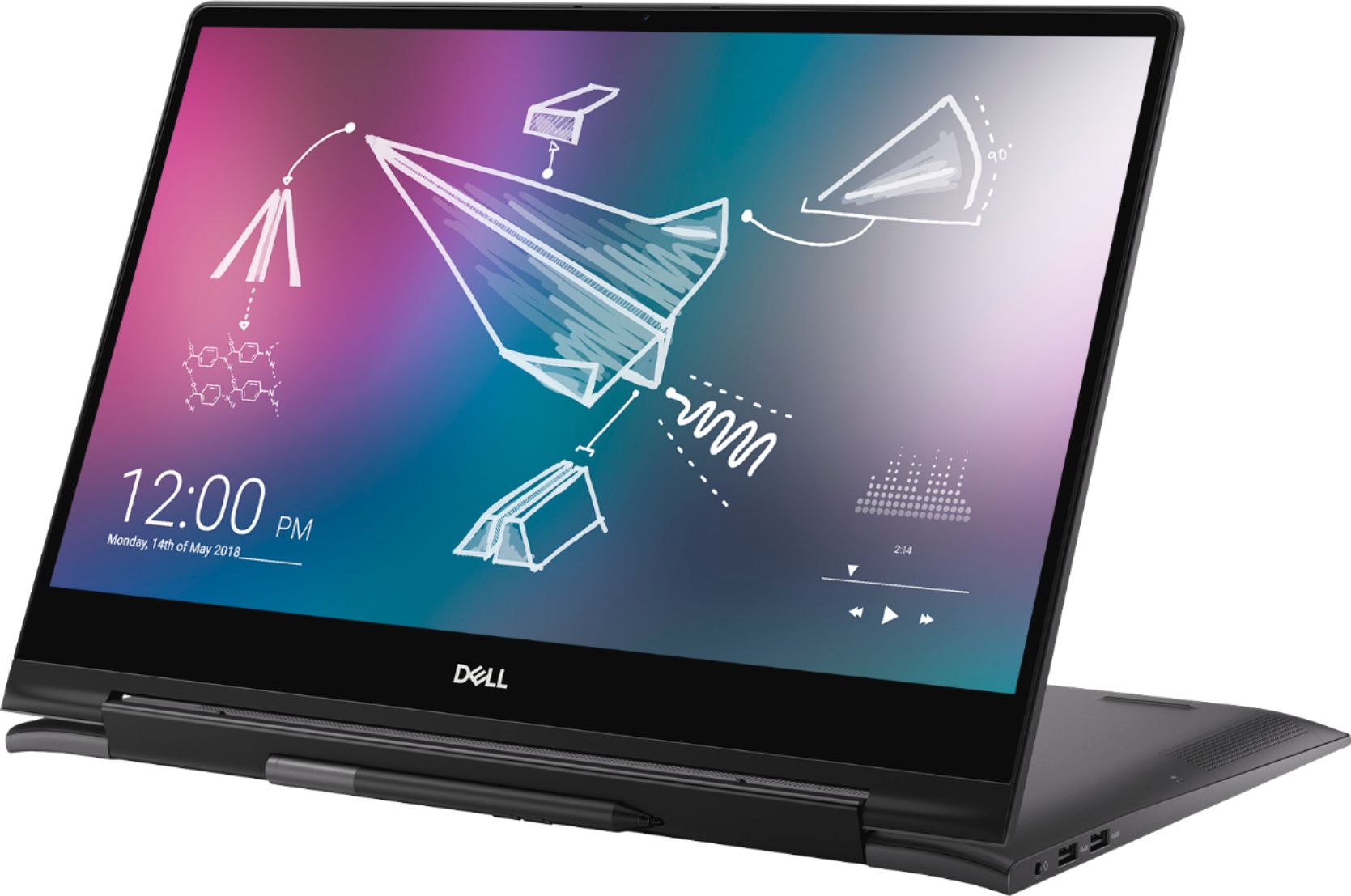
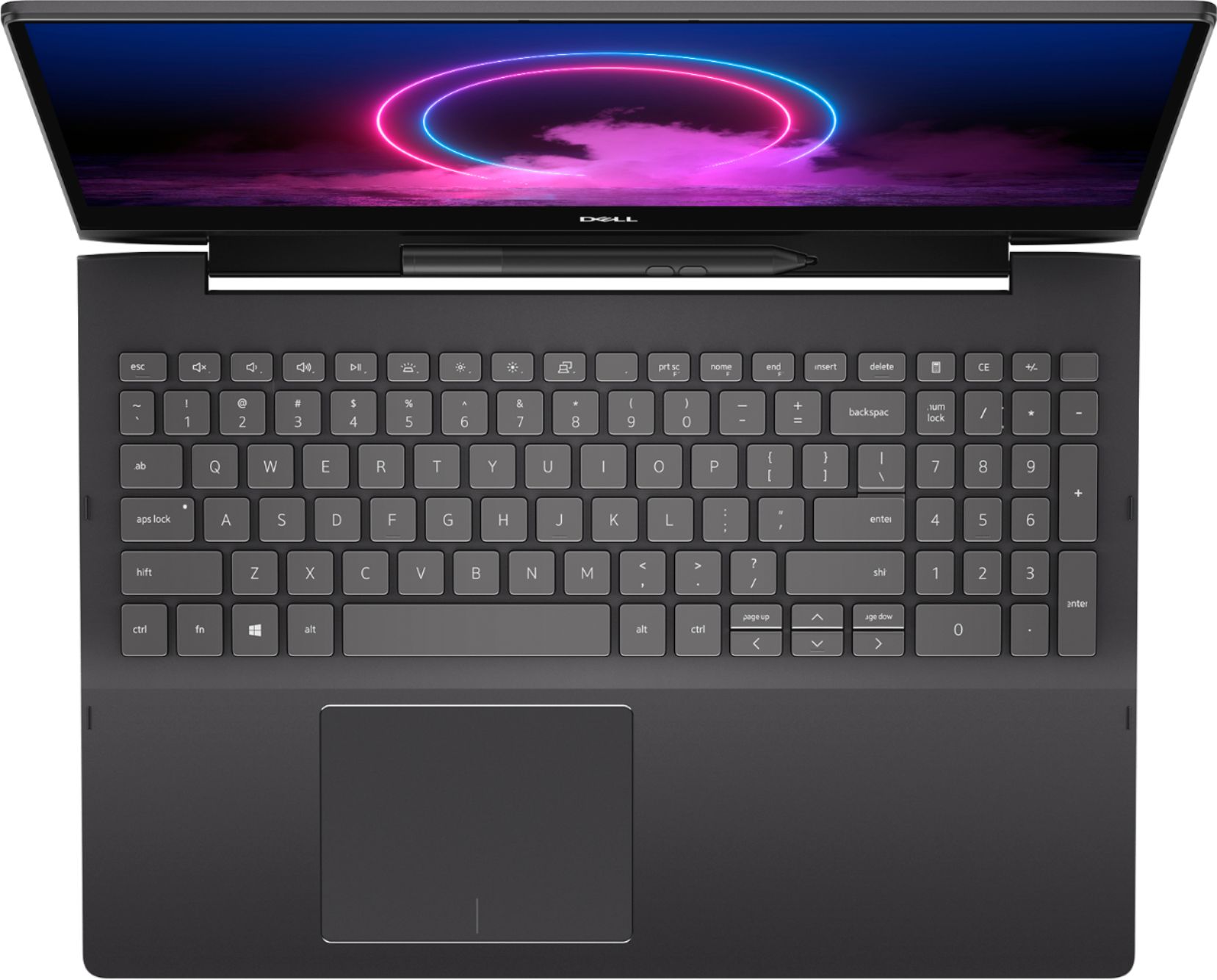
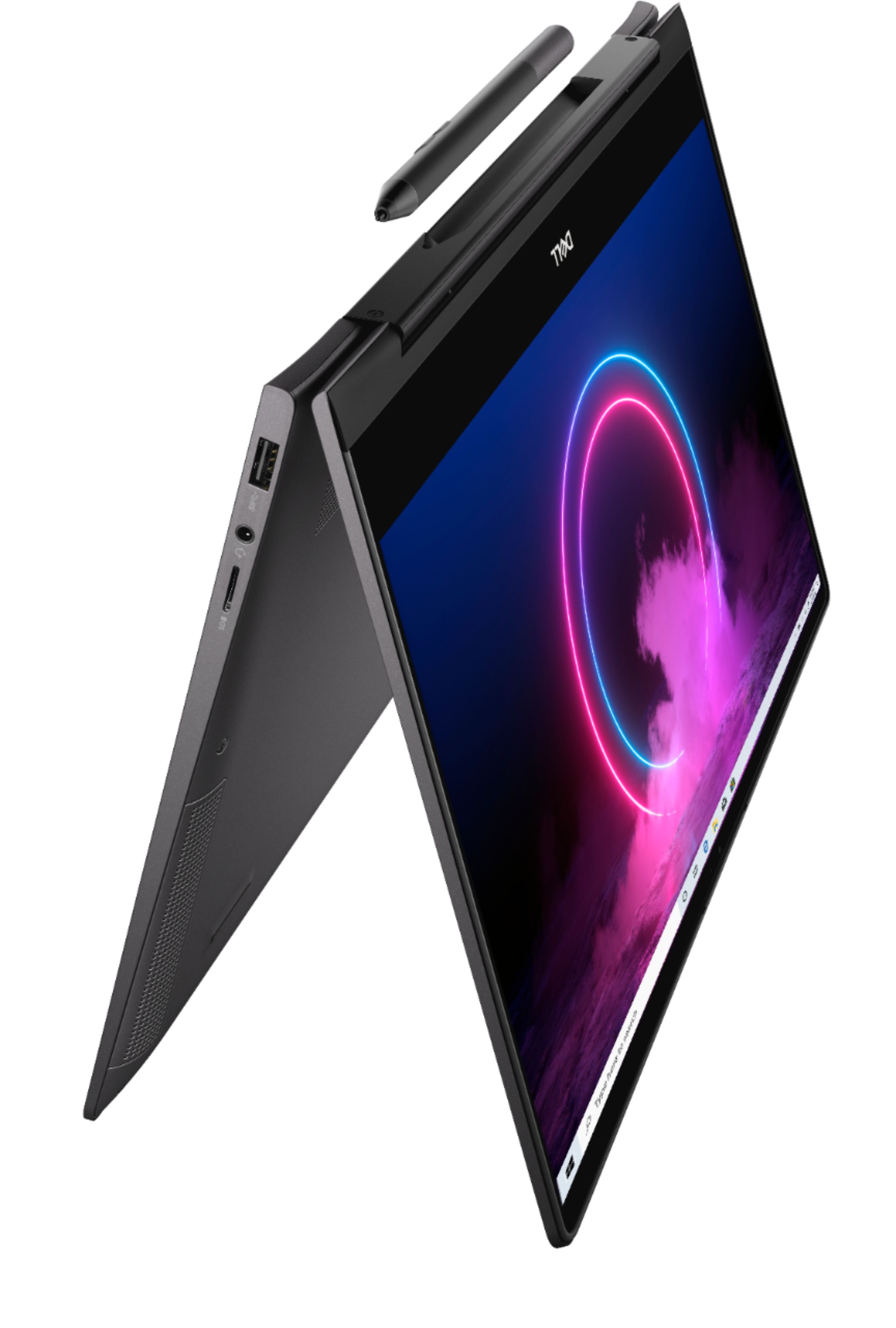
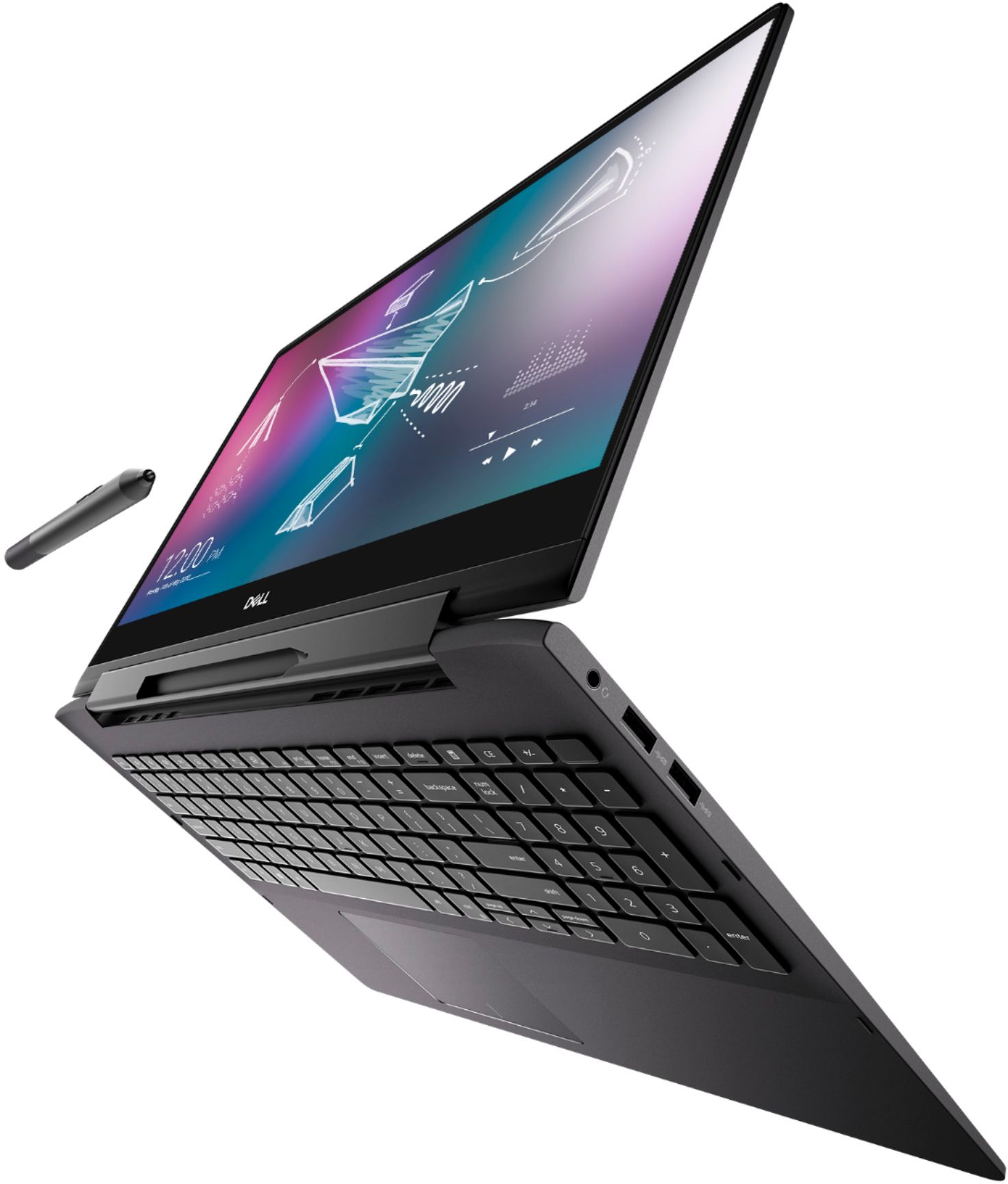
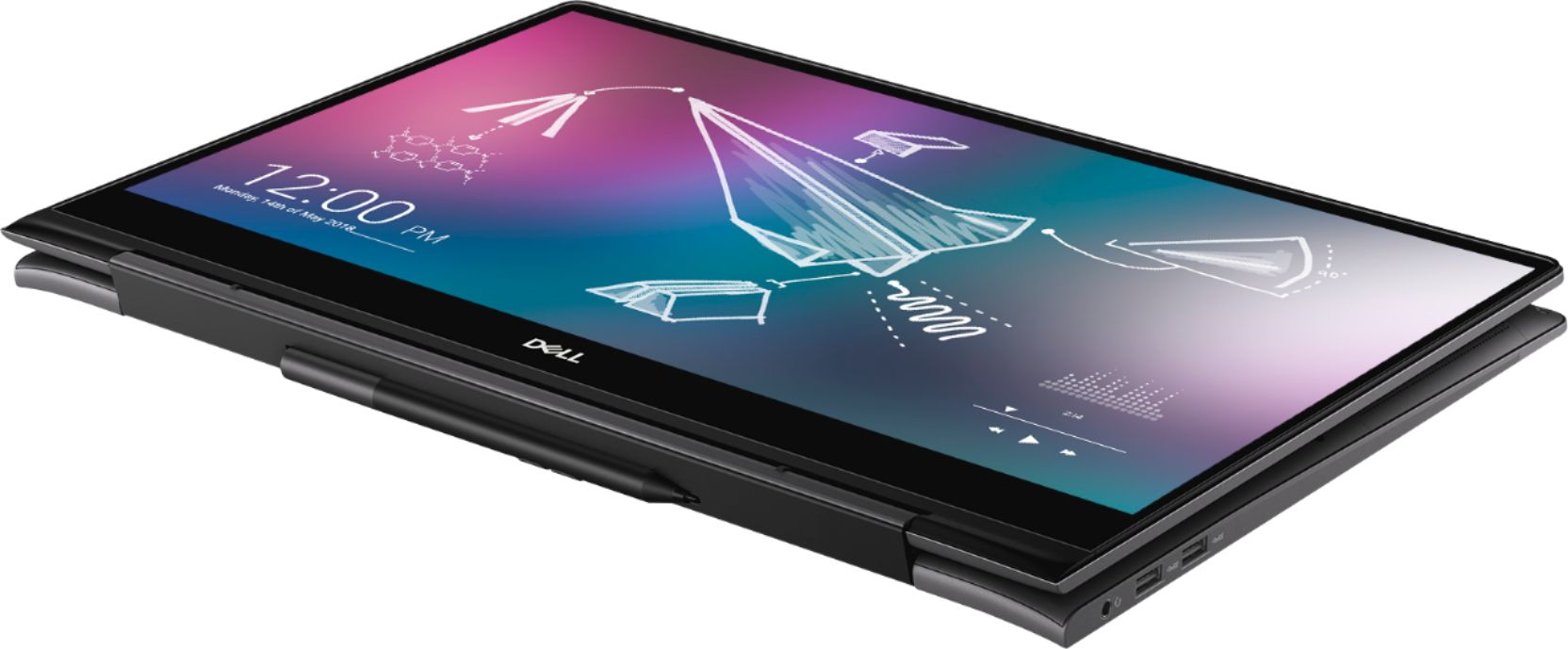
A:AnswerIf it is the Dell Inspiron 15.6” screen it does have a 10-key number pad. That is a big selling point for me. Along with the pen and spot on the laptop for it.
A:AnswerI have it connected via HDMI (to vga adapter) to a simple hd screen. Works fine. But might need some adjustment setting to get the display at normal resolution.
I don't know about more then one additional screen.
A:AnswerThe model I have does not, and I would gather that since it is a dell it does not. I used to work there and the only models we had that were 2-1s with solid state drives that had number pads were the HP envys. They did sell a number pad extension you can buy if you don't mind things hanging off the laptop, but you will want to buy a hub because the model I have only has one USB port.