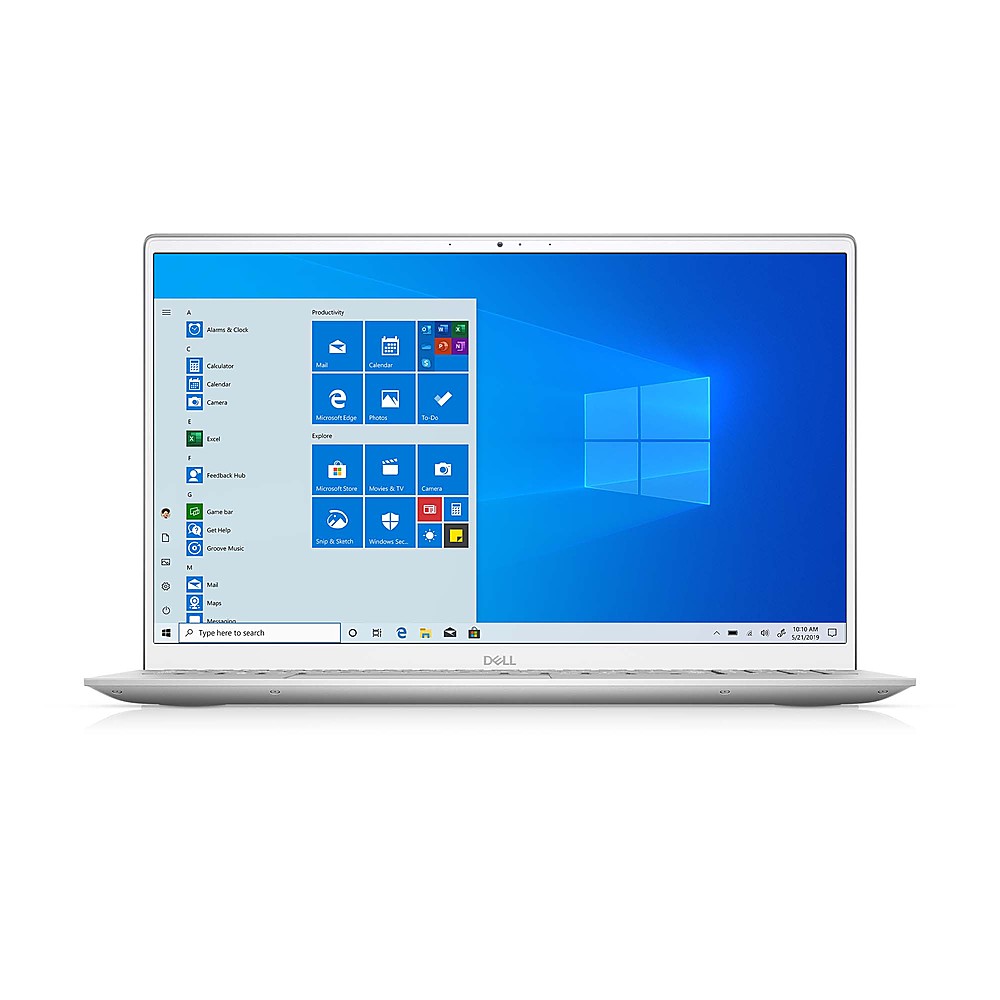
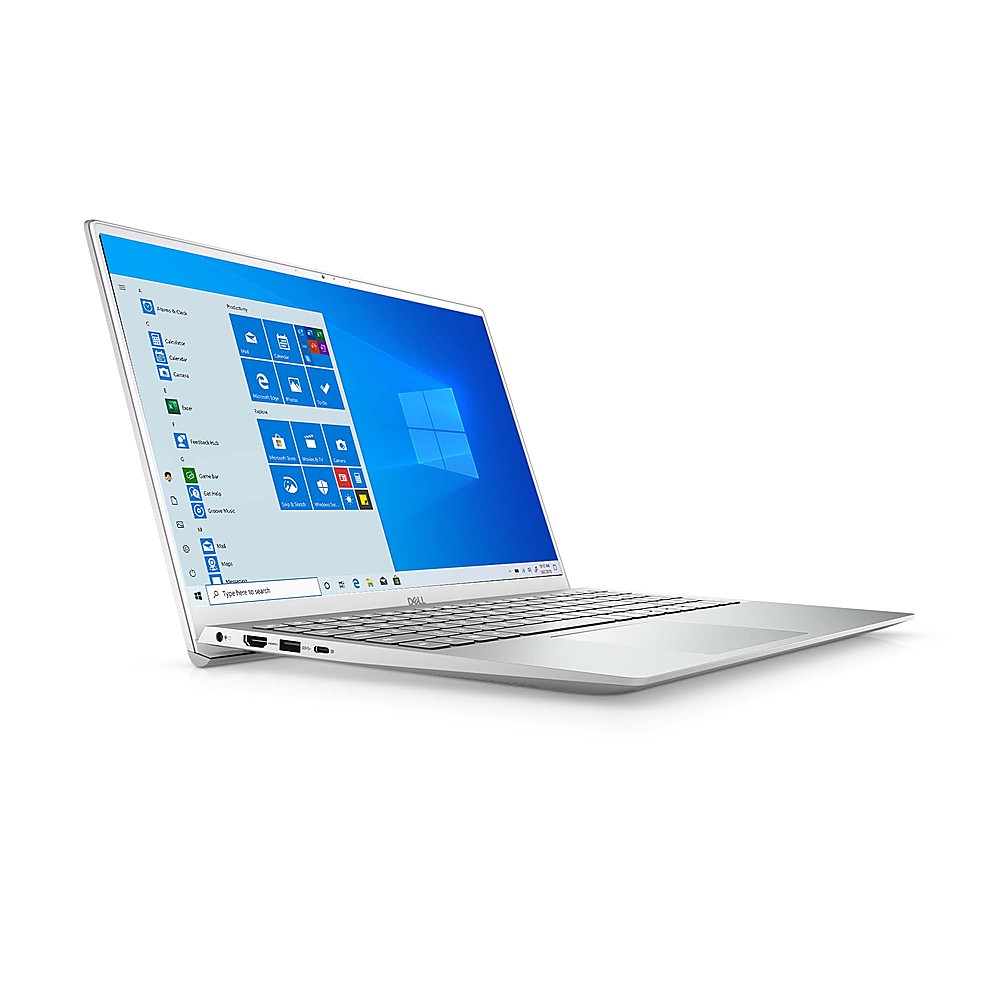
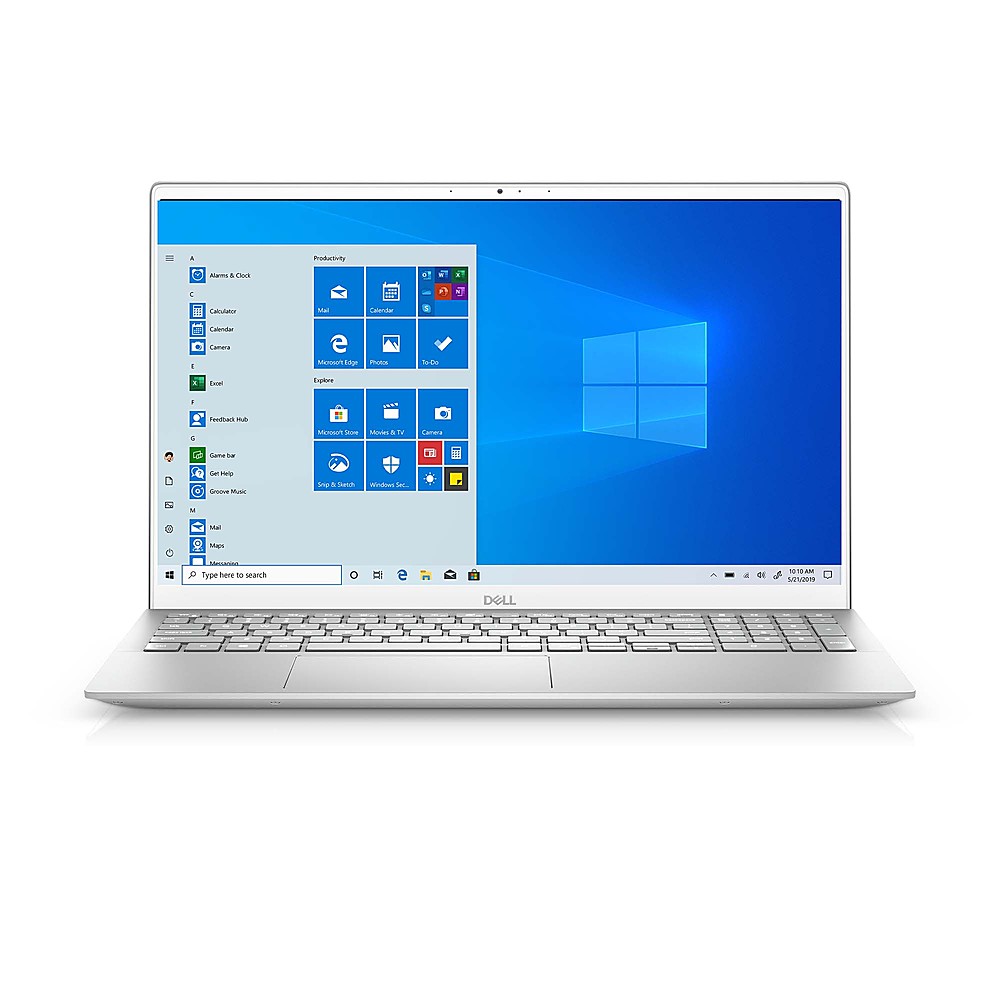
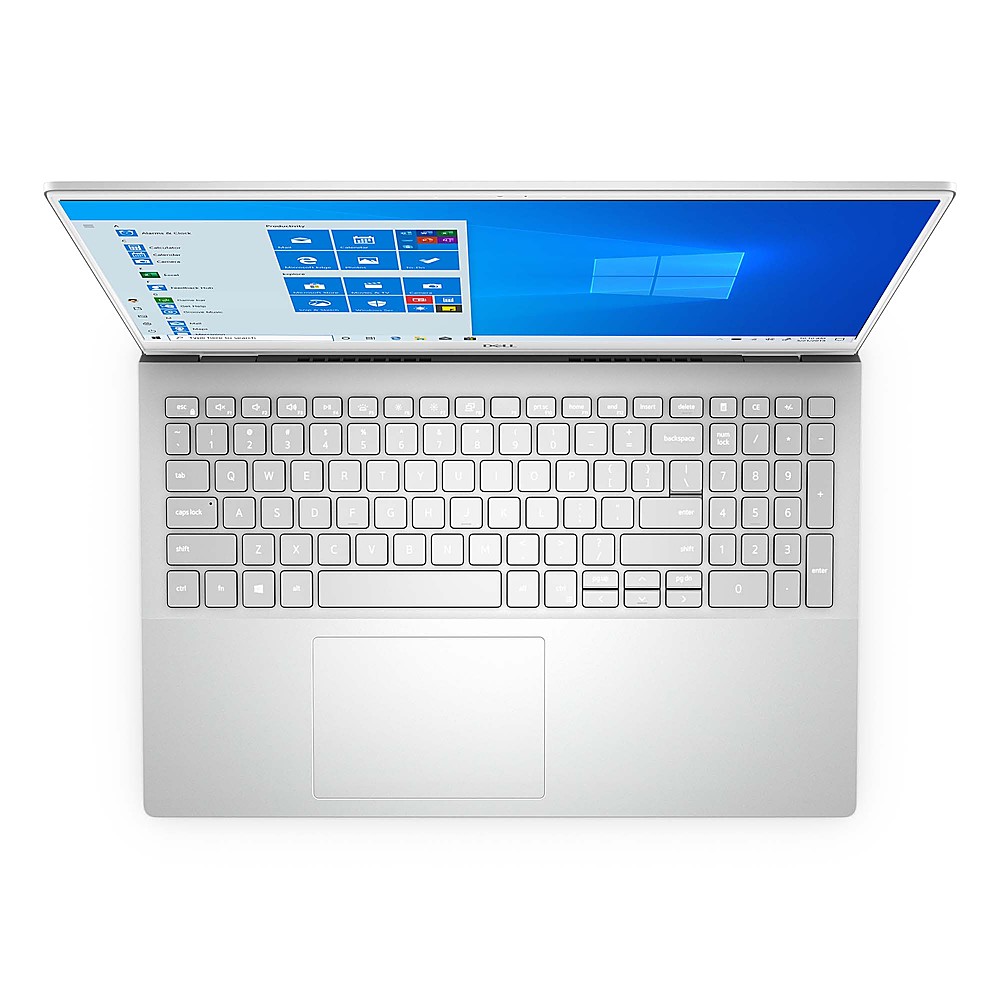
A:AnswerYes, you can use this laptop for editing with Sony Vegas. However, you would have the best experience while editing using this laptop and yes, this system does support Microsoft word application.
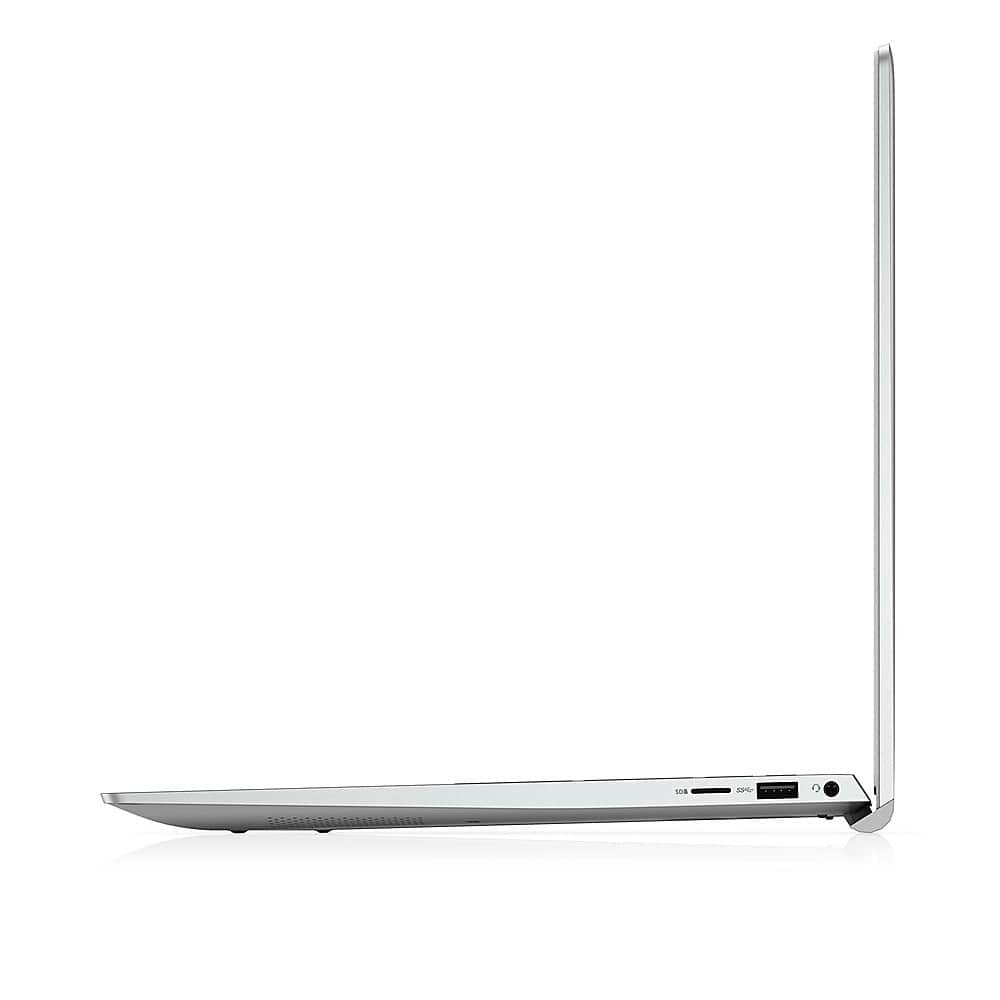
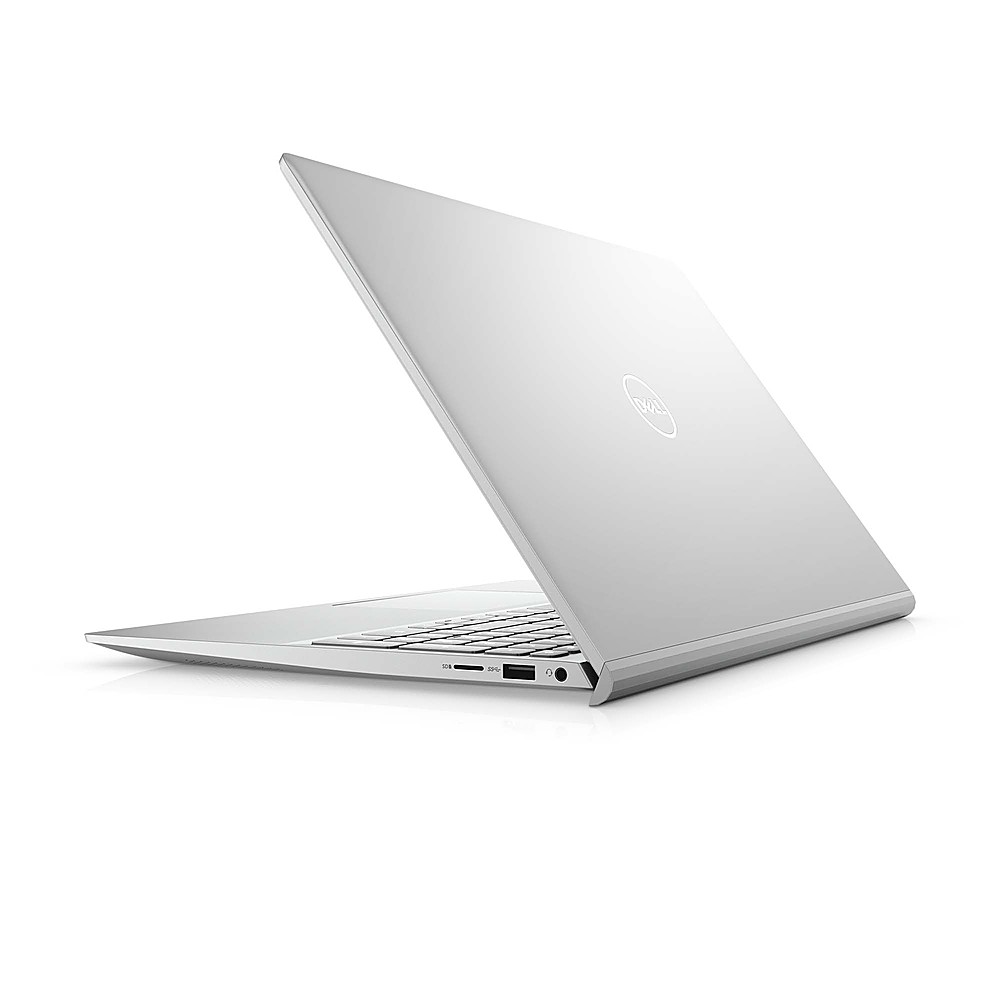
A:AnswerThis laptop supports only these card formats:
microSecure Digital (mSD)
microSecure Digital High Capacity (mSDHC)
microSecure Digital Extended Capacity (mSDXC)
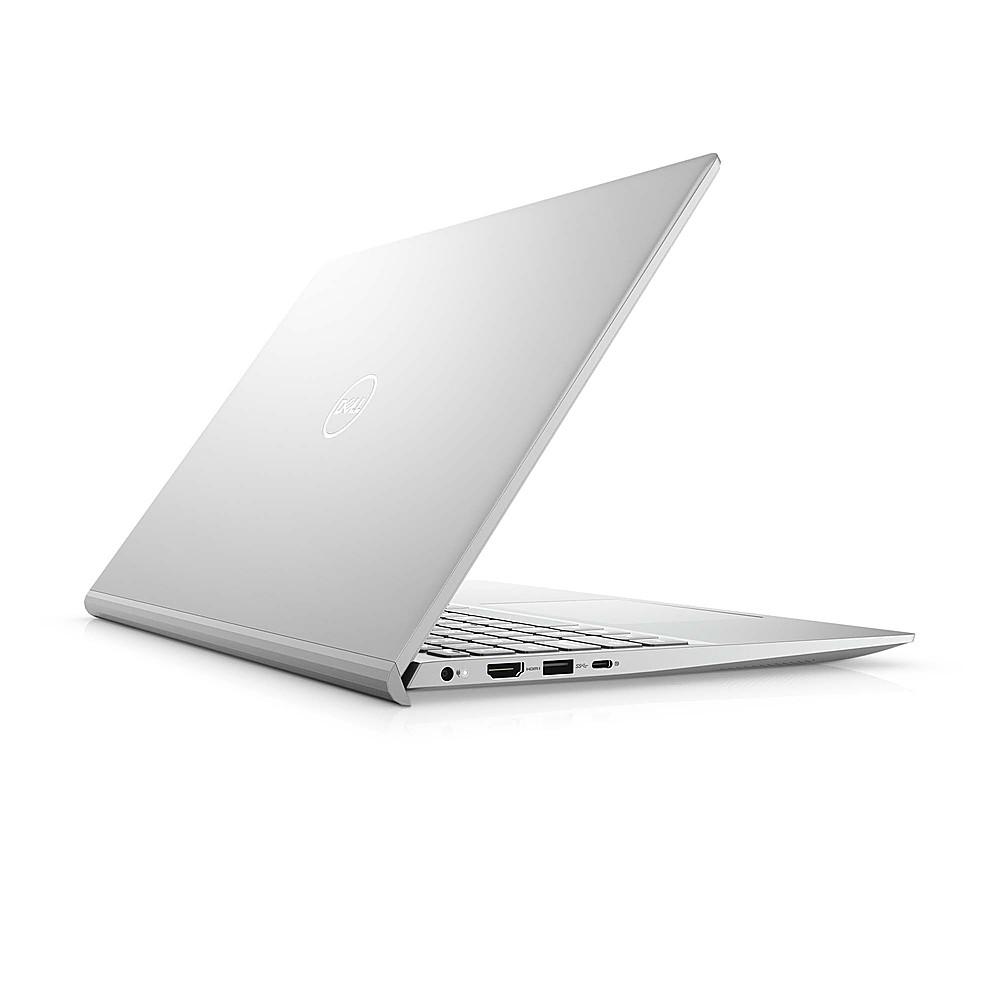
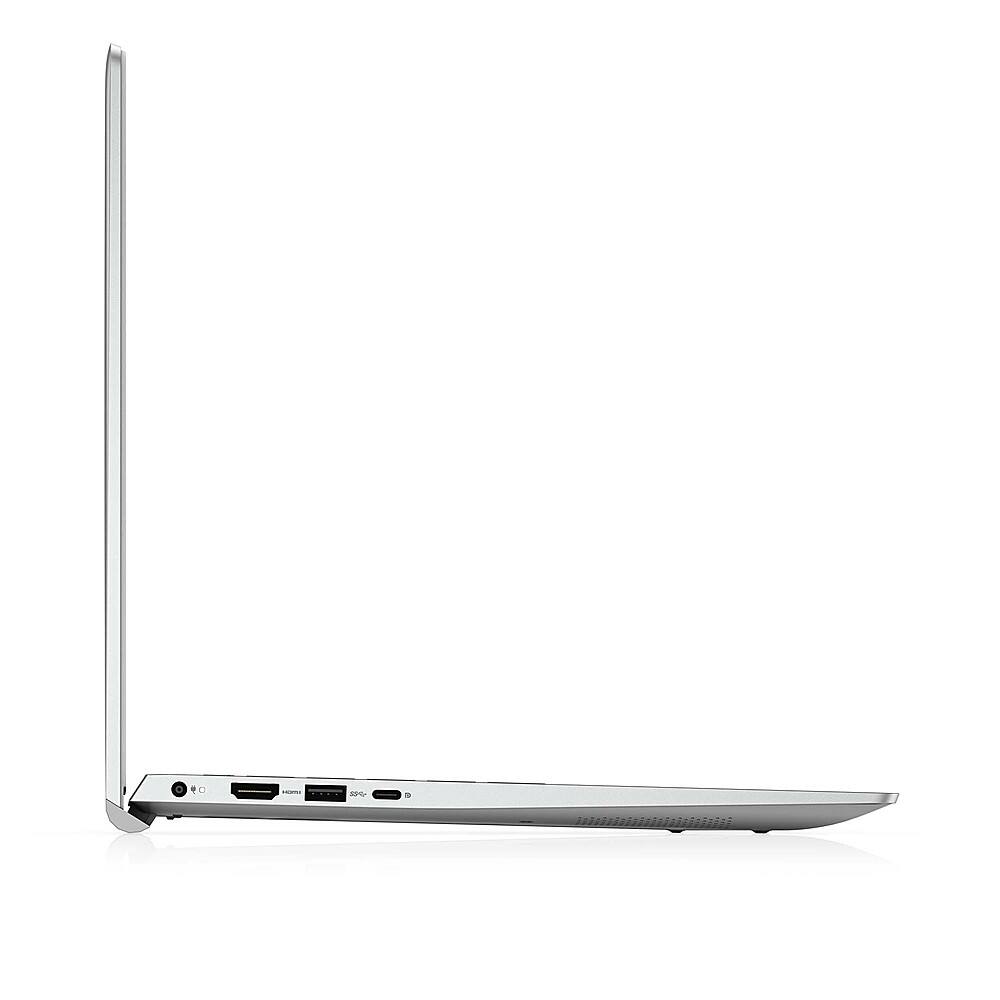
A:AnswerIt has an HDMI port and USB C port. The HDMI port should be able to connect to most newer projectors. Otherwise you may need an adapter to connect to VGA port on projector.
A:AnswerThis monitor readily support only one external display through HDMI connector. However, you could try using a docking station to connect more displays and devices to this system.
Please refer the link for a compatible Dell docking station from Best Buy.
https://bit.ly/3iHJ93b
A:AnswerYes, you can upgrade the memory on the system up to a max of 32 GB and the Dell Inspiron 5502 supports the following storage configurations:
M.2 slot one
One PCIe Gen3 x4 NVMe solid-state drive (M.2 2230 or M.2 2280)
M.2 slot two
One PCIe Gen3 x4 NVMe or SATA solid-state drive (M.2 2230 or M.2 2280) or one Intel Optane Memory H10 with Solid State Storage
A:AnswerNo, the hardware on this system is not built for gaming or editing. We suggest you check out the Dell G series laptop which would help you with both gaming and editing: https://bit.ly/3fjiF6b