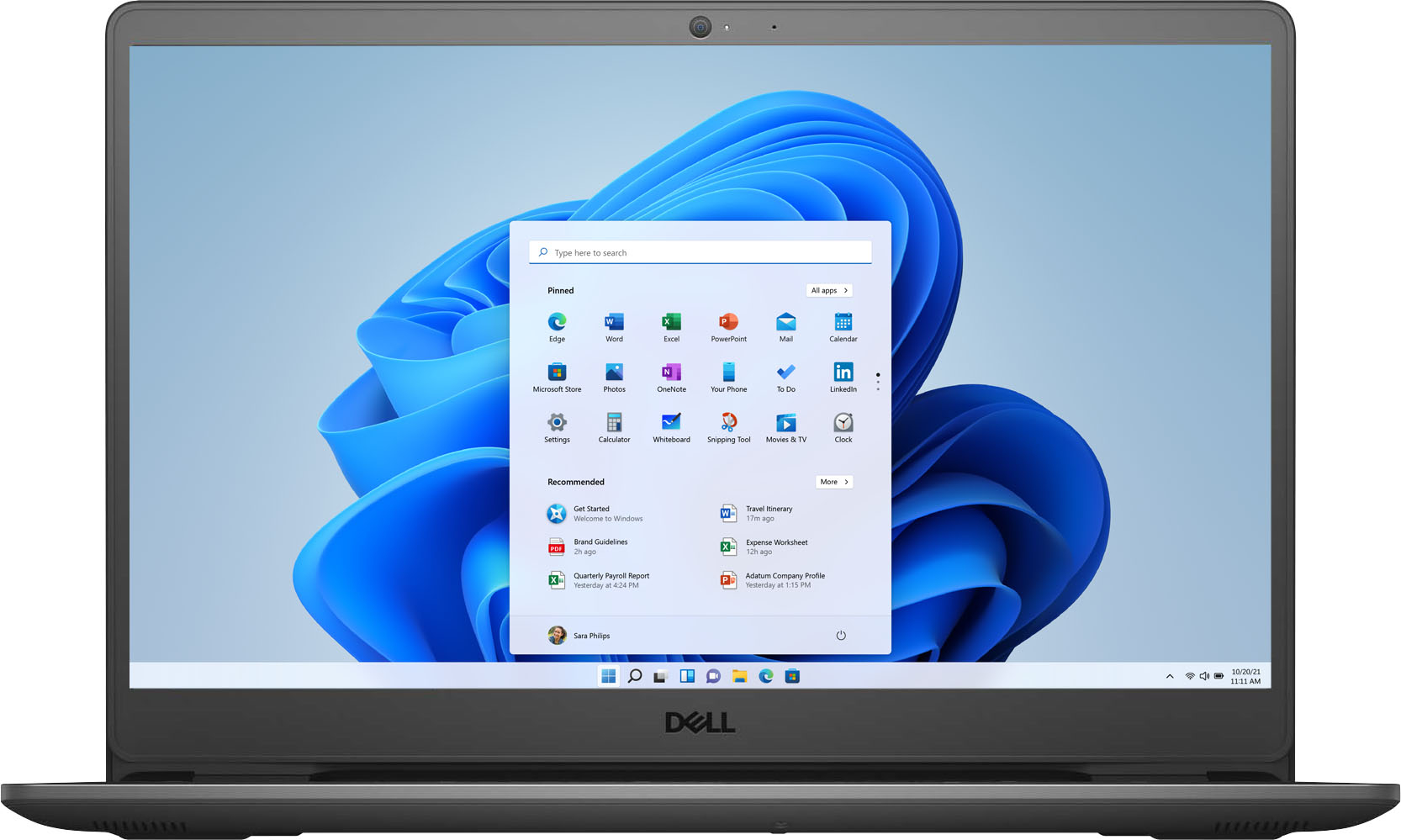
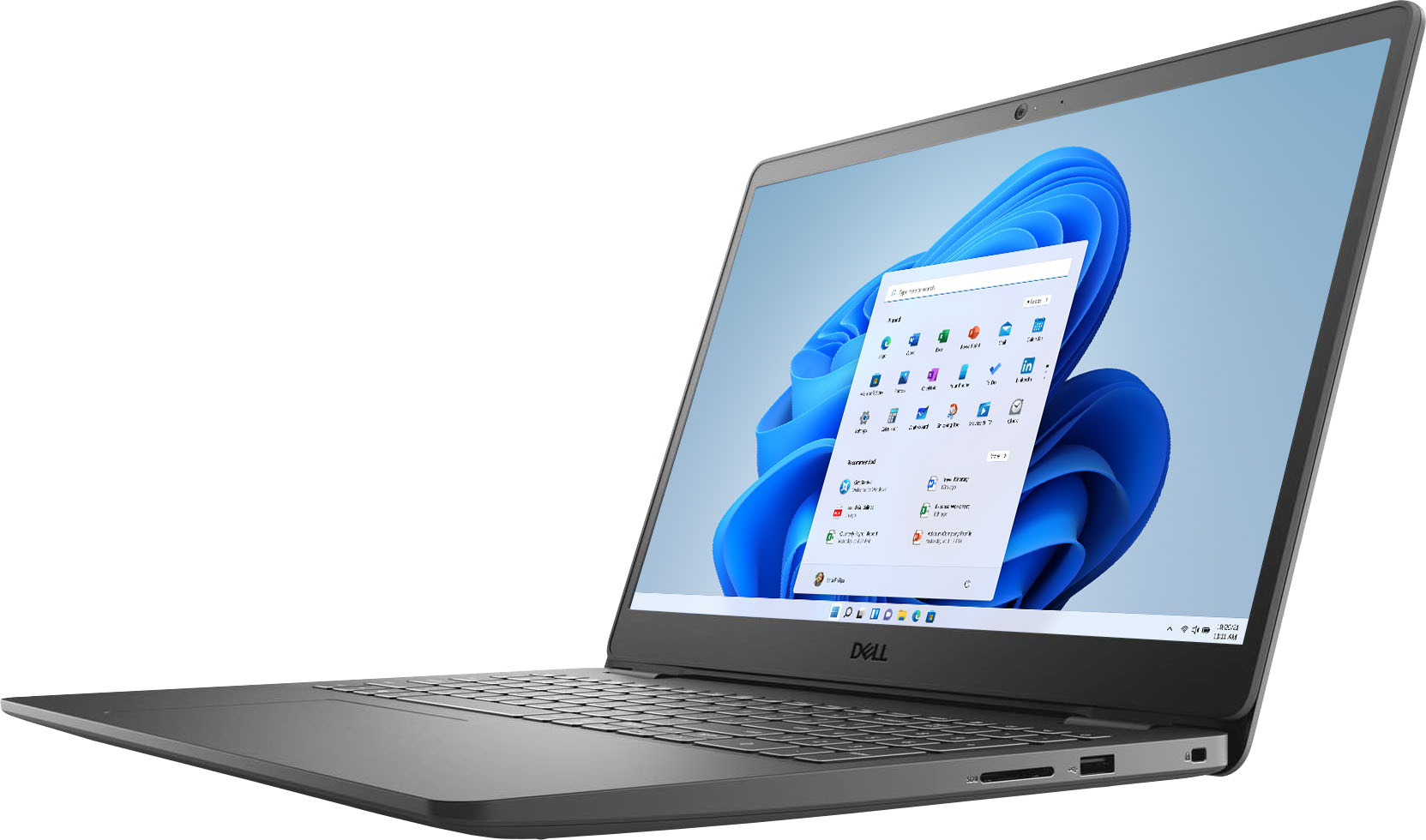
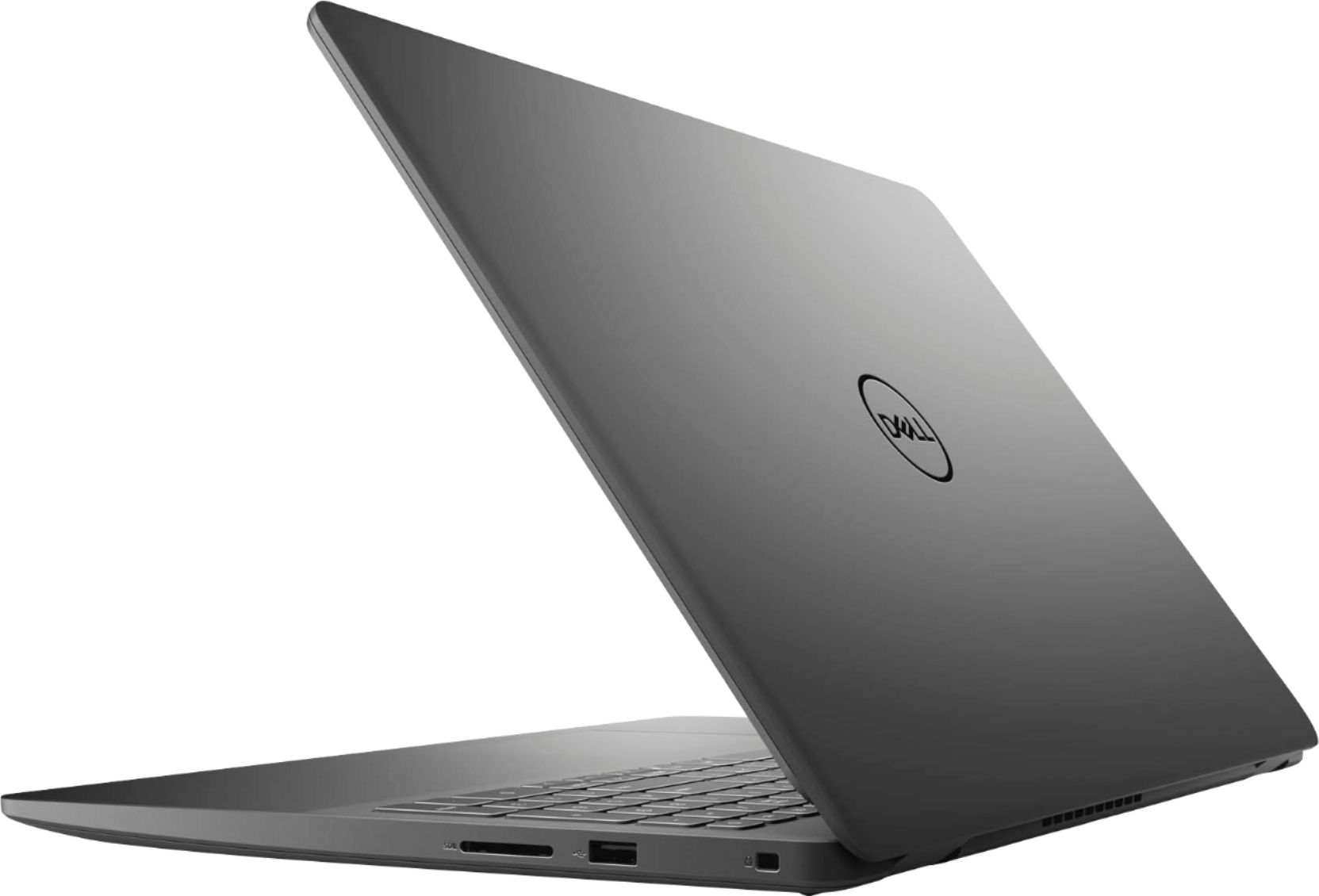
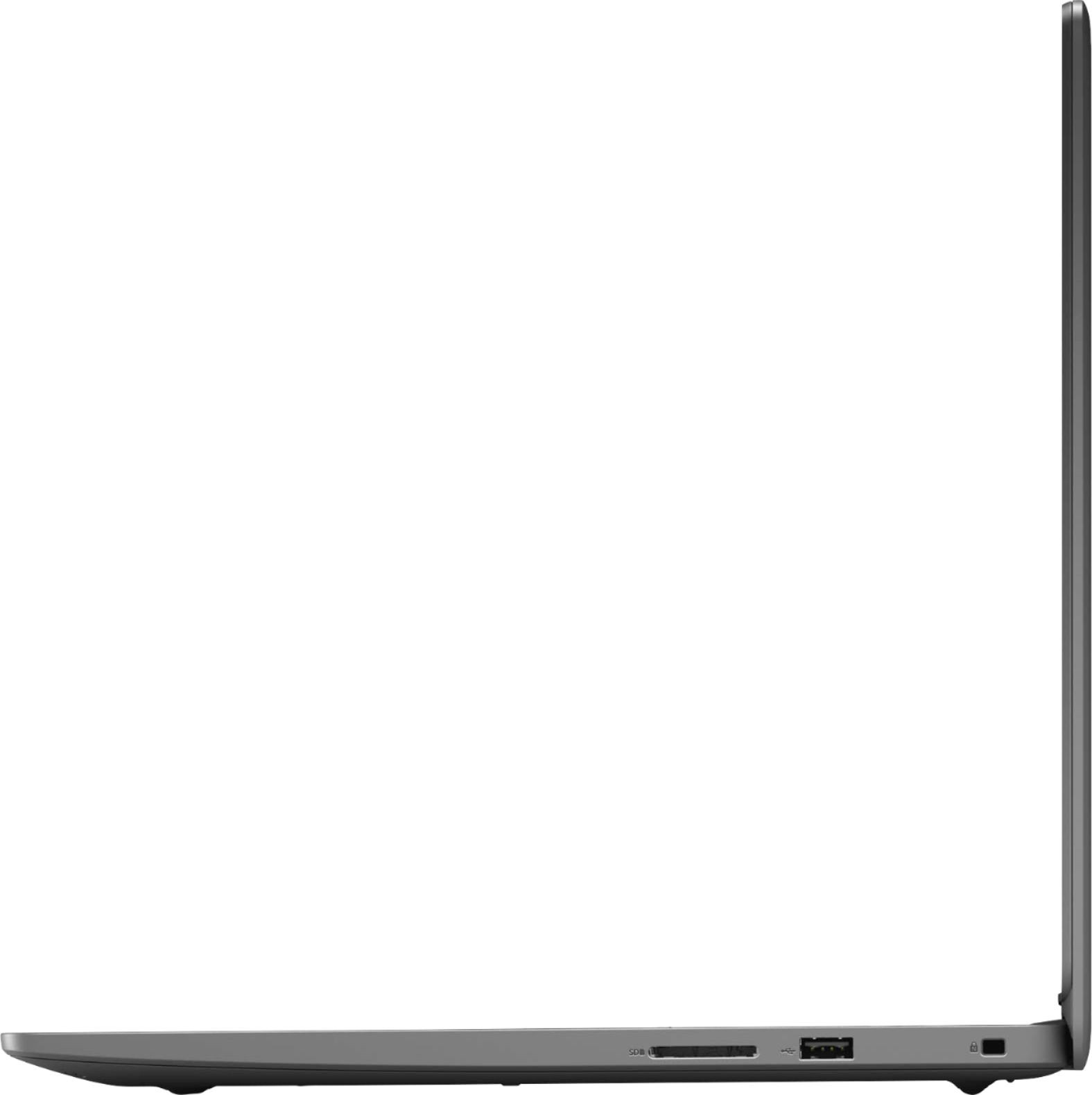
A:AnswerBe warned, the display doesn't show true color. I had this laptop for a little over a week and returned it yesterday. It displays red as more of an orangey/red color and this can affect how you edit photos if you're color correcting or fixing white balance or the like. I was told by Geek Squad there was nothing that could be done to fix/improve it - it was just the way the LCD screen displayed colors.
A:AnswerThe term Full High Definition(FHD) refers to the screen resolution of 1920x1080 pixels. In a FHD screen, the configuration of the display is 1920 pixels wide and 1080 pixels high: a total of 2.07 megapixels. This is currently the most common resolution.
A:AnswerYou can run those games at minimal or intermediate settings but for optimal performance the recommended one will be G series such as G7500 given at link: https://bit.ly/3kSpyNR
A:AnswerPlease find the system user manual at the following link : https://www.dell.com/support/home/en-us/product-support/product/inspiron-15-3505-laptop/docs
A:AnswerThis system is tested and compatible with Wifi standard 5 and we suggest you to not do any third party or non-Dell aftermarket upgrade, as that can void the system’s warranty. We suggest you to contact the Dell Technical support team regarding this query.
A:AnswerThis is computer science 101 - if you don’t know how to do this - turn off your computer & put it back in the box & return to store - you’re not smart enough to run a computer