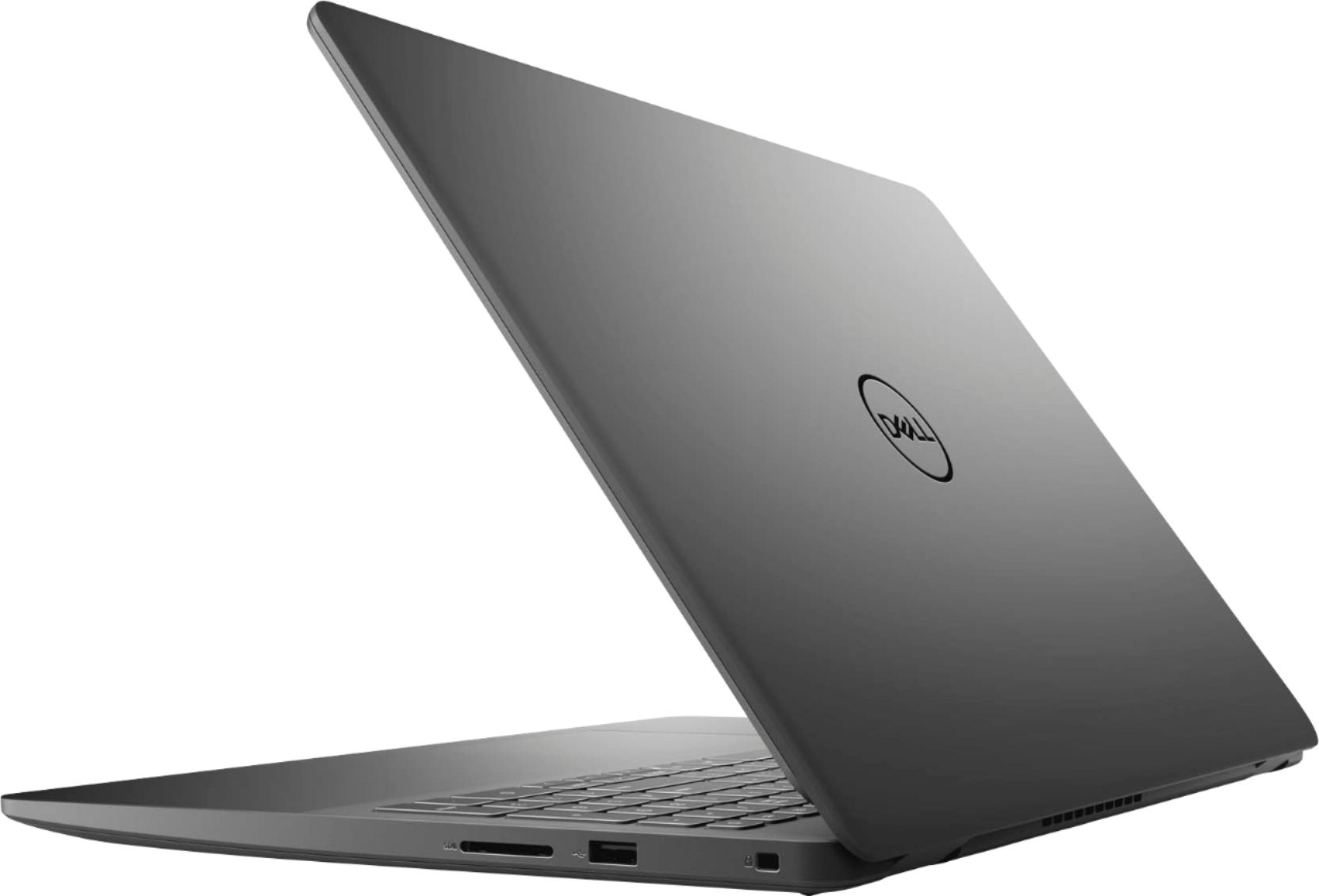
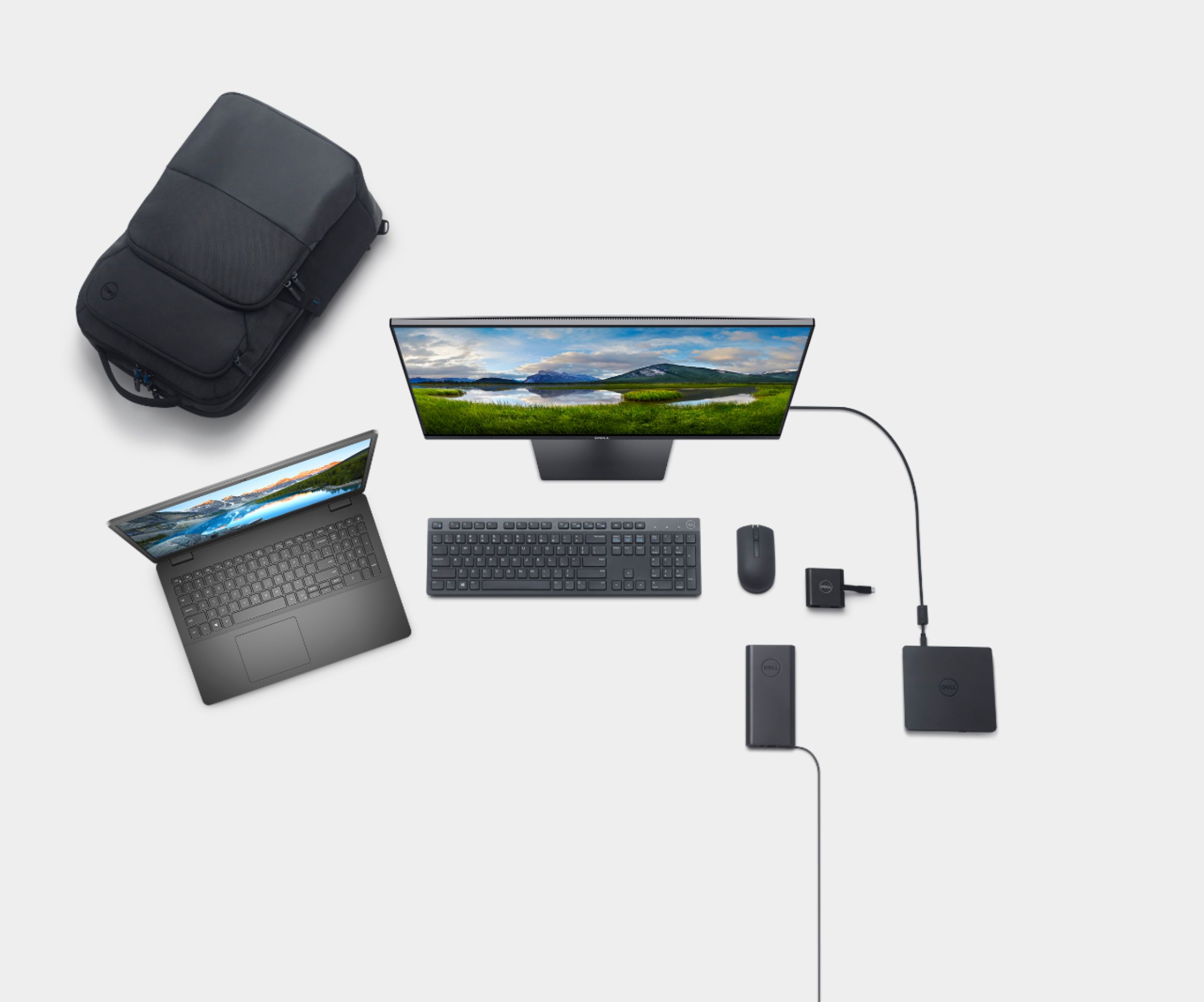
A:AnswerYou could upgrade the SSD storage capacity of your computer. However, the upgrade or replacement of the SSD has to be done by a Dell authorized technician. Else, the warranty would be come void. Please reach out to the Dell technical support team for further details and assistance on this case.
A:AnswerThe system comes with Windows 10 Home and 30 days trail pack of Microsoft Office application. To purchase a licensed version along with the laptop, please reach out to the Best Buy support team.
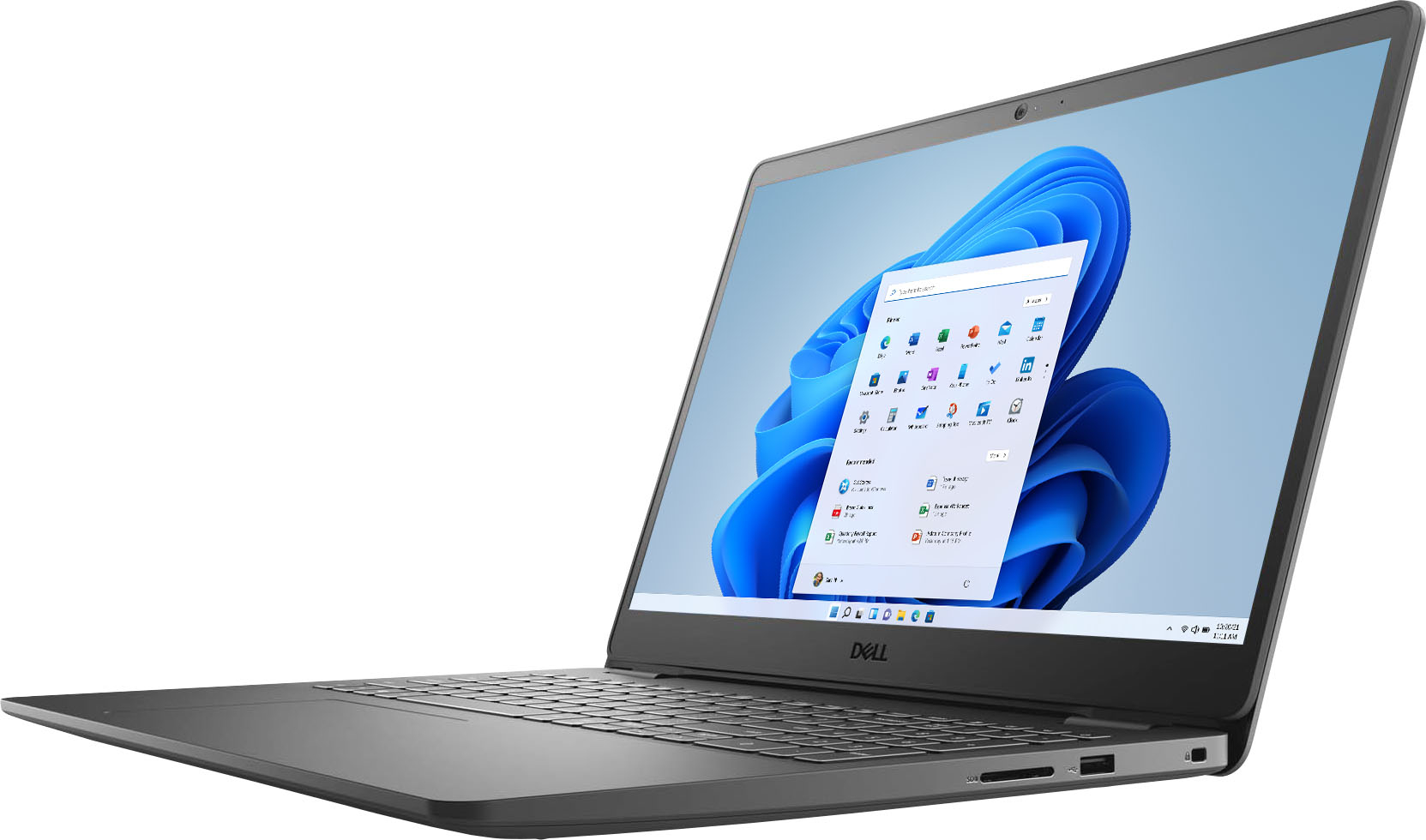
A:AnswerHello How57. Thank you so much for your question. Yes, this Dell Inspiron notebook comes with an ethernet connection.
Thank you for choosing Intel!
A:AnswerHello there. Thank you so much for your question. Yes, this Dell Inspiron laptop is a great choice for hosting Zoom classes and also meetings.
Thank you for choosing Intel!
A:AnswerHello Mo. Thank you for your question. Based on the information published on Best Buy´s website, the Microsoft 365 software is sold separately however we suggest you verifying this type of information directly with the store. To do so you can access the following link:
***https://www.bestbuy.com/site/electronics/customer-service/pcmcat87800050001.c?id=pcmcat87800050001***
Thank you for choosing Intel!
A:AnswerThe battery is not removable by the end user. Since it is fit inside the bottom panel, a technician has to open the system and access the battery.
A:AnswerYes, it is possible to install a clean version of Windows on to the laptop. Please reach out to the Dell support team for further details and assistance with this. This system comes with Intel 9462 (1x1 AC, BT 5.0) wireless card.
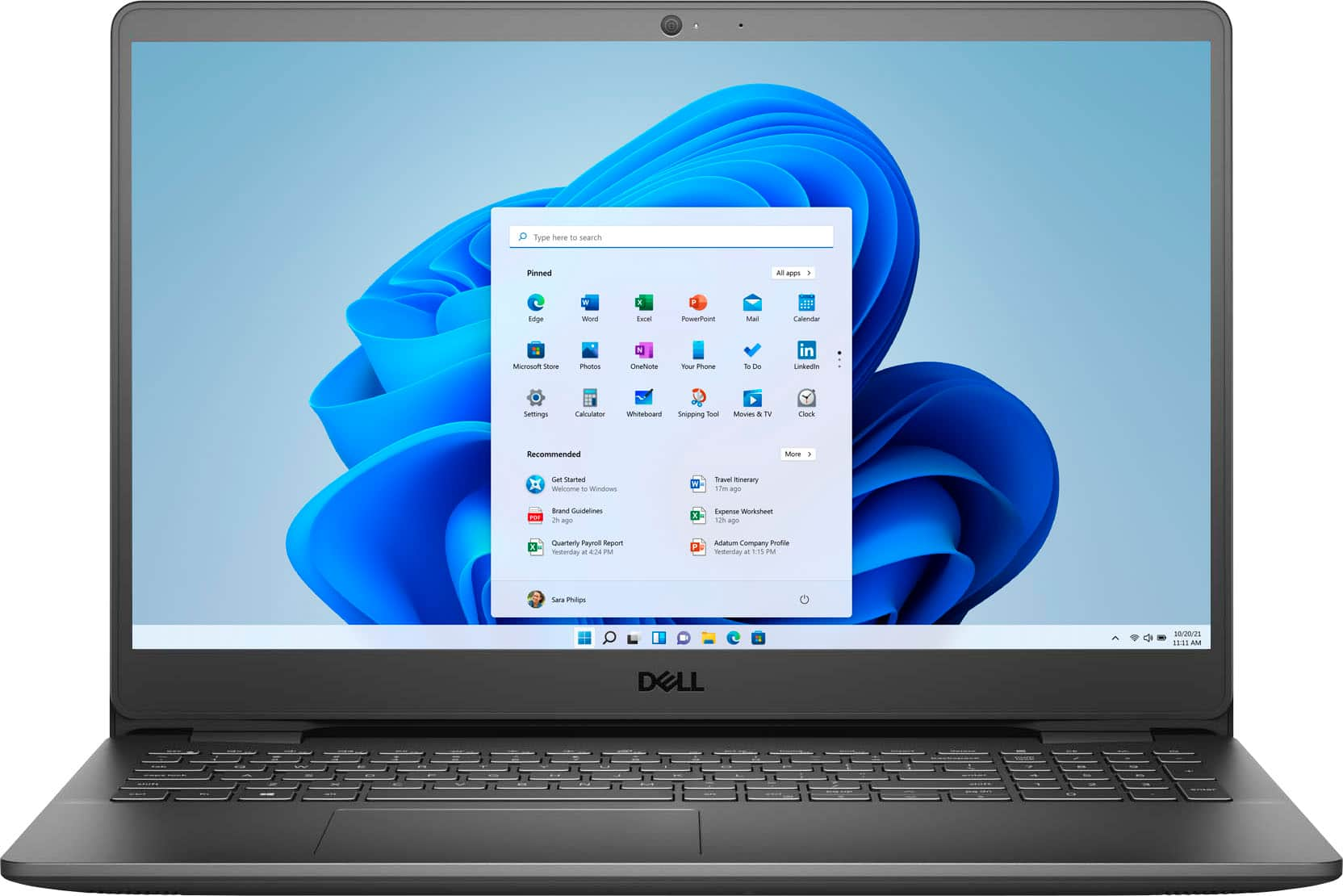
A:AnswerYes, this laptop has a touchscreen display and a front-facing RGB HD camera. The camera comes with a resolution of 0.92 megapixels for still images and 1280 x 720 (HD) at 30 fps for videos.
A:AnswerYou would get a pop-up prompt when you first connect the system to internet during the set up process. If you do not see one or need assistance in activating the subscription, do reach out to the Dell technical support team. They will walk you through the process.