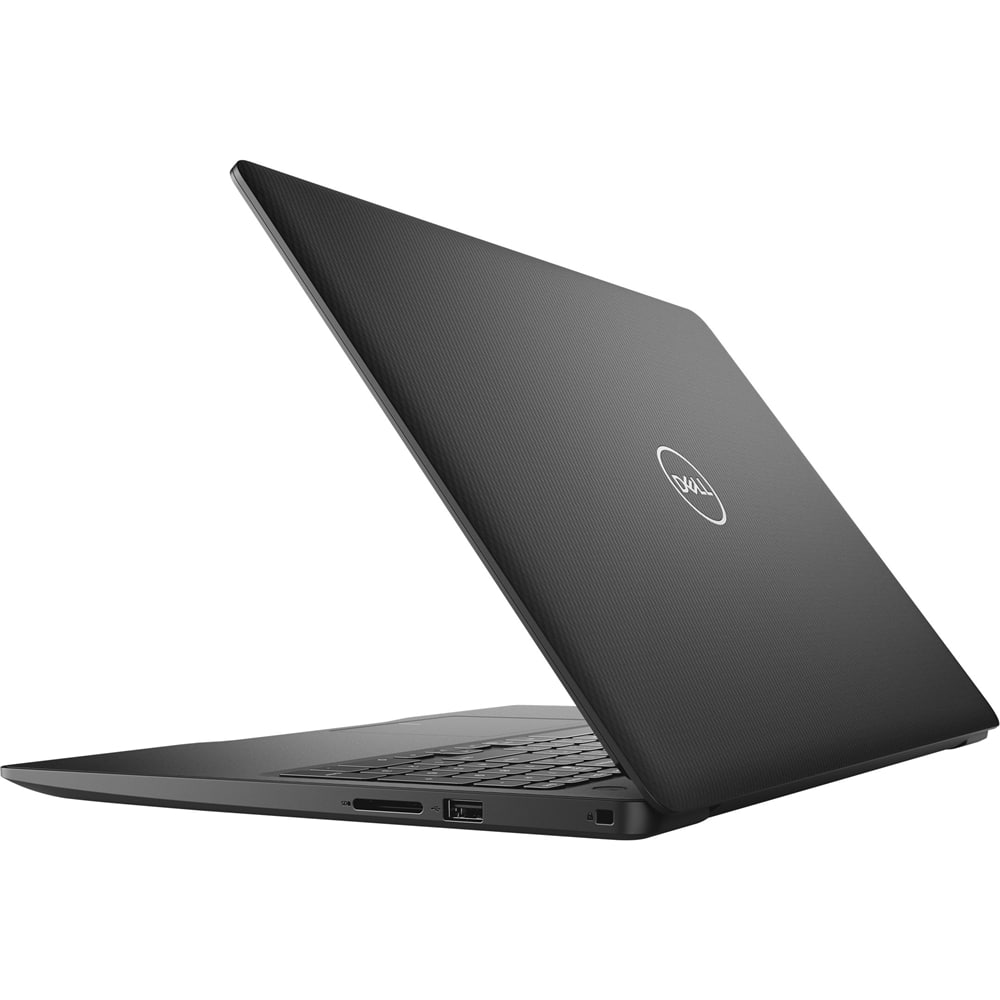
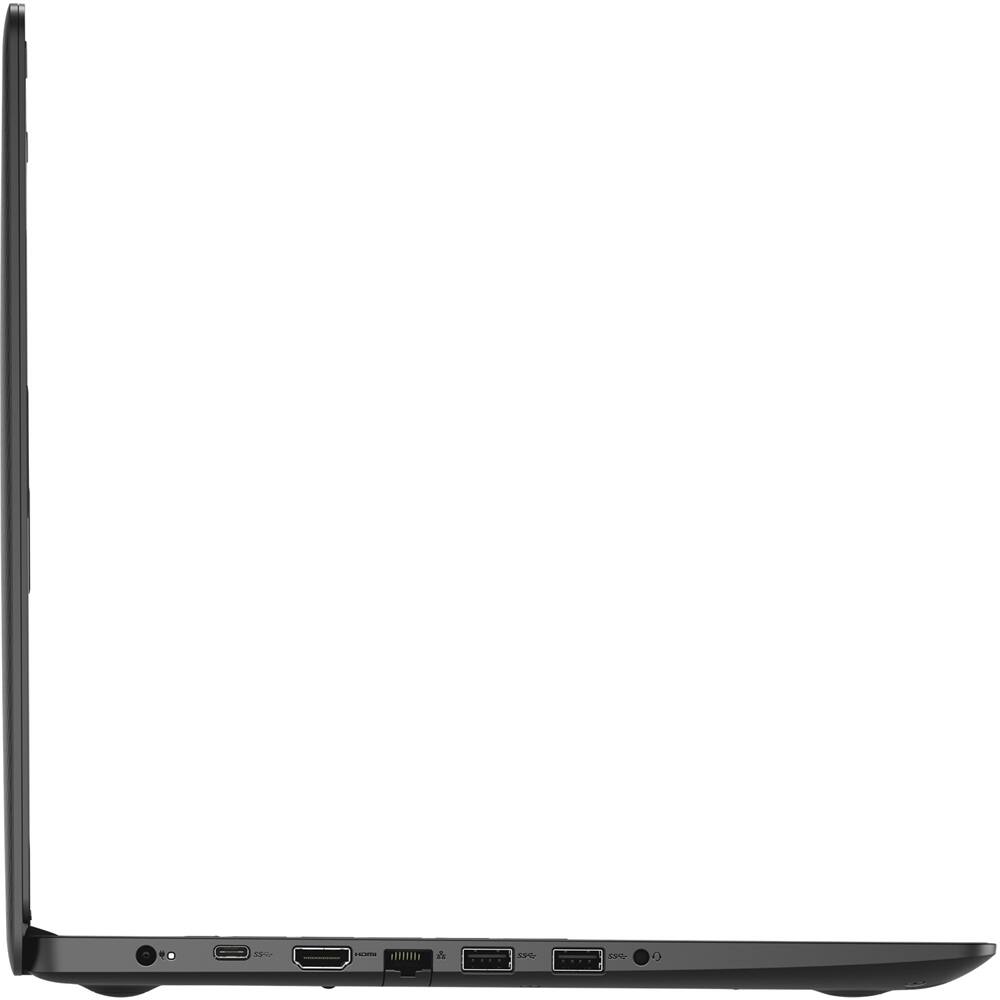
A:AnswerYes, but I wouldn't do it. There's a manufacturer defect where the hinge on the screen snaps within the first year. Dell denies responsibility, and now I'm stuck with a $700 laptop that I have to replace.
A:AnswerHello! You could run AutoCAD on this device. However, the recommended specifications call for 16GB of RAM. Additionally, a dedicated graphics card with make it a better experience.
A:AnswerWe suggest you to not do any third party or non-Dell aftermarket upgrade, as that can void the system’s warranty. We suggest you to contact the Dell Technical support team regarding this query.
This system has an integrated/shared video memory. The system supports one of the following storage options: One M.2 solid-state drive,
One 2.5-inch hard drive,
One M.2 solid-state drive and one 2.5-inch hard drive.
The warranty on this system is a regional warranty and not an international one, you will have to call the Dell sales team and have the warranty upgraded on the system.
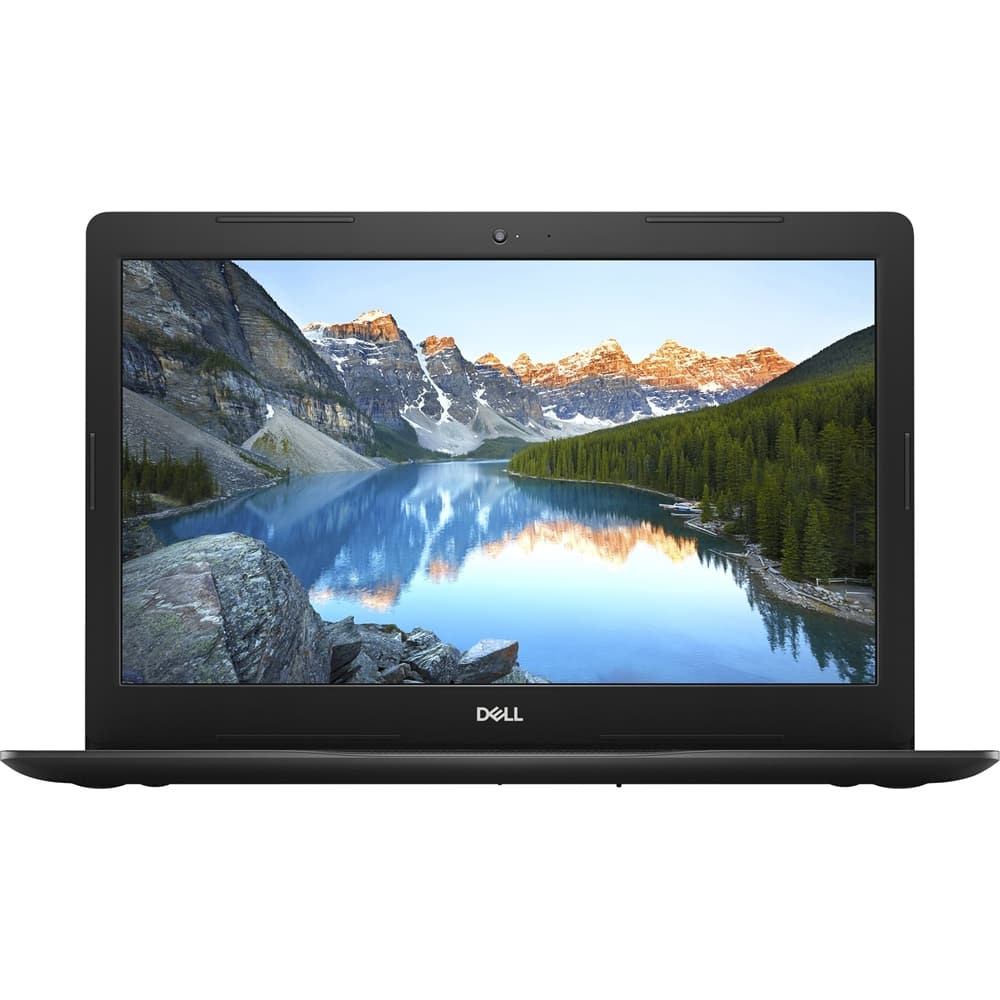
A:AnswerThis system storage supports one M.2 solid-state drive and one 2.5-inch hard drive. We suggest you to not do any third party or non-Dell aftermarket upgrade, as that can void the system’s warranty. We suggest you to contact the Dell Technical support team regarding this query.
A:AnswerThe hardware on this laptop is not built for gaming and you would not be able to enjoy the gameplay to the fullest. We suggest you check the Dell's G-series system that is built for gaming: https://bit.ly/3jg9moY
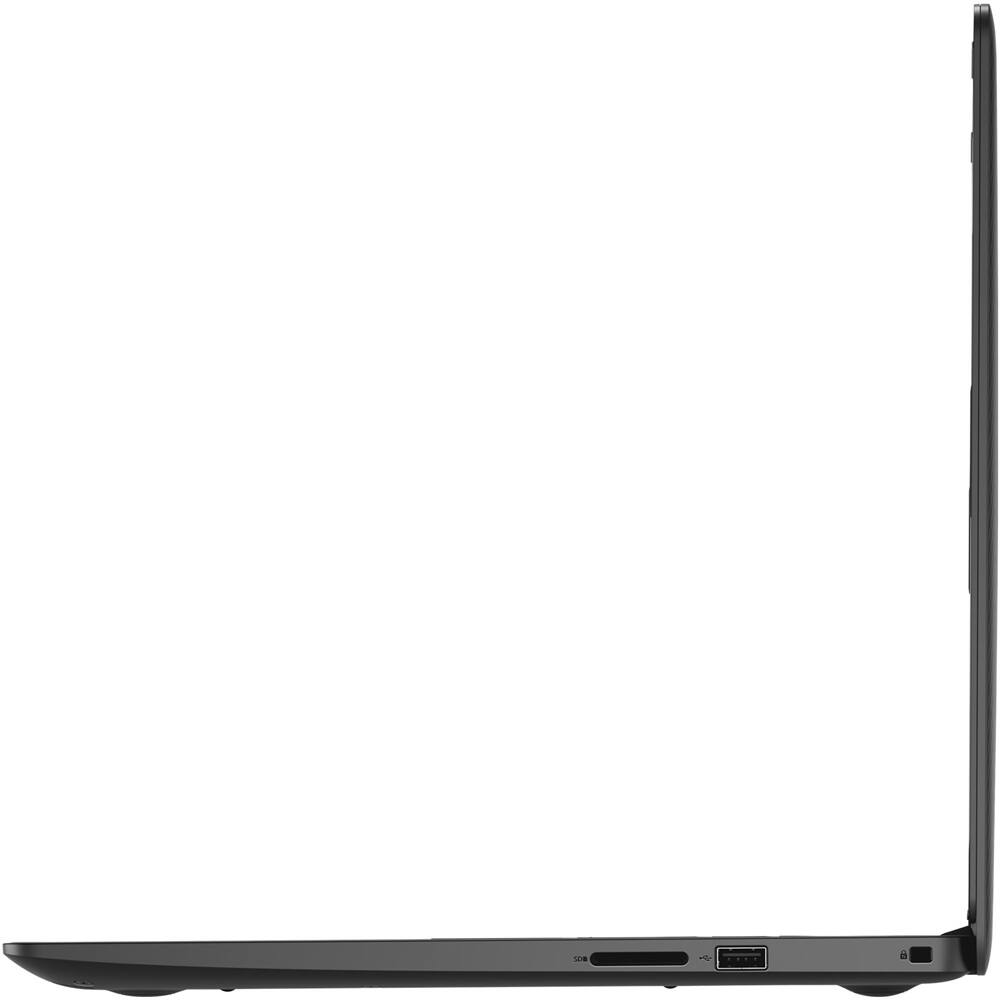
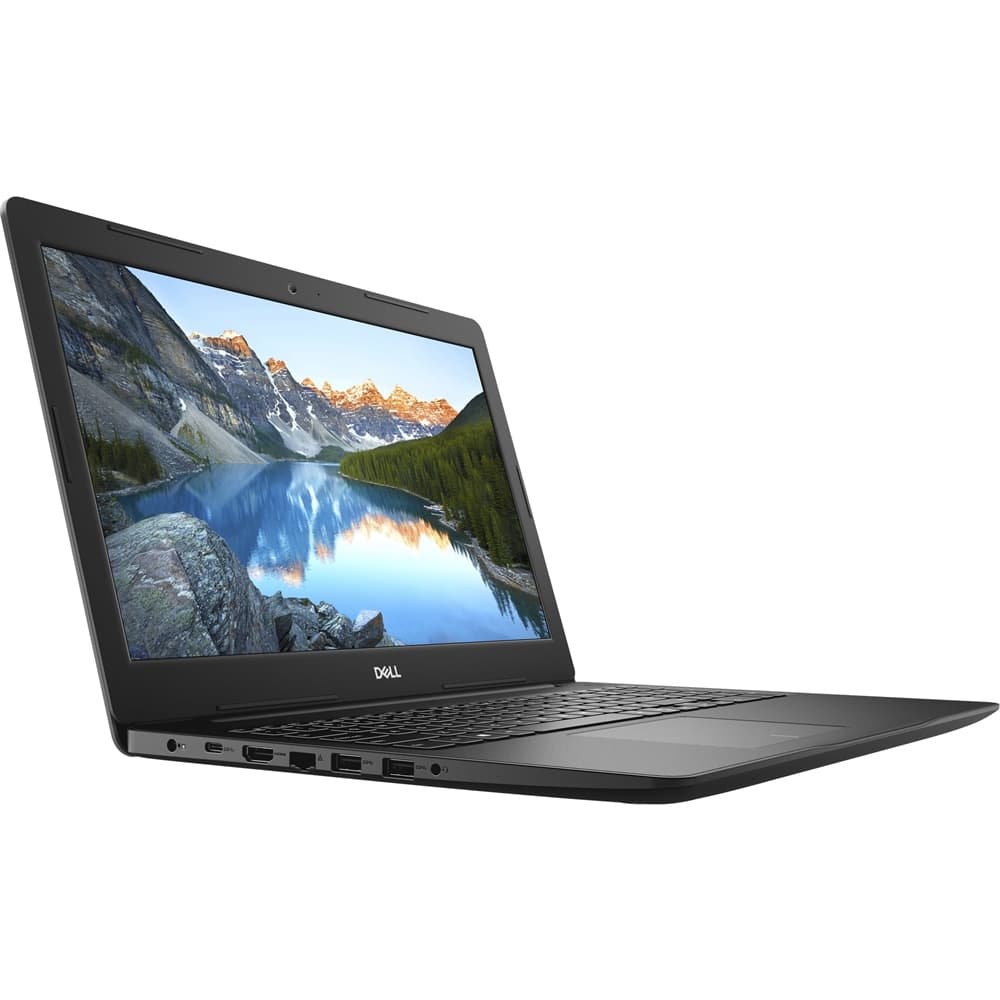
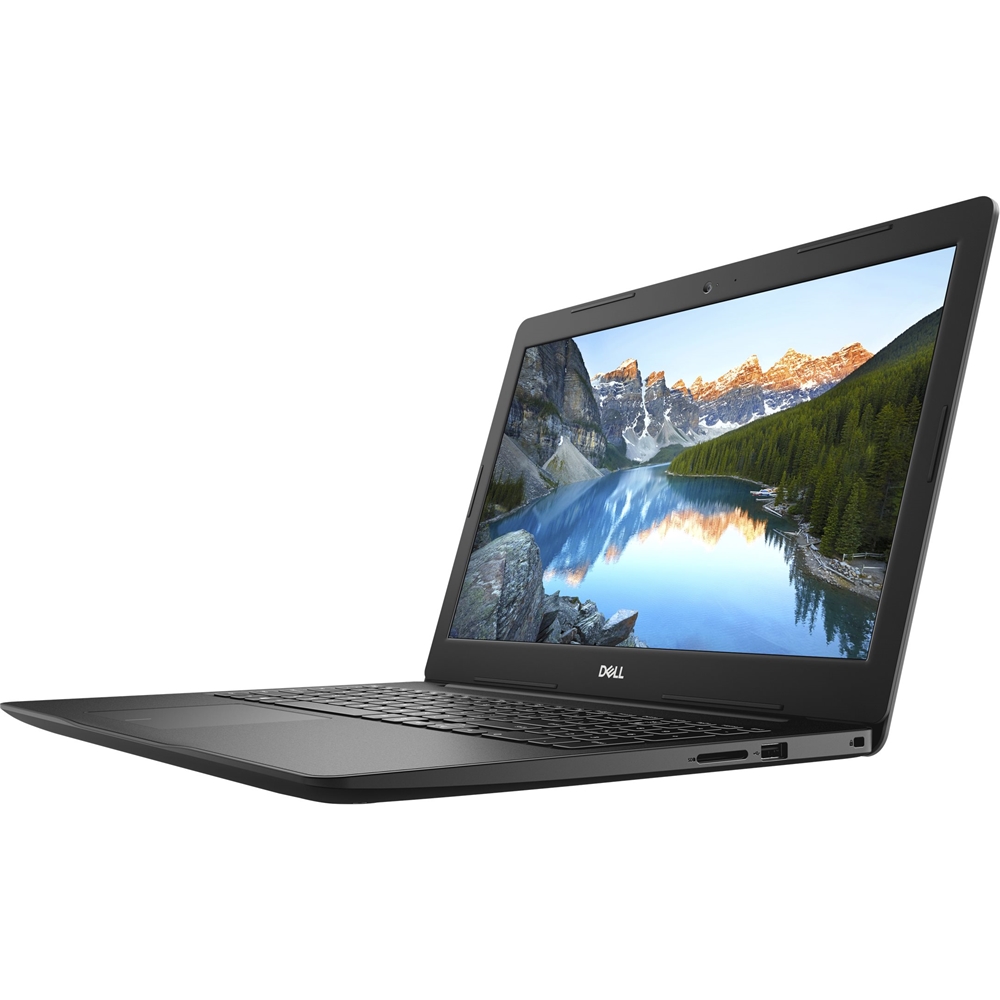
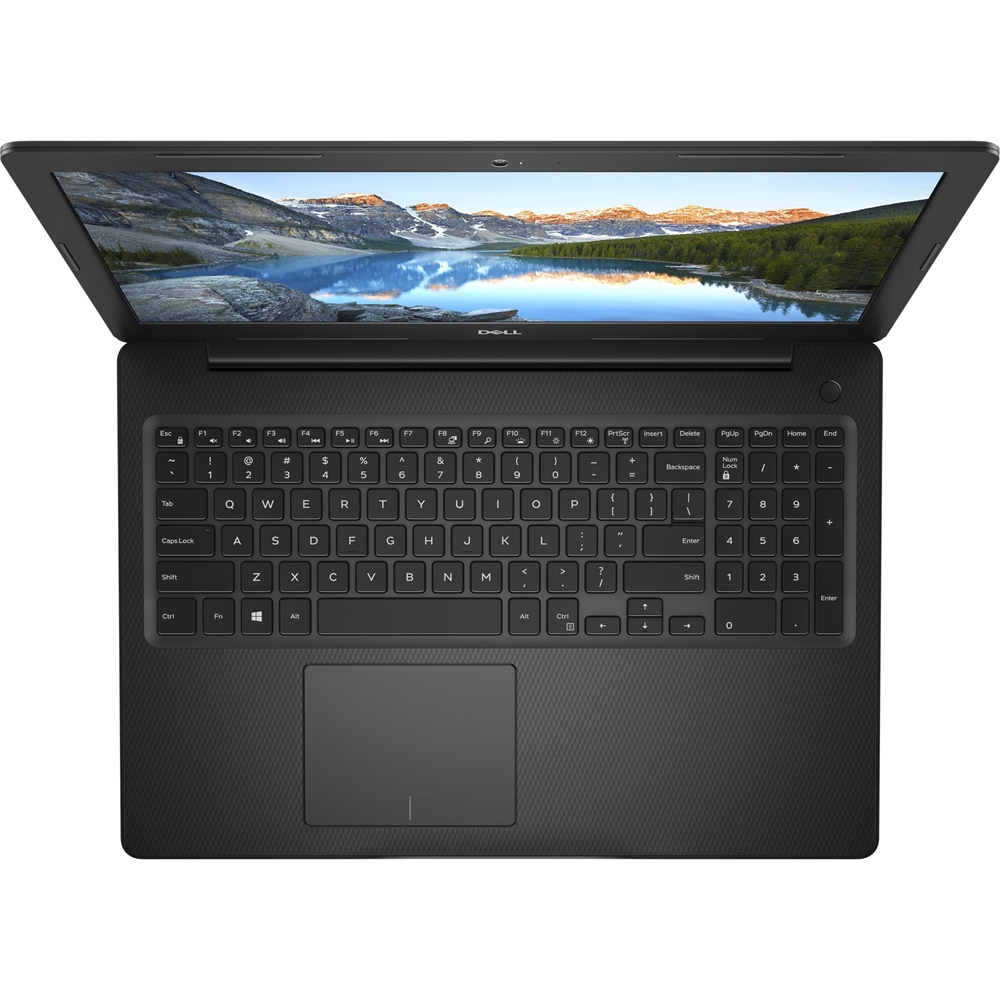
A:AnswerYes, this system model has the ability to connect to an external screen. You can connect an external keyboard and mouse to this system via the USB ports and yes, has a built-in webcam as well.
A:AnswerHello Ed! You will want a device with a dedicated graphics card. I recommend our G3 gaming laptop or our Inspiron 7000 series. You'll also want to make sure it has a Core i7 processor and a minimum of 16GB of RAM.