A:AnswerHello! You will need to go to activation in your settings and select 'Get Windows Home Edition'. From there, you can download the Home version.
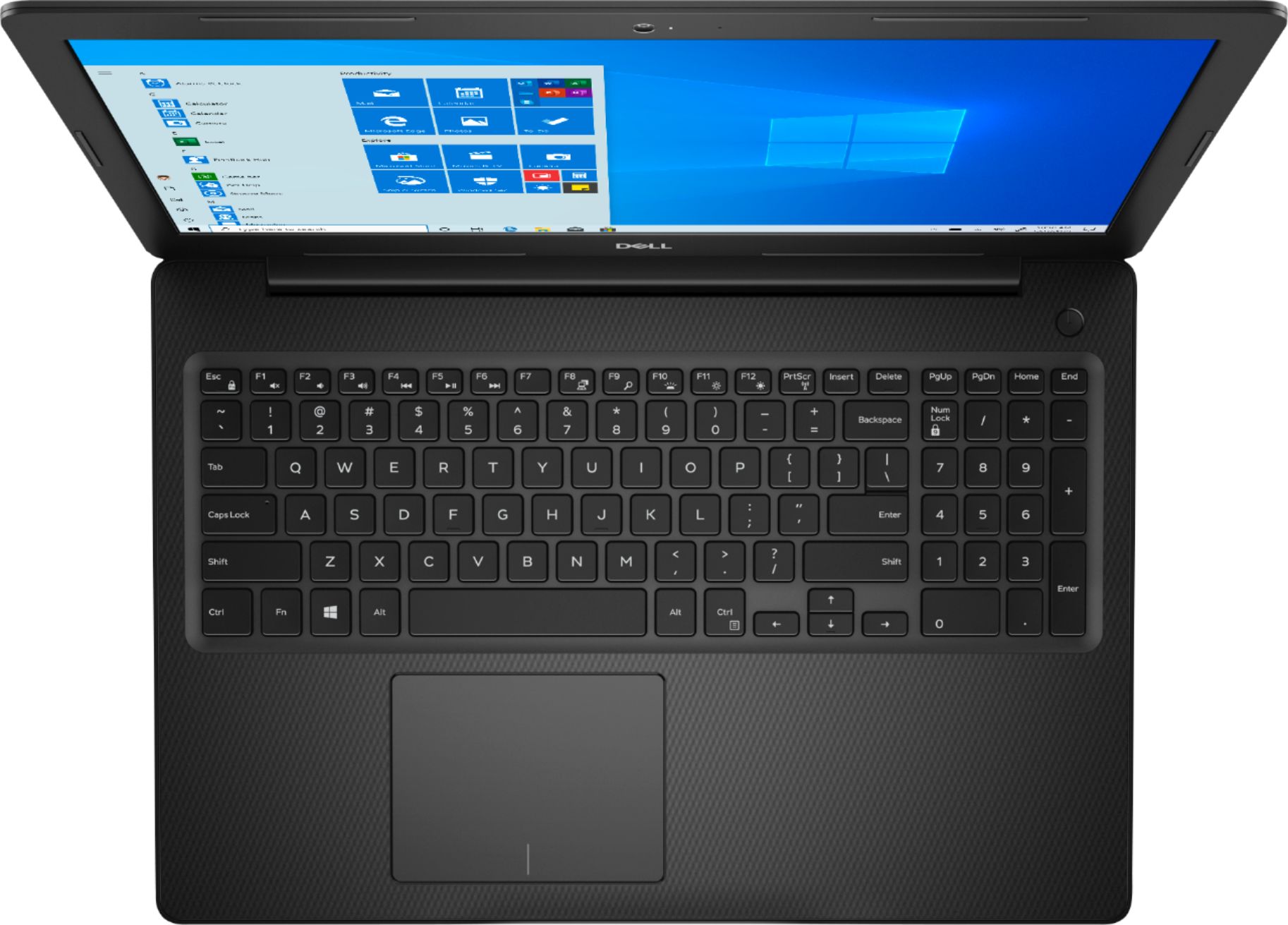
A:AnswerYes. I have a wireless mouse hooked up to it, but I didn’t disable the touchpad. I go back and forth between using them so neither is disabled.
A:AnswerYes and yes. This laptop is easily fast enough for Quickbooks. Just make sure the version of Quickbooks is version 2016 R7 or later to be compatible with Windows 10.
And any pc that has wifi and internet access can connect to the cloud. (cloud is a generic term for any number of online file storage products)
A:AnswerHello! You should have no trouble live-streaming, but connectivity will largely depend upon your wireless internet provider. You can download whichever streaming software you need without any issues.
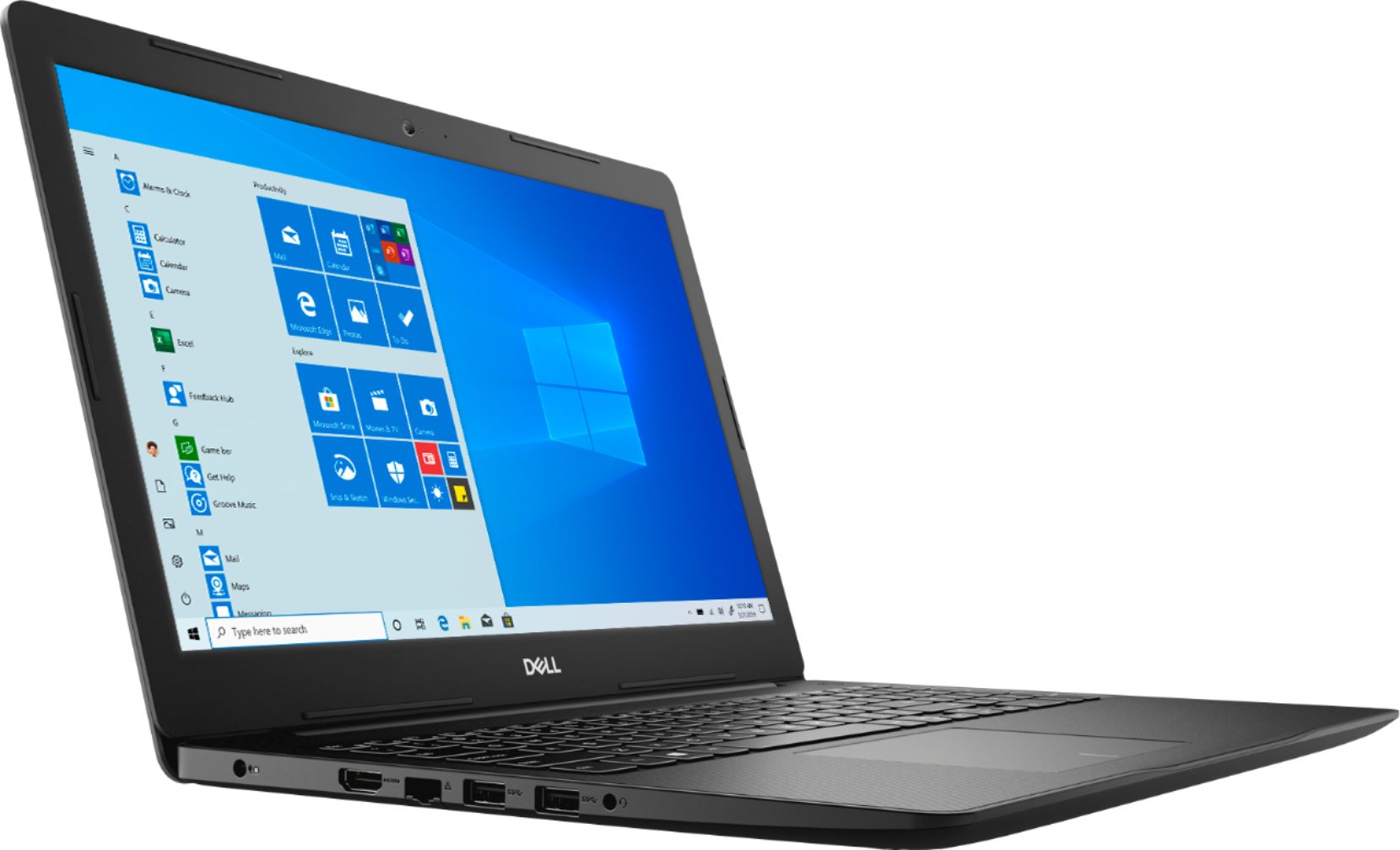
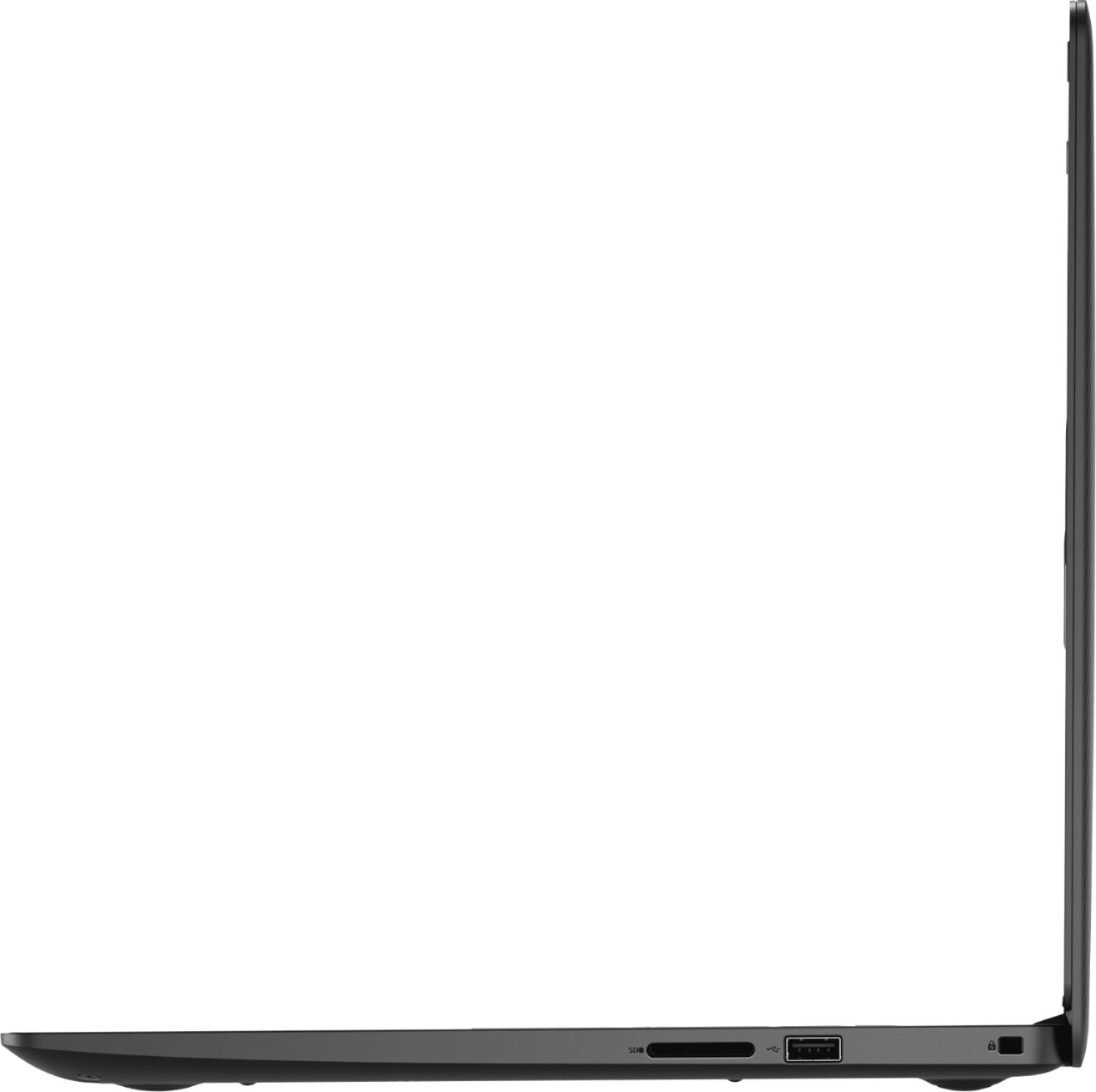
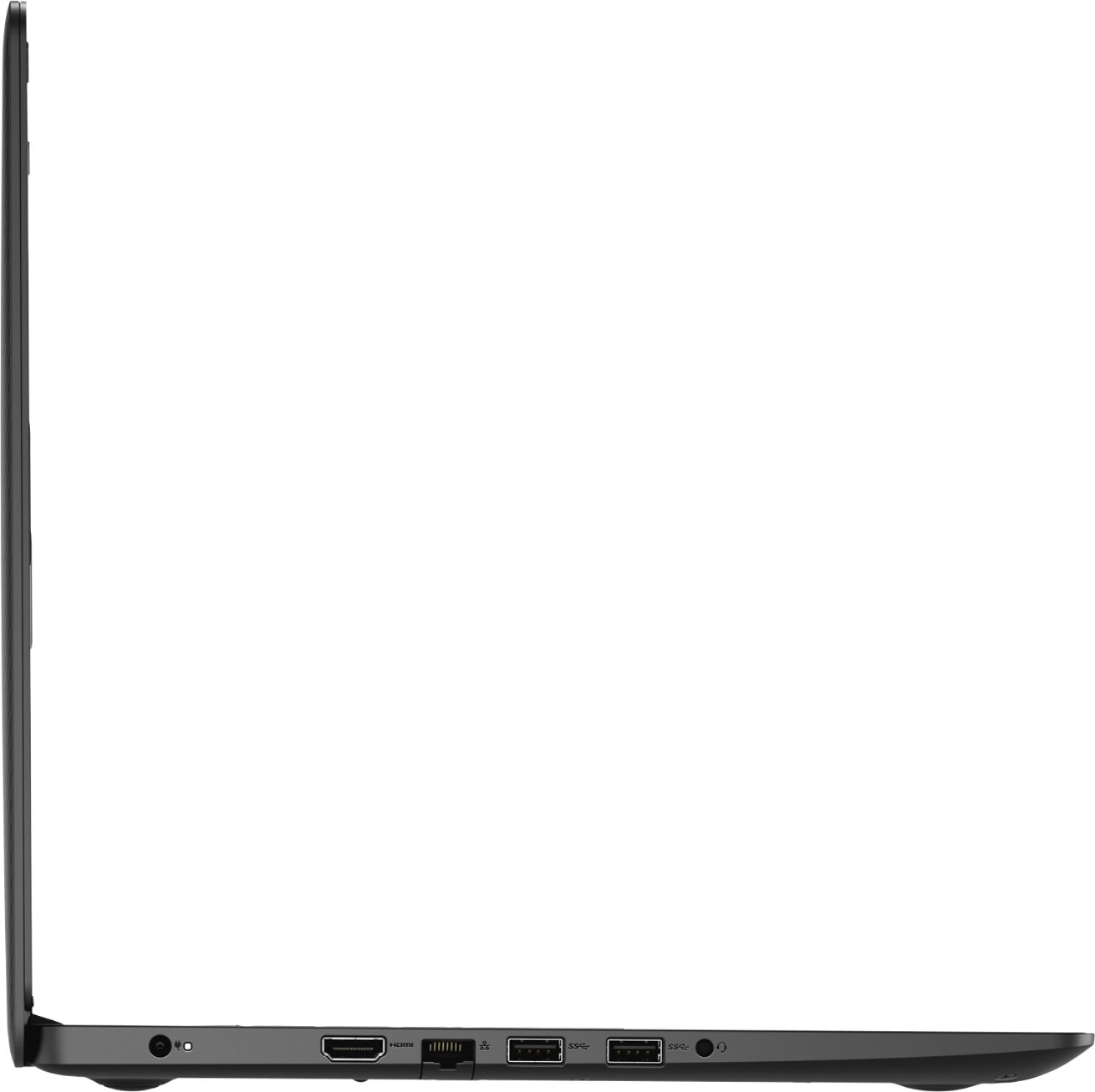
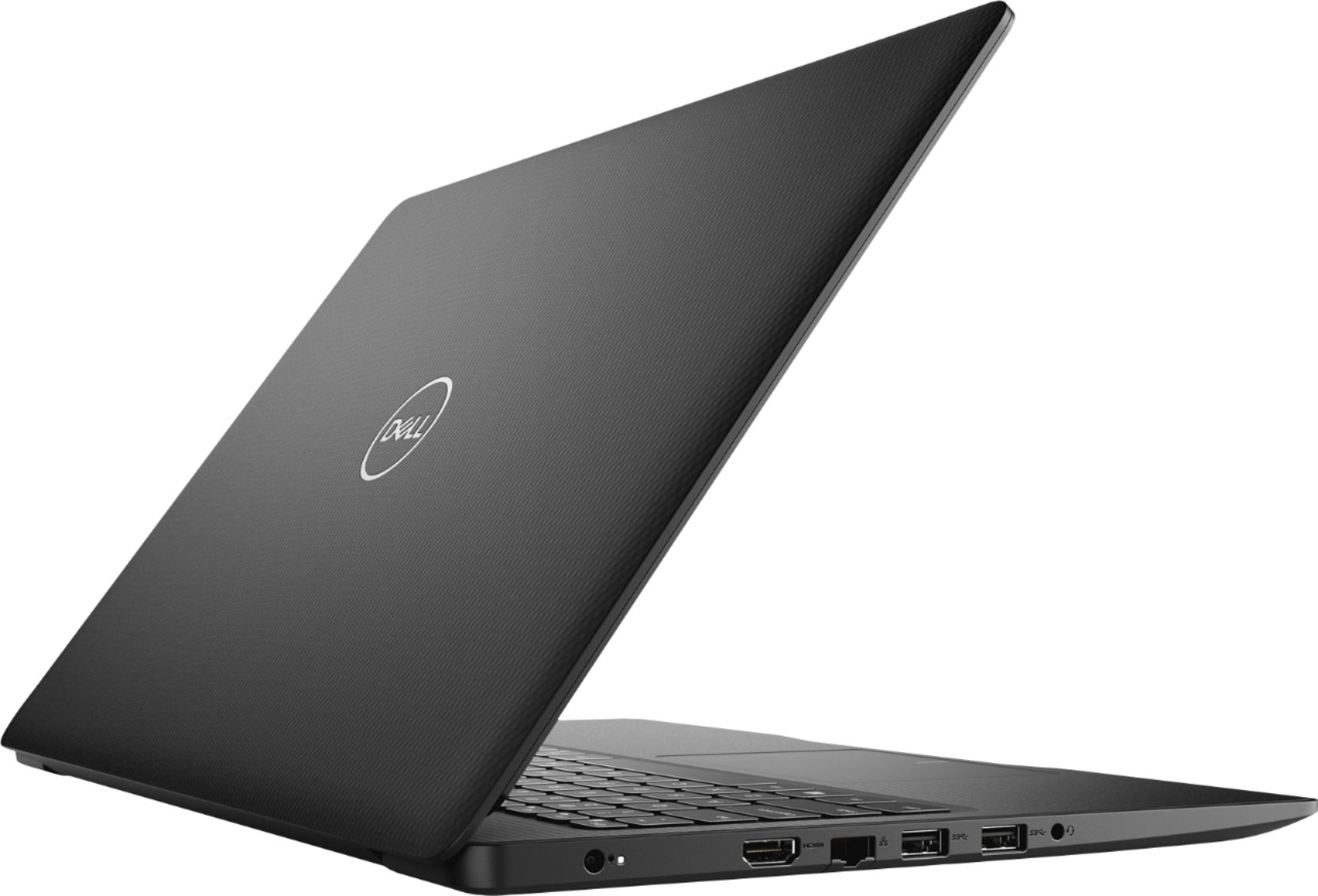
A:AnswerHello! Yes! You can absolutely use a dock with this laptop. Check the ports list to ensure you have the correct connection when you purchase the dock.
A:AnswerHello Bren! This does only have 128 GB of storage, so depending upon the amount of photos/documents you will be storing, you might need to purchase an external storage device. This laptop will be able to print, as well as run Zoom and Microsoft Word.