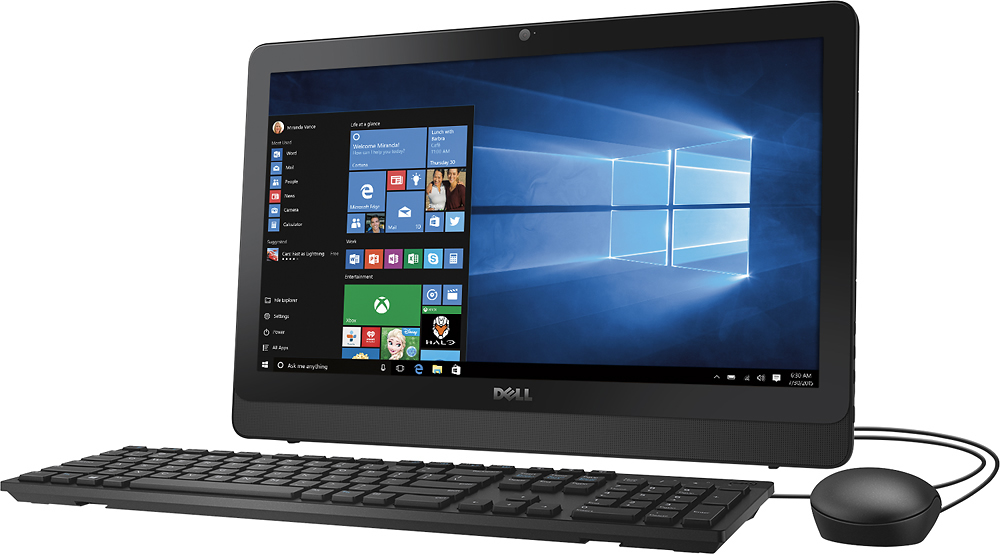
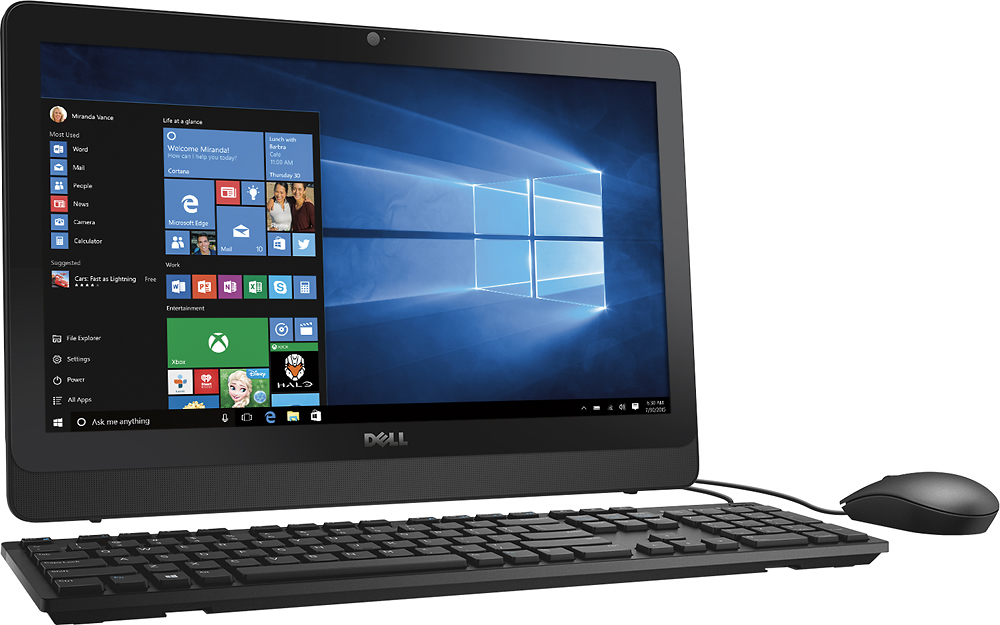
A:AnswerThis is a computer not a tablet, and it does have a CD/DVD drive. The biggest downside to this computer is that it isn't very powerful. I got it for my grandmother who just needs it from email, Facebook, and looking at pictures. It is perfect for that and can easily handle Office. It is a great value if you don't mind the lack of speed. I would recommend trying it out in the store to see if it suits you.
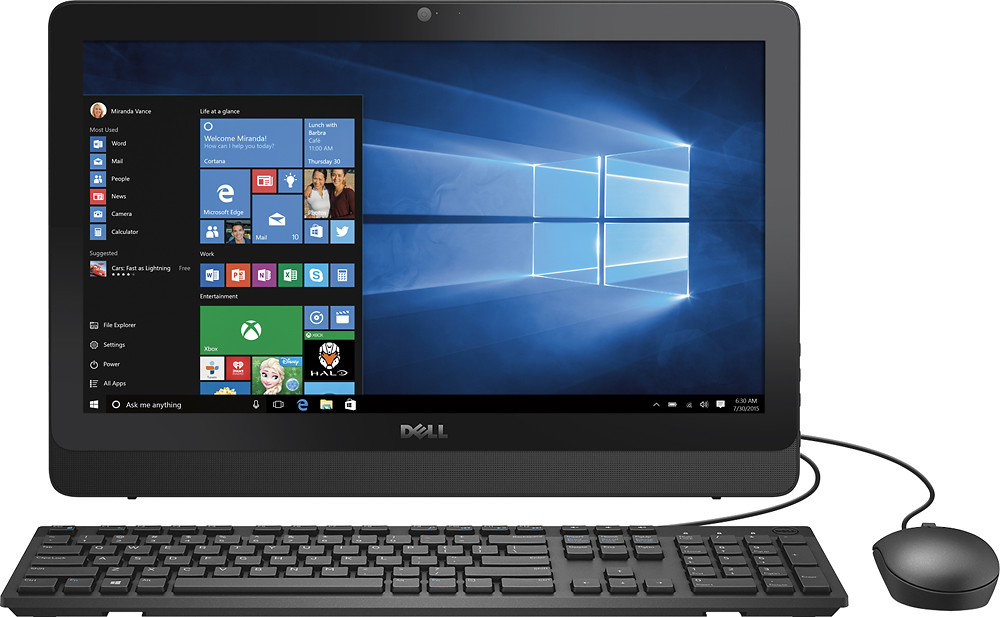
A:AnswerJust to make it clear, this is not "just a monitor" it is an all-in-one computer and monitor.
But yes you can use any wall mount that supports the VESA standard. The hole pattern is 10 x 10 w/M4 screws
A:AnswerAll-In-One is exactly what it suggests: Everything is inside one slim box. The monitor is in front and the "tower" parts are slimmed down and installed in the back.
In other words, AIO machines use laptop minimal designs and apply it to the desktop realm and integrate everything into a monitor. They usually come with a matching keyboard and mouse.
A:AnswerCorrect - both keyboard and mouse are wired. However you could add/use the wireless (thumb drive) keyboard & mouse. I hated when batteries died and it took a few moments of frustration before realizing the simple solution - unless you didn't have batteries handy..
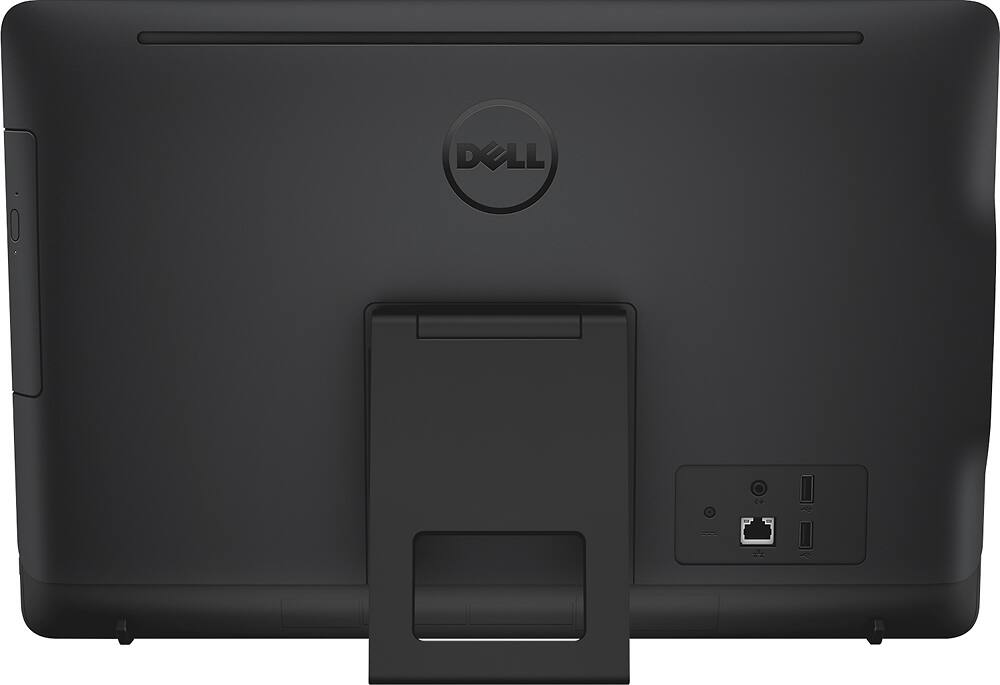
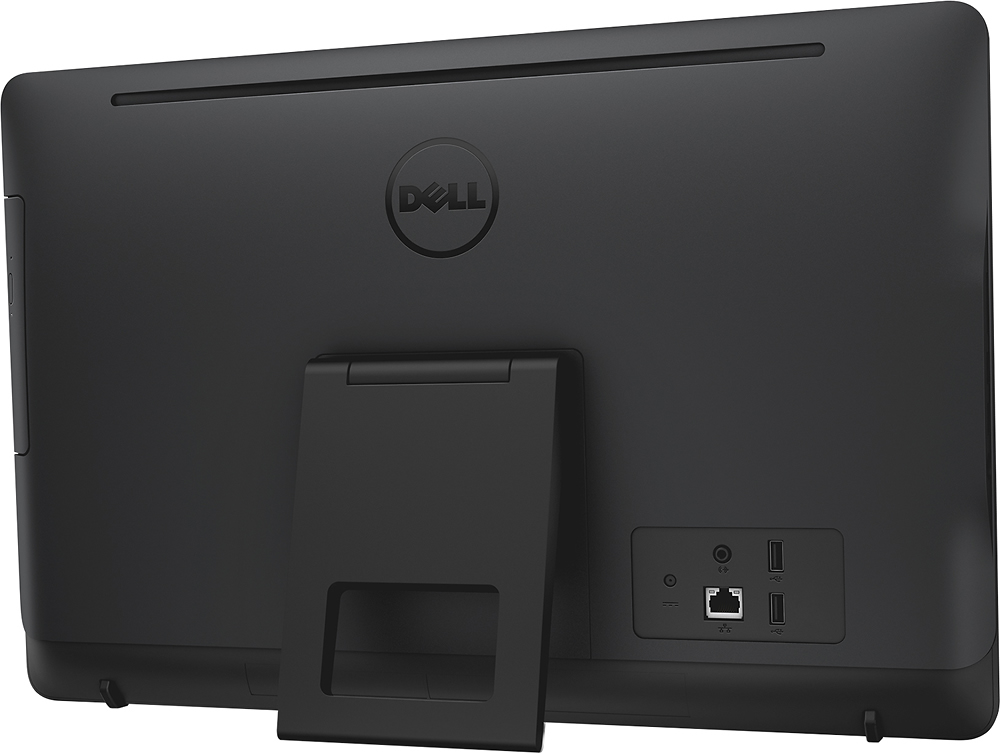
A:AnswerNo box its all in one monitor and keyboard and mouse the monitor have everything CD ram and all the connections 3 usb ports and one Ethernet and it's touch screen
A:AnswerThe keyboard and mouse are hardwired, and the keyboard doesn't have any extra ports, so both have to plug into the unit. If you want to replace with a wireless setup, that would not be a problem.
A:AnswerIt has HDMI out so yes you can use a second monitor. It also has USB3, which can run monitors with an adapter. so one way or the other you can use a second monitor. Since its an Intel GPU it can probably run a 3rd monitor as well. The next question is at what resolution.