A:AnswerYes, the data from your old computer could be transferred to the new one. The Best Buy support team or the Dell technical support team could help you with this.
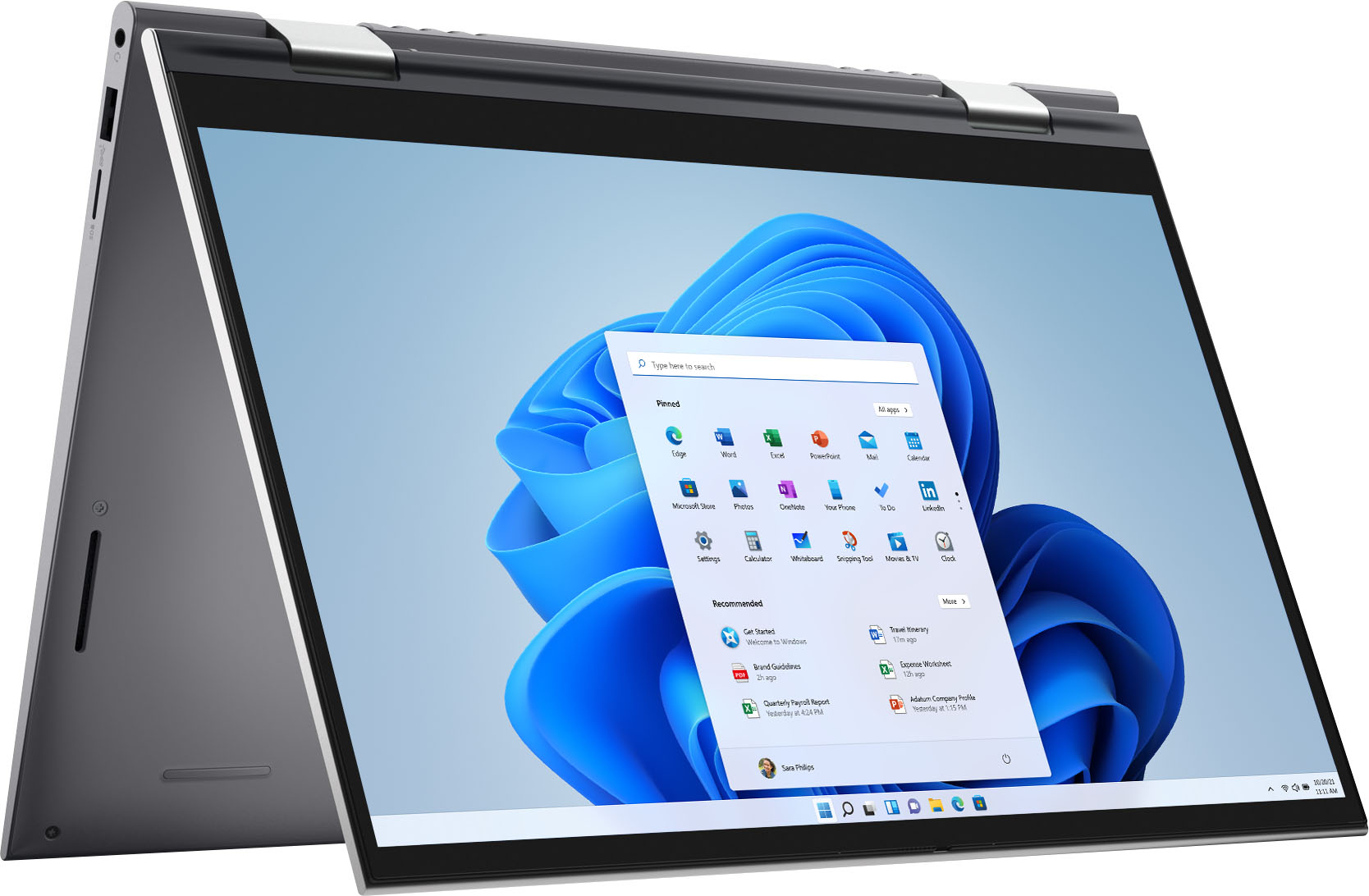
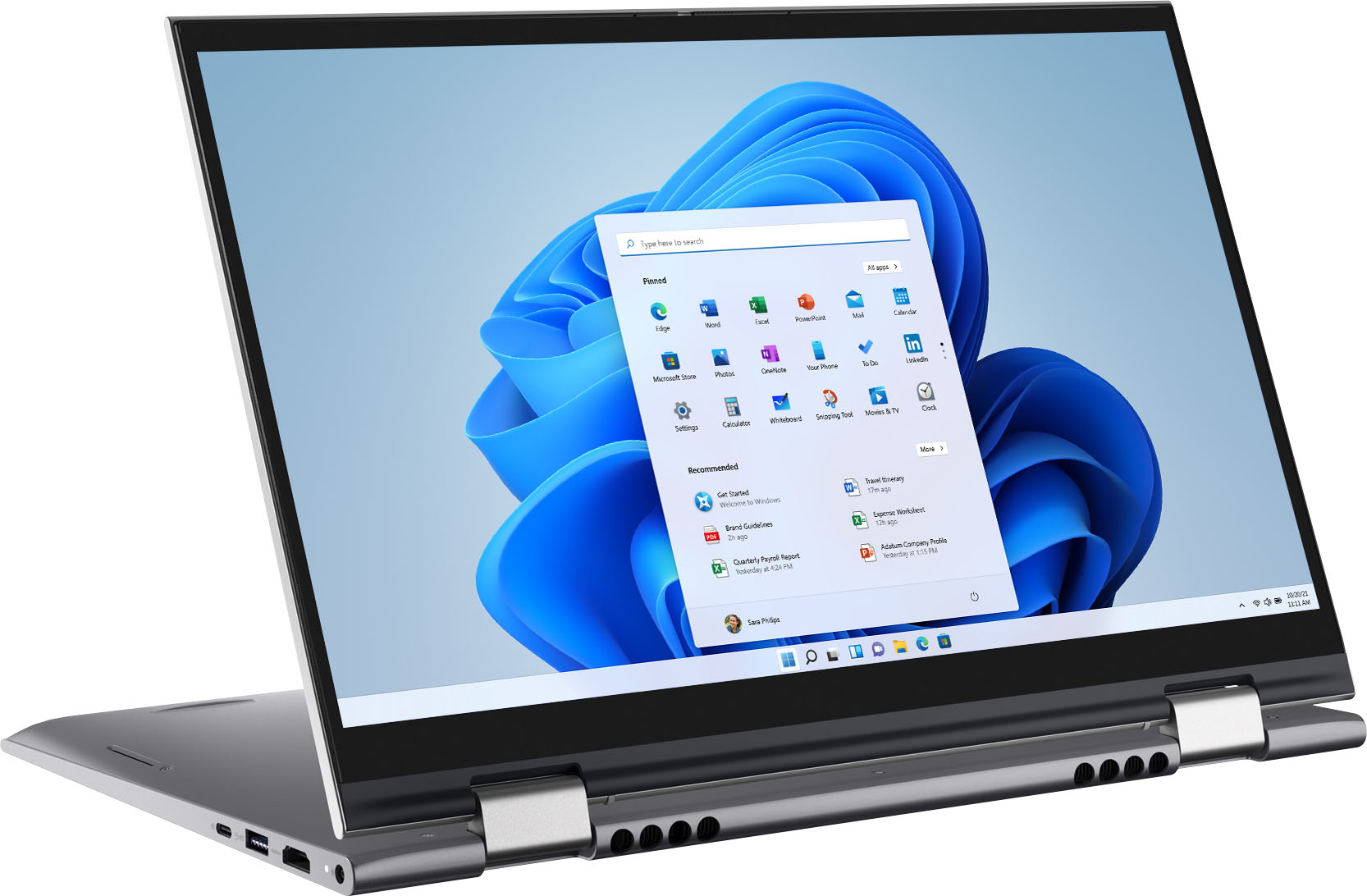
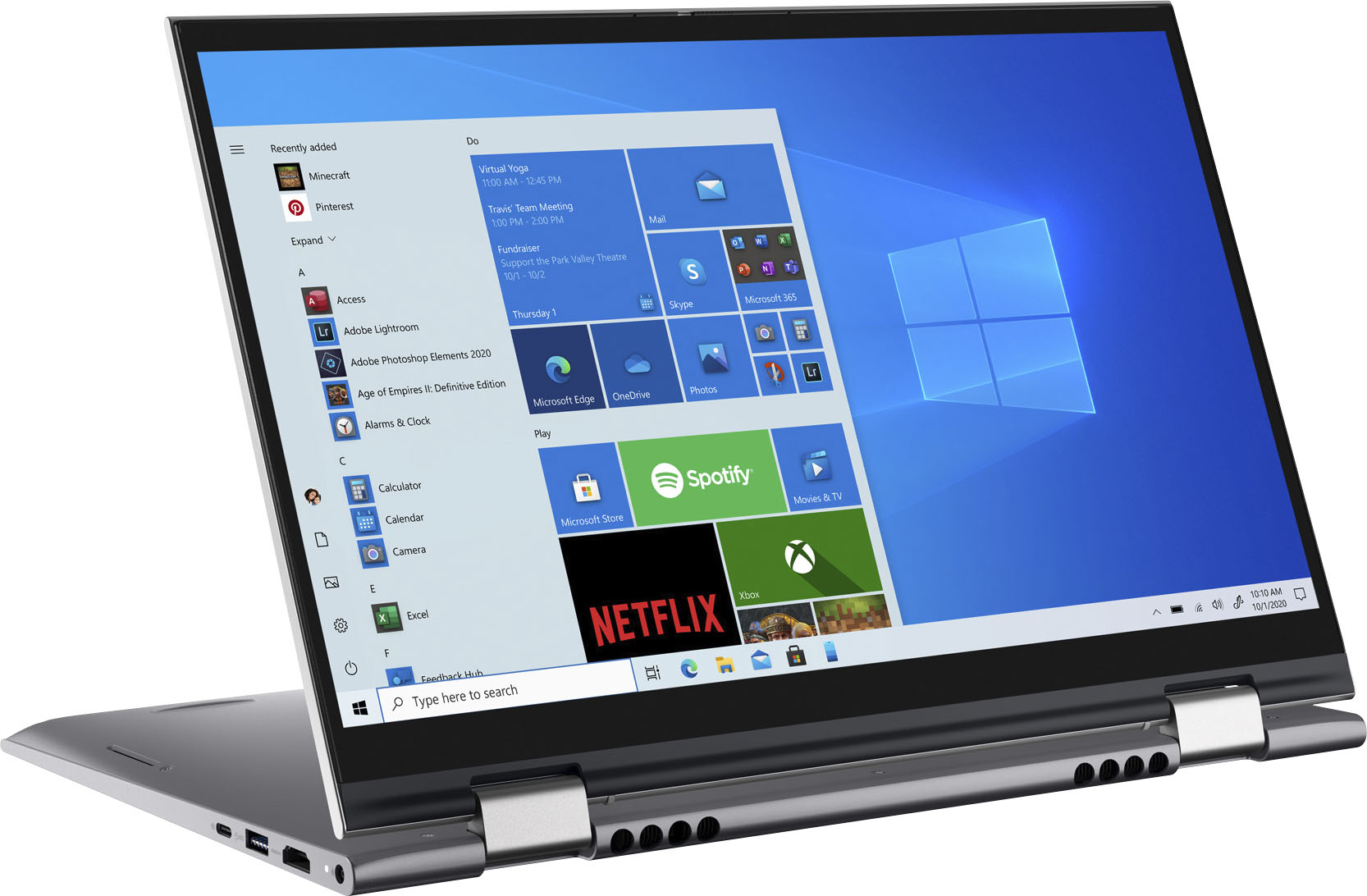
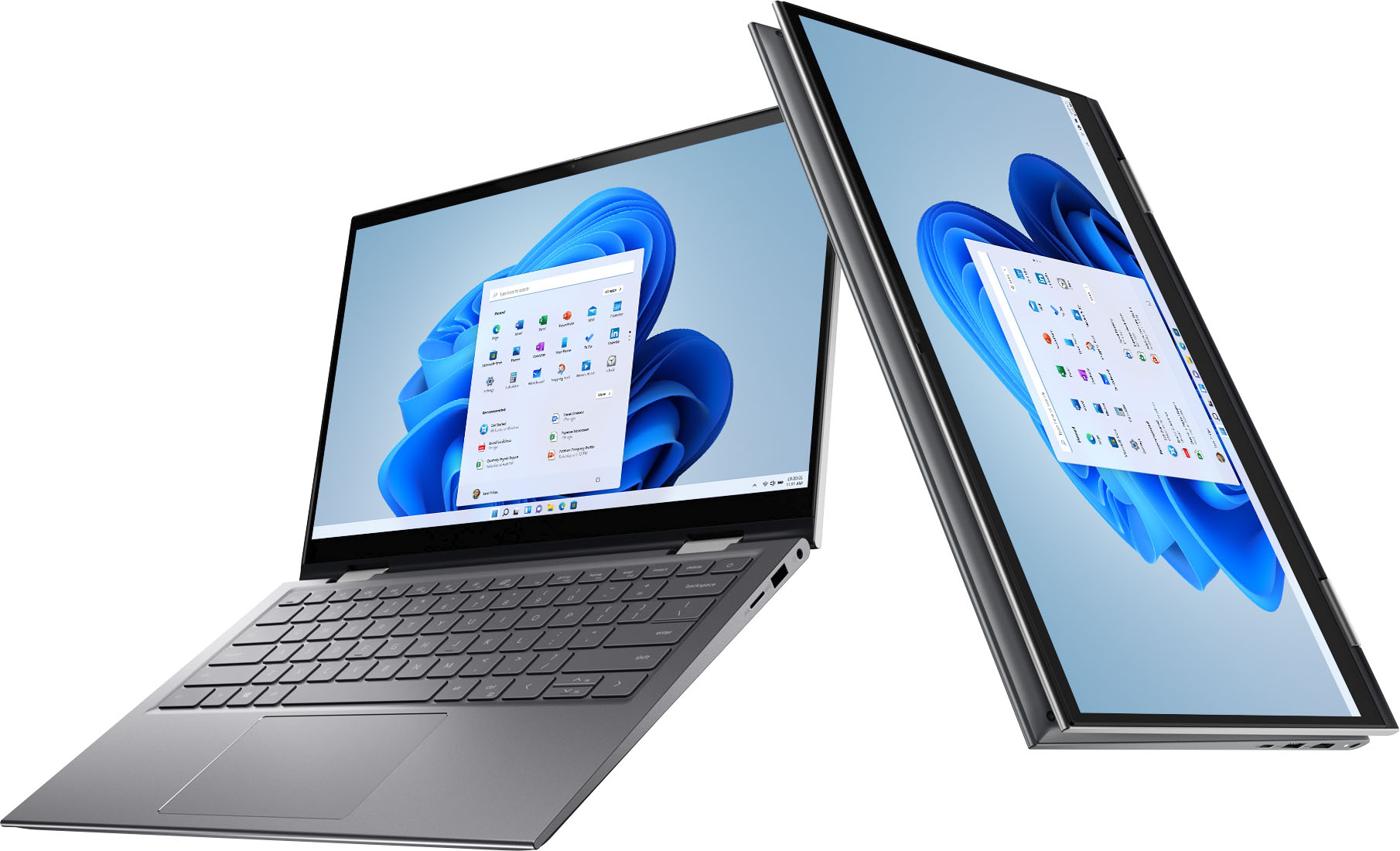
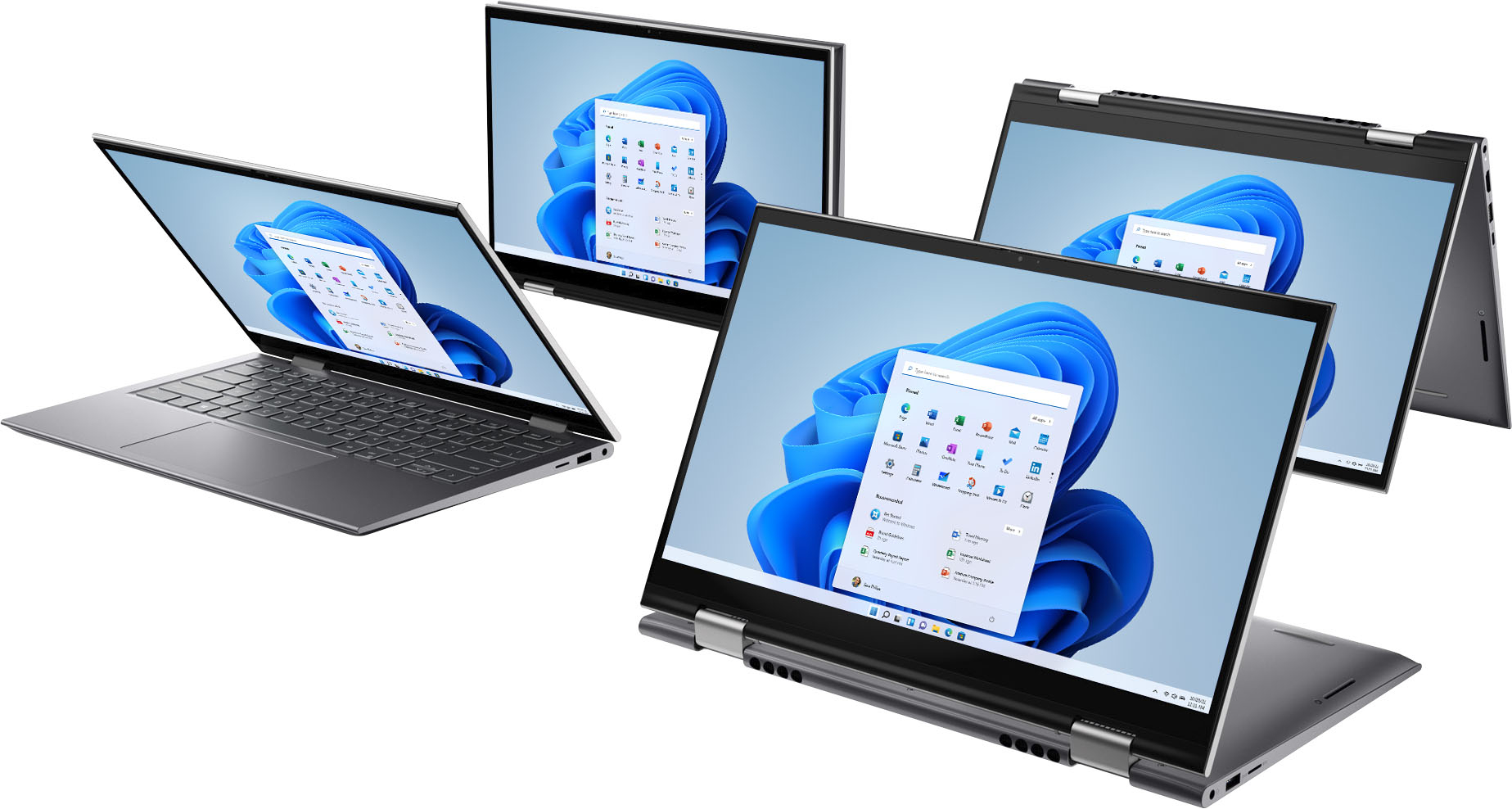
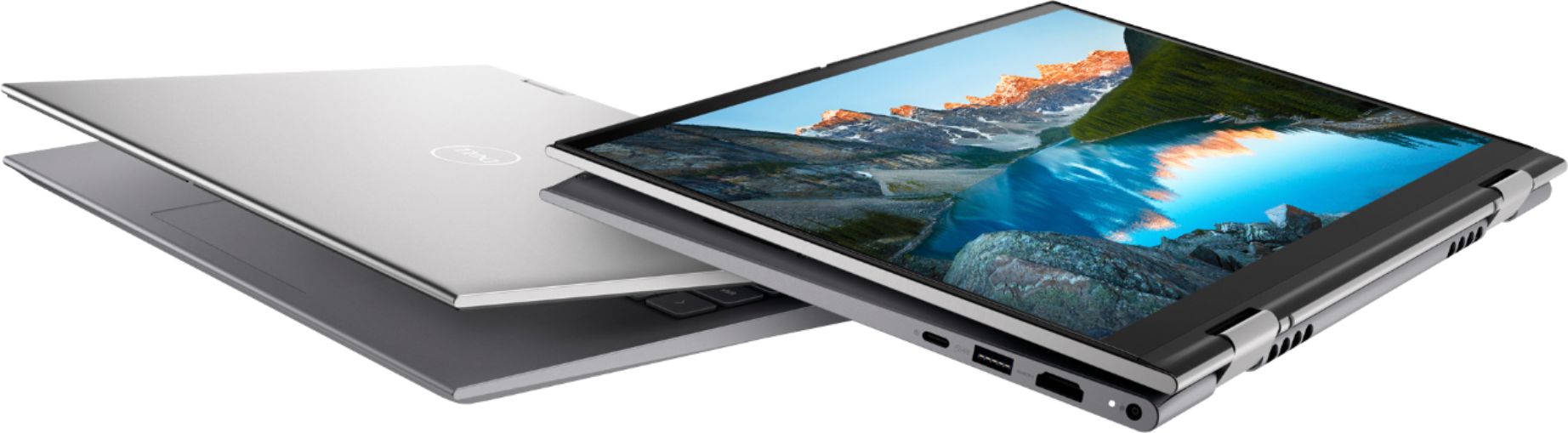
A:AnswerProbably. It does fold into a tablet with a touch screen, so it probably would do well for note taking, etc. It is reasonably light weight (not as light as a Surface Pro). Note, my college years are long gone, so I do not personally have that kind of perspective.
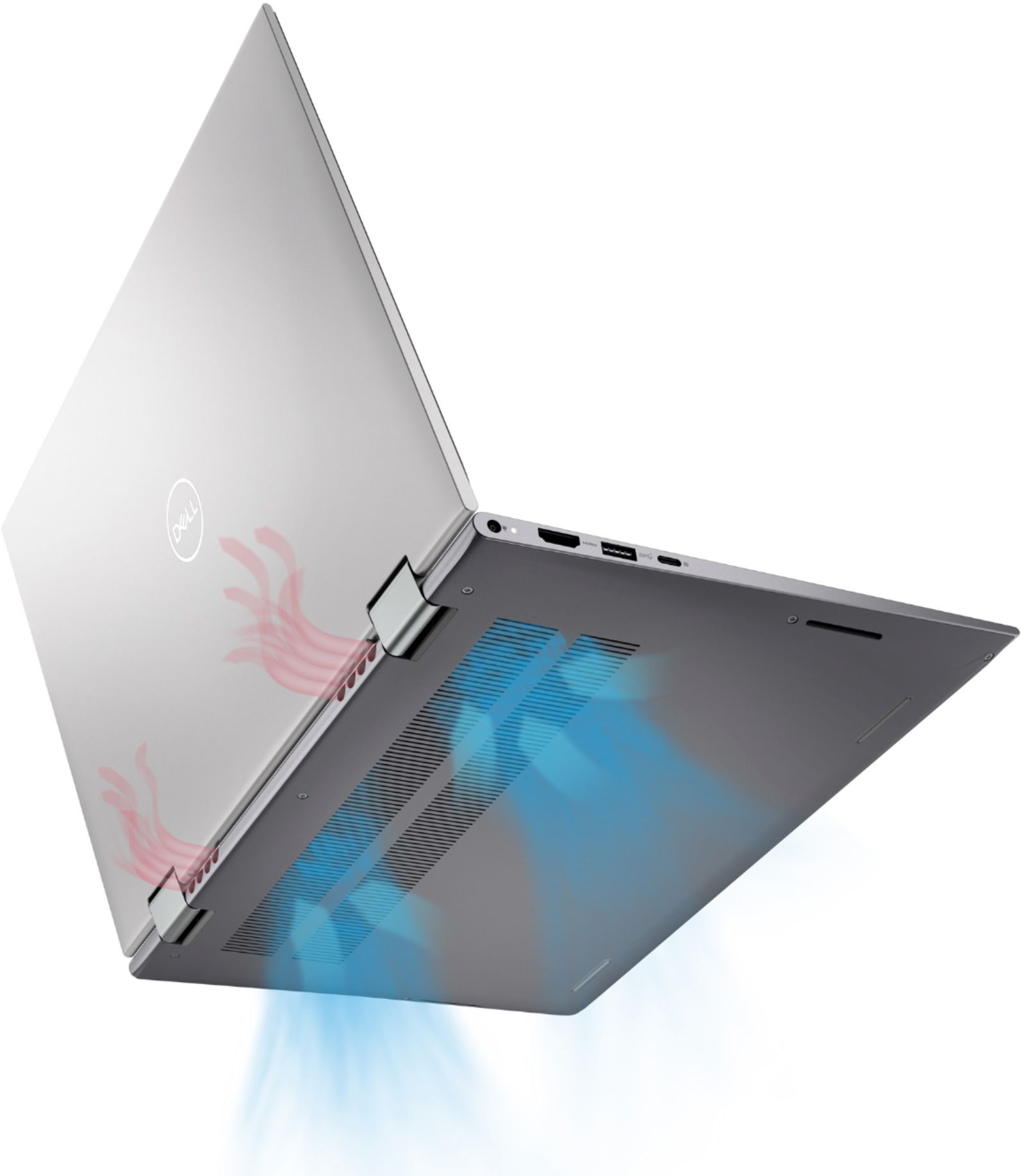
A:AnswerThe fans run appropriately based on what tasks you're doing on the computer when the system "load" increases.
The fans, even at full RPM are very quiet. If the room is completely silent, you'll hear them, of course, but it won't be annoying or distracting.
My fans run pretty regularly while I'm on video calls, etc and I've never had them interfere with anything I'm doing.
A:AnswerUpgrading the RAM is very quick and simple.
You remove the bottom panel, remove the old RAM and add the new.
I upgraded mine to 32GB and it took about 10 minutes.
Just make sure you look into how to ground yourself and/or discharge the static from you body before starting.
If you've never done any of this, you can search YouTube for the laptop model + "upgrade ram" and you'll find some quick videos showing you the steps.