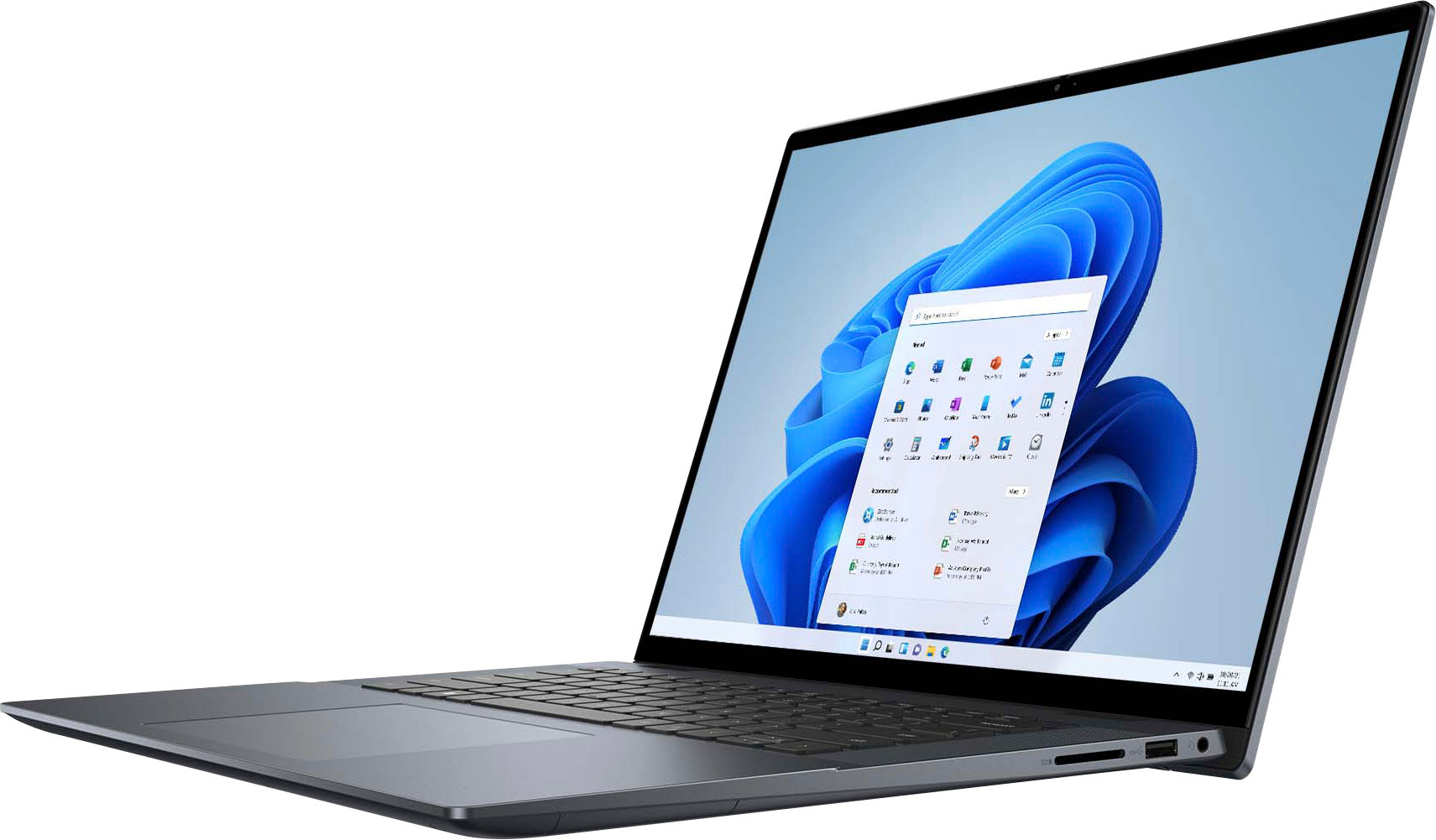
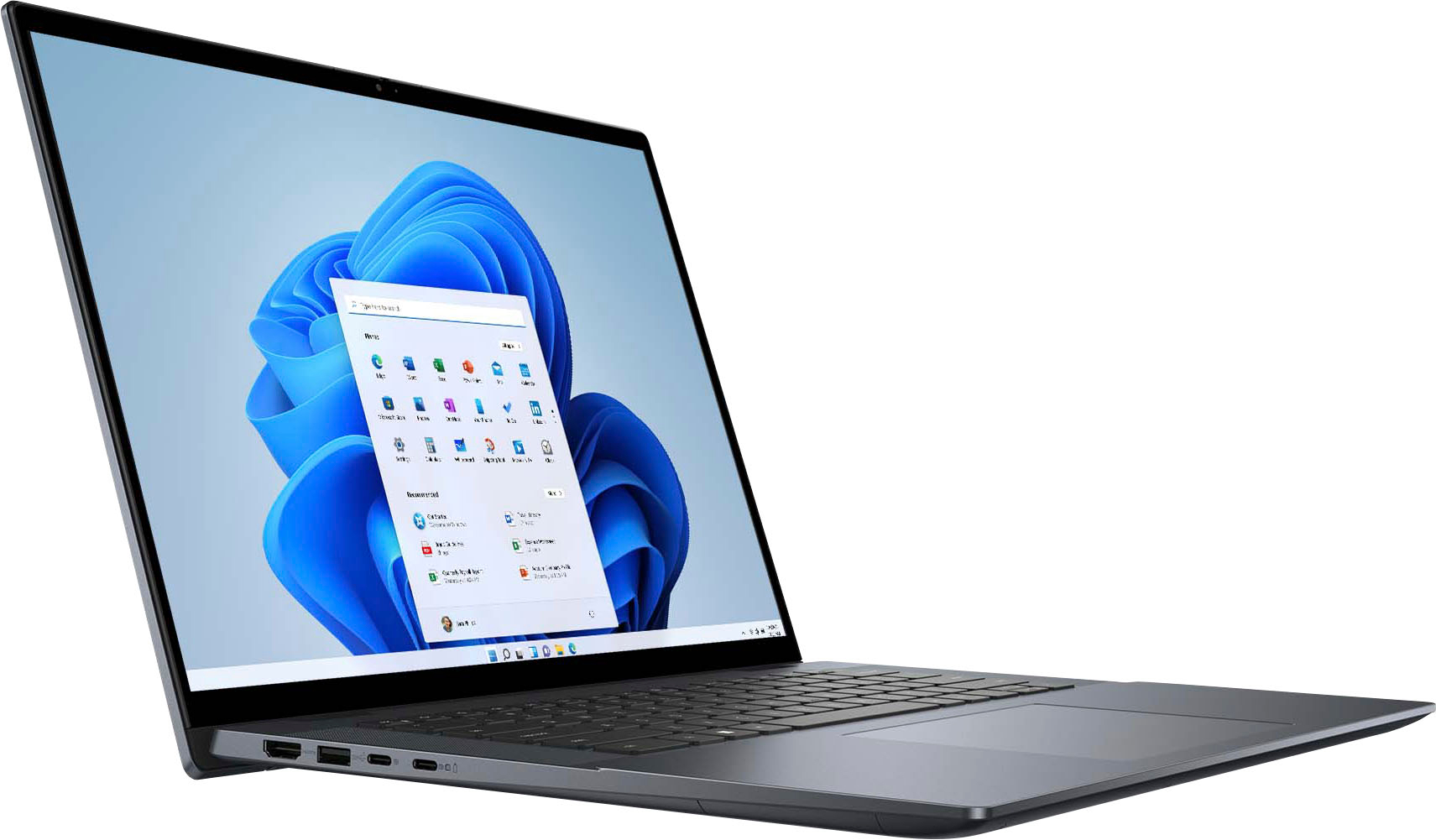
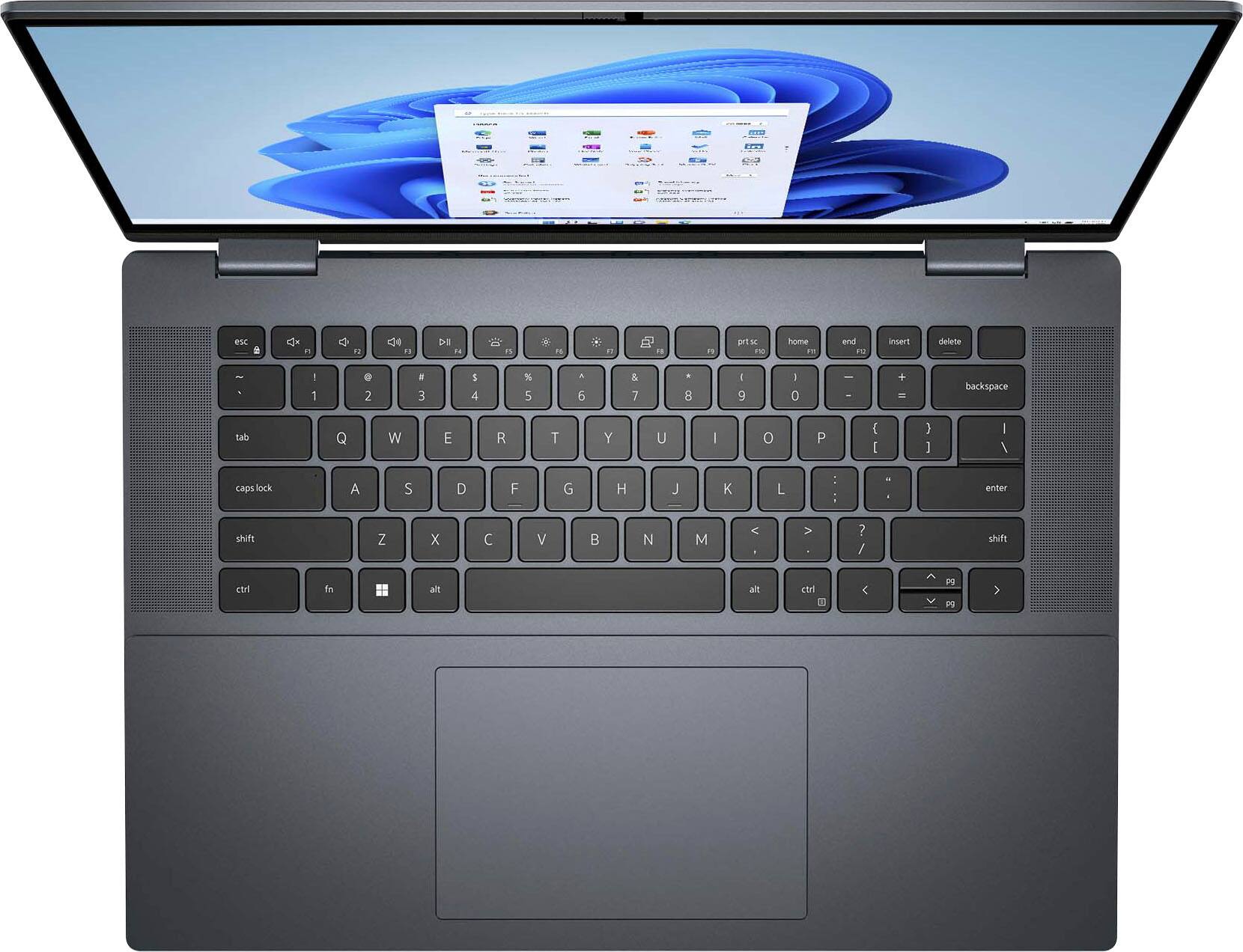
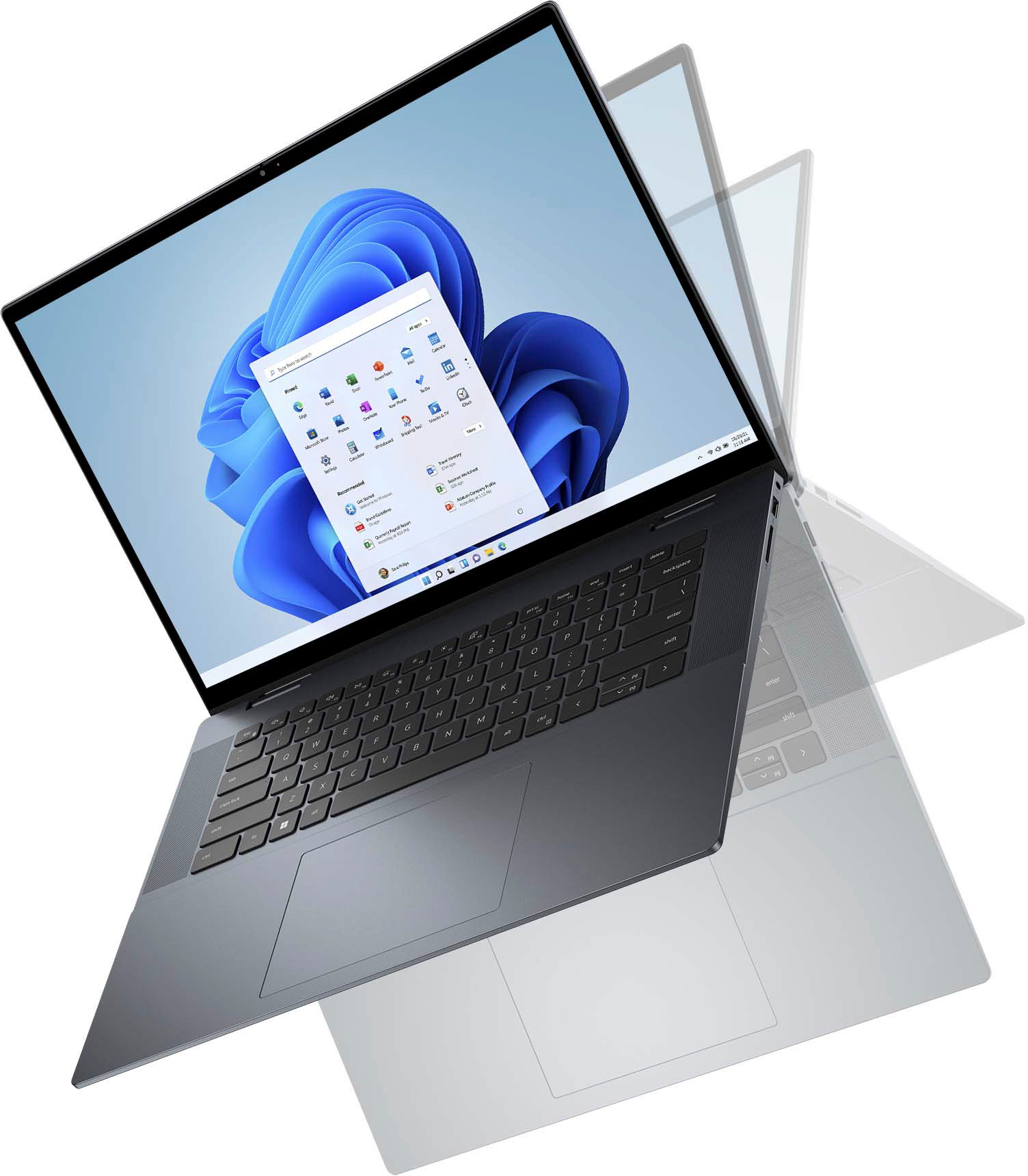
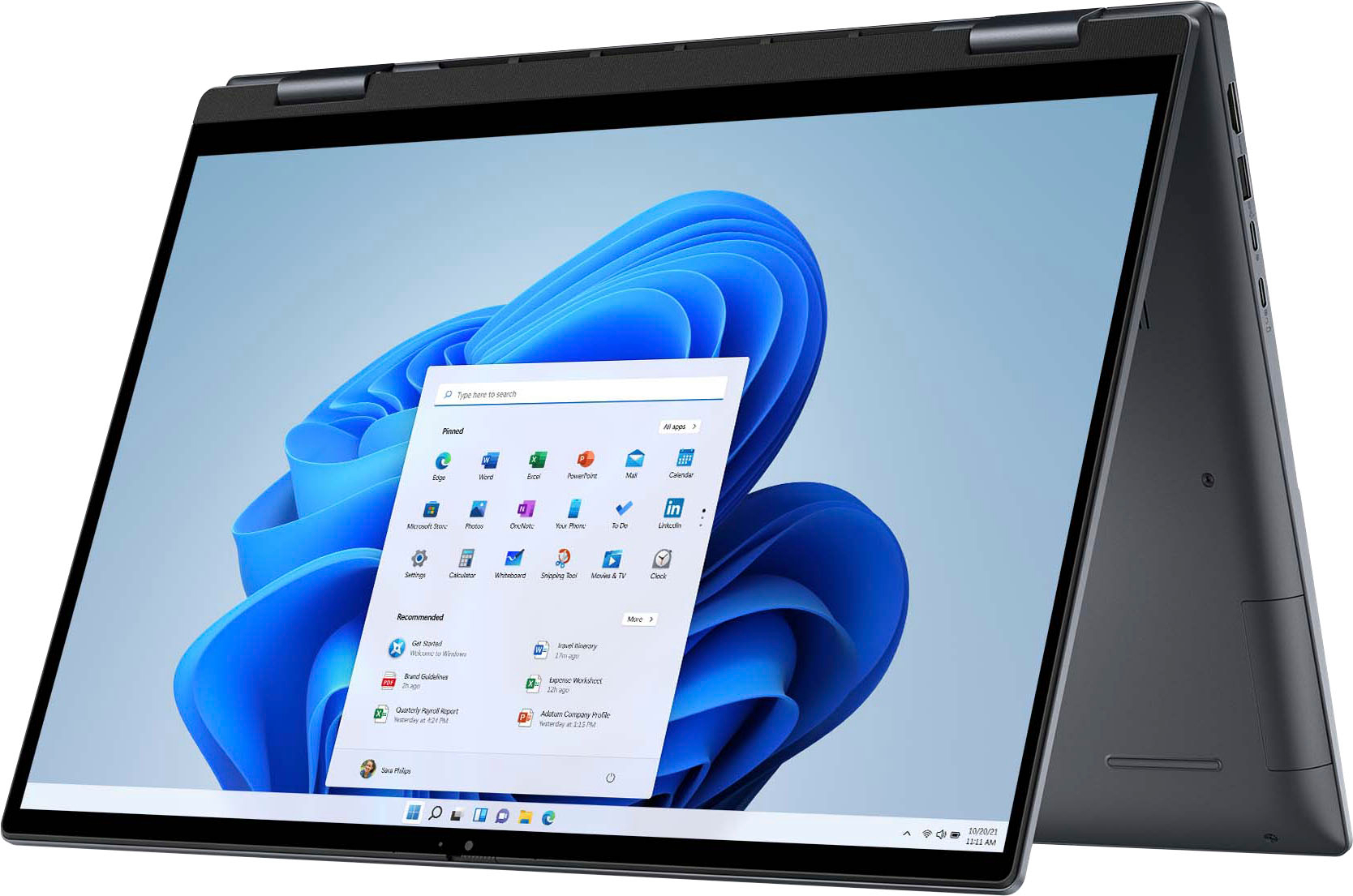
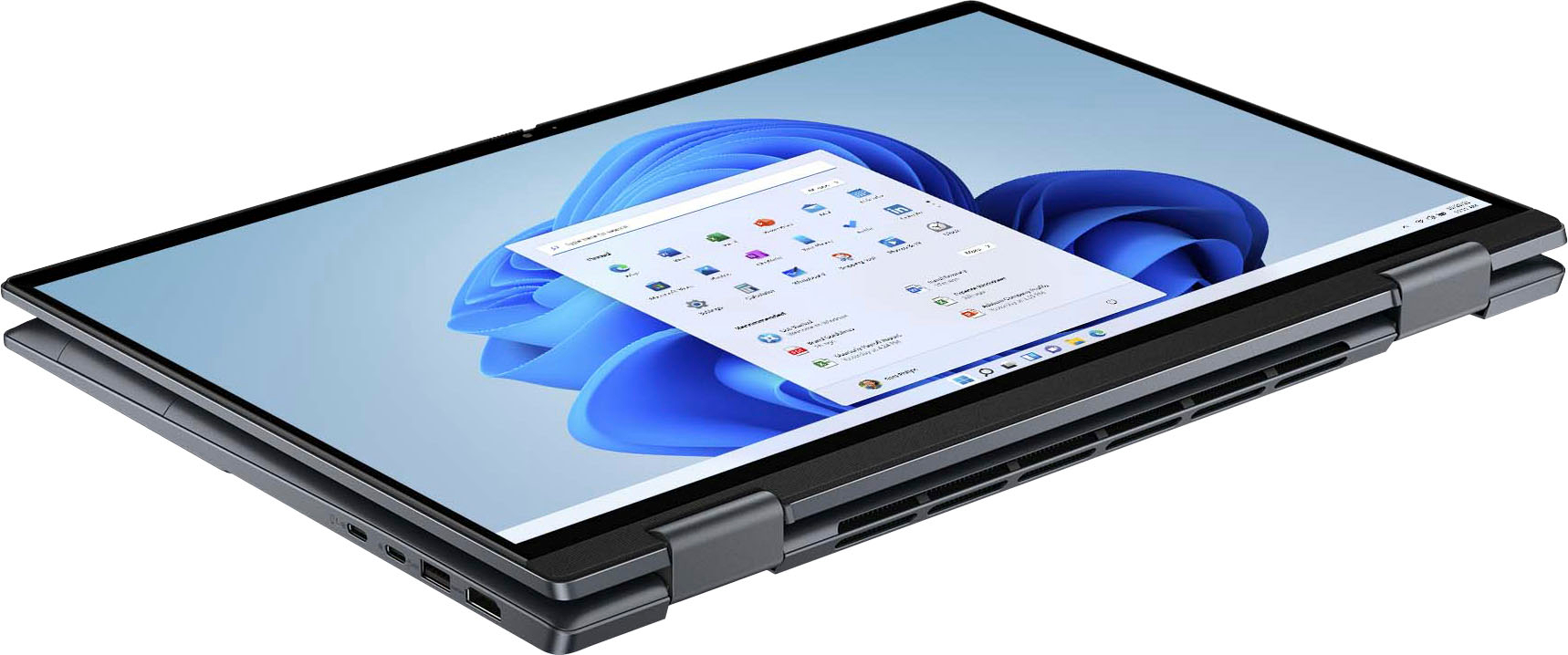
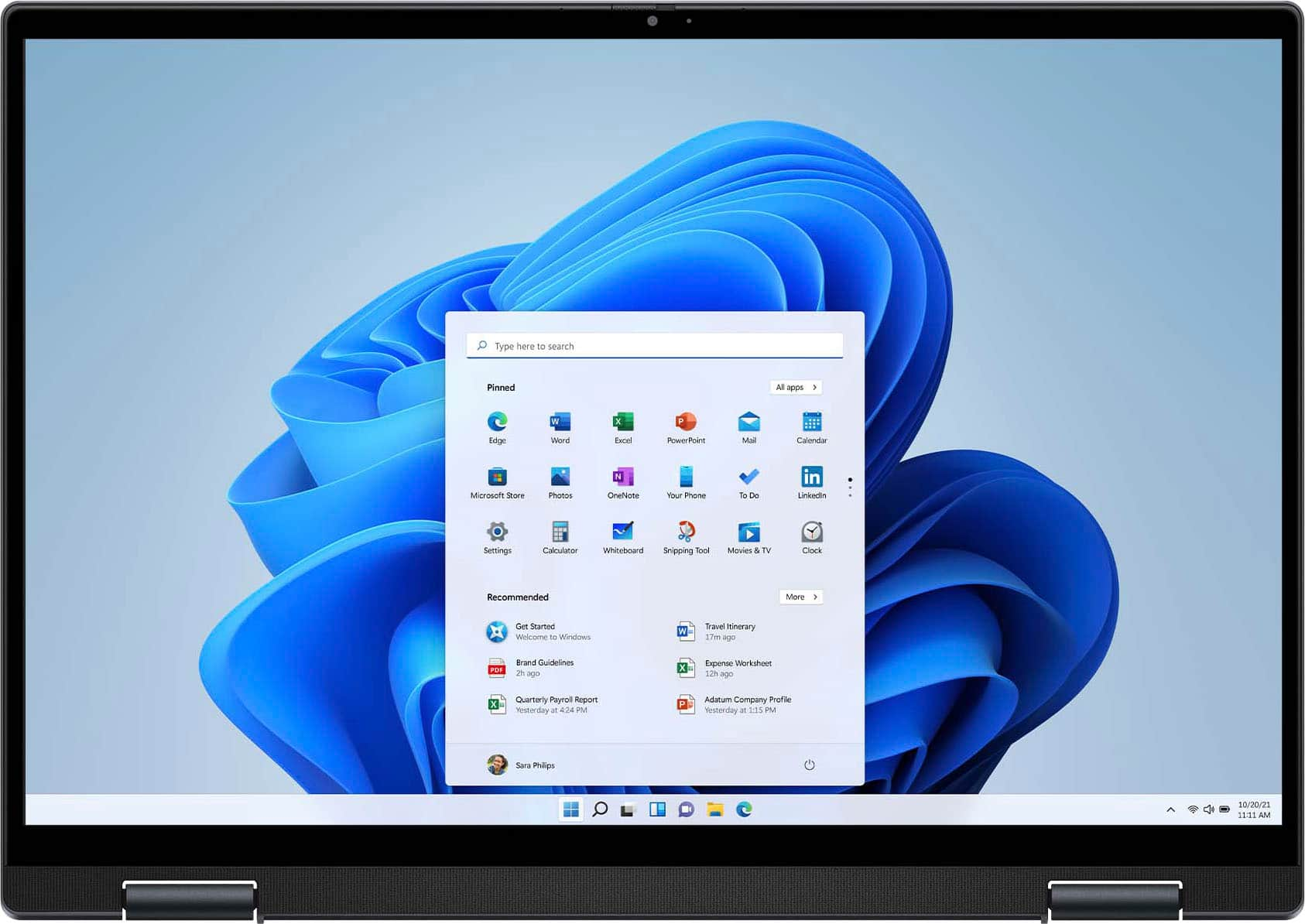
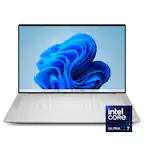
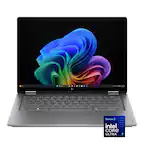
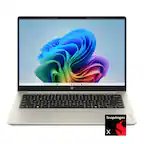
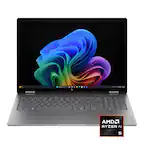
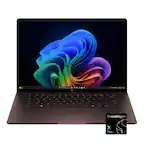
A:AnswerThis laptop is a 2-in-1 touchscreen laptop and can be used in both the laptop mode and the tablet mode. You can interact with the device using an attached touchpad and keyboard in laptop mode or use a finger or stylus to navigate the screen in tablet mode.
A:AnswerWe are sorry for the experience. We recommend contacting the Dell Technical Support team for technical assistance. They are available on Facebook and Twitter(@Dellcares).
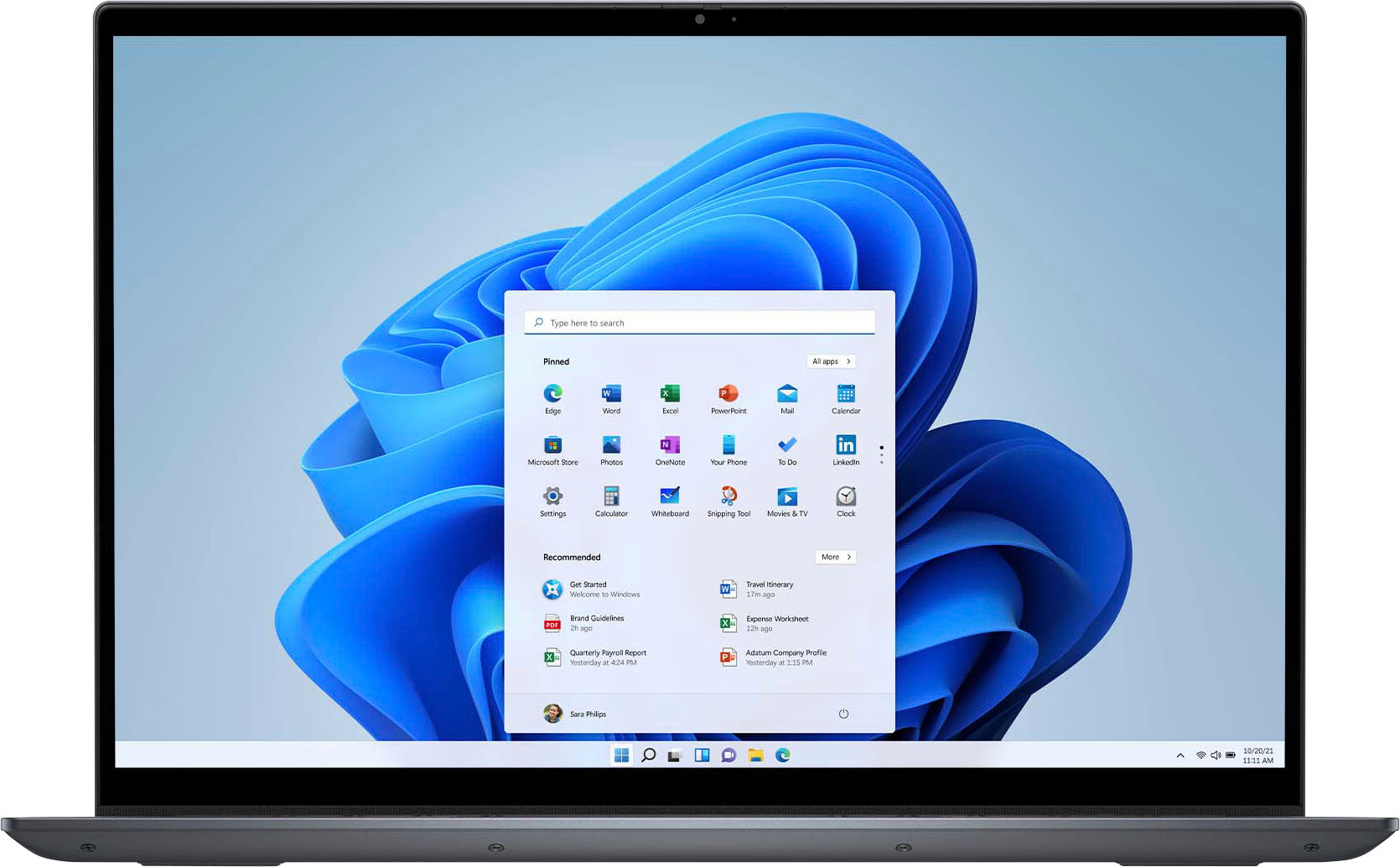
A:AnswerYes, the screen image size could be enlarged to a certain value. Please contact the Dell technial support team for assistance with this. https://rb.gy/xnen1
They are also available 24/7 on Faceboox and X(@Dellcares).
A:AnswerFor technical assistance on this laptop, we recommend contacting the Dell Technical Support team. They are available on Facebook and Twitter(@Dellcares).
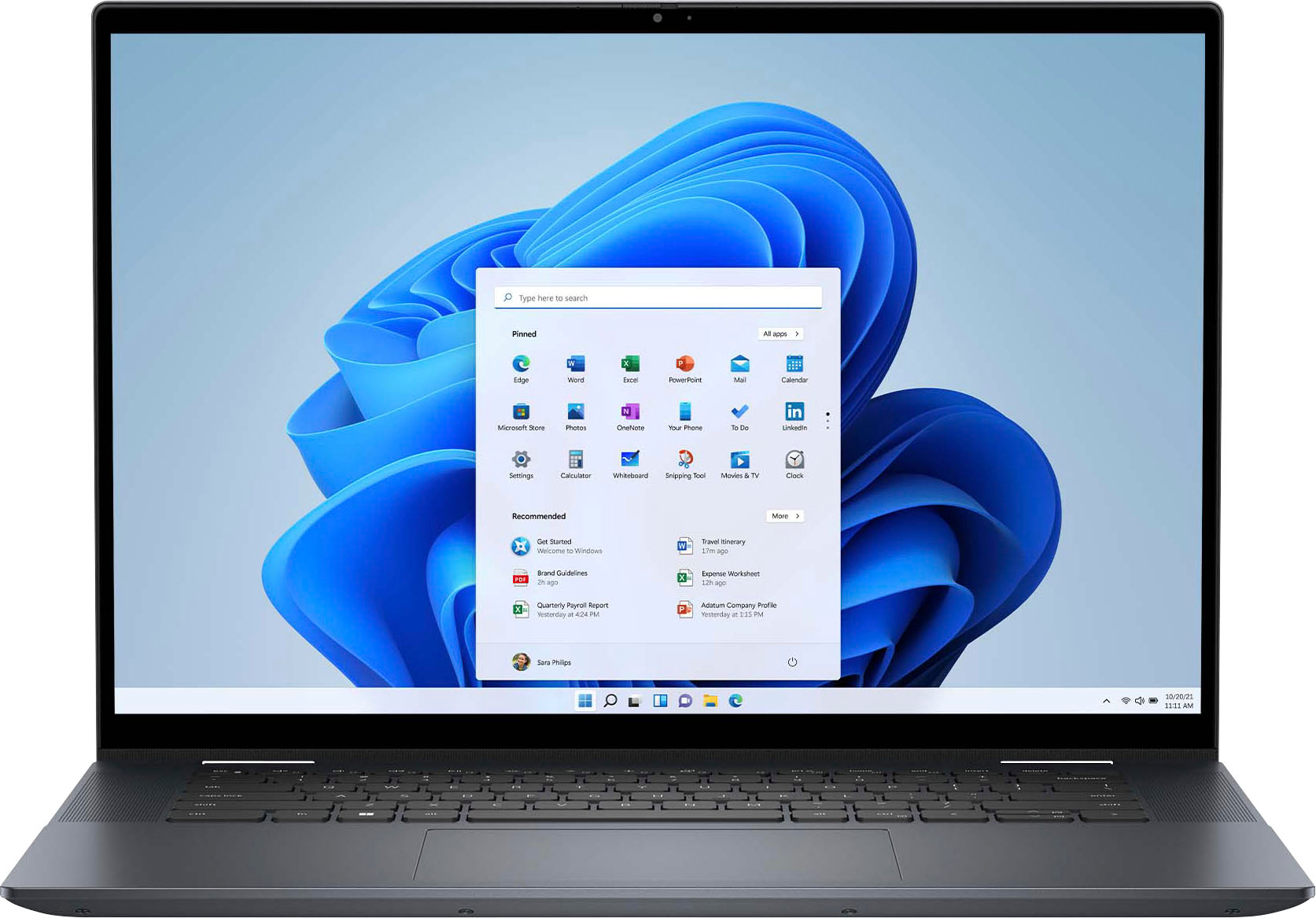
A:AnswerThis laptop supports the following operating systems: ● Windows 11 Pro, 64-bit ● Windows 11 Pro National Academic, 64-bit ● Windows 11 Home, 64-bit ● Windows 11 Home in S-mode, 32-bit. For technical assistance on this laptop, we recommend contacting the Dell Technical Support team after the purchase. They are available on Facebook and Twitter(@Dellcares).