A:AnswerWhen you attach the printer and attempt to install it via WIN10 it should find the printer and DL the appropriate drivers. If not, go to the Epson website and DL the drivers directly from them.
A:AnswerHad no issues setting up the computer and got it for parents to use. They just bought an external dvd player and hooked it up incase they wanted to burn anything to disk as a back up, playing audio cd's. And transferring all their files from their old computer to the new one (mostly pictures) was very simple via usb dongle. We had a 32gb usb dongle and loaded everything onto it and just copied it from that to the new harddrive in the computer. So its faster than what they had before and win 10 they have not had any issues with and they were used to windows XP :) so the touch screen is new for them but also not something they will probably use alot, they are used to a mouse.
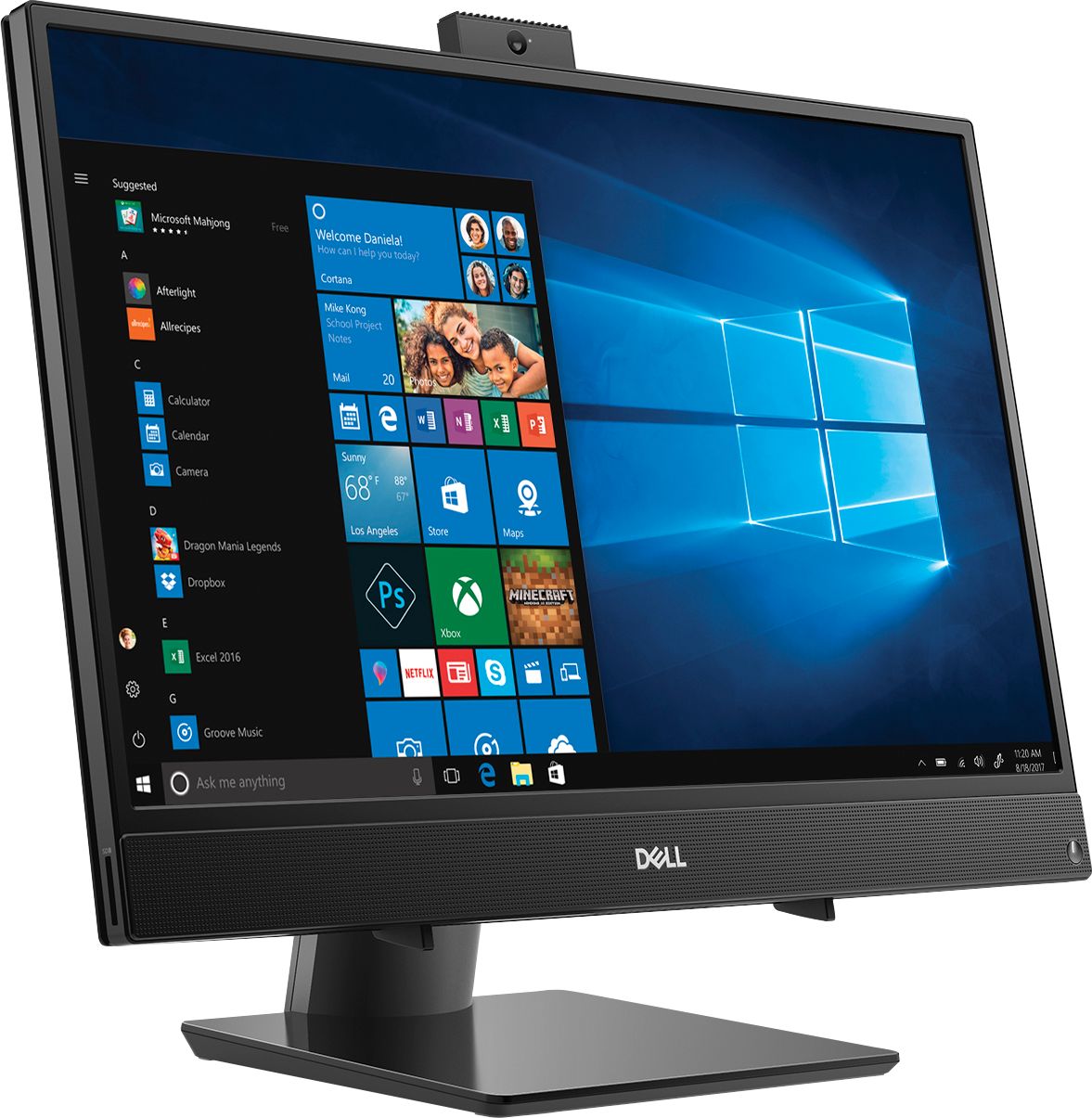
A:AnswerThis system comes with a retractable webcam. Press and release the camera bezel on top of the display to access the camera. Press down on the camera bezel until it is locked into the retracted position.