A:AnswerHello! This All-In-One debuted in Best Buy during November of 2019. It does have Bluetooth capability. The graphics are Intel UHD Graphics 620.
A:AnswerHello Charlotte! You should have no issues. If the printer does not have wireless capabilities, you will need to purchase the needed cable (usually either USB or HDMI) to connect it to this All-In One. Additionally, you will need to download your printer's software onto this All-In-One once you get it home. If you need any support getting set up, you can reach out to the Geek Squad directly: https://www.bestbuy.com/services/remotesupport
A:AnswerHello Alex! This has an Intel 10th Generation Core i7 processor. There are advantages to purchasing a device with a dedicated graphics card if you are going to be doing a lot of video and photo editing. But you can use this all-in-one for Photo Shop.
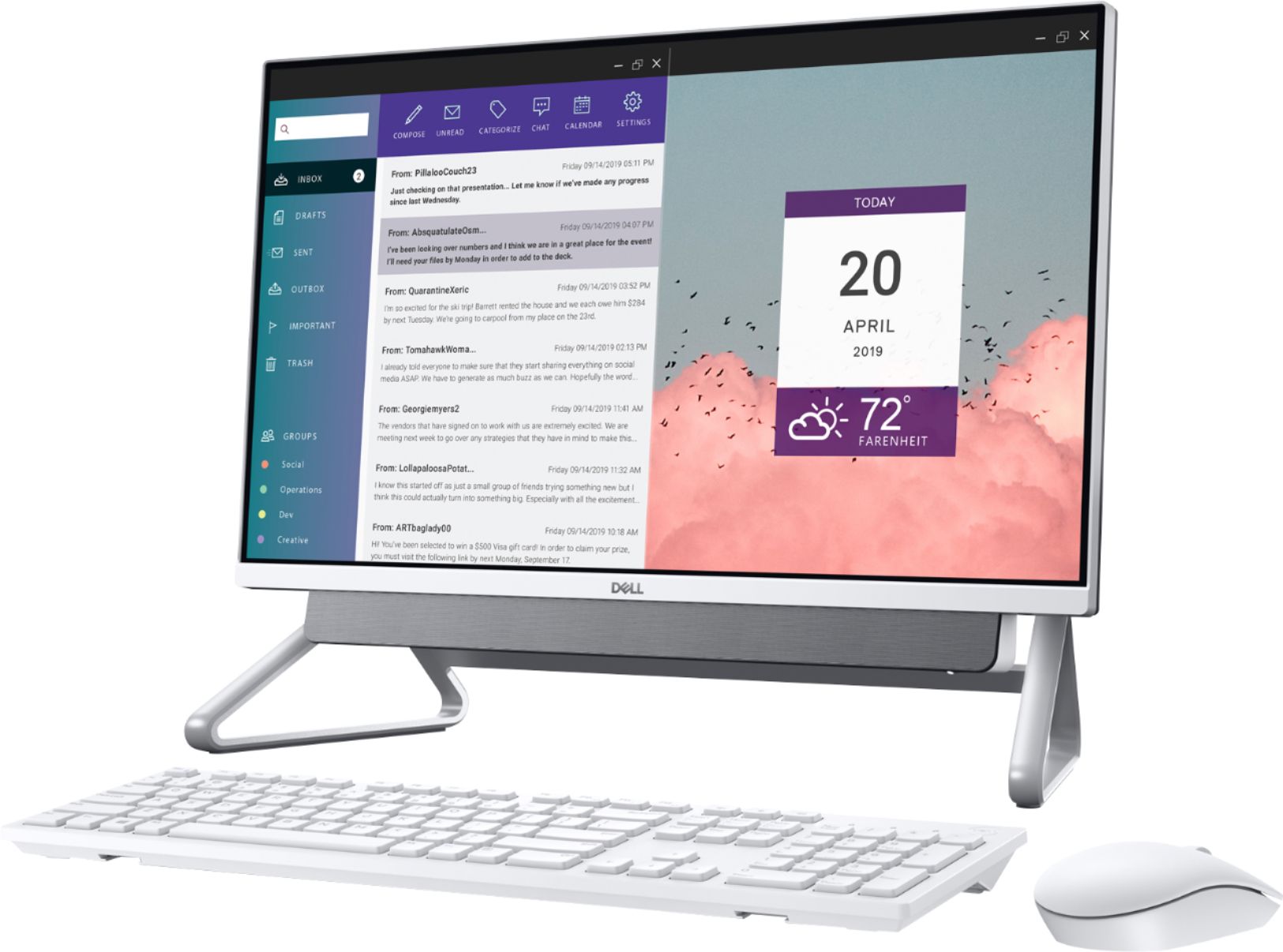
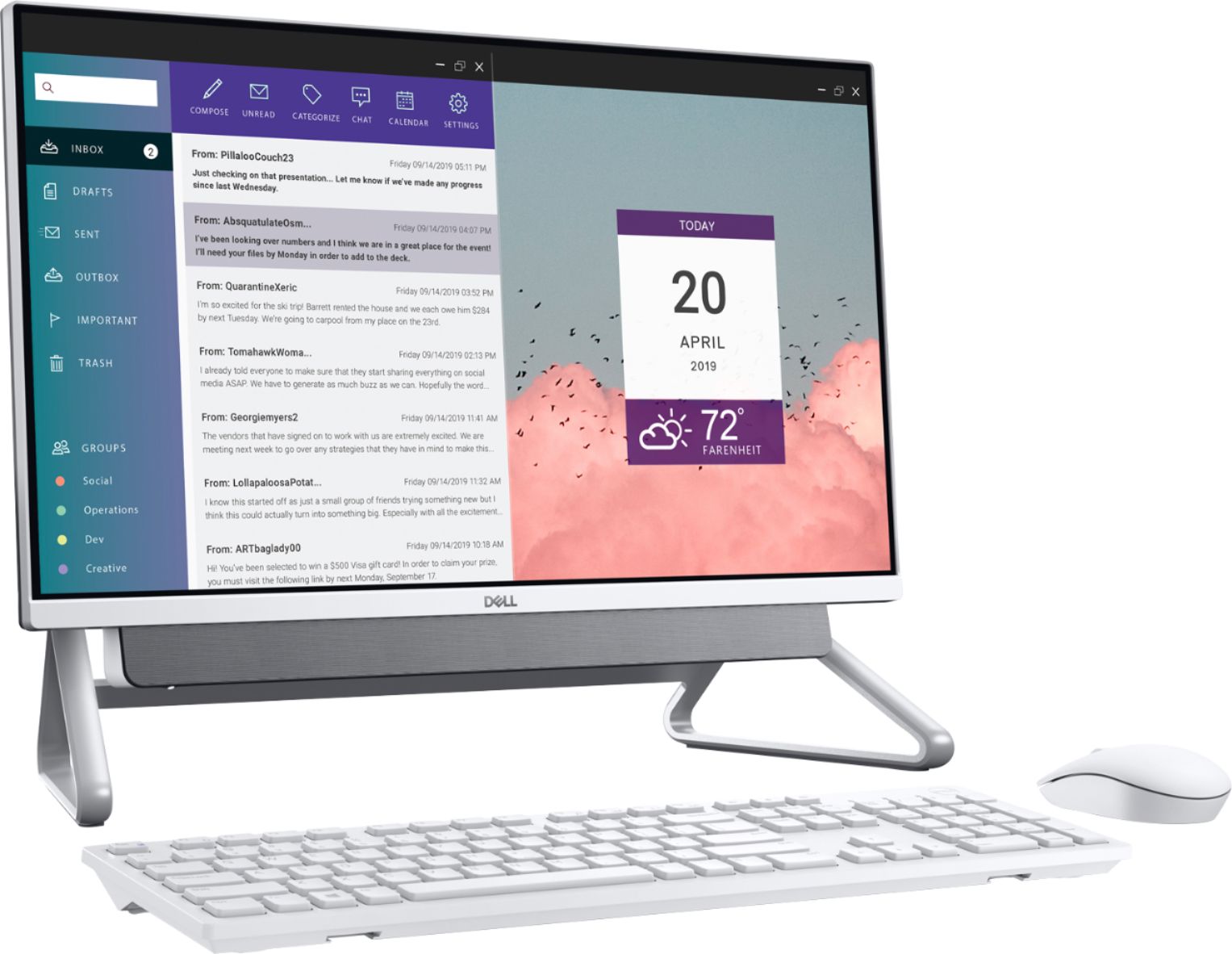
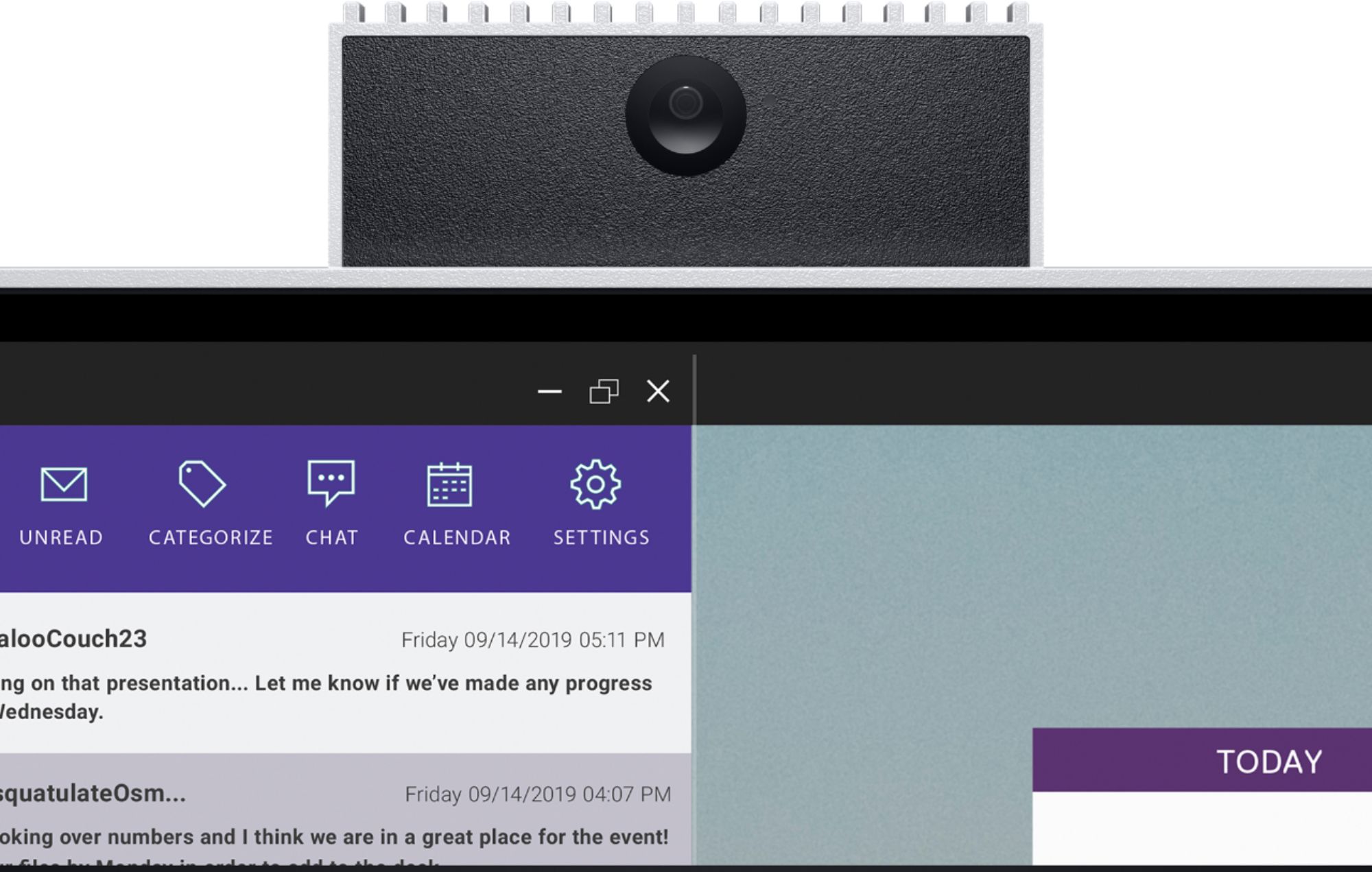
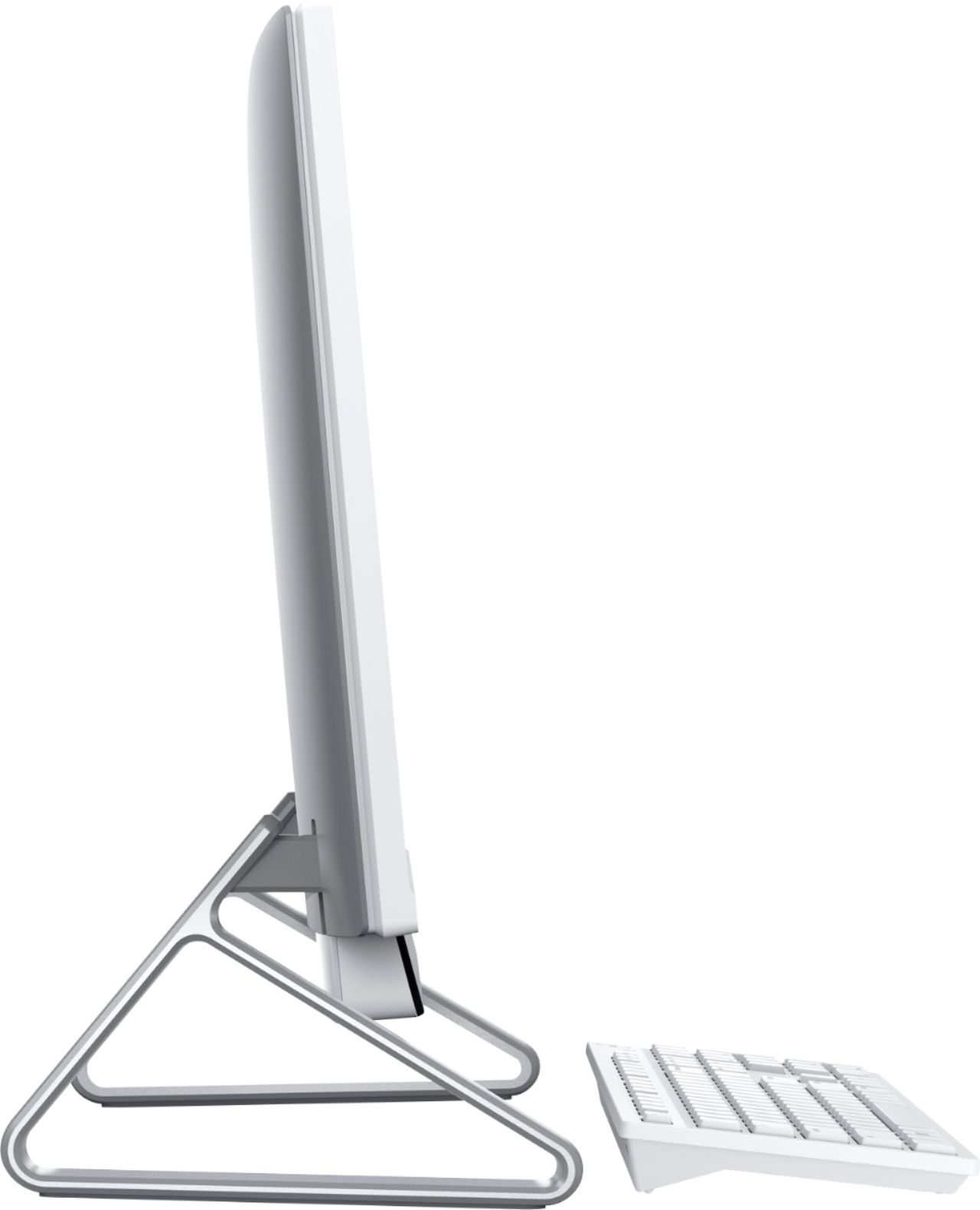
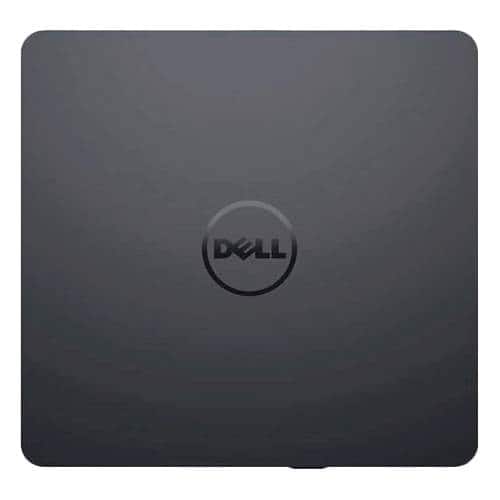
A:AnswerNo, it does not require a monitor like a traditional desktop would. This is an All-In-One desktop which includes a wireless mouse, wireless keyboard, microphone and speaker bar mounted below the monitor, and a pop-up webcam mounted on the top of the monitor. All hardware (SSD hard drive, memory, etc.) is mounted within the chasis behind the monitor. The only thing it does not come with, which you may have a need for, is an optical drive (CD/DVD drive). I purchased the external USB optical drive shown below and I am very happy with it.
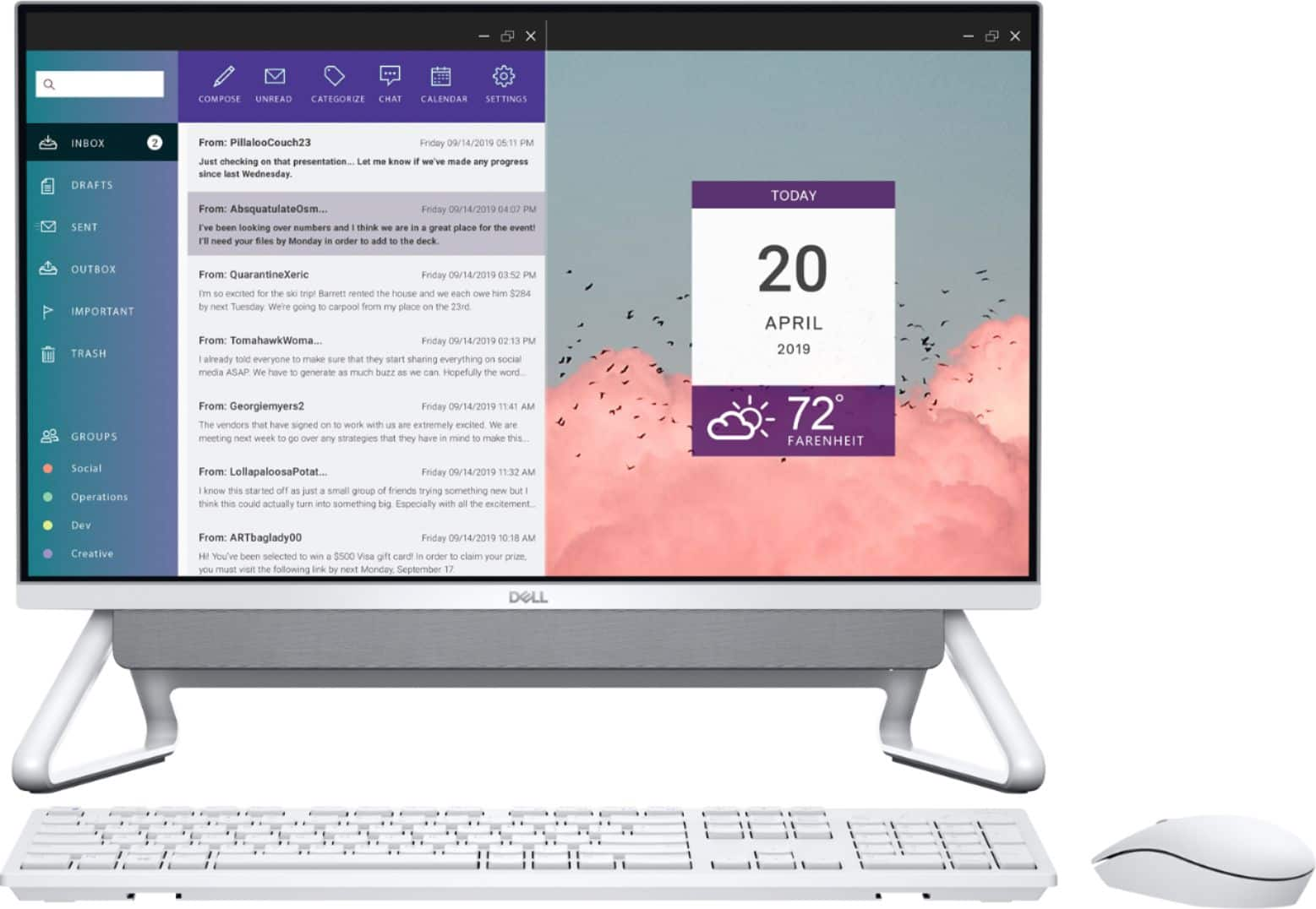
A:AnswerYes, this AIO desktop still comes with Windows Media Player pre-installed. From the app menu, go to the "Windows Accessories" folder to access Windows Media Player. However, the default video player is Microsoft's "Movies & TV" app, and the default music player is Microsoft's "Groove Music" app. But you can change both the music and video defaults to Windows Media Player. To change default apps, go to "Settings>Apps>Default Apps".
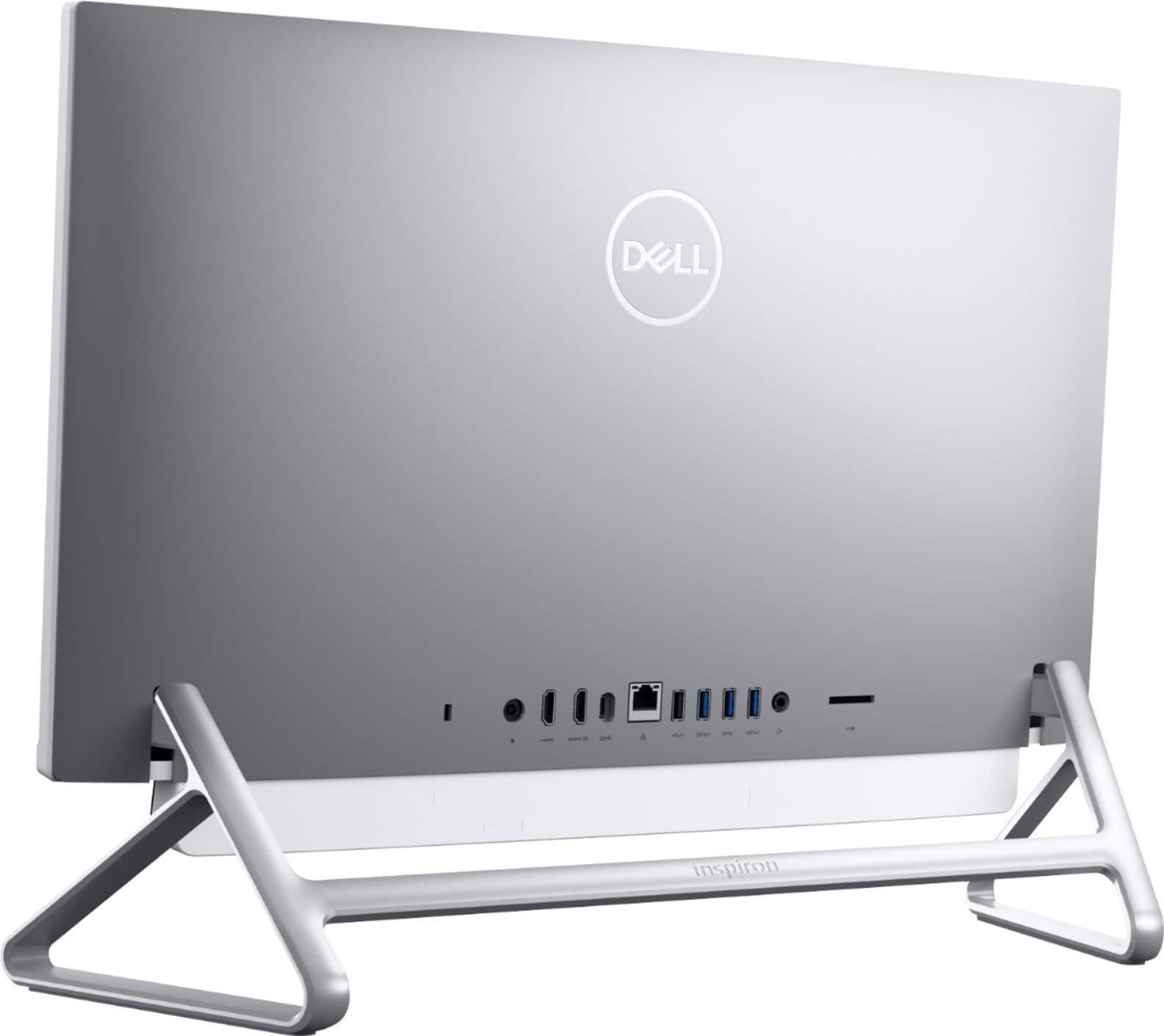
A:AnswerI can not confirm that the SD card slot is on the back of the monitor. But I am 100% positive the SD card slot is on the rear of the display..... Sorry, I'll show myself out.
A:AnswerYes, port #6 on the back of the computer is an RJ-45 Ethernet 10/100/1000 port. You can either use this port to connect to the internet, or you can connect wirelessly using Wi-Fi.
A:AnswerYes. It has a built-in 1/2 TB solid-state drive. Additionally, there is a space to add a SATA drive if you want (mechanical or solid state).
If you are asking about removable media (floppy, CD, DVD, etc.), then no. You can add things through USB or the full-sized SD card slot.