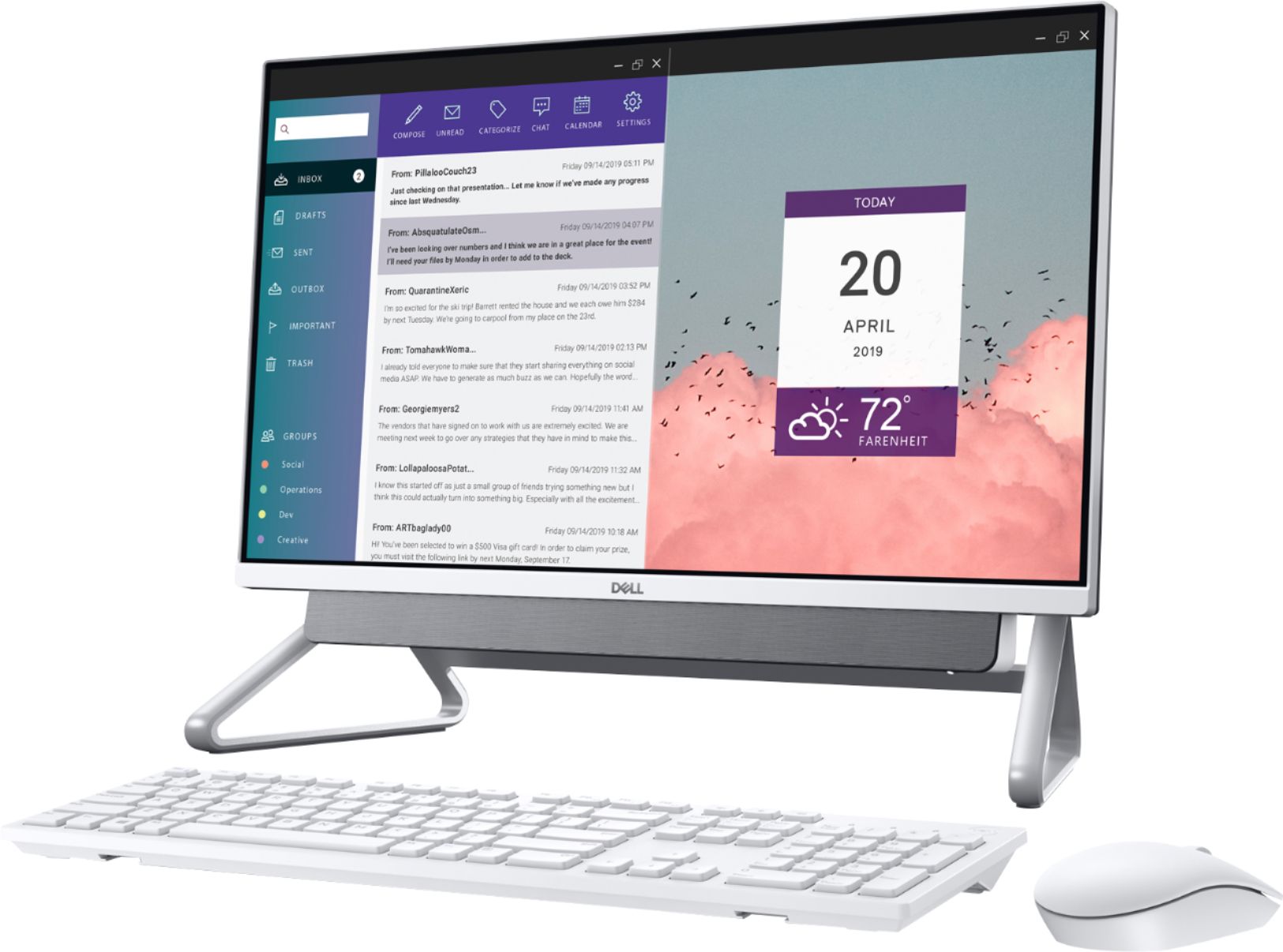
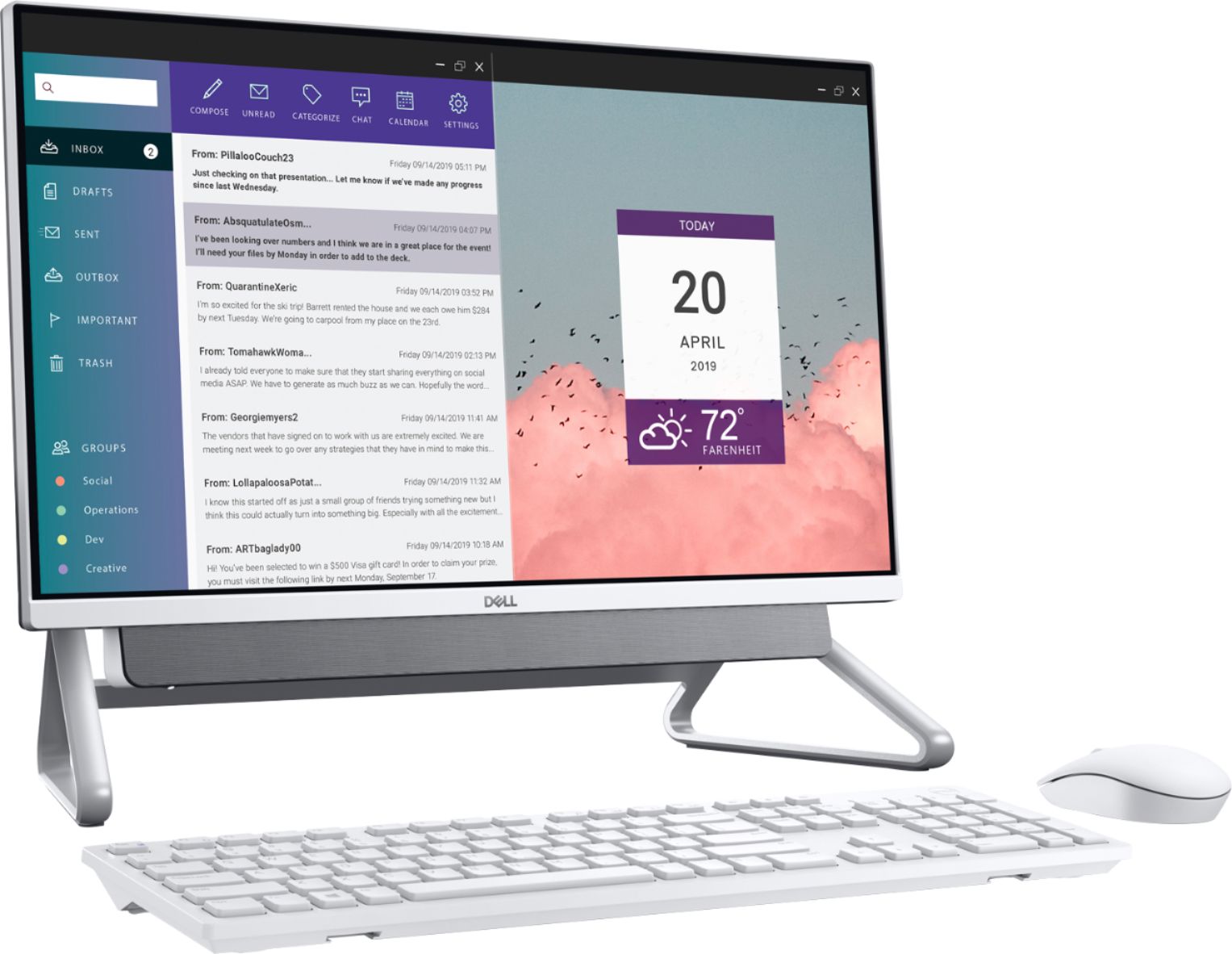
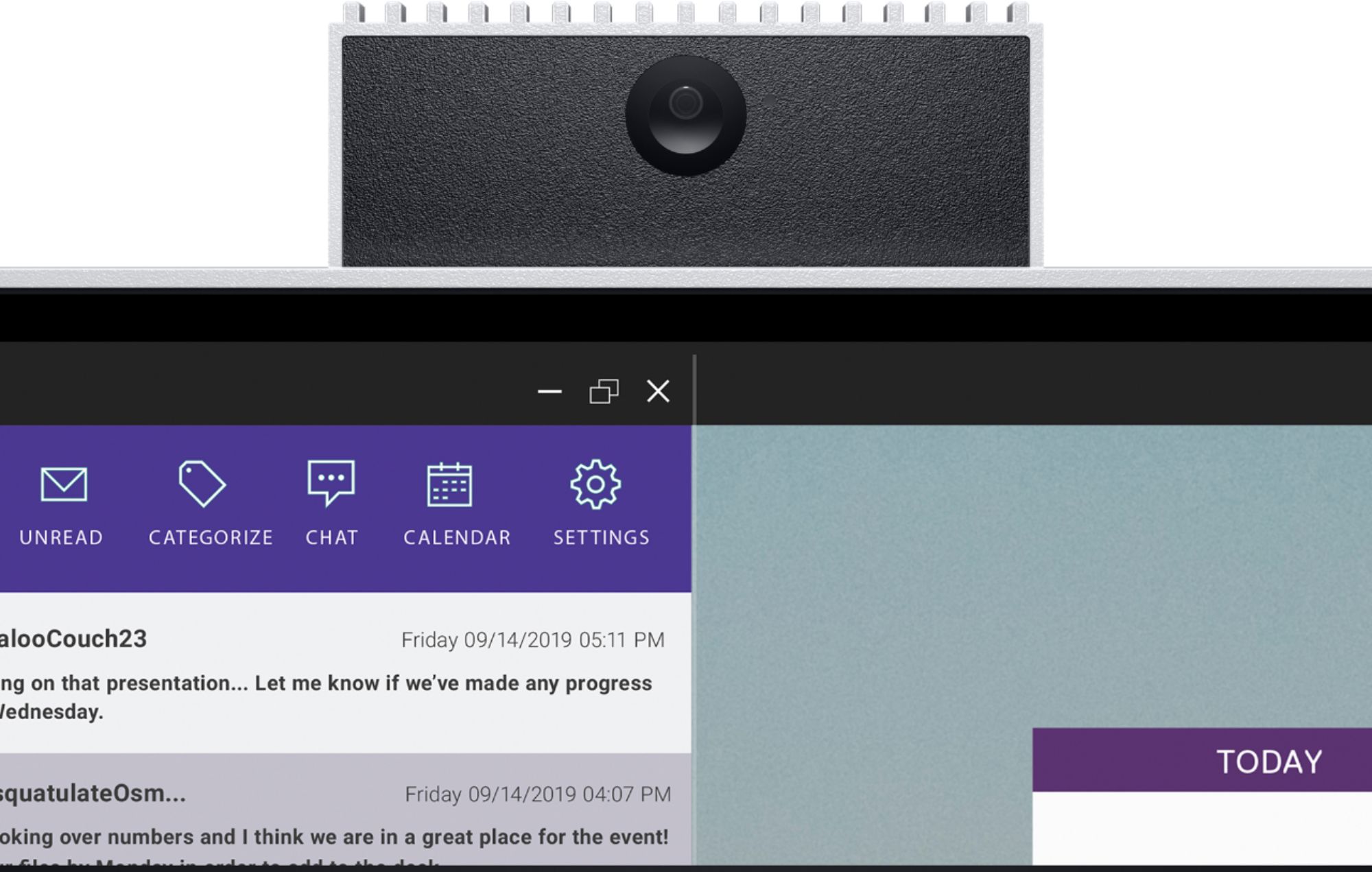
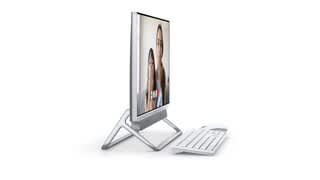
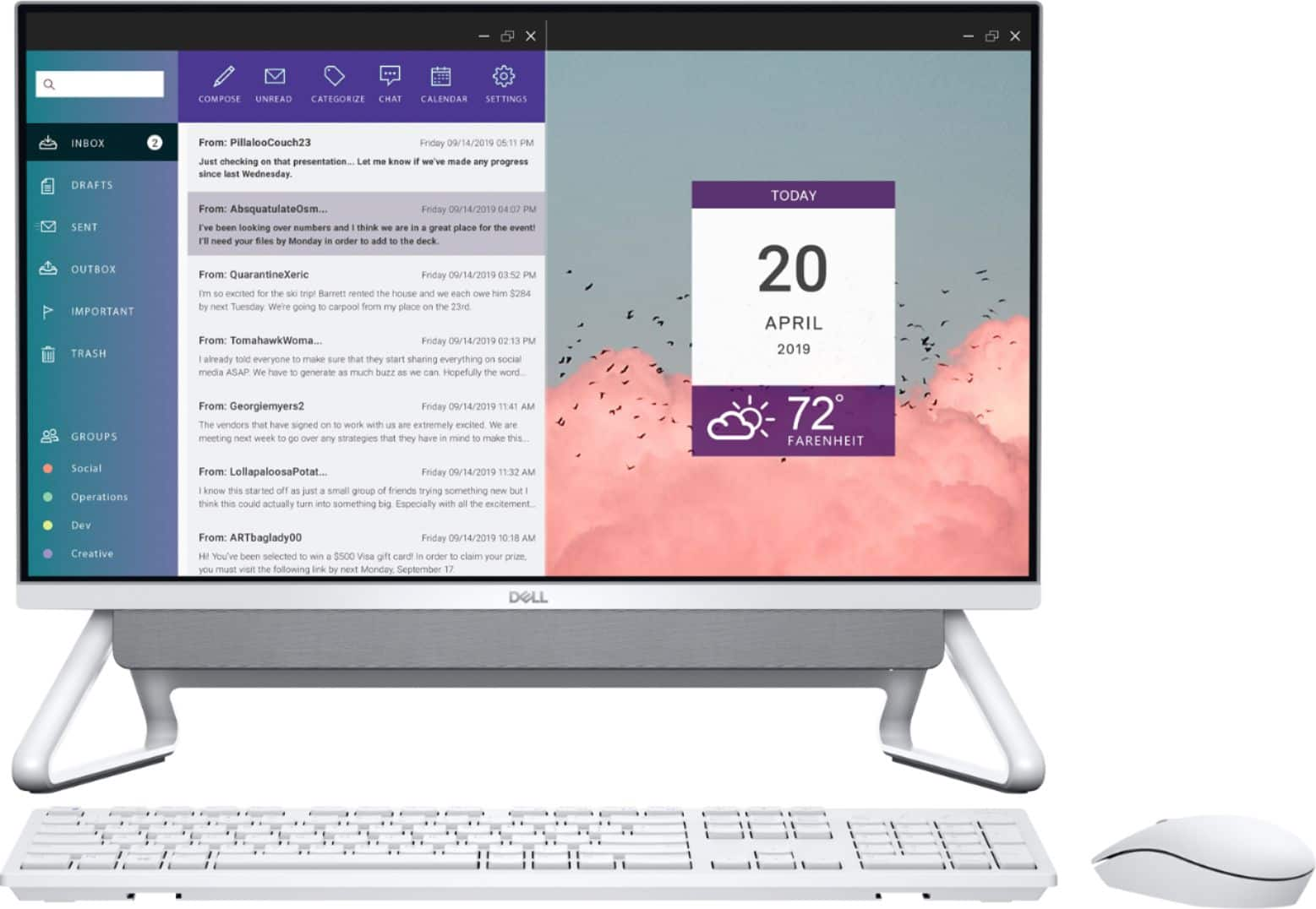
A:AnswerYes, this computer does utilize "Windows Hello" facial recognition and PIN entry. As there is no fingerprint scanner on this desktop, it is not capable of "Windows Hello" fingerprint recognition. If I remember correctly, you will set up facial recognition during initial set-up of the computer. If you chose to set it up later or want to disable this feature, go to "Settings>Accounts>Sign-in Options". To use any "Windows Hello" feature, you must first set up a log-on password.
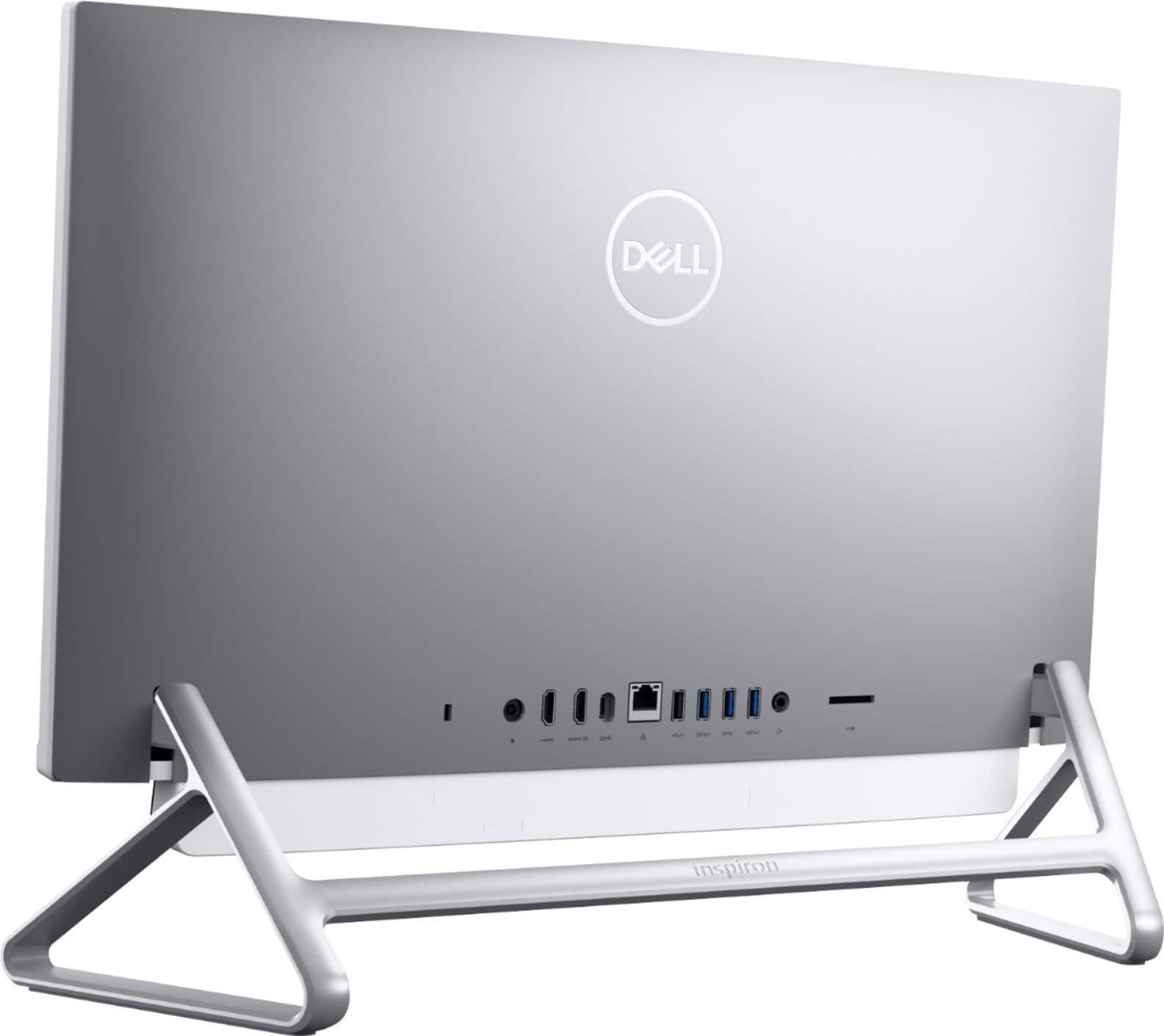
A:AnswerI don't have any experience with multiple-monitor set-ups, but I can tell you the back of this computer has both an HDMI output and an HDMI input.
The following is copied from the owner's manual (the #3 & #4 only refer to the diagram labels and not the quantity of said ports);
3. HDMI port
Connect to a TV or another HDMI-in enabled device. Provides video and audio output.
4. HDMI-in port
Connect a gaming console, Blu-ray player, or other HDMI-out enabled devices.
A:AnswerIt will work but you have to take into consideration what program you're using and if that program uses your CPU or Video Card for rendering etc. It will work, but it wont be as fast when rendering and editing.
A:AnswerA dedicated GPU is not shown as available. They do not list RAM sharing usage amounts but with 16GB available it should be minimal. A dedicated GPU would not enhance or improve video watching.
A:AnswerHello Dale! This does not have a build in optical drive. But we do have a very affordable option for an external drive here: https://www.bestbuy.com/site/dell-8x-external-usb-dvdrw-cd-rw-drive-black/4697703.p?skuId=4697703