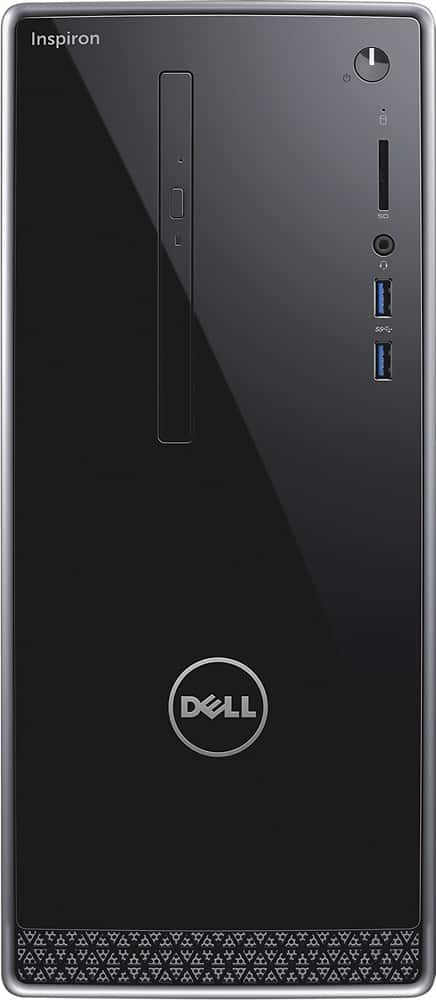
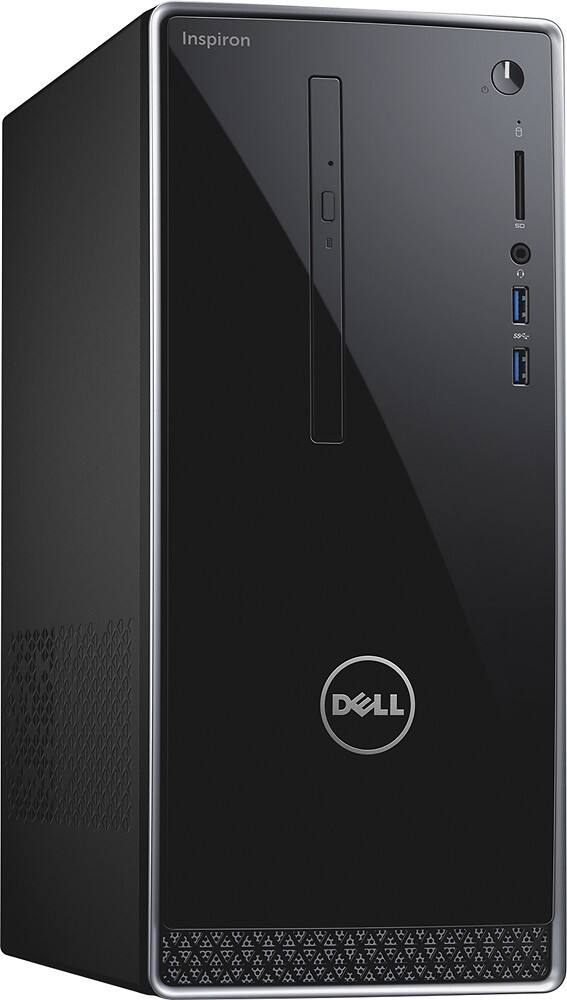
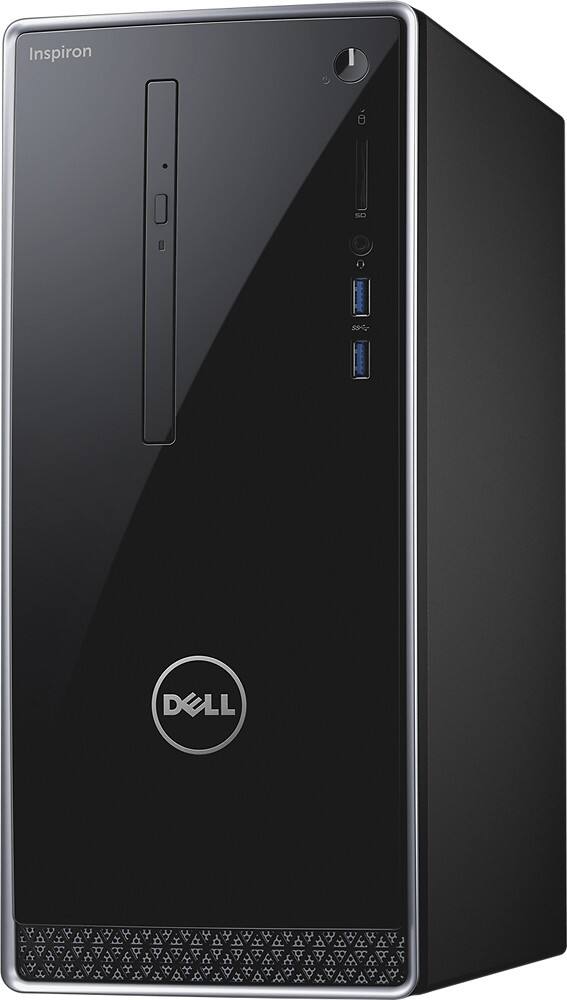
A:AnswerThis computer has a VGA port (the standard for computer monitors for decades and found on some HDTVs) and an HDMI port (found on HDTVs and newer monitors). So any type of monitor, and most HD TVs, should work.
A:AnswerHello,
Windows 10 Operating System comes with it. If you want office, you would need to get office 365 yearly subscription, or full product of office 2016.
A:AnswerIf you have to ask this question, you either:
A) Get a friend to help or
B) Hire a local tech to do it for you.
The manner in which a new computer is set up and adjusted can make a world of difference in how well the computer performs.
One of the most common mistakes is leaving the settings as they are when leaving the factory, which results in needless programs running in the background using up valuable resources.
PJP/compter tech
A:Answer3.7 Ghz. The specs here, Intel's website, and my Windows 10's system information screen all agree.
Intel's specifics on the processor: http://ark.intel.com/products/90729/Intel-Core-i3-6100-Processor-3M-Cache-3_70-GHz
A:AnswerYes. One can connect to the VGA port, and one to the HDMI port. I just tried it with my monitor and HDTV and it worked right away, two separate screens.
A:AnswerFiles are pretty simple to transfer ..
Stick a thumb drive in the older computers USB slot and load the files onto the thumb drive ..
Then stick the thumb into your new computer and download them to your new computers desktop ..
Programs are a little different ..
You will need to reinstall the programs ..
You also need to make sure the programs are compatible with the new computers Operating System ..
Most of the time an earlier version of a program is compatible with a current OS, but not always ..
Some programs also have limits on how many times they can be installed ..
A:AnswerWhile there are 2.5 inch bays in the case for additional hard drives, Dell does not provide any means to power them. The power supply on this system is proprietary and runs directly to the motherboard. On the motherboard there are two ports for power the drives with cabling provided for only one port. I attempted to purchase another cable for the second port from Dell Parts and was told they don't carry them. This is a basic component that Dell doesn't carry ... amazing. I had purchased two of these computers and on learning that parts are not available I returned both.
A:AnswerYou have to purchase a floppy disk drive which connects to a USB port. That's what I use. They are independent drives that have a usb cable connection attached
A:AnswerWhat data? Files from your documents, pictures, downloads. etc folders or data on the external drive itself? Either way the easiest and fastest way is to plug it into your new computer.