A:Answer3 things you can do to improve system performance
RAM - generally more is preferable to faster
STORAGE- move to SSD ( the pc has 1 TB SATA HDD)
CPU - upgrade
If you are a heavy user (gamer / photo editor etc) then the DELL - DT - SEAL - I3 - W11 is probably not your best starting point.
A:AnswerFYI, I did install a VERY old Office 2000 onto this computer and it works fine. I'm using Windows 10 but would assume it would also work on Windows 11. I use Compatibility mode XP with Service Pack 3.
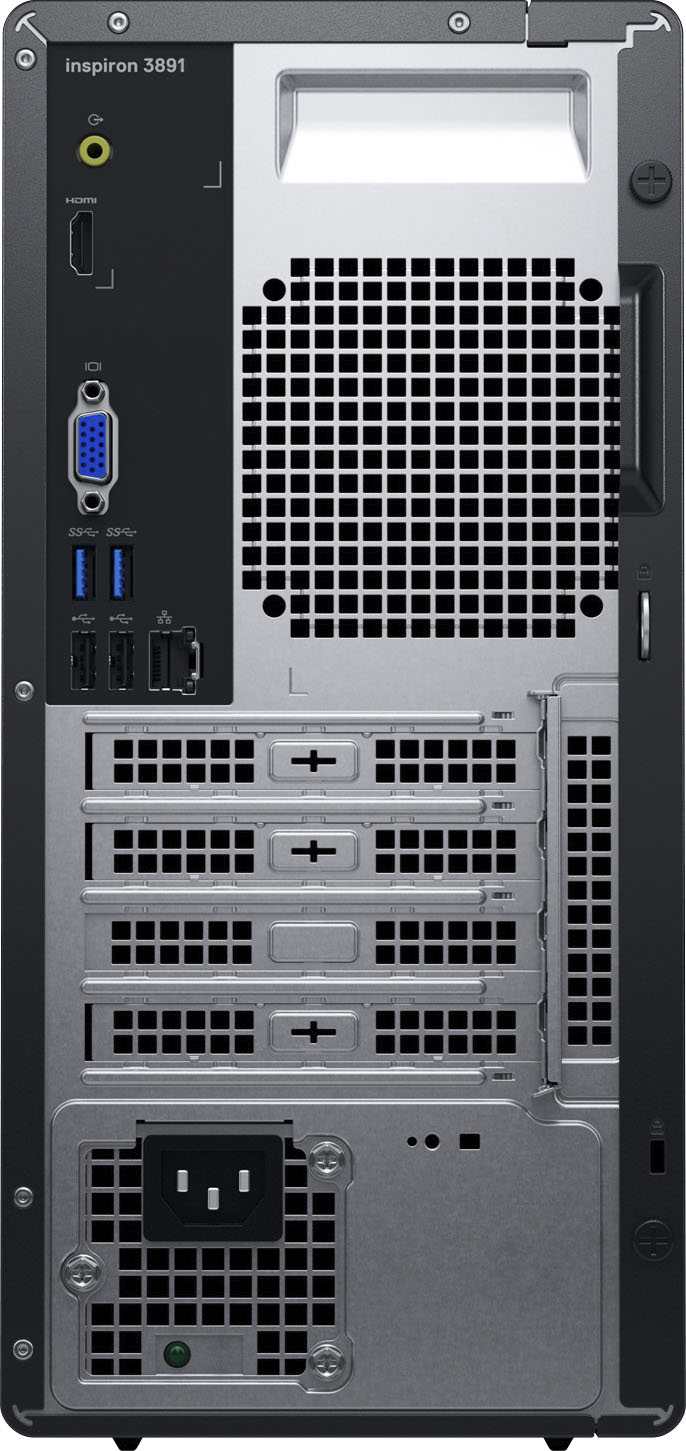
A:AnswerThis desktop has one slot to accommodate a M.2 2230, PCIe Gen 3 NVMe, solid-state drive. If the one you have matches this configuration, it could be used. Please reach out to the Dell technical support team for assistance in this issue. They are available 24/7 on Facebook and Twitter(@Dellcares).
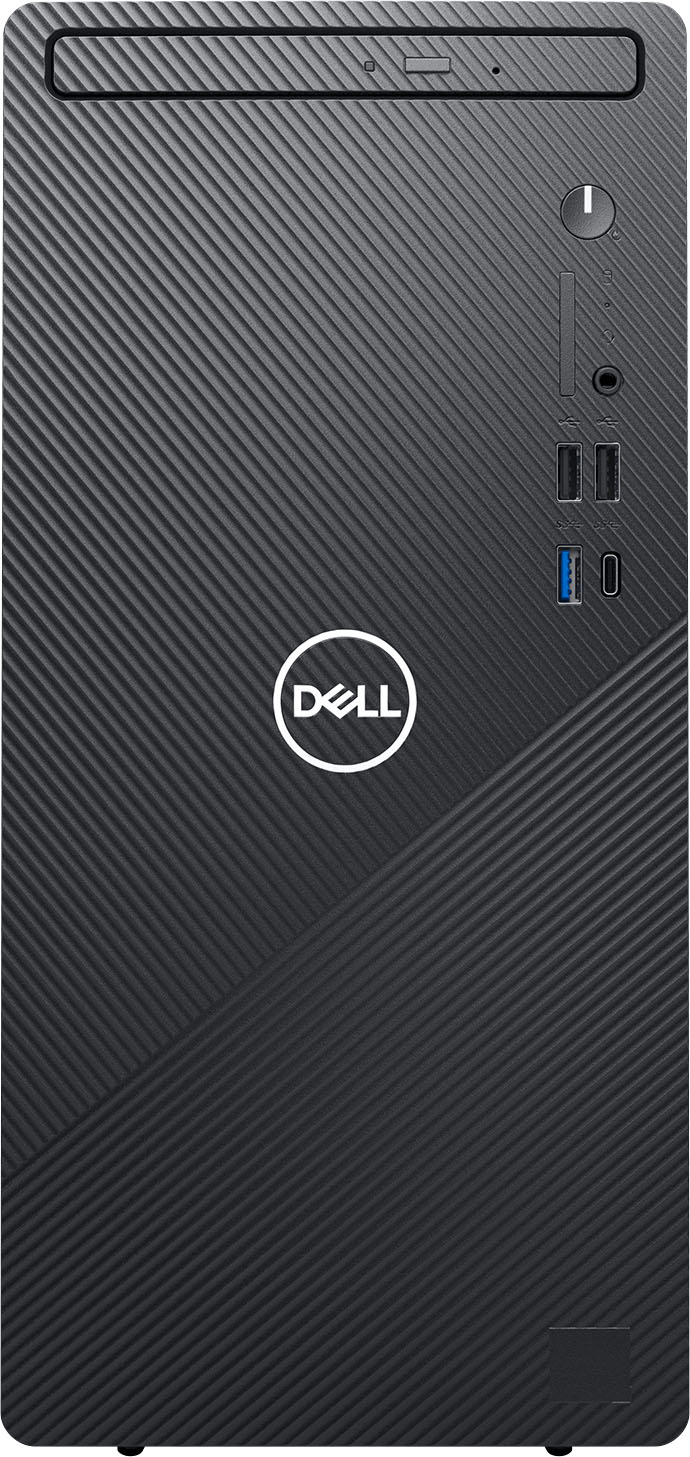
A:AnswerIt comes with Windows 11 pre-installed. We actually installed Windows 10 on it afterwards. We have the option of doing a factory refresh which would re-install Windows 11, or we could select to do a Microsoft update to Windows 11, which would keep our programs and data. But we wanted to be compatible with 2 other older Windows 10 systems so we're using it with 10.
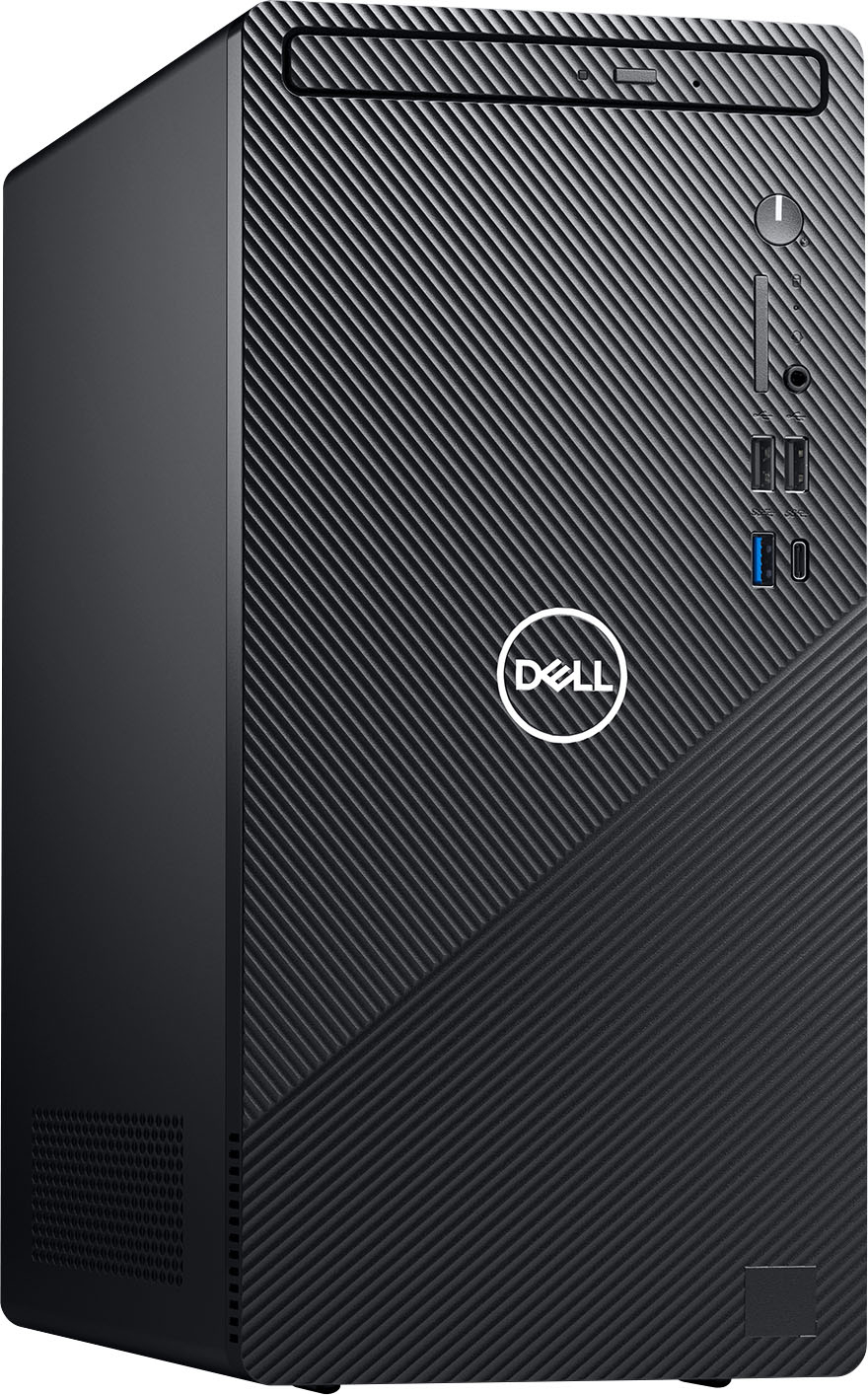
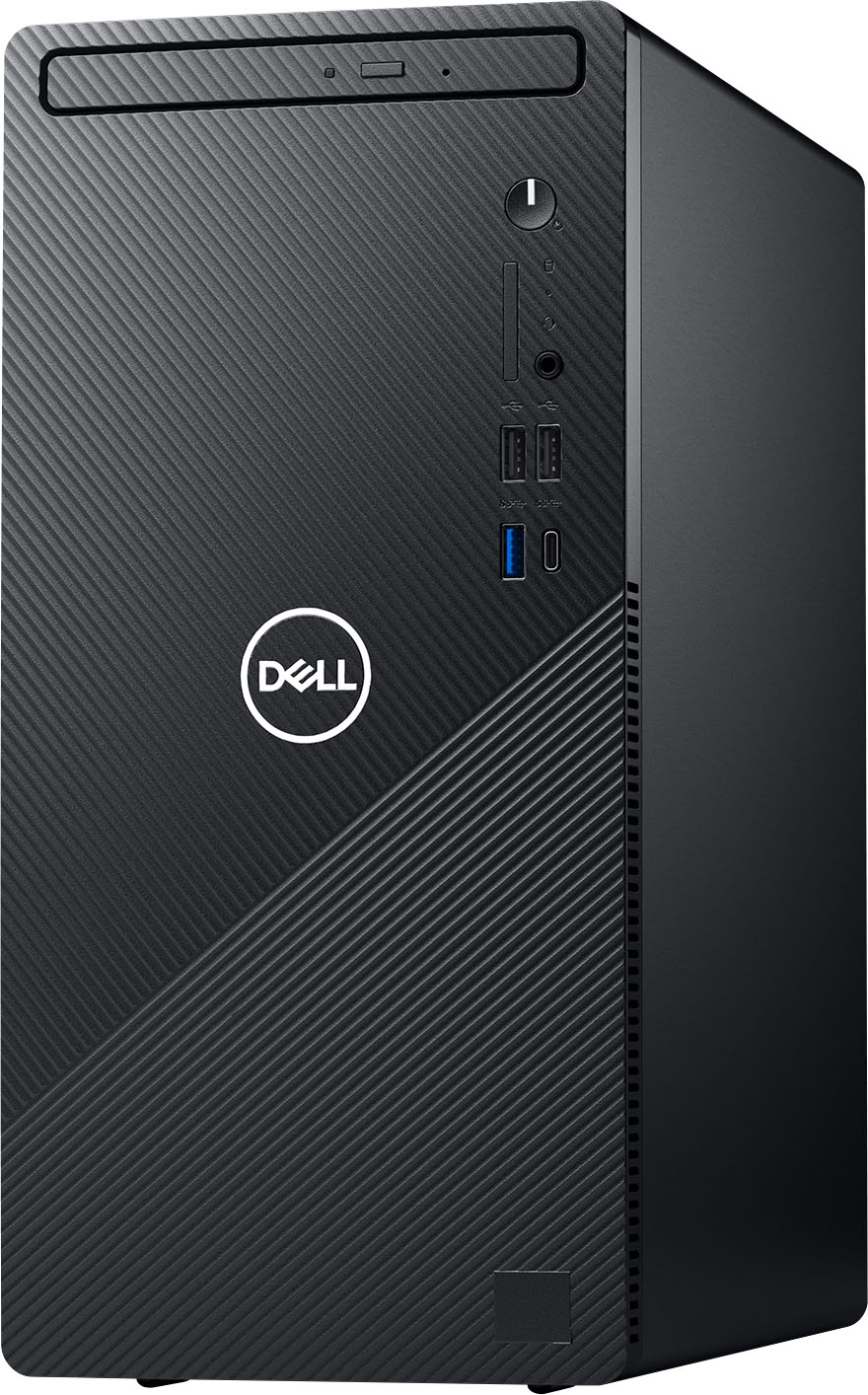
A:AnswerThe dimensions of the tower are Height(Front height : 324.30 mm or 12.77 inch, Rear height : 324.30 mm or 12.77 inch), Width - 154 mm or 6.06 inch and Depth : 293 mm or 11.54 inch.