Black Friday is hereShop new DoorbustersShop now

Skip to content
Gift Ideas
26 Cypress St
Williston, VT 05495
Open until 10 pm
Find Another Store
Main Content

Questions & Answers

Your price for this item is $788.99
Clearance
The comparable value price is $829.99
Page Showing 1-20 of 74 questions
  • QuestionCan I play dvds?

    Asked by Anonymous.

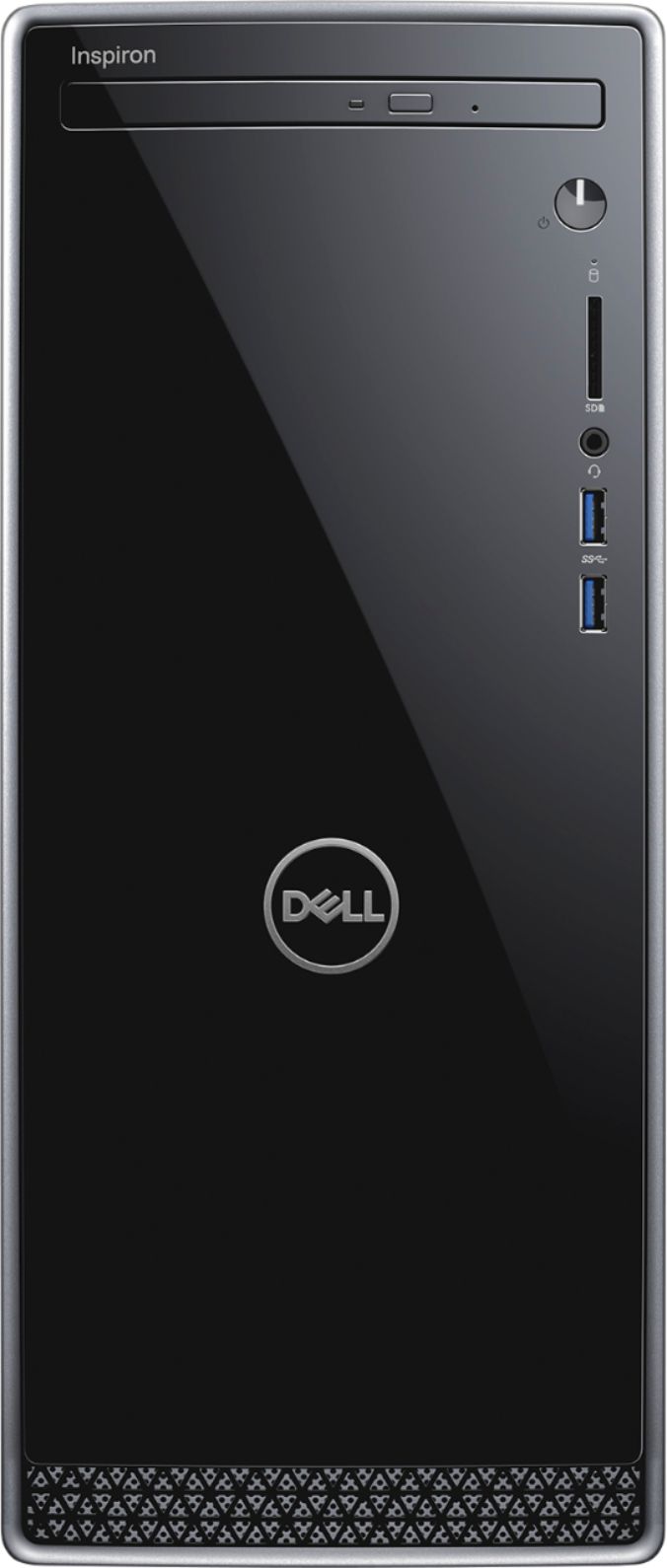
    • Answer I should have also mentioned that you will need to specify a DVD (Media) player after you insert the DVD. When I inserted a disk for the very first time, it asked what program should be associated with a movie DVD. Selections were: Browse the internet; Browse your computer for a program; or select the Dell Power Media Player. I selected the Dell Power Media Player which then installed and allowed the option to play the movie (with the familiar DVD remote layout at the bottom of the screen to play, pause, fast forward/reverse, etc). After selecting play, my movie started successfully with sound coming from a Bluetooth speaker I specified after setting up on my computer, since I haven't hooked up any wired speakers to the connections on the back of the computer and this desktop does not have it's own internal speaker. Again, hope this is helpful.

      Answered by BET7

  • Questioncan u hookup 2 monitors?

    Asked by hello.

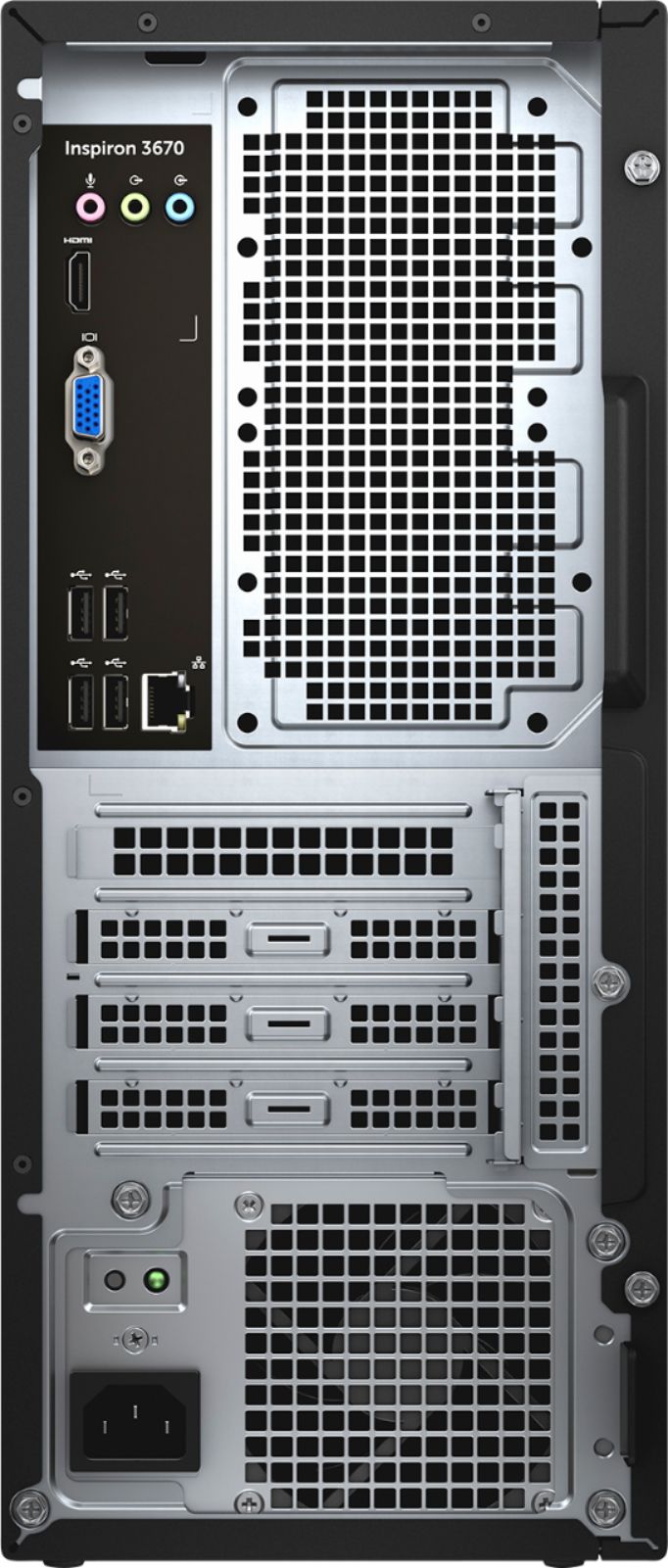
    • Answer Yes, I have 2 monitors hooked up to this right now. Once needs to be HDMI and the other DVI but as long as the monitors have these plug in options, you should be good to go. Hope this helps.

      Answered by Eileen

  • QuestionWhile the tower comes with SSD storage. Is it capable of adding 2 SATA drives in a RAID mirror configuration to supplement?

    Asked by Ricky.

    • Answer No.

      Answered by Anonymous

  • QuestionI am no geek, so I don't know about storage. Does SSD mean like normal storage? Or is it like a thing in which you can put storage in?

    Asked by john.

    • Answer I'm not a geek either, but this is what I've learned recently. SSD stands for Solid State Drive. This type of drive is supposed to be much better as far as booting up Windows and performing actions much quicker than the older hard drives that have been around much longer, which are known as HHD or SATA drives. Many computers nowadays have both of these types of drives in them; the SSD boot drive for the Windows install, and the HDD for mass storage. Some people think this is the best way to go. I hope this helps.

      Answered by gentlewaters

  • QuestionDoes this computer come with Windows 10 operating system?

    Asked by JPC.

    • Answer Yes, it comes with Windows 10 Home.

      Answered by CommunityAnswer

  • QuestionDoes this desk top have at least two video outputs? is there NVIDIA GEFORCE on this one?

    Asked by mees.

    • Answer It comes with onboard Intel VGA port along with HDMI for dual display, but no Nvidia GeForce. You can purchase and install a GeForce video card if needed.

      Answered by Icey

  • QuestionWhat kind of PSU is in this machine?

    Asked by mjvv81.

    • Answer Mine came with a 330W unit.

      Answered by Zeee

  • Questiondoes this pc have a built in speaker?

    Asked by pharlap.

    • Answer No this pc does not have built in speakers, but you can connect speakers and/or headset.

      Answered by cspel

  • QuestionIf I connect it to a 4K monitor, will I be able to watch 4K movie using installed video card?

    Asked by Peter.

    • Answer first there no installed video card. only onboard 1 VGA, 1 HDMI. you could get a better card but you will need to get a power supply that will plug into the card. i search online and i found this answer. and in my opinion i would say no it will not work. ."UHD 630" is not a display interface its a GPU. 4K requires HDMI 2.0 or Display Port 1.4 and its 30 hz not 60 hz without a real GPU. 2560x1440 is max for HDMI 1.3 The maximum pixel clock rate for HDMI 1.0 is 165 MHz, which is sufficient to allow 1080p and WUXGA (1920×1200) at 60 Hz. HDMI 1.3 increases that to 340 MHz, which allows for higher Max resolution (WQXGA, 2560×1600) 3,840x2,160 pixel resolution at 60fps, is only possible if you have at least DisplayPort 1.2 and Multi-Stream Transport capable monitor. You need at a minimum the GT 1030 GPU. This card has HDMI 2.0b and Single Link-DVI so you can have 4K resolution @60hz with HDCP 2.2 It WILL NOT give you 1440p @144hz 4096 x 2160 4K is NOT Ultra HD 3840 x 2160

      Answered by jcreu

  • QuestionWhat is the most RAM you can install in this computer...and what type does it currently use?

    Asked by tlh235.

    • Answer Its system memory RAM is expandable up to 32 GB and it uses 2666 megahertz DDR4 RAM.

      Answered by CommunityAnswer

  • QuestionIs a PCI-e slot available to upgrade the vid card? Or does the SSD take that slot?

    Asked by Kamp.

    • Answer Yes, the PCI-e slot is available to upgrade the video card.

      Answered by CommunityAnswer

  • QuestionWhich version of Windows 10 - Pro, Home, what????

    Asked by Elephant.

    • Answer This has the Windows 10 Home.

      Answered by CommunityAnswer

  • QuestionWhat accessories go with this?

    Asked by sweetmarie.

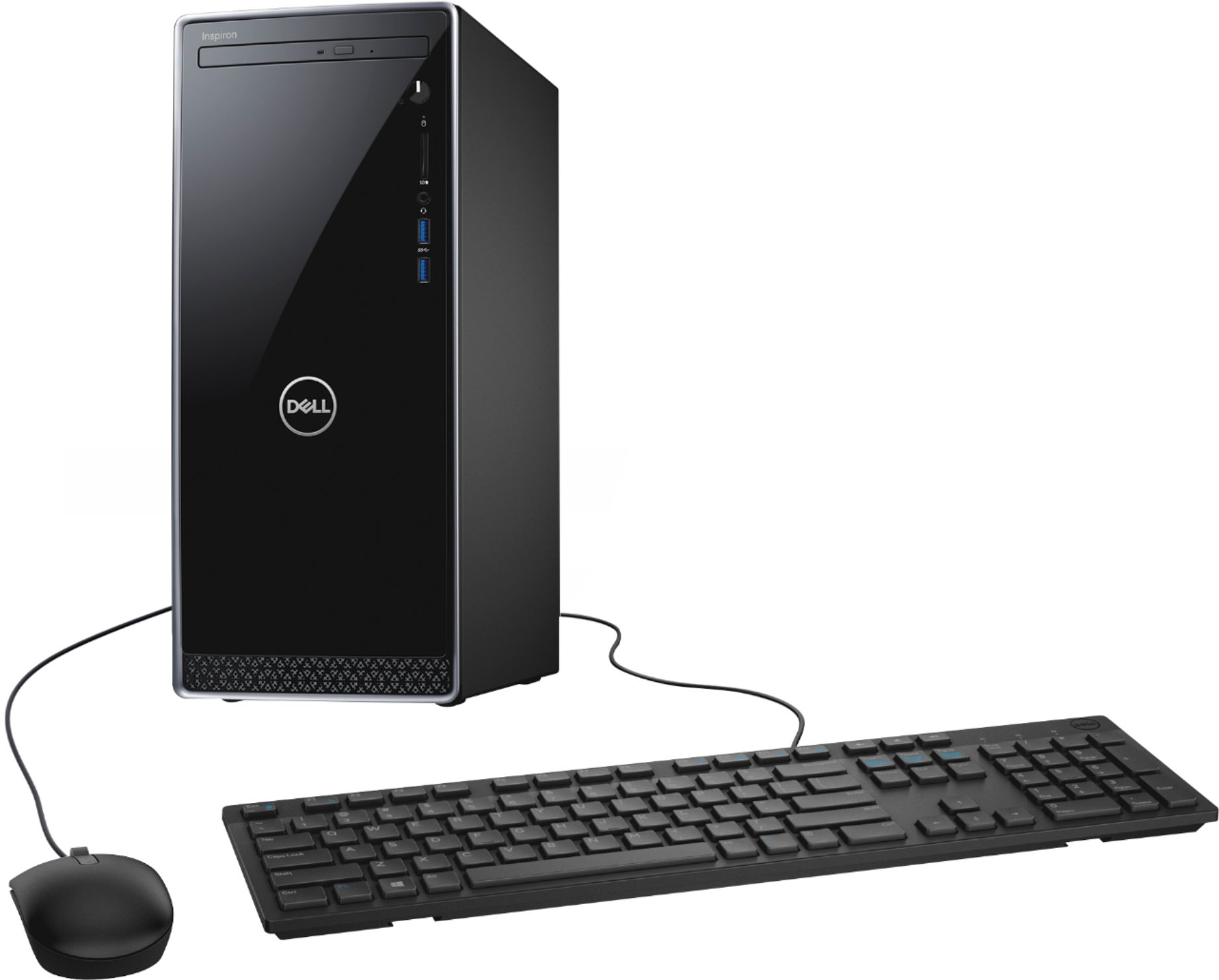
    • Answer Just a keyboard and mouse.

      Answered by Karen

  • QuestionWould i be able to add a 1 to 2 TB Hard drive (not a second SSC) to this computer?

    Asked by TexasGeri.

    • Answer I added a 1TB SSD drive to this system. No problem at all. Came with an extra sata cable. Only took a few minutes to install.

      Answered by Lawrence

  • QuestionIs the keyboard and mouse wireless?

    Asked by Anonymous.

    • Answer Neither the keyboard or mouse is wireless. They each have an attached USB cable.

      Answered by IowaCustomer

  • QuestionWill this computer support 5ghz wifi?

    Asked by Peter.

    • Answer No, this particular configuration does not support 5 GHz Wi-Fi.

      Answered by YourDellTeam

  • QuestionDoes Dell 13670-7905BLK-PUS have a built-in camera and mic?

    Asked by Nan.

    • Answer No, this item does not have a built-in camera and mic.

      Answered by CommunityAnswer

  • QuestionCan I read another hard drive to take the information off it!!

    Asked by Hoss.

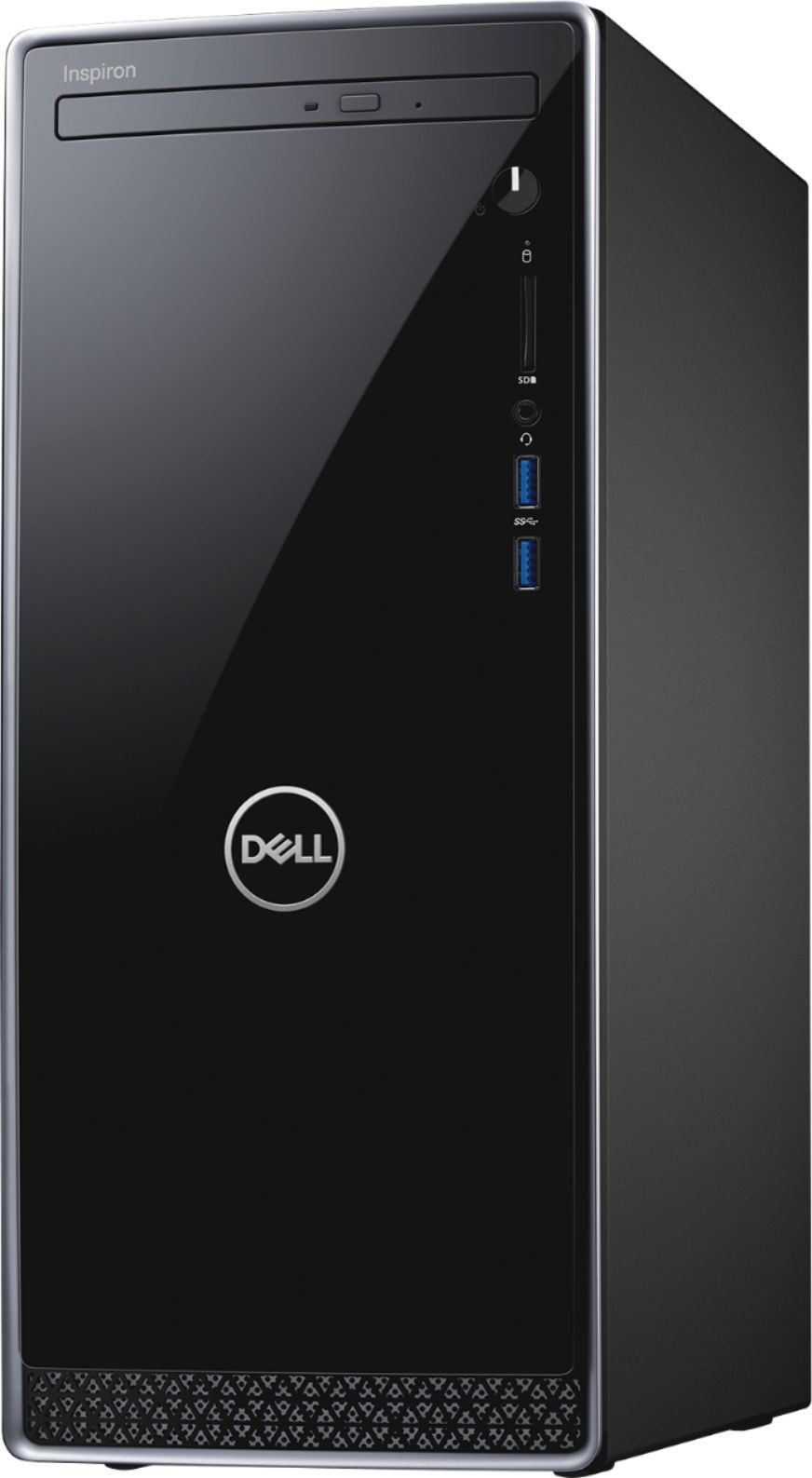
    • Answer If you just want to transfer the data, there are adapters that allow you to connect a bare SATA drive to a USB port on the new system.. The disk then appears as just another disk on the new system. (This process is often used to clone the old operating system onto the new system disk.) Once the data is transferred, just safely disconnect the old drive. However, there is physical room to add two 2.5" drives and one 3.5" drive internally (max. of two total). The old drive will then be a permanent addition to the system. However, this requires opening the new system. Fortunately, this is an easy system to work on. Finally, the data can be transferred by networking the old and new systems (e.g. by using a wi-fi router as an intermediary.) , or by using a high capacity SDXC or microSDXC card as a transfer medium. I've used them all, and it just depends on what you want as the final result.
      Answered by Gww4

  • Questioni been buying laptop computers this will be my first desktop , so if i have wifi service do i still have to connect all the wirers to the tower,monitor, and mouse ?

    Asked by dee.

    • Answer Yes. Unless it’s all in one. Wifi only covers internet.

      Answered by Bren

  • Questionwhat is the hard drive capacity?

    Asked by Anonymous.

    • Answer Mine is 256gb

      Answered by Boop1944