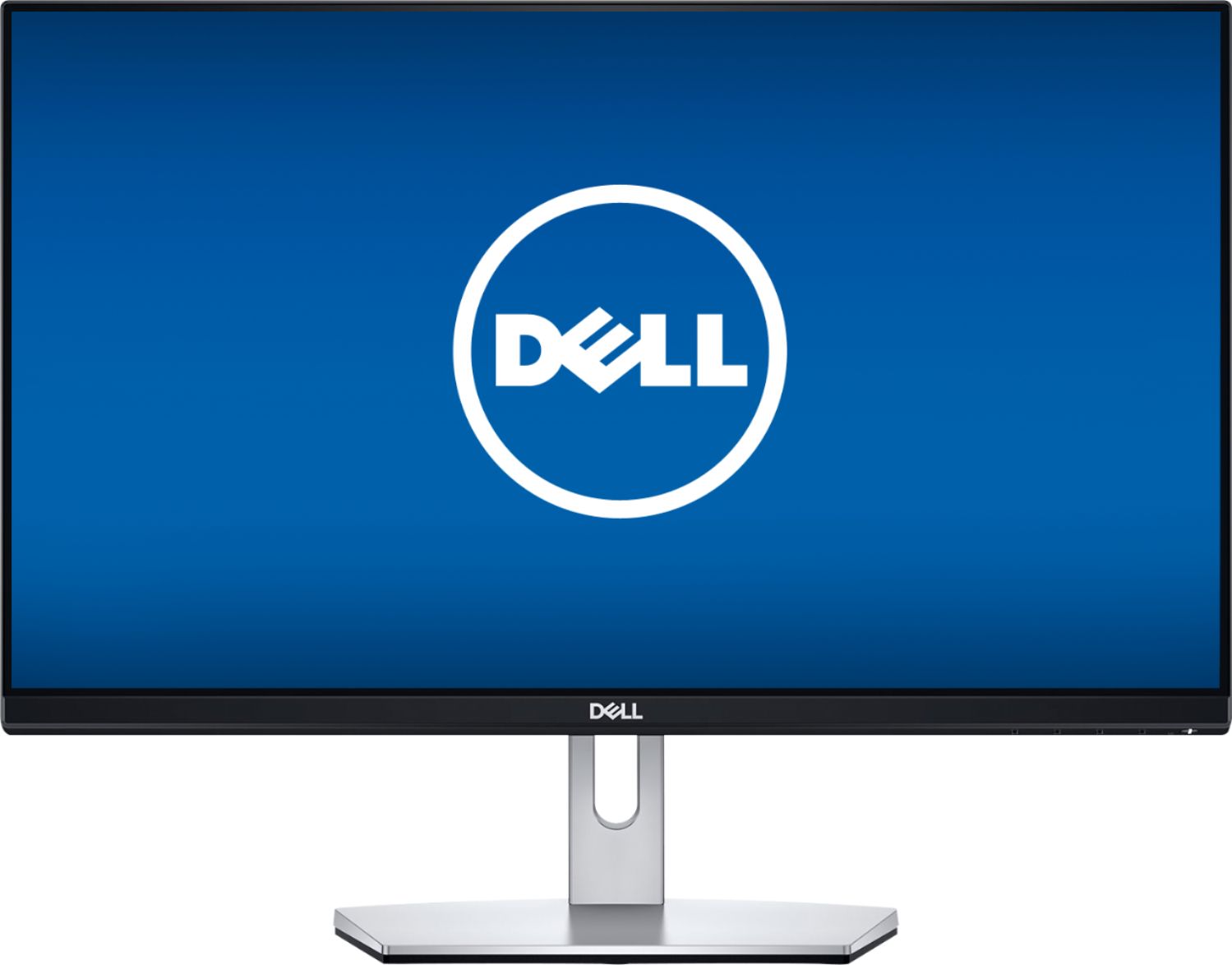
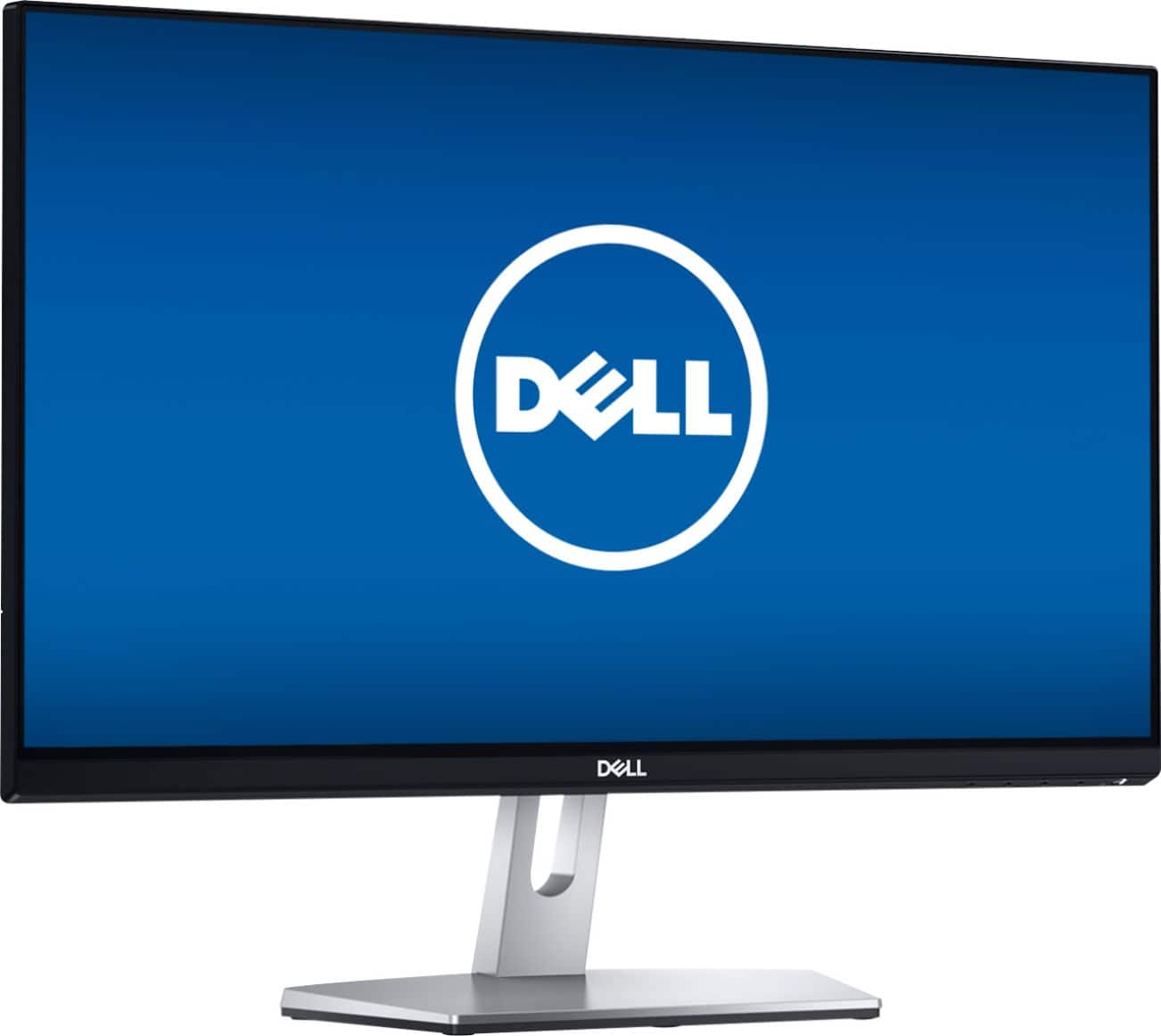
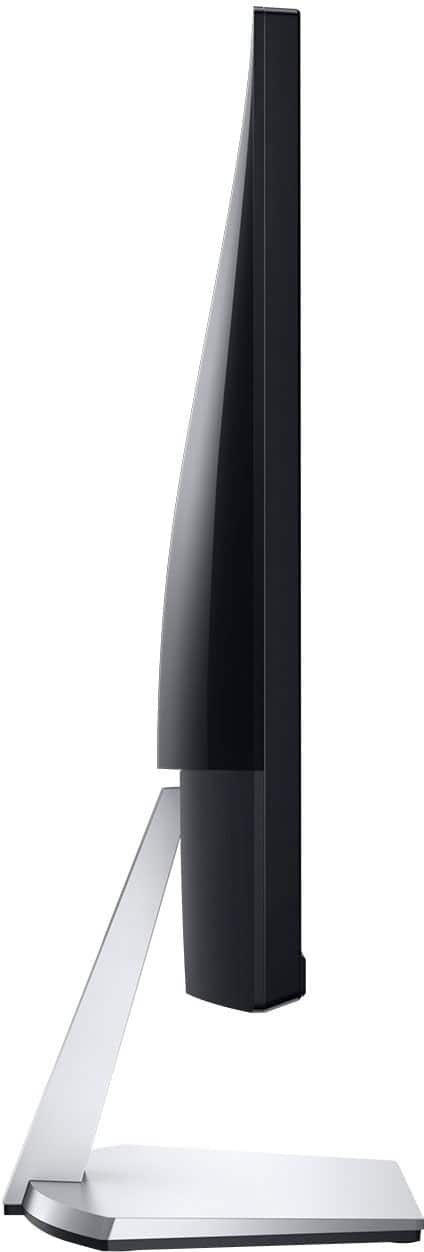
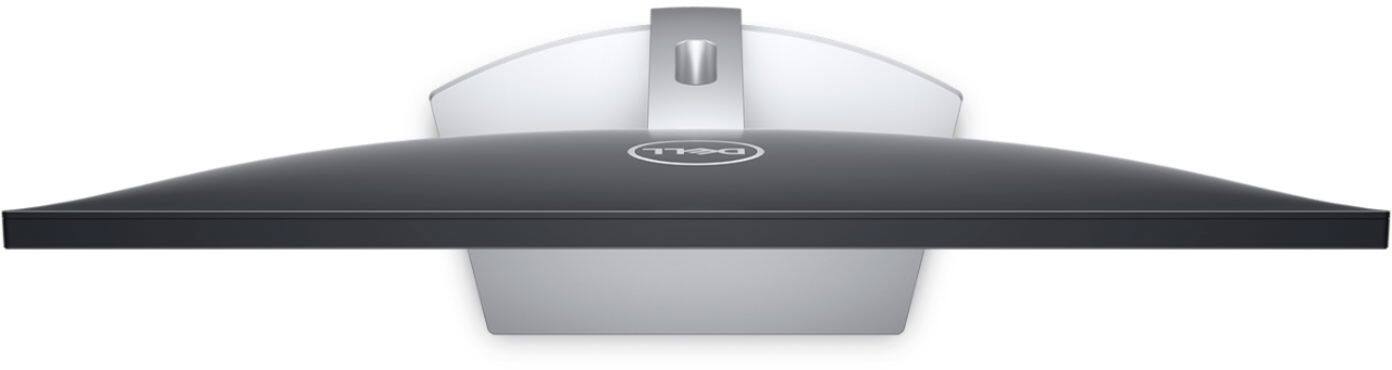
A:AnswerThis is a monitor and not an all-in-one system. When purchasing a new Dell system, you would usually get an antivirus subscription depending the model.
Please note that not every system may be offered with an anitvirus subscription.
A:AnswerYou will need to use an HDMI cable and set the display mode to extended while selecting this one as the monitor number one from the display control panel.
A:AnswerHello! This monitor does not have an internal processor. You will want to look for an All-In-One. That will give you a monitor and full processor, RAM, etc.
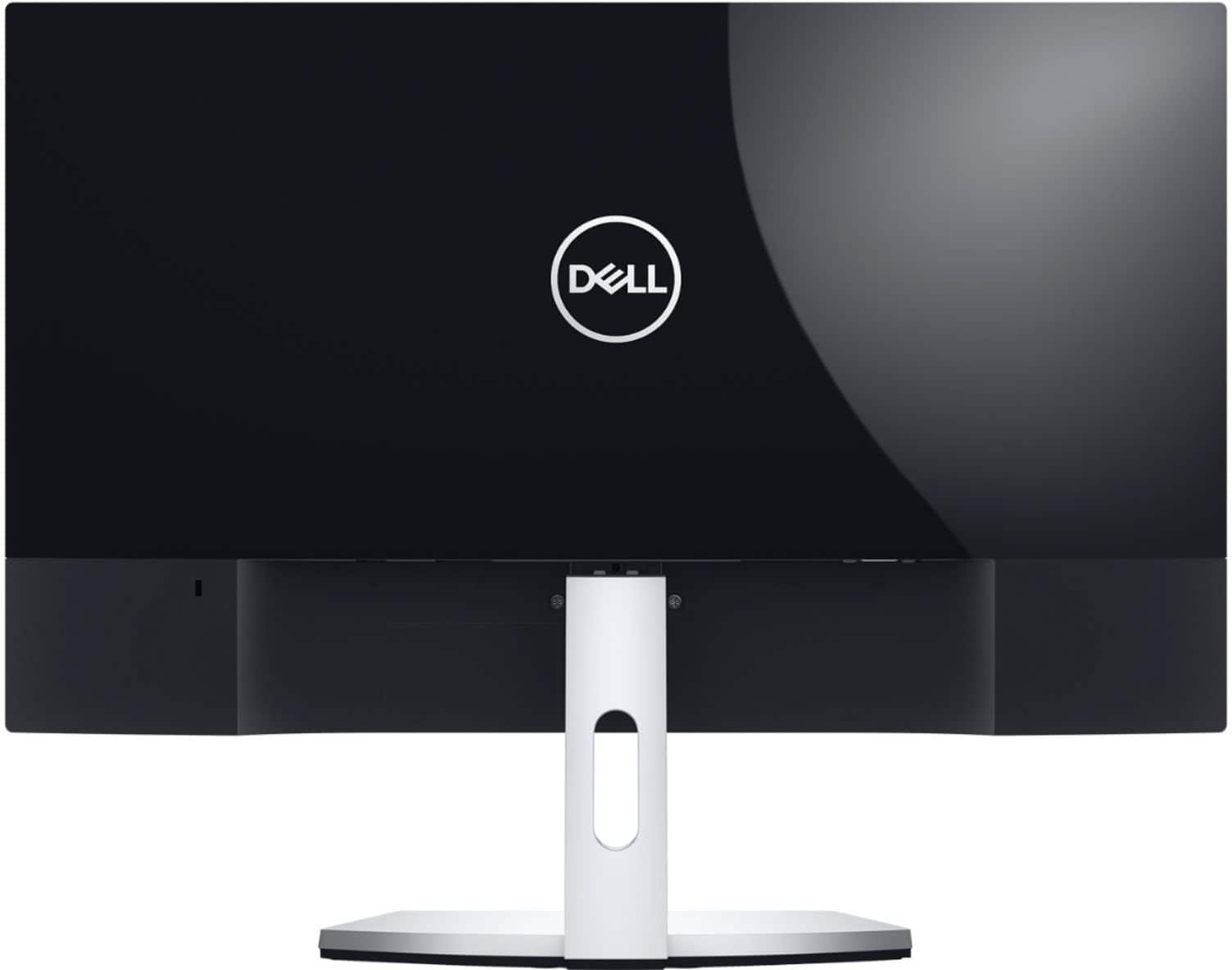
A:AnswerHello Angie! You can use this monitor with a MacBook Pro. Check your ports, as this comes with an HDMI cable. You will likely need an HDMI to USB or USB-C adapter.