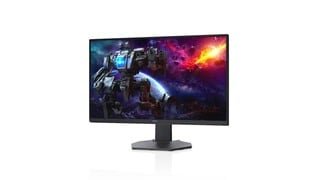
A:AnswerWe suggest you to contact the Dell technical support team via Twitter (@DellCares) and one of the technical support representatives will assist with this issues further.
A:Answercan confirm this runs at 120 fps on supported games on ps5. HDMI 2.1 is only for running games at 4k 120 fps on ps5. HDMI 2.0 is more than enough for 1080p 120 fps.
A:Answerthere is no option to turn off sRGB. sad because the monitor is almost amazing but due to color oversaturated esp reds.
there is a novideo_srgb clamp tool to get a near fix to make things acceptable
A:AnswerThe web site says it supports G-SYNC on the DP port.
https://www.dell.com/support/kbdoc/en-us/000131820/dell-amd-freesync-monitors-that-are-nvidia-g-sync-compatible
A:AnswerI never noticed that on the box but I just looked and that is the way it is.
However, I am running my monitors one two computers. One had AMD and the other is NVIDIA. I do gaming on the NVIDIA computer and work on the AMD computer.
I verified via game interface that it was running on G-Sync and they are automatically switching between the two.
A:AnswerThis monitor does not support HDR10. That is the issue. I had the same problem with my PC and my series S. When i went on Dells website they told me i had to use smart HDR to get a close experience. This monitor is not good with HDR10 and the out of box HDR settings suck..