Questions & Answers
- Model:
- 5CKH4
- |
- SKU:
- 6394138
Q: QuestionCan it be rotated to portrait display
Asked by Anonymous.
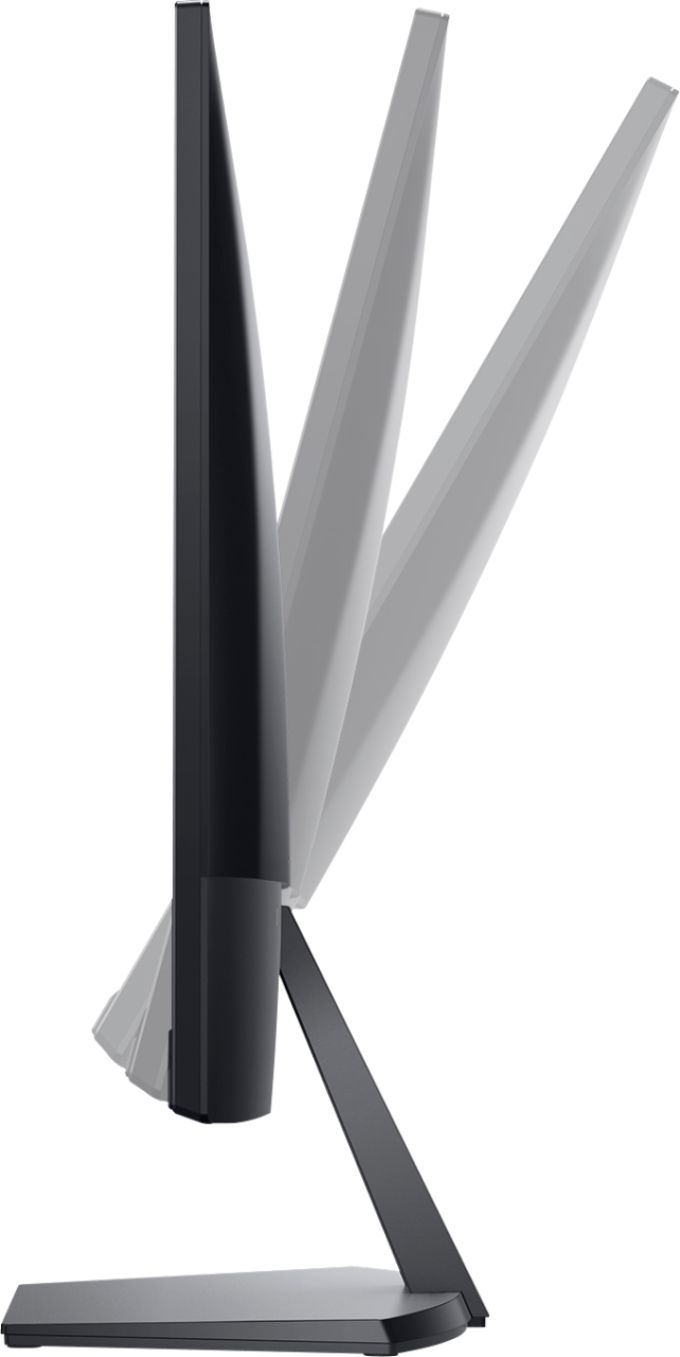
- A:Answer No, you cannot rotate the display.
Answered by YourDellTeam

Q: Questioncan this monitor be color calabrated by datacolor spyder
Asked by photoman.
- A:Answer We recommend you share the specifications recommended by the calibration manufacturer, based on which we can give you an appropriate answer.
Answered by YourDellTeam

Q: QuestionIs this moniter good for gaming?
Asked by Chewy.
- A:Answer Yes, it is good for gaming purpose.
Answered by YourDellTeam

Q: QuestionIf I connect my Xbox to this monitor will it be ok and play good or would it be laggy and bad
Asked by Joe.
- A:Answer This monitor has FHD resolution at 75 Hz with HDMI connectivity. If this is suitable for your Xbox, then you can use it.
Answered by YourDellTeam

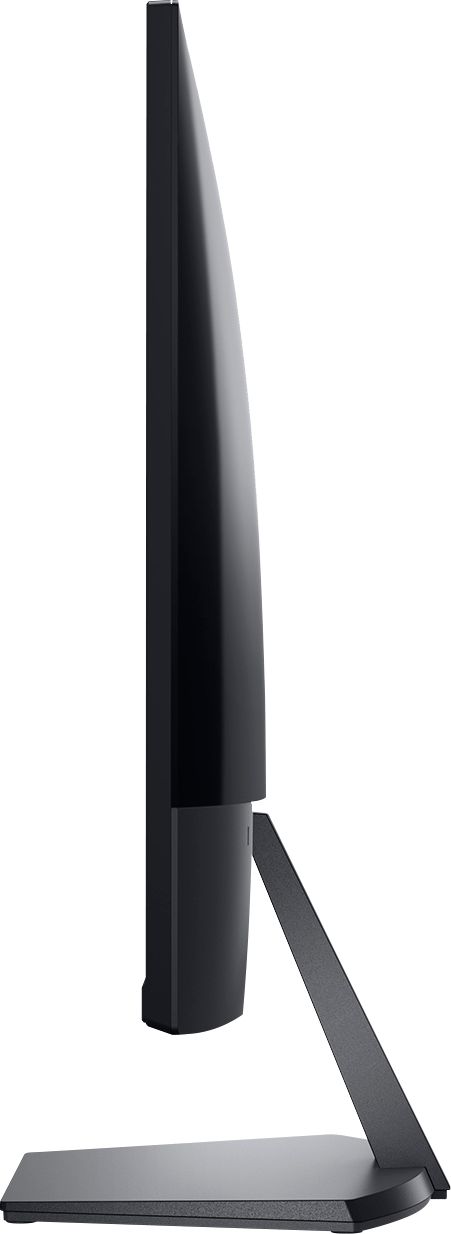
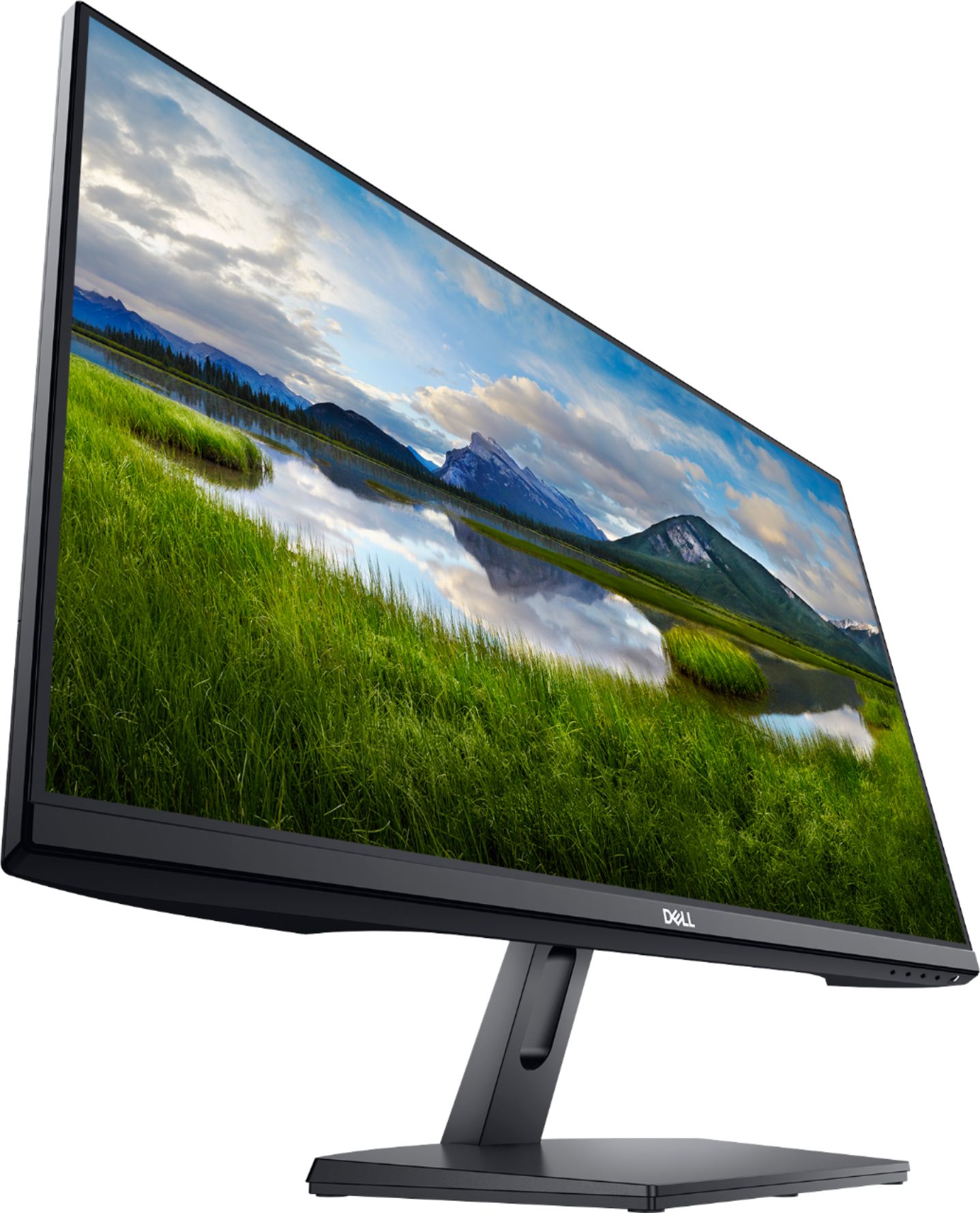
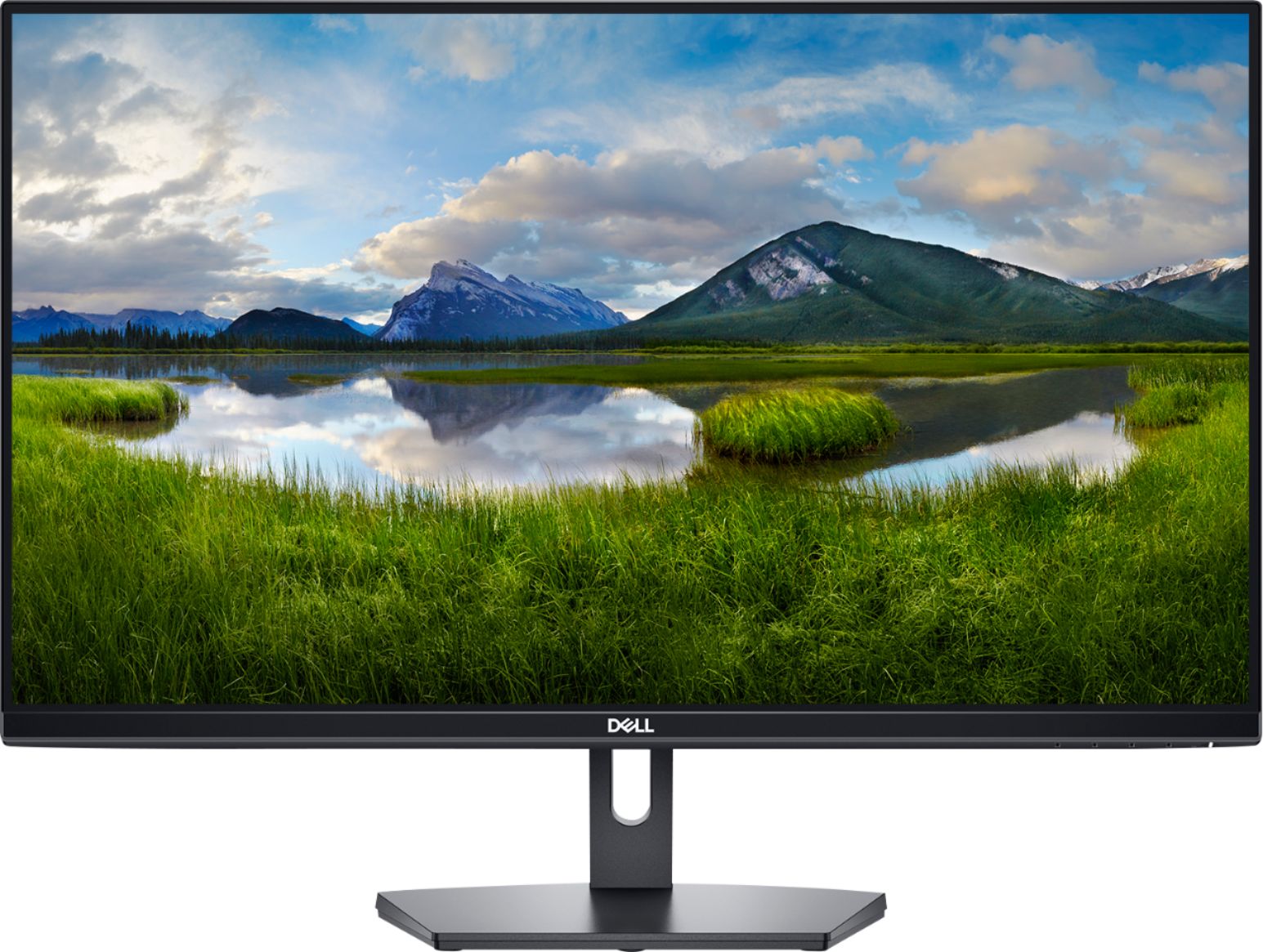
Q: QuestionWhat are the full measurements of this monitor - width, height, etc.
Asked by Charlie.
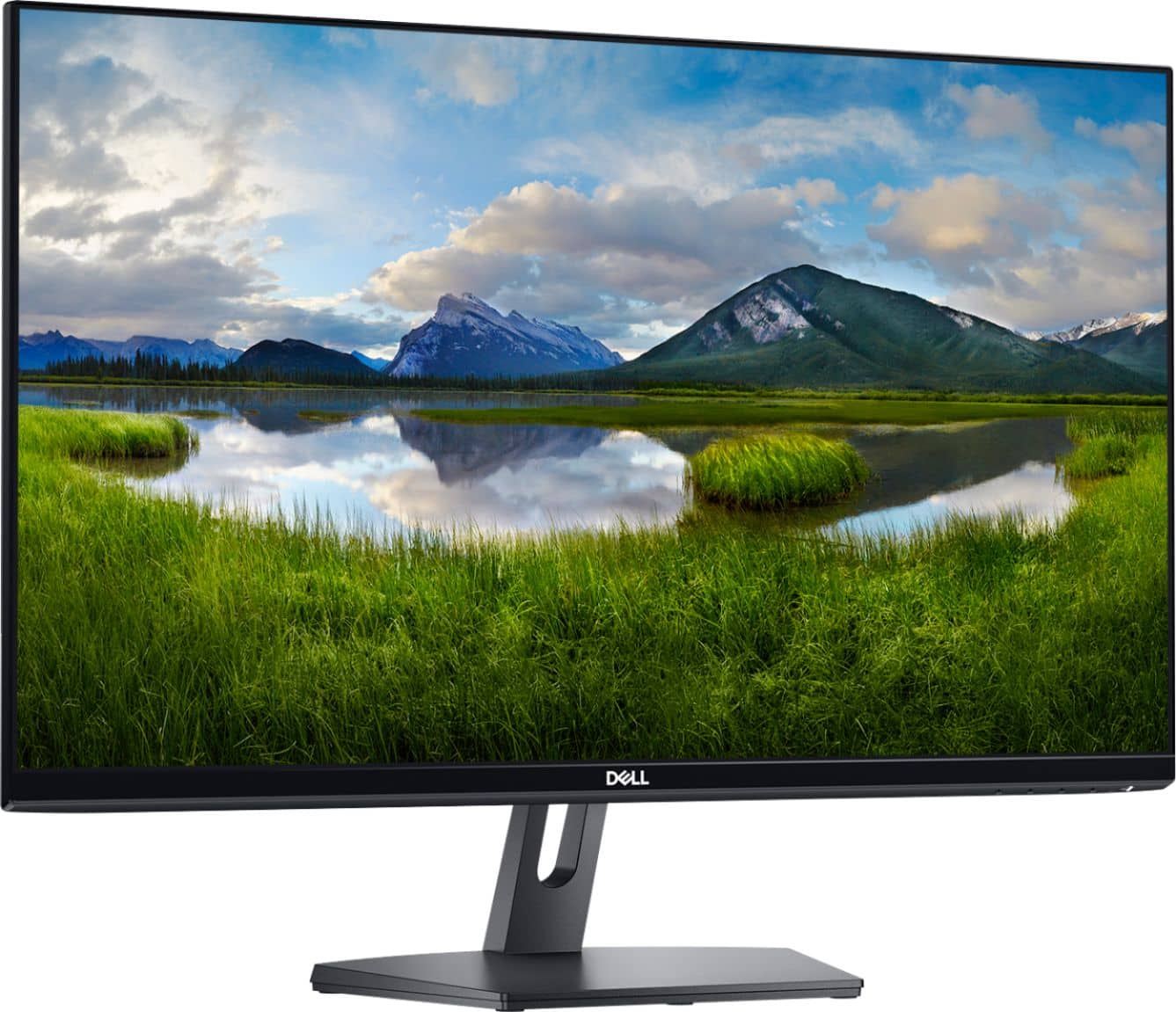
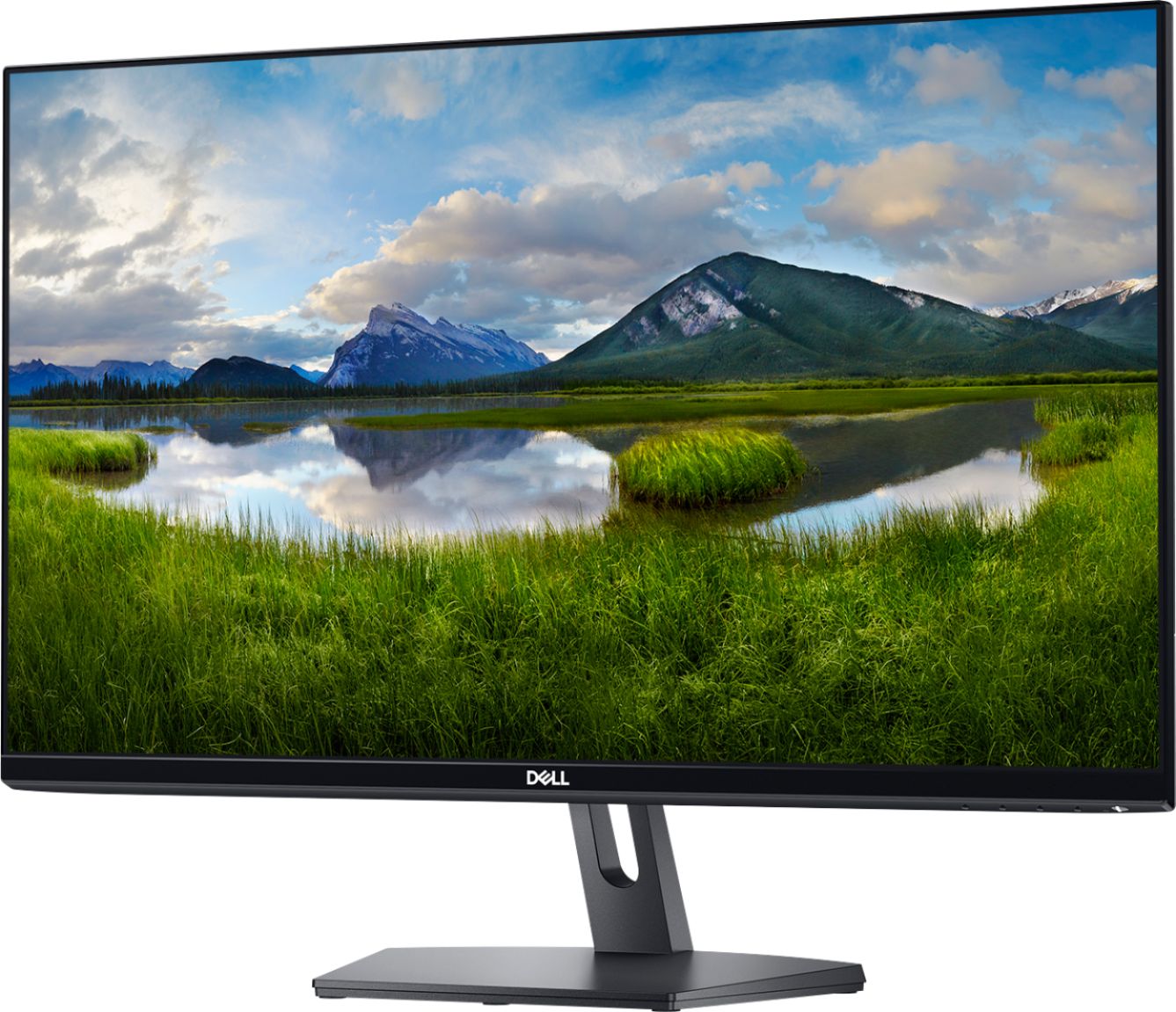
- A:Answer The following are the specification regarding monitor's dimension: Height With Stand - 17.9 inches Height Without Stand - 14.3 inches Width - 24.1 inches Depth (With Stand) - 7.35 inches Depth Without Stand - 1.83 inches Weight - 10.5 pounds Stand Width - 10.1 inches
Answered by YourDellTeam

Q: QuestionCan I hookup my cricut to this?
Asked by Anonymous.
- A:Answer We recommend you to connect that directly to the system to avoid any driver related issues.
Answered by YourDellTeam

Q: QuestionWhat is the frame rate or hertz of the monitor
Asked by Anonymous.
- A:Answer It offers 75 Hz refresh rate.
Answered by YourDellTeam

Q: QuestionIs this monitor compatible with ADOBE RGB colors?
Asked by Photographer.
- A:Answer The color gamut is 72% NTSC (CIE 1931).
Answered by YourDellTeam

Q: QuestionHow much hz does it have?
Asked by Anonymous.
- A:Answer It provides up to 75 Hz refresh rate.
Answered by YourDellTeam

Q: QuestionHow many Hertz does the monitor have and is it 1440p
Asked by Mason.
- A:Answer It supports up to 75 Hz refresh rate.
Answered by YourDellTeam

Q: QuestionCan this be a dual monitor?
Asked by Kaitlyn.
- A:Answer It could be a dual monitor if your software divided the screen into 2 parts. I would get an extra wide monitor - Best Buy carries them.
Answered by George
Q: QuestionIs this monitor RGB color calibrated at the factory?
Asked by Robert.
- A:Answer Every Dell monitor is calibrated to the factory configuration before it is shipped.
Answered by YourDellTeam

Q: Questionhow much hz is on this?
Asked by brandon.
- A:Answer 75 through hdmi i think it was preset at 60 i thought a displayport adapter was needed since my video card has one and when i had it through displayport, it was stuck at 60 and so i tried it again through hdmi and it went back to 75
Answered by toxokin
Q: Questionwould another adapter need to be purchased in order to connect this monitor to a 2015 macbook air? Thanks.
Asked by 2015macbookair.
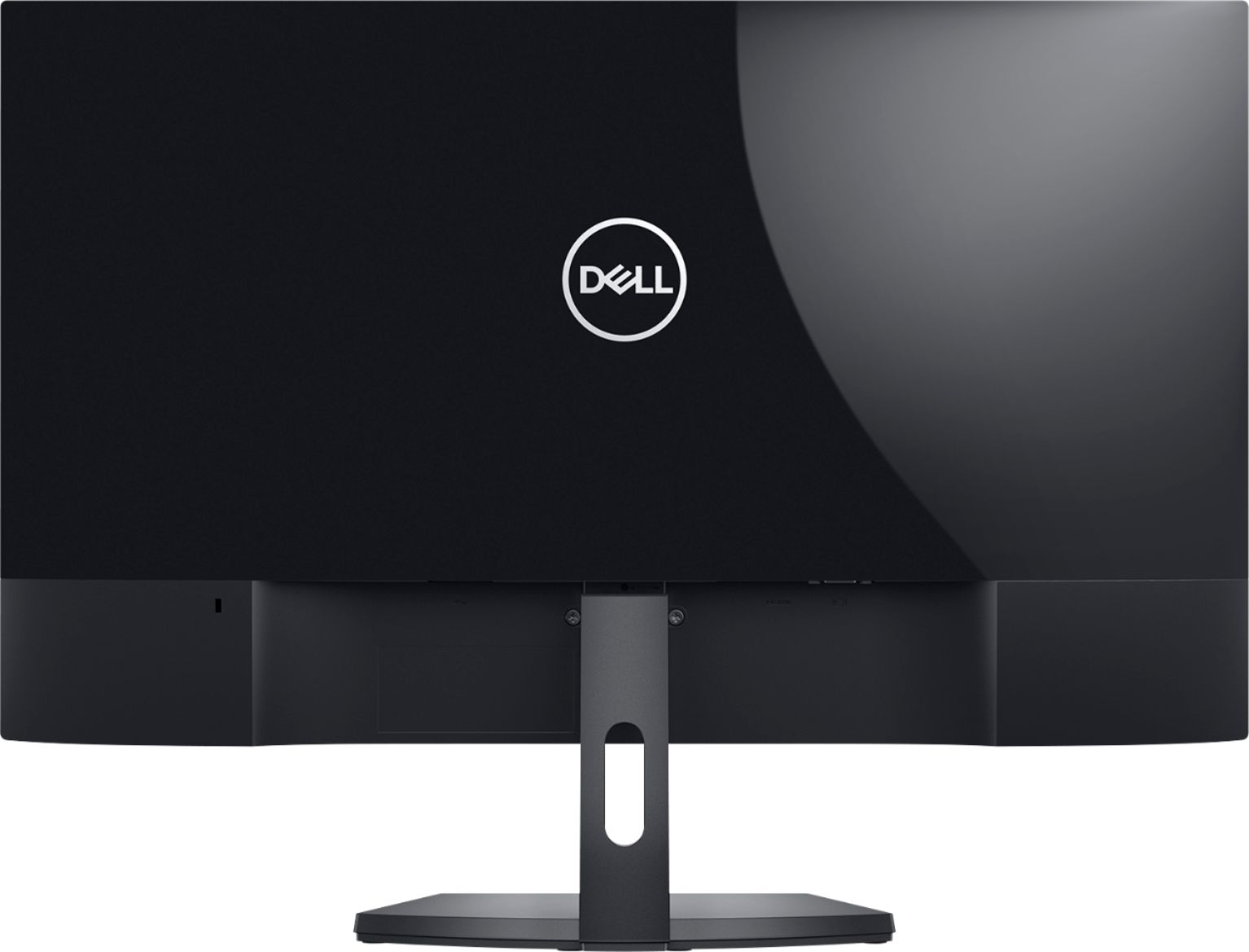
- A:Answer This monitor can connect via HDMI and VGA for display. If those ports are not available in your system then you will need to purchase an adapter for it.
Answered by YourDellTeam

Q: Questionwhat is overall height from bottom of stand to top of screen
Asked by Anonymous.
- A:Answer Hello! This monitor is 17.9" tall with the stand included. You can find the full dimensions listed in "Specifications" at the bottom of the product page.
Answered by YourDellTeam

Q: Questiondoes it have a vga adapter
Asked by roger.
- A:Answer Hello! This does have an VGA input. It comes with an HDMI cable, so you will need to purchase a VGA cable. Or, you can use the included HDMI and purchase an HDMI to VGA adapter.
Answered by YourDellTeam

Q: Questionis this monitor compatible with a Lenovo laptop?
Asked by Lenovo.
- A:Answer Hello! Yes. You will just want to confirm you have an HDMI port on your laptop. If not, you will need to purchase an HDMI to USB adapter.
Answered by YourDellTeam

Q: QuestionDoes this Dell computer come with monitor connections as that I can connect to my computer tower as I dont have HDMI?
Asked by Joseph.
- A:Answer Hello Joseph! You'll want to purchase an HDMI to USB adapter. Then you can use the HDMI cable that comes with the monitor with your device.
Answered by YourDellTeam

Q: QuestionCan you connect speakers to this monitor? Specifically Logitech multimedia speaker system?
Asked by Liz.
- A:Answer Hello Liz! You will want to connect your speakers directly to your connected device. You should be able to position them next to your monitor, but the audio will run through your laptop, desktop, etc.
Answered by YourDellTeam

Most-viewed items
- $329.00$329.00The price was $349.00
- $249.99$249.99The price was $379.99
- $109.99$109.99The price was $199.99
- $329.99$329.99The price was $469.99
- $209.99$209.99The price was $439.99
- $99.99$99.99The price was $129.99
- $159.99$159.99The price was $309.99
- $229.99$229.99The price was $599.99
- $199.99$199.99The price was $299.99
- $1,399.99$1,399.99The price was $2,699.99