A:AnswerYes, this monitor has a refresh rate of up to 75 Hz. Yes, as long the games can be installed on the system, you should be able to play the game.
A:AnswerNo, the refresh rate of this monitor is up to 75 Hz. However you can check the Dell 27 Gaming Monitor
-S2721DGF https://bit.ly/34zZHU4 that has a 144 Hz refresh rate.
A:AnswerWe request you to contact the Geek Squad or the Dell technical support team via Twitter at (@DellCares) and one of the technical support representatives will assist you with this issue.
A:AnswerYou will need to connect an external display adapter to connect two monitors and yes, you will be able to have two different documents open on both the screens.
A:AnswerThe gaming accessories can be used only with a laptop or a desktop. This will just be a stand alone display and you cannot game with this monitor alone.
A:AnswerNo, you cannot add a camera to the monitor. However, you can add an external webcam to the desktop. If you are looking for an in-built camera on the monitor then you can check out Dell's P2418HZ monitor.
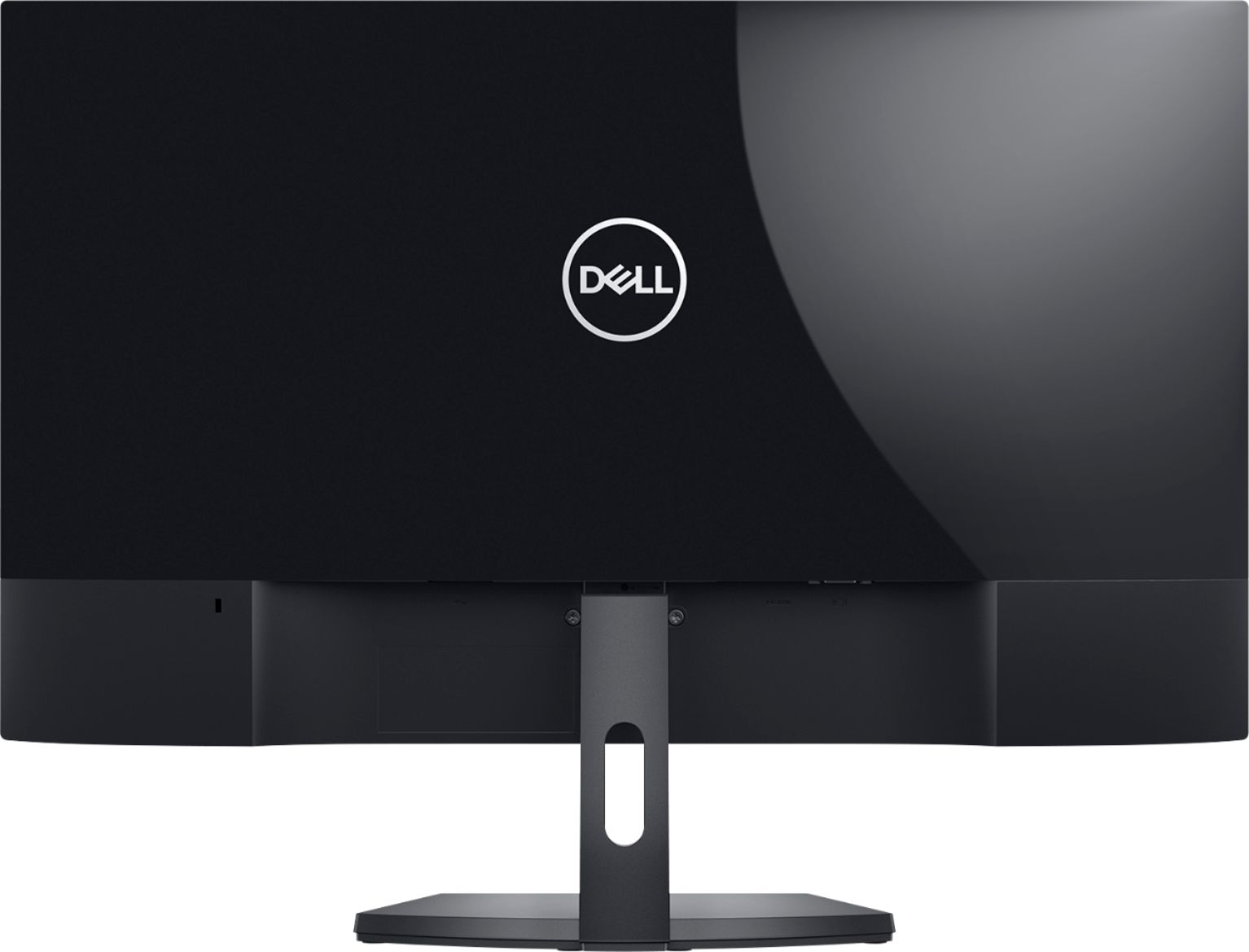
A:AnswerNo, this monitor does not have an option to connect external speaker. If you are looking at purcahsing one that has then we recommend you check Dell's S2419H/S2719H monitors which have built-in speakers and a line out port to connect your external speakers.