
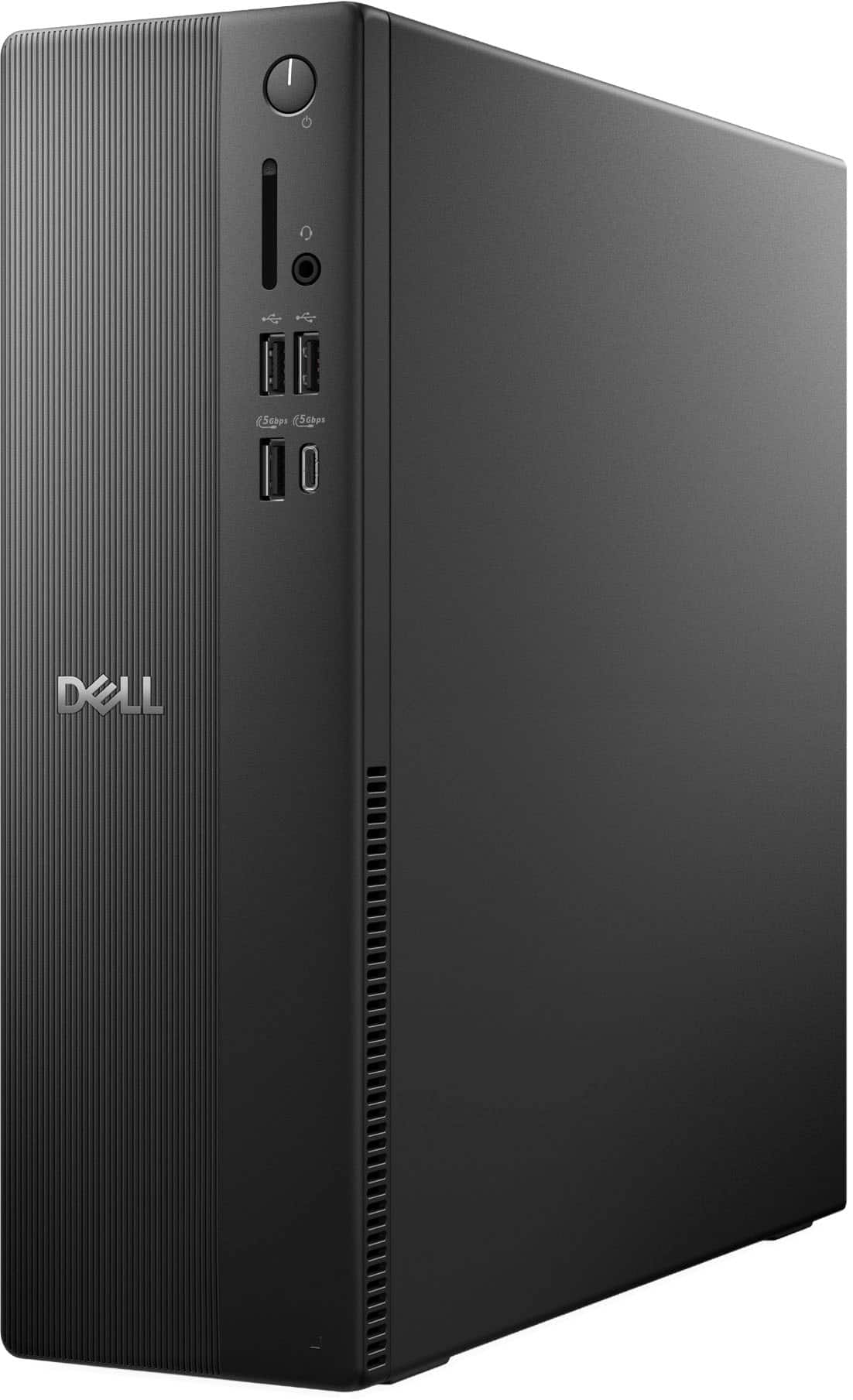


Questions & Answers
- Model:
- DECS1250-7224BLK-PUS
- |
- SKU:
- 6622616
Q: QuestionWhere is the speaker connection on this particular Brand and Model?
Asked by Mike.
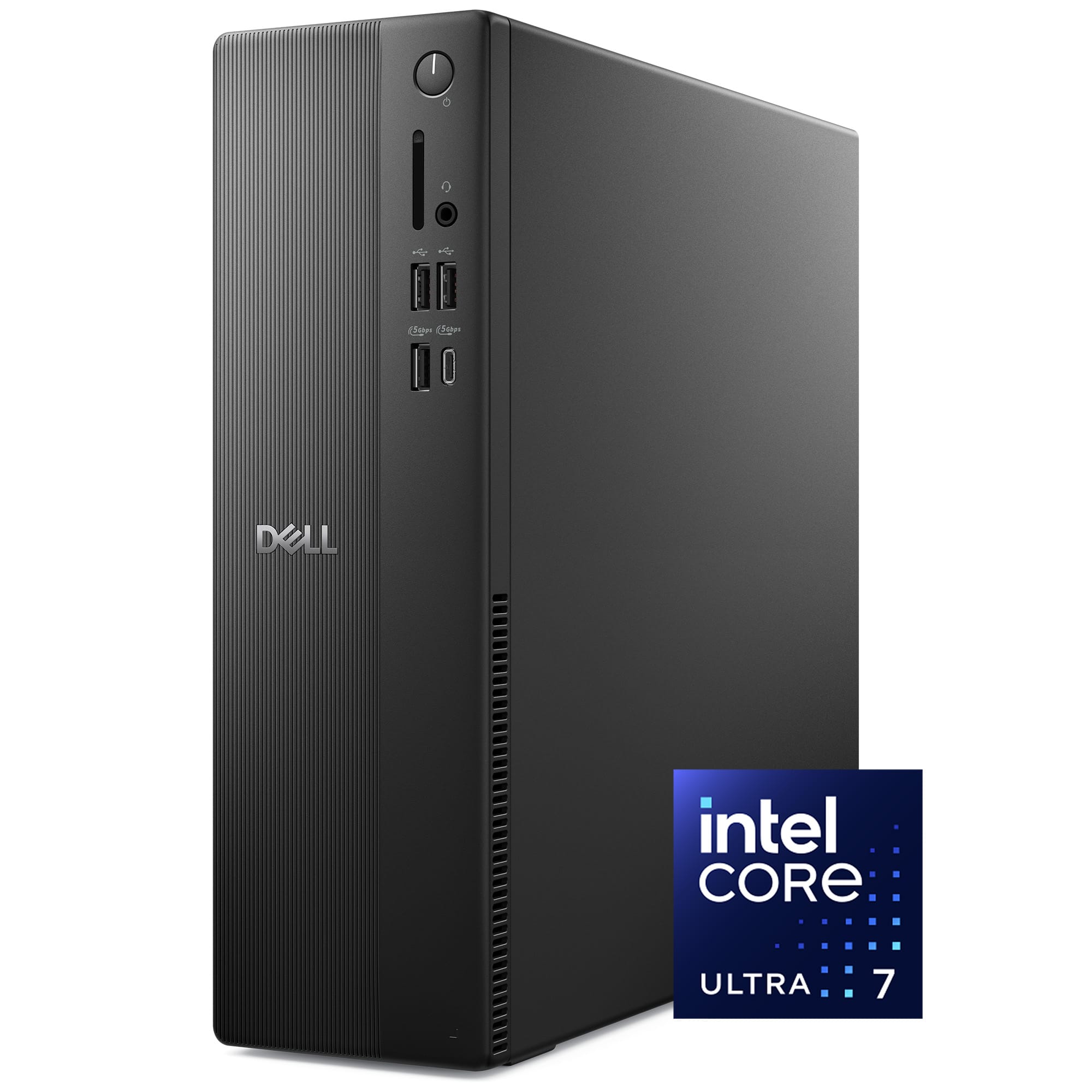
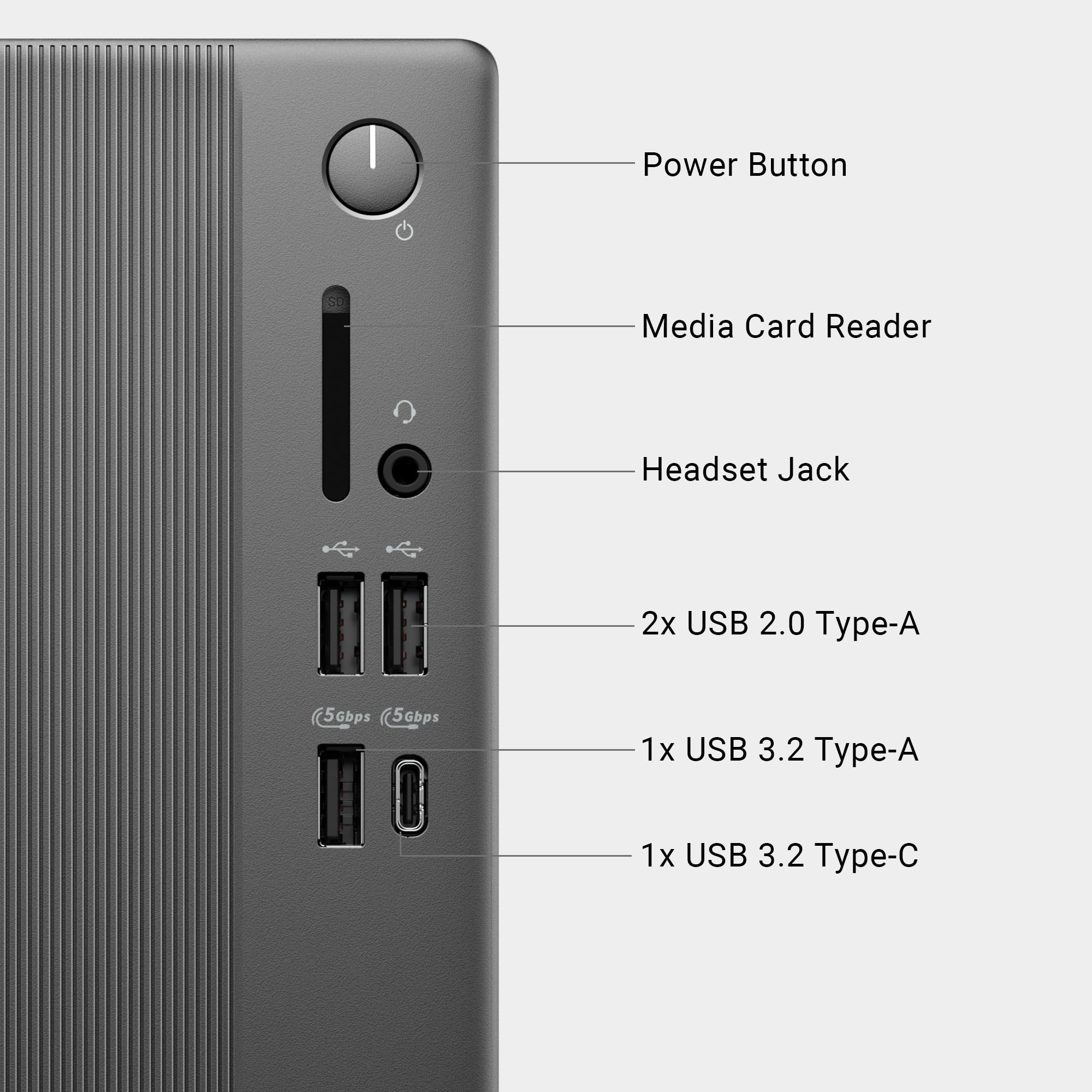
- A:Answer The speakers can be connected through the USB port or Bluetooth. There is a headphone jack that I connected my old speakers to and they sound good.
Answered by gdeal
Q: QuestionCan an optical drive be added
Asked by Notageek.
- A:Answer Yes, externally
Answered by Joy Systems
Q: QuestionCan I upgrade this to 32 mb RAM
Asked by Notageek.
- A:Answer System Memory RAM Expandable To 64 gigabytes
Answered by Joy Systems
Q: QuestionDoes it have any other audio ports/jacks besides the headphone jack? Where can I plug in speakers?
Asked by HarryA.
- A:Answer In the front only
Answered by Anonymous
Q: QuestionDoes this have wifi built into it or is an ethernet cable needed
Asked by braiden.
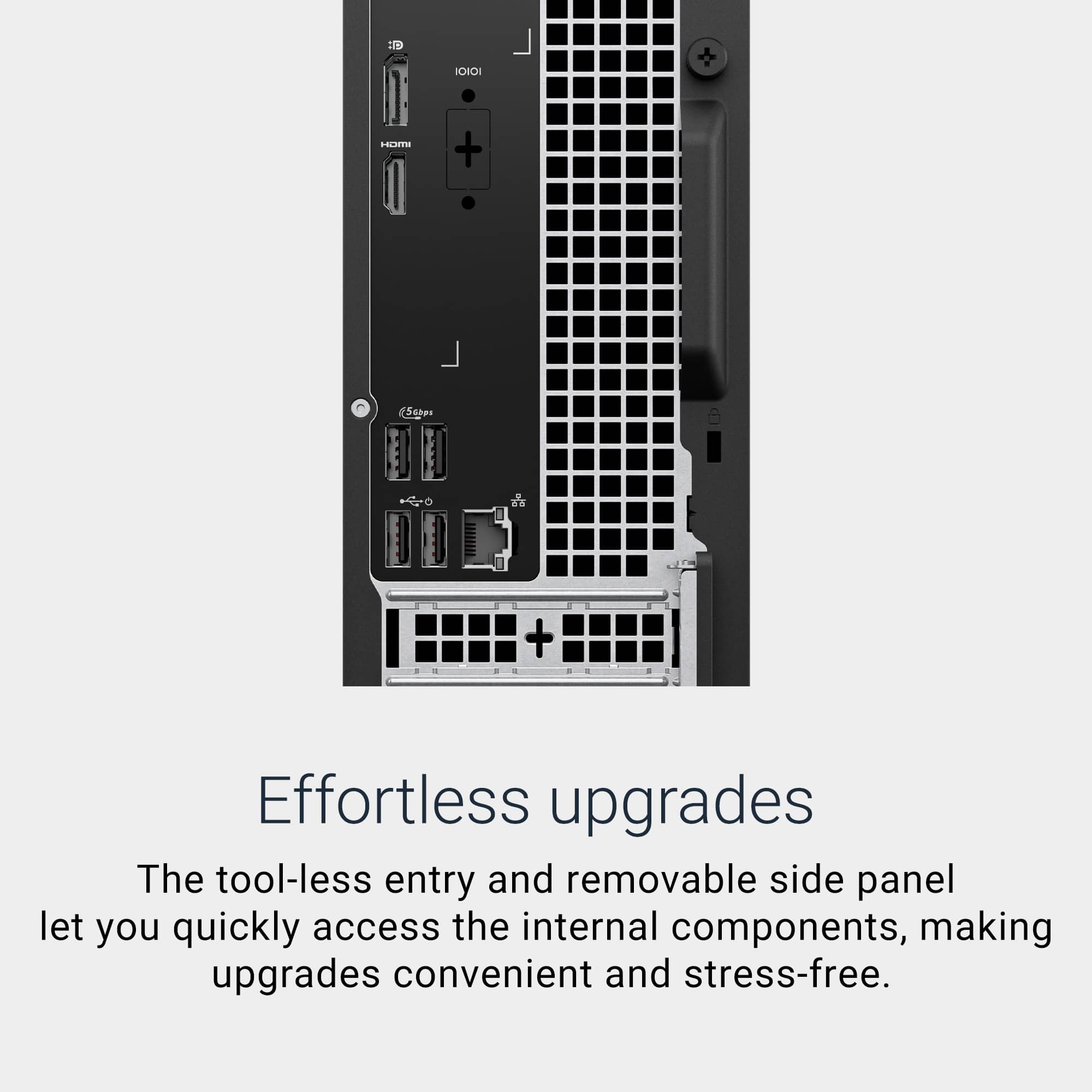
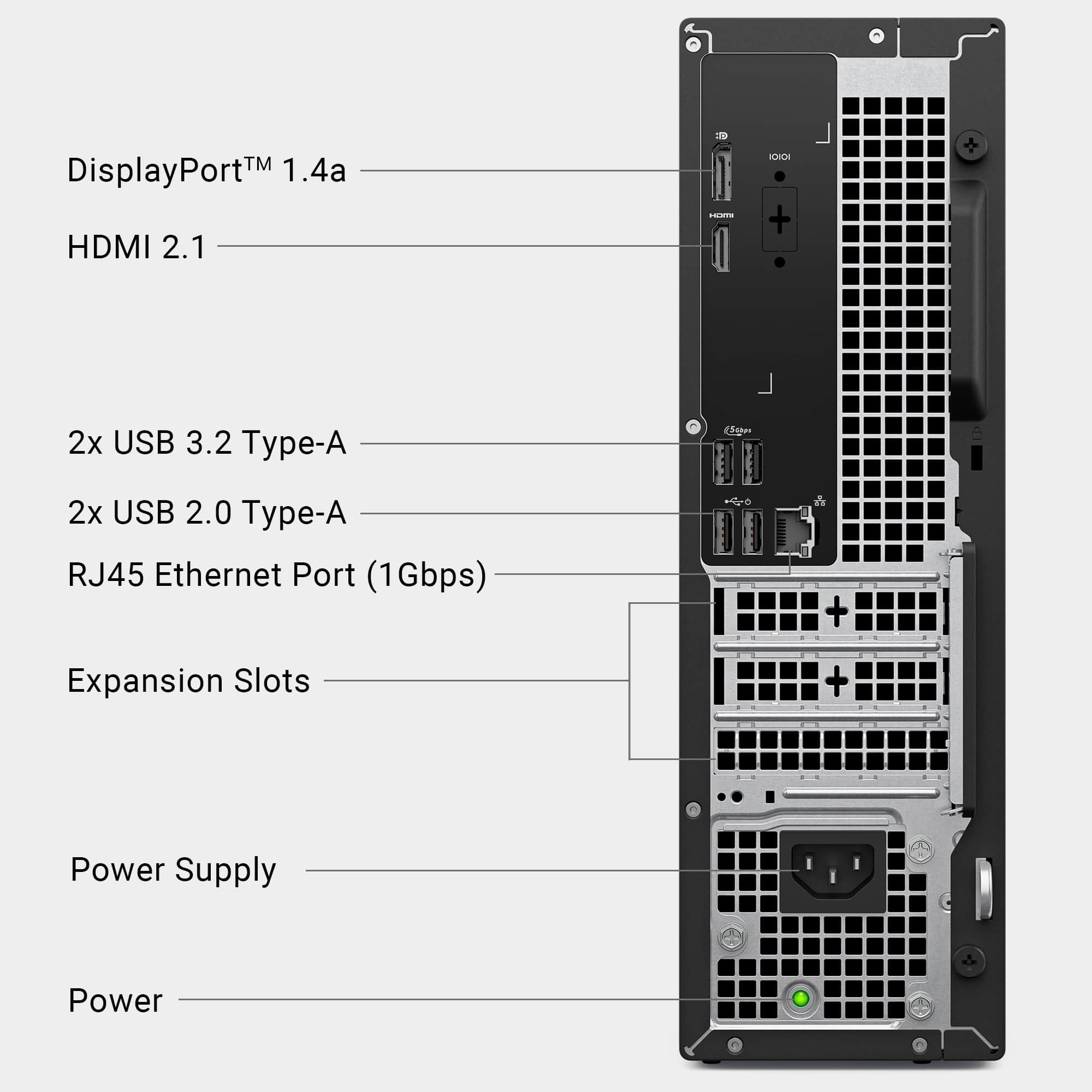
- A:Answer It has both wifi connection and an ethernet port.
Answered by YourDellTeam
Q: QuestionDoes this come with windows 11?
Asked by Kris.
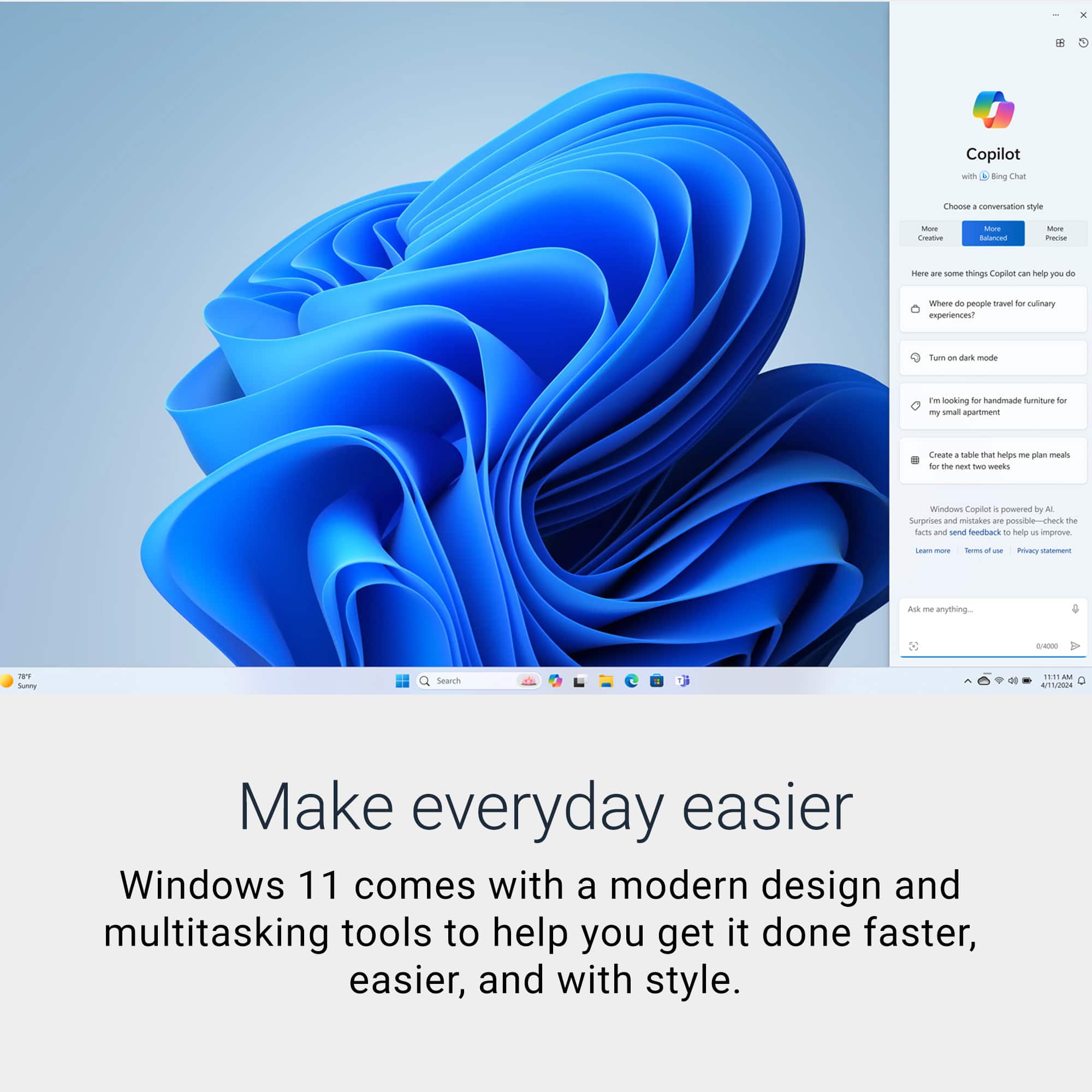
- A:Answer Yes, Windows 11 Home operating system is preinstalled.
Answered by YourDellTeam
Q: QuestionDoes this have a Thunderbolt port?
Asked by Belexes.
- A:Answer There is a USB 3.1 Gen 1 5Gb/s on the front of the computer.
Answered by gdeal
Q: QuestionWe have an old Dell. We have it setup with my Wife on one side of the computer and me on the other. Can you still do that with this computer or setup with two email addresses mine and my Wife's?
Asked by Barry.
- A:Answer Yes, you can absolutely set up your new Dell Desktop to support two separate users. You and your wife, just like you did with your older Dell system.
Answered by YourDellTeam
Q: QuestionHow many HDMI screens are supported
Asked by Mitch.
- A:Answer It supports One HDMI 2.1 (TDMS) port.
Answered by YourDellTeam
Q: QuestionIf I buy this will BestBuy transfer everything from my old Dell PC to this new one?
Asked by Ron44.
- A:Answer Yes, it takes about 48 hours.
Answered by BillD
Q: QuestionCan a CD/DVD drive be added at the store.
Asked by Mortmutt.
- A:Answer This paticular model does not come with a CD/DVD drive. I added one externally using USB.
Answered by MikeM
Q: Questiondoes a new keyboard and mouse come with system
Asked by Mickey.
- A:Answer Yes
Answered by AndreB
Q: QuestionDoes this computer have extra drive bays if I want to add an SSD drive
Asked by Va.
- A:Answer While it does have a SATA-3 Port and SATA Power port on the motherboard, there isn't a drive bay to attach it to in the traditional sense. However, the front panel is removable, behind exposes two holes that are on a slim rail. From inside the pc the rail could in theory hold an SSD. The side bracket holes on the SSD do not both line up with the "rail" holes, but one would be enough for an SSD since it has no moving parts. The rail is also deep enough to give some stability. The main storage is an M.2 2230 that can also accept a 2280. So you could also just upgrade the main storage.
Answered by MnstrMike
Q: QuestionCan you use two monitors with this computer?
Asked by Elderly.
- A:Answer Yes you can connect two monitors with the desktop. 1XHDMI and 1XDP port.
Answered by YourDellTeam
Q: QuestionHow can my information be transferred to this model
Asked by Dee.
- A:Answer You could use Dell Data Migrate service (Paid option) or any of the cloud storage options, External Hard drives and USB Flash drives to transfer data.
Answered by YourDellTeam
Q: QuestionCan I use a wireless keyboard and mouse?
Asked by Carolyn.
- A:Answer Yes, you can connect a wireless keyboard and Mouse.
Answered by YourDellTeam
Q: QuestionCan I run a 2 monitor setup on this?
Asked by AW.
- A:Answer Yes, I manage 3
Answered by ElizO
Q: QuestionIs it upgradable to Windows Pro?
Asked by WindowsPro.
- A:Answer Yes, the Desktop is upgradable to Windows Pro.
Answered by YourDellTeam
Q: Questioncan I install window 11 pro in this computer?
Asked by Ovalles.
- A:Answer Yes I connect my suscription
Answered by ElizO
Q: QuestionCan this unit lay on its side?
Asked by Madj.
- A:Answer I see no reason you can't use it on its side. (My Dell 3670 tower has operated like that for years.) Just be sure you don't block the ventilation grilles with anything parked on top of / around it.
Answered by TechServiceDad
Most-viewed items
- $619.99Your price for this item is $619.99$769.99The comparable value for this item is $769.99
- $799.99Your price for this item is $799.99$849.99The comparable value for this item is $849.99
- $799.99Your price for this item is $799.99
- $1,499.99Your price for this item is $1,499.99
- $649.99Your price for this item is $649.99$719.99The comparable value for this item is $719.99
- $499.99Your price for this item is $499.99
- $1,099.99Your price for this item is $1,099.99
- $499.99Your price for this item is $499.99
- $349.99Your price for this item is $349.99
- $1,499.99Your price for this item is $1,499.99
- $649.99Your price for this item is $649.99
- $749.99Your price for this item is $749.99$899.99The comparable value for this item is $899.99
- $1,999.99Your price for this item is $1,999.99
Lenovo - IdeaCentre Tower Desktop - Copilot+ PC - AMD Ryzen AI 7 350 - 32GB Memory - 1TB - Luna Grey$849.99Your price for this item is $849.99- $599.99Your price for this item is $599.99
- $399.99Your price for this item is $399.99
- $1,219.99Your price for this item is $1,219.99$1,499.99The comparable value for this item is $1,499.99
- $134.99Your price for this item is $134.99