Questions & Answers
- Model:
- FT2VY
- |
- SKU:
- 6404051
Highly rated by customers for: Screen Size, USB-C, Resolution
Page Showing 41-49 of 49 questions
Q: QuestionIs this a good monitor for video conferencing?
Asked by Anonymous.
- A:Answer This monitor with 27 inch 4k display delivery is a good choice for video conferencing. However, this does not have built-in camera and microphone. You need to connect external camera and microphone .
Answered by YourDellTeam

Q: QuestionCan I plug a flash drives with pictures and then be on the screen, even create a slideshow?
Asked by Jerry.
- A:Answer You could plug in the flash drives with pictures and be on the screen. However, to create a slideshow you need a desktop or notebook to be connected.
Answered by YourDellTeam

Q: QuestionWhat kind of adapter would you need to connect the thunderbolt 3 ports on the M1 MacBook air to the USB-C/DisplayPort on this monitor? Do you have any specific product recommendations that will also work for charging the laptop?
Asked by Customer.
- A:Answer Is this true? Can't the usb-c port on this display just charge a mac
Answered by Mike
Q: QuestionIs this compatible with the M1 Macbook Air? If so, are any adaptors necessary?
Asked by Customer.
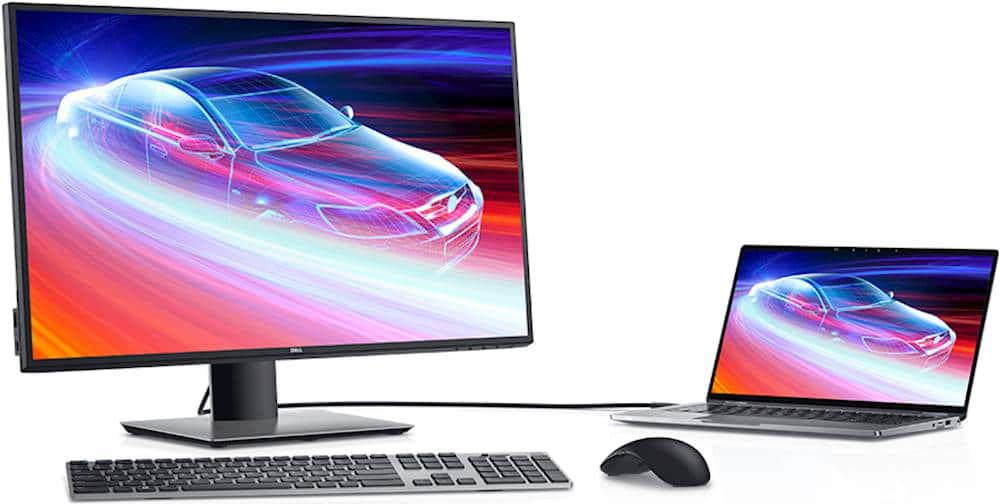
- A:Answer Yes, this monitor is compatible with the Macbook Air and you would need an docking station or a video adapter to connect this monitor.
Answered by YourDellTeam

Q: QuestionHow many watts of charging capability do the USB-A ports have? Is it correct to assume that the only input ports are USB-C and HDMI? Are the other ports for external devices and have charging capability?
Asked by DERPN1978.
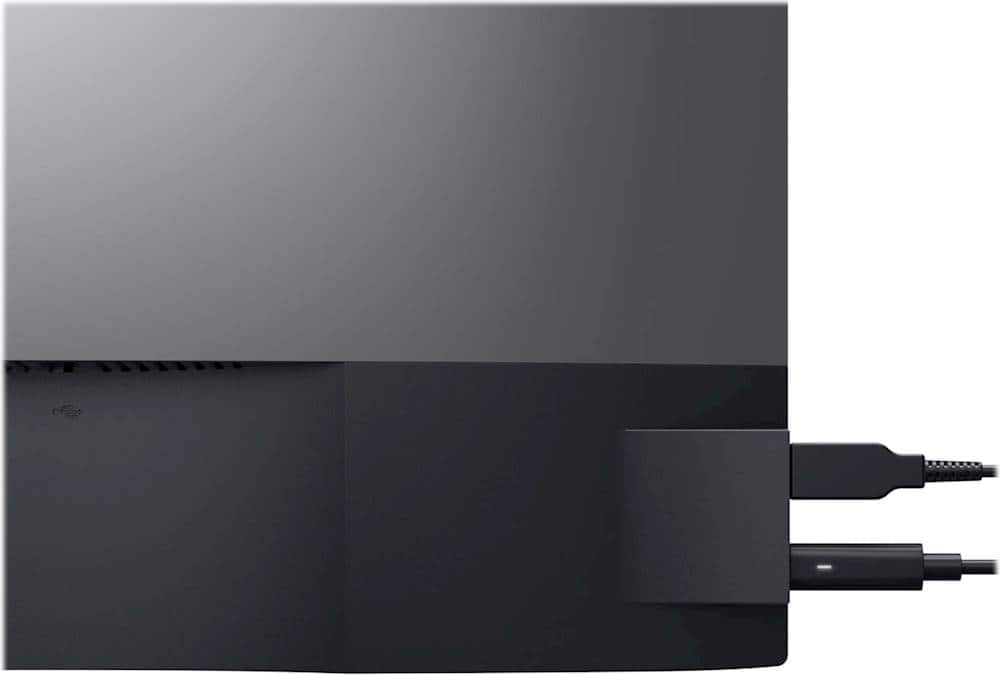
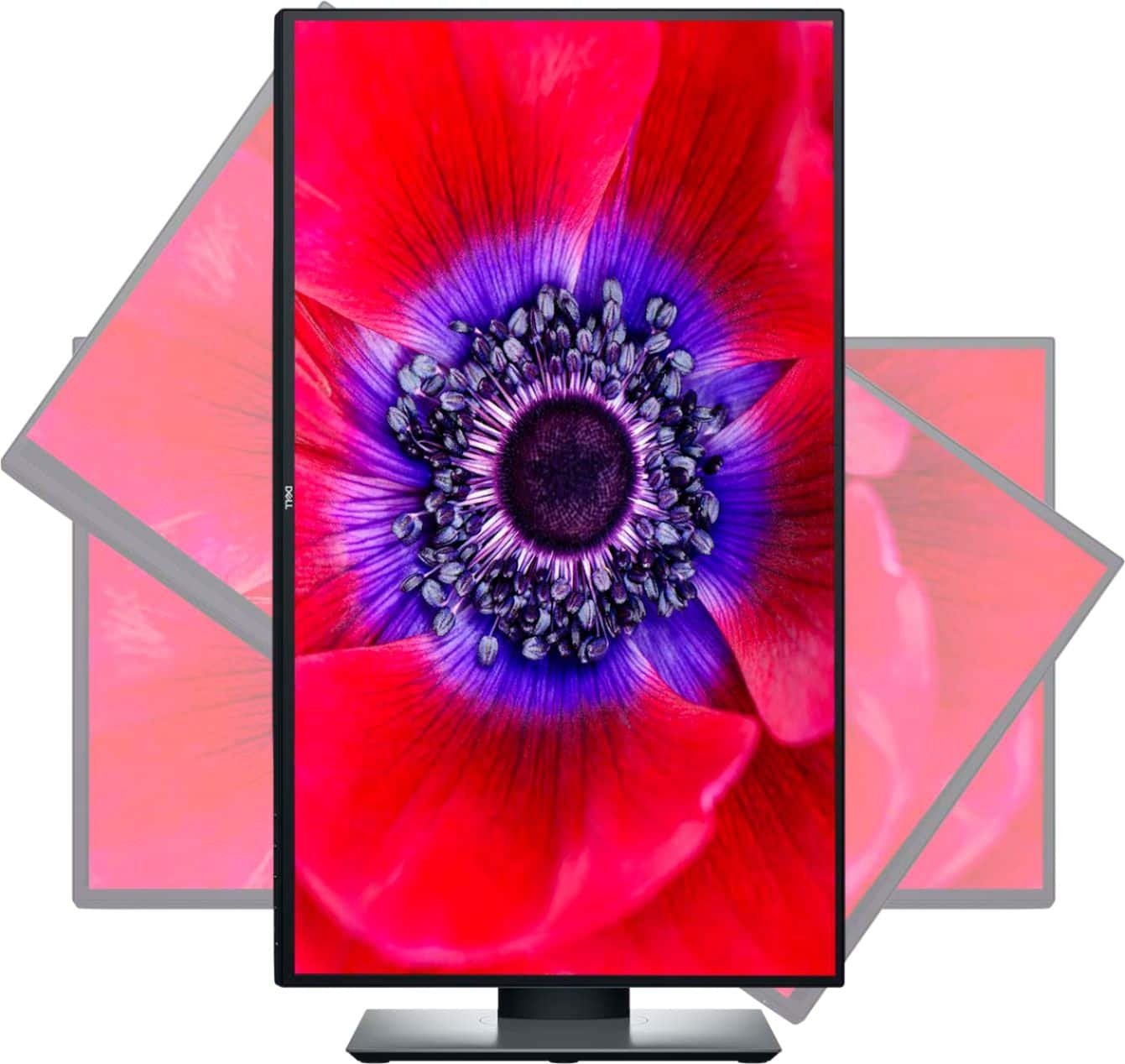
- A:Answer The USB Type-C (Alternate mode with DisplayPort 1.4, USB 3.0 upstream port, Power Delivery PD up to 90 W), USB 3.0 downstream port with BC1.2 charging capability at 2 A (max) and a USB 3.0 Type-C downstream port with charging capability at 3 A (max).
Answered by YourDellTeam

Q: QuestionWhen will this monitor be available to purchase?
Asked by psm.
- A:Answer You may have to contact Best Buy customer care team for further details on this.
Answered by YourDellTeam

Q: QuestionHow to stop charging through USB-C?
Asked by rain.
- A:Answer The *Personalize* menu of the monitor's on-screen menu includes options to let you configure the monitor's USB-C output (the port on the left side of the display) to be ON or OFF when the monitor is in Standby mode. I don't think that you can set the port so that it doesn't charge the attached device.
Answered by HNDemoch
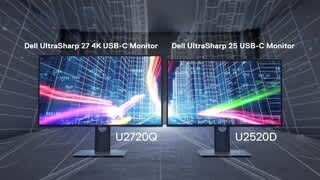
Q: QuestionIs this the same with DELL U2720Q? and what's the difference between U2720QM and U2720Q?
Asked by Freddie.
- A:Answer The Q comes with a Display Port cable, the QM comes with an HDMI.
Answered by BestUT
Q: Questioncan I use this with my apple macbook pro 16" computer?
Asked by Paluhl.
- A:Answer You can connect this monitor through HDMI or DP port and if you don't have that port on the system, then you will need an adapter.
Answered by YourDellTeam

Page 3, Showing 41-49 of 49 questions
Top Rated
- $329.99$329.99The price was $469.99
- $299.99$299.99The price was $349.99
- $122.00$122.00The price was $129.99
- $139.99$139.99The price was $149.99
- $449.99$449.99The price was $649.99
- $1,299.00$1,299.00The price was $2,799.00