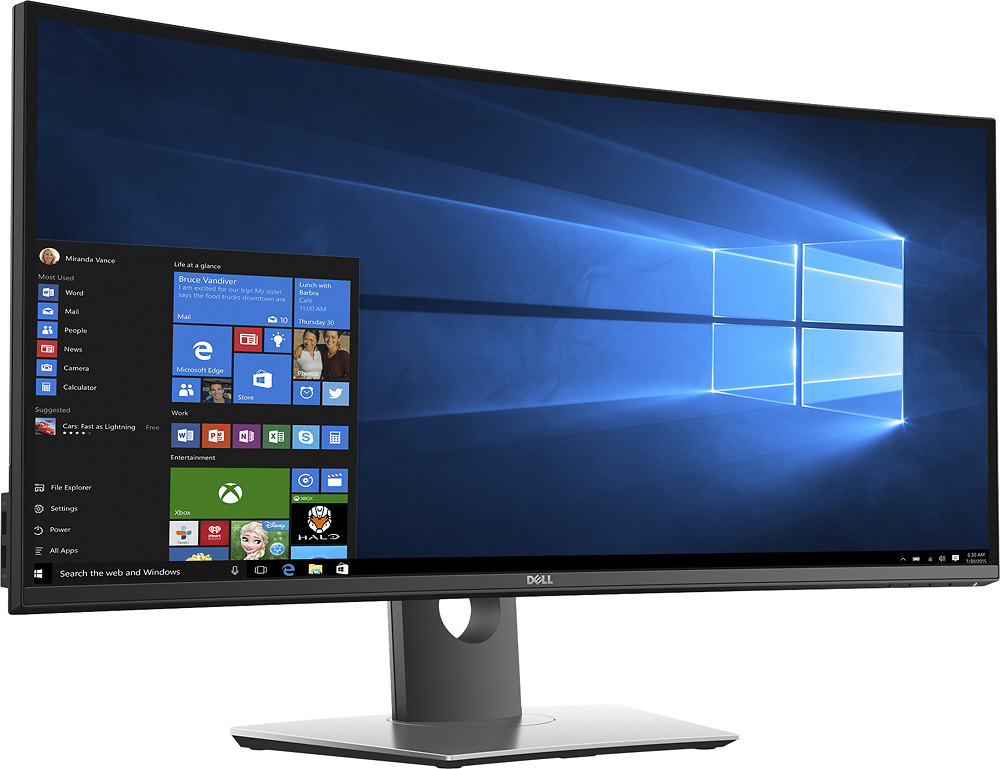
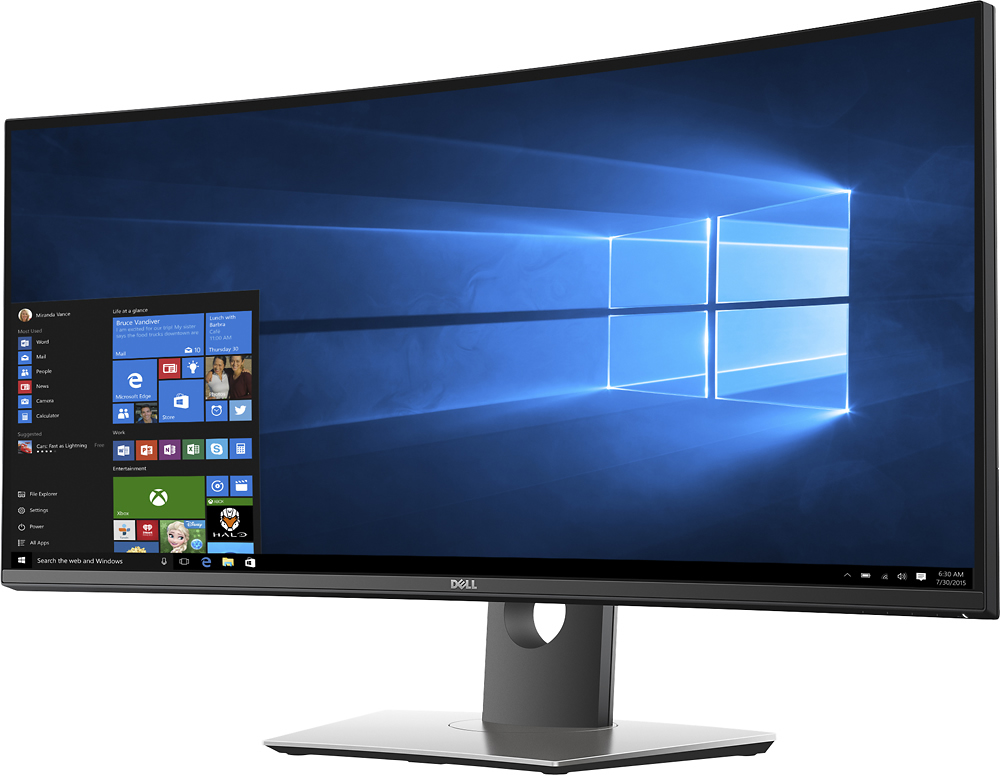
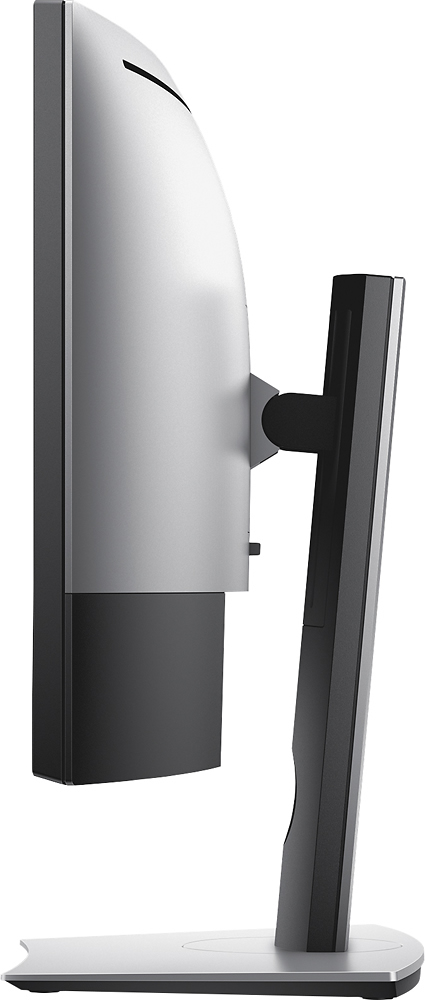
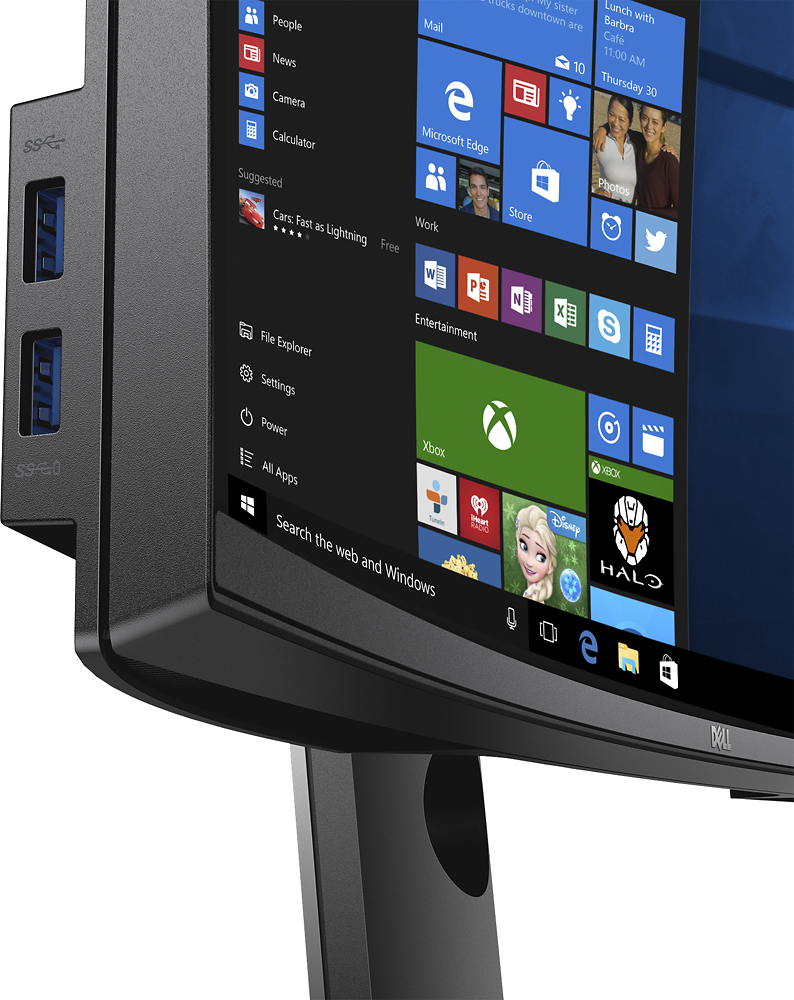
A:AnswerI would say the Dell 34 curved monitor is your best choice!
I use 2 at work, and movies at times and the quality is superior, I would recommend using alternate speakers for sound, the built in speakers are not great not bad but not recommended for movies!!
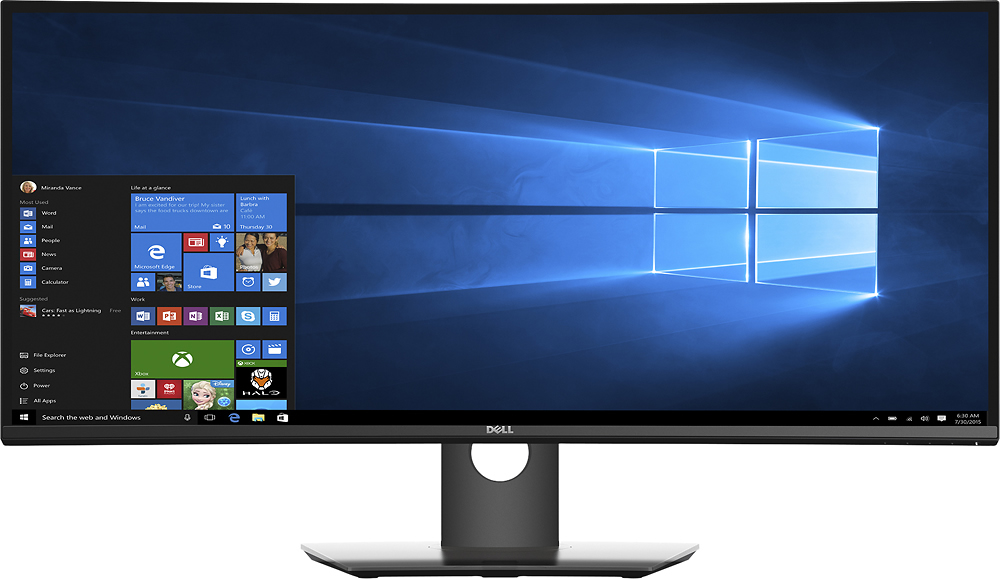
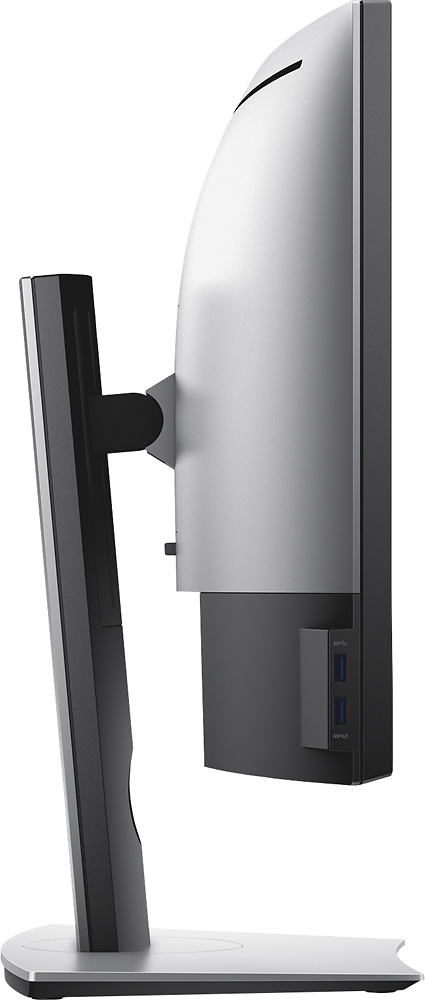
A:AnswerI have 2 of these monitors and love them. You can move screen up and down on mount, and pivot (or tilt) up and down- but it does not swivel clockwise
A:AnswerIt is not 4k. It works great for video editing. The extra screen space and curved design make it even better. But you will not be able to see a 4k resolution with this monitor.
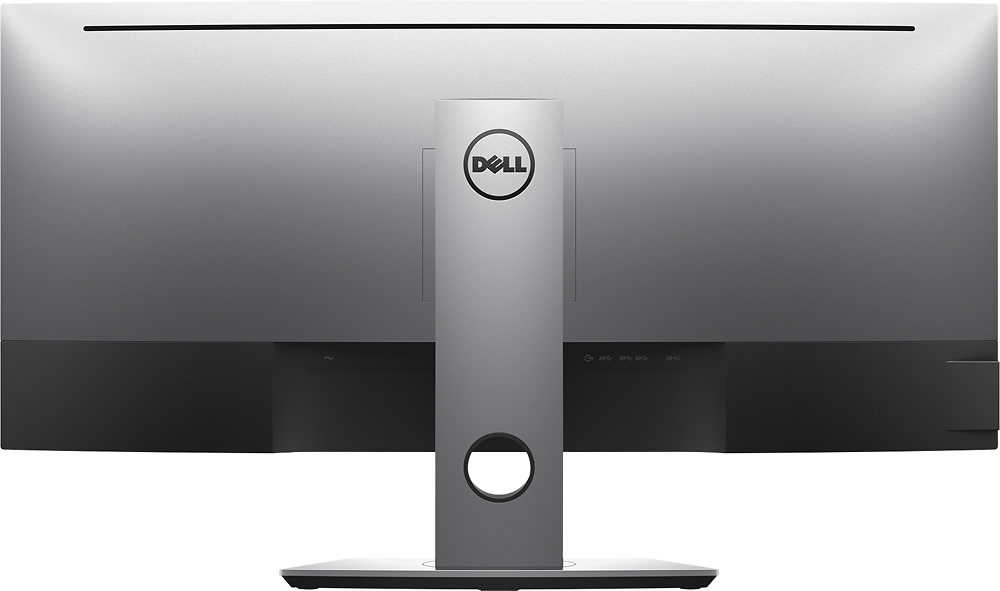
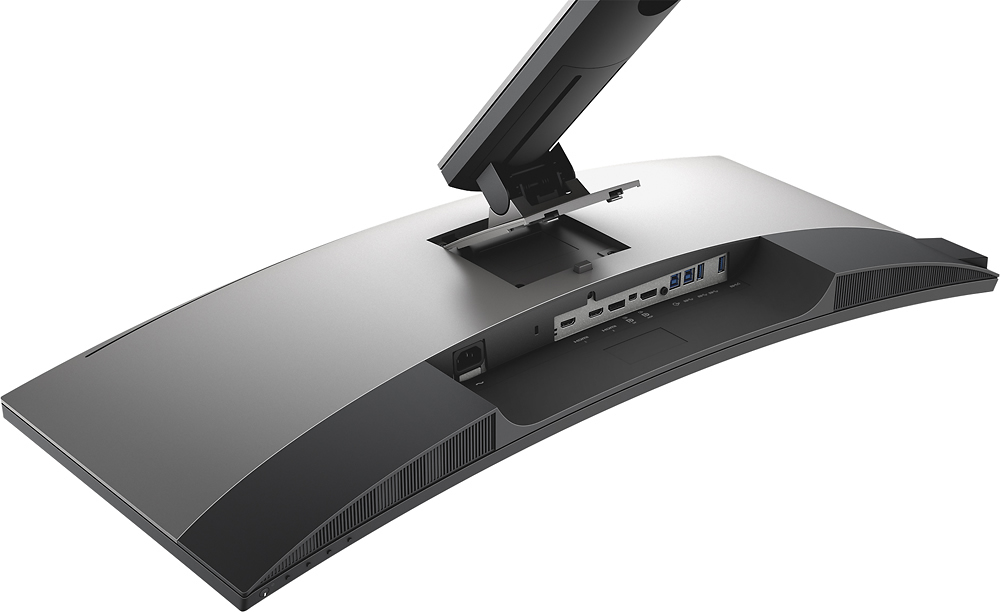
A:AnswerThis really depends on the video outputs you have available. This monitor has two HDMI, a DisplayPort and a Mini DisplayPort as well as two USB 3.0 uplink ports and four USB 3.0 downstream ports. It also has a DisplayPort output of your wanted to link multiple monitors together.