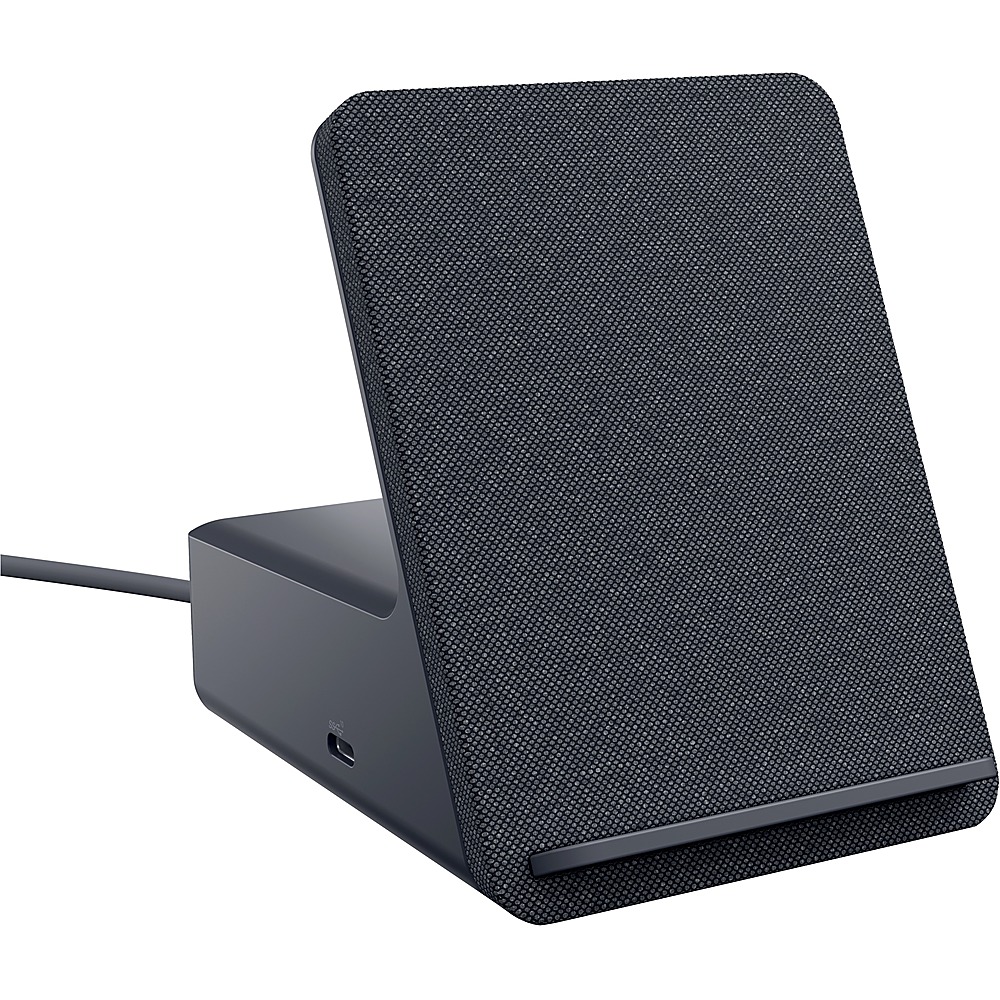
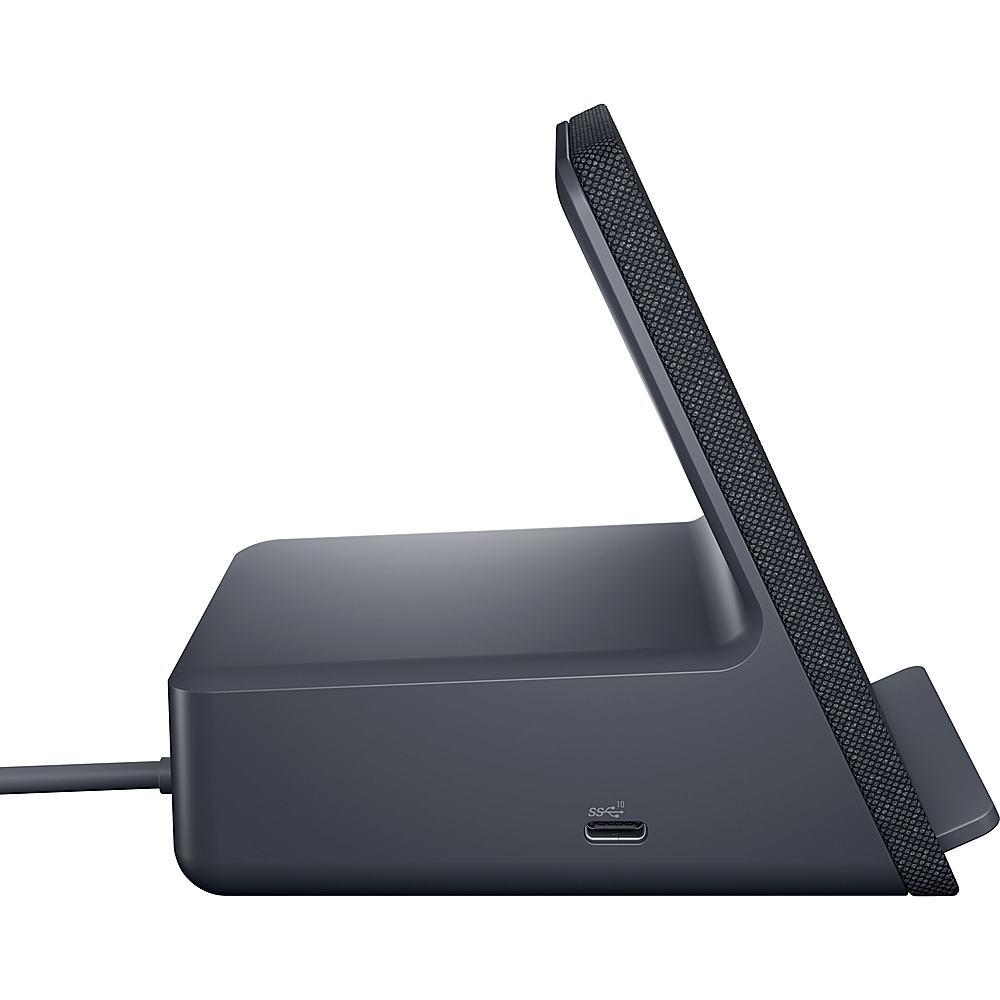
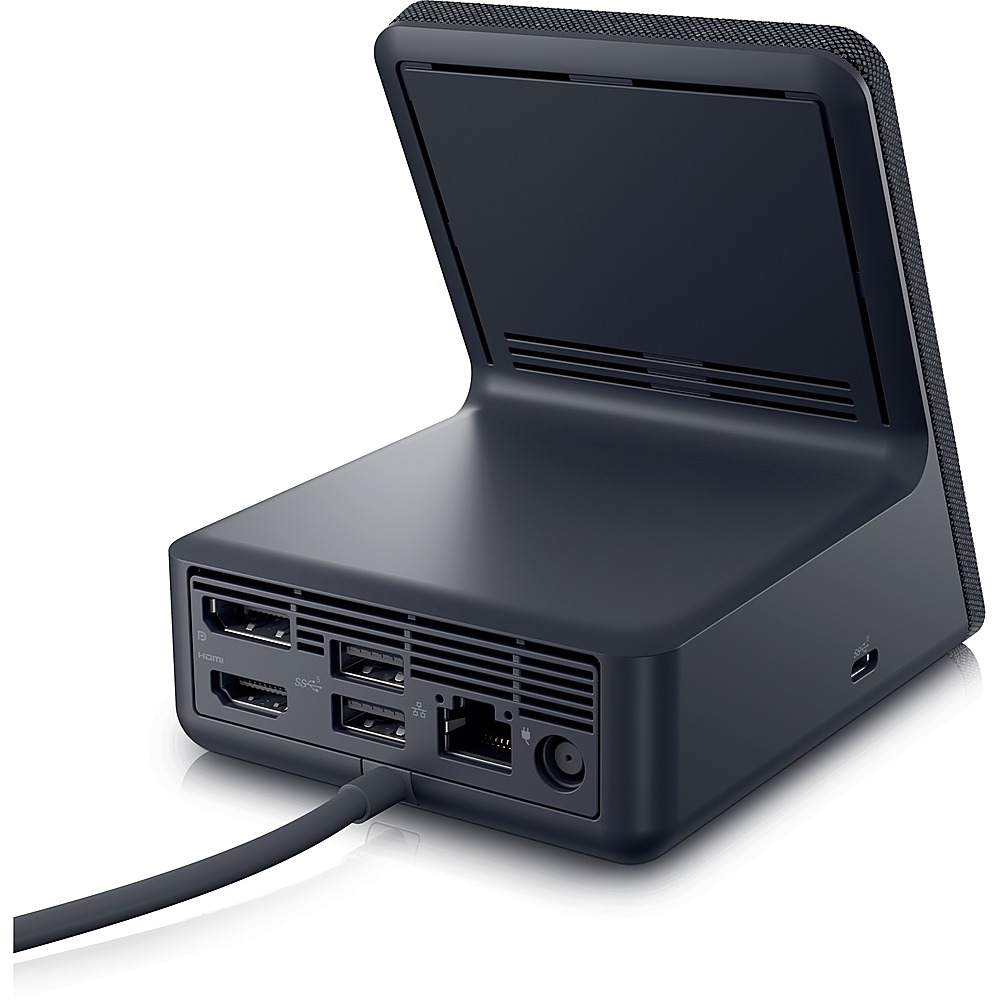
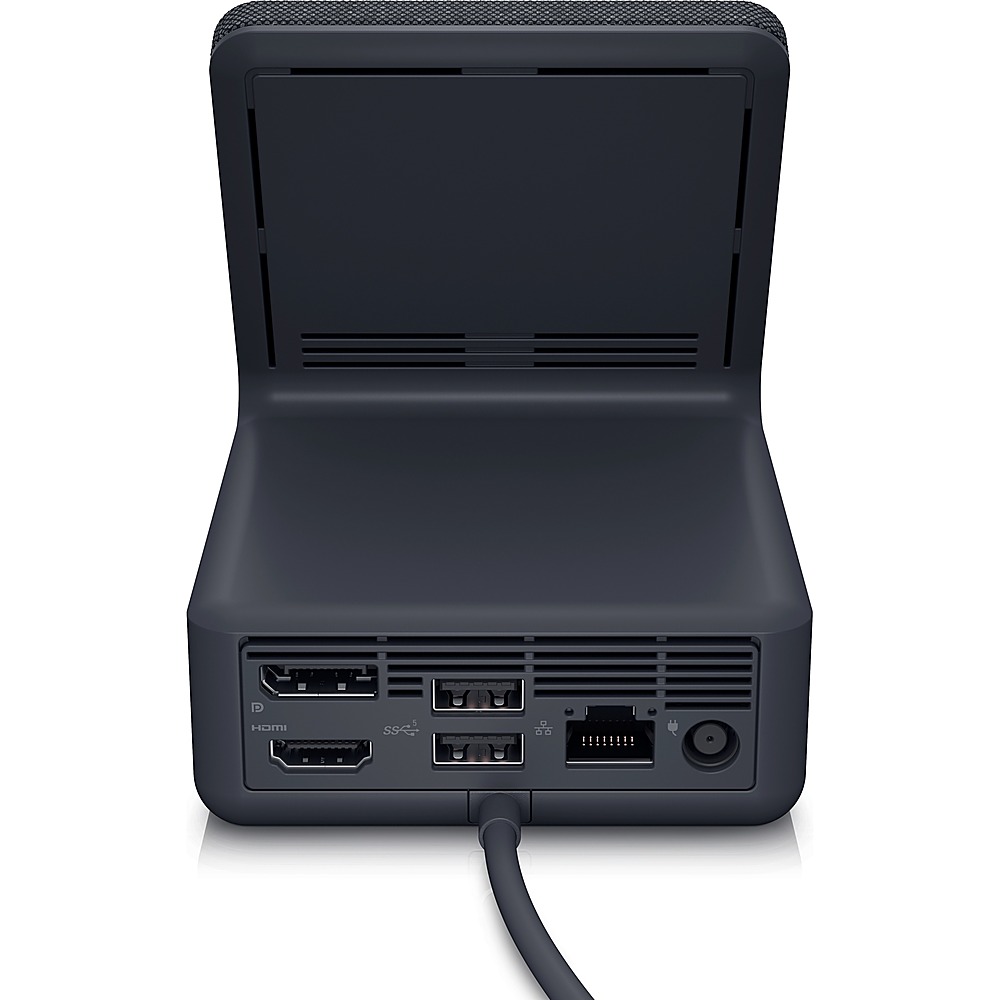
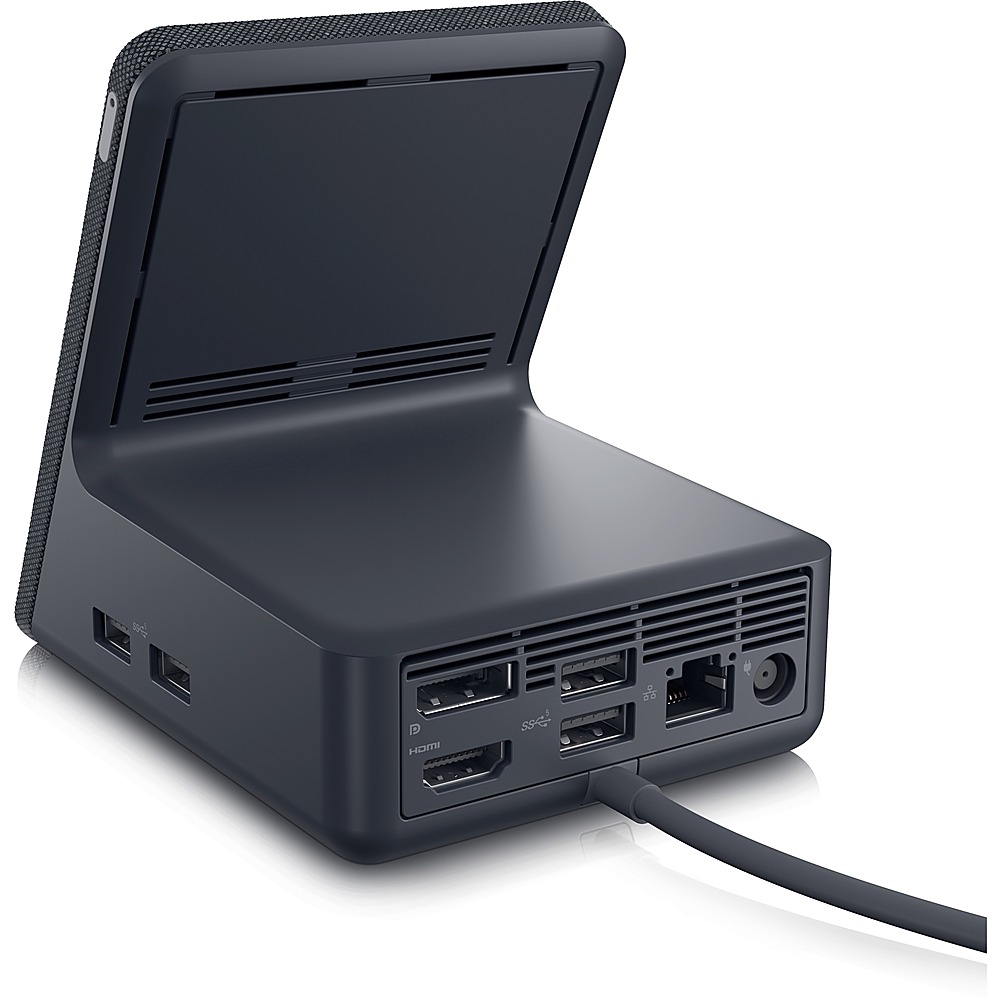
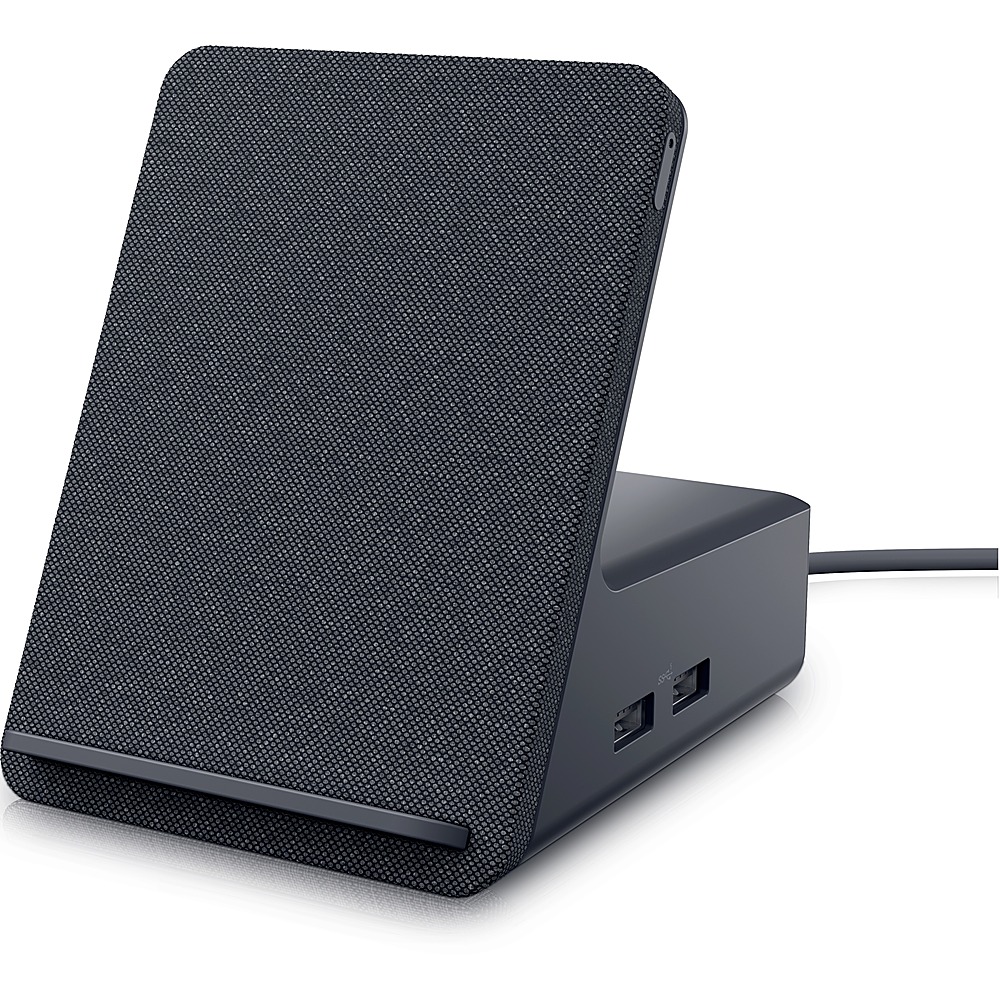
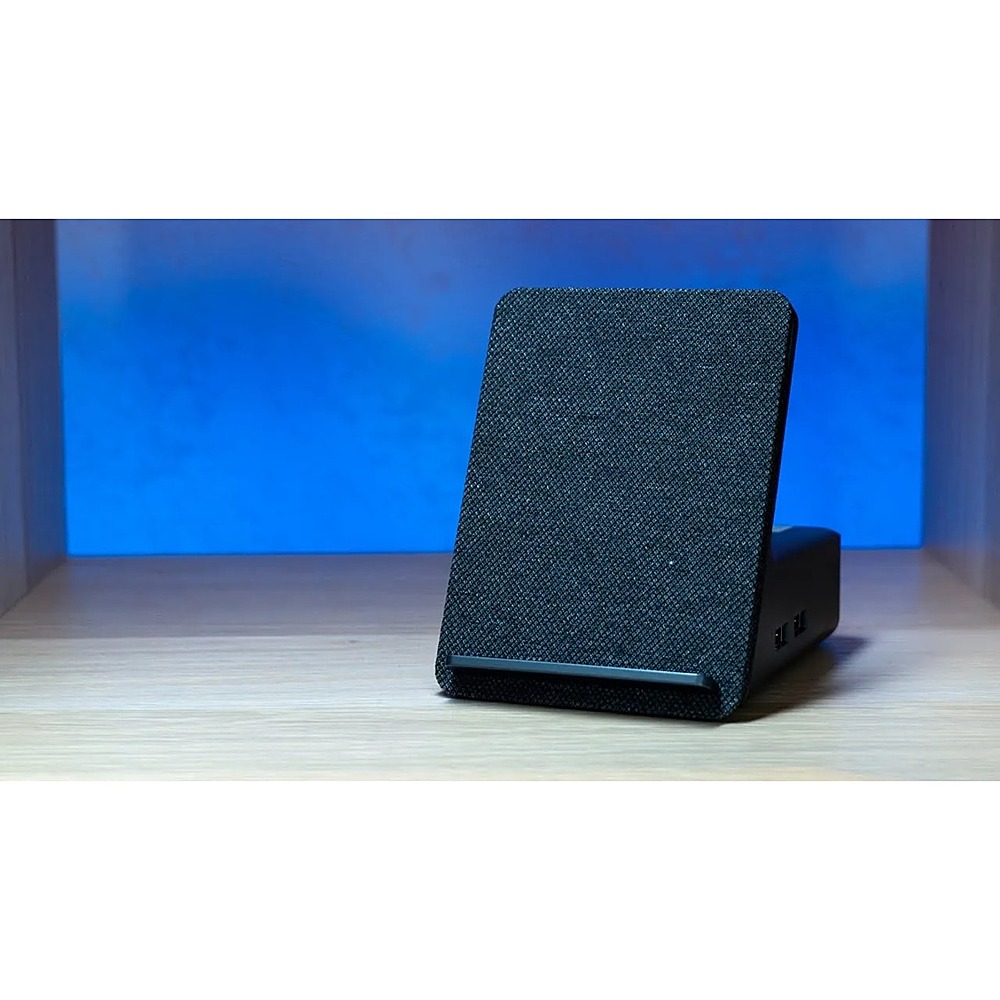
A:AnswerDell Dual Charge Dock - HD22Q includes two USB 3.2 Gen 1 Type-A ports (rear), two USB 3.2 Gen 1 Type-A ports (right), and one USB 3.2 Gen 2 Type-C with PowerDelivery 3.0.
A:AnswerFor technical assistance on this docking station, we recommend contacting the Dell Technical Support team. They are available on Facebook and Twitter(@Dellcares).
A:AnswerYes, when connected to a compatible laptop, this dock will support up to two external displays. This dock has one DisplayPort 1.4 port and one HDMI 2.1 port, compatible monitors can be connected to these ports.
A:AnswerI want to say yes, I think you will need to download the updated firmware. Someone asked that same question on the Dell website about connecting their Macbook M2.