A:AnswerHello and thank you for your question. Changing inputs can be done with our Remote app. The remote app works with Android / iOS / Amazon Kindle.
A:AnswerHello and thank you for your question. That is correct, set Zone 2 volume to fixed in this case. Run Zone 2 out from DRA-800H to your 2nd unit.
A:AnswerThis is not a typical function and you will have to use the zone 2 volume going forward. Setting the input source of ZONE2 as the “Source” allows you to play the same content in MAIN ZONE and in ZONE2, regardless of the type of input signal -Set the input source of ZONE2 as the “Source” by pressing the ZONE2 SOURCE button on the main unit.-If the MAIN ZONE input source is changed while ZONE2 is selected as the “Source”, then ZONE2’s input source will be changed to mirror the MAIN ZONE’s input source.
A:AnswerYou can Group HEOS speakers in with the 800H to output in stereo. In regard to connected speakers, you can use wireless modules to set up speakers without running speaker wire throughout the application.
A:AnswerThe Absolute volume scale ranges from 0-98. On this scale, 40 is where you would start outputting any audible signal. You were most likely using a Relative volume scale on the previous HK unit. You can change the DRA to use a Relative Scale (-80 dB to +18 dB) by accessing the menu and selecting Audio - Volume - Scale.
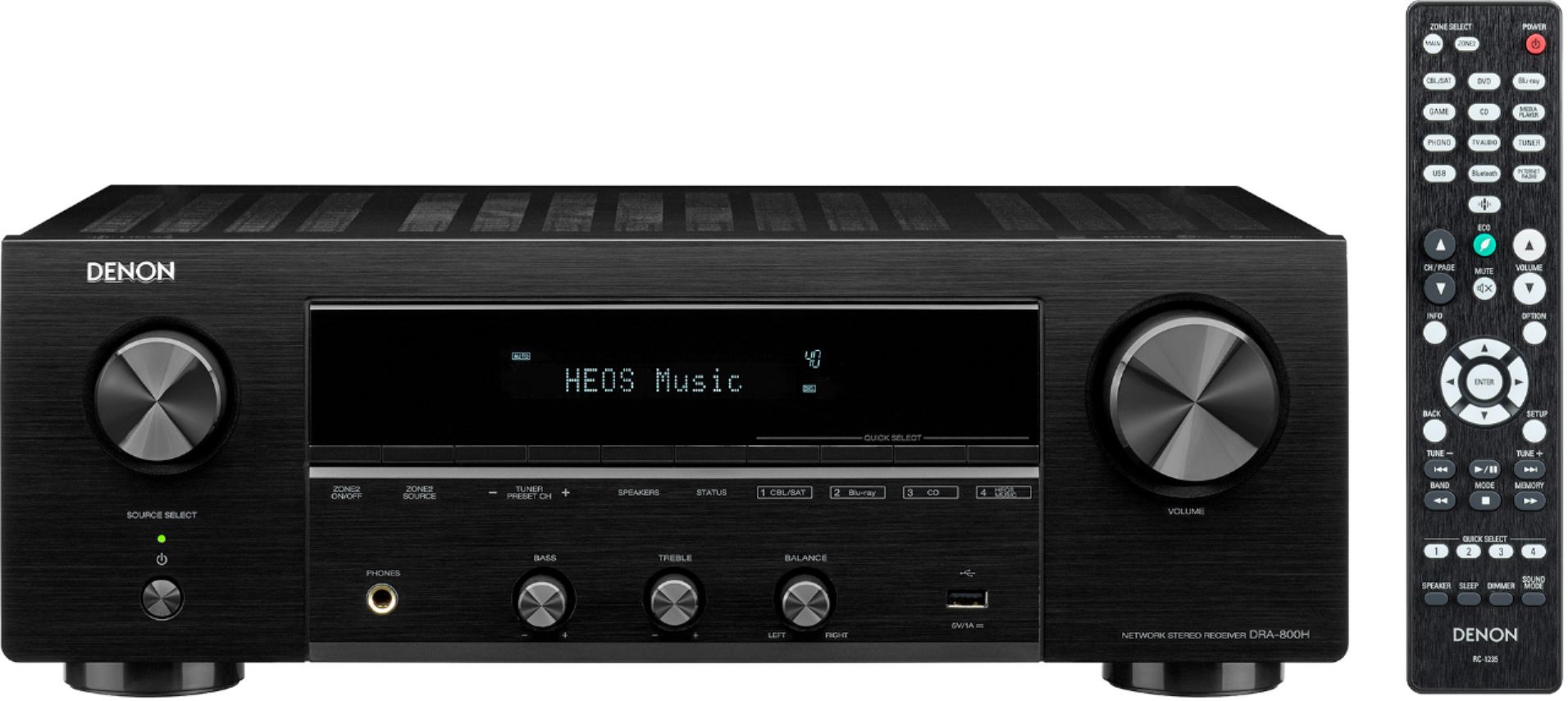
A:AnswerYou would simply go to the source you want, set it how you want and then hold in one of the Quick Select buttons to save the source and setting on that Quick Select preset.
A:AnswerThe unit should be warm on the top panel, but not hot to the touch where you have to remove your hand. How warm it gets will depend on the wattage output (volume level) and for how long it's being used.
A:AnswerYes, the DRA has a feature called Bluetooth Transmit as long as the firmware is up to date. It allows you to send audio to the BT headphones when paired with the receiver.
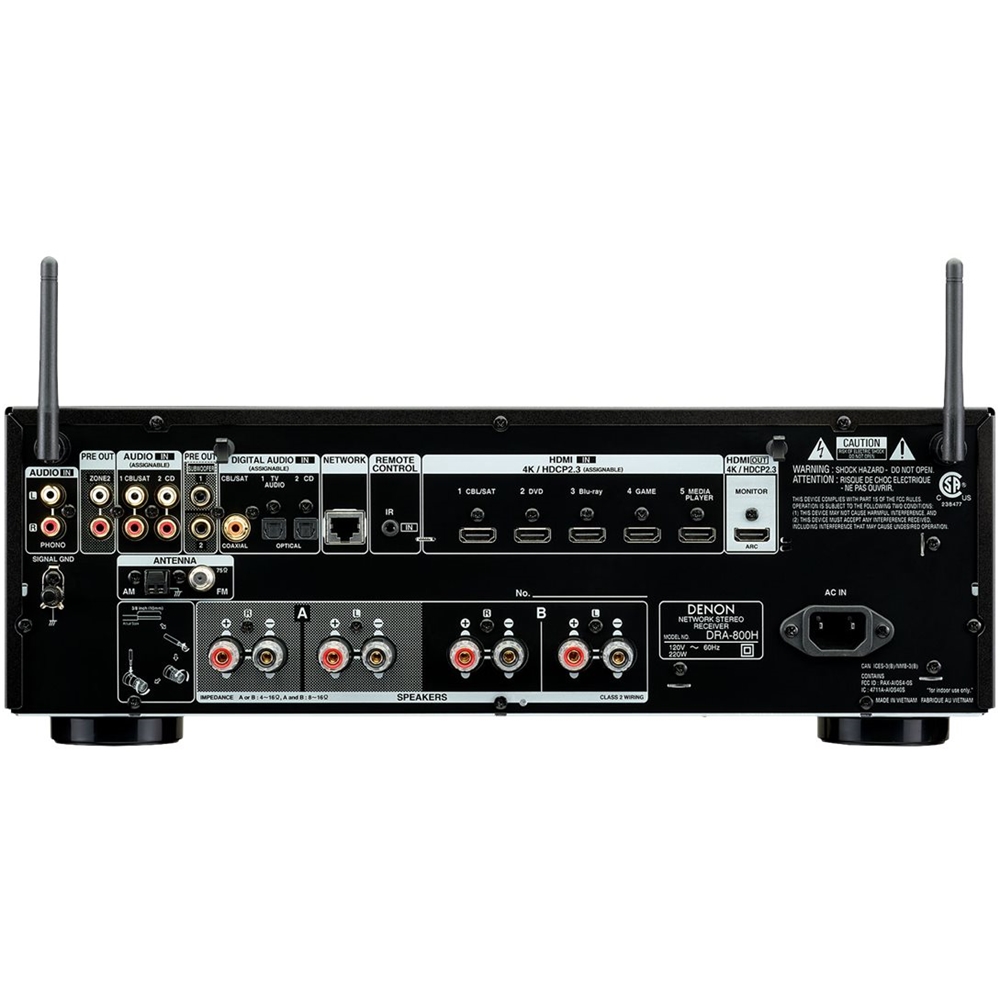
A:AnswerI would advise using HDMI cables. The DirecTV and Blu-Ray player connect to the AVR's HDMI inputs. (i.e. CBL/SAT and Blu-Ray sources) The TV connects to the AVR's HDMI Monitor Out.