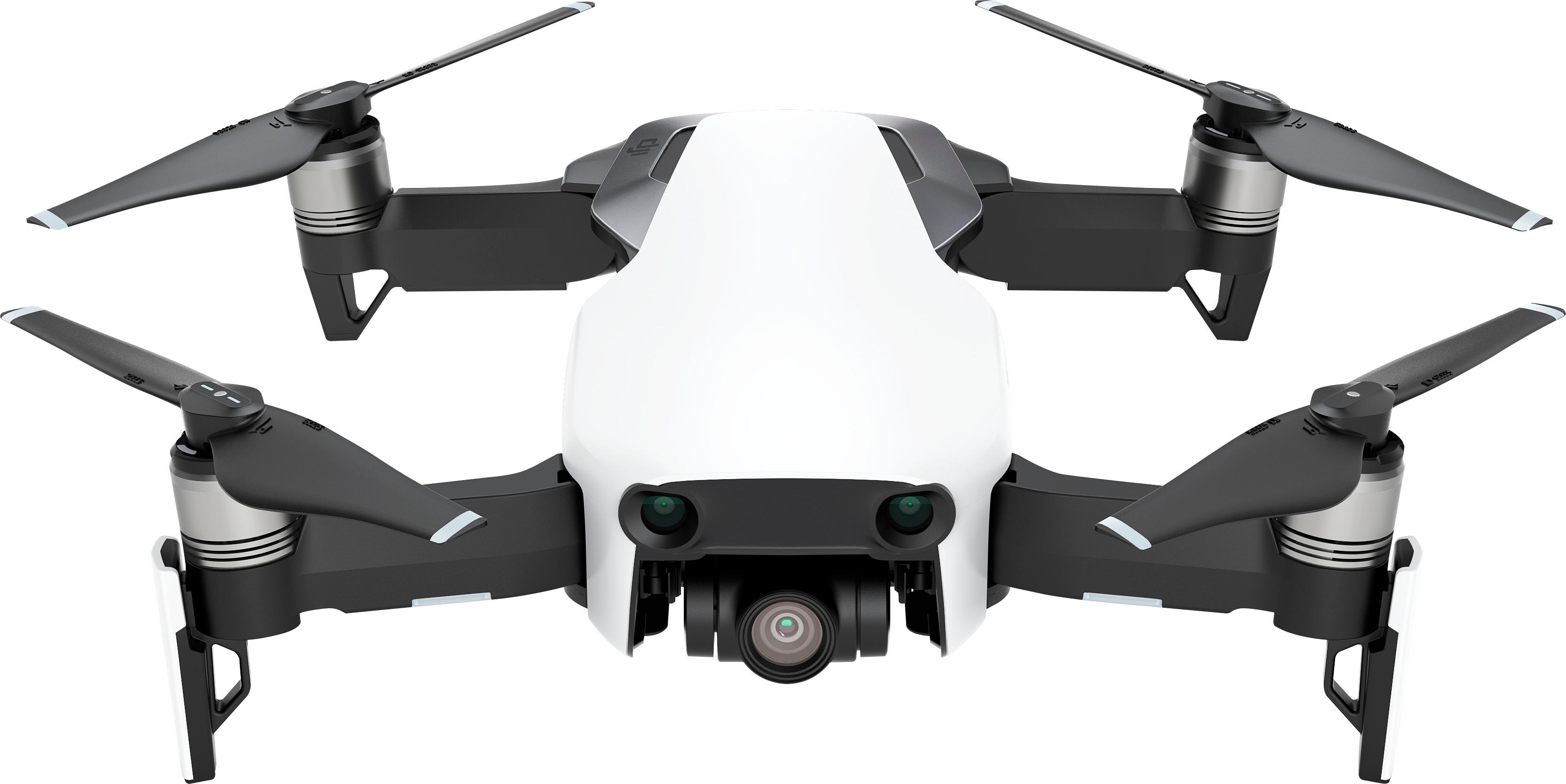
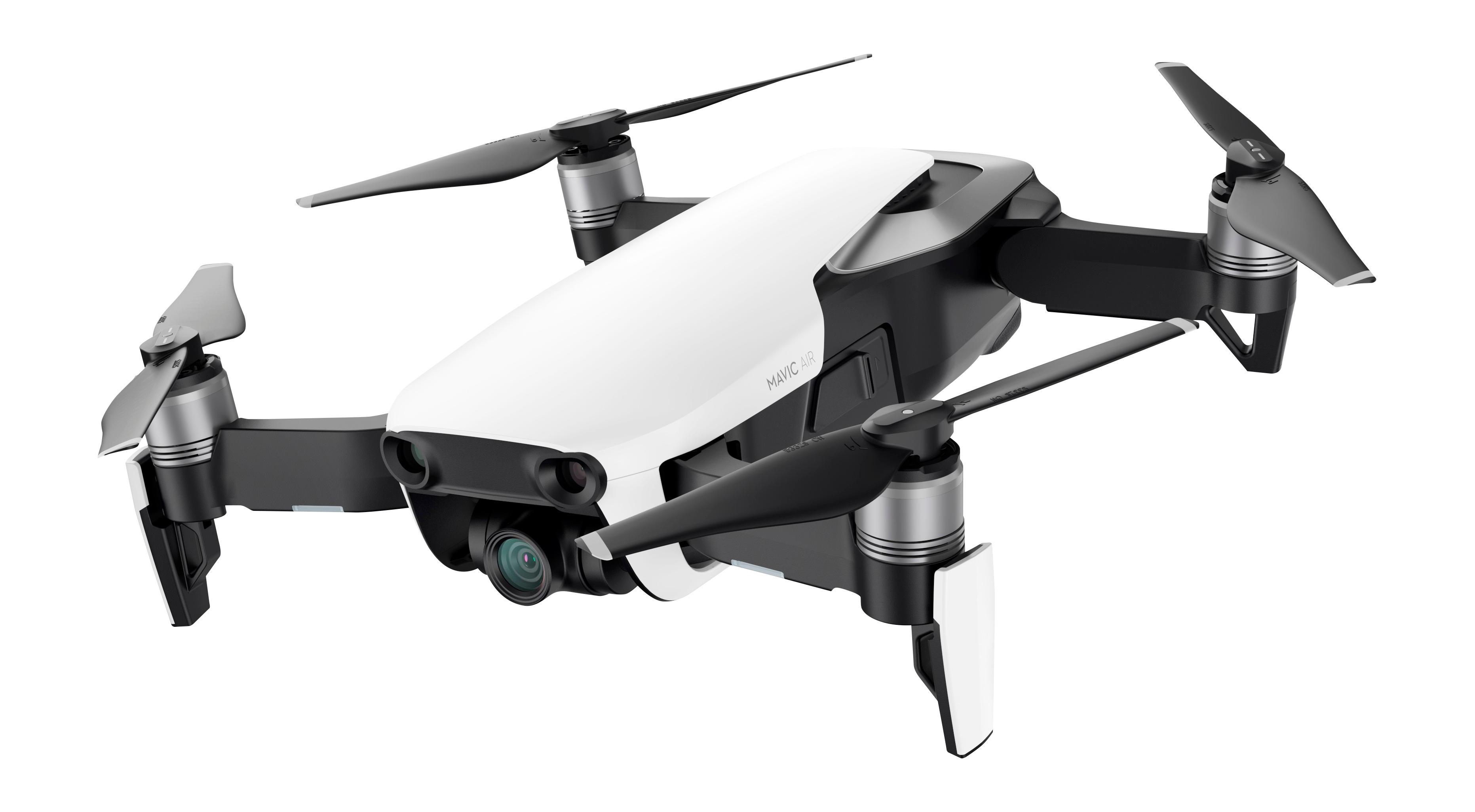
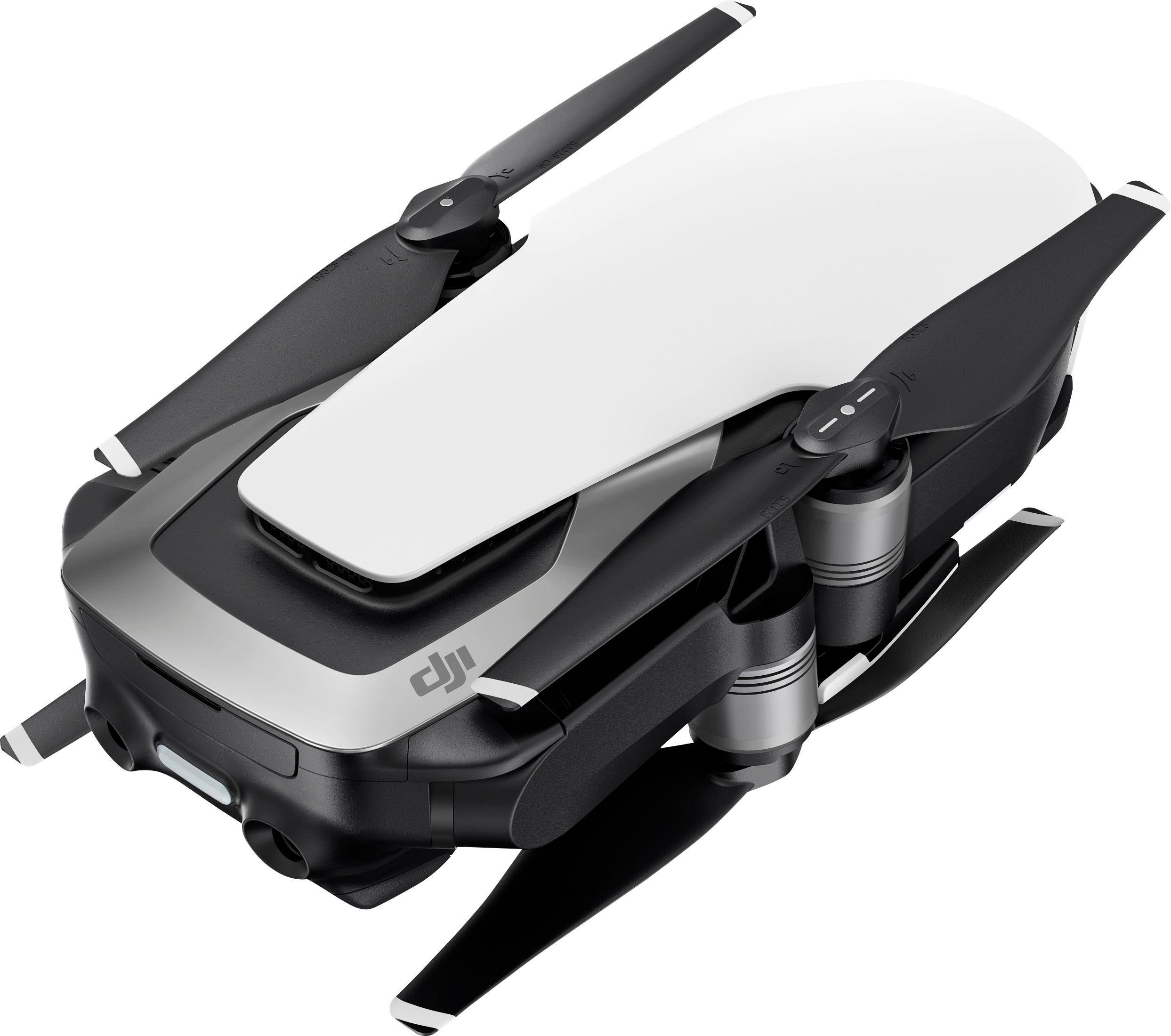
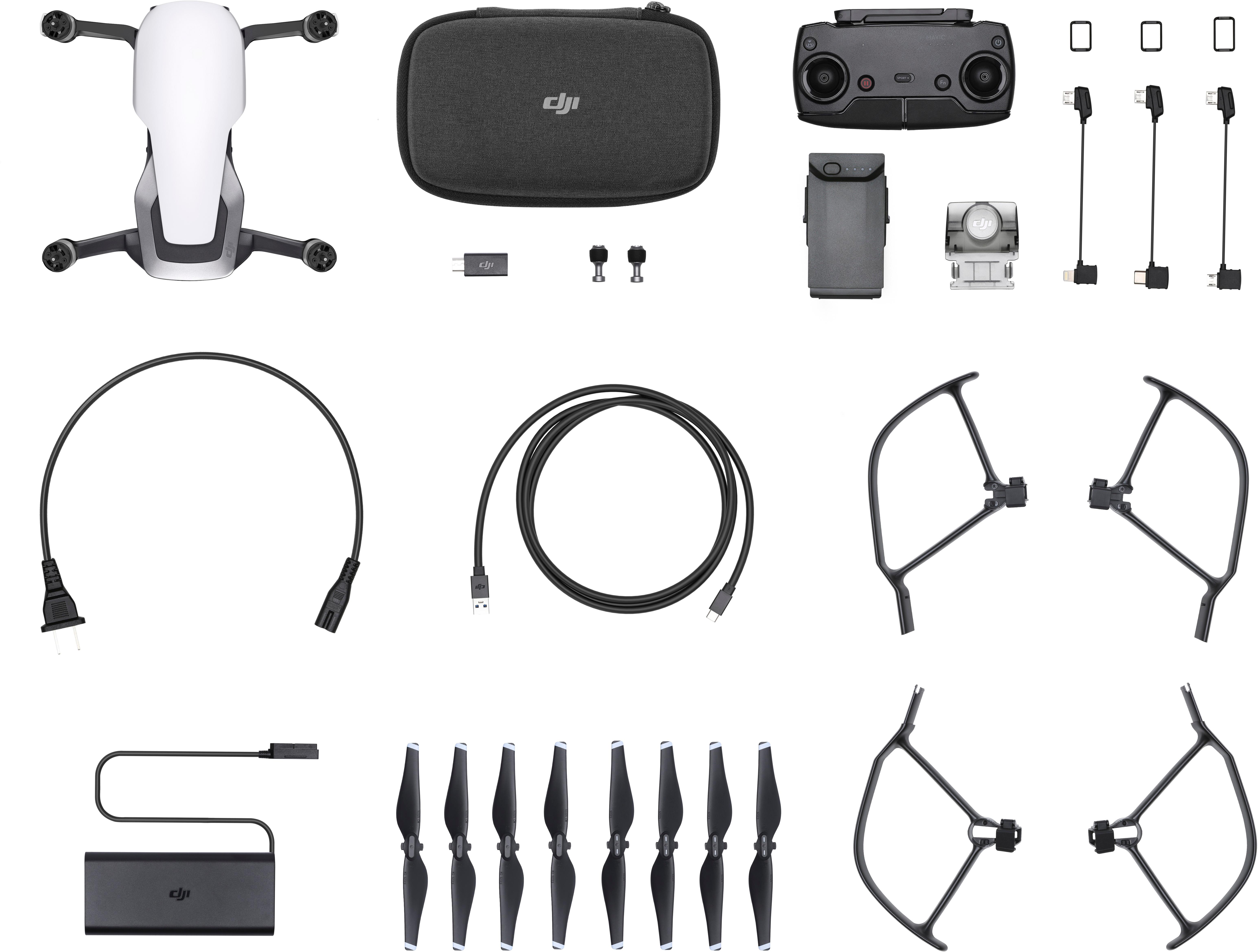
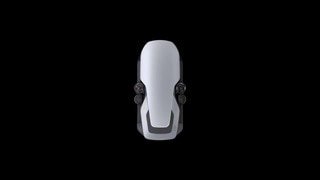
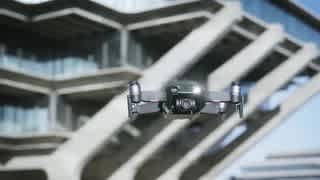
A:Answerboth of them are the exact same dron and both include the GPS integrated. the only differences is that the combo came with more useful accessories.
A:AnswerYea it can track you up to about 30mph (when object sensing is on it caps the speed). It has built in sensors so it should be able to dodge branches and stuff. I've seen videos where it works well and where it doesn't. I think it depends on how sense the foliage is.
A:AnswerDrone can handle light rain but it’s not advised if it starts raining while your up bring it back if you land in a lake it’s a goner but there is Best Buy’s protection plan or DJI Care
A:AnswerYes it works quite well with the fly more app and Samsung note 9. I bought the mavic Air 2 Drone when it first came out and I've been using this combination ever since with no glitches whatsoever. Note if you're using the Samsung Galaxy Note 9 it's a tight fit on the original controller I have the otter case and I have to literally force it into the controller. Not wanting to break or stress the antenna configuration which holds the phone I eventually had to get an adapter. With all this said I've been researching compatible tablets
A:AnswerYes DJi calls it return to home. It's a button and also a safe guard when you loose connectivity.
On a side note make sure you can fly in your area DJI geofence has total control and will not allow flight in any area it deems off limits even indoors. had I done the research I would have chose another non GPS limited drone this thing cost a lot of money and it's pretty much a paperweight where I live.
A:AnswerYes you can go to the dji website you can order a variety of accessories and equipment. But my suggestion is look on some websites like Craigslist and classified ads to get a slightly used one it will save you a lot of money
A:AnswerI have 13 flights now and 2.5 hours in the air. It looks like most of my flights are around 15 minutes. This is per my logs on Airdata. Conditions play a big part in actual air time so your mileage may differ.