Black Friday is hereShop new DoorbustersShop now

Skip to content
Gift Ideas
45575 Dulles Eastern Plz
Ste 188
Sterling, VA 20166
Open until 9 pm
Find Another Store
Main Content

Questions & Answers

Your price for this item is $199.99
The comparable value price is $269.99
Page Showing 1-20 of 24 questions
  • QuestionAre the microphones in this system omnidirectional?

    • Answer Yes, the DJI Mic 2 features omnidirectional microphones.
    This question and answer was generated by AI based on customer and product data.
  • QuestionWhat type of connector does the DJI Mic 2 use for output?

    • Answer The DJI Mic 2 uses a USB-C connector for output and charging.
    This question and answer was generated by AI based on customer and product data.

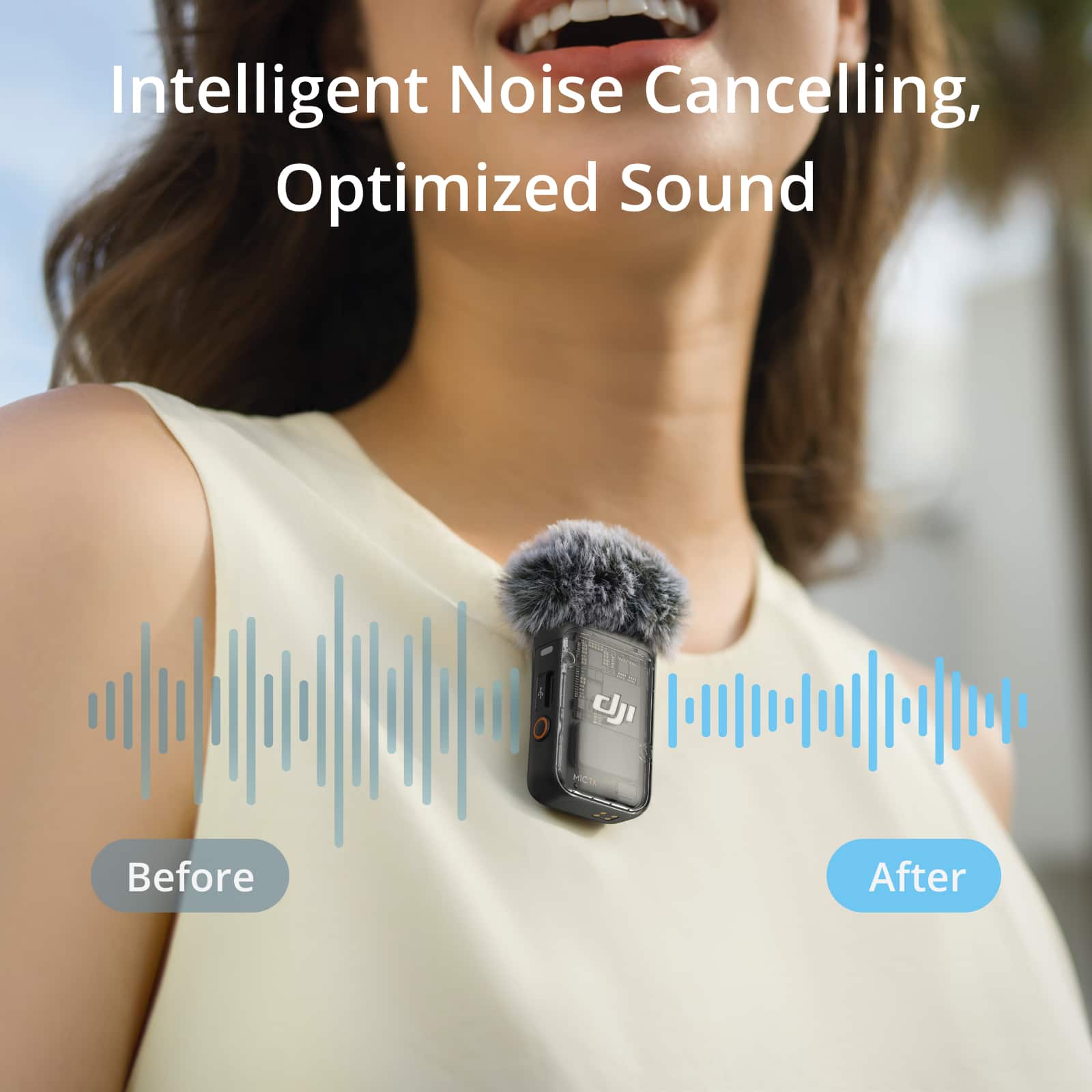
  • QuestionDoes this microphone system have any noise reduction capabilities?

    • Answer Yes, the DJI Mic 2 features intelligent noise canceling technology to help isolate and clarify vocal recordings.
    This question and answer was generated by AI based on customer and product data.
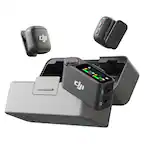
  • QuestionWhat kind of battery does the DJI Mic 2 use?

    • Answer The DJI Mic 2 utilizes a rechargeable lithium-ion battery pack.
    This question and answer was generated by AI based on customer and product data.
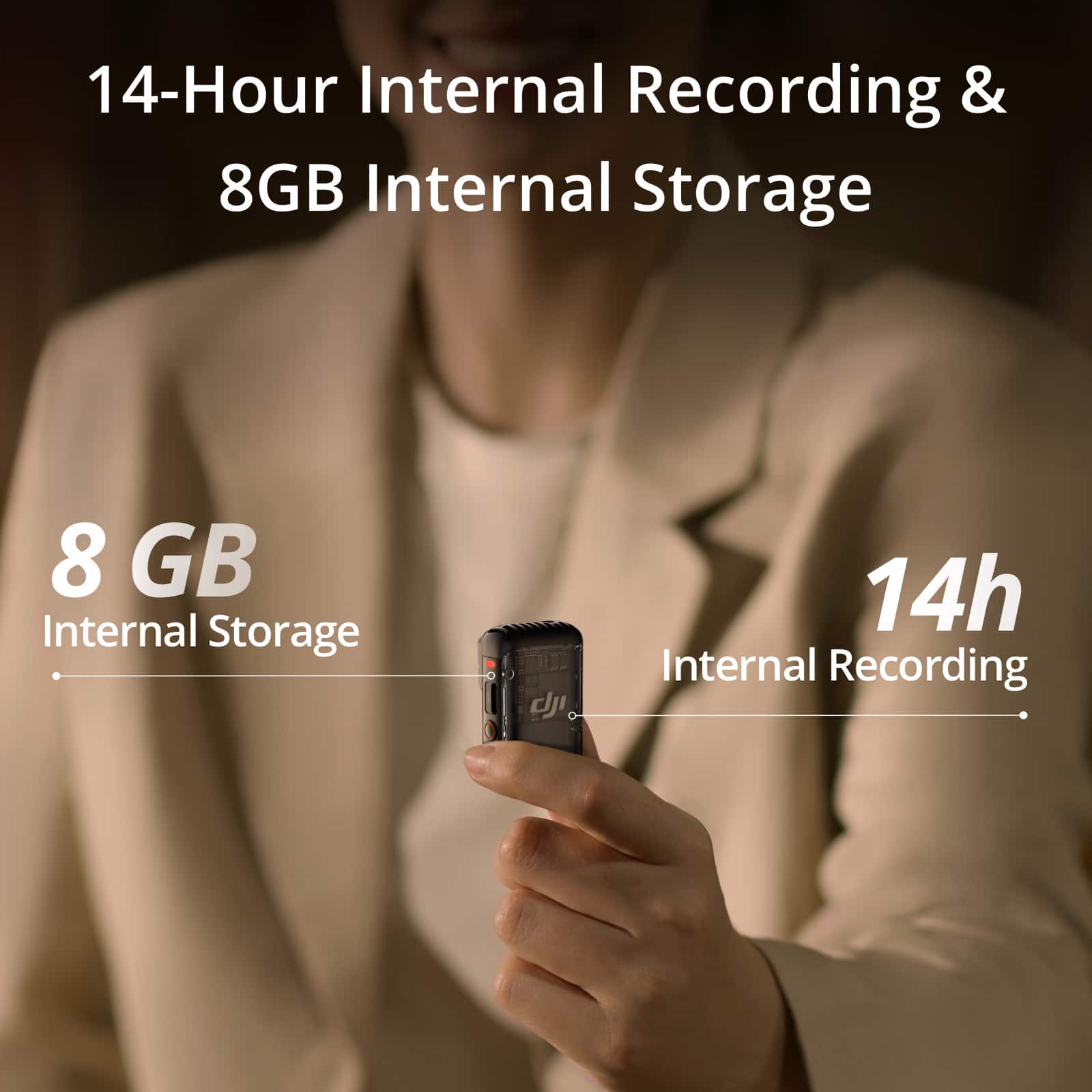
  • QuestionHow long can I record with each microphone transmitter?

    • Answer Each transmitter in the DJI Mic 2 system can record internally for up to 14 hours.
    This question and answer was generated by AI based on customer and product data.
  • QuestionWhat is the maximum operating range of this microphone system?

    • Answer The DJI Mic 2 offers a stable wireless audio recording range of up to 250 meters, or 500 feet.
    This question and answer was generated by AI based on customer and product data.
  • QuestionDoes the dji mic 2 charge when it is in the charging case or do you have to plug in the charging case for it to charge?

    Asked by Anonymous.

    • Answer Dear Customer, Place the transmitter and receiver into the charging case to begin charging. It is recommended to charge the charging case using a 5V/2A charger. If you need to charge the transmitter and receiver separately, it is recommended to use a 5V/1A charger for charging. Should you need further assistance, please feel free to contact our DJI support at http://www.dji.com/support, we are always here to help. Best Regards, DJI Support

      Answered by DJI Official

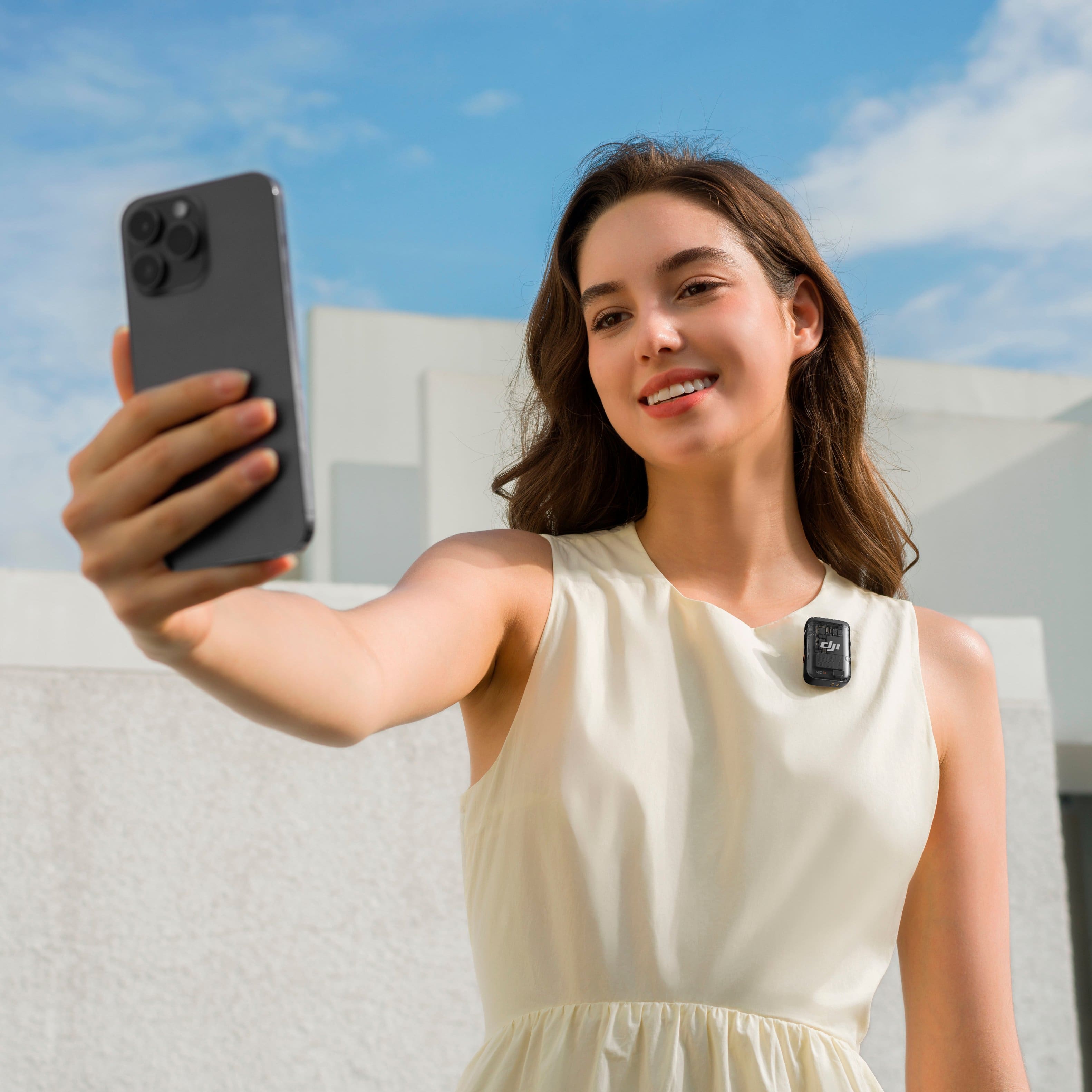
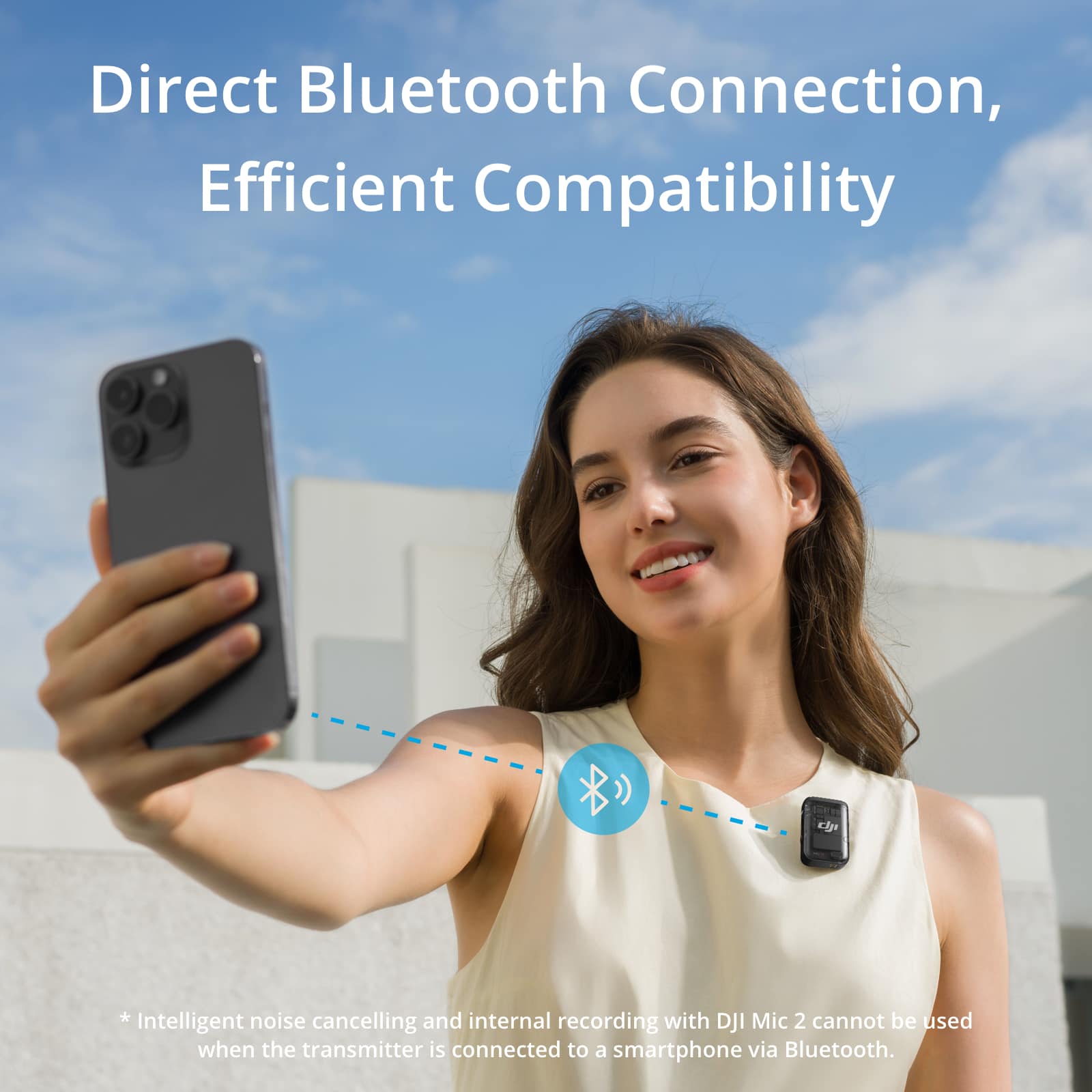
  • QuestionDoes the DJI mix pair with an iPhone?

    Asked by Anonymous.

    • Answer Dear Customer, DJI Mic 2 is compatible with most iPhones and you can check the list here: https://dl.djicdn.com/downloads/DJI_Mic_2/compatibility%20list/DJI%20Mic%202-%20Mobile%20Phone%20Compatibility%20List_EN.pdf Should you need any further assistance, please feel free to contact our DJI support at http://www.dji.com/support, we are always here to help. Best Regards, DJI Support

      Answered by DJI Official

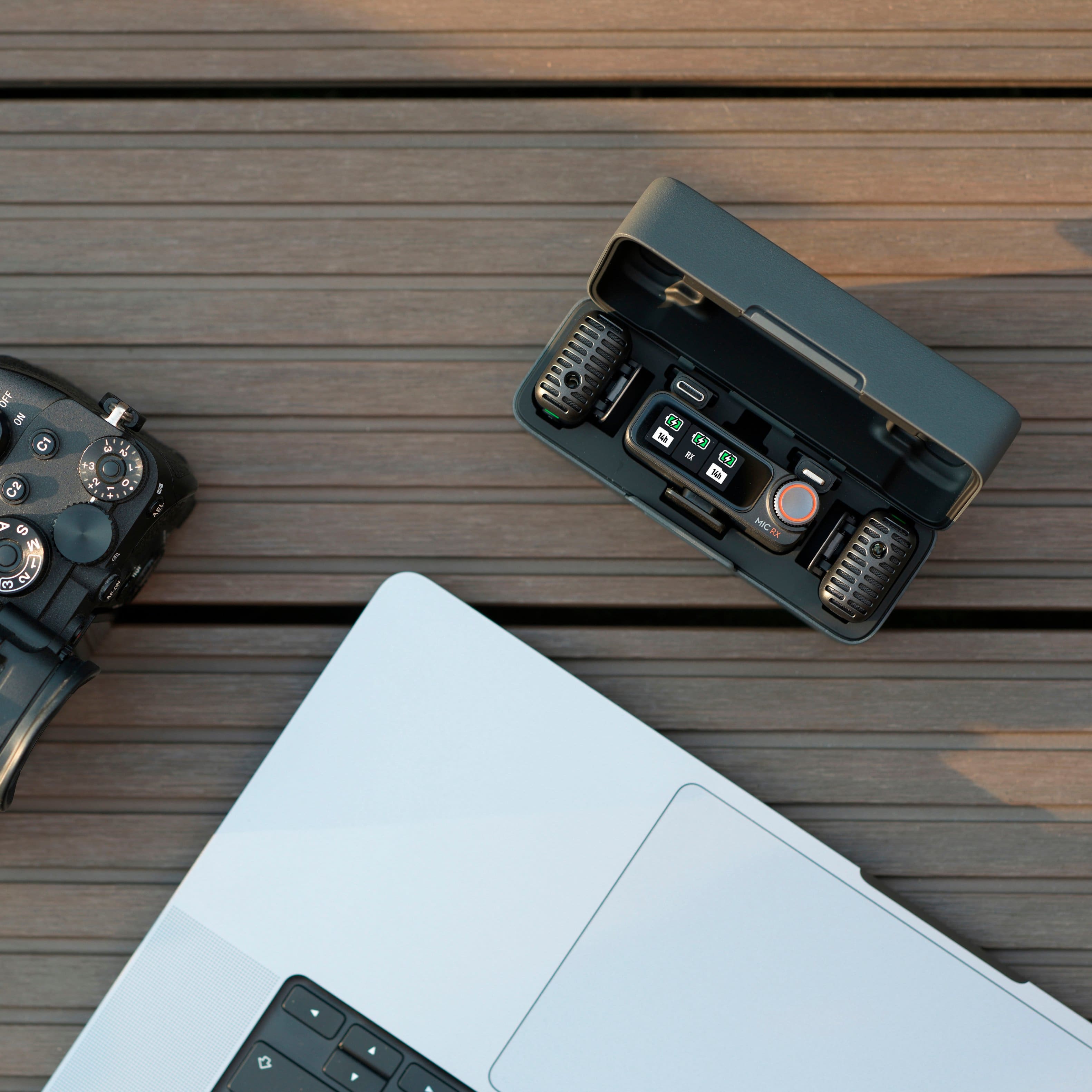
  • QuestionIs this ready to use for macbook pro and webcam?

    Asked by Elohim.

    • Answer Dear customer, thank you for your inquiry. DJI Mic 2 can be used with MacBook Pro and a webcam. For detailed instructions, please refer to this website: https://support.dji.com/help/content?customId=01700007571&spaceId=17&re=US&lang=en&documentType&paperDocType=ARTICLE

      Answered by DJI Official

  • Questionwill this microphone work with the DJI osmo pocket (1) ?

    Asked by steve.

    • Answer Dear Customer, Hello there, the DJI Mic 2 can work with the Osmo Pocket. But please note the following points: 1. Use the Osmo Pocket 3.5mm adapter to connect the Type-C port at the bottom of Osmo Pocket. 2. Then use the 3.5mm camera cable to connect Osmo Pocket 3.5mm adapter with DJI Mic receiver. Note: Only Mono recording mode is supported, and there is no plan to support safty channel and stereo mode. Should you need any further assistance, please feel free to contact our DJI support at http://www.dji.com/support, we are always here to help. Thank you for your understanding and continued support. Wishing you a wonderful day! Best Regards, DJI Support

      Answered by DJI Official

  • QuestionDoes each microphone record seperately?

    Asked by Billy.

    • Answer Dear customer, the DJI Mic 2 supports standalone recording. When recording in standalone mode, the transmitter saves an audio file every 30 minutes. Once the storage is full, the transmitter will automatically stop recording. Method to enable standalone recording: Short press the transmitter's record button, and the recording indicator will remain solid red to indicate internal recording is in progress. Should you need any further assistance, please feel free to contact our DJI support at http://www.dji.com/support, we are always here to help. Thank you for your understanding and continued support. Wishing you a wonderful day! Best Regards, ;DJI Support

      Answered by DJI Official

  • QuestionDoes this work with a gopro hero 13?

    Asked by Vlad.

    • Answer Hi there, thank you for your inquiry. We have not tested compatibility with related products. You may conduct your own tests, with actual usage results prevailing.

      Answered by DJI Official

  • QuestionCan you use the CapCut app to record audio with this DJI system?

    Asked by Jeff.

    • Answer Yes, you can record audio for capcut.

      Answered by JoseA

  • Questionwhat in the box dji mic 2

    Asked by nick.

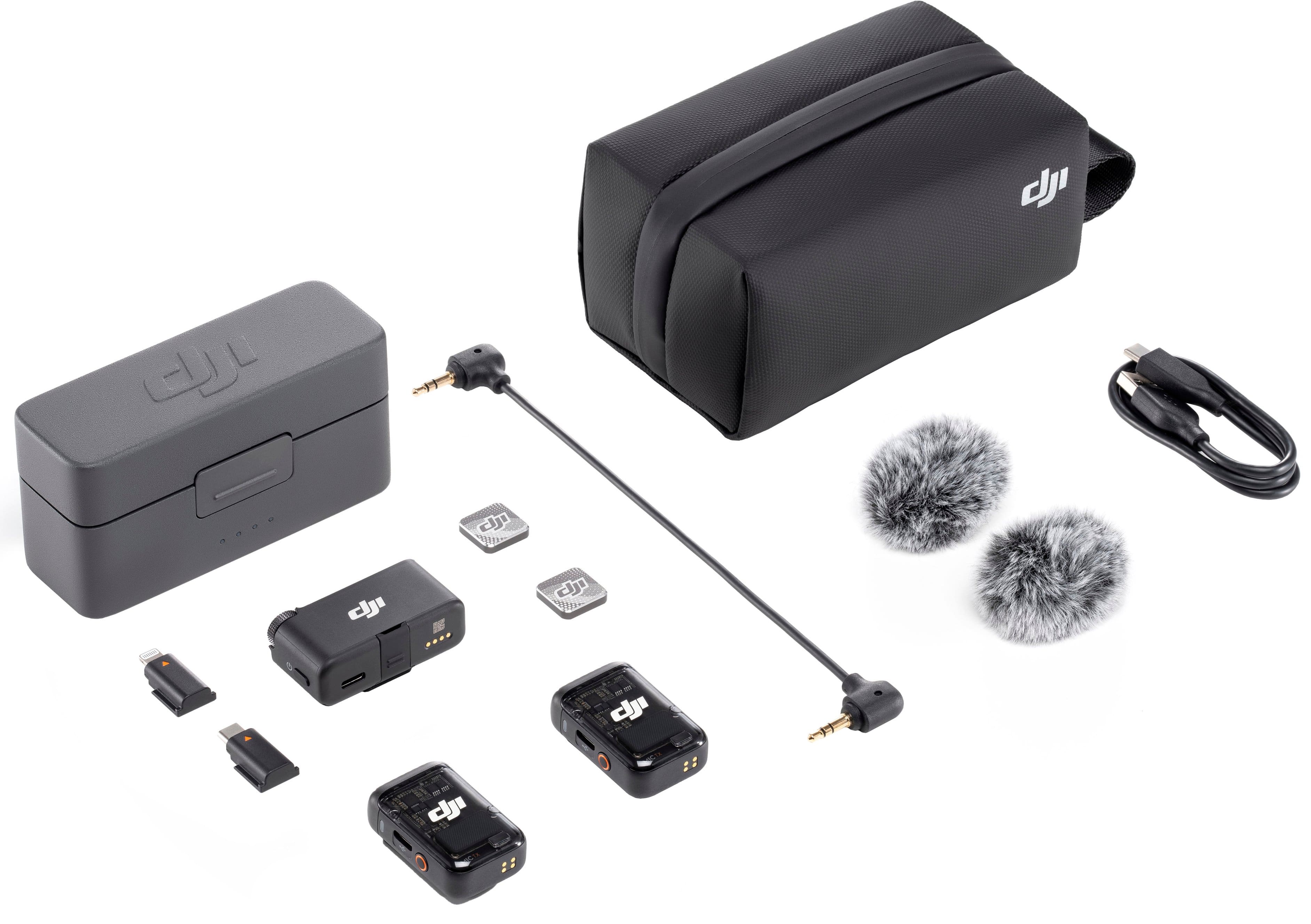
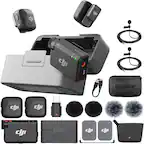
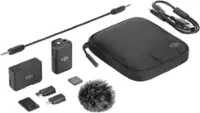
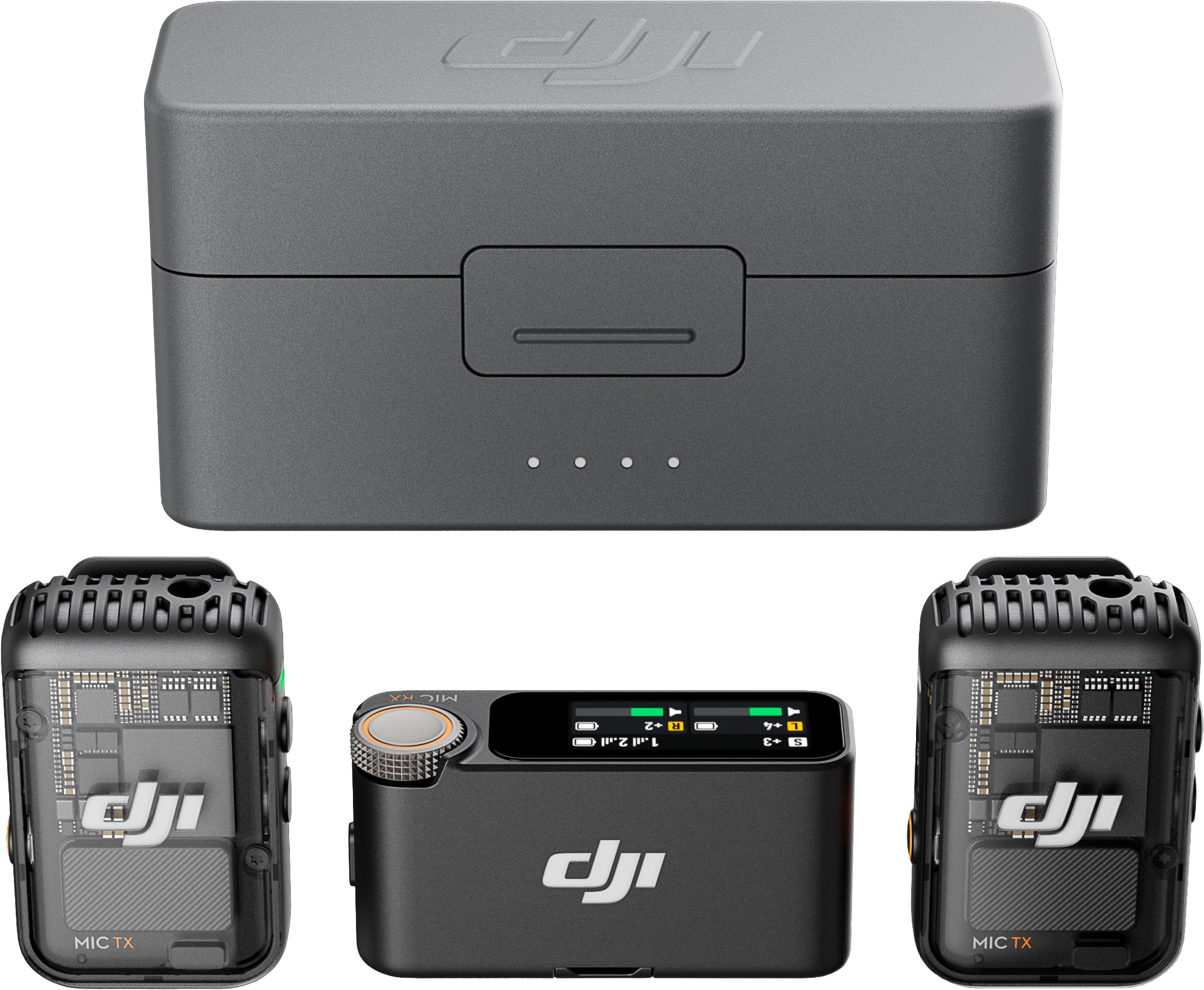
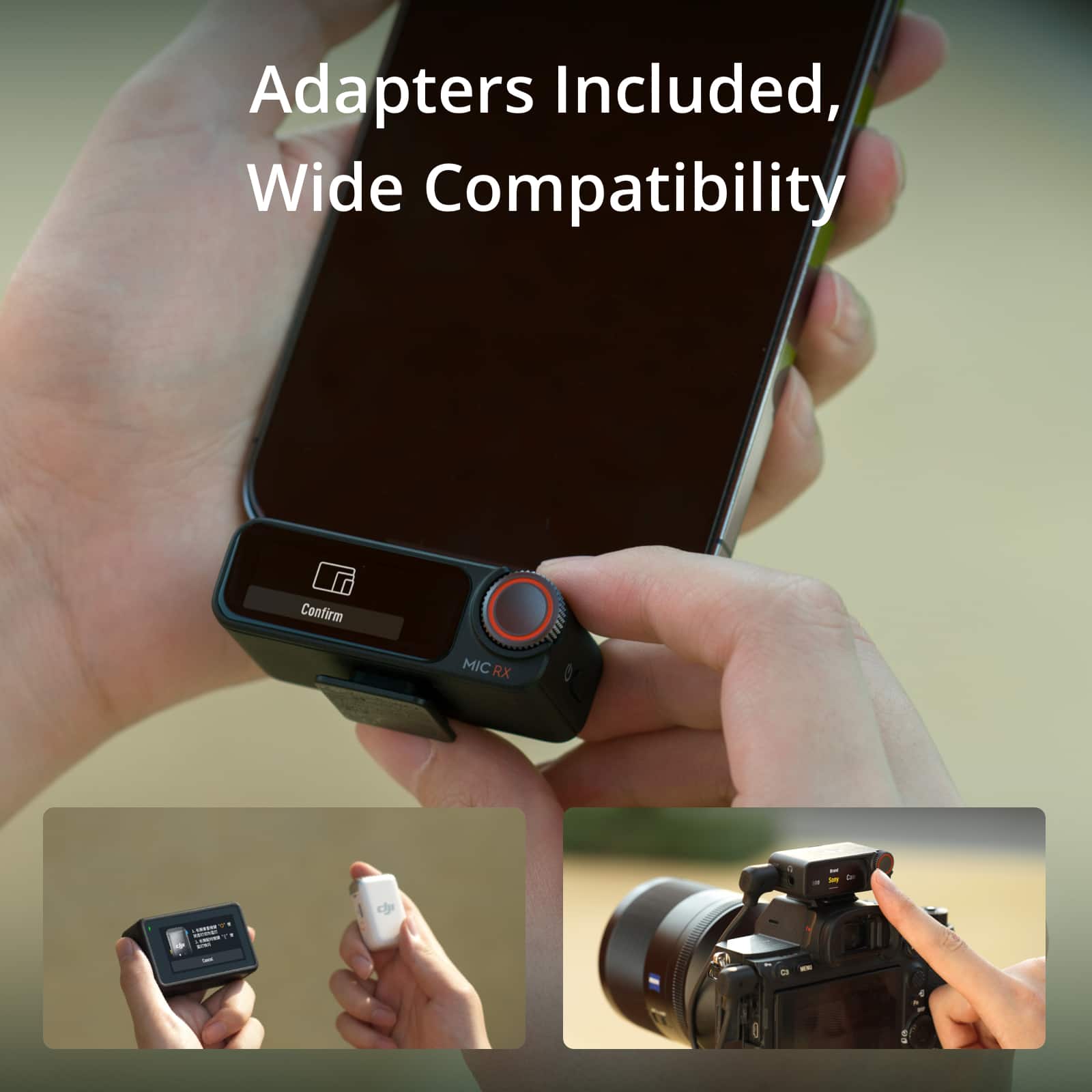
    • Answer Dear Customer, Here is the list of items: DJI Mic 2 Receiver *1 DJI Mic 2 Transmitter (Shadow Black) *2 DJI Mic 2 Charging Case *1 DJI Mic 2 Camera Audio Cable (3.5mm TRS) *1 DJI Mic 2 Mobile Phone Adapter (Type-C) *1 DJI Mic 2 Mobile Phone Adapter (Lightning) *1 DJI Mic USB-C Charging Cable *1 DJI Mic 2 Windscreen *2 DJI Mic 2 Clip Magnet *2 DJI Mic 2 Carrying Bag *1 Documents *1 Should you need any further assistance, please feel free to contact our DJI support at http://www.dji.com/support, we are always here to help. Best Regards, DJI Support

      Answered by DJI Official

  • QuestionDoes this device support direct streaming of audio to a storage media (mobile phone or an app)? or a single-click transfer of audio to a storage media?

    Asked by Honesty.

    • Answer Yes

      Answered by CarryCulture

  • QuestionDoes this mic work with DJI drone

    Asked by Joedaddy.

    • Answer You can connect via bluetooth or usb-c cable from transmitter to dji drone controller

      Answered by GiovanniS

  • QuestionWill it work with the GoPro Hero 10?

    Asked by Dray.

    • Answer The first Osmo Pocket does not appear on DJI’s official compatibility list. It may still work if you connect the Mic 2 receiver through DJI’s 3.5 mm adapter, but there’s no direct Bluetooth or native support.

      Answered by MehmetA

  • QuestionCan this work if you’re giving a speech and a banquet room?

    Asked by Anonymous.

    • Answer Yes of course. The mic has omni direction to focus on the user its attached to as well as to drown out all other sounds

      Answered by GiovanniS

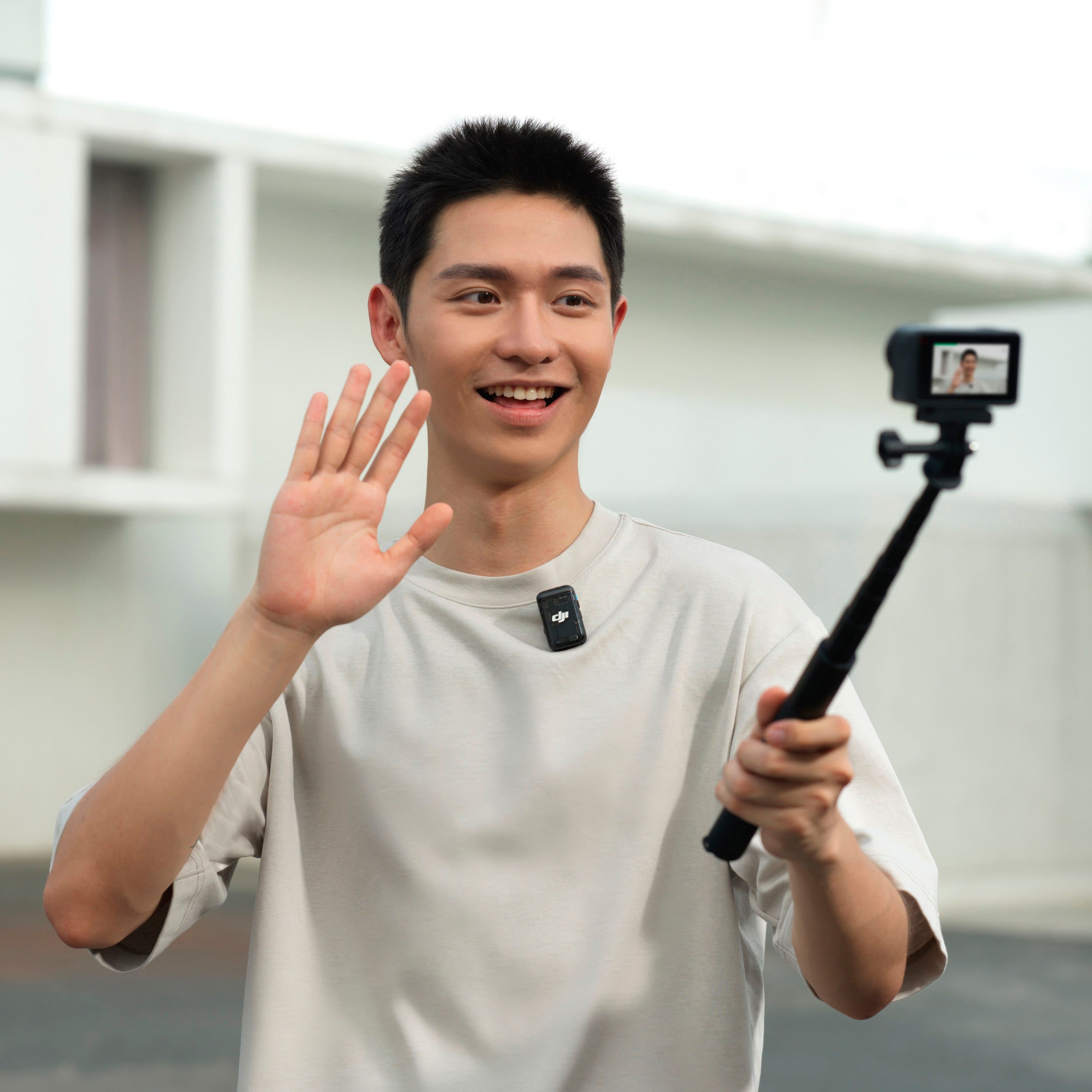
  • QuestionCan I use it with an OSMO action 4

    Asked by Allie.

    • Answer Dear Customer, Currently, Osmo Action 4 only supports connecting to a maximum of one DJI Mic 2 transmitter. Should you need any further assistance, please feel free to contact our DJI support at http://www.dji.com/support, we are always here to help. Best Regards, DJI Support

      Answered by DJI Official

  • QuestionI have a canon eos rebel T7 That I was wanting to use with the DJI2 set up, Is the camera compatible with the adapter that is included?

    Asked by Anonymous.

    • Answer Dear customer, It is recommended to go to a nearby outlet (if any) for product testing. Thank you for your understanding and support. Best regards, DJI Support

      Answered by DJI Official