Questions & Answers
- Model:
- CP.RN.00000432.01
- |
- SKU:
- 6632009
Highly rated by customers for: Sound Quality, Ease of Use
$45.99Your price for this item is $45.99
Comp. Value: $89.99
The comparable value price is $89.99
Page Showing 1-12 of 12 questions
Q: QuestionDoes this have any internal storage? Can I store the audio with in these two devices( RX or TX)?
Asked by Bigbyrd.
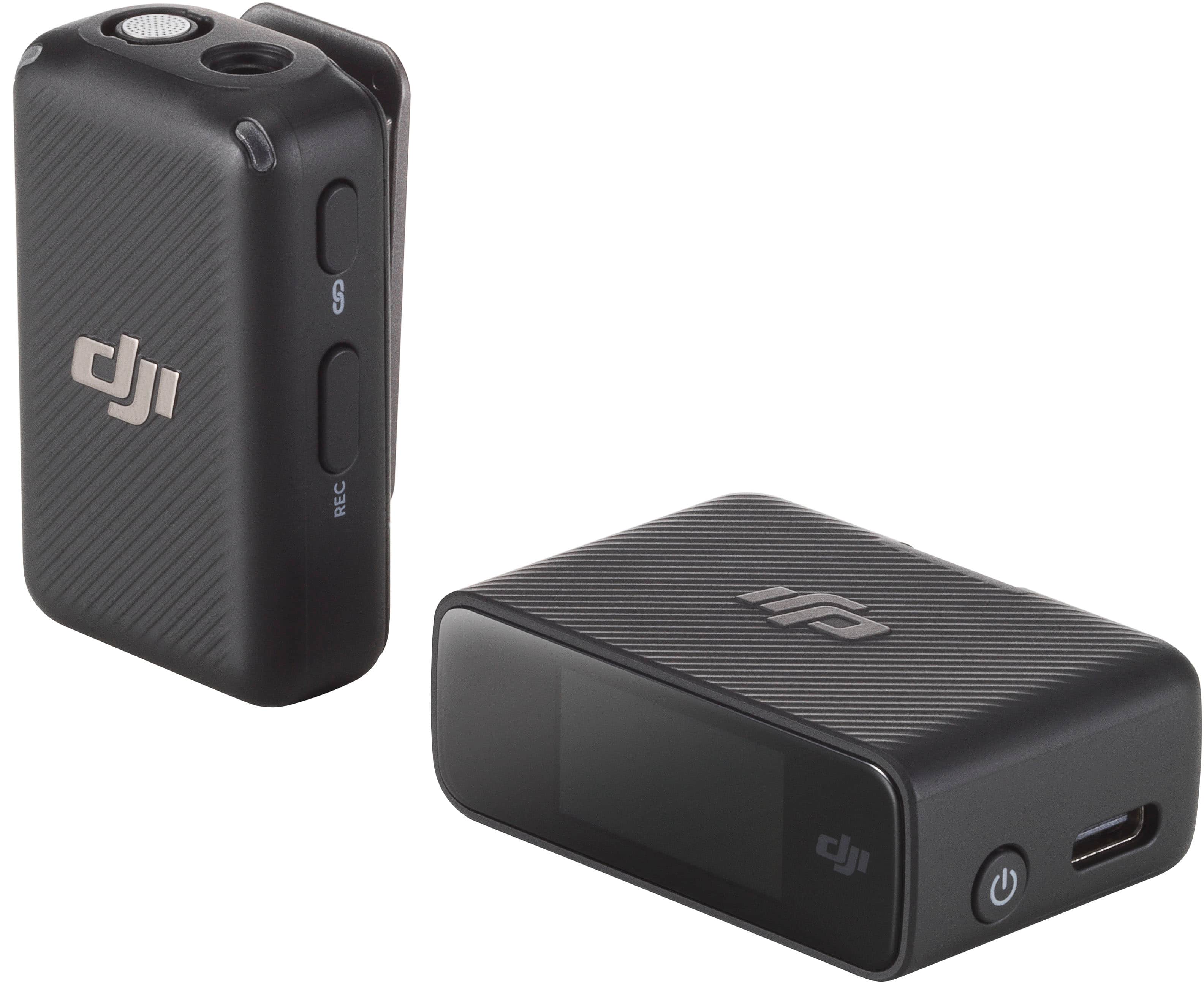
- A:Answer Dear Customer, the DJI Mic Mini does not have built-in storage. We apologize for any inconvenience and appreciate your understanding and support. Should you need any further assistance, please feel free to contact our DJI support at http://www.dji.com/support, we are always here to help. Thank you for your understanding and continued support. Wishing you a wonderful day! Best Regards, DJI Support
Answered by DJI Official
Q: Questiondoes this work with a GoPro hero 8?
Asked by BradleyBE.
- A:Answer Hi there, Thank you for your question. The DJI Mic Mini (1 transmitter + 1 receiver) can be used with the GoPro Hero 8, but it requires an additional official accessory to make the connection. GoPro offers an official accessory called the “Pro 3.5 mm Mic Adapter,” which allows you to connect an external microphone, including the DJI Mic Mini, to your GoPro camera. Please note that the GoPro Hero 8 Black is compatible with the “Pro 3.5 mm Mic Adapter.” This adapter also works with HERO10 Black, HERO9 Black, HERO7 Black, HERO6 Black, HERO5 Black, and HERO5 Session models. Before purchasing, it is recommended to confirm the original adapter model and refer to GoPro’s official information for more details. I hope this helps, and I wish you a great shooting experience!
Answered by DJI Official
Q: Questionis this the mic that I would use with the DJI gimbal for iPhone?
Asked by compatibility.
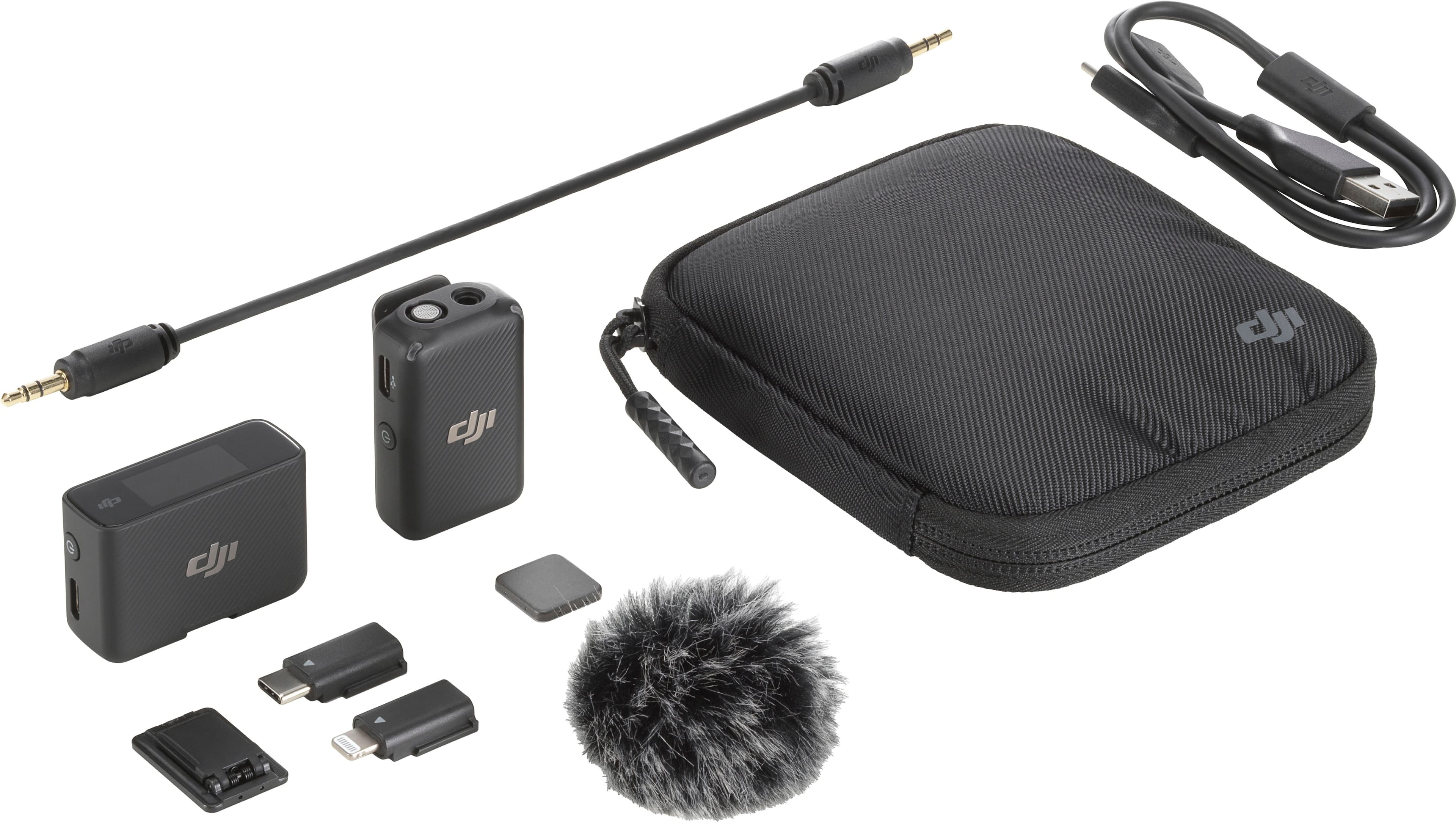
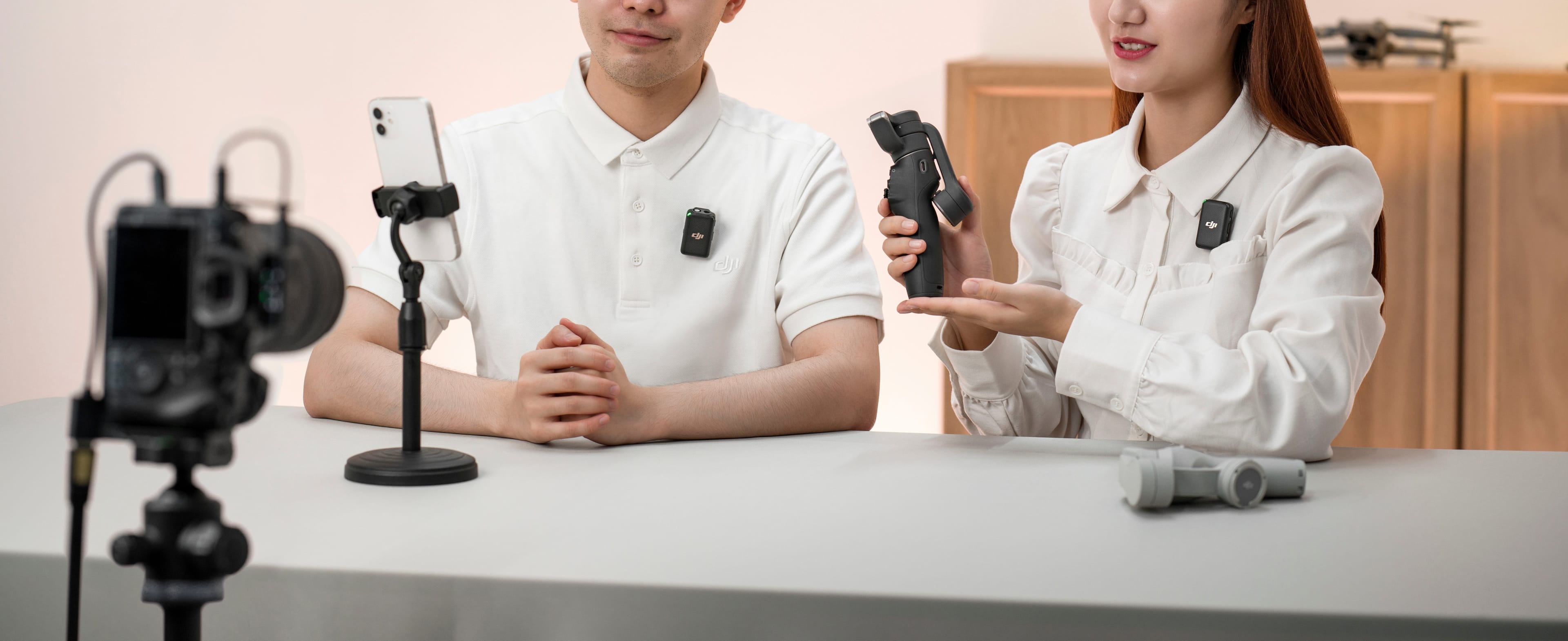
- A:Answer Dear Customer,you can use DJI Mic Mini with a range of devices, including cameras, smartphones (via Type-C/Lightning adapter or via direct Bluetooth connection, iPhone included), computers, and Osmo Mobile 6 (requires a smartphone for use).Should you need any further assistance, please feel free to contact our DJI support at http://www.dj.com/support, we are always here to help.Best Regards,DJI Support
Answered by DJI Official
Q: QuestionCan I use this mic on my iPhone?
Asked by Verceti.
- A:Answer Hi there. Thank you for your question. To confirm compatibility with your specific device, please share your iPhone model. You can also contact our DJI support anytime for further assistance: http://www.dji.com/support
Answered by DJI Official
Q: QuestionThis works to iPhone 16 pro max ?
Asked by Paula.
- A:Answer Hi there. Thank you for your question. Yes, the DJI Mic Mini (1 TX + 1 RX) is compatible with the iPhone 16 Pro Max. Should you need any further assistance, please feel free to contact our DJI support at http://www.dj.com/support, we are always here to help. Best Regards,DJI Support
Answered by DJI Official
Q: QuestionDoes it work with DJI pocket osmo 3
Asked by Gem.
- A:Answer Dear Customer, The DJI Mic Mini is compatible with the Osmo Pocket 3. Should you need any further assistance, please feel free to contact our DJI support at http://www.dj.com/support, we are always here to help. Best Regards,DJI Support
Answered by DJI Official

Q: QuestionThere is compatible with veo camara or trace ?
Asked by Andrecos.
- A:Answer Dear Customer, Thank you for your inquiry. Regarding your question. The DJI Mic Mini currently only compatible with Sony camera. Should you need any further assistance, please feel free to contact our DJI support at http://www.dji.com/support, we are always here to help. Best Regards, DJI Support
Answered by DJI Official

Q: QuestionDoes this work with a insta360 x3?
Asked by Bryson.
- A:Answer Dear Customer, regarding your question about whether the DJI MIC MINI is compatible with the INSTA360 X3, here is the detailed compatibility information for your reference: Connection Requires a Dedicated Accessory: You will first need to purchase the official Insta360 audio adapter (which must support both 3.5mm and USB-C connections). Using this adapter, you can connect the receiver of the DJI MIC MINI to the INSTA360 X3 camera, enabling audio input. Note on Bluetooth Connection: It is important to note that the INSTA360 X3 does not support direct Bluetooth connection with the DJI MIC MINI. Additional Recommendation: Even when connected via the adapter, since Insta360 cameras are not part of the DJI OsmoAudio ecosystem, the final audio performance (including stereo output, noise reduction, and sound quality) will be affected by the hardware specifications of the INSTA360 X3 itself. There may be differences compared to the audio quality when the DJI MIC MINI is directly connected to DJI Osmo-series cameras. To help you confirm the actual compatibility experience more intuitively, we recommend bringing your INSTA360 X3 camera to a nearby DJI store for an on-site trial. This will allow you to better assess whether it meets your usage needs.
Answered by DJI Official

Q: QuestionWill this work for the DJI pocket 2 camera?
Asked by mac.
- A:Answer You can use a 3.5 - mm camera cable to connect DJI Pocket 2 Do - It - All Handle with DJI Mic Mini receiver. Here is the specific connection method: Prepare a 3.5 - mm camera cable. Find the 3.5 - mm audio port on the DJI Pocket 2 Do - It - All Handle. Locate the 3.5 - mm TRS output on the DJI Mic Mini receiver. Connect one end of the 3.5 - mm camera cable to the 3.5 - mm audio port of the Do - It - All Handle, and the other end to the 3.5 - mm TRS output of the DJI Mic Mini receiver. Make sure the connection is firm. After the connection is completed, the audio signal transmitted by the DJI Mic Mini transmitter can be received by the receiver and then transmitted to DJI Pocket 2 through the cable, enabling high - quality audio recording.
Answered by DJI Official

Q: Questionis this compatible with GoPro hero 13?
Asked by Movie.
- A:Answer The DJI Mic Mini has a somewhat complex compatibility with the GoPro Hero 13. Models starting from the Hero 11 support connection to DJI Mic series receivers. For the Hero 13, you can try to connect it to the DJI Mic Mini receiver either via a USB - C adapter or the official GoPro audio connection method. However, it's important to note that as of 10/04/2025, the Hero 13 does not support a Bluetooth connection to the DJI Mic 2 and DJI Mic Mini. There have been mixed reports regarding the Bluetooth connection between the Hero 13 and DJI Mic 2 or DJI Mic Mini. Some users have faced issues where the DJI Mic 2 does not show up in the Hero 13's Bluetooth device list during the pairing process, while others have had more success. To be certain about the compatibility and connection performance, we highly recommend that you bring your GoPro Hero 13 camera to a DJI store. There, you can conduct a hands - on trial to see if the DJI Mic Mini works well with your camera under real - world conditions. This way, you can directly observe and test the audio quality and connection stability before making a decision.
Answered by DJI Official

Q: QuestionWill this wirelessly connect to the DJI osmo action 4 camera without plugging anything to the camera?
Asked by Daniel.
- A:Answer Dear Customer, Thank you for your question. Yes, the DJI Mic Mini (1 TX + 1 RX) can wirelessly connect to the DJI Osmo Action 4 without needing to physically plug anything into the camera, as long as you are using the transmitter only via Bluetooth connection. Here is how to pair the transmitter with your Osmo Action 4 camera: On the Osmo Action 4, swipe down from the top of the touchscreen to access the control center. Tap the settings icon and select “Wireless Microphone > TX” to enter Bluetooth pairing mode. Press and hold the power button on the transmitter for about 2 seconds to turn it on. Make sure the transmitter enters pairing mode. For DJI Mic Mini, press and hold the pairing button until the indicator light alternates between blue and green flashing. There is no need to switch connection modes manually. The transmitter will begin searching for nearby Bluetooth devices. Once connected successfully, the indicator will show a solid blue light, and the camera screen will display “Wireless Microphone Connected.” You can now start recording. Audio will be captured directly from the transmitter without plugging anything into the camera. If you need further help setting this up or want tips for your specific use case, feel free to let me know.
Answered by DJI Official
Q: QuestionFeatures says it has one mic, but specs says 2 mics. Which is it??
Asked by Anonymous.
- A:Answer Dear Customer, Hello, the purchase options include configurations such as two transmitters and one receiver, or one transmitter and one receiver. You can choose the option that best suits your needs. Should you need any further assistance, please feel free to contact our DJI support at http://www.dji.com/support We are always here to help. Best regards, DJI Support
Answered by DJI Official
Page 1, Showing 1-12 of 12 questions
Best-selling Lavalier Microphones
- $79.99Your price for this item is $79.99$169.99The comparable value for this item is $169.99
- $199.99Your price for this item is $199.99$269.99The comparable value for this item is $269.99
- Black Friday Deal$22.99Your price for this item is $22.99
- Black Friday Deal$109.99Your price for this item is $109.99
- $329.99Your price for this item is $329.99
- $199.99Your price for this item is $199.99
- Black Friday Deal$22.99Your price for this item is $22.99
- $149.99Your price for this item is $149.99
- $25.99Your price for this item is $25.99$59.99The comparable value for this item is $59.99
- $39.99Your price for this item is $39.99$49.99The comparable value for this item is $49.99
- $69.99Your price for this item is $69.99$89.99The comparable value for this item is $89.99
- $299.99Your price for this item is $299.99
- $49.99Your price for this item is $49.99
- $36.99Your price for this item is $36.99
- $64.99Your price for this item is $64.99$79.99The comparable value for this item is $79.99
- $149.99Your price for this item is $149.99$169.99The comparable value for this item is $169.99
- $29.98Your price for this item is $29.98$59.99The comparable value for this item is $59.99
MOVO - NanoMic Wireless Lavalier Microphone System with Charging Case (USB-C) for iPhone and Android$49.95Your price for this item is $49.95$69.95The comparable value for this item is $69.95- $53.80Your price for this item is $53.80$100.00The comparable value for this item is $100.00
- $22.99Your price for this item is $22.99$32.99The comparable value for this item is $32.99