A:Answer Dear Customer,
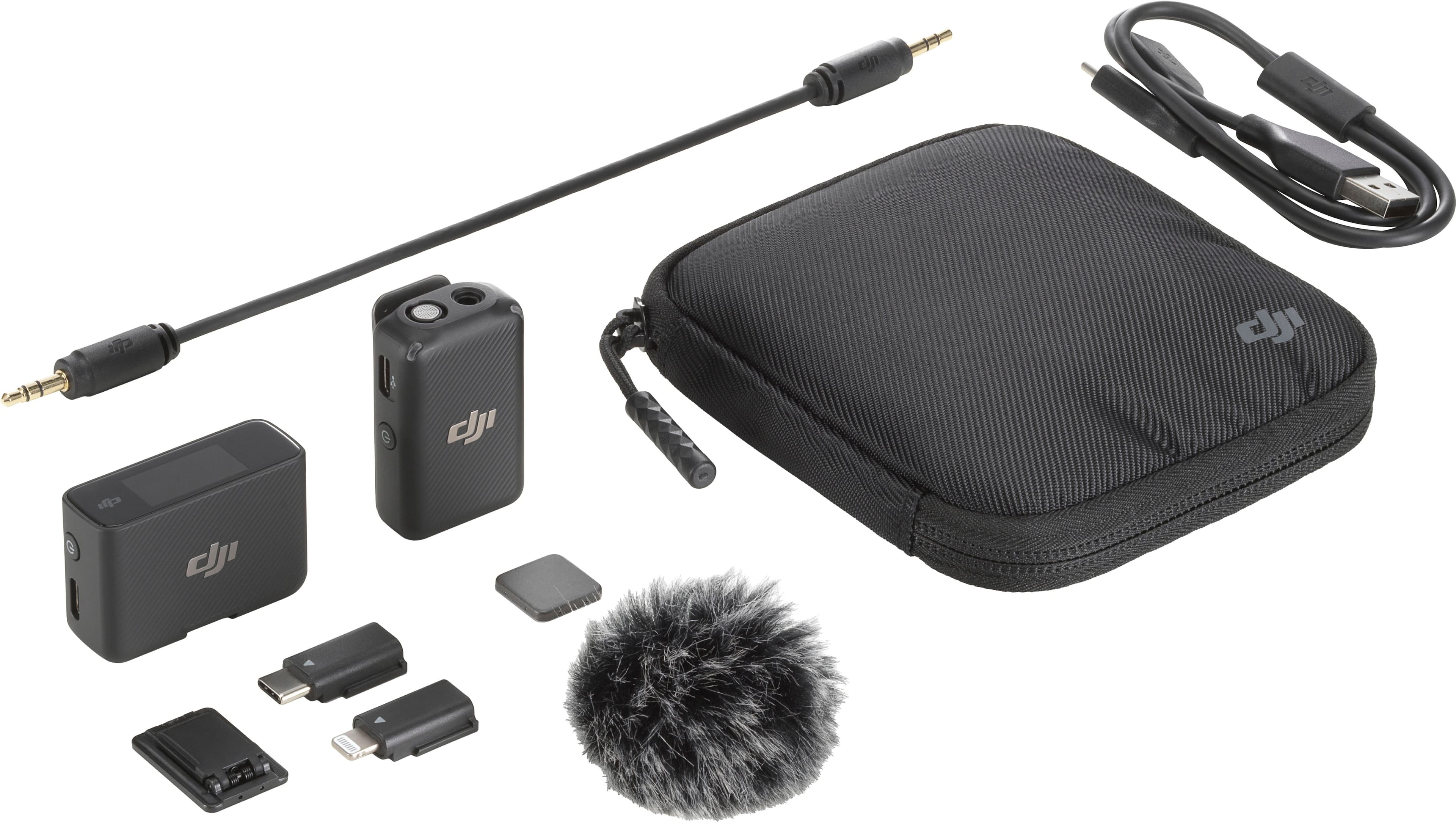
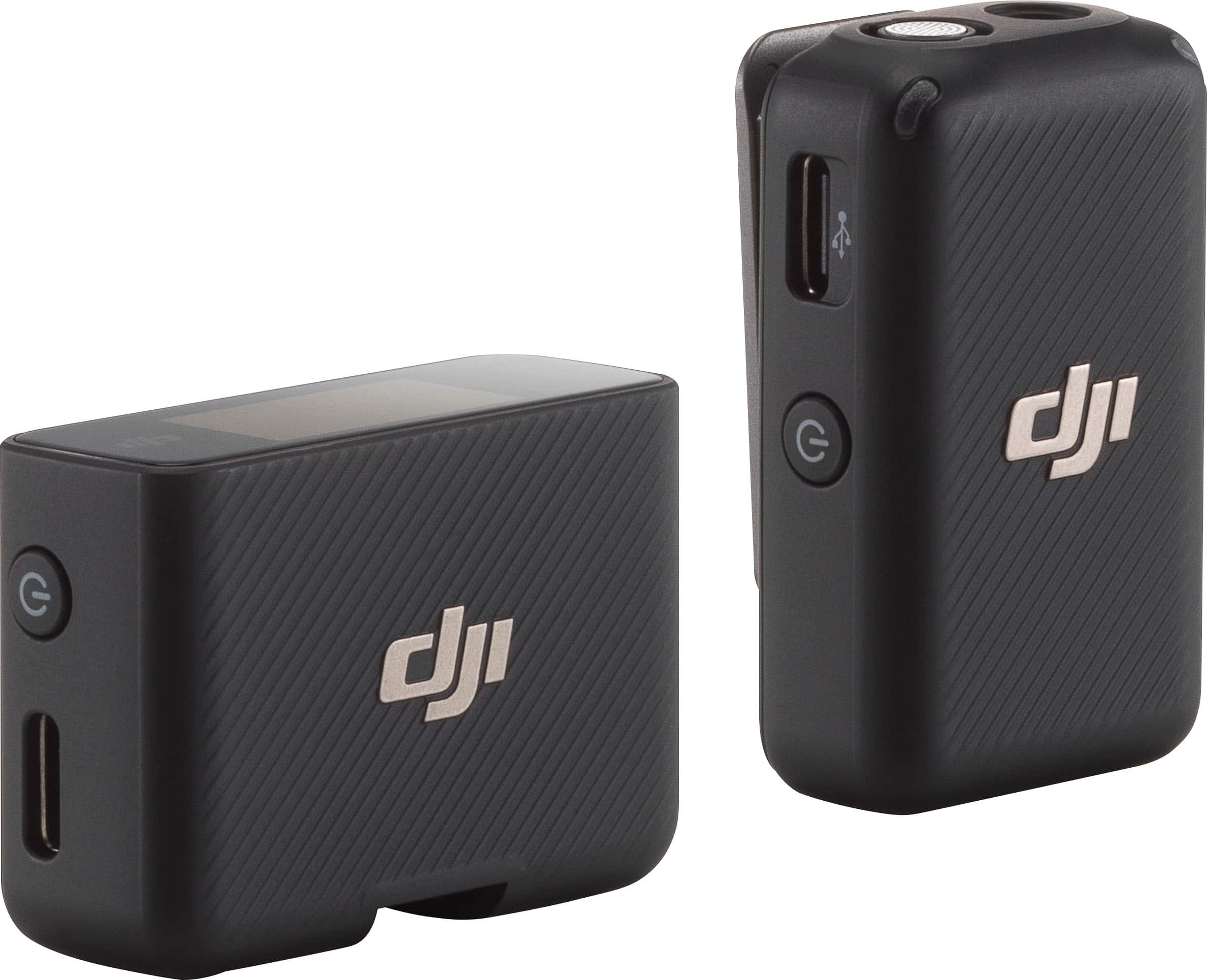
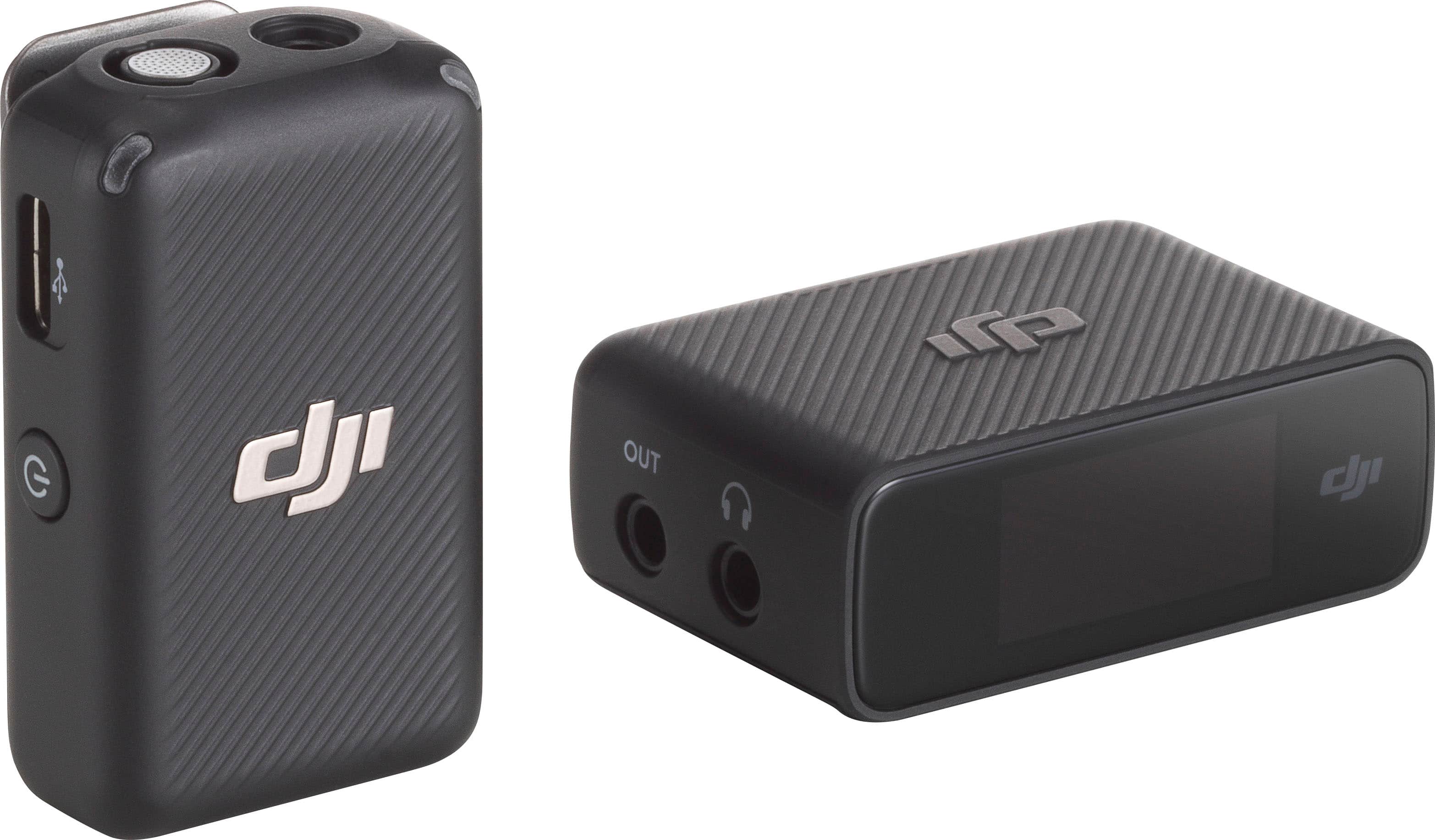
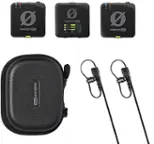
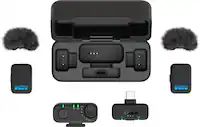
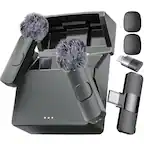
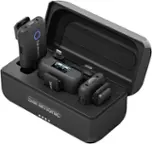
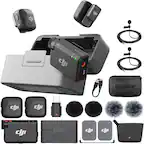
Thank you for your question. Yes, the DJI Mic Mini (1 TX + 1 RX) can wirelessly connect to the DJI Osmo Action 4 without needing to physically plug anything into the camera, as long as you are using the transmitter only via Bluetooth connection.
Here is how to pair the transmitter with your Osmo Action 4 camera:
On the Osmo Action 4, swipe down from the top of the touchscreen to access the control center. Tap the settings icon and select “Wireless Microphone > TX” to enter Bluetooth pairing mode.
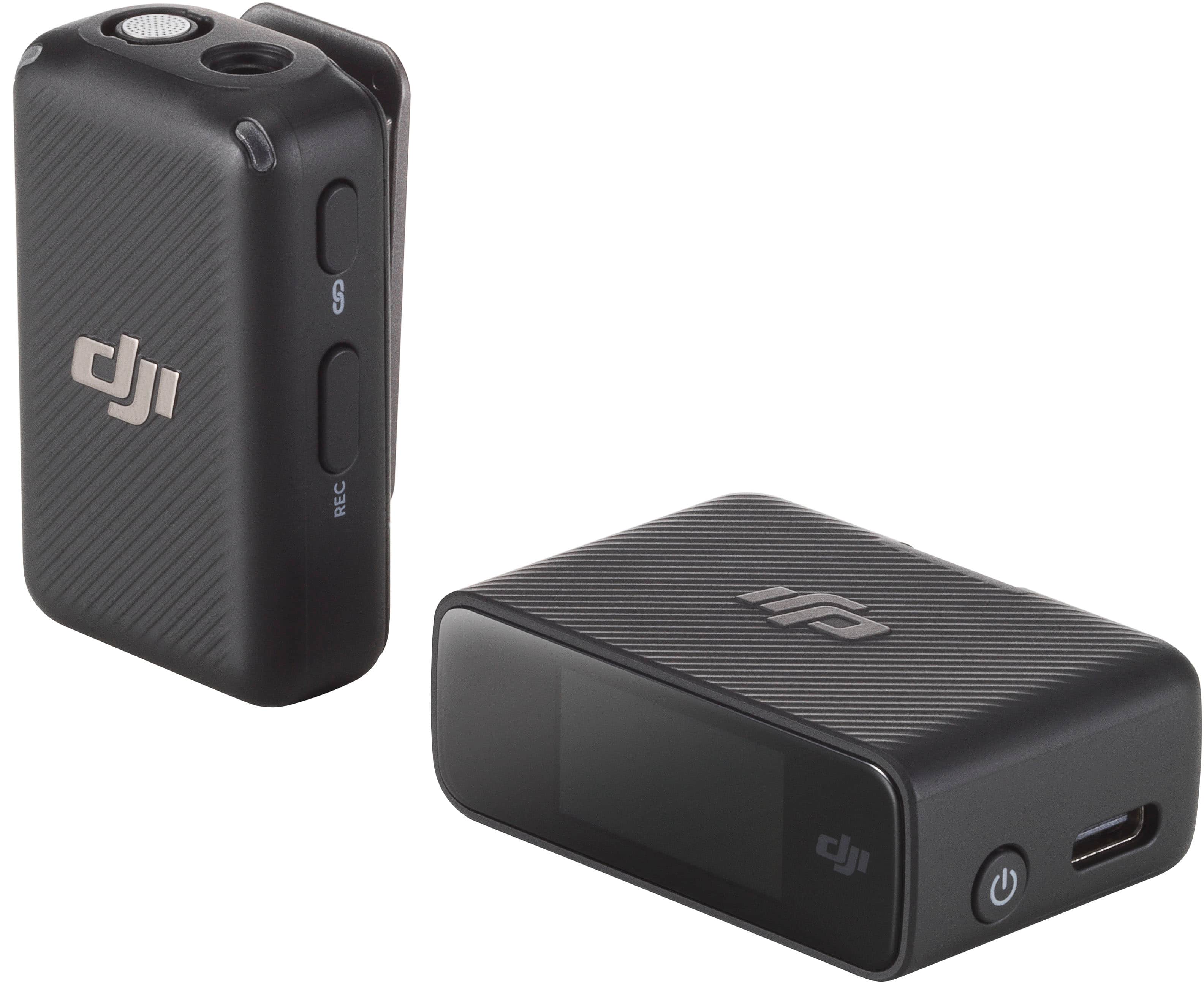
Press and hold the power button on the transmitter for about 2 seconds to turn it on.
Make sure the transmitter enters pairing mode. For DJI Mic Mini, press and hold the pairing button until the indicator light alternates between blue and green flashing. There is no need to switch connection modes manually.
The transmitter will begin searching for nearby Bluetooth devices. Once connected successfully, the indicator will show a solid blue light, and the camera screen will display “Wireless Microphone Connected.”
You can now start recording. Audio will be captured directly from the transmitter without plugging anything into the camera.
If you need further help setting this up or want tips for your specific use case, feel free to let me know.