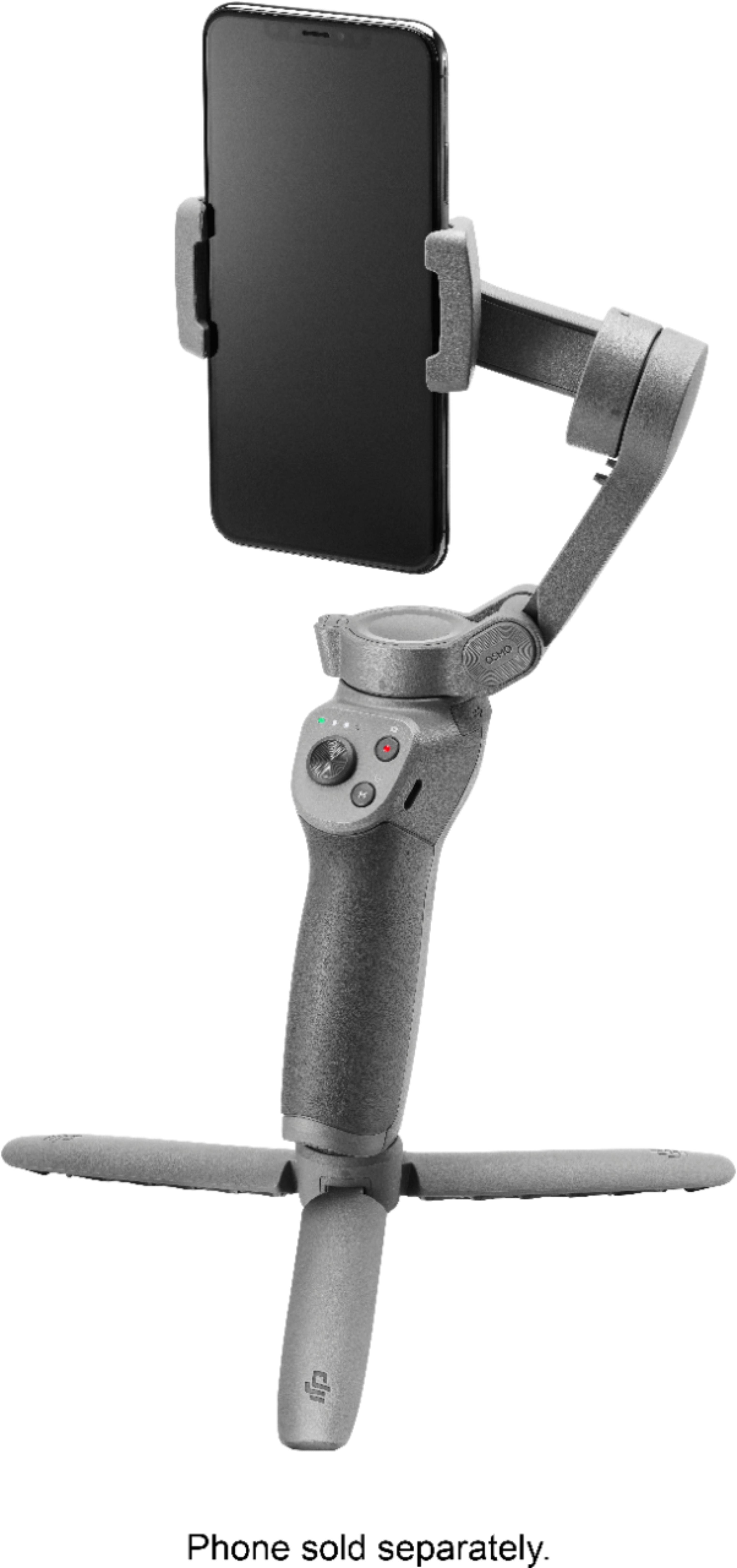
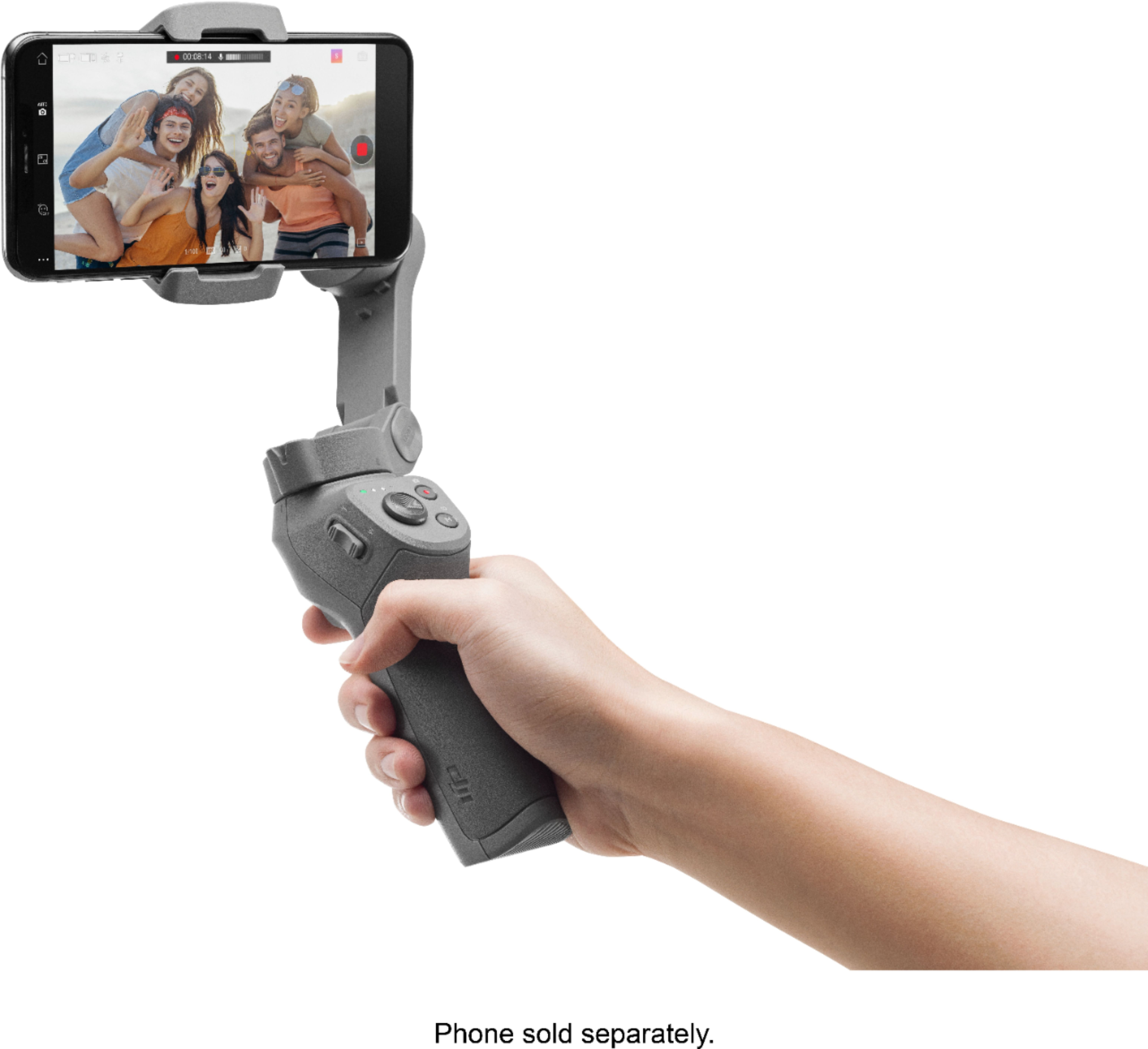
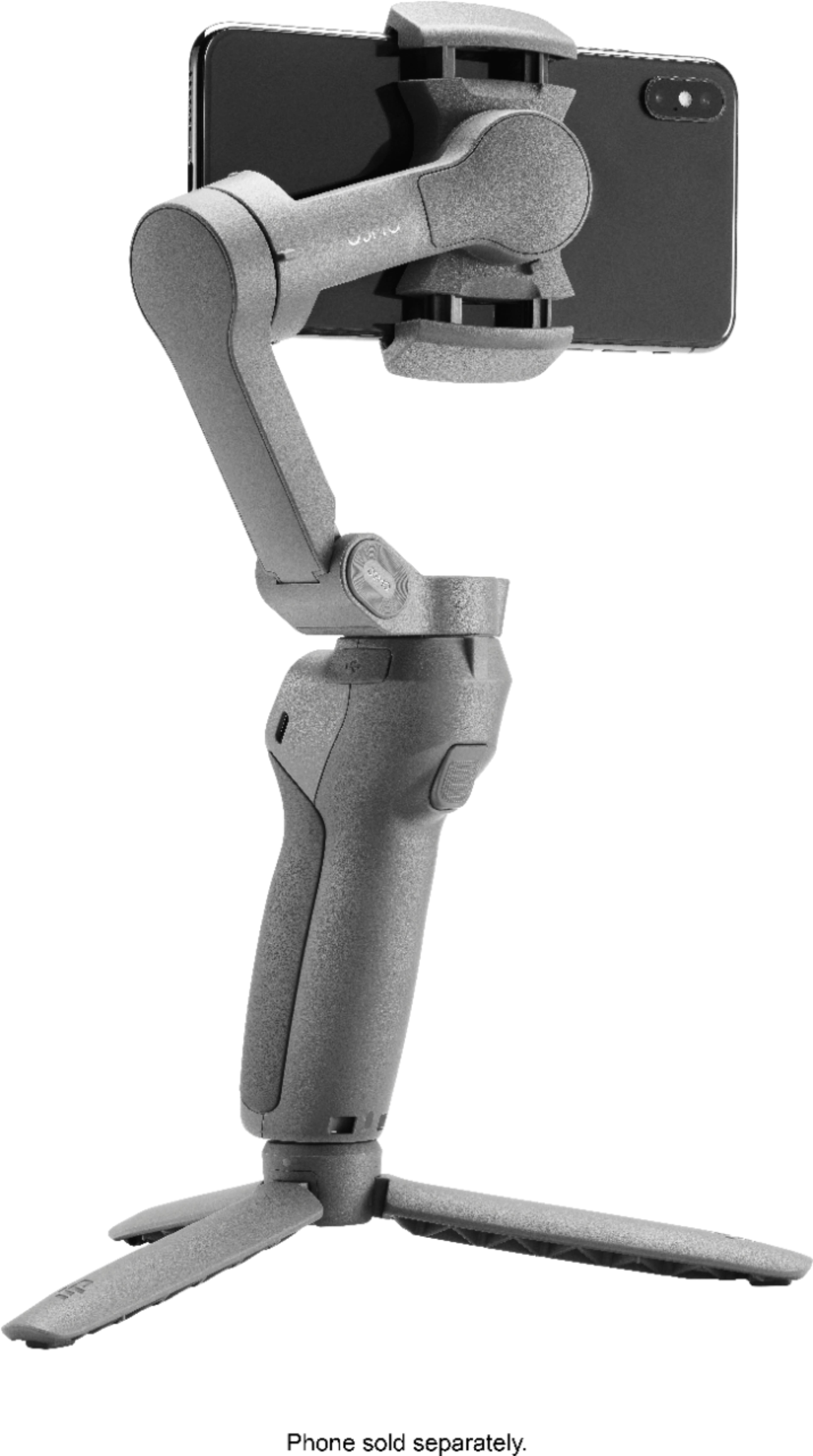
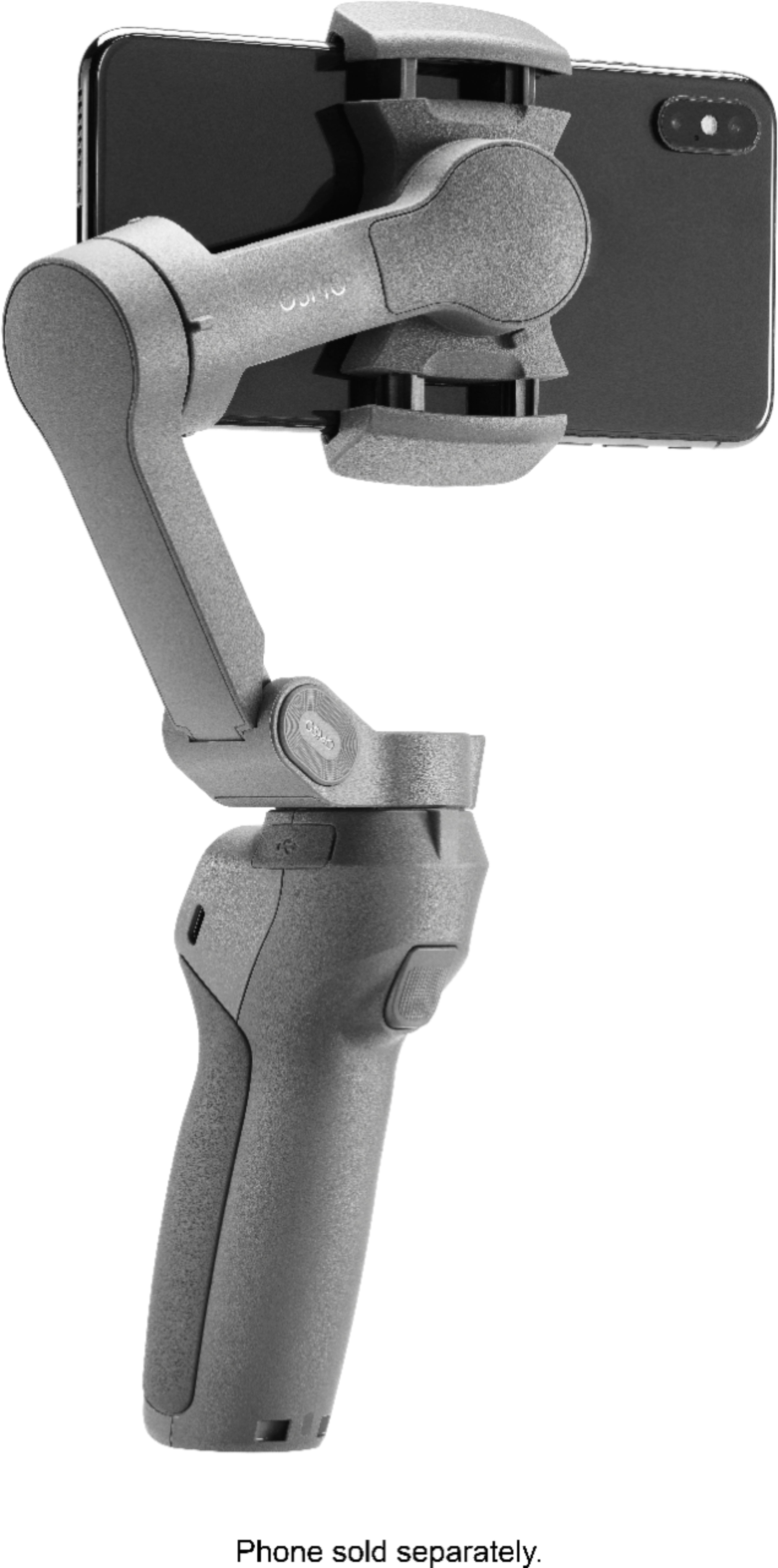
A:AnswerThe device is compatible with phones that are:
Weight: 200 +/-30 g;
Thickness: ≤ 9.5 mm;
Width: 62-88 mm.
The iPhone 6s weighs 137 g therefore is not compatible if used without additional weight.
A:AnswerI have iPhone 12 Pro Max you have the option to use what ever you want with this gimbal but you have the most control with the osimo Mobil app as far as functionality goes. You can control the zoom to the fullest and gain steady shots. I use the regular camera because I get huger quality than the app. Both are great
A:AnswerYes I have pro max 256 it works just fine. The only drawback is that you get higher quality with the camera app than the osimo Mobil app but you have more functionality with the app. Trough updates the quality will come with the app.
A:AnswerOsmo Mobile 3 supports smartphones that are 62-88mm wide and up to 9.5mm thick. This range covers most mobile phones currently available. Please note that actual compatibility might be affected by accessories attached to your phone. Certain form factors, including buttons on the side, should also be considered.
A:AnswerThe app isn't required but does add a lot of features you may find useful. There is an automatic panorama and 3x3 photo mode as well as an automated long term exposure for video and still shots that are very handy. I believe you need the app to set up the gimbal but you can delete it immediately after the setup process is finished.
A:AnswerYes, Is very tight and you can make it bigger. I use it with Samsung galaxy note 10+ but I used it before with iPhone 7 (that is a very thin and small phone in comparison with the note 10+ and works for both cellphones.