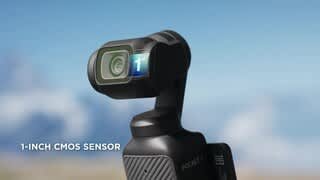
A:AnswerDear customer, thank you for your question. If you are asking whether the Pocket 3 has an HDMI port, please note that the DJI Pocket 3 does not include an HDMI interface. However, the Pocket 3 can connect to the DJI Mic series transmitters via Bluetooth for convenient wireless audio recording. Should you need any further assistance, please feel free to contact our DJI support at http://www.dji.com/support, we are always here to help. Best Regards, DJI Support
A:AnswerDear Customer, the Osmo Pocket 3 supports the webcam function and can be used on the ZOOM platform.Should you need any further assistance, please feel free to contact our DJI support at http://www.dj.com/support, we are always here to help. Best Regards,DJI Support
A:AnswerDear Customer,
Regarding your inquiry:
1.The Osmo Pocket 3 does not come with built-in storage;
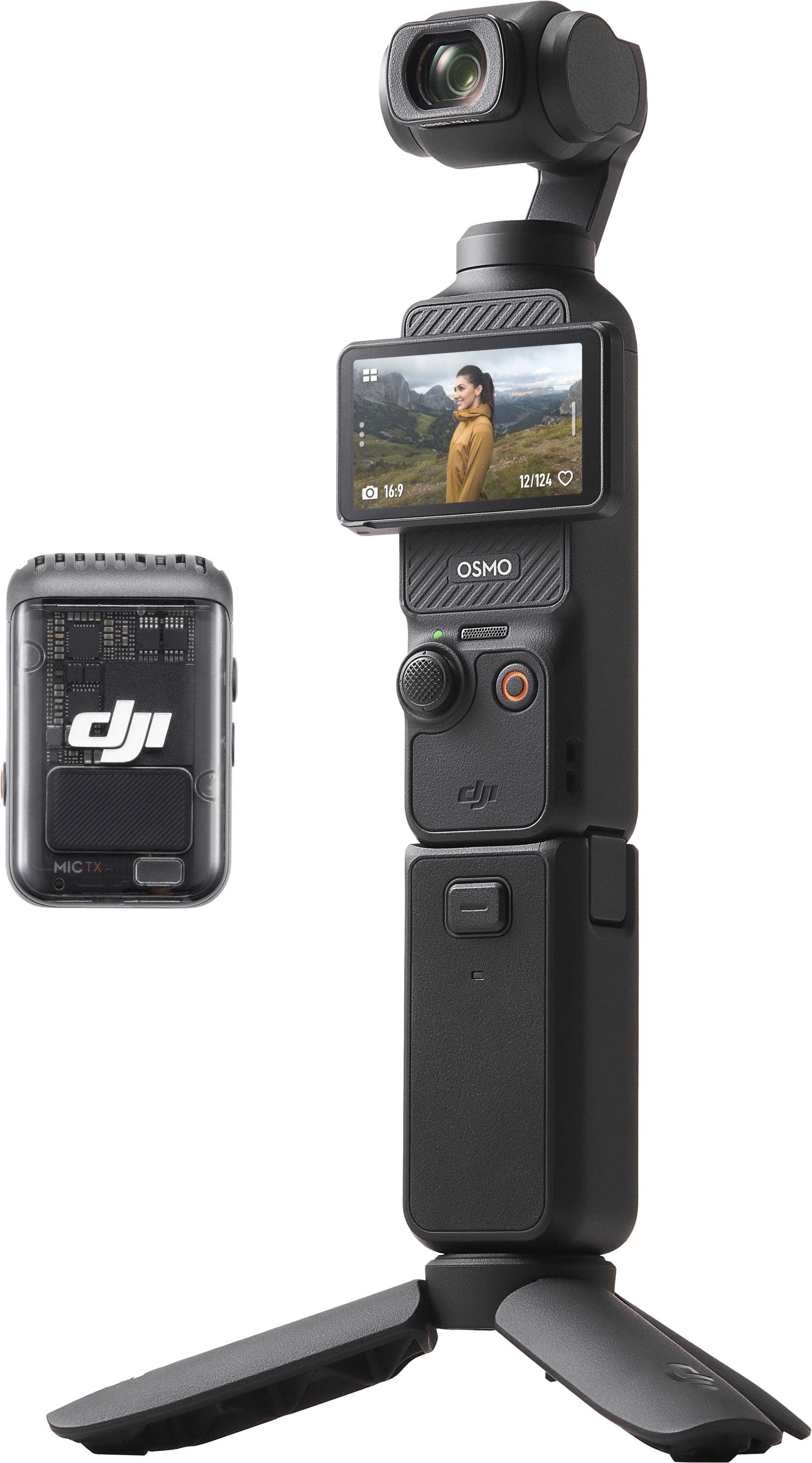
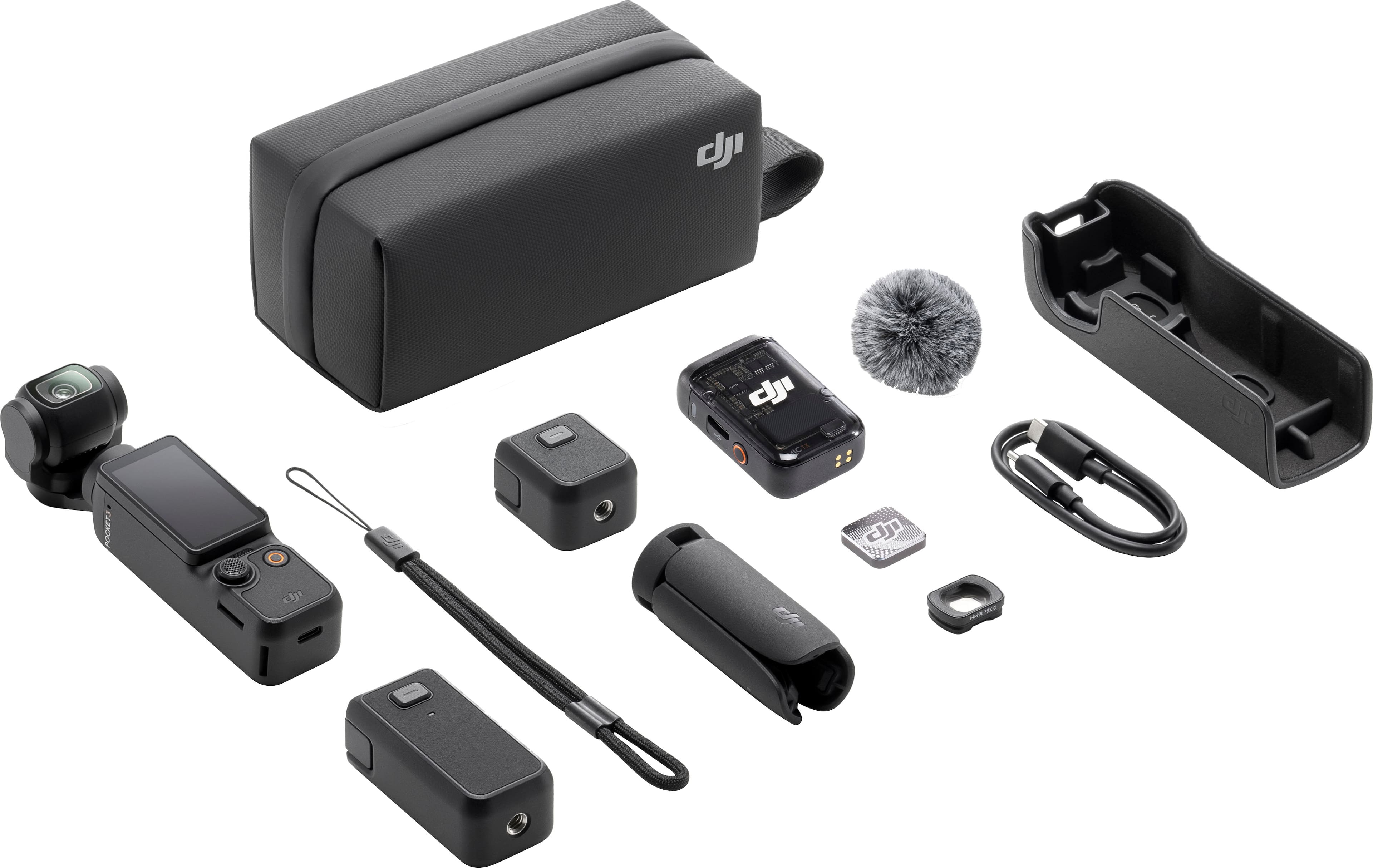
2.The set you inquired about includes the following items:
*Osmo Pocket 3
*Type-C to Type-C PD Cable
*Osmo Pocket 3 Protective Cover
*DJI Wrist Strap
*Osmo Pocket 3 Handle With 1/4″ Thread
*Osmo Pocket 3 Wide-Angle Lens
*DJI Mic 2 Transmitter (Shadow Black)
*DJI Mic 2 Windscreen
*DJI Mic 2 Clip Magnet
*Osmo Pocket 3 Battery Handle
*Osmo Mini Tripod
*Osmo Pocket 3 Carrying Bag
*Quick Start Guide
*Disclaimer
*Warranty Card
*DJI Stickers
Please note that no storage card is included.
3.Recommended Storage Cards:
The following storage cards have been tested by DJI engineers and are fully compatible with the Osmo Pocket 3. You may choose according to your needs:
*SanDisk Extreme Pro 32GB V30 A1 UHS-I Speed Grade 3
*Kingston Canvas Go!Plus 64GB / 128GB / 256GB / 512GB UHS-I Speed Grade 3
*Kingston Canvas React Plus 64GB / 128GB / 256GB UHS-II Speed Grade 3
*Lexar Pro 256GB / 512GB SDXC UHS-I V30 R160/W120 (1066x)
*Lexar SILVER PLUS microSDXC UHS-I 64GB / 128GB / 256GB / 512GB / 1TB
We hope this information is helpful to you.
Wish you a pleasant day!
A:AnswerI’m sure you can find a taller tripod online somewhere, the tripod doesn’t add or remove anything from the camera operating it’s just a support and it’s a male thread screw
A:AnswerIf you want to let the camera hear the concert's audio, I would suggest not to use it but if you prioritize your own speaking voice being heard at the camera, go ahead! It has a good noise cancellation.