A:Answer Dear customer,
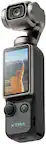
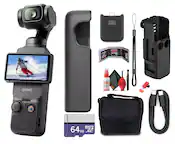
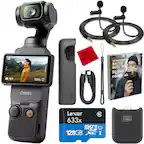
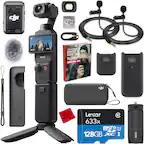
Thank you for your inquiry. The Osmo Pocket 3 is not waterproof. Fogging may occur inside the lens if you use the device in humid or fluctuating temperature conditions. When the device is in use, the rise in internal temperature can help clear the fog without leaving any residue. If fogging occurs, increase the recording specifications and continue recording for a few minutes to accelerate fog clearing.
Moreover, store the device in a dry place to keep it ready for immediate use. Thank you for your understanding.
Should you need any further assistance, please feel free to contact our DJI support at http://www.dji.com/support, we are always here to help.
Best Regards,
DJI Support