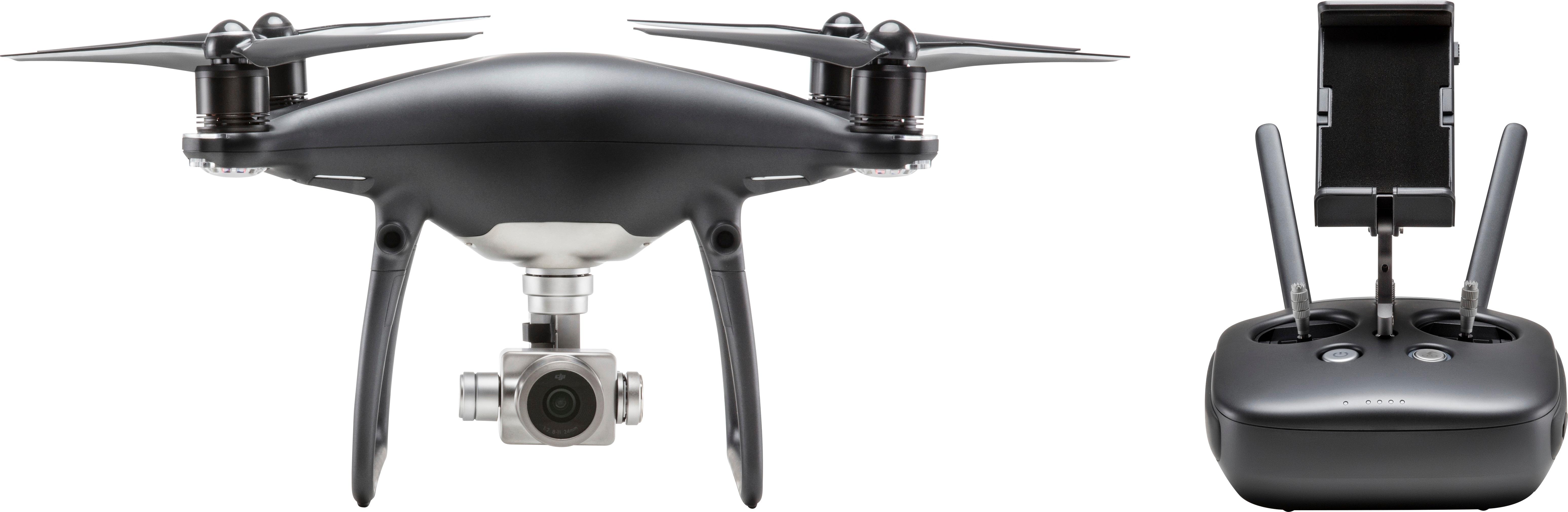
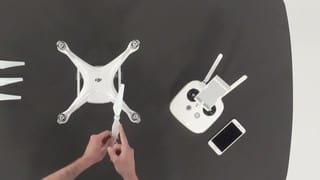
A:AnswerThe camera can be controlled up and down with the controller. You move the drone to move the camera right or left using the control sticks. If it crashes and doesn’t loose power you should be able to find it using the screen on your display device. If you do loose power then hope you see it go down to give you an idea of where to start looking.
A:AnswerWhile not at the same time , yes i use my ipad 4 mini for normal drone flight, and my iphone for my vr flight time, please make sure to use a spotter when you fly VR as the camera only sees whats in front of you.
A:AnswerYes the camera is integrated into the drone. Unlike other drones that require some kind of action camera like a GoPro the DJI Phantom 4 series includes a camera. The only thing the drone does not come with is the tablet or phone for viewing the camera output and settings control.
A:Answerck to make sure you are not in a no fly area. if not there was a glitch in some of the phantom 4's recently i returned one because it would never go out of beginner mode. tried software updates to no avail. bring it back.
A:Answer$1,499 pro is without screen and the $1,799 is with screen. Keep in mind that at this moment, the built in screen does not support 3rd party apps (DroneDeploy, Litchi, Autopilot, etc.).