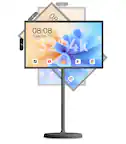
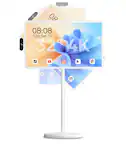
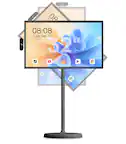
A:AnswerHi OnionHead, Yes, the DG3200RTV Smart TV can be watched and used while it is plugged in and charging. In case you need assistance or have other concerns, you may call our customer service hotline at 1-833-909-2673, Mondays to Fridays from 9 am to 5 pm PST. Or email us at [email protected].
A:AnswerHi Daisy, we’re sorry to hear about the confusion regarding height adjustment and we also sincerely apologize that you were unable to reach us by phone. We’d be glad to walk you through it step by step. Please call our customer service hotline at 1-833-909-2673 (Mondays to Fridays, 9 am to 5 pm PST) or email us at [email protected].
A:AnswerHi Lwarda, Yes, the TV screen does have an anti-glare protective film. In case you need assistance or have other concerns, you may call our customer service hotline at 1-833-909-2673, Mondays to Fridays from 9 am to 5 pm PST. Or email us at [email protected].
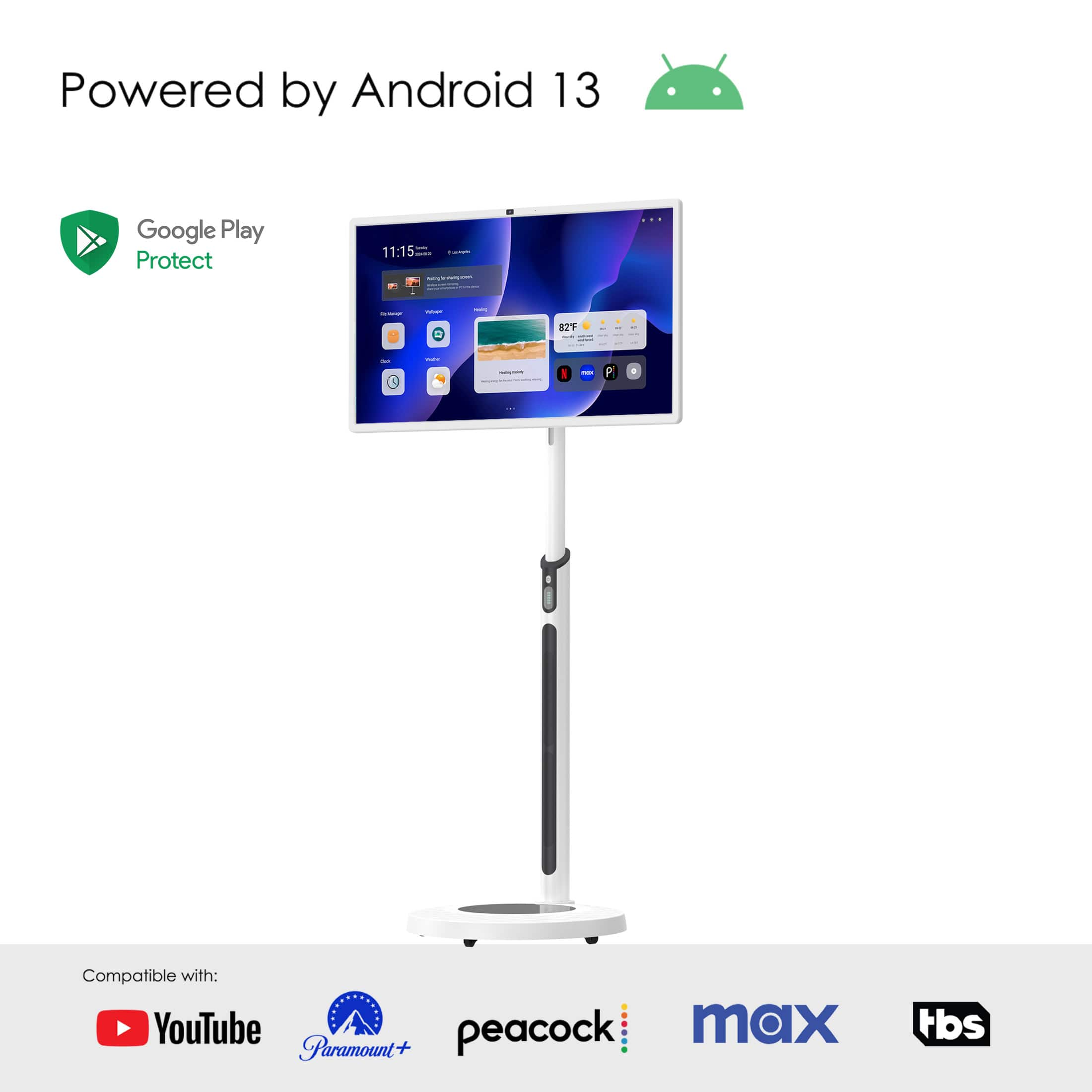
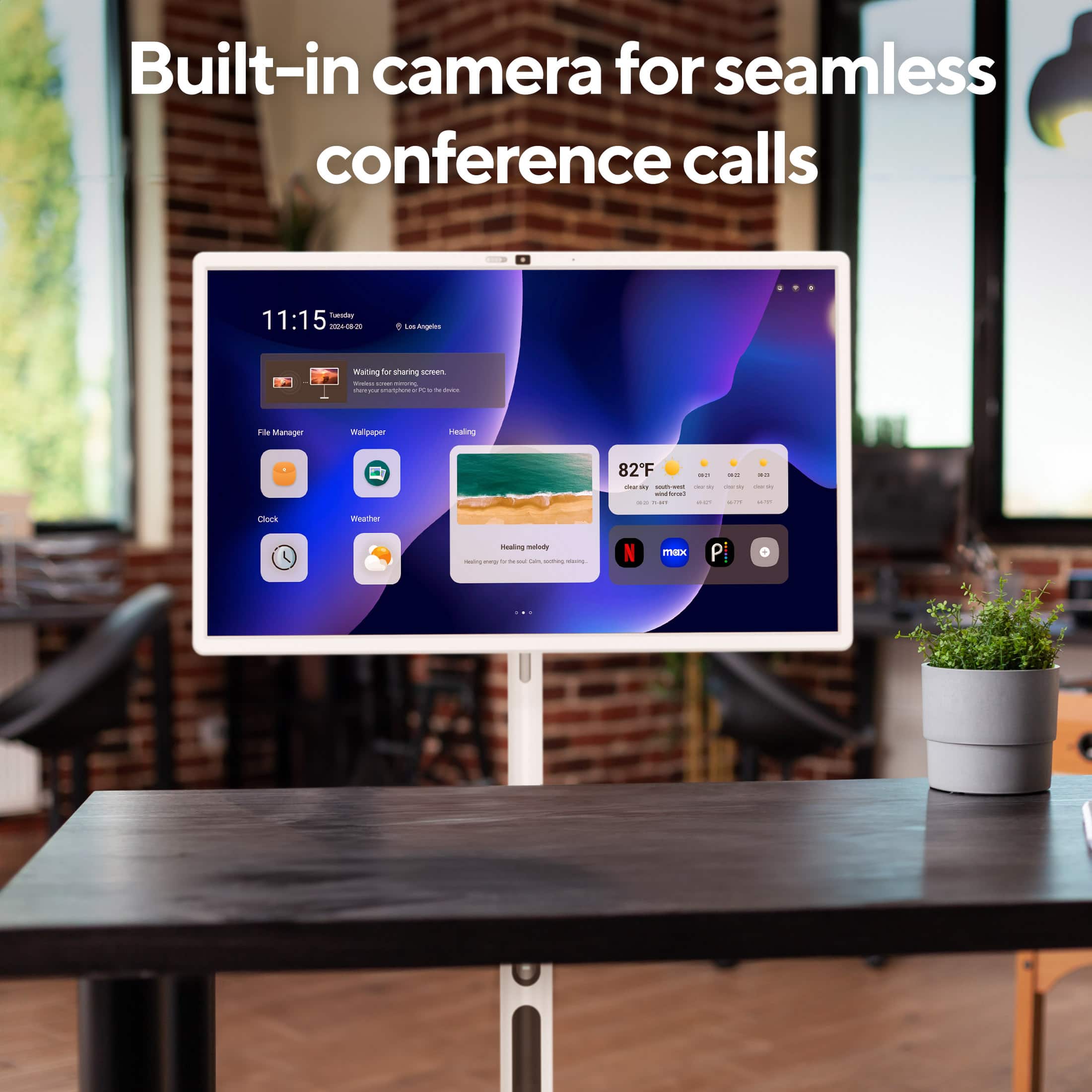
A:AnswerHi Diego, The DG3200RTV runs on Android 13 and supports apps from the Google Play Store only. It does not support the Apple App Store or iOS apps. In case you need assistance or have other concerns, you may call our customer service hotline at 1-833-909-2673, Mondays to Fridays from 9 am to 5 pm PST. Or email us at [email protected].
A:AnswerNeither is exactly correct. It is running Android and is a tablet, but "full" is a little vague: the Android OS that ships with the device has some significant limitations. If there is a particular function you are curious about, it may be well to ask about that specifically.
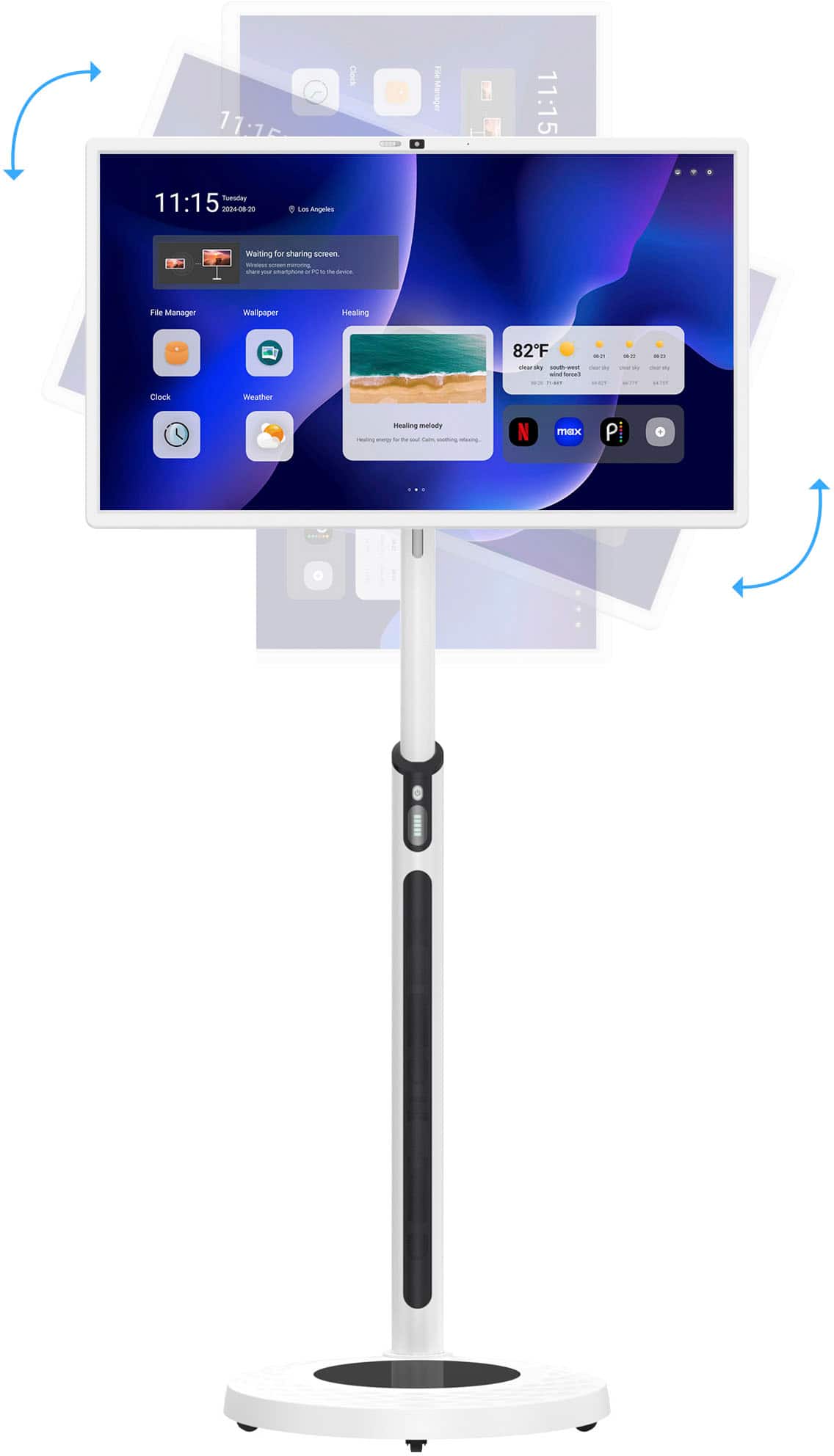
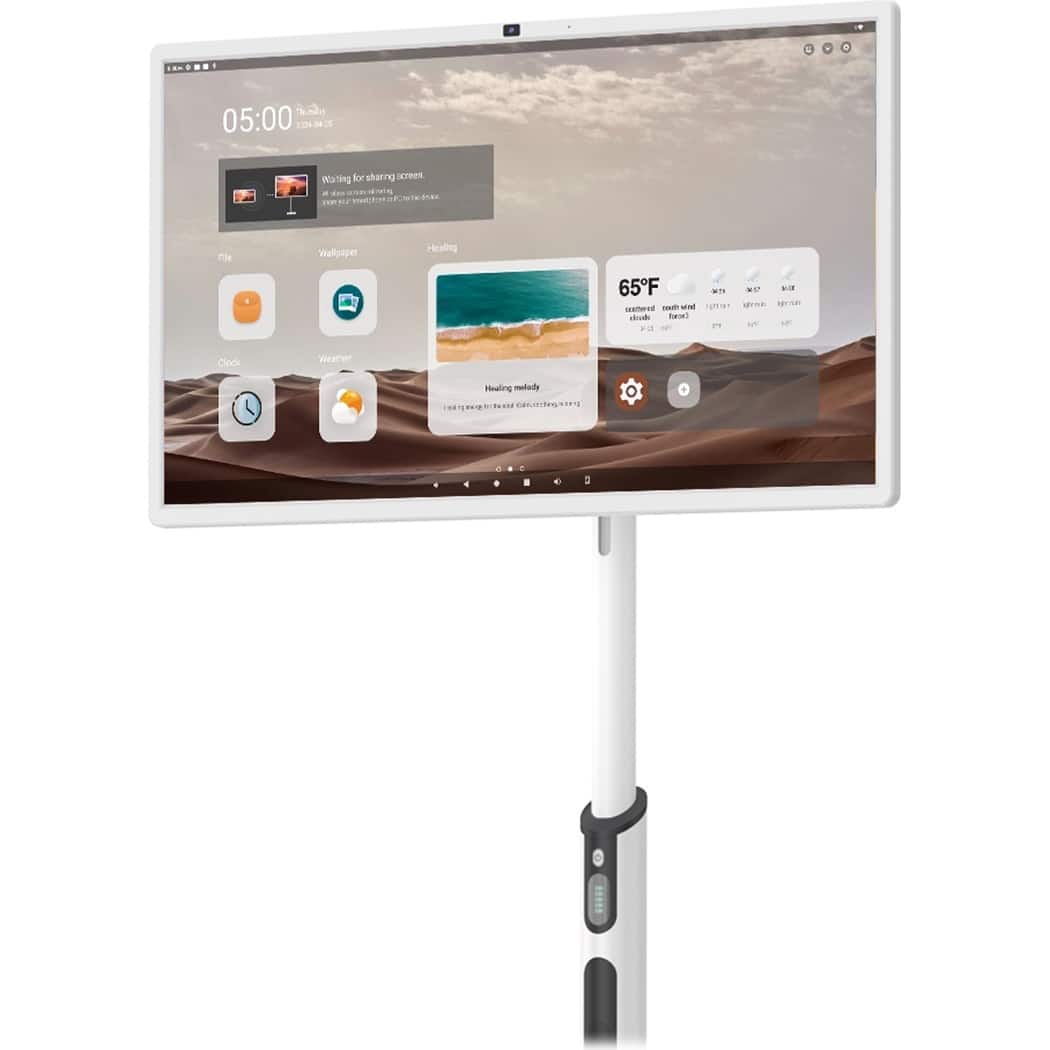
A:AnswerHi Naomi, The DG3200RTV has whiteboard function. The whiteboard also can be used for drawing and support capacitive pens. In case you need assistance or have other concerns, you may call our customer service hotline at 1-833-909-2673, Mondays to Fridays from 9 am to 5 pm PST. Or email us at [email protected].
A:AnswerHi J, Yes, It can be used at the door as long as it is plugged in but please pay attention that the product is NOT waterproof. In case you need assistance or have other concerns, you may call our customer service hotline at 1-833-909-2673, Mondays to Fridays from 9 am to 5 pm PST. Or email us at [email protected].
A:AnswerHi DaveinBoston, The browser support browser applications and the touchscreen allow for browser app functions to be selected and/or activated. In case you need assistance or have other concerns, you may call our customer service hotline at 1-833-909-2673, Mondays to Fridays from 9 am to 5 pm PST. Or email us at [email protected].
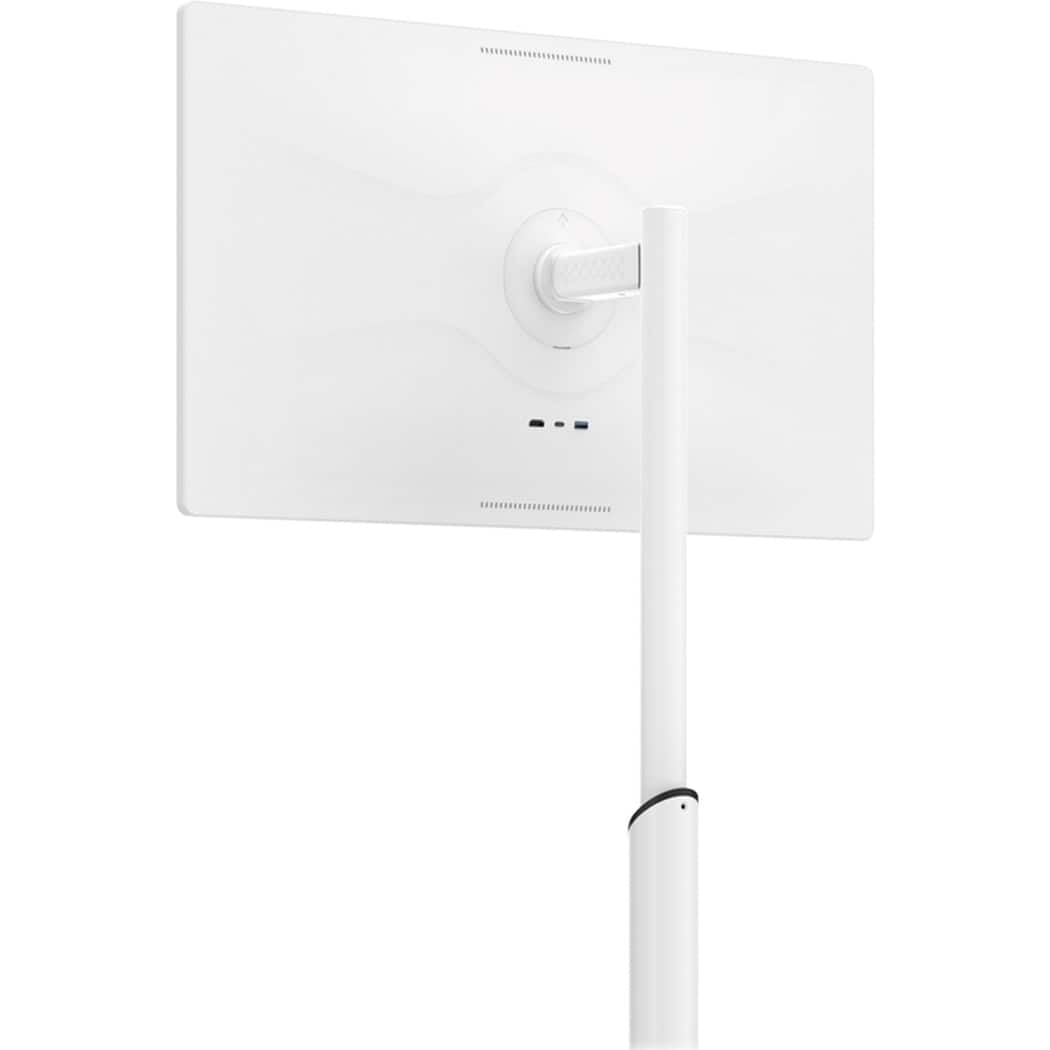
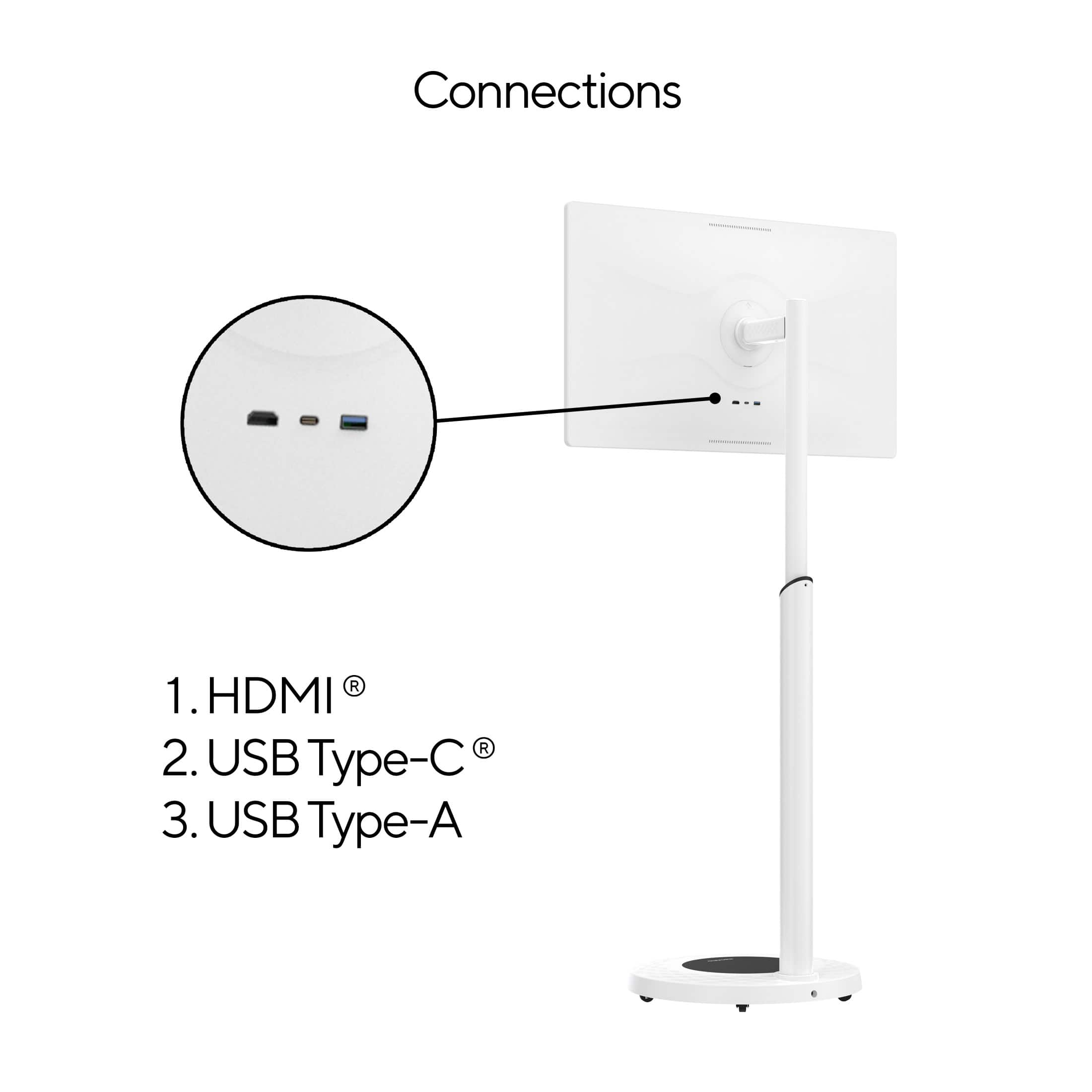
A:AnswerHi Customer, If your gaming console like the PS5 connects via Bluetooth, then yes, it can be used. For wired connections, the DG3200RTV has three ports on the back: HDMI, Type-C, and USB. In case you need assistance or have other concerns, you may call our customer service hotline at 1-833-909-2673, Mondays to Fridays from 9 am to 5 pm PST. Or email us at [email protected].
A:AnswerHi Shaun, The device does not come with pre-installed preschool learning applications, but you can install and try, the touchscreen functionality work with compatible apps. Additionally, the supplier has pre-installed some apps, and their playback function is working correctly. In case you need assistance or have other concerns, you may call our customer service hotline at 1-833-909-2673, Mondays to Fridays from 9 am to 5 pm PST. Or email us at [email protected].
A:AnswerHi Mary, The remote control is connected through Bluetooth. If the mic is also connected through Bluetooth, the two devices can't be used at the same time. If unplugged,DG3200RTV with battery can be used continuously for 4-5 hours. In case you need assistance or have other concerns, you may call our customer service hotline at 1-833-909-2673, Mondays to Fridays from 9 am to 5 pm PST. Or email us at [email protected]
A:AnswerHi Customer, Yes, you can download the YouTubeTV app from the Google Play Store. In case you need assistance or have other concerns, you may call our customer service hotline at 1-833-909-2673, Mondays to Fridays from 9 am to 5 pm PST. Or email us at [email protected].
A:AnswerHi Customer, yes, the DuraGo Rollable Smart Touch Screen TV does have a USB-C port, which is located at the back of the TV. In case you need assistance or have other concerns, you may call our customer service hotline at 1-833-909-2673, Mondays to Fridays from 9 am to 5 pm PST. Or email us at [email protected].
A:AnswerHi YoutubeTV, streaming is available on the DG3200RTV. The YouTube APK is built-in, so you can easily access and watch shows from the streaming service. In case you need assistance or have other concerns, you may call our customer service hotline at 1-833-909-2673, Mondays to Fridays from 9 am to 5 pm PST. Or email us at [email protected].
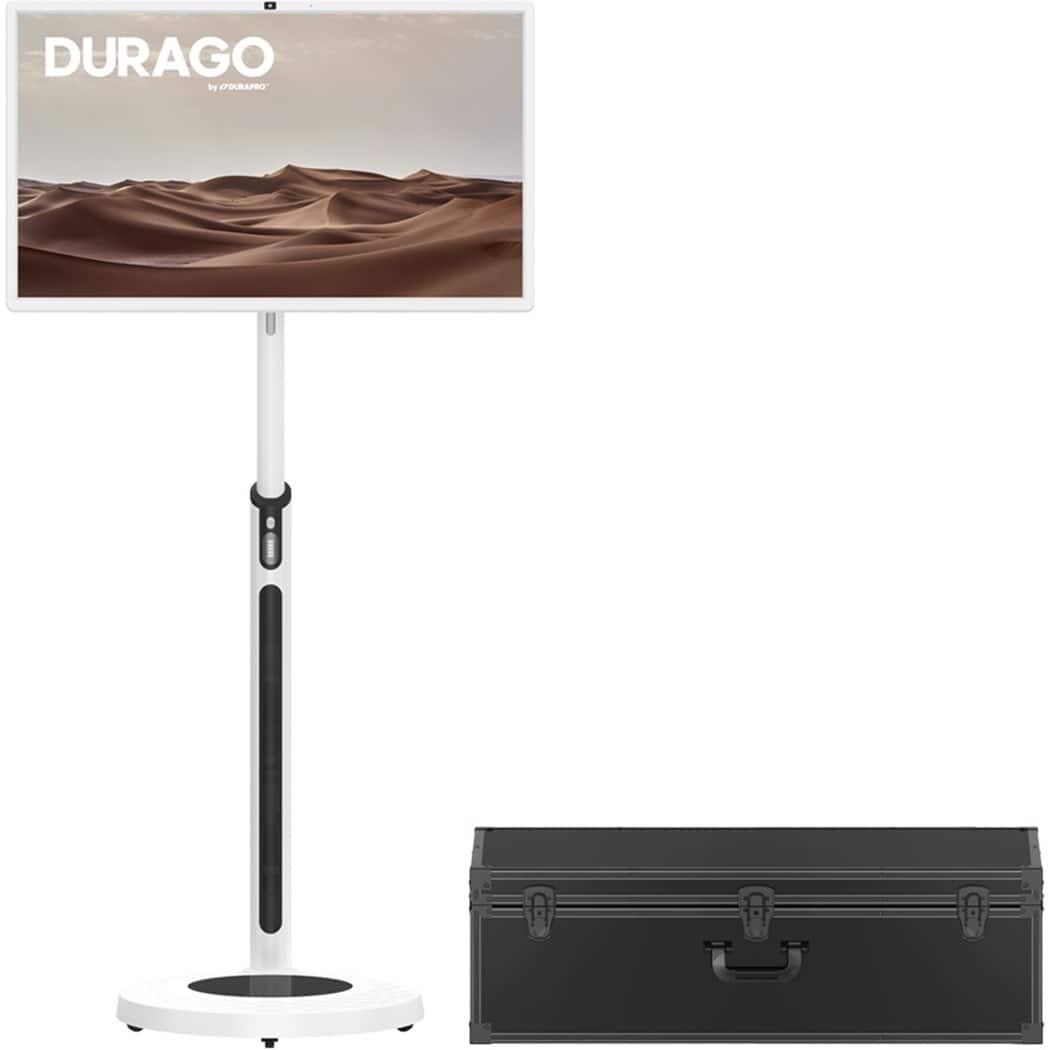
A:AnswerHi Cynthia, The battery is located in the base, not in the monitor. In case you need assistance or have other concerns, you may call our customer service hotline at 1-833-909-2673, Mondays to Fridays from 9 am to 5 pm PST. Or email us at [email protected].
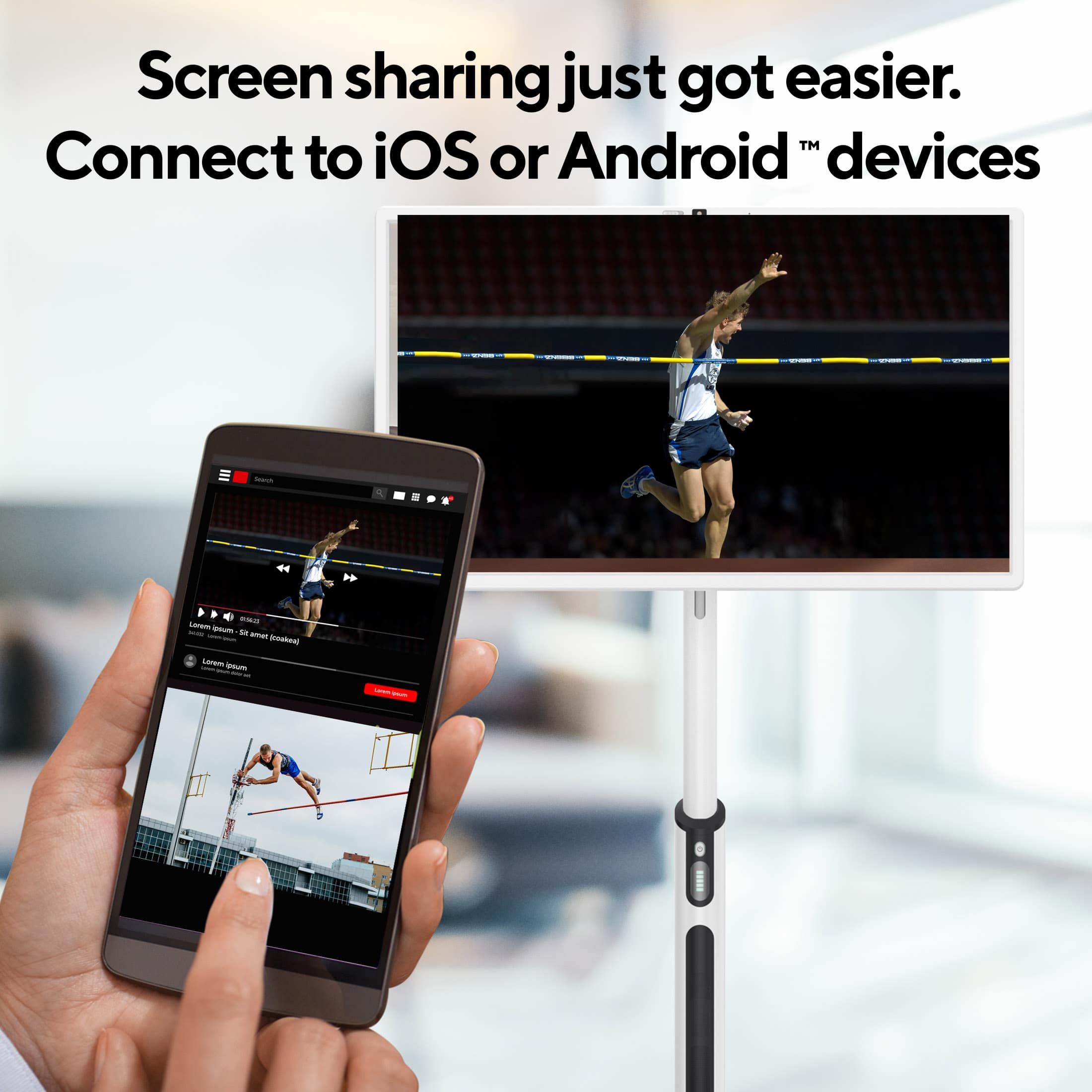
A:AnswerHi Customer, This rolling TV comes with wireless screen mirroring function, and you can also connect to other smart devices using an HDMI cable. In case you need assistance or have other concerns, you may call our customer service hotline at 1-833-909-2673, Mondays to Fridays from 9 am to 5 pm PST. Or email us at [email protected].
A:AnswerHi Tai, You can use the tablet while it's charging, but we recommend unplugging the charger before using it. This helps extend the battery's lifespan. In case you need assistance or have other concerns, you may call our customer service hotline at 1-833-909-2673, Mondays to Fridays from 9 am to 5 pm PST. Or email us at [email protected].
A:AnswerHi Dina, Yes, You can return the device to where it was originally purchased. They will be able to assist you with a replacement according to their return policy. In case you need assistance or have other concerns, you may call our customer service hotline at 1-833-909-2673, Mondays to Fridays from 9 am to 5 pm PST. Or email us at [email protected].
A:AnswerHi Nena, Please try powering off the device and restarting it to see if that resolves the issue. If the problem persists, kindly send us a video of the issue at [email protected], and we'll assist you further.