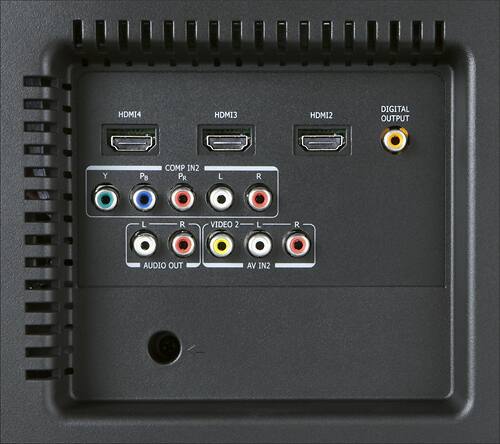
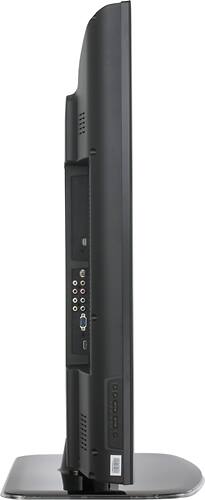
A:AnswerBecause your TV will display the signal it receives, you should examine your signal source -- that is, your cable or satellite service, etc. If you have standard definition service, you may see a picture like you describe. You may wish to consider a service upgrade to HD if this is the case. If the picture is blurry when watching DVD content, you may wish to consider an up-converting DVD player or Blu-ray player for best picture results. I hope this helps.
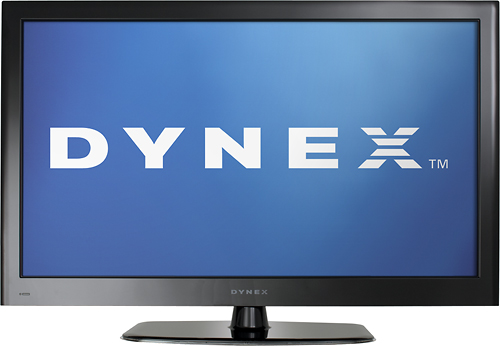
A:AnswerWhat you are seeing is the popup info window showing your video quality or aspect ratio just changed. Apparently from what you have said you have not set up the channels yet. You must do this as the TV doesn't know what settings to apply to the channel and so is automatically changing it's resolution each time and then telling you it did so with the popup. Most commercials are 480i and programs on digital cable or digital OTA are usually 720p or better. To do the channel setup on a Dynex 55", tune in any known good TV channel and then press the menu button one time. Then use the up/down buttons to go to the bottom icon and press enter. Choose either cable or antenna from the Tuner Mode setting. Then choose Channel Scan and the TV will find all your channels. When it's all done it should have set and adjusted the channels. If you still get this popup then you might need to go into the main menu then choose the setup submenu then choose your Aspect ratio to match your TV (probably either wide or normal or auto). Go to the Dynex internet address listed on both your guides and download the manual and read it. Hope this helps.
A:Answer1st be sure your power cable is plugged into both the TV and wall socket. Try replacing the common power cable. You can get them in any store electronics is sold from. If this isn't good, it will cause the symptoms you state. Be sure you ARE NOT plugged into a power strip that has surge protection. Cheap ones are known to go bad and cause weird brown out situations that can damge your TV. Plug it into a wall socket. Another less likely thing is to be sure you are not using another TV remote nearby as the remotes will interfere with each other's TVs. The IR signal in one close room can often bounce off the walls and end up controling or interfering with a TV in another room. If all this fails, you have a bad TV. You'll need to get on this as a warranty issue right away as this unit only has a 1 year warranty. The Geek squad guys will charge you for service outside this time and the factory would want you to send it off (not good for a 100 pound item!). A normal lifespan for a TV now days is usually just twice the warranty period. Hope this helps.

A:AnswerReplace the coax cable even if it looks OK. Be sure the connectors on both ends of the new one are tightly screwed down. If HDMI works OK that's usually either dead cable TV or the cable itself. Since you know the difference between HDMI and TV inputs, I assume you know to pick the right input? Another possibility is that the cable connector inside the wall jack has fallen off. Lastly, you might have a bad TV now. Hope this helps.

A:AnswerIn the on screen menu, select Setup, then Reset Default. Once this is done, turn your TV off and power-cycle it by unplugging it for several minutes. When you turn on the TV, you will go through the Setup Wizard and may select Cable/Satellite Box when prompted.
A:AnswerIf your TV is displaying the resolution as "1080i," that means that the resoltuion that is being received from the signal source. For an explanation of resolutions such as 1080i and 1080p, please visit http://www.bestbuy.com/site/Electronics+Promotions/HDTV-Basics/pcmcat197600050000.c?id=pcmcat197600050000.