A:AnswerDepends on what video card you have in the ThinkPad. If it treats each output differently, it may be possible. I know the MD port to HDMI will work as mirror or extended display on a TV as you would like. But you may have to test it to see. Since it’s cheaper than video cards, you can always test it with a living room TV, computer monitor and Thinkpad all connected closely.
If it doesn’t give you 3 true monitors in extended monitor mode, at least you will have a connector to view your laptop on TV screens.
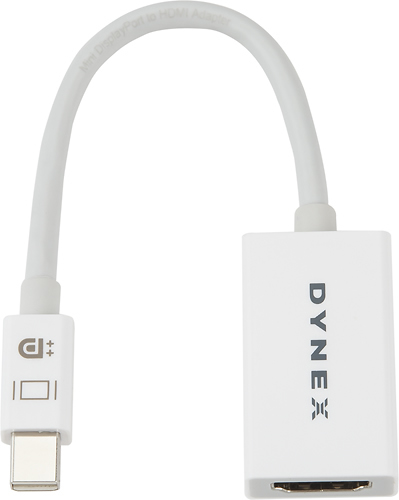
A:AnswerThis adapter will not work along with an ipad mini, this since ipad mini has only the lightning port and this adapter requires a Mini Display Port.
A:AnswerMy son connects his XBox One to the monitor using an HDMI cable and it works perfectly fine. I am pretty sure that it will work the same for the PS4. If work case scenario is that it does not work, just return it back to the store. Best Buy is very customer friendly and they will happily accept your returns.
A:AnswerThank you for your interest in our products.
In response to your inquiry, since your Macpro doesn't have a thunderbolt port, this adapter is not compatible with it. I definitely recommend you our USB Type-C-to-HDMI Adapter: https://www.insigniaproducts.com/pdp/NS-PU369CH-WH/4480802
Deneb M.- Insignia Support.
A:AnswerNope. Chromecast,Roku and FireStick can only display on TV with HDMI inputs that receive signals. Trying to connecting the mini display port end to a surface Pro, MacBook or other laptop will not display the device. Mini Display Port is OUTPUT only. Some laptop MDPorts only SEND video and others SEND audio and video.
Not all TV HDMI ports SEND AND RECEIVE. Some just RECEIVE.
I hope this helps and isn’t too late
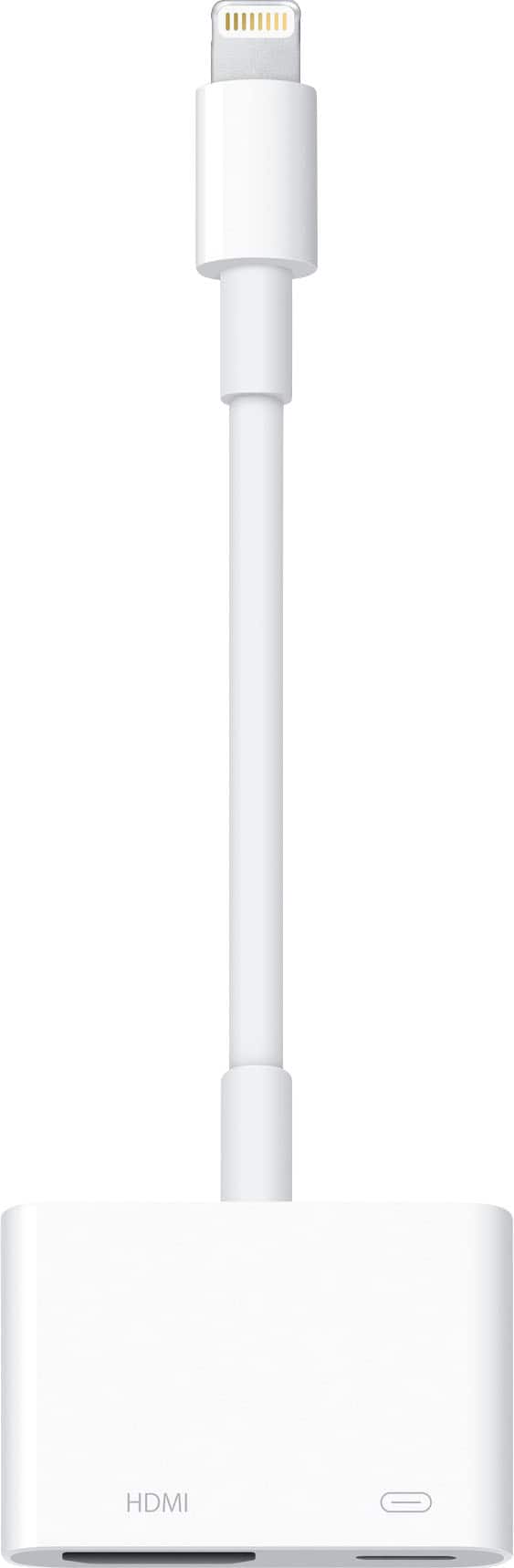
A:AnswerNo. This is Mini DisplayPort, the iPhone uses a lightning connector.
Look at the "Apple Lightning Digital A/V Adapter" to be able to screen mirror with an iPhone.
A:AnswerNo, iOS devices have a Lightning port and not miniDisplayPort. This adapter is for MacBooks and some other laptops that use mDP for video output.
A:AnswerThis adapter is for connecting a laptop (or other device with a mini-DisplayPort output) to an HDMI device such as an HDTV or monitor for the purpose of using the connected device as a display for the computer it is connected to. It does not provide a video signal TO your computer, but rather FROM it.