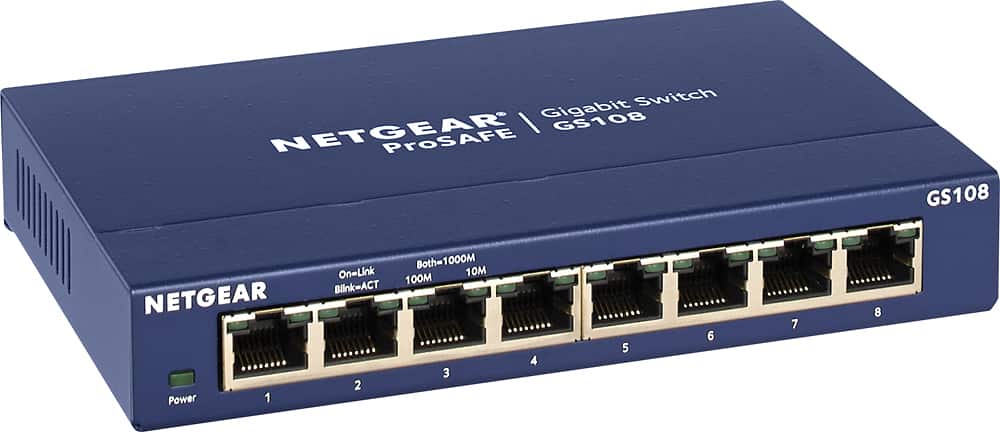
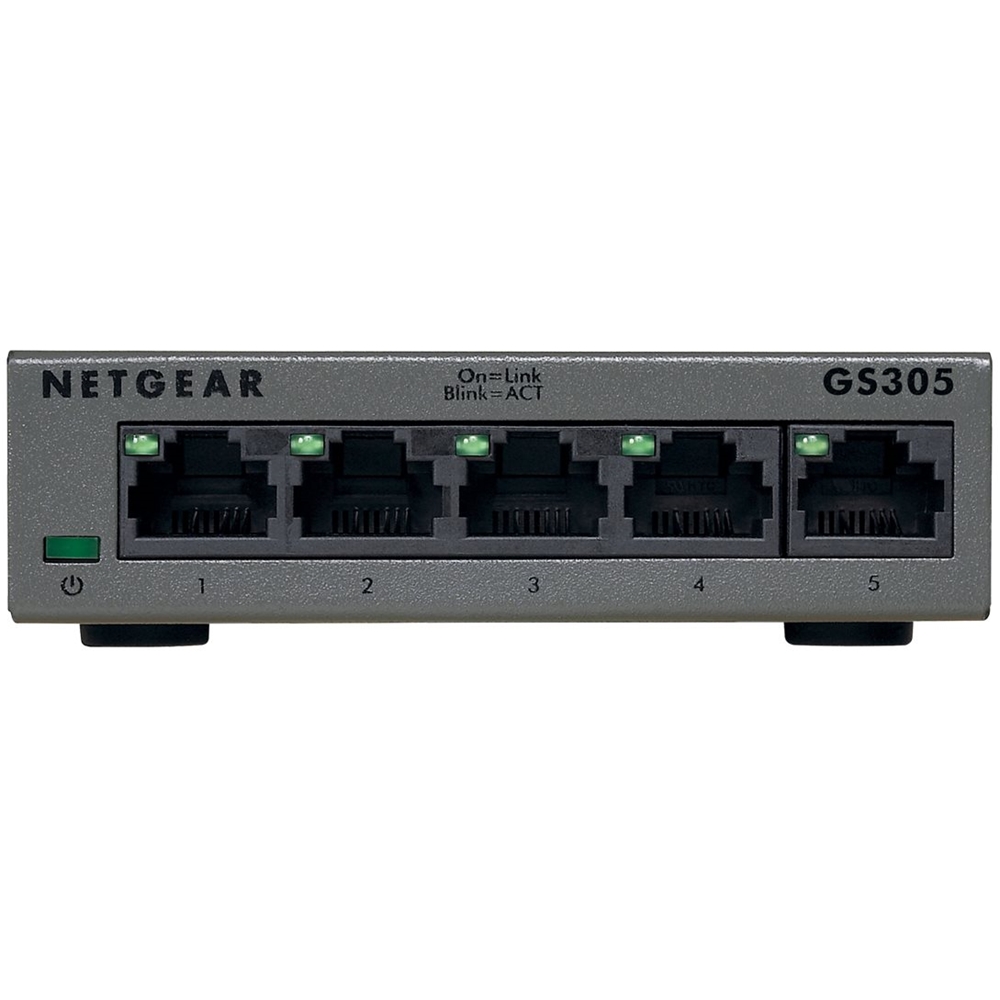
A:AnswerYes, it will. This is a common application: set up node 2 near the Smart TV, and then connect the TV (or gaming console or PC or a network switch) directly to the node via Ethernet, to avoid having to configure WiFi on the connected device. The node continues to blast out WiFi.
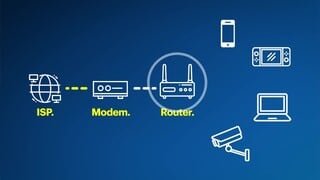
A:AnswerYou will need a separate internet service provider that will bring a modem to your house and then you can connect the Eero System so you can amplified the Wifi signal to all areas of your house/office that are within 1,500 square feet (unless you buy more plugins)
A:AnswerSort of...it is a mesh so there is no hierarchy. Think of it like blowing bubbles. As each one connects the bubble gets bigger thus helping to channel information effortlessly. One will be connected to your modem and the other 2 expands your bubble. I was AMAZED at how quick my laptop worked after I set up EERO. Something to thing about is how many items you need to connect via wires like printers, other hubs (i.e. Smart Things). You will only have one more wired connection after you plug in the other to the modem. I had to go back and purchase an unmanaged ethernet switch (plug and play) to connect 3 hubs, printer, desktop computer, and a server. Of course you can connect anything wireless to it including your desktop if equipped, but wired will always be quicker and more secure. New EERO have WPA3 now.
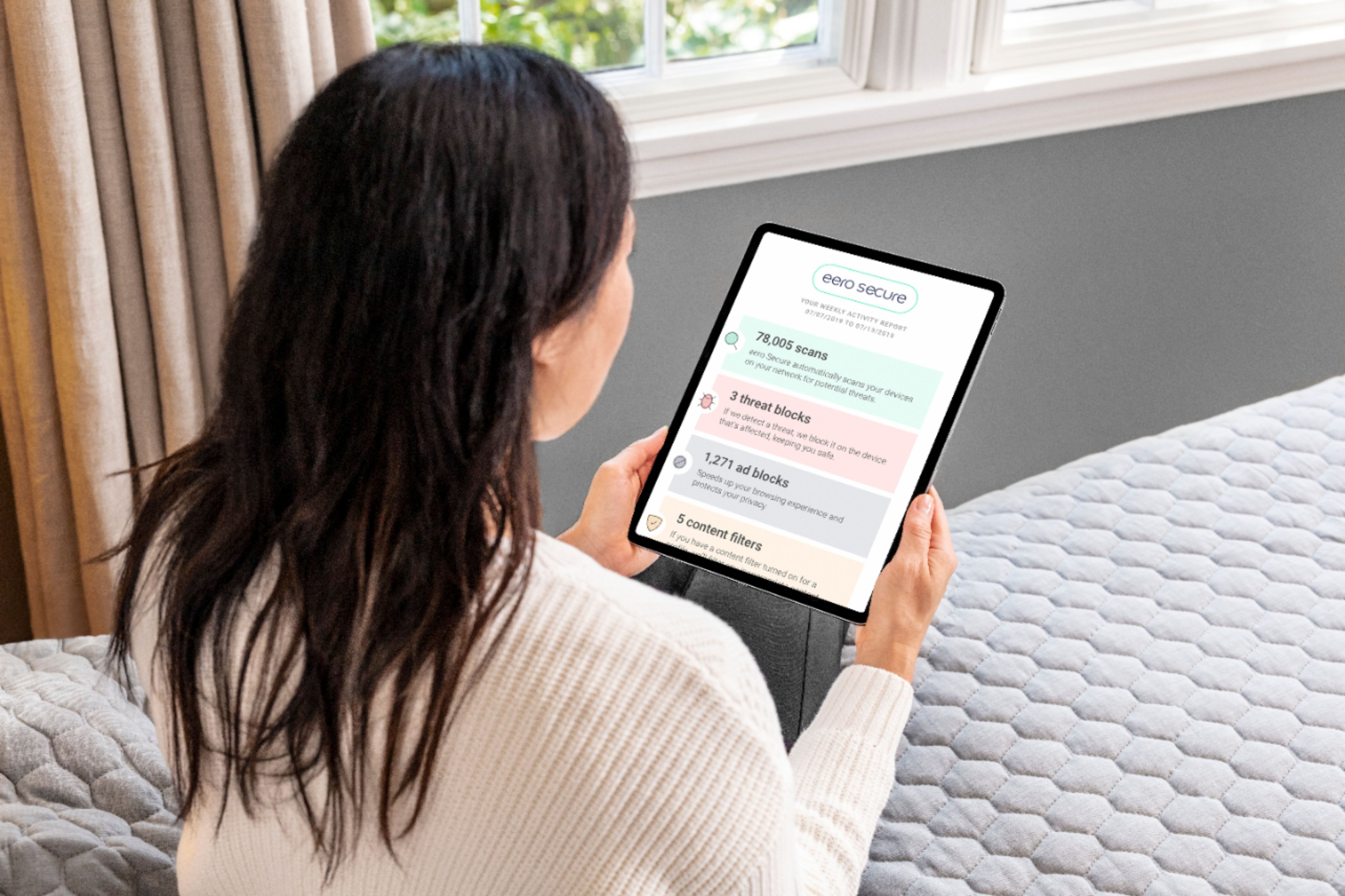
A:AnswerWorks great with all devices ie) TV, Printer, iPad Phone etc and on top of that the Mobile App shows a clear list of all connected devices allowing you to immediately be notified if an unauthorized device shows up.
A:AnswerNo, that is a major flaw. Really bad design to not consider 2.4G devices. It automatically picks 5G, so it you have a device that only works on 2.4G, it may not connect. You may have to call Eero to see if they can temporarily disable 5G to connect to 2.4G.
A:AnswerHey CBreezy, in order to get top speeds you’ll probably need to get new devices that have WiFi 6 built in. The Eeros can cover a large area with WiFi with a very easy setup. That said, due to the way they operate you may get a faster connection on newer devices
A:AnswerWe have 3 laptop computers, 3 tablets, a Nintendo Switch & 3 phones which we use everyday. This system works perfectly on all of our devices. We have absolutely no problems connecting to the wifi. Plus it was extremely easy to set up.
A:AnswerWhat I read from other reviews & eero website, it depends on the size of your house, 1 or 2 stories, if you have dense walls, large appliances, etc. I bought the 3 pk which is more than I need for the square footage of our house, but the house is an unusual shape & is a spread out one story with brick walls. You can try the 2 pk & see how that works. We’re very happy with the eero.
A:AnswerThis system will help, as long as you have electrical outlets to plug in the mesh transceivers along the path you are trying to extend your coverage through. One will get hooked up to the modem, one would (ideally) be somewhere between your man-cave and the main house, and the other one would most likely be in the center of the main house. This is based on not having seen your house, but based on your description, that would be a fairly safe bet as far as the setup, You can always play around with the positioning a bit, once you have them all connected and communicating with each other.
A:AnswerYes but you have to consider what coming into you place. I lived in an apartment and had issues and it turned out it was the signal coming into the unit. But if you have good incoming signal these work great.
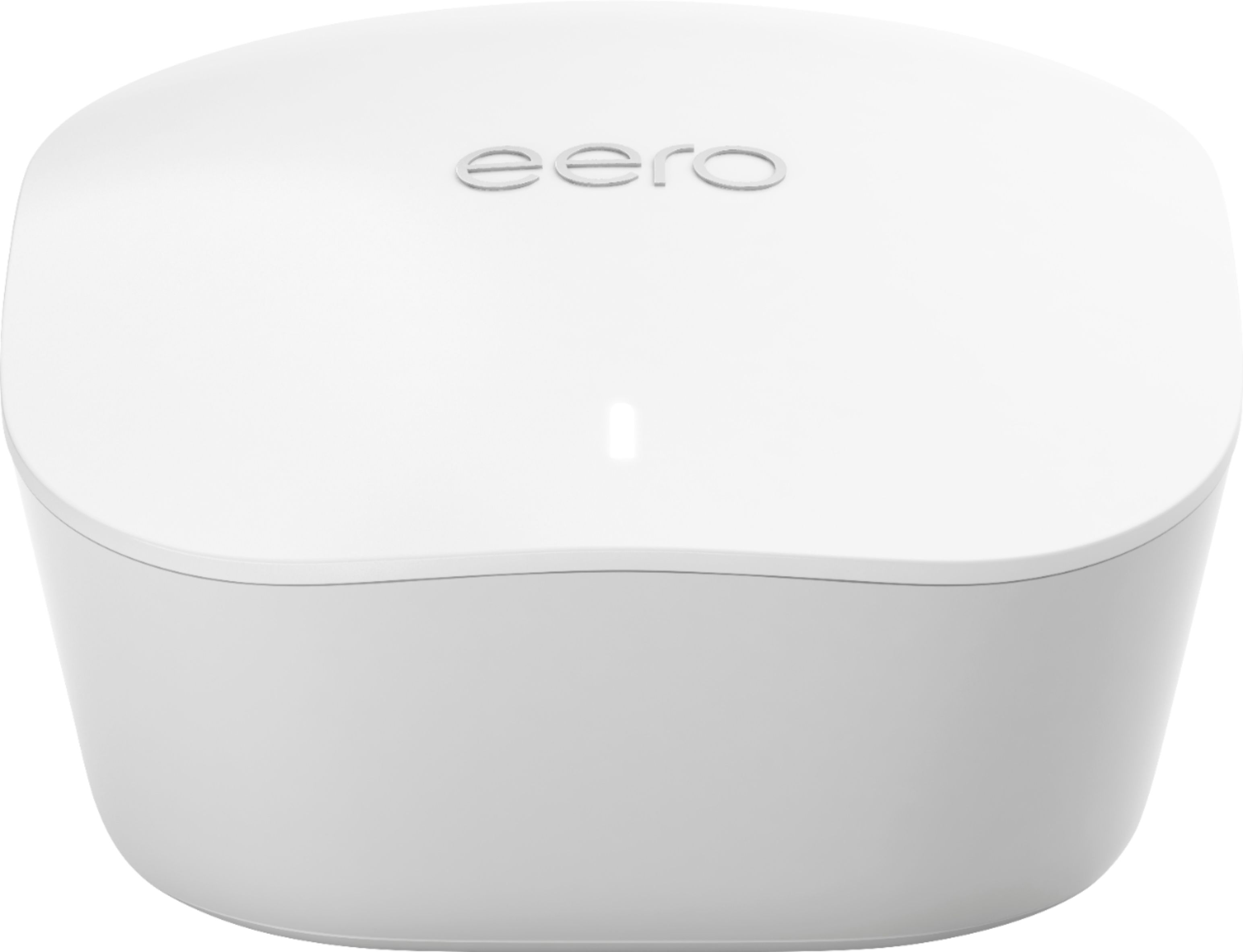
A:AnswerEach unit Is 4” x 4” x 2” tall. Yes, they require a regular plug for power for an AC adapter. You would be amazed at how the phone app makes it so easy to setup on your own. You might not even need Geek Squad. The phone app directs you exactly how and where to set up each module so you have a custom WiFi mesh for your home. It’s awesome.
A:AnswerYou will need a modem that is connected to your internet provider. It will not work without a desperate internet subscription through a provider.