A:AnswerYes, along with several other forms. It also hides the network from outside devices until you go on your cellphone and allow the network to be seen.
A:AnswerI have installed dozens of these mesh systems and I have not heard of anything that hasn't worked with it. I have gotten wireless speeds up to 350mbps on 1Gig fiber connections.
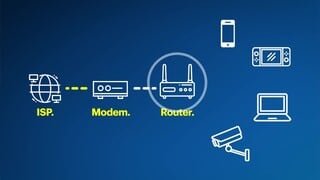
A:AnswerYes. That how I'm using it and it is great. The modem that Spectrum gives you is absolute trash for wifi. The eero system immediately improved my speeds through wifi everywhere in the house. After connecting, I called Spectrum to have them cancel the wifi on their router and I'm using it as just a modem and then using the eero system for wifi. it saved me $5/mo.
A:AnswerYes, I have both a ring pro and a Samsung smartthings hub and it works great with both. I would suggest that if you can name the wireless network the same as you have it now, along with the same password. It will minimize setup.
A:AnswerThese do not have microphones and speakers, so you can’t talk to them like you can talk to a, say, Google Nest WiFi node. (And I’m not a fan of Google Nest WiFi. I had to replace a Google system with eero just this week. Couldn’t get the Google device to configure with a static IP address.)
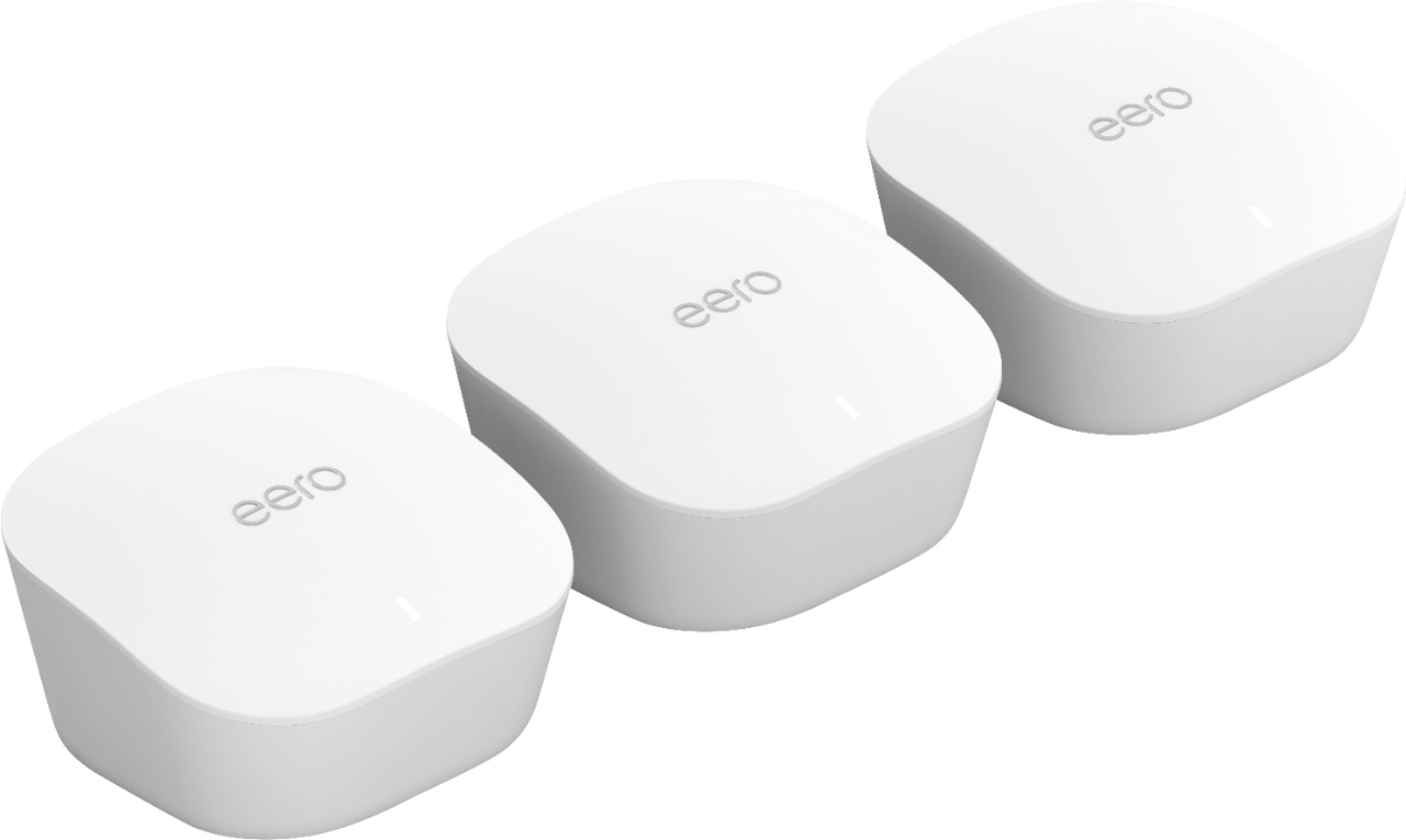
A:AnswerYes, it does work for an ATT router. You will have to overide the homenetwork in order to manage it with the eero device. Try using a different name in eero from the one you assigned to ATT router.
A:AnswerI purchased my EERO 3 Pack only 3 weeks ago. They were meant to provide wifi coverage in my home. However, the coverage that EERO provides exceeds beyond the walls of my house. I now have coverage in my backyard. Even when I am over 50 feet away. I noticed when I drive up to the front of my house my phone automatically logs on to the EERO wifi system. This is something that has never happened before.
My EERO wifi system has exceeded my expectations. Plus there are a lot more features that make this a very wise purchase and well worth every penny spent on it.
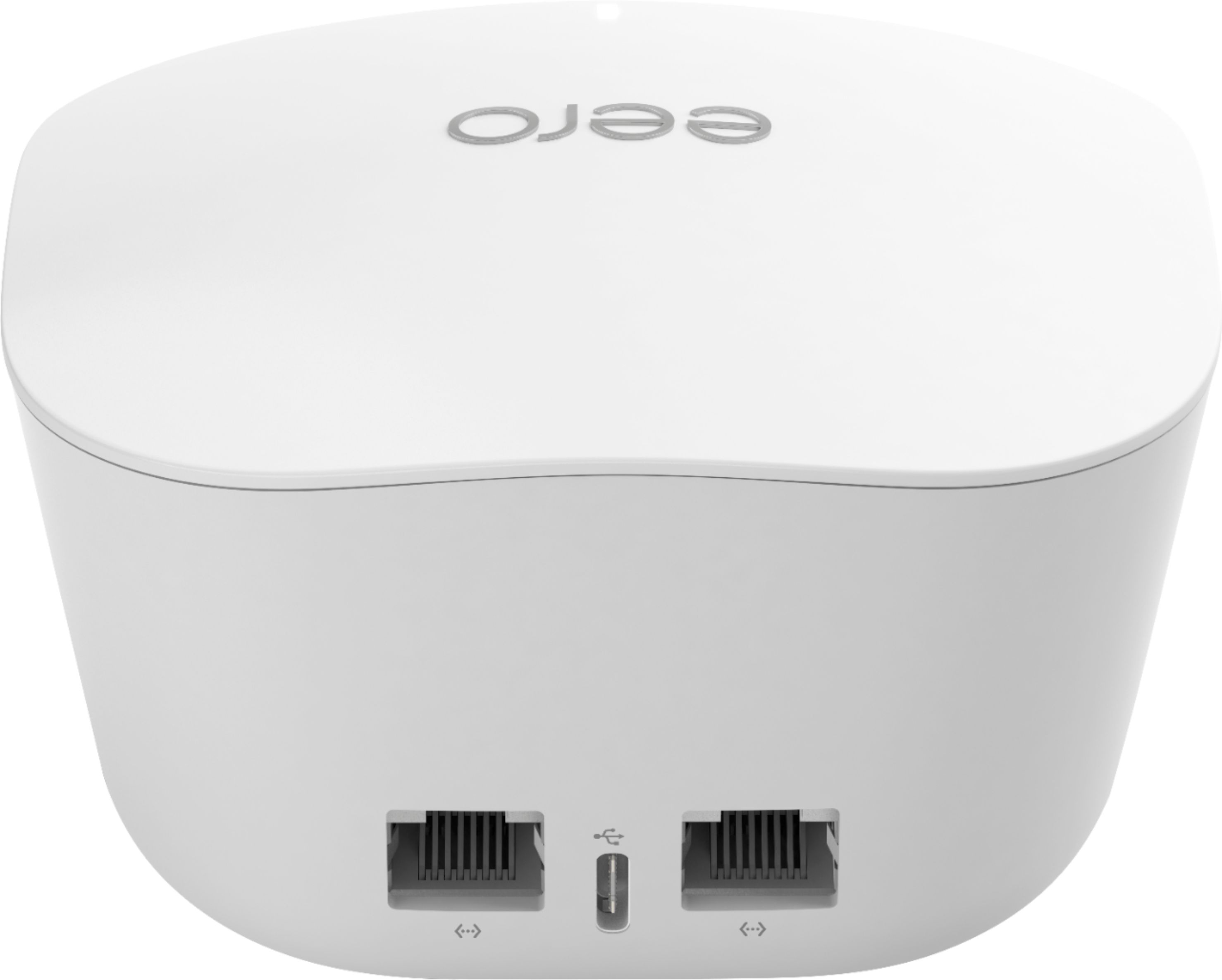
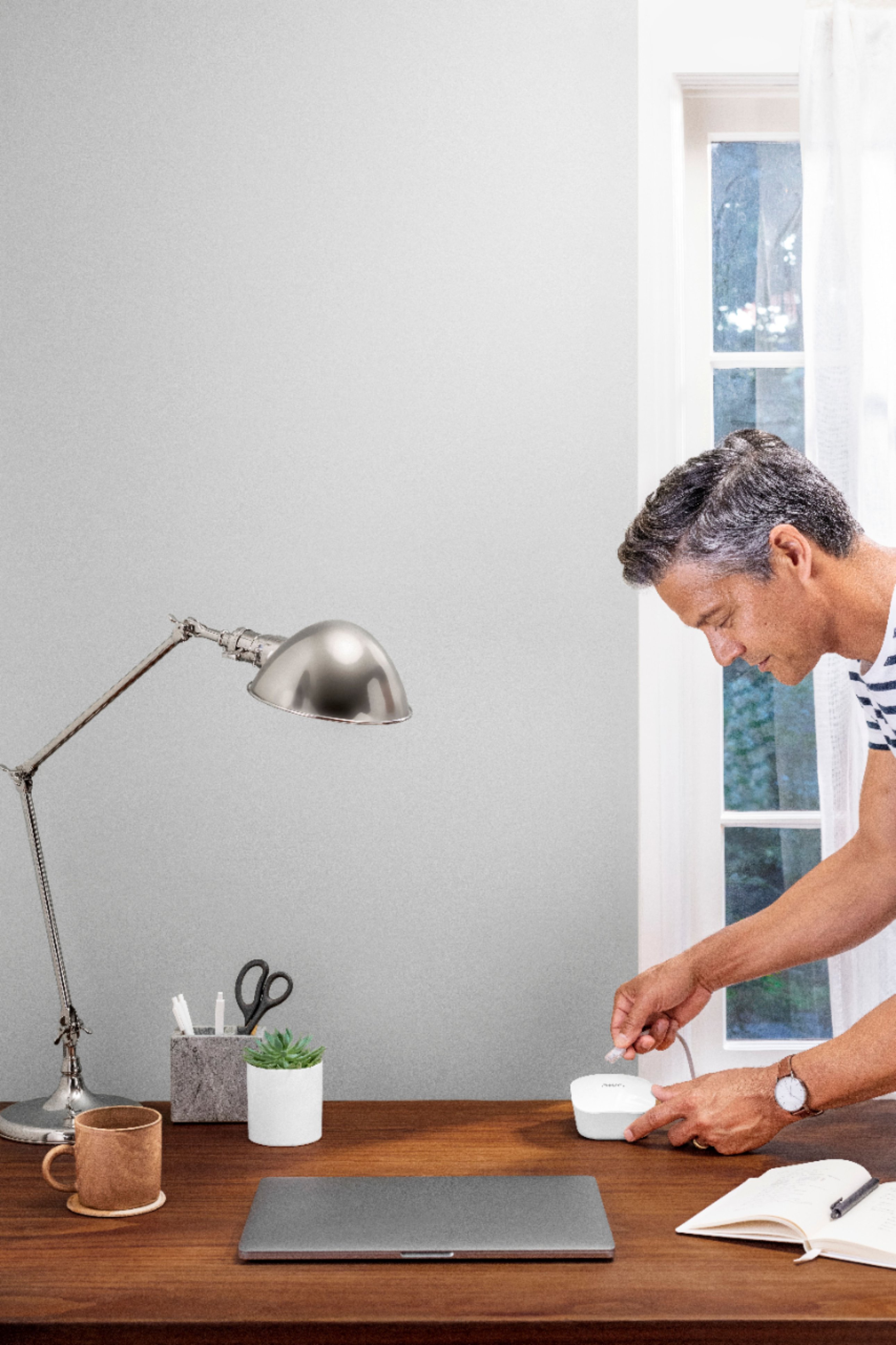
A:AnswerThis should work perfectly for you. Set up is as close to plug and play as you can get. Connect to your current router with an Ethernet cable (provided), follow the directions on the iOS/Android app and you're done.
A:AnswerAs long as you can connect the eero to your router via Ethernet, it should work. You may want to disable the modem part of your router, but it's not necessary.