A:AnswerYes. This works great for Verzion Fios. My Verizon technician said Verizon used to recommend this product until verizon start making it's own mesh system
A:AnswerI have Century Link internet (10 mb at present), soon to be replaced with Hunter (100 mb) and it works fine with either of those so I can't imagine it not working with att. I wish I could tell you more but don't have any info on att.
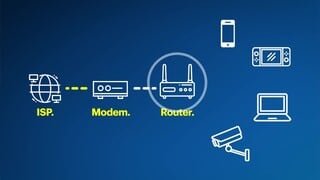
A:AnswerYou must have internet service and a modem to connect one erro device to via ethetnet cable. That Erro device can then serve as a wireless router to send wifi signal to additional devices you add.
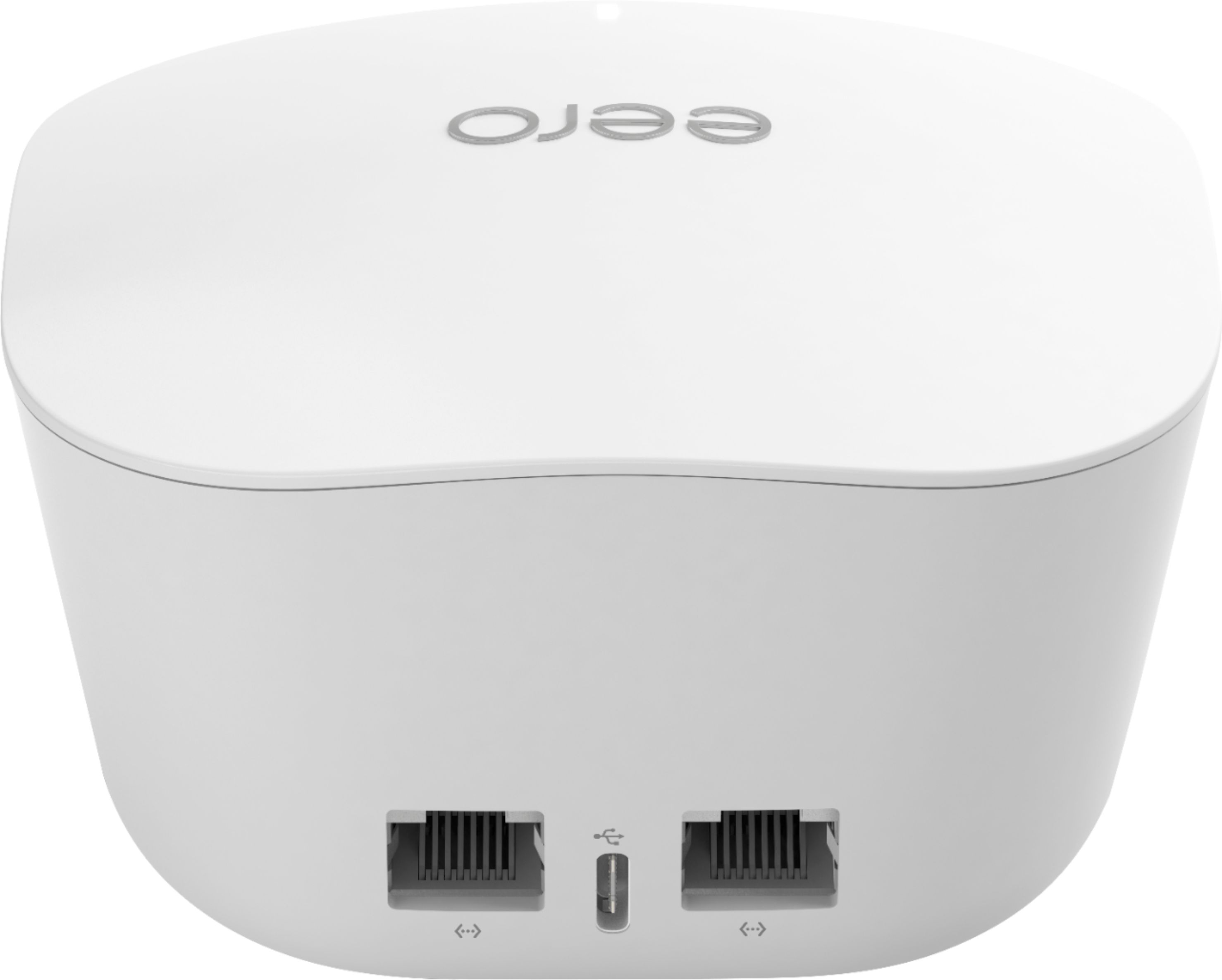
A:AnswerPlug the eero into the Ethernet cord going into the Xbox, then run an Ethernet cable from the eero to your Xbox to maintain its hardline setup. This will then give you WiFi in the basement that will work with your wireless devices.
A:AnswerDepends on the size of your house. I think this one is good for only 1500 square feet. So if your house isn’t overly large, this will probably work.
A:AnswerProbably. It uses an ethernet cable (supplied) to plug into the DSL. If your modem/router has an ethernet port it should work. I was able to plug in the j010001 (3-pack) with my Verizon DSL and it worked perfectly.
A:AnswerI purchased Eero as a means of extending the range of my wi-fi signal. It has worked perfectly for that. I am not sure about it giving you the ability to increase the number of smart devices that your network can support. It seems that that would require a different device.
A:AnswerA Cat6 wired connection is limited to about 100M or a little over 300feet. You might be able to go a little further than that with some packet loss, meaning unreliable connection. So it depends on how far away the pole barn is from the house.
A:Answerno. the 3 pack is a router which takes the signal from the cable modem & broadcasts it all over your house. the terminology is confusing to us non-geeks. even more confusing is that the modem and router can be combined into one box, which is usually what the cable co will rent to you. the modem itself will not broadcast wi-fi. it can be plugged into your pc via an ethernet cable to provide internet access to that one device.
A:AnswerBran77, so long as Viasat box provides internet and an ethernet jack out to connect to the Eero, you should be able to use Eero as the main router for your home or office. Depending on the speed of your Viasat internet, you may want to get the Eero that works best with that speed. In other words, don't splurge for the most expensive if you can't advantage the speed throughput. Good luck.
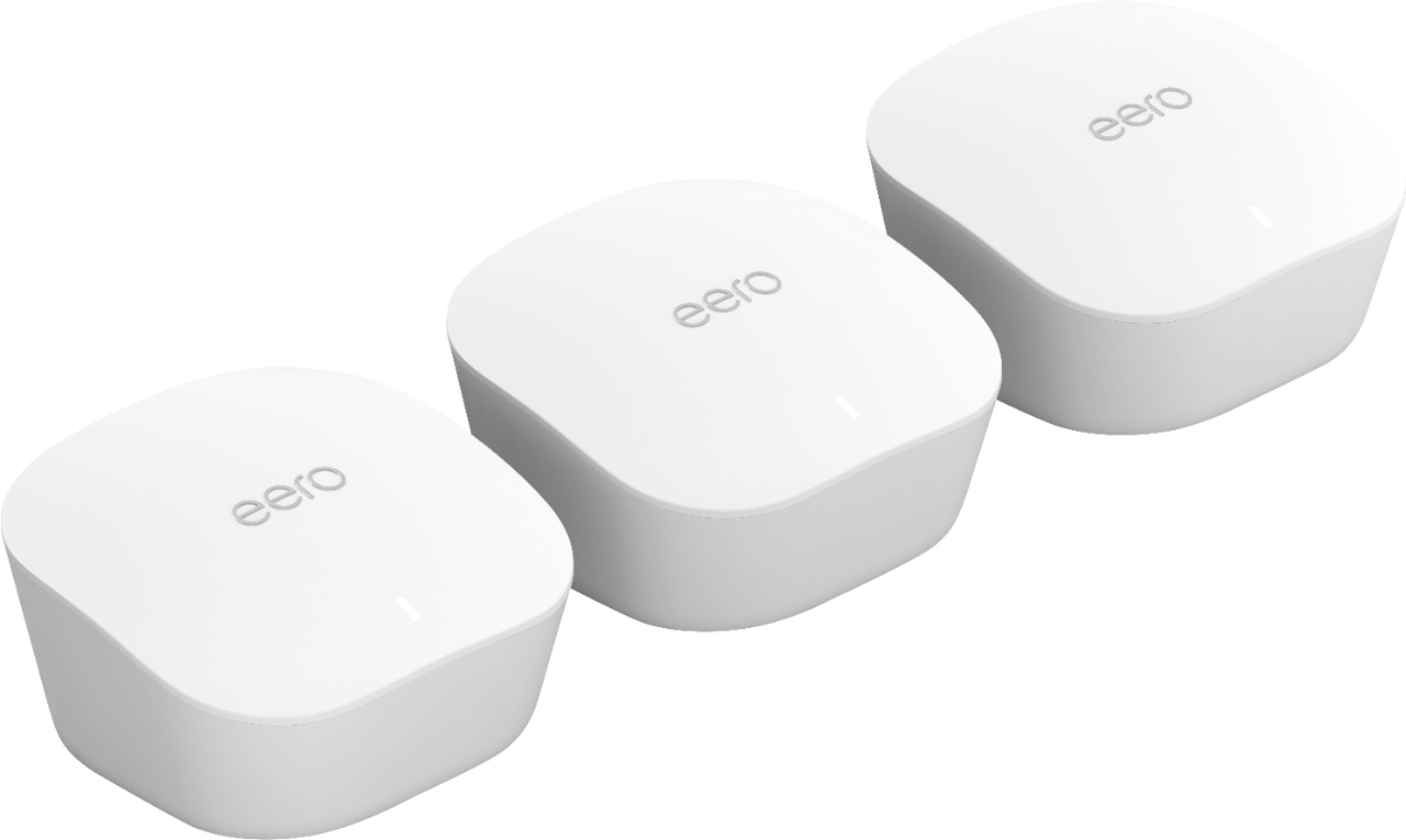
A:AnswerWe love our Eero system. Can’t speak to your specific setup but we had WiFi and extender as well. After setting up Eero we eliminated the extender because the WiFi from eero was much more consistent. We’ve eliminated our dead spots and have similar WiFi speeds across our entire house now.