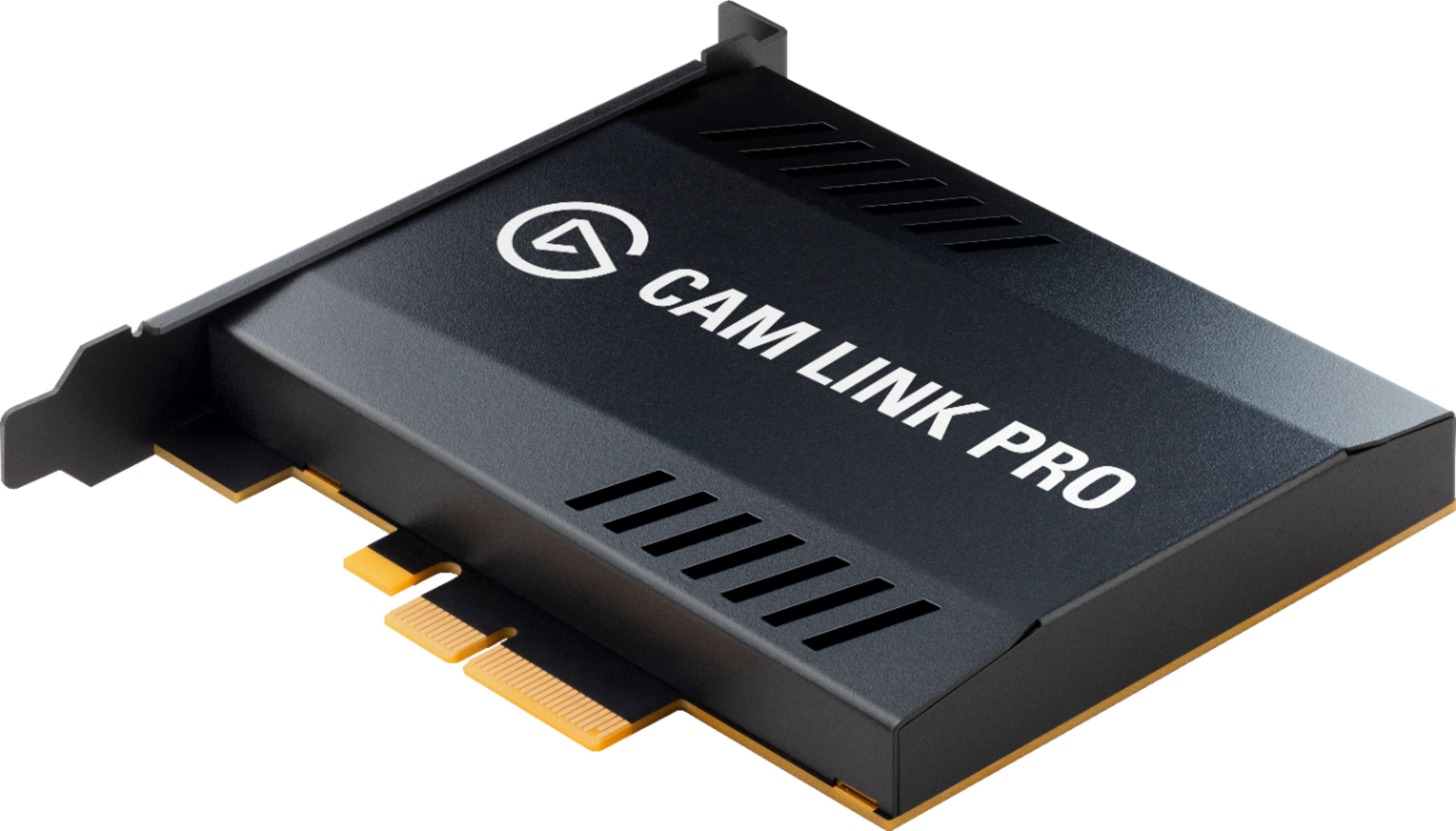
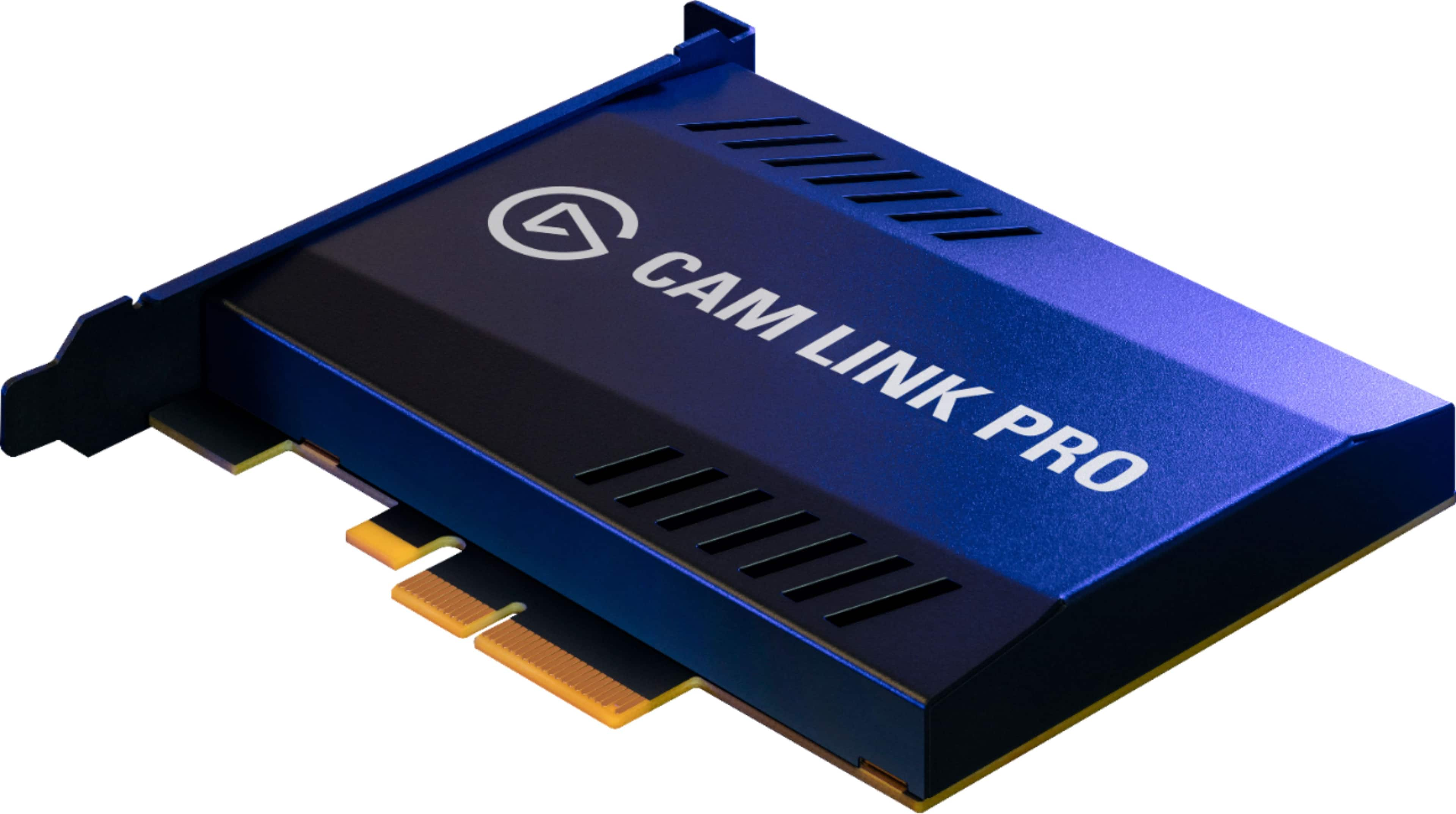
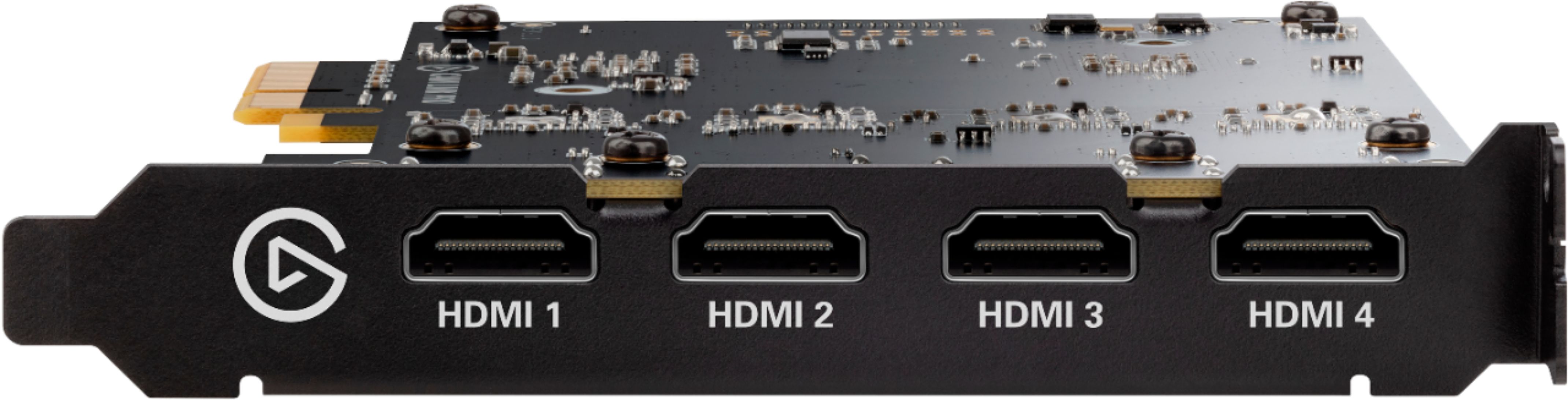
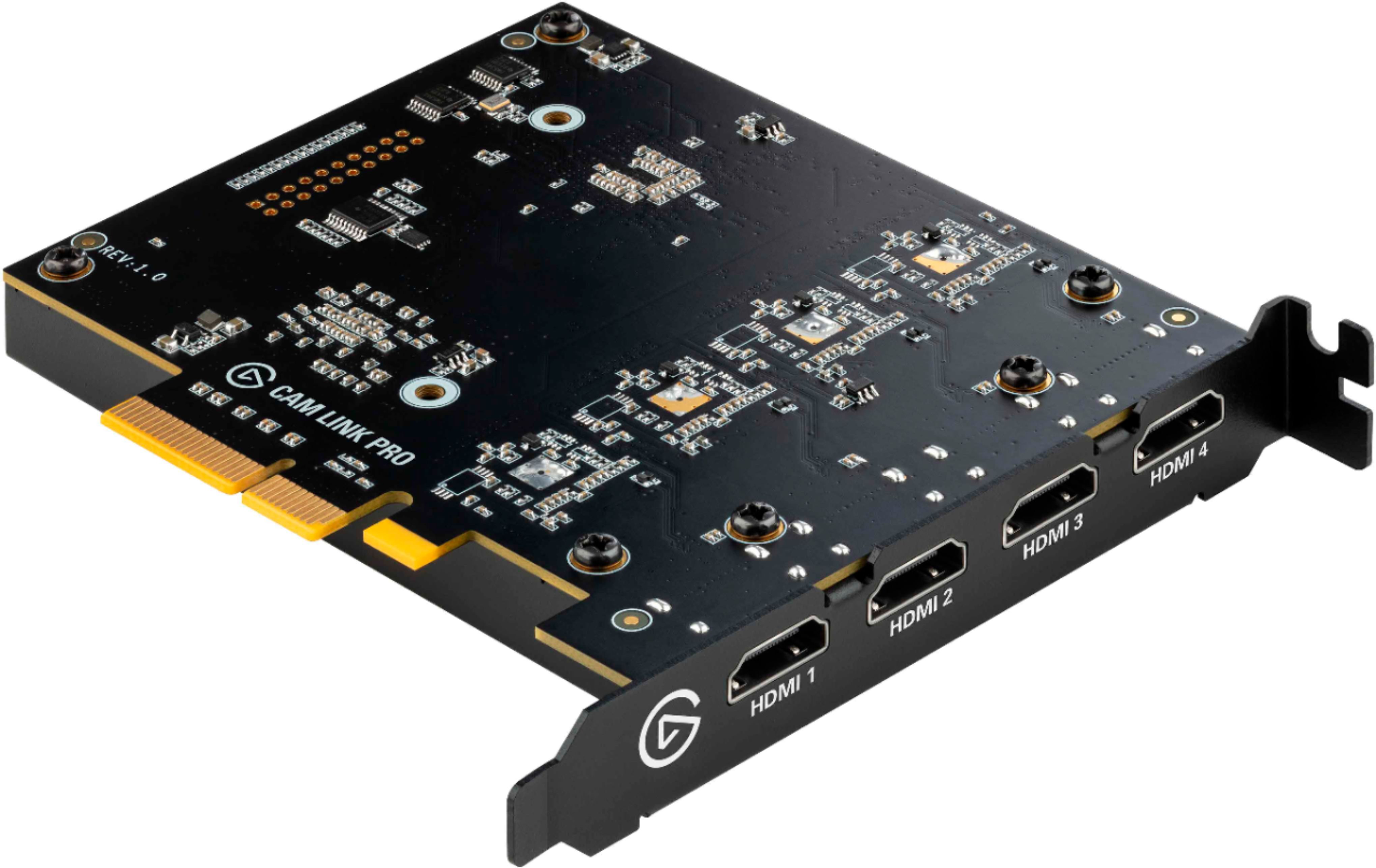
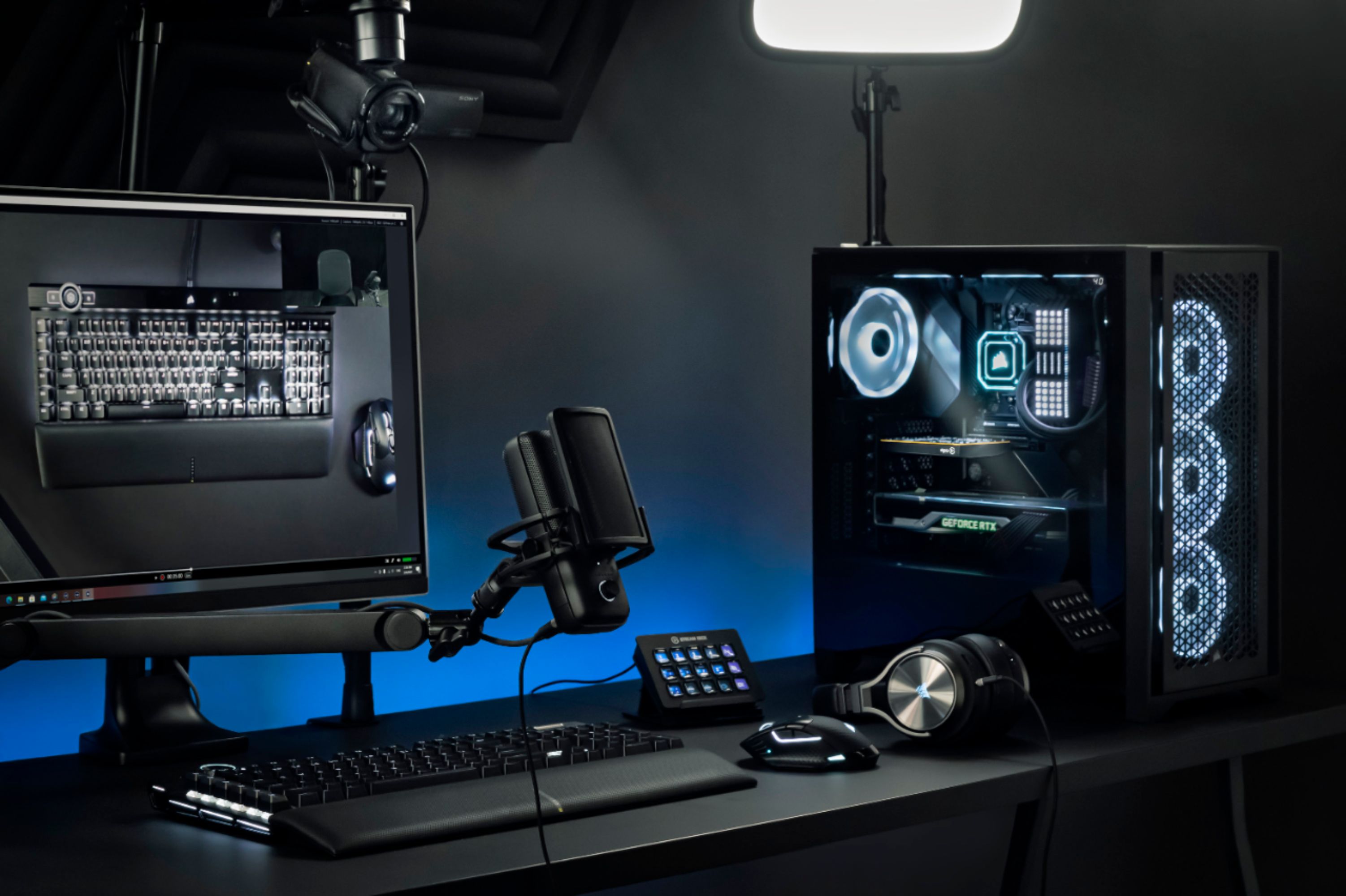
A:AnswerIf you have a camera that can record in 4k, and if you also have a cord that can transmit that signal to your computer (aka a camera cord that has a hmdi 4k output as example) than you dont need the cam link pro. The passthrough on the cam link pro allows filtering up to 4k resolution with the option of 4 hmdi in inputs. This is for computers that do not have enough inputs for the camers you are running. I imagine in most instances this is not necessary to have. Yes it would work though.
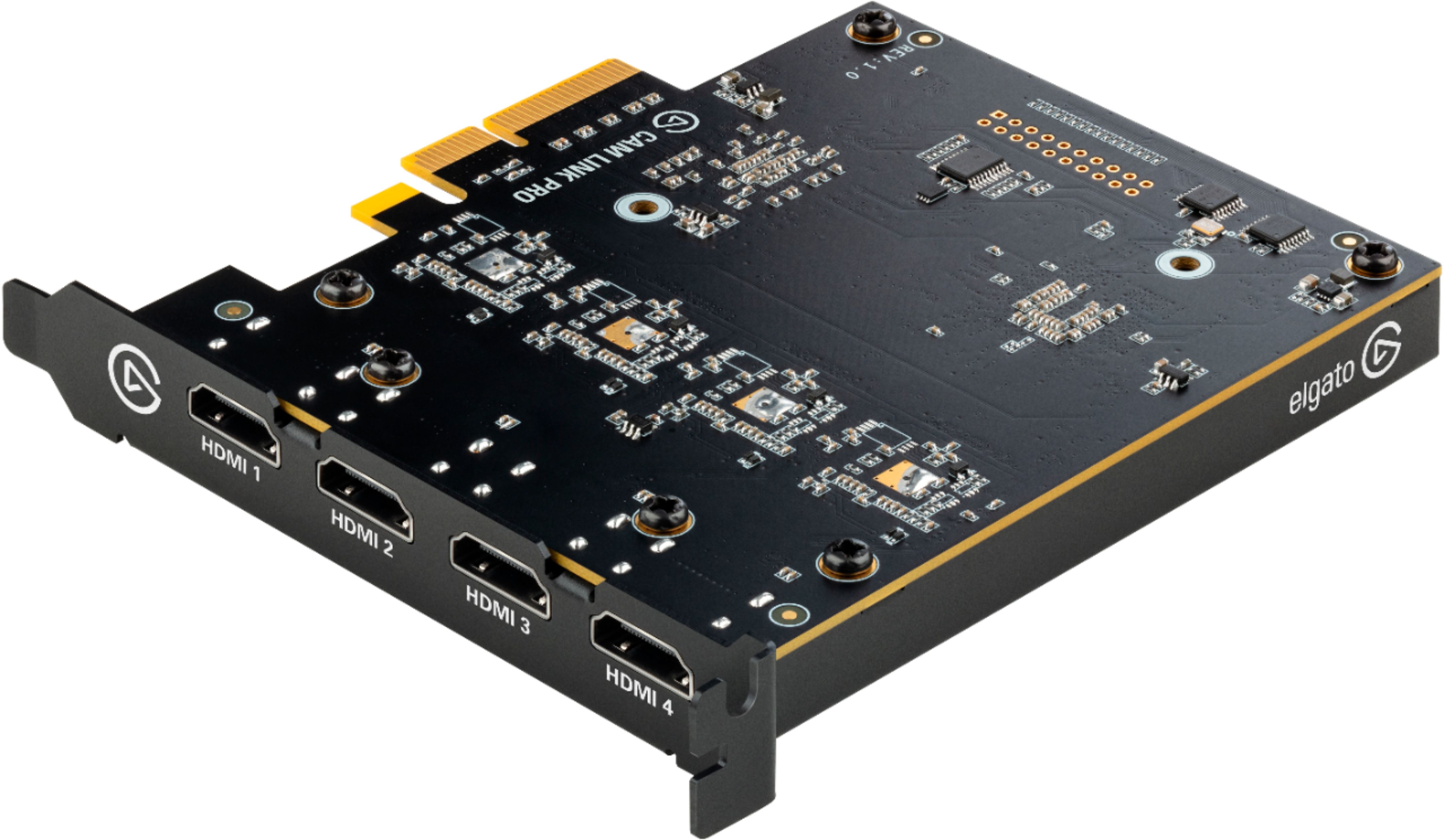
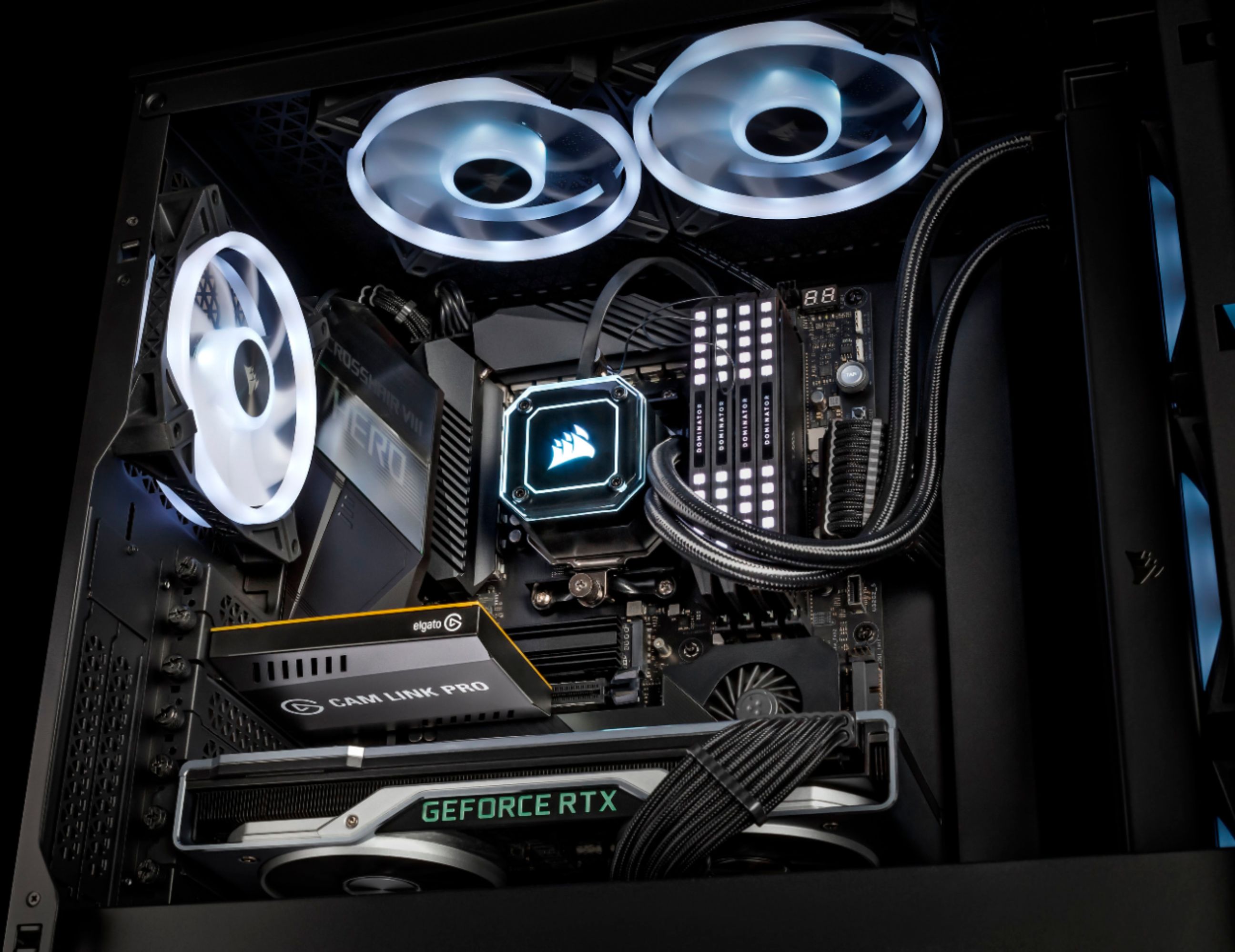
A:AnswerIt installs in a slot inside your computer. Make sure your computer can receive this type of card. It becomes a HDMI video in. There shouldnt be a conflict with your camera if its output can convert to HDMI.
A:AnswerThis is a capture card depending on what software you decide to use with it is up to you. Using vmix ecamm or streamyard even that can be done.
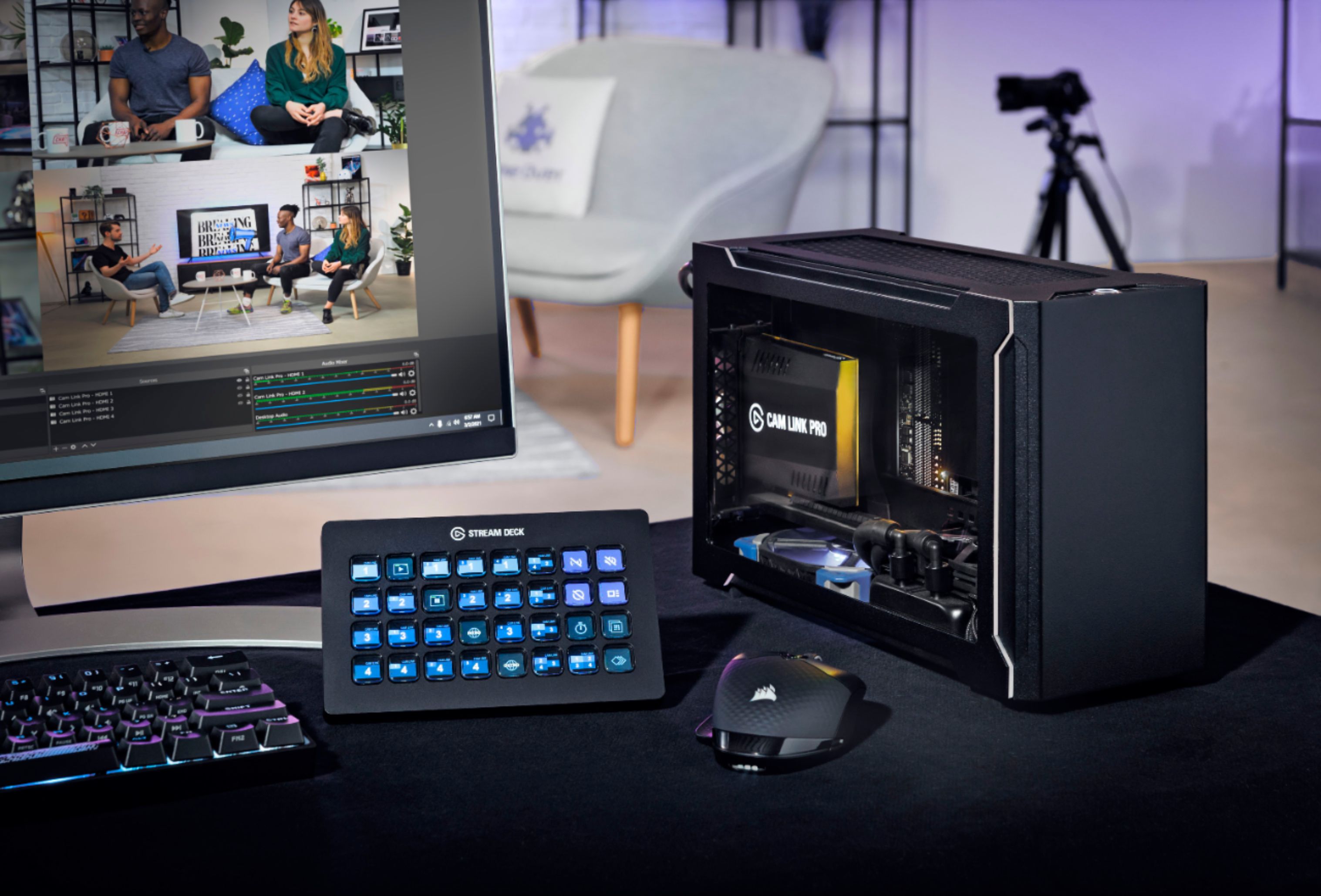
A:AnswerSo you can add this to a streamdeck and then use that as your switcher. That's exactly what I do. Then you can have 4 outputs at 1080 60fps or even 4k 30fps
A:AnswerYes. I use this with a thunderbolt 3 laptop. I use a razor core. It works well. You could probably get an enclosure that isn't as expensive. The razor core has a full size atx power supply for when I switch this card out for a gpu.