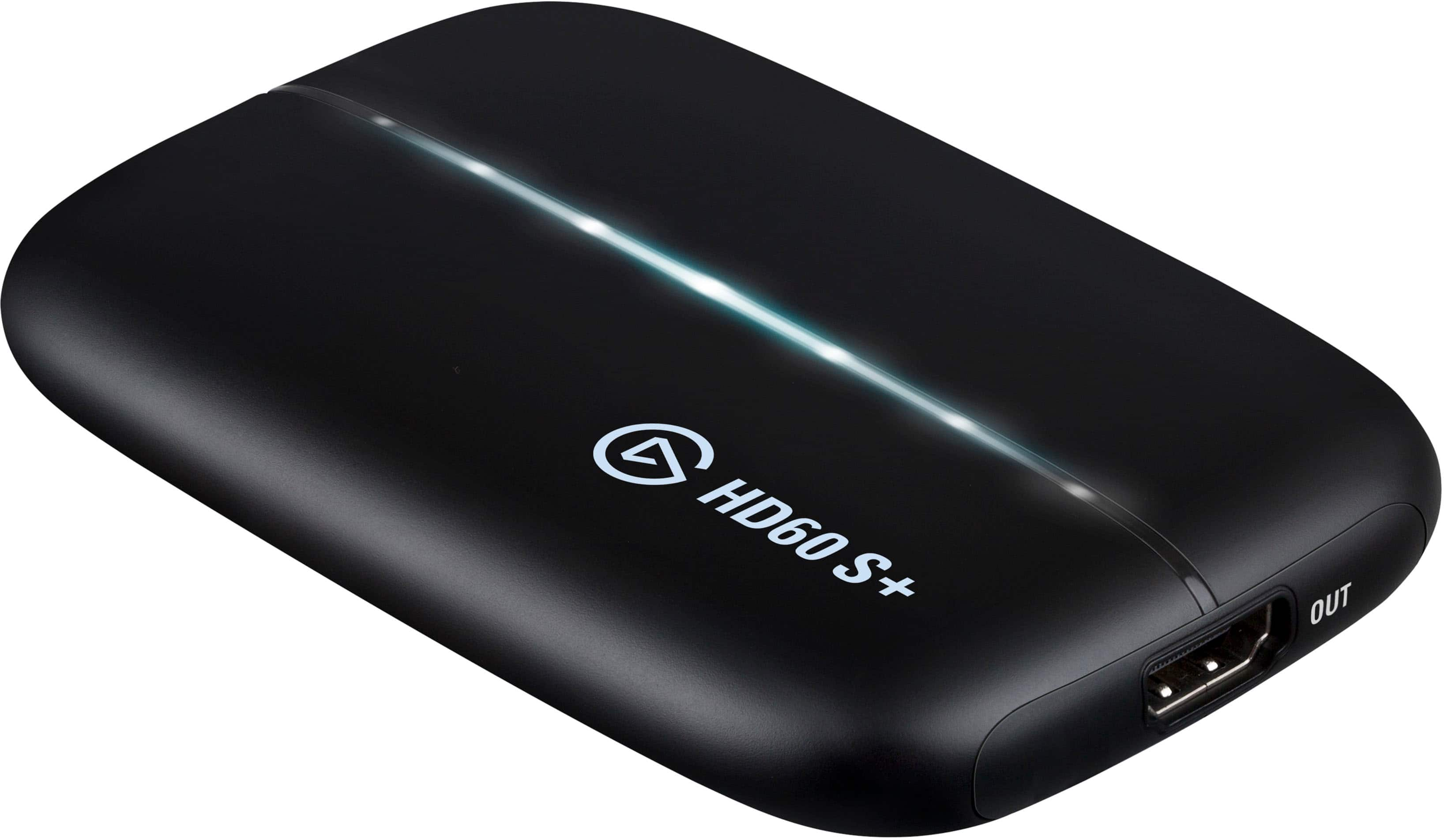
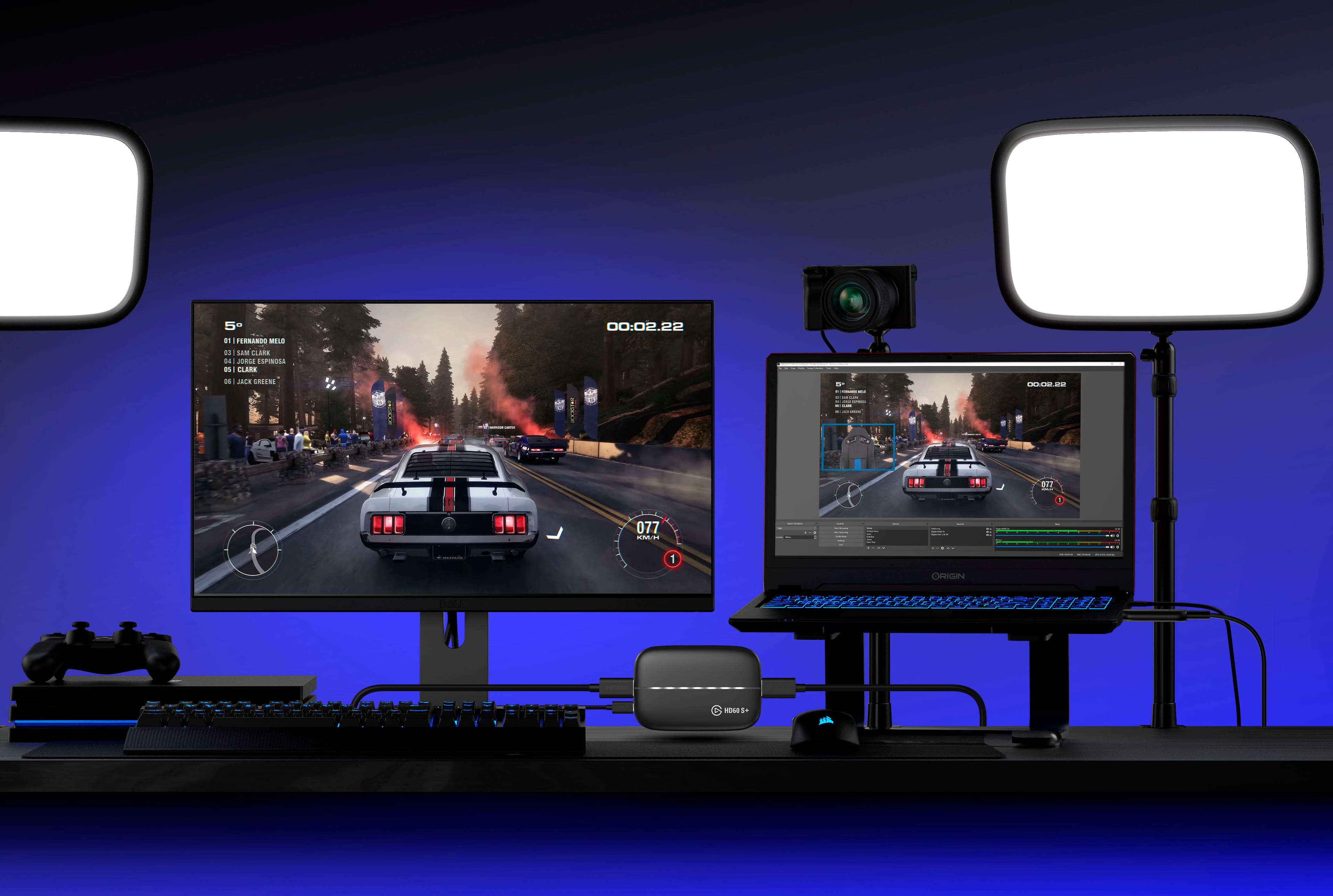
A:AnswerYes. If you would like a visual tutorial I suggesting looking at YouTube and searching how to set up videos for this capture card and your playstation.
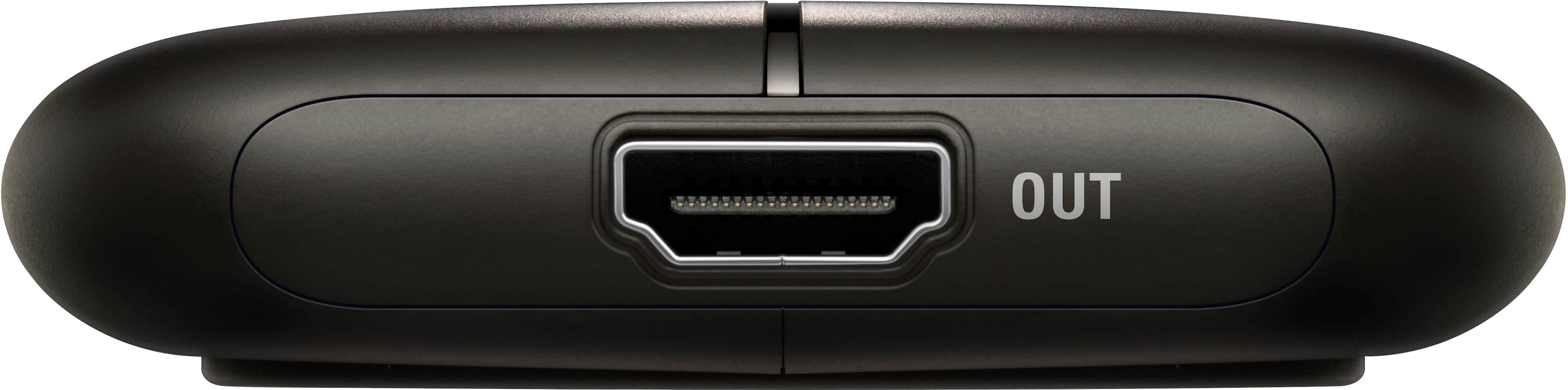
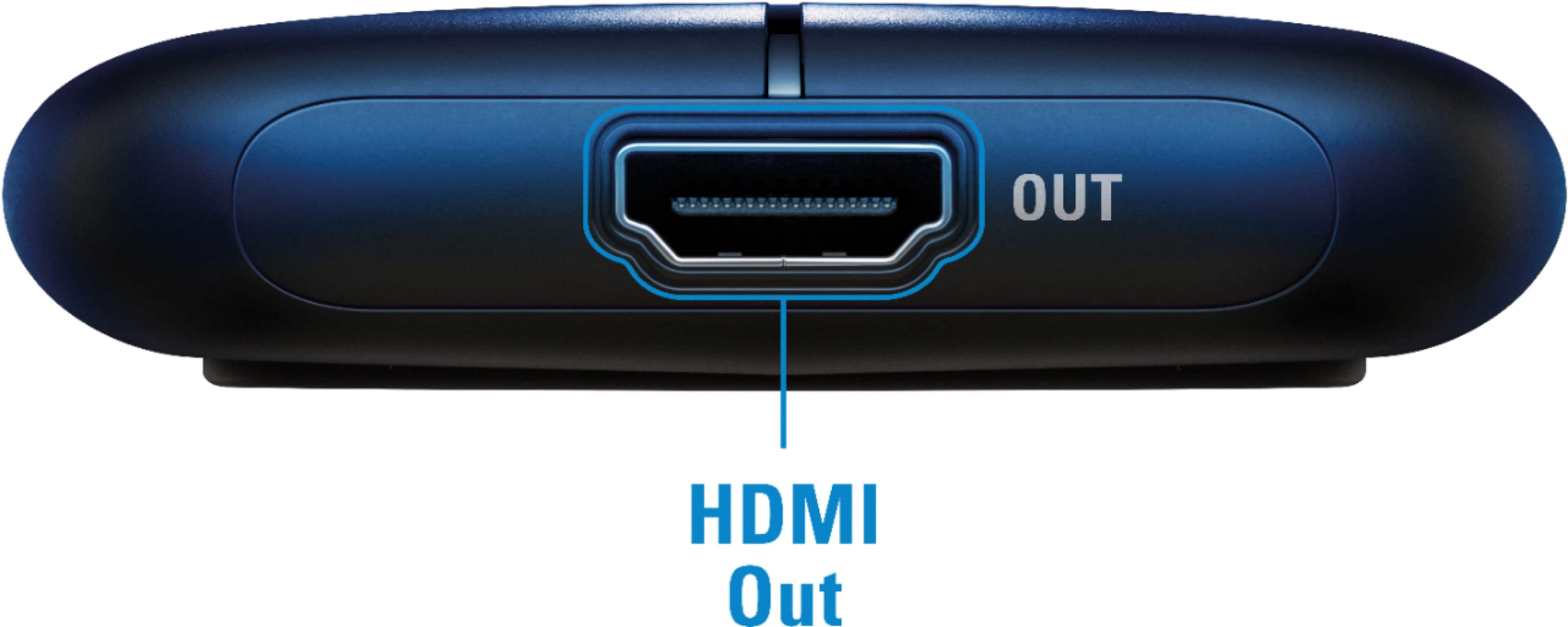
A:AnswerYes, if utilizing the HDMI pass through port you can play with 4K / 2160p with HDR10. You can also capture at 4K but it is limited to 30 FPS. The pass through supports 4K 60 FPS with HDR.
A:AnswerSad to say Mac does not like the Elgato for some reason. It says you can download but it is not compatible. I struggled with this until I bought a gaming laptop.
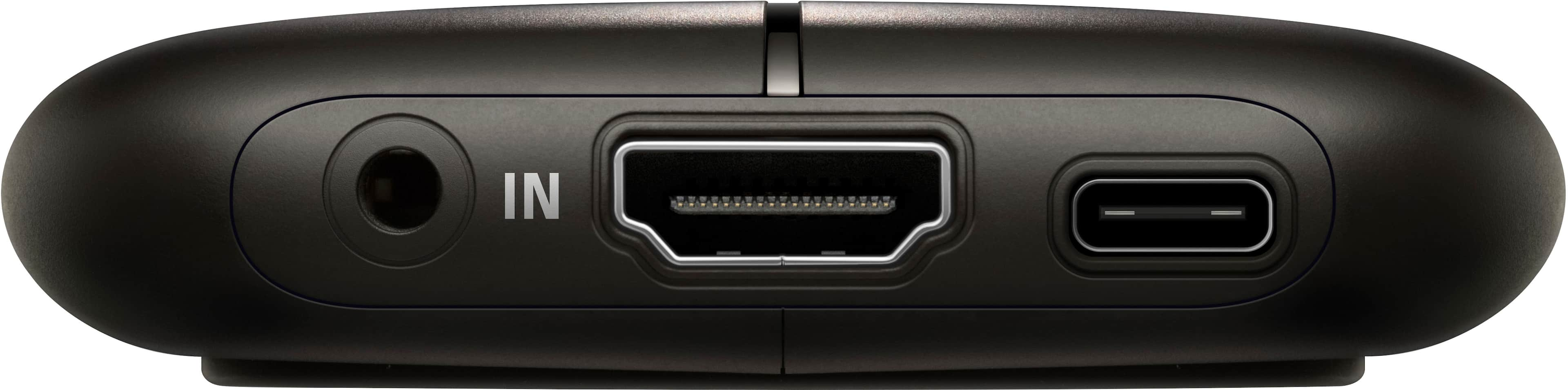
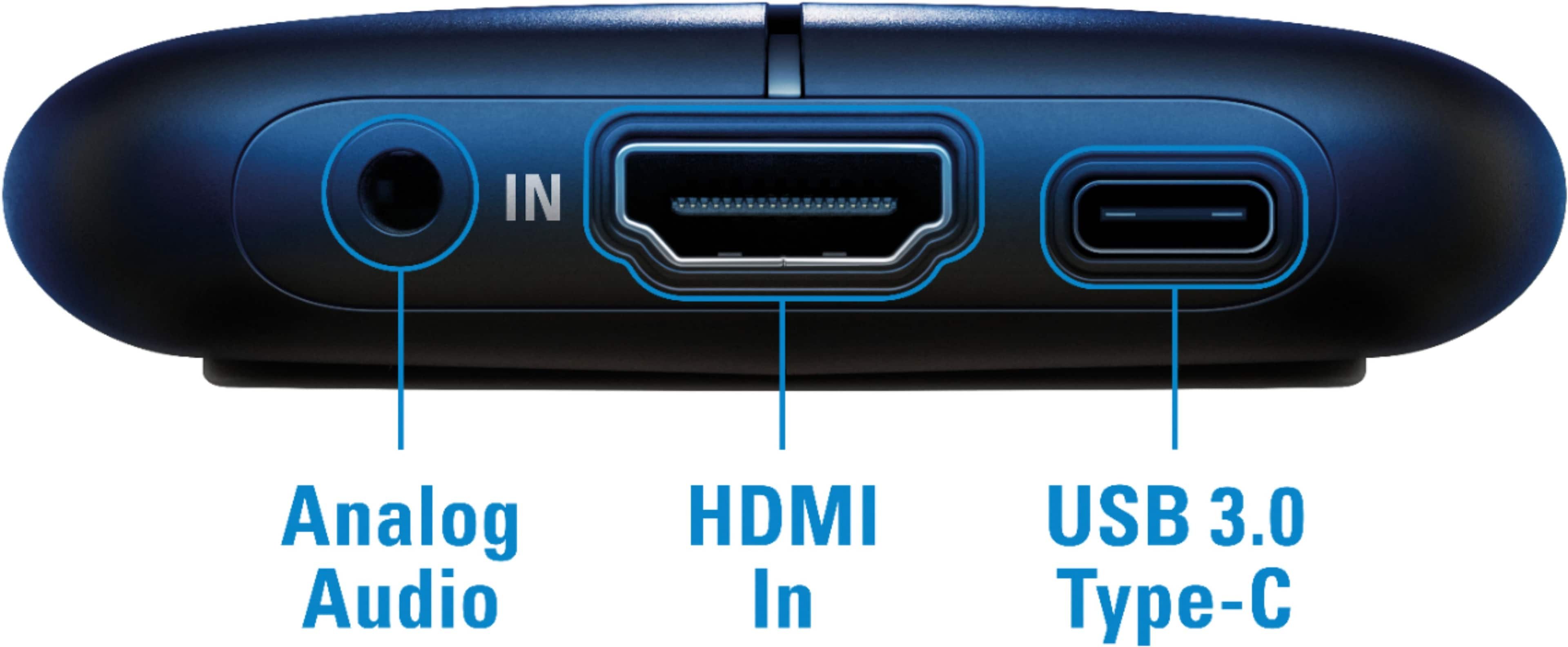
A:AnswerIt comes with a USB-C to USB-A cable. So you connect the USB-C side to the unit, then the other end to a USB port on your PC (USB3 if possible).
A:Answershould be now, i bought mine a few days ago! it depends where you are as well, as this website is the main site and not for a specific store, you would have to call your local store and find out!
A:AnswerIf you have a USB-A port and it's USB 3.0/3.1 compatible (it's blue inside the USB port) it can still work. The HD60 S+ comes with a USB C-to-A cable.
A:AnswerHi,
I'm afraid that you'd have BB directly to confirm about availability on any product they carry.
If you have questions regarding the capture device, feel free to contact us at any time: support.corsair.com
-Art
A:AnswerHi,
I'm afraid that you'd have to reach out directly to BB for any inquiries regarding restocking of any of the items they sell.
If you have anything else we can help with, please reach out: help.elgato.com
-Art
A:AnswerThat would depend on the software you use to record. The HD60 S+ acts like a webcam for most applications, so if your software can create a time-lapse from a webcam feed, then it should work (not guaranteed though as it wasn't designed to be used like that)
A:AnswerI use it on my 5D Mark iV and it picks up the audio from the camera fine. You will need a HDMI to HDMI-Mini converter cable since the canon's port is an HDMI-Mini.
A:AnswerHi Moto,
You'll have to reach out directly to BB to ask, these questions are when directed toward the manufacturer directly regarding product information.
-Art
A:AnswerThis device captures HDMI in, so, the device would have to have HDMI out as an option. But, as long as what you are trying to record can do HDMI out, yes. I use it to record consoles, other PCs, and even cameras' HDMI output.