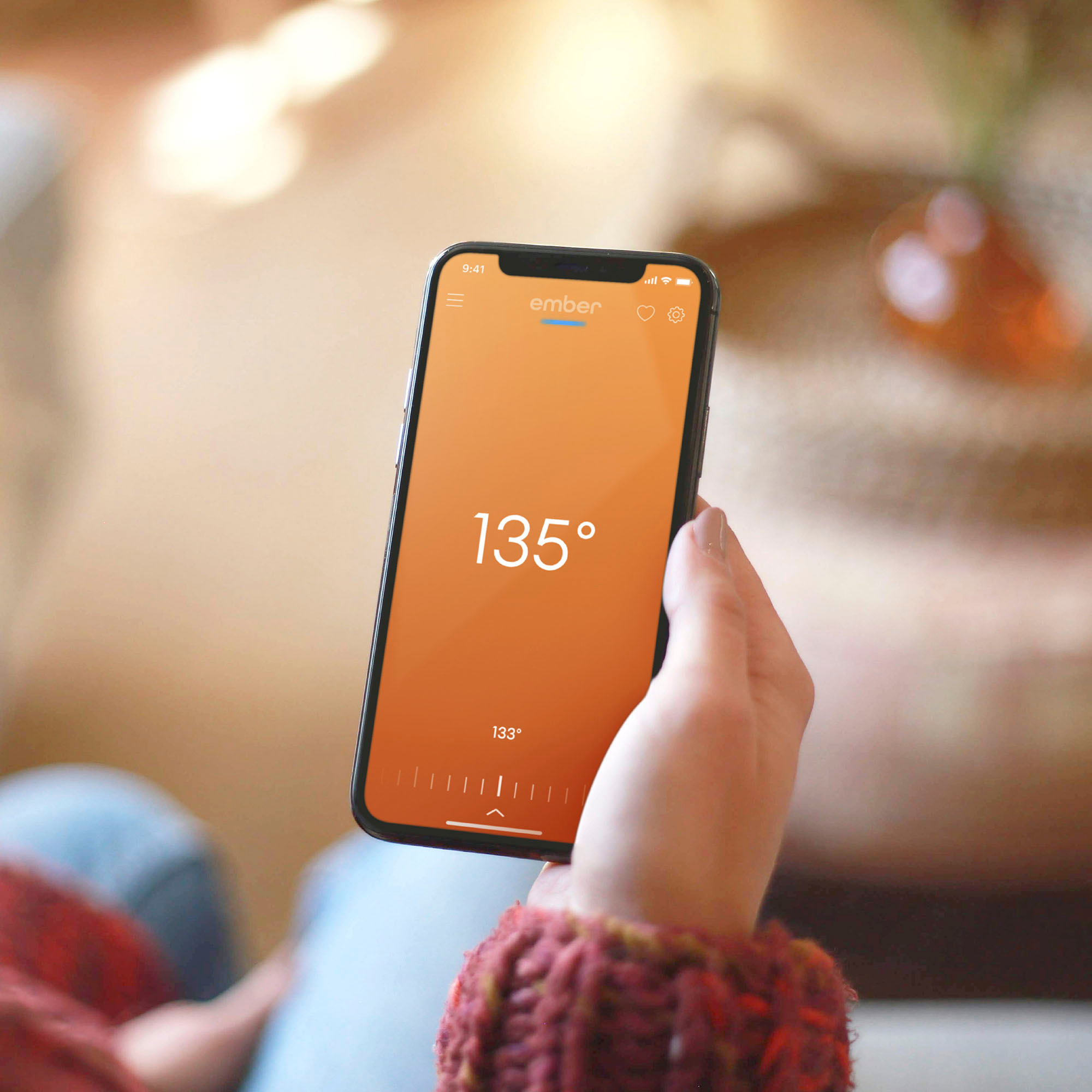
A:Answer Hi there, we are happy to help with this! If you see the heater off within the Ember app, please toggle the temperature dial within the Ember App to your set temperature (vertical lines towards the bottom of the screen). Once your preferred temperature has been set, the Ember will remember this set temperature for each use! If you are still hacing trouble or have any questions, please reach out to us via our support site on ember.com and out team would be happy to help!