Main Content

Questions & Answers

$16.99
Save $23
The comparable value is $39.99
Page Showing 21-35 of 35 questions
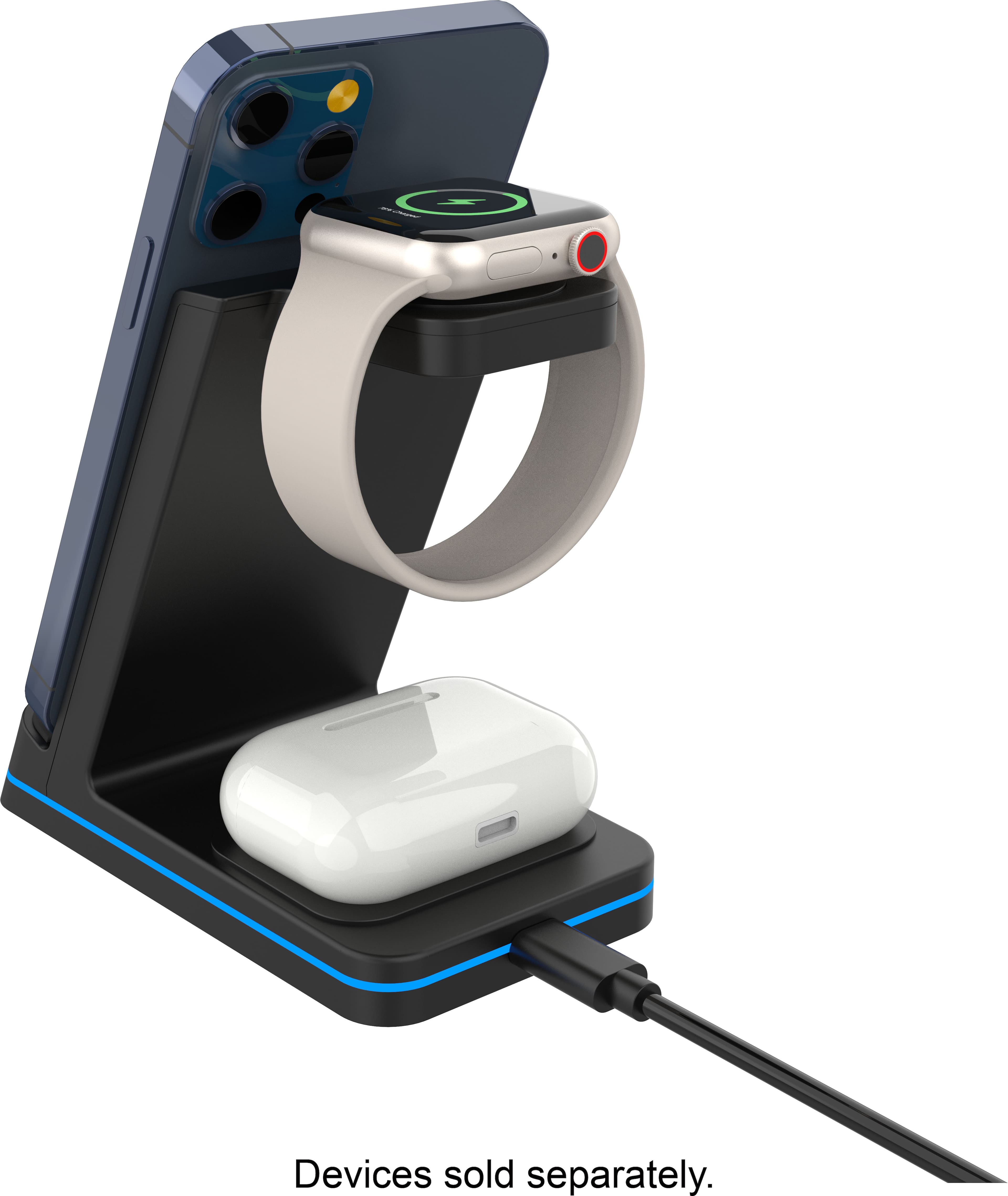
  • QuestionDoes this charge iPhone 13.

    Asked by Jmz.

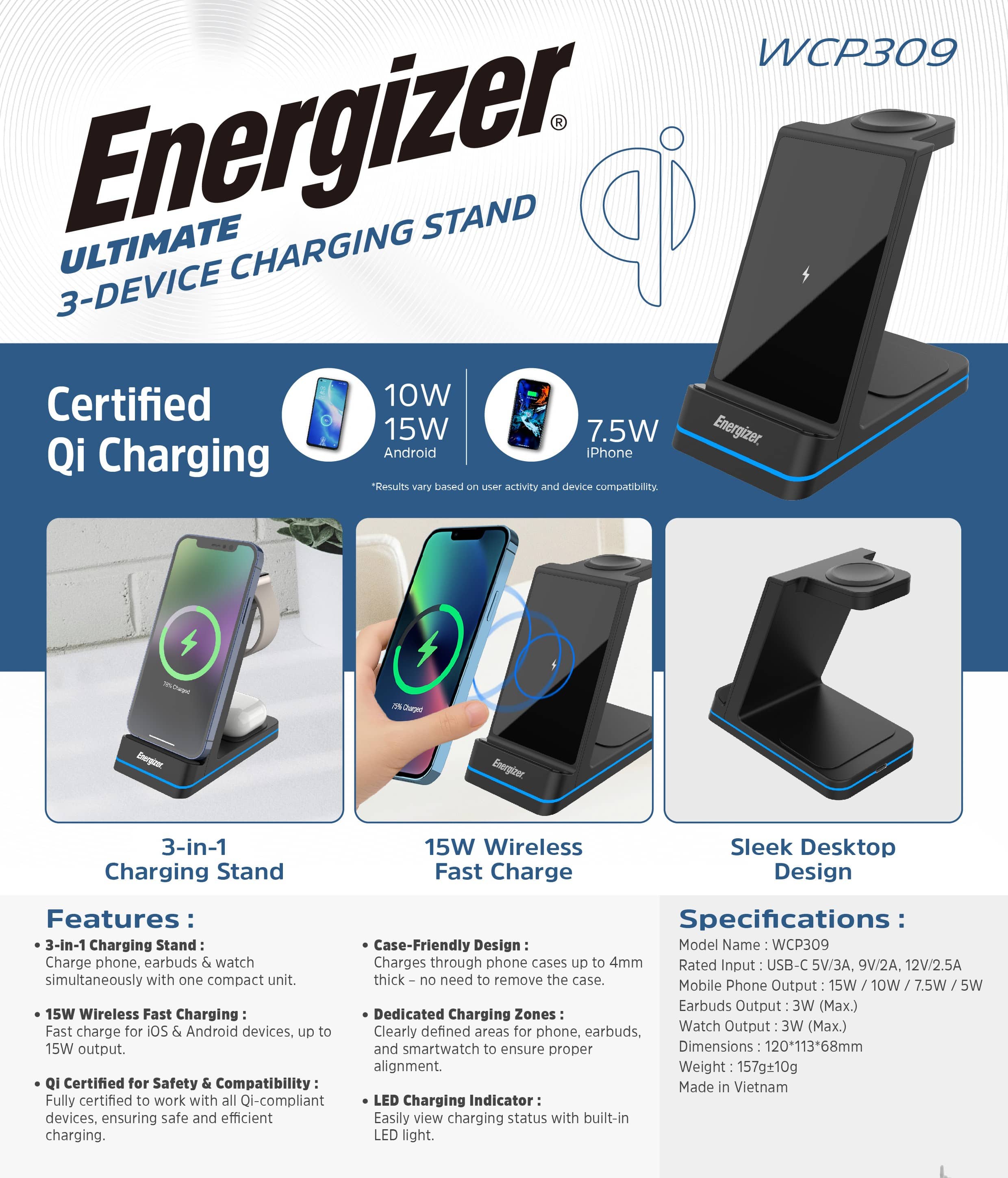
    • Answer Yes , it does.

      Answered by Gugo

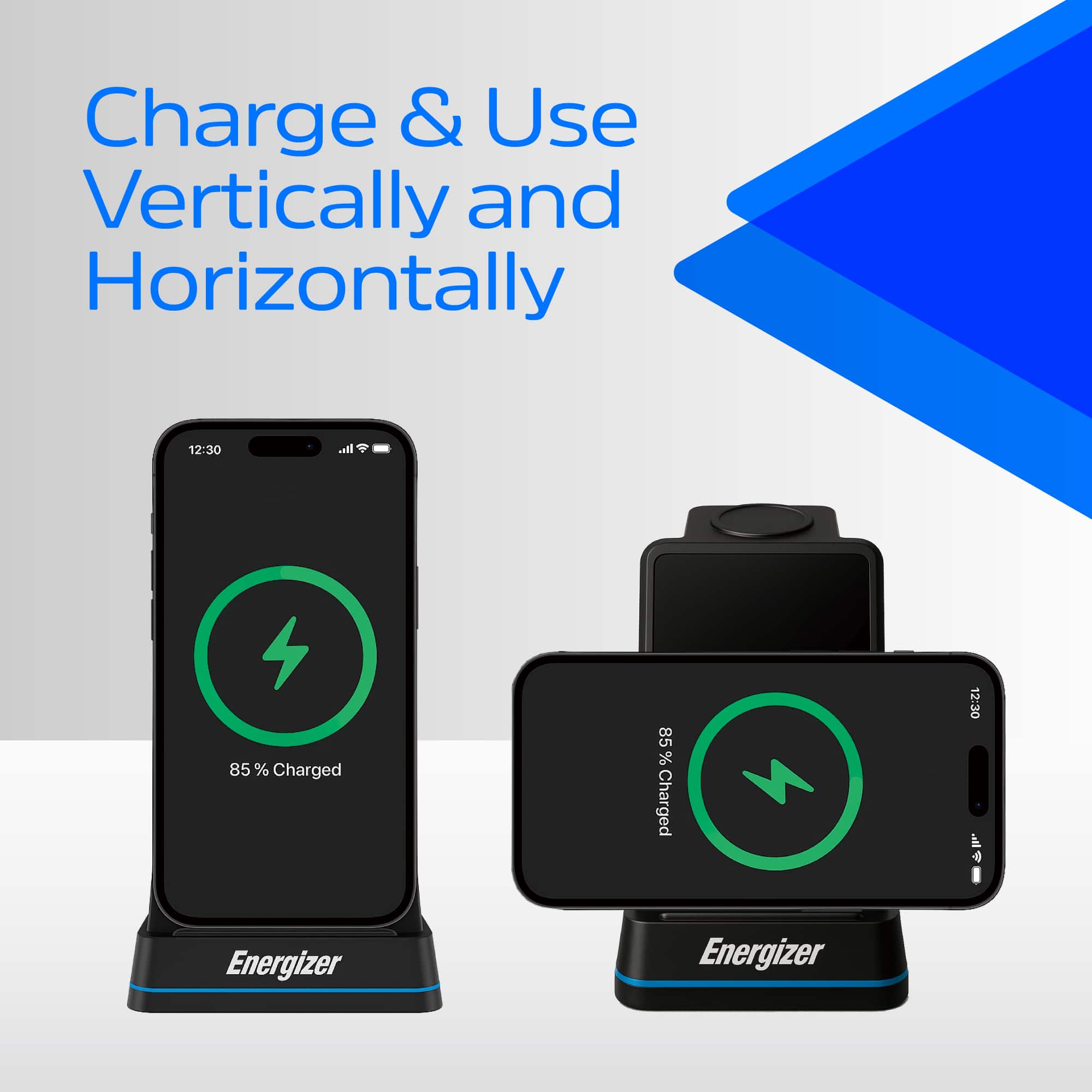
  • QuestionCan you lay an iPhone on its side for charging base to work?

    Asked by Edward.

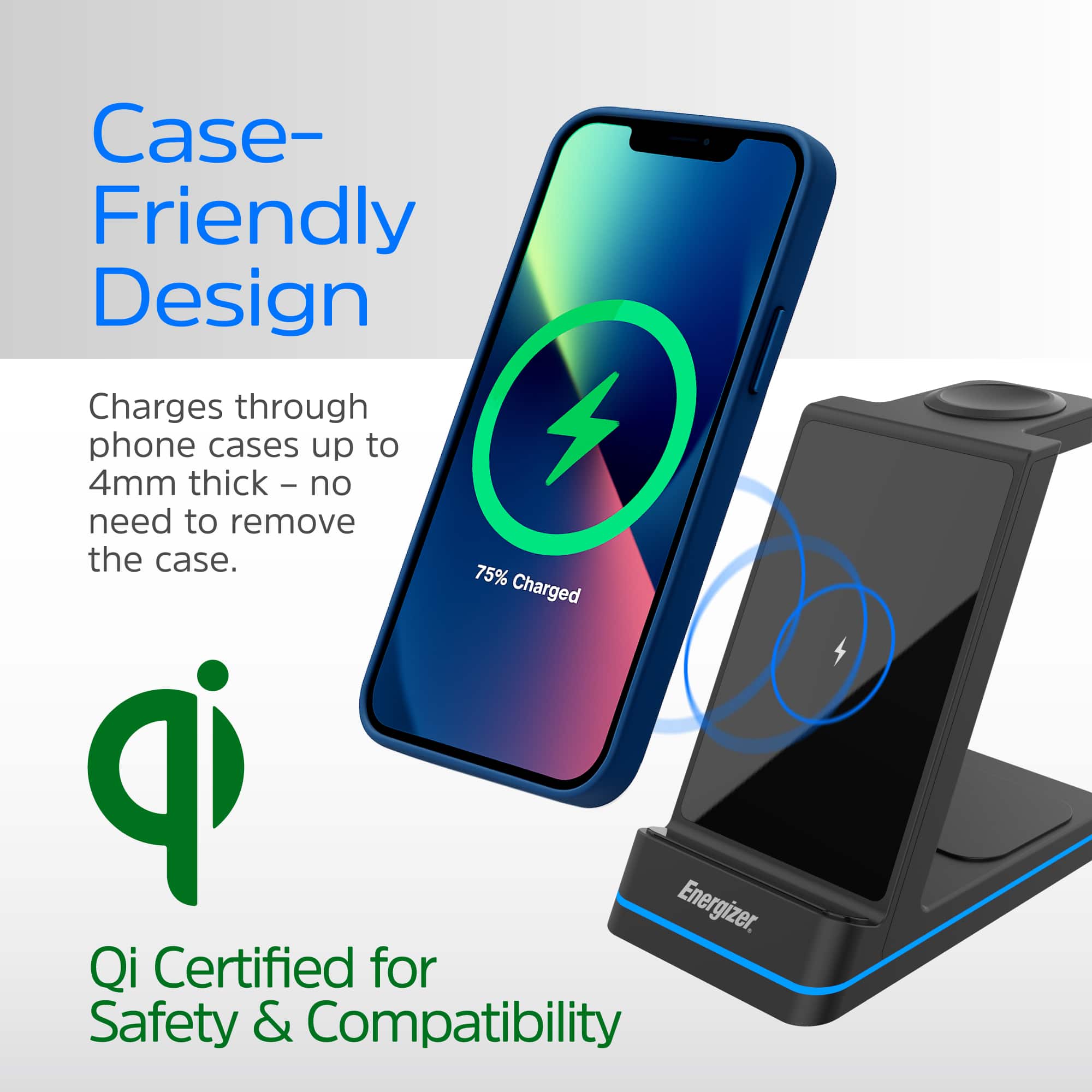
    • Answer Yes. Even with a rather substantial case (I'm using a Sportlink case) my iphone 17 Pro Max charges just fine.

      Answered by NMLLVR

  • QuestionHow long does it take to fully charge an iPhone 16

    Asked by Ed.

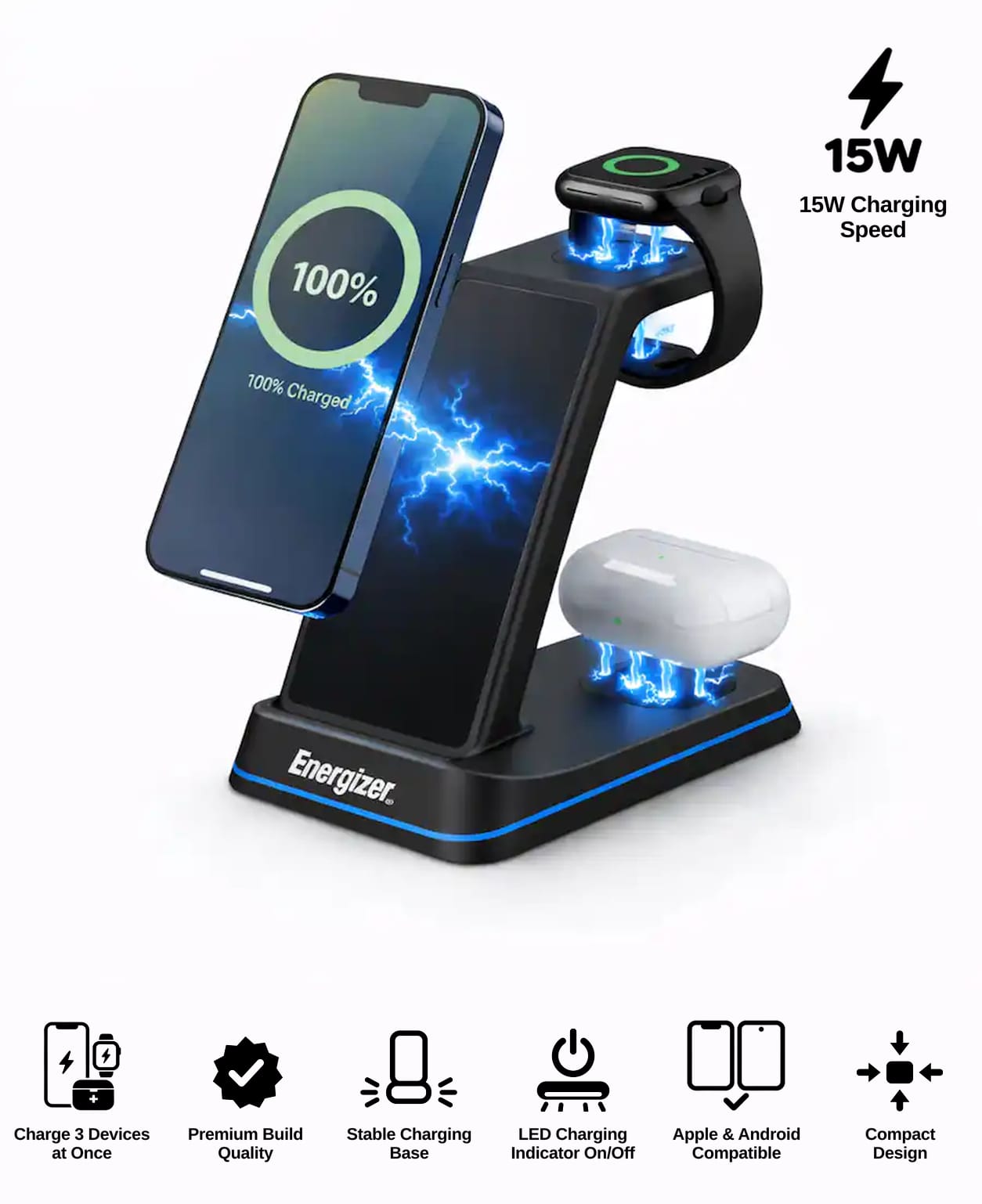
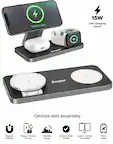
    • Answer Hi Ed, Using this 15W wireless charging station, the iPhone 16 typically takes about 2–3 hours to charge from low battery to full. Charging time can vary depending on case thickness, placement on the pad, and background activity on the phone.

      Answered by Energizer PowerPacks Service Team

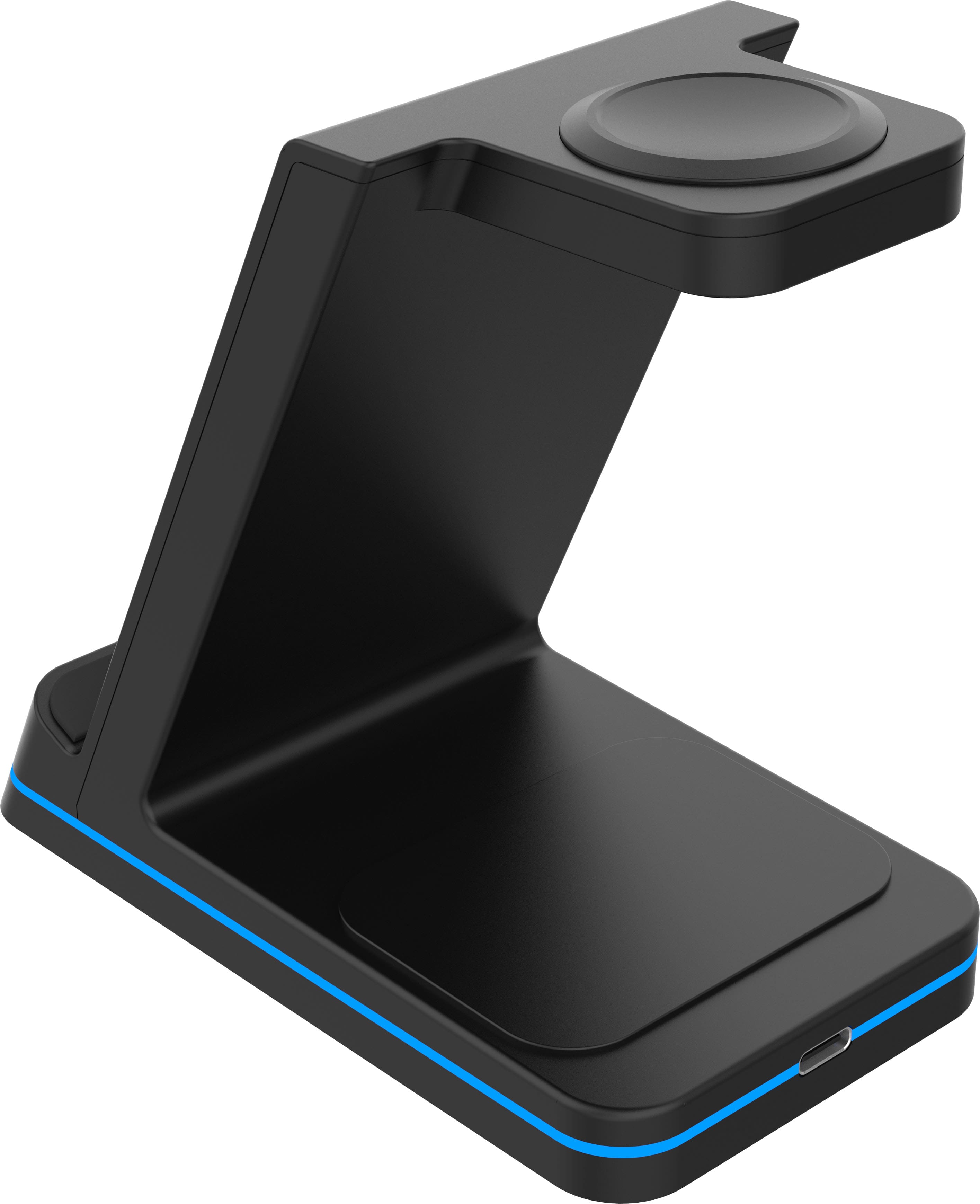
  • QuestionDo I use a cube and usb a to c cable or a usb c to c cable to power the stand?

    Asked by Ed.

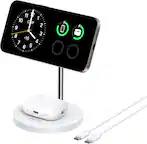
    • Answer USB C cable must be connected to power the stand.

      Answered by cherylk

  • QuestionDoes this work with Apple Watch Series 1?

    Asked by Kayd.

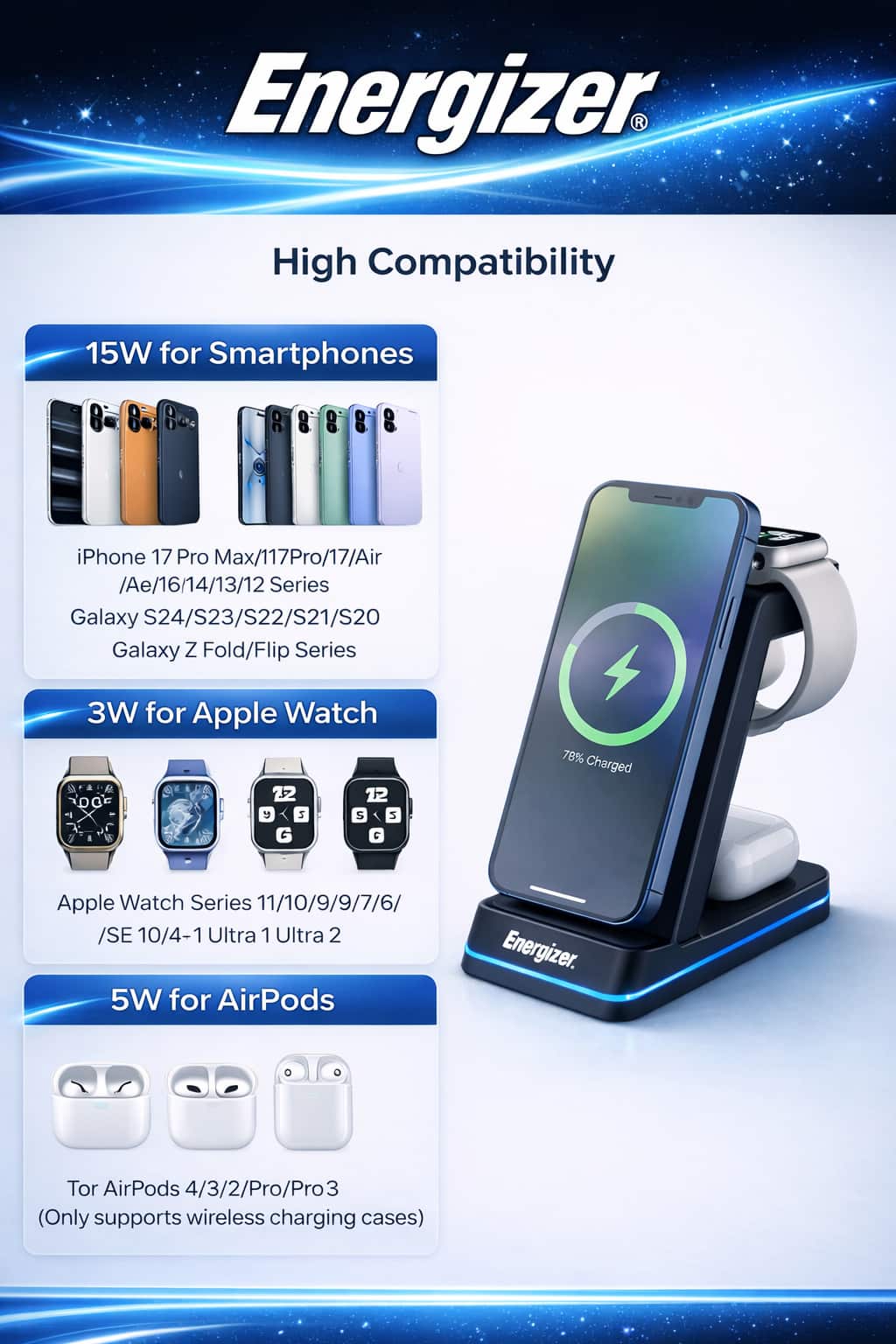
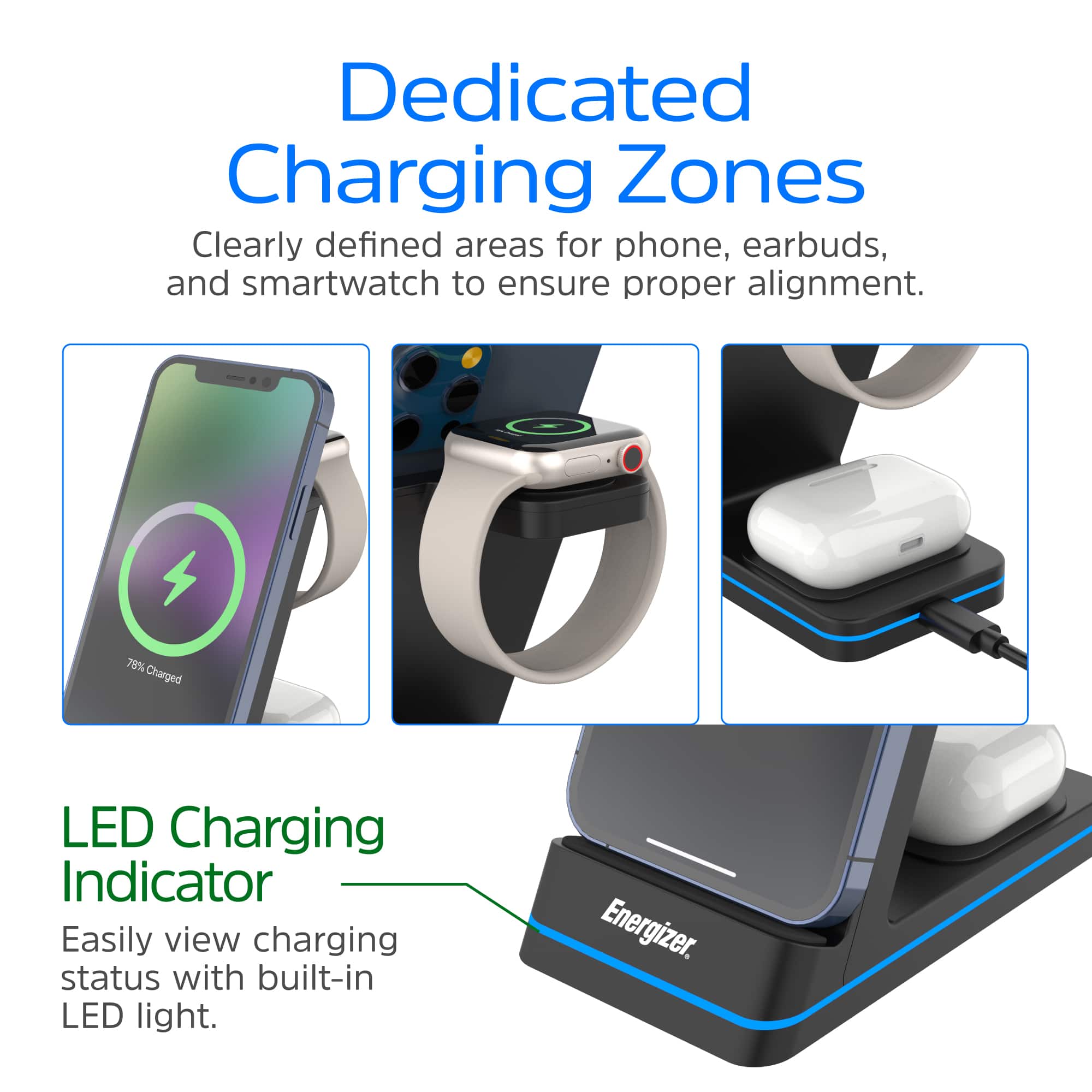
    • Answer Hi Kayd, Yes, this charger works with Apple Watch Series 1. The watch charging pad uses the standard Apple Watch charging method, so all generations—including Series 1—are supported.

      Answered by Energizer PowerPacks Service Team

  • QuestionI was sold this in the store to use if the electricity went out, but discovered it has no internal power/batter source. Maybe a miscommunication. Any product that does work with its own internal power source?

    Asked by WastedTrip.

    • Answer Hi WastedTrip, I’m sorry for the confusion at the store. To identify whether a product is a charging stand or a power bank with an internal battery, you can look for a few key signs: – Power banks will always list a battery capacity such as 5,000mAh, 10,000mAh, or 20,000mAh. – Charging stands do not show any mAh capacity, because they don’t have an internal battery. – Power banks typically include terms like “Portable Charger” or “Power Bank.” – Charging stands usually say “Charging Station,” “Wireless Charger,” or “Stand.” These quick checks can help make sure the item you choose will work during a power outage.

      Answered by Energizer PowerPacks Service Team

  • QuestionI lay my AirPods on the pad and it will not charge them any suggestions would help me.

    Asked by VincentL.

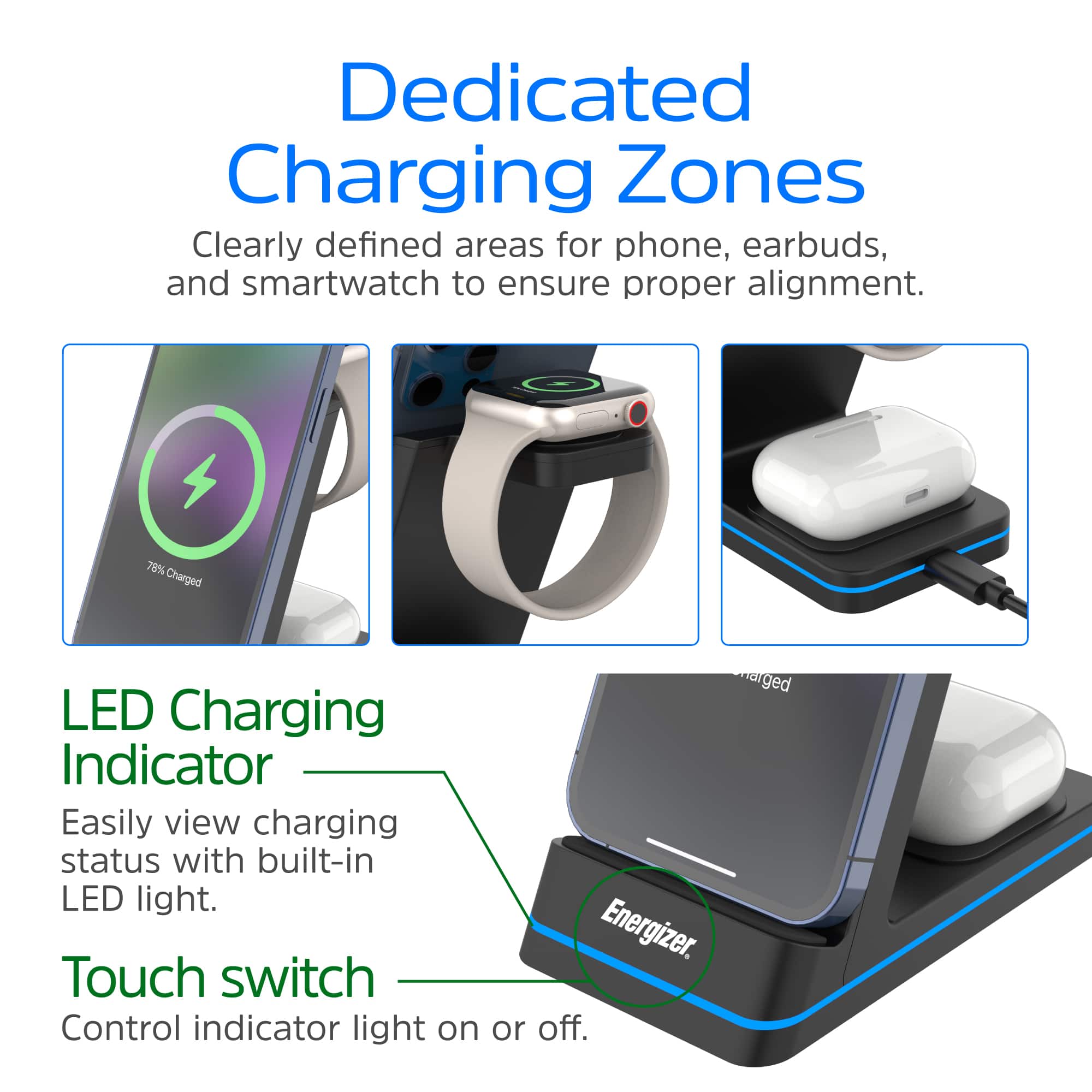
    • Answer You must have the type of ipods that have a case that can be charged with this method.

      Answered by cherylk

  • QuestionDoes this work with Samsung Galaxy S25 and Samsung watch???

    Asked by Dave32583.

    • Answer Hi Dave32583, This charger will work with your Samsung Galaxy S25 for wireless charging since it supports Qi-certified devices. However, the Samsung Watch uses a different charging protocol and is not compatible with this 3-in-1 station, which is designed for Apple Watch only.

      Answered by Energizer PowerPacks Service Team

  • QuestionDoes it work with I phone 17 air

    Asked by Jjjy.

    • Answer Hi Jjjy, Yes, this 3-in-1 charger is Qi-certified and designed for iPhones that support wireless charging, so it should work with the iPhone 17 Air as long as it has Qi or MagSafe compatibility. Always check your device specs to confirm wireless charging support.

      Answered by Energizer PowerPacks Service Team

  • Questiondoes thi work with android

    Asked by TraceyS.

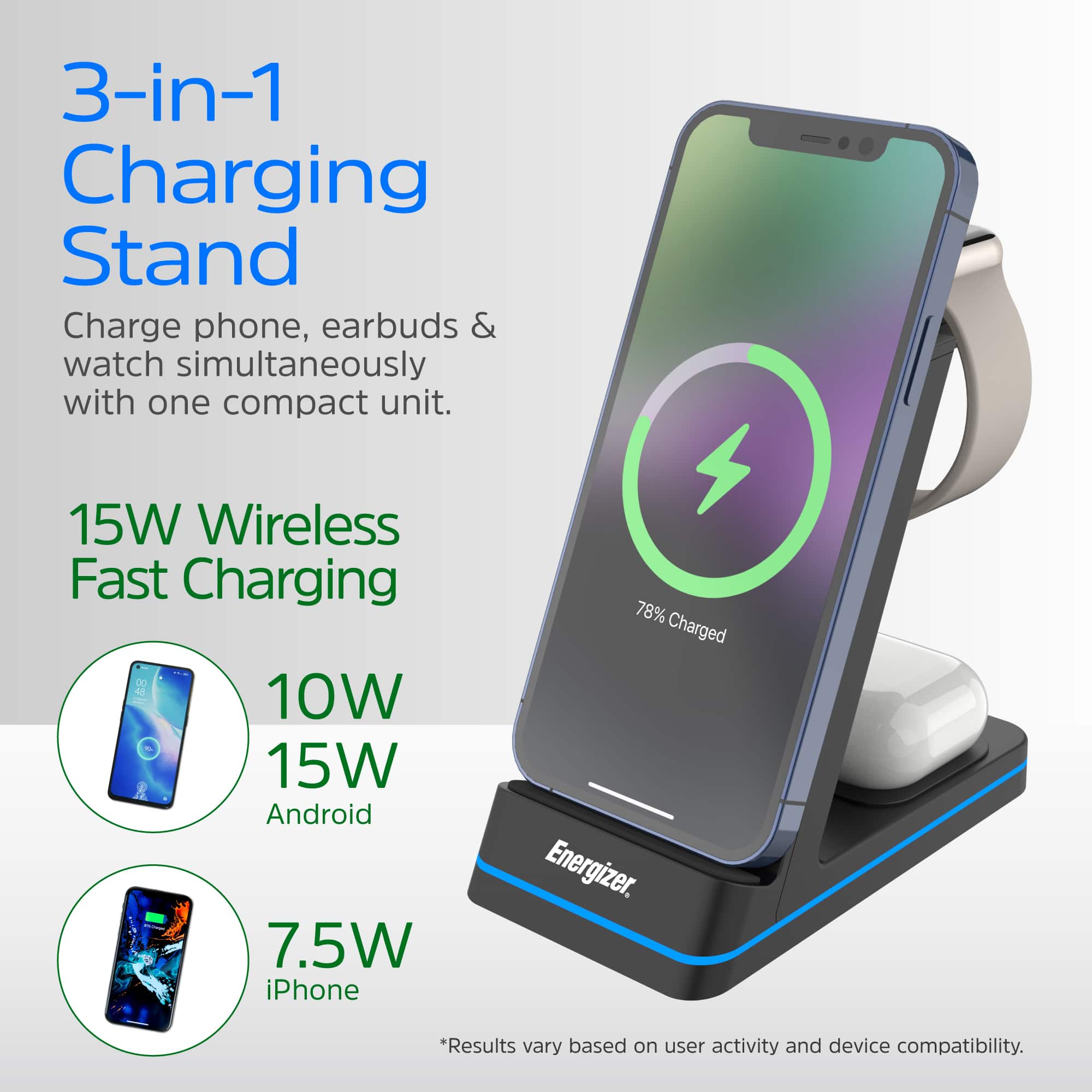
    • Answer Yup! Got the s24+

      Answered by DOCT

  • QuestionCan this be is with an iPhone 15 Pro?

    Asked by Majah.

    • Answer Yup iphone and adroid! Both charge wireless!

      Answered by DOCT

  • QuestionWork with iPhone 13

    Asked by Bill.

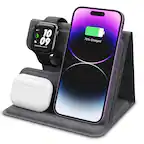
    • Answer Hi Bill, Yes, this Qi-certified 3-in-1 charging station works with the iPhone 13. It supports wireless charging for iPhone, AirPods, and Apple Watch. For best results, use a MagSafe-compatible case to ensure proper alignment. --Energizer PowerPacks Service Team

      Answered by Energizer PowerPacks Service Team

  • QuestionThis keeps switching between fast wireless and regular wireless charging. I paired it with a 25W power brick. What should I do?

    Asked by David.

    • Answer Hi David, The switching between fast and regular wireless charging usually happens when the power input or alignment isn’t fully stable. Even with a 25W power brick, make sure: The cable supports high-speed power delivery. The phone is centered on the charging pad without a thick case or metal accessories. The power brick is PD-certified for consistent output. If the issue persists, it may indicate a hardware fault—please visit: for assistance or replacement. --Energizer PowerPacks Service Team

      Answered by Energizer PowerPacks Service Team

  • QuestionHow long should I charge my Energizer Ultimate charger before I use it?

    Asked by Anonymous.

    • Answer Hi, Before first use, we recommend charging your Energizer Ultimate charger fully, which usually takes about 2–3 hours depending on the adapter used. This ensures optimal performance and battery health. --Energizer PowerPacks Service Team

      Answered by Energizer PowerPacks Service Team

  • QuestionDoes this work with a an otterbox commuter case?

    Asked by Anonymous.

    • Answer It will work with the Ottor Box case if the case is a Mag Safe case.

      Answered by Anonymous