Black Friday is hereShop new DoorbustersShop now

Main Content

Questions & Answers

Your price for this item is $9.99
The comparable value price is $19.99
Page Showing 1-20 of 32 questions
  • QuestionHow long does it take to fully charge the power bank?

    • Answer It takes 5.2 hours to fully charge the power bank.
    This question and answer was generated by AI based on customer and product data.
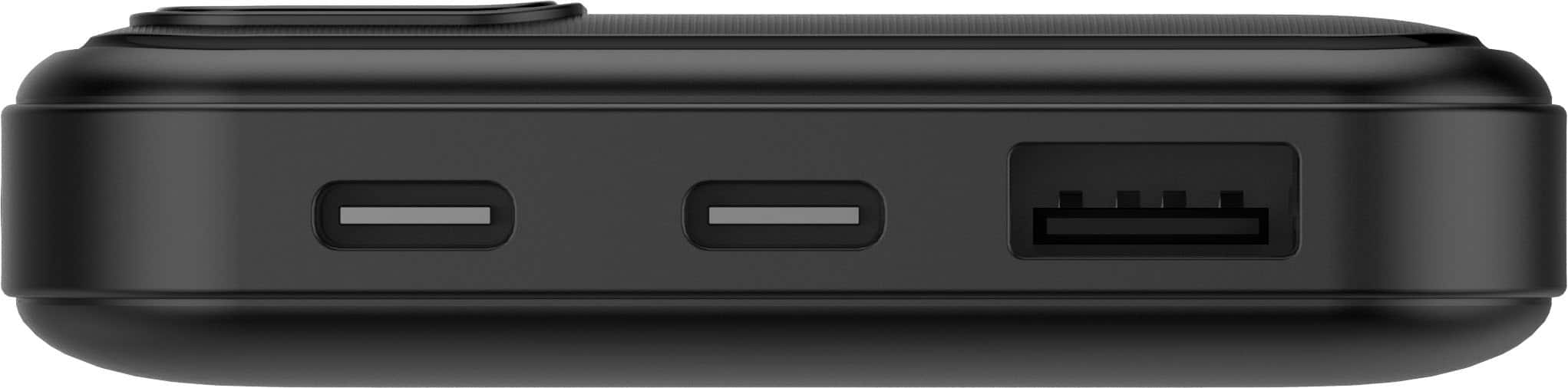
  • QuestionWhat is the maximum charging power output of the USB-C ports?

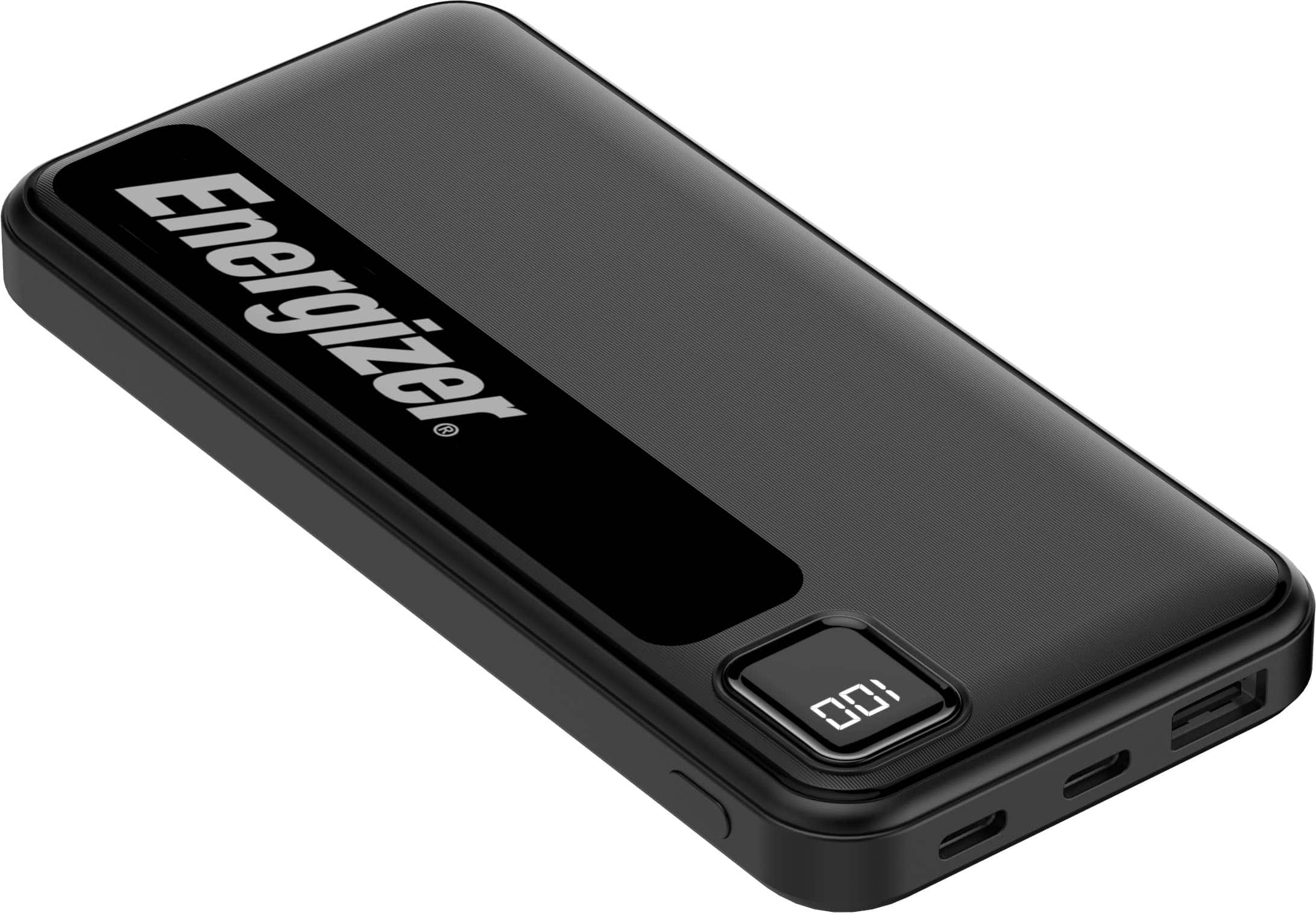
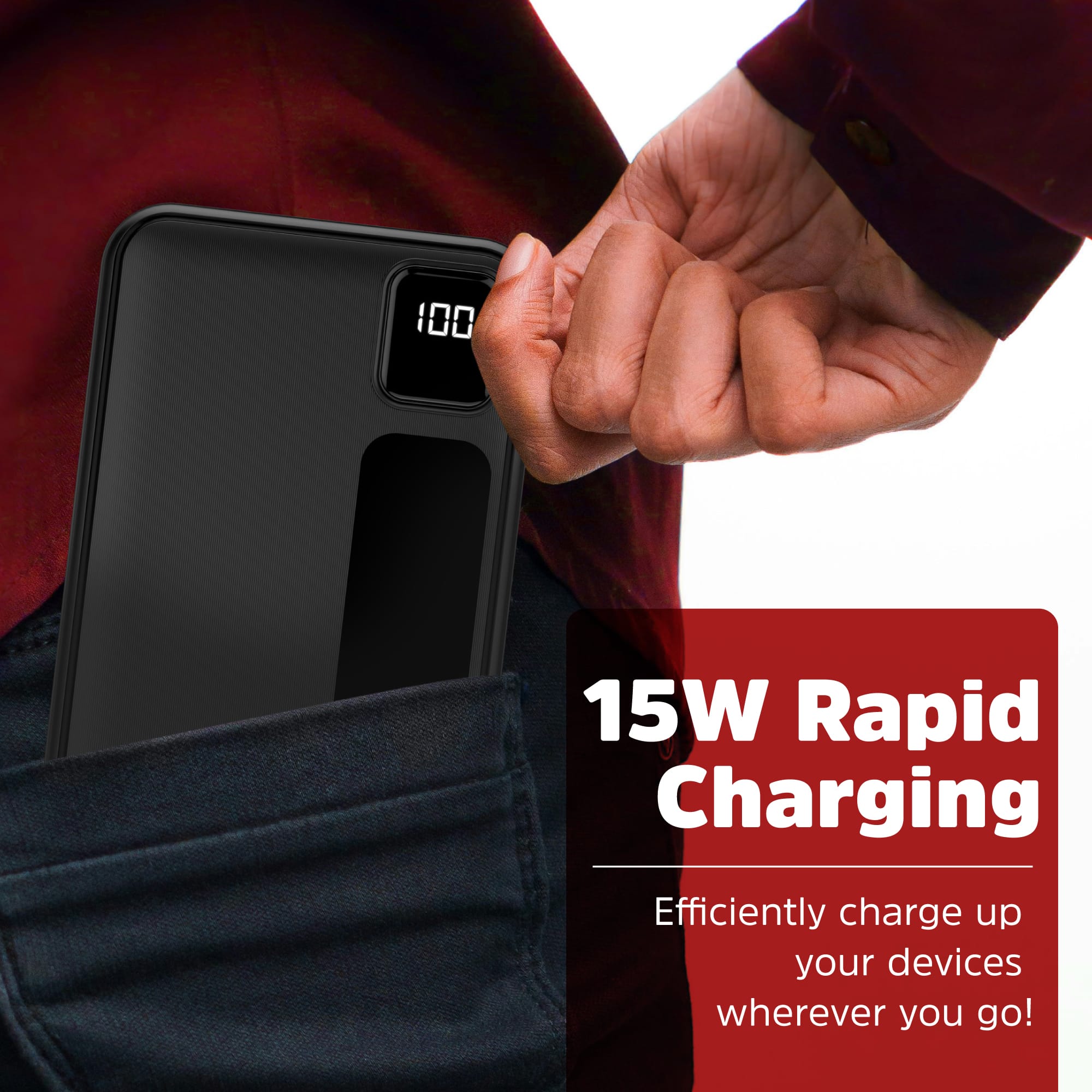
    • Answer The two USB-C outputs provide up to 15W of charging power.
    This question and answer was generated by AI based on customer and product data.
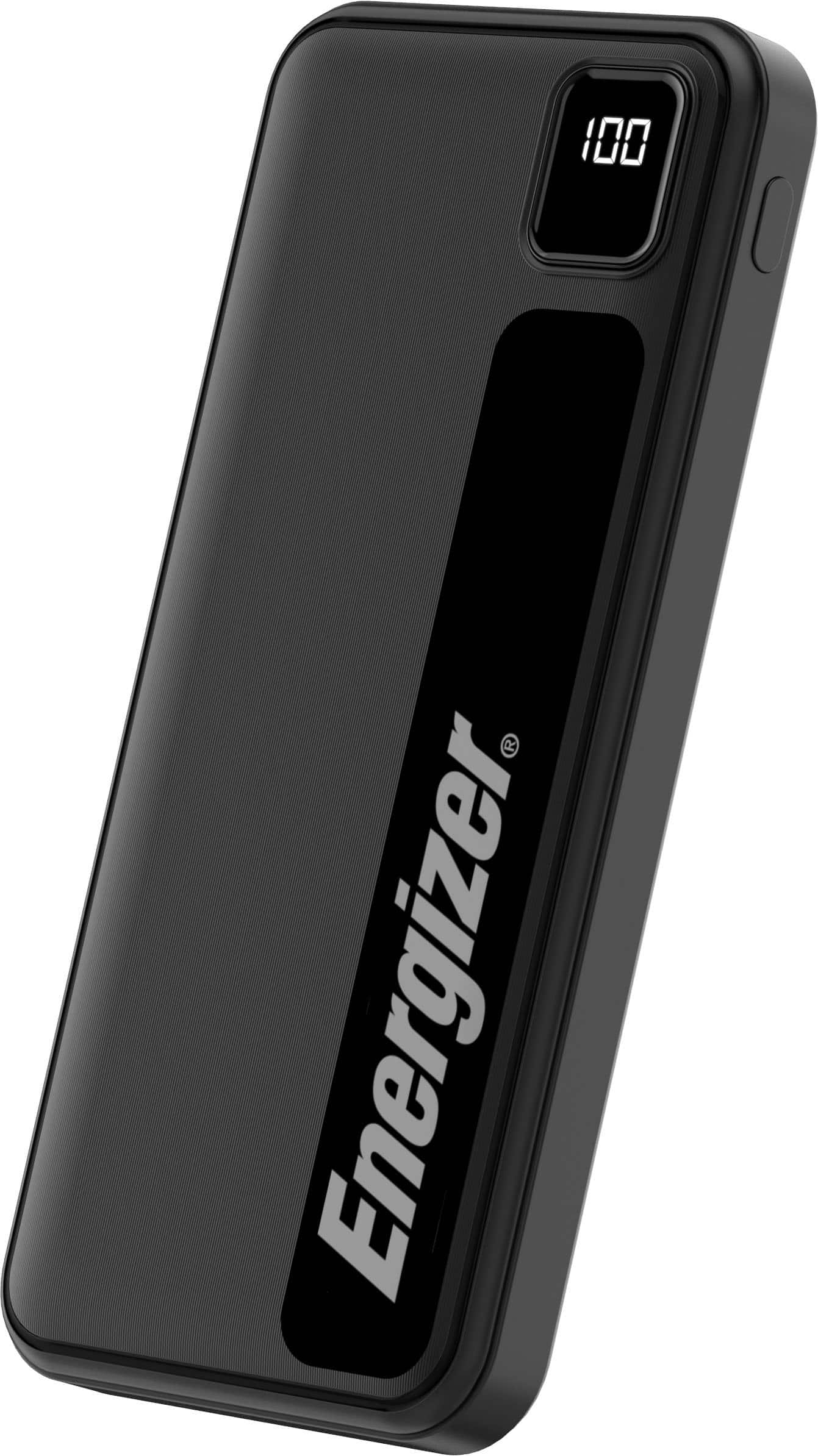
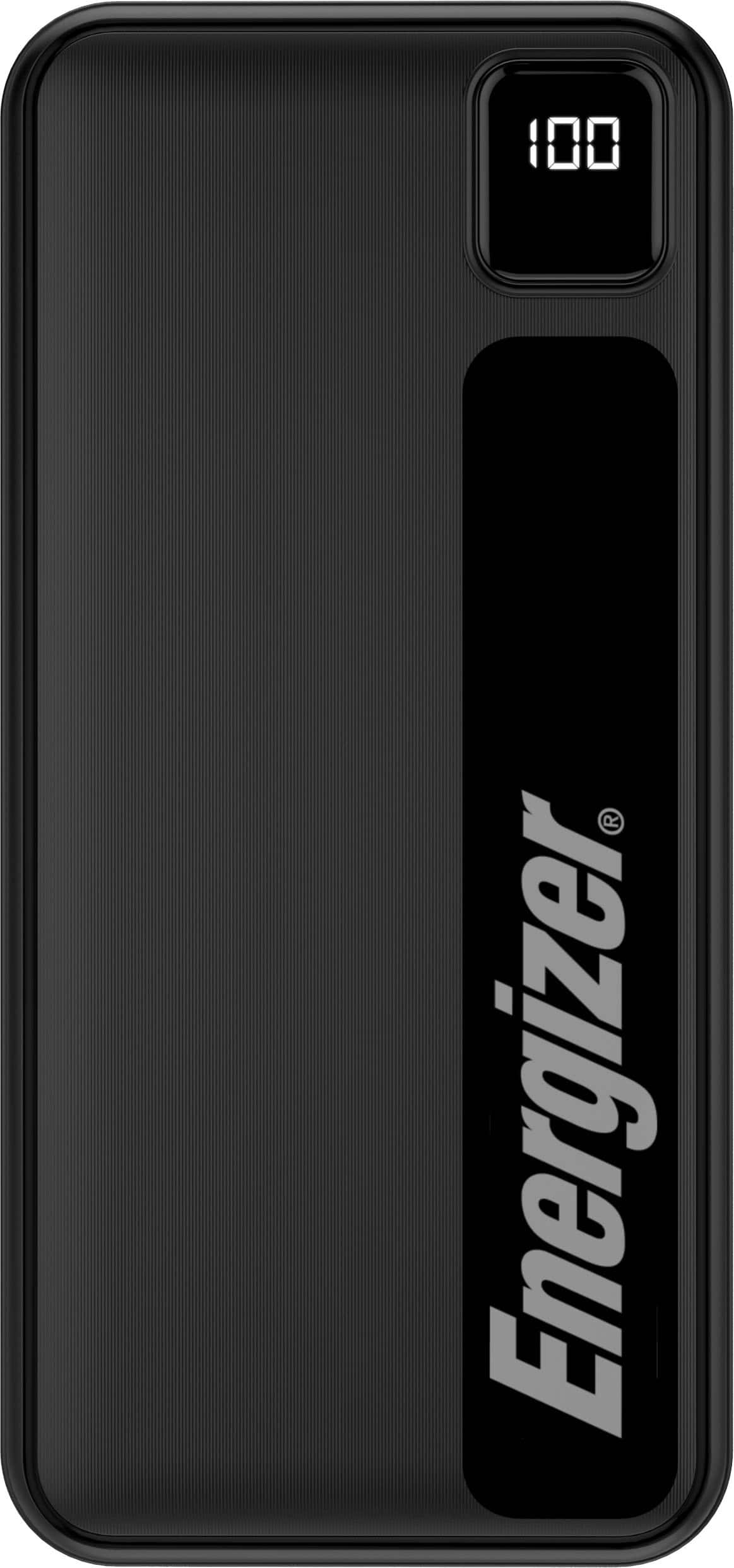
  • QuestionDoes the power bank have a built-in LCD screen?

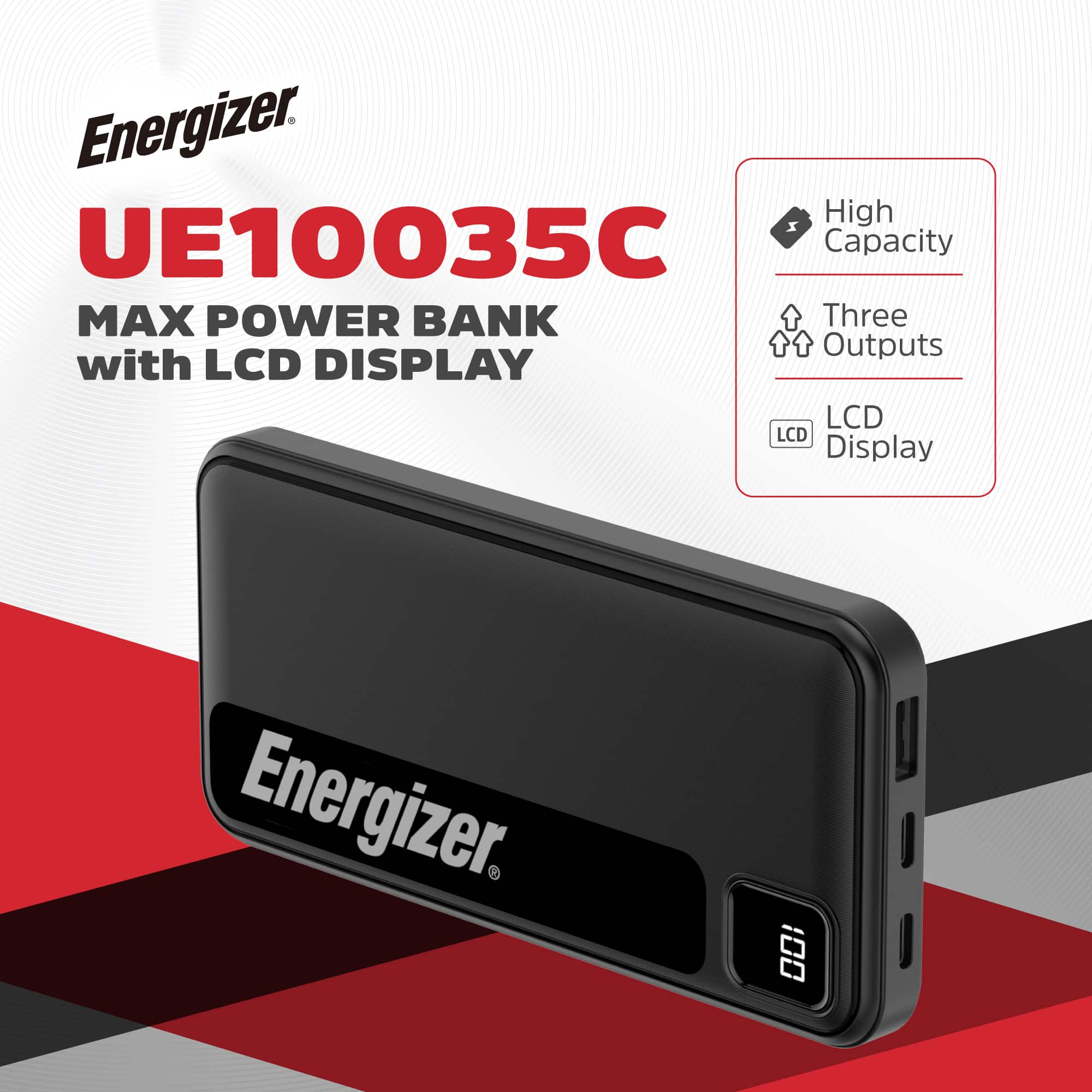
    • Answer This portable charger has a bright LCD screen that displays the current battery level so you always know how much power is left.
    This question and answer was generated by AI based on customer and product data.
  • QuestionHow many devices can you charge simultaneously with the power bank?

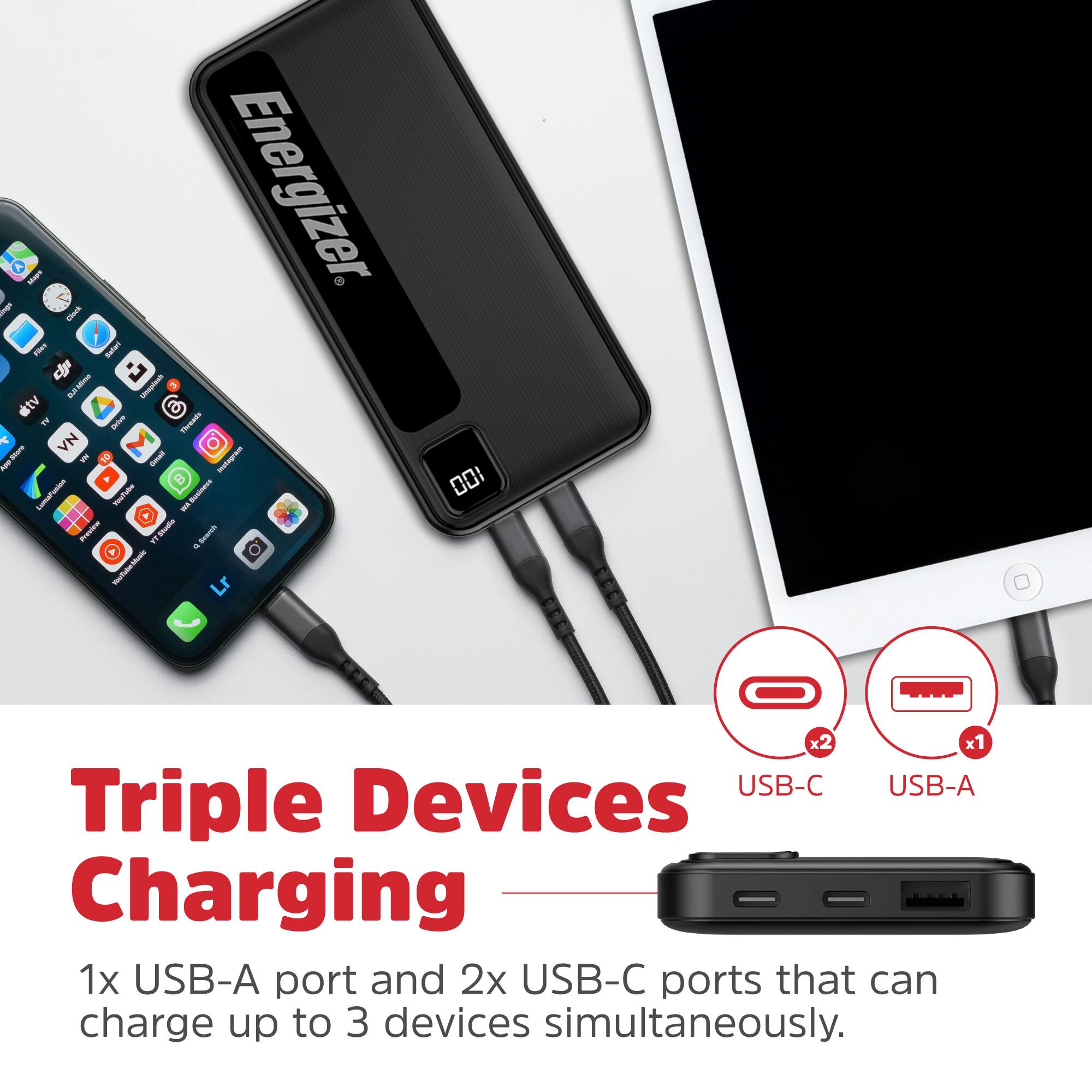
    • Answer You can charge up to three devices at the same time using this power bank.
    This question and answer was generated by AI based on customer and product data.
  • QuestionCan you use the power bank to charge devices with a USB-A port?

    • Answer This power bank has one USB-A output to charge your devices.
    This question and answer was generated by AI based on customer and product data.
  • QuestionWhat type of battery chemistry does the power bank use?

    • Answer The battery chemistry of the power bank is Lithium-ion polymer.
    This question and answer was generated by AI based on customer and product data.
  • QuestionDoes this power bank fit an iPhone 13?

    Asked by Judith.

    • Answer Dear Customer, Thank you for your inquiry. Yes, the Energizer UE30035C is compatible with the iPhone 13. You can use the USB-C to Lightning cable (not included) to charge your iPhone 13 via the USB-C output. The power bank supports Power Delivery (PD) up to 18W, allowing for faster charging compared to standard chargers. If you need further assistance, feel free to reach out. Energizer Power Bank Service Team

      Answered by Anonymous

  • QuestionDoes this meet CCC requirements?

    Asked by Rama.

    • Answer This product complied with regulations at the time of its release. However, CCC is a newer certification standard, and this model was not certified under it. -- Energizer PowerPacks Service Team

      Answered by Anonymous

  • QuestionWill this power bank support a samsung galaxy S9

    Asked by KS.

    • Answer Dear valued customer, Thank you for the comment. Yes it will support a samsung galaxy S9. If you have any other questions about the product, please feel free to contact us.([email protected]) We will be glad to assist you. Thank you.

      Answered by Anonymous

  • QuestionHow to charge

    Asked by Blegarza.

    • Answer Hi Blegarza, To charge the power bank, plug the included USB-C cable into the device and connect it to a QC 3.0 or PD wall adapter. The LCD screen will show charging progress. Once charged, use the USB-A or USB-C output ports to charge your devices. --Energizer PowerPacks Service Team

      Answered by Anonymous

  • QuestionIs it compatible with an iPhone 12 mini?

    Asked by Froggy.

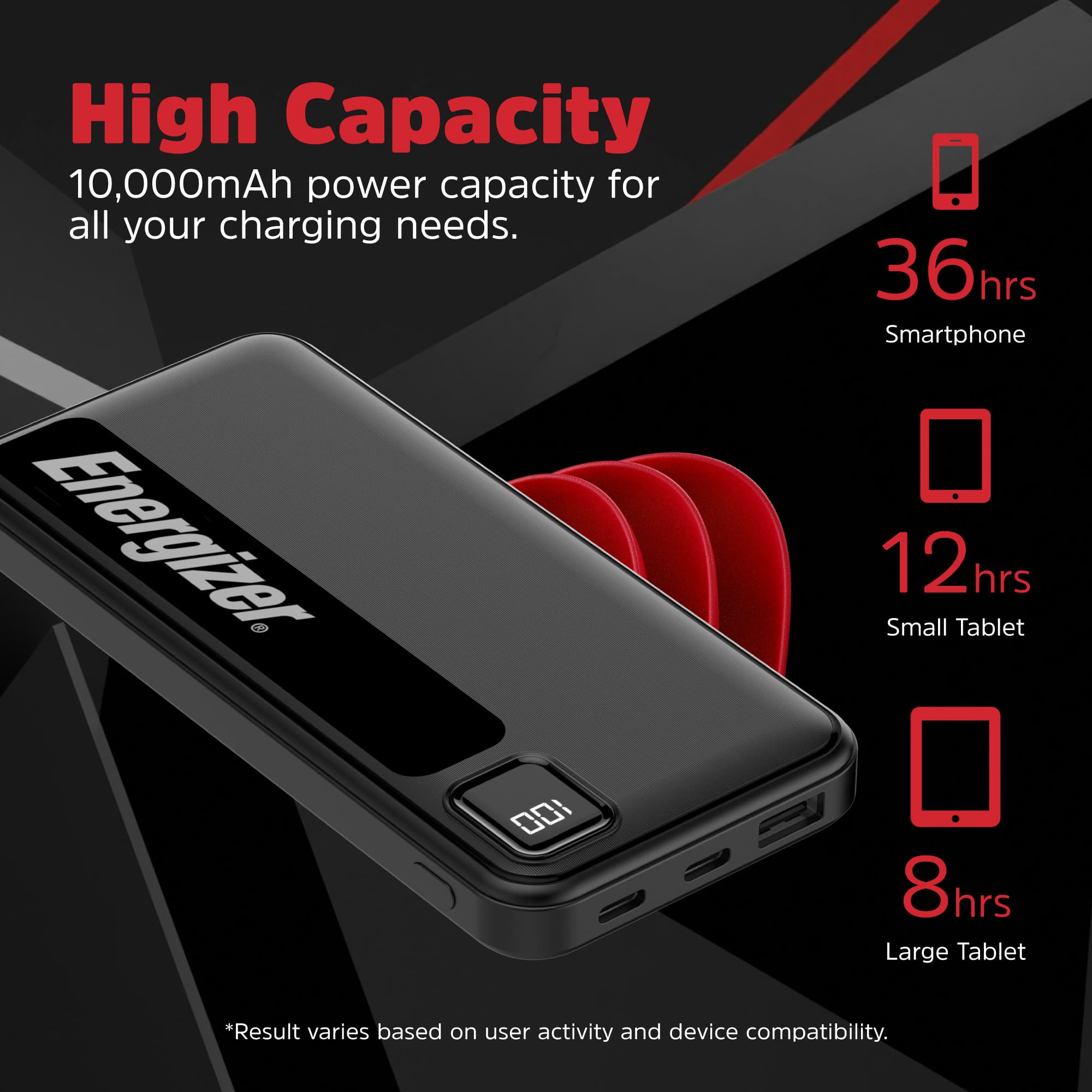
    • Answer Yes, the Energizer MAX 10,000mAh power bank should be fully compatible with your iPhone 12 mini! Here's why it works: USB ports - The power bank has multiple USB ports (including USB-C), and you can use your iPhone's Lightning cable to connect and charge 15W output - This provides plenty of power for the iPhone 12 mini, which supports up to 20W fast charging (so 15W will charge it quite efficiently) Universal compatibility - Power banks like this work with essentially any device that charges via USB, including all iPhone models You'll just need to use your iPhone's Lightning to USB cable (either Lightning to USB-A or Lightning to USB-C, depending on which cable you have). The power bank will charge your iPhone 12 mini without any issues - probably giving you 2-3 full charges from the 10,000mAh capacity. So yes, you're good to go with your iPhone 12 mini!

      Answered by WilliamK

  • QuestionProduct says 5v 2A charging website says different number, 2.4 A safe charging rate?

    Asked by Theo.

    • Answer Yes, 2.4A is absolutely a safe charging rate in general. Here's the deal: Why it's safe: 2.4A (at 5V = 12 watts) is a very standard USB charging specification that's been used for years Your devices have smart charging circuits built in - they only draw the amount of current they actually need Even if a power bank can output 2.4A, a device that only needs 1A will only pull 1A The product vs. website difference: Small discrepancies like 2A vs. 2.4A in specs are pretty common and nothing to worry about Both fall within normal USB charging standards The difference is minimal (0.4A = just 2 watts) Bottom line: Any modern smartphone, tablet, or USB device is designed to work safely with standard USB charging rates, and 2.4A is well within those standards. The device controls how much power it draws, so there's no risk of "overcharging" from a higher amp rating. You're good to go!

      Answered by WilliamK

  • QuestionCan you use these power banks to charge a Galaxy smart watch using the charger that my watch came with ? Would need to plug into a C-port.

    Asked by PRT54.

    • Answer Yes, you should be able to charge a Galaxy smart watch with this power bank! Here's how it would work: Compatibility: The Energizer MAX has USB-C ports (along with other USB ports) If your Galaxy watch charger has a USB-C connector on one end, you can plug it directly into the power bank's USB-C port If your watch charger has a standard USB-A connector, you can use one of the other USB ports on the power bank How it works: Galaxy watch chargers typically have a USB connector on one end and the magnetic charging puck/dock on the other end You'd plug the USB end into the power bank and place your watch on the charging puck as normal The power bank provides the power just like a wall adapter would Power output: Galaxy watches don't require much power to charge (usually around 5W or less) The power bank's output is more than sufficient for a smartwatch So yes, this is a great portable solution for charging your Galaxy watch on the go - just bring your watch's charging cable/puck with you and plug it into the power bank. Perfect for travel or long days away from an outlet!

      Answered by WilliamK

  • QuestionCan it be used for the iPhone16?

    Asked by nikky.

    • Answer Yes

      Answered by CrisPBacon

  • QuestionWhen I charge my powerbank it still shows 0 but is still charging smartphone why is that?

    Asked by Anonymous.

    • Answer The battery display might be abnormal if the power bank hasn't been used for a long time. Try fully draining the battery, then recharging it completely to 100%. If the problem continues, it's possible the power bank is already fully charged despite the display. If the issue persists, please visit https://support.energizerpowerpacks.com/ for after-sales service, where a specialist will assist you. -- Energizer PowerPacks Service Team

      Answered by Anonymous

  • QuestionHow do you turn off the power bank?

    Asked by Mick.

    • Answer Thank you for your question! The power bank is designed to automatically turn off a few seconds after your device is unplugged or fully charged. You don't need to manually turn it off. The power button is mainly used to check the remaining battery level or to manually begin the charging process.

      Answered by Anonymous

  • QuestionDoes the power button on this power bank allow the load to be powered on and off without disconnecting it? For example, if a USB fan is connected to the power bank.

    Asked by Fred.

    • Answer Yes, the power button on this Energizer power bank should allow you to turn the output on and off without physically disconnecting your device. How it typically works: Press the power button - This activates the power bank and starts delivering power to connected devices Press again to turn off - This stops the power output, effectively cutting power to your USB fan (or other device) without unplugging it Your USB fan would stay plugged in but wouldn't receive power until you press the button again Why this is useful: Perfect for your USB fan scenario - you can turn it on/off as needed without constantly plugging and unplugging Saves battery when you don't need the connected device running More convenient than disconnecting cables repeatedly Note: Some power banks also have an auto-shutoff feature that turns off after a period of inactivity or when no load is detected, so you may need to press the button again to reactivate it if it's been idle for a while. This on/off control feature is pretty standard on modern power banks with buttons and LCD displays, so you should be good to go for controlling your USB fan or other accessories!

      Answered by WilliamK

  • QuestionDoes it come charged

    Asked by Andy.

    • Answer yes, this Energizer power bank does come with a partial charge out of the box - around 75% in My case. Why power banks come pre-charged: Safety during shipping - Lithium-ion batteries are safest when stored at partial charge (typically 40-70%) Ready to use - Manufacturers often include some charge so you can use it right away for testing or immediate need Battery health - Partial charge is better for long-term storage than being fully charged or completely dead What to expect: The charge level can vary between 50-80% typically It's always a good idea to fully charge it before your first major use This ensures the battery is properly calibrated and you know you have maximum capacity

      Answered by WilliamK

  • Questionwhy won’t it charge

    Asked by Anonymous.

    • Answer We are sorry to hear that you are having trouble with your power bank. If the problem persists, please visit our support page at https://support.energizerpowerpacks.com/ and fill out the form so our team can provide further assistance. -- Energizer PowerPacks Service Team

      Answered by Anonymous

  • QuestionDoes this come pre-charged?

    Asked by JLH1983.

    • Answer It does. However, the manual says that you should charge it completely before the first use to get a better quality of the battery.

      Answered by MarielaBello