Appliances Presidents’ Day SaleEnds 2/25. Limited quantities. No rainchecks.Shop now

Skip to contentGo to Product SearchGo to Footer
Gift Ideas
45575 Dulles Eastern Plz
Ste 188
Sterling, VA 20166
Open until 8 pm
Find Another Store
Main Content

Questions & Answers

Page Showing 21-40 of 40 questions
  • QuestionCan it be used for the iPhone16?

    Asked by nikky.

    • Answer Yes

      Answered by CrisPBacon

  • QuestionWhen I charge my powerbank it still shows 0 but is still charging smartphone why is that?

    Asked by Anonymous.

    • Answer The battery display might be abnormal if the power bank hasn't been used for a long time. Try fully draining the battery, then recharging it completely to 100%. If the problem continues, it's possible the power bank is already fully charged despite the display. If the issue persists, please visit https://support.energizerpowerpacks.com/ for after-sales service, where a specialist will assist you. -- Energizer PowerPacks Service Team

      Answered by Anonymous

  • QuestionHow do you turn off the power bank?

    Asked by Mick.

    • Answer Thank you for your question! The power bank is designed to automatically turn off a few seconds after your device is unplugged or fully charged. You don't need to manually turn it off. The power button is mainly used to check the remaining battery level or to manually begin the charging process.

      Answered by Anonymous

  • QuestionDoes the power button on this power bank allow the load to be powered on and off without disconnecting it? For example, if a USB fan is connected to the power bank.

    Asked by Fred.

    • Answer Yes, the power button on this Energizer power bank should allow you to turn the output on and off without physically disconnecting your device. How it typically works: Press the power button - This activates the power bank and starts delivering power to connected devices Press again to turn off - This stops the power output, effectively cutting power to your USB fan (or other device) without unplugging it Your USB fan would stay plugged in but wouldn't receive power until you press the button again Why this is useful: Perfect for your USB fan scenario - you can turn it on/off as needed without constantly plugging and unplugging Saves battery when you don't need the connected device running More convenient than disconnecting cables repeatedly Note: Some power banks also have an auto-shutoff feature that turns off after a period of inactivity or when no load is detected, so you may need to press the button again to reactivate it if it's been idle for a while. This on/off control feature is pretty standard on modern power banks with buttons and LCD displays, so you should be good to go for controlling your USB fan or other accessories!

      Answered by WilliamK

  • QuestionDoes it come charged

    Asked by Andy.

    • Answer yes, this Energizer power bank does come with a partial charge out of the box - around 75% in My case. Why power banks come pre-charged: Safety during shipping - Lithium-ion batteries are safest when stored at partial charge (typically 40-70%) Ready to use - Manufacturers often include some charge so you can use it right away for testing or immediate need Battery health - Partial charge is better for long-term storage than being fully charged or completely dead What to expect: The charge level can vary between 50-80% typically It's always a good idea to fully charge it before your first major use This ensures the battery is properly calibrated and you know you have maximum capacity

      Answered by WilliamK

  • Questionwhy won’t it charge

    Asked by Anonymous.

    • Answer We are sorry to hear that you are having trouble with your power bank. If the problem persists, please visit our support page at https://support.energizerpowerpacks.com/ and fill out the form so our team can provide further assistance. -- Energizer PowerPacks Service Team

      Answered by Anonymous

  • QuestionDoes this come pre-charged?

    Asked by JLH1983.

    • Answer It does. However, the manual says that you should charge it completely before the first use to get a better quality of the battery.

      Answered by MarielaBello

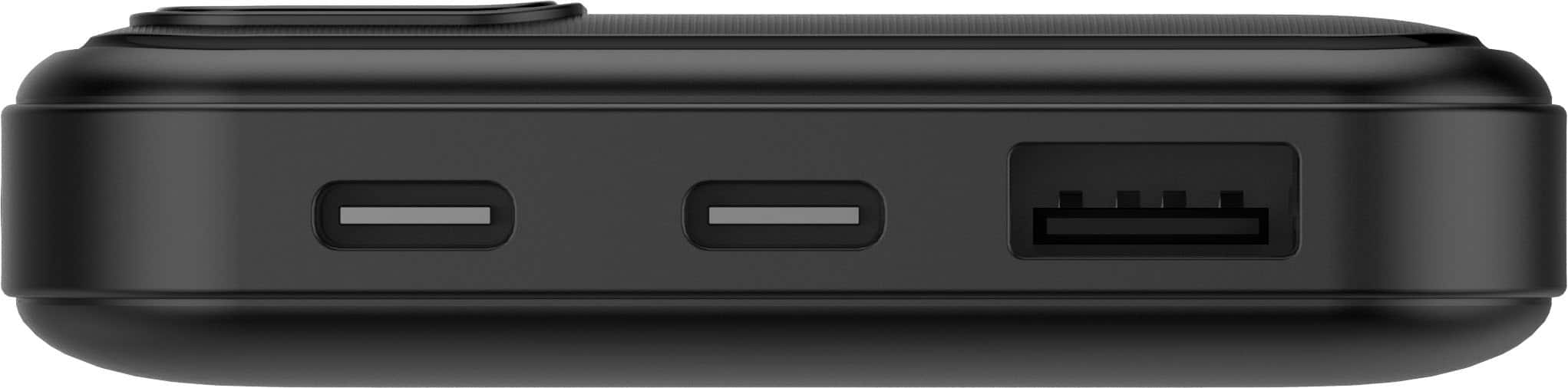
  • QuestionIs the included USB cord an A-to-C or a C-to-C cord?

    Asked by Anonymous.

    • Answer A to C

      Answered by GRSComp

  • Questiondoes it work with iPhone 12?

    Asked by Joe.

    • Answer Yes

      Answered by Nice

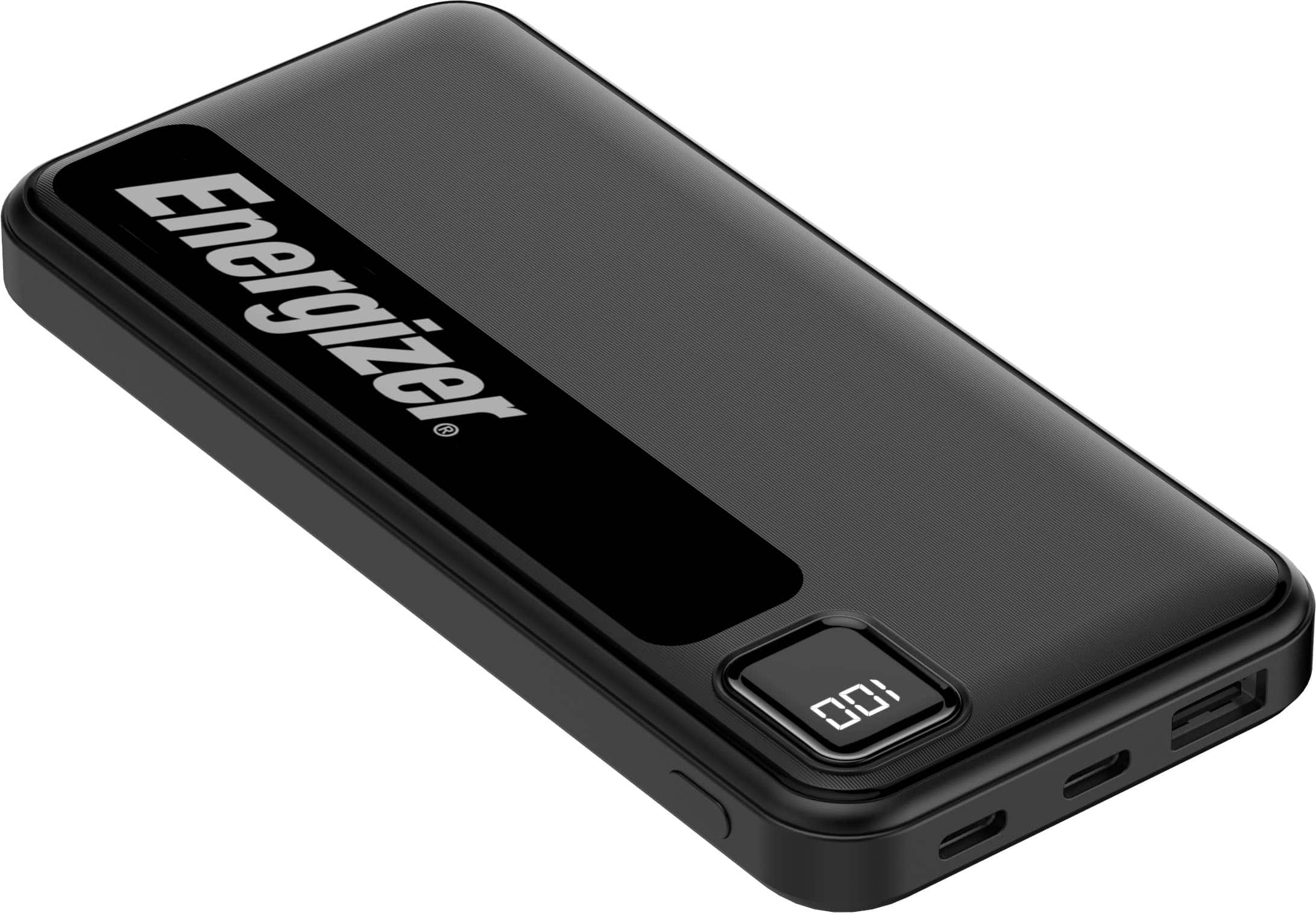
  • QuestionWhat is the Watt-Hour (Wh) rating of the Energizer - Max 10,000 mAh 15W Battery Charge/Power Bank? Is it 50Wh (10,000mAh x 5V)?

    Asked by Dougster.

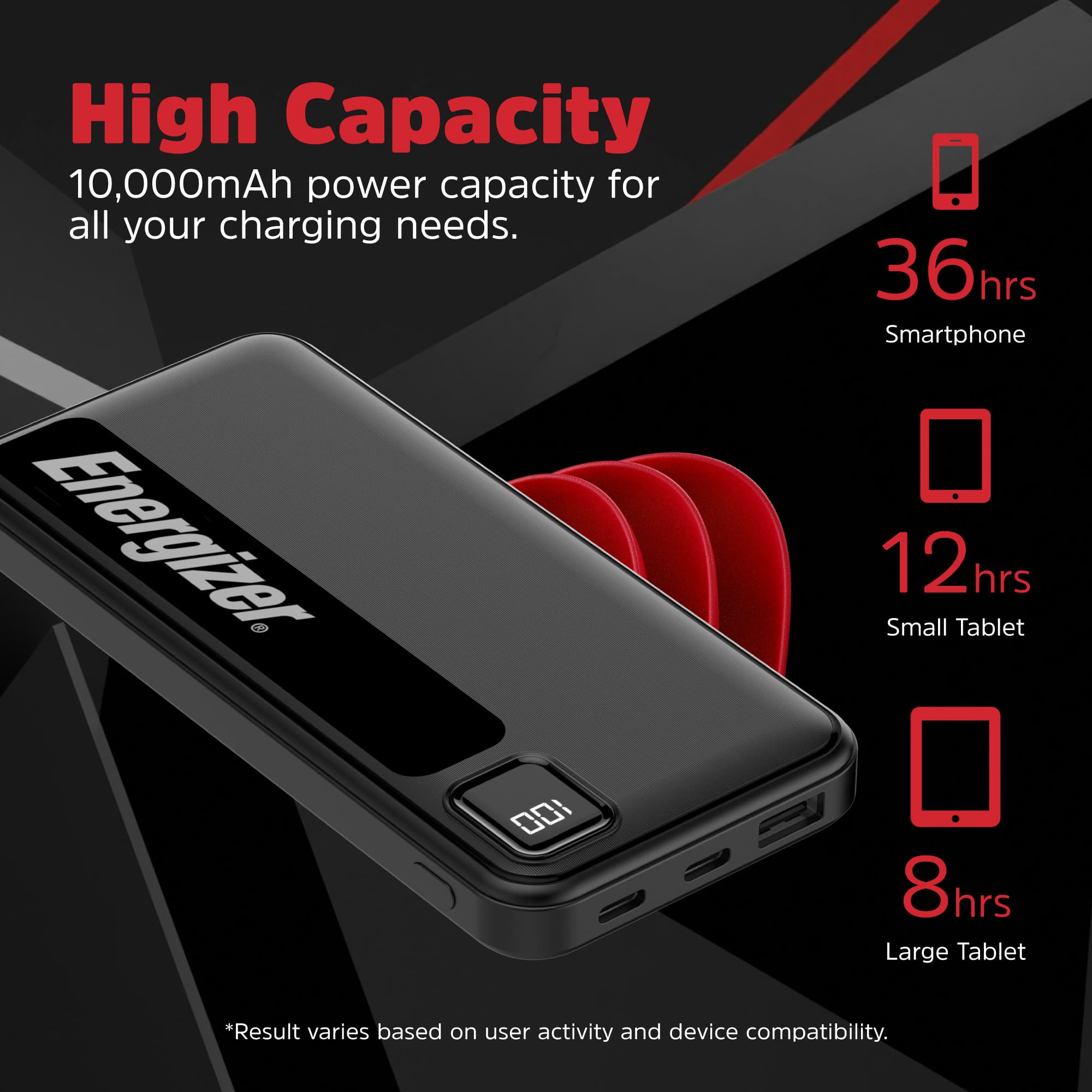
    • Answer Good question, but the calculation needs a small correction! The correct Watt-Hour rating is approximately 37Wh, not 50Wh. Here's why: The formula is: Wh = (mAh ÷ 1,000) × Voltage However, you need to use the battery's nominal voltage (typically 3.7V for lithium-ion), not the output voltage (5V). Correct calculation: 10,000mAh ÷ 1,000 = 10Ah 10Ah × 3.7V (nominal battery voltage) = 37Wh Why not 5V? 5V is the USB output voltage after the power bank's internal circuitry converts it The actual lithium-ion battery cells inside operate at 3.7V (nominal) For capacity and airline regulations, you always use the battery's internal voltage (3.7V), not the output voltage Why this matters: For TSA/airline compliance, 37Wh is well under the 100Wh limit for carry-on This is the standard way manufacturers calculate and label power bank capacity So the Energizer MAX 10,000mAh is rated at approximately 37Wh, which makes it very travel-friendly!
      Answered by WilliamK

  • QuestionWill this work with an iPhone 7?

    Asked by Roscoe.

    • Answer Yes

      Answered by Nice

  • Questionwill work on i phone 16

    Asked by oldGuy66.

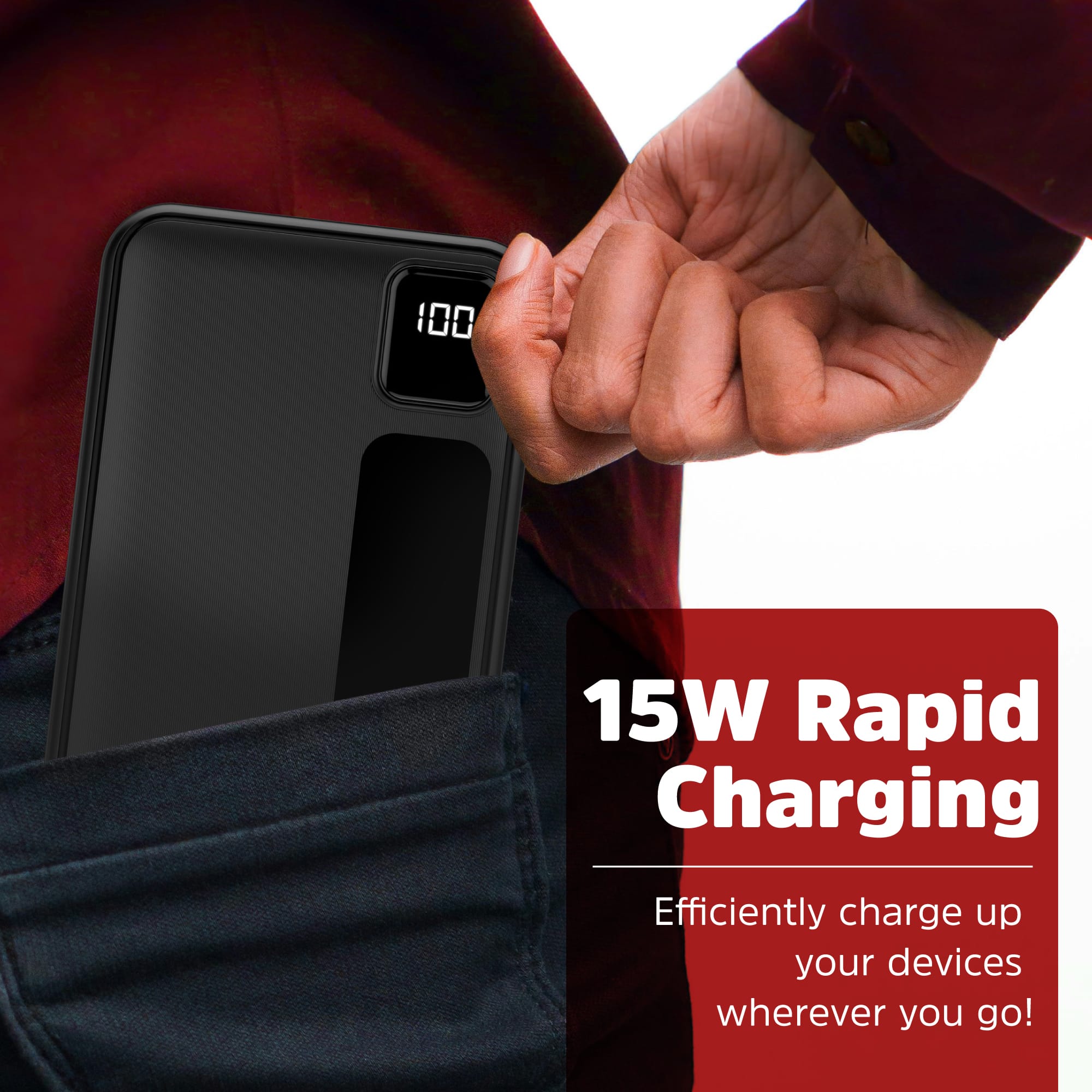
    • Answer Yes, this Energizer MAX power bank will work perfectly with an iPhone 16! Why it's compatible: Universal USB charging - The power bank has multiple USB ports that work with any USB-chargeable device, including all iPhone models Sufficient power output - The 15W output is great for iPhones (iPhone 16 supports up to 20-25W, so 15W will charge it efficiently) Use your own cable - Just use your iPhone 16's USB-C to USB-C cable (since iPhone 16 switched to USB-C) and plug it into the power bank's USB-C port Charging performance: The 10,000mAh capacity should give you about 2-3 full charges for an iPhone 16 Charges at a good speed with the 15W output You can monitor the remaining battery on the LCD screen What you need: Your iPhone 16's USB-C cable (the one that came with your phone, or any USB-C to USB-C cable) Plug the USB-C end into the power bank's USB-C port and the other end into your iPhone 16

      Answered by WilliamK

  • QuestionIs this battery allowed in checked baggage for an airline flight?

    Asked by AllowedPlane.

    • Answer no. and none of powerbanks are allowed by check in luggage.

      Answered by lenovolover

  • QuestionGood morning. It works for an iPhone 16 Pro Max.

    Asked by Federico.

    • Answer Yes

      Answered by Nice

  • QuestionWill it charge a Samsung 24?

    Asked by Asciugamani.

    • Answer Yes

      Answered by Nice

  • Questionis this compatible with charging IPHONE SE1 and SE2

    Asked by ammying.

    • Answer Yes. It's just like plugging your phone into a wall charger with standard USB and micro USB outputs.

      Answered by Estradafix

  • QuestionCan you use this with an iphone11?

    Asked by Bee44.

    • Answer Yes

      Answered by Nice

  • Questionwill this device charge an iphone?

    Asked by JohnDZ.

    • Answer Yes

      Answered by Nice

  • QuestionIs this a lithium ion battery and if yes is it TSA compliant?

    Asked by Anonymous.

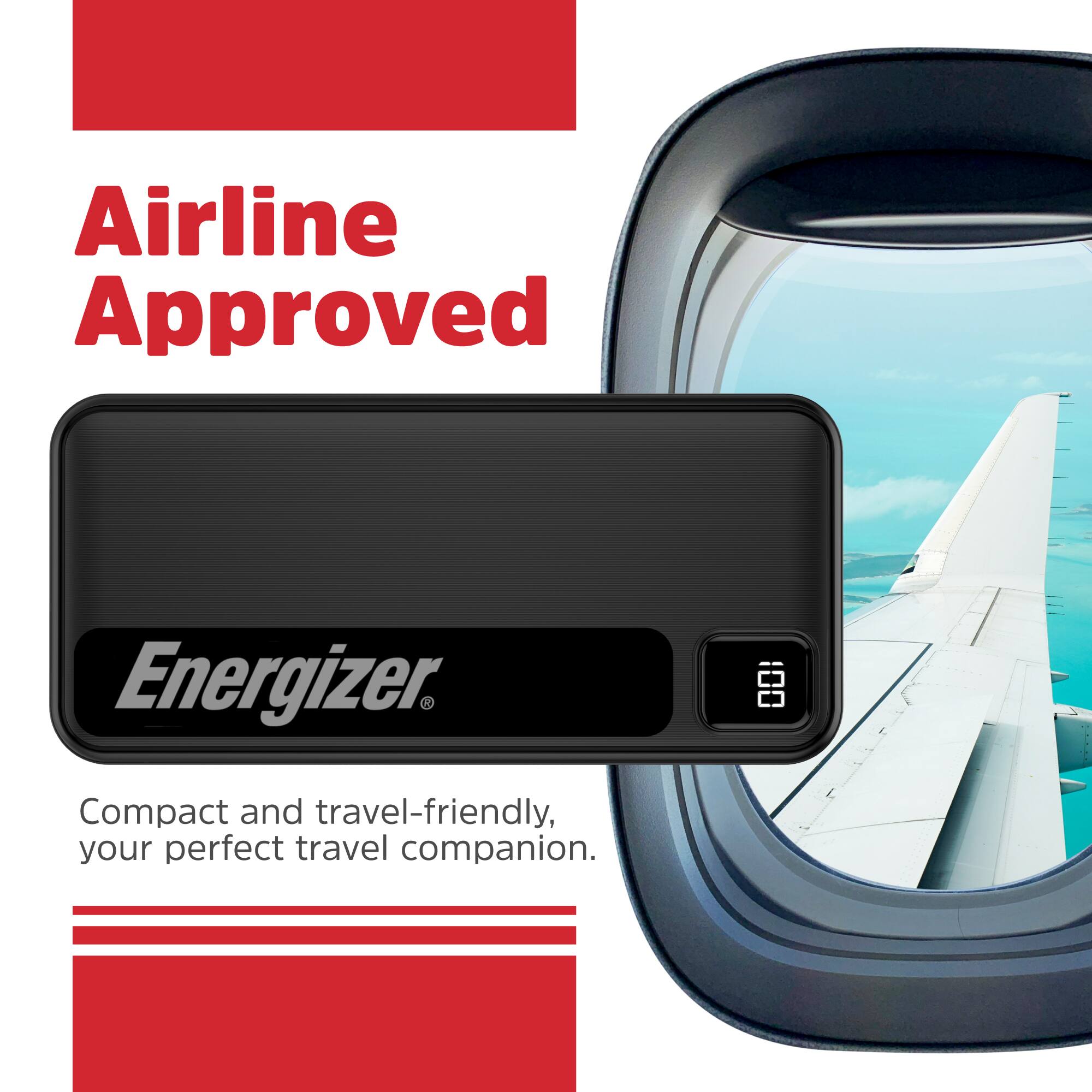
    • Answer Yes, this power bank is a lithium-ion battery. With a capacity of approximately 37 Wh, it is well within the 100 Wh limit set by the TSA and other aviation authorities, so it is compliant for carry-on luggage. Please remember that all power banks must be in your carry-on bag and are strictly prohibited in checked luggage.

      Answered by Anonymous

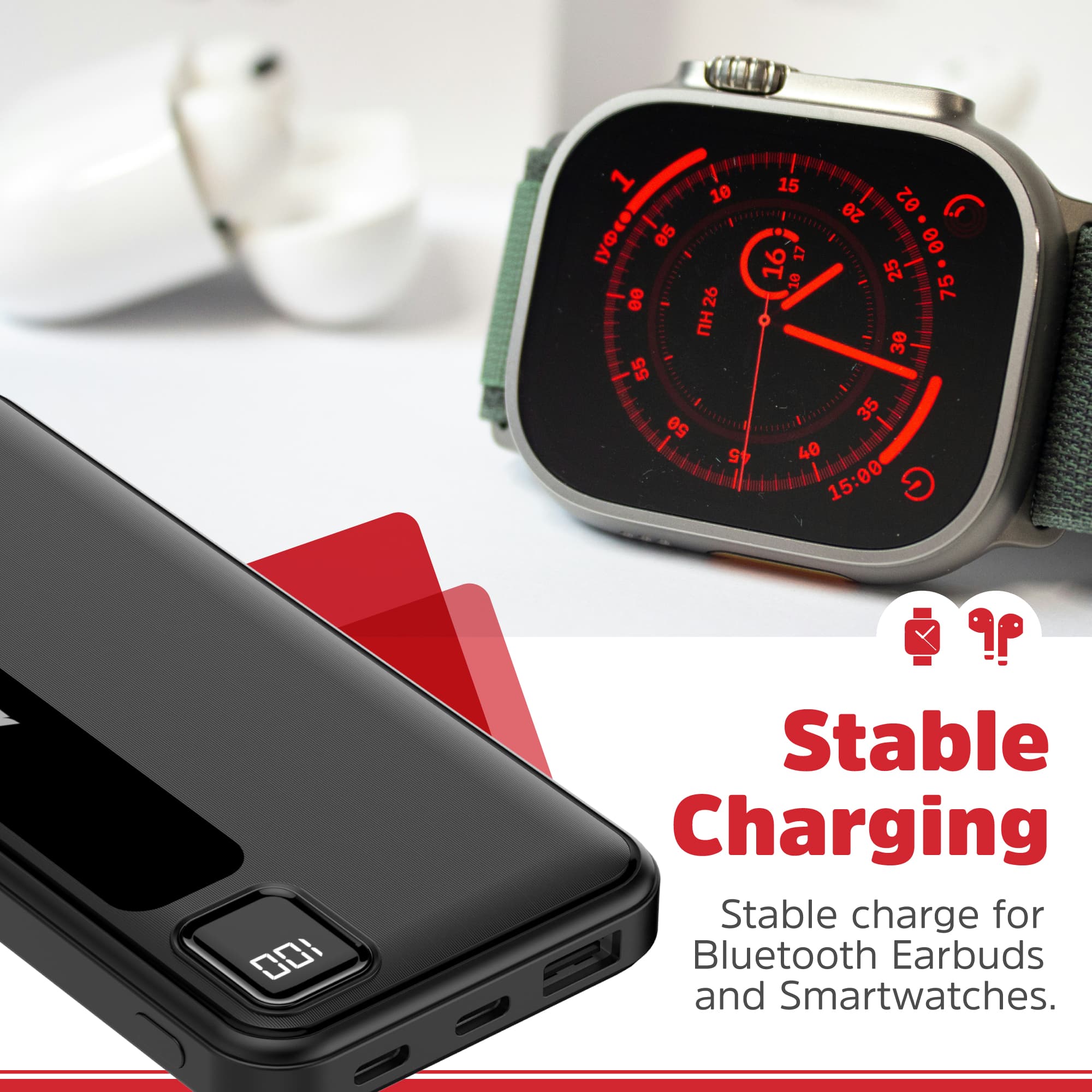
  • QuestionCan you use these power banks to charge a Galaxy smart watch using the charger that my watch came with ? Would need to plug into a C-port.

    Asked by PRT54.

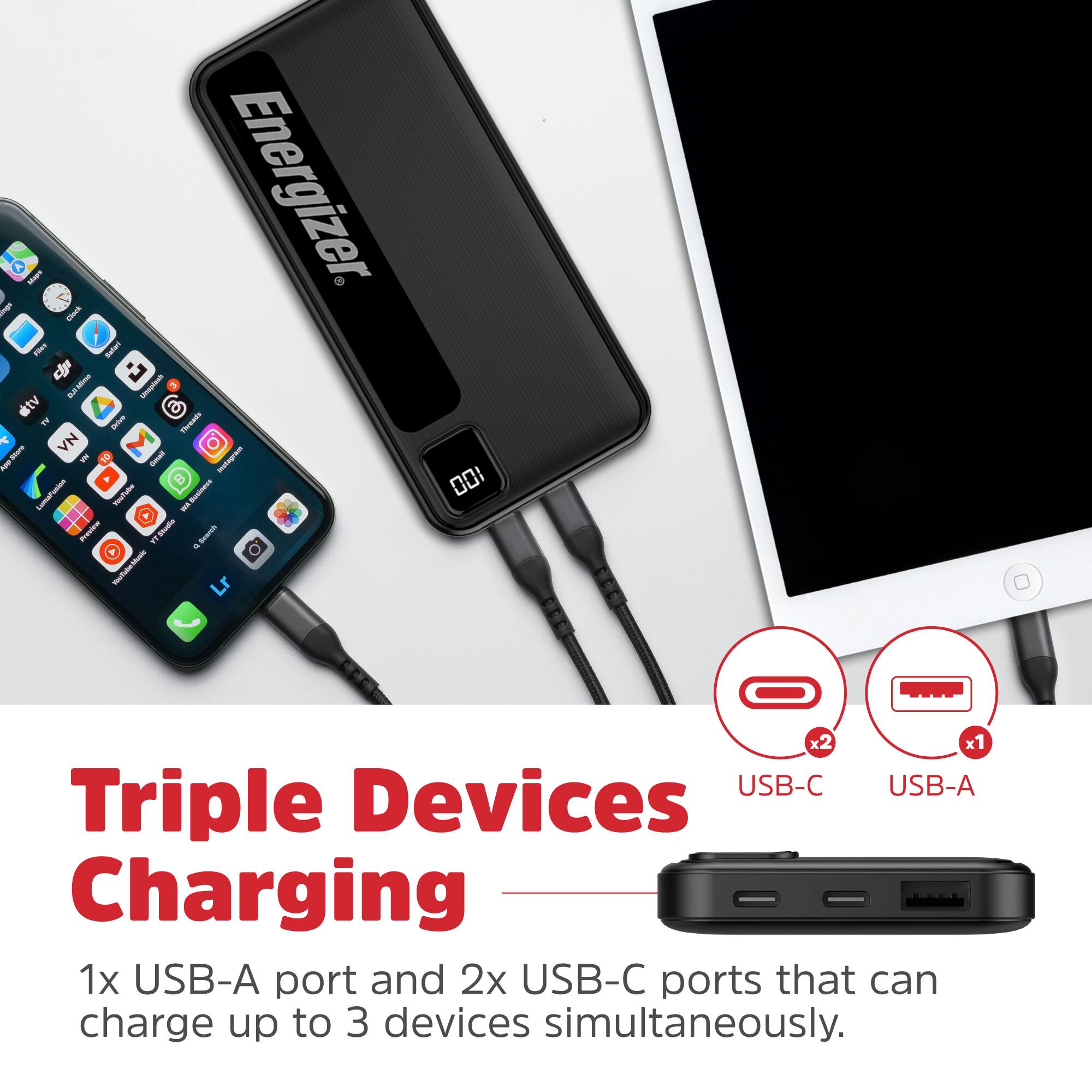
    • Answer Yes, you should be able to charge a Galaxy smart watch with this power bank! Here's how it would work: Compatibility: The Energizer MAX has USB-C ports (along with other USB ports) If your Galaxy watch charger has a USB-C connector on one end, you can plug it directly into the power bank's USB-C port If your watch charger has a standard USB-A connector, you can use one of the other USB ports on the power bank How it works: Galaxy watch chargers typically have a USB connector on one end and the magnetic charging puck/dock on the other end You'd plug the USB end into the power bank and place your watch on the charging puck as normal The power bank provides the power just like a wall adapter would Power output: Galaxy watches don't require much power to charge (usually around 5W or less) The power bank's output is more than sufficient for a smartwatch So yes, this is a great portable solution for charging your Galaxy watch on the go - just bring your watch's charging cable/puck with you and plug it into the power bank. Perfect for travel or long days away from an outlet!

      Answered by WilliamK