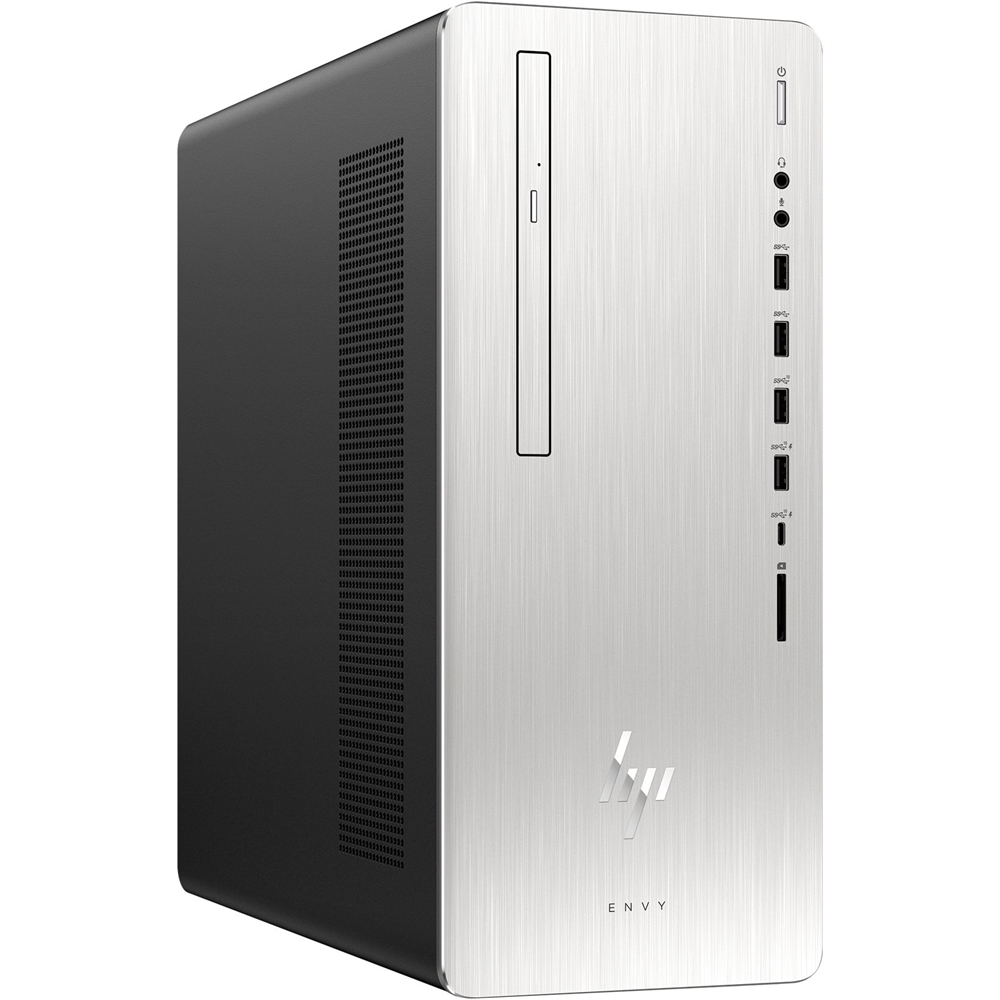
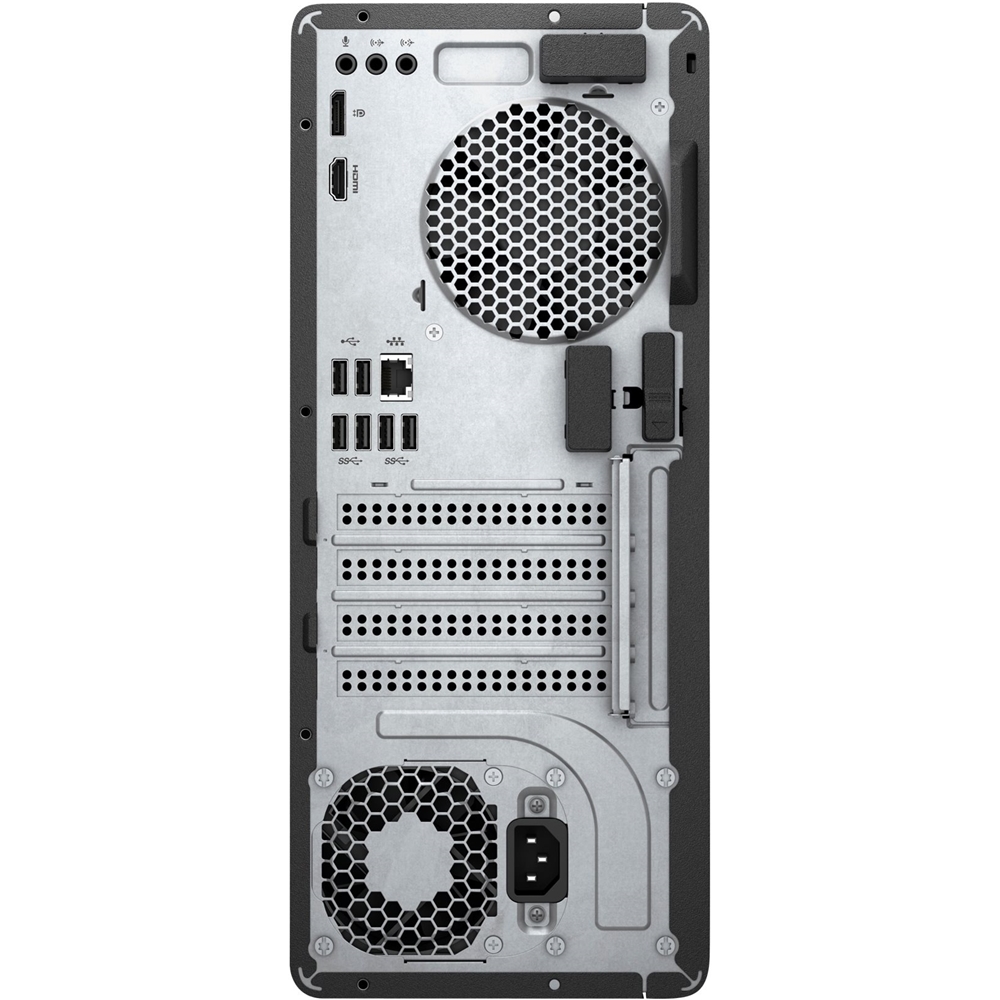
A:AnswerI am not aware of any monitor specifically for this computer. One of its good features is that it has 5 I/O ports for monitors "DVI (rear), HDMI Out (rear), 3 DisplayPort(TM) (rear)" and there are cables from many vendors to convert between most pairs of hardware monitor interfaces. I am running 3 monitors with 3 different interfaces using the 3 DisplayPort interfaces. Windows 10 and the PC have no problem with this combination.
A:AnswerA laptop's screen lacks the ports that a typical monitor uses to receive input from a desktop computer because they were never meant to function as a stand-alone device. As a consequence of this fact, it is not possible to plug a desktop computer into a laptop and use its screen as the display
A:AnswerThe 8th generation Intel i7 processor features six cores with a base clock speed of 3.2GHz, and a Turbo Boost max of 4.6GHz to accommodate all of your needs!