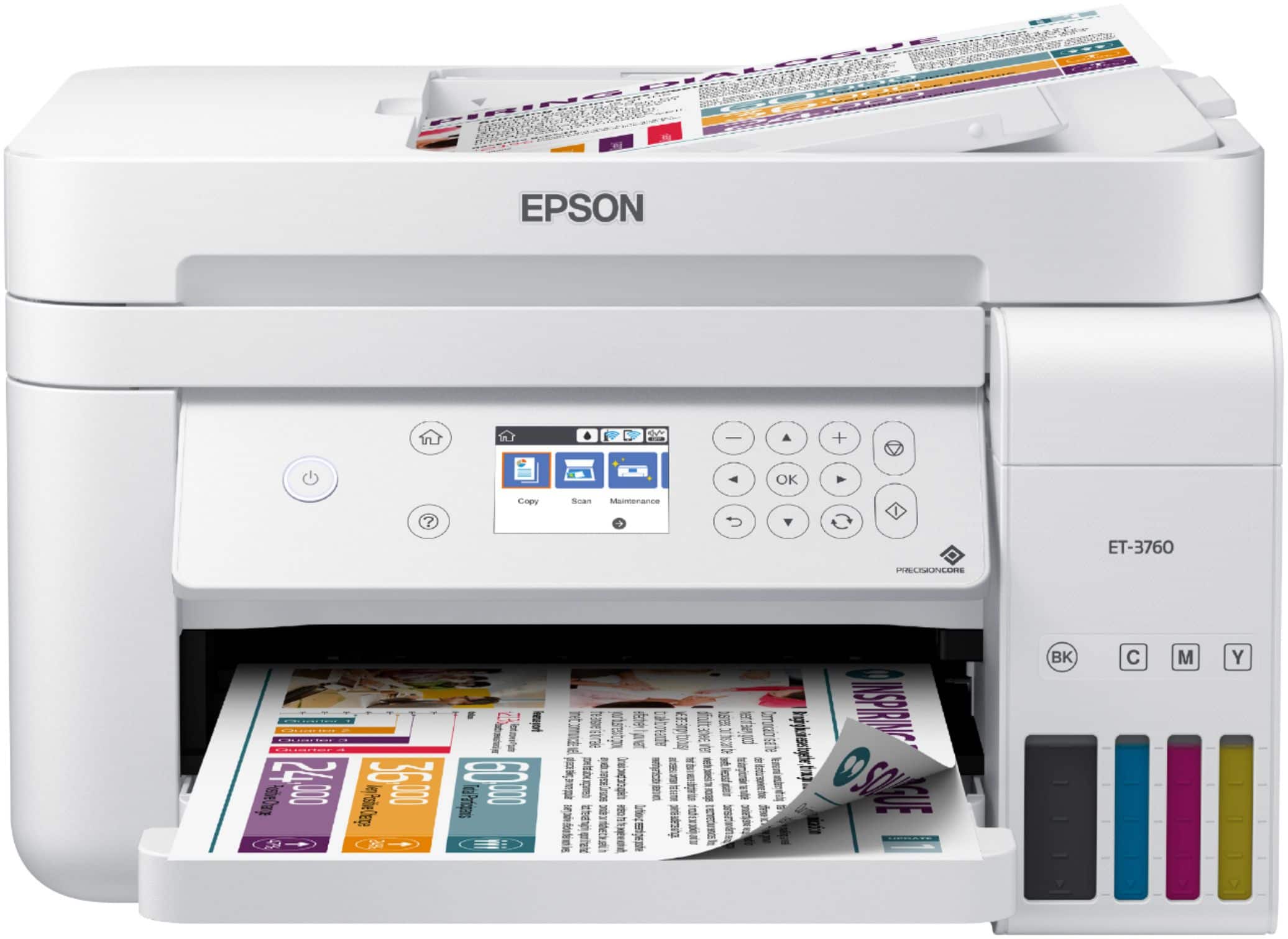
A:AnswerHi MagnatripperDave. Yes, the Epson EcoTank ET-3760 is compatible with computers running the Mac OS 11.x Big Sur. Regards, Bobby - The Epson Team.
A:AnswerHi Bignorm718. No, the Epson ET-3760 was not designed for dye-sublimation printing nor use non-genuine Epson ink cartridges. Regards, Bobby - The Epson Team.
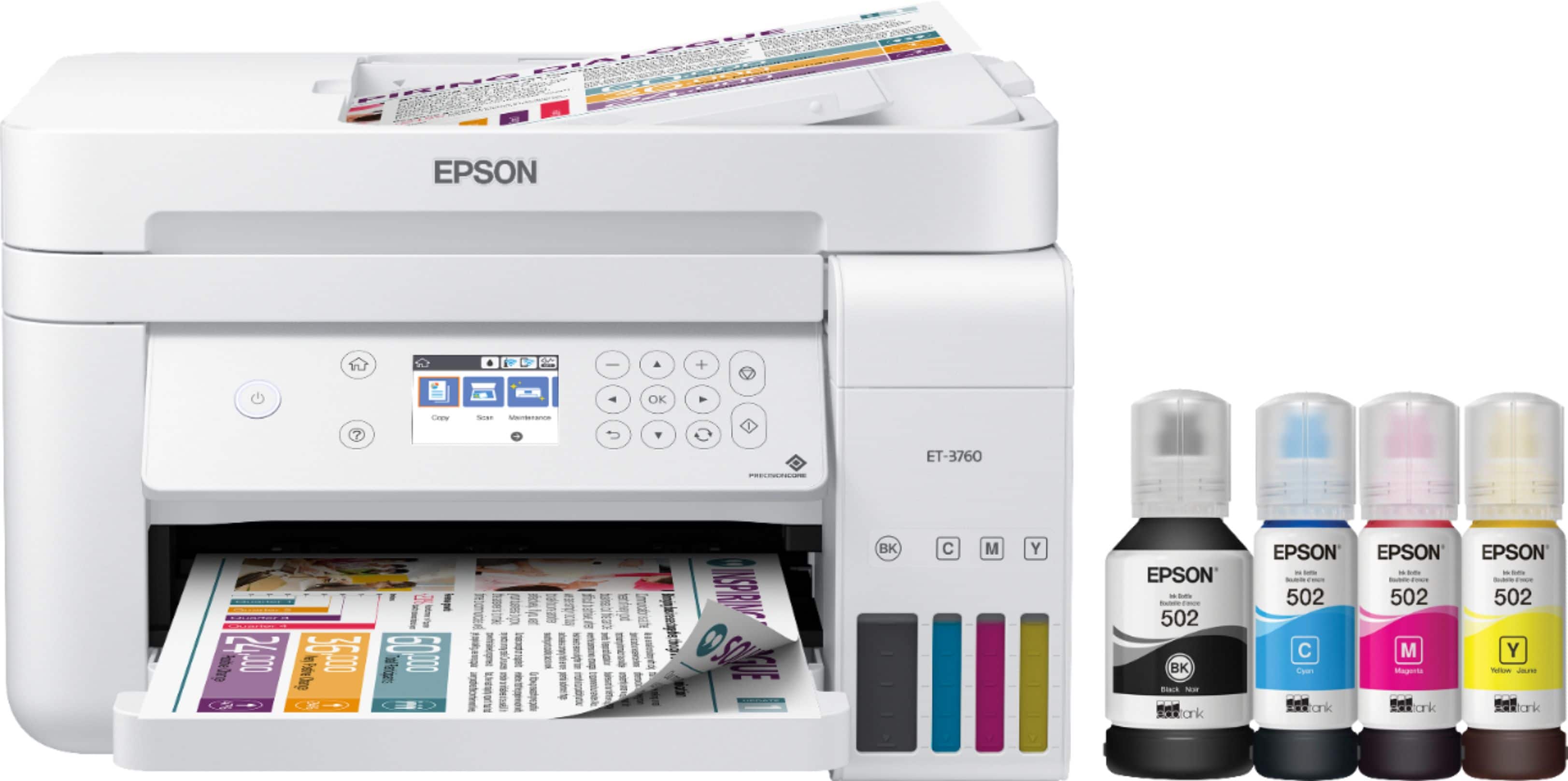
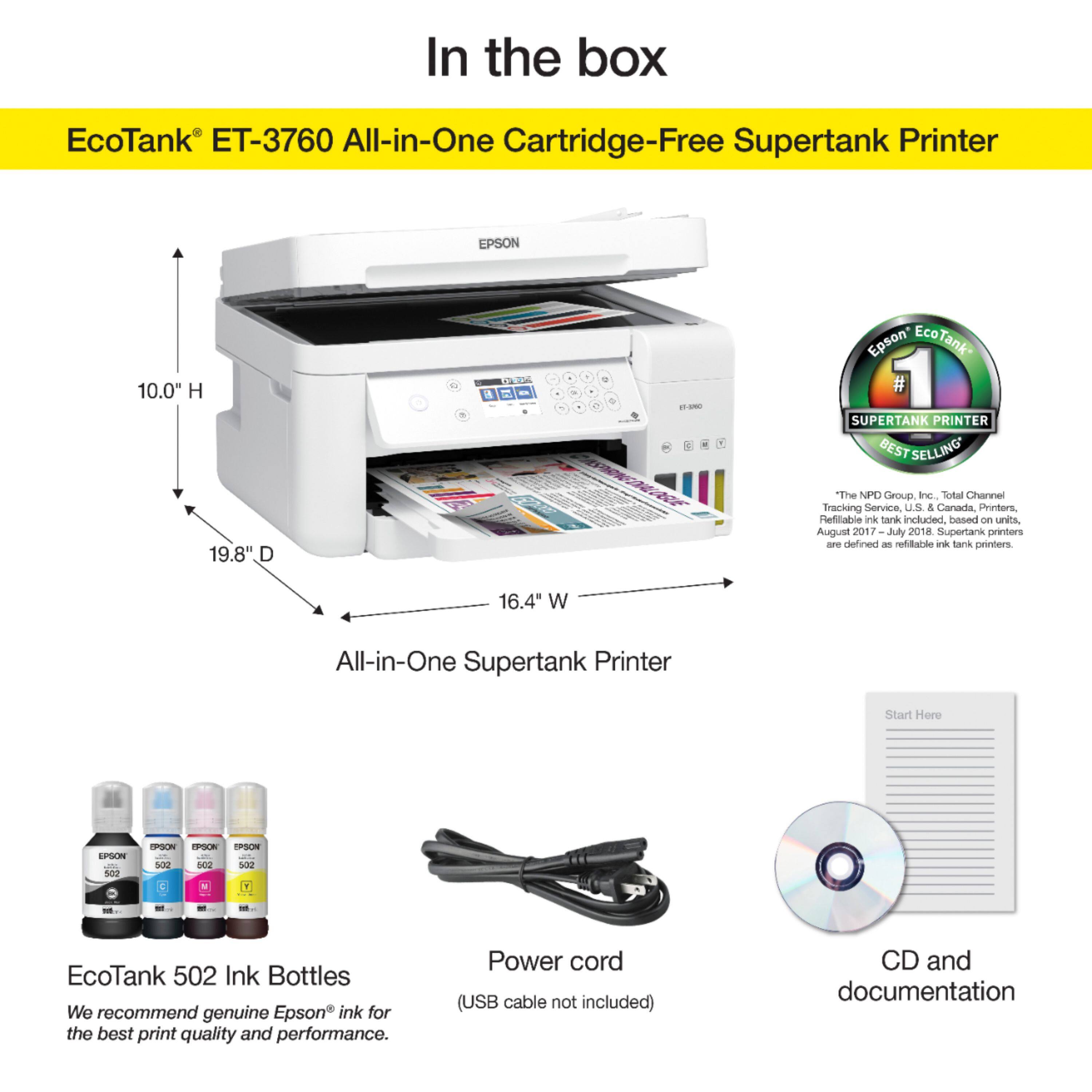
A:AnswerHi Lolly, The EcoTank ET-3760 is not suitable for the use of sublimation or edible ink. It is designed to use only Epson 502 ink refill bottles. Regards, Mark - The Epson Team.
A:AnswerHello Medic. Performing regular maintenance, such as a daily nozzle check, can greatly reduce the need for print head cleaning. For more information, please visit the official Epson Support website. Regards, Bobby - The Epson Team.
A:AnswerYes it can be pryed open [gently]. Then wash the pads with warm water to remove the ink. Let then dry making sure not to deform them. Replace back into box in same order, and add a new chip, or rest using a chip resetter.
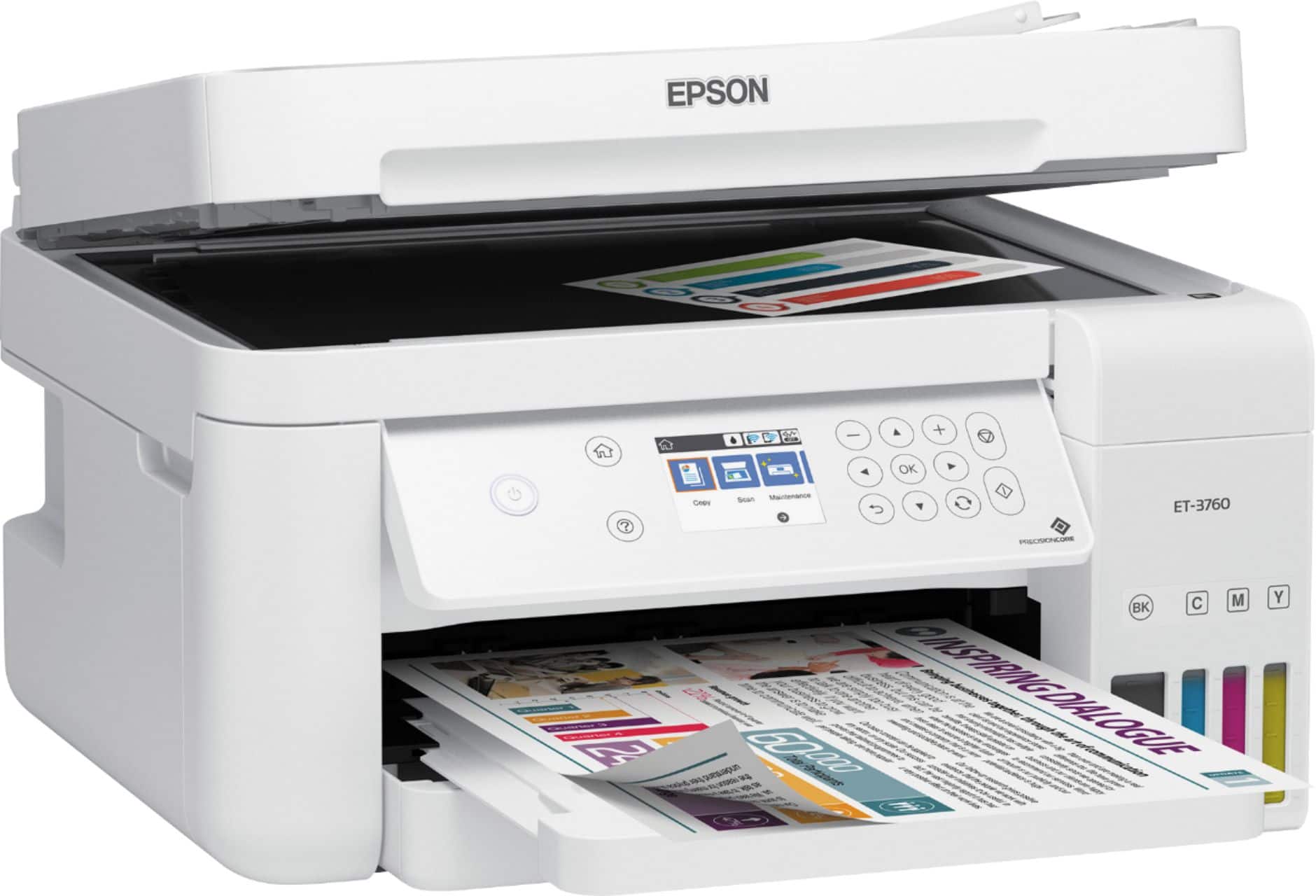
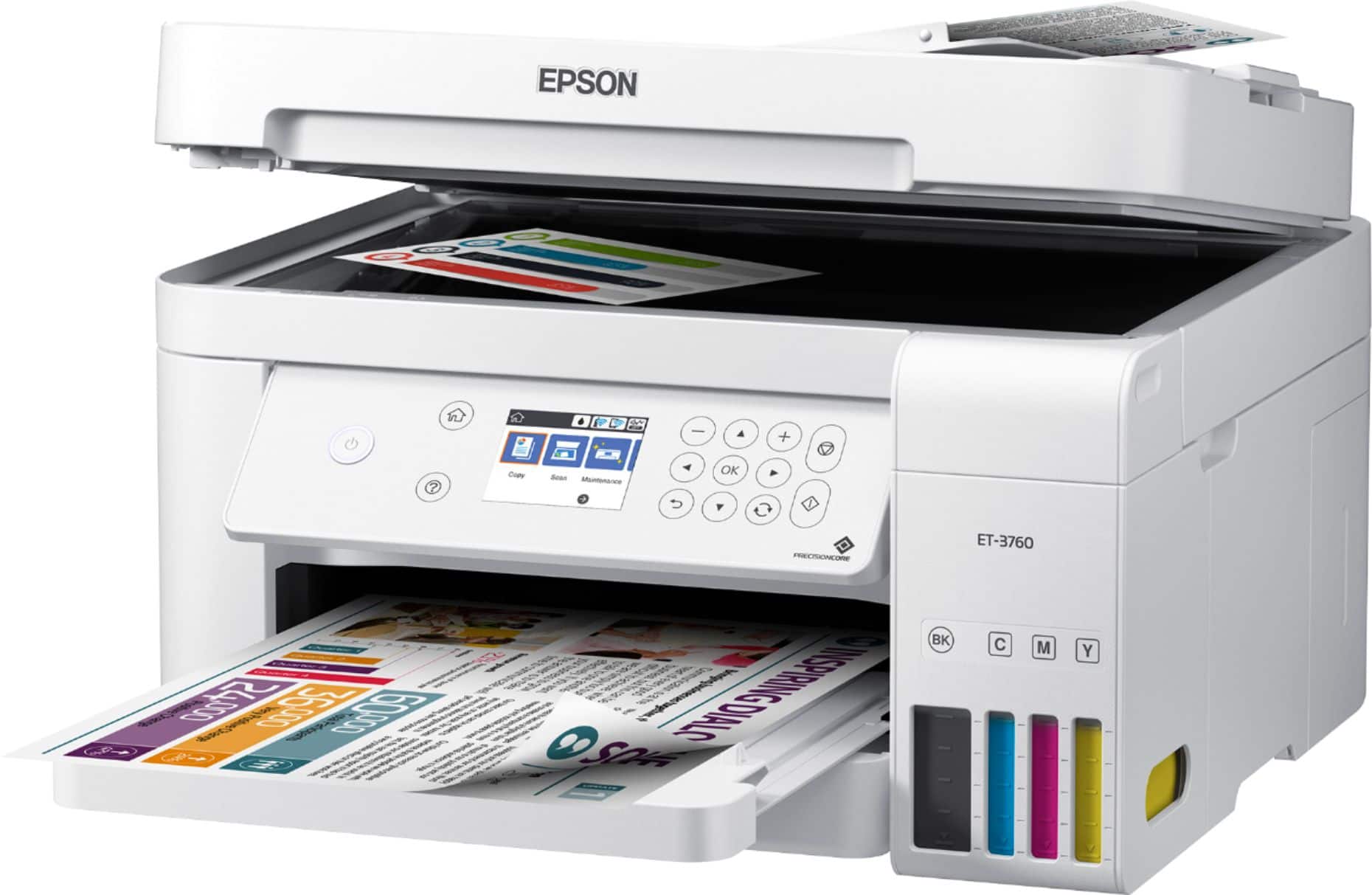
A:AnswerHi Luke, The ET-3760 holds 100 sheets of paper in the input tray for printing and 30 sheets in the auto document feeder for scanning. Regards, Mark - The Epson Team.
A:AnswerI don’t think so. The 5” width is ok, but the paper tray won’t take 19” stock. It may be possible to load the long stock and let it hang out the front of the tray, but I’ve never tried it.
A:AnswerTo my knowledge I believe this to be true especially textured card stock. Also it needs to dry throughly I have not used it for that just yet I have a Cricut Maker if I need be. Hope this helps.