A:AnswerHi MenofMahem, The EcoTank ET-4760 can print checks on plain paper, but it is not compatible with magnetic ink for MICR. Regards, Mark - The Epson Team.
A:AnswerHi. If you have a DSL or ISDN connection, you must connect the appropriate DSL filter, or ISDN
terminal adapter or router to the wall jack to be able to use the line for faxing with the Epson EcoTank ET-4760. Please visit the official Epson Support website for more information. Regards, Bobby - The Epson Team.
A:AnswerHi zac. The Epson ET-4760 was not designed for dye-sublimation printing nor use non-genuine Epson ink cartridges. Regards, Bobby - The Epson Team.
A:AnswerHi Razz. Yes, performing regular maintenance on the Epson EcoTank ET-4760, such as a daily nozzle check, could greatly reduce the need for print head cleaning. Regards, Bobby - The Epson Team.
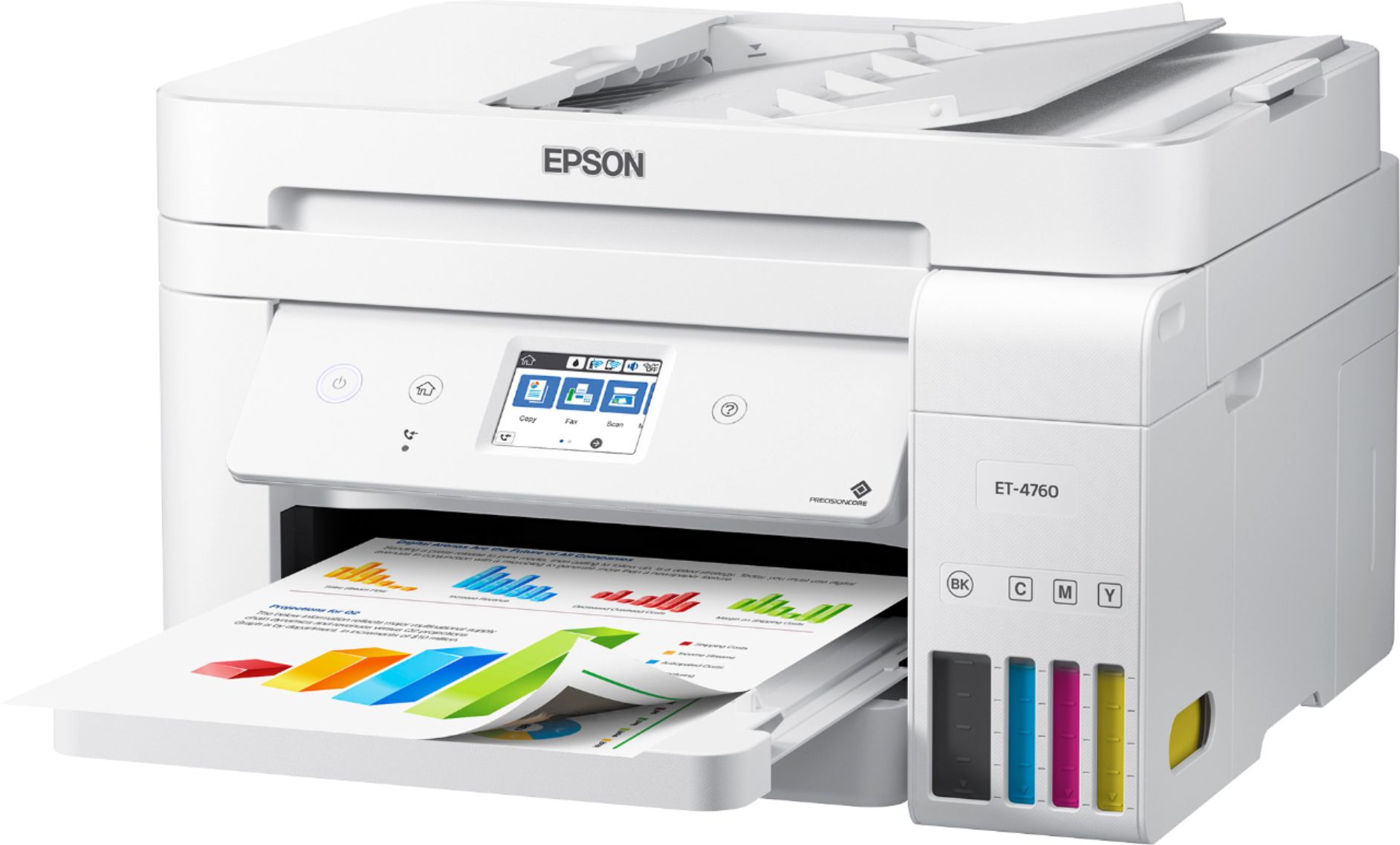
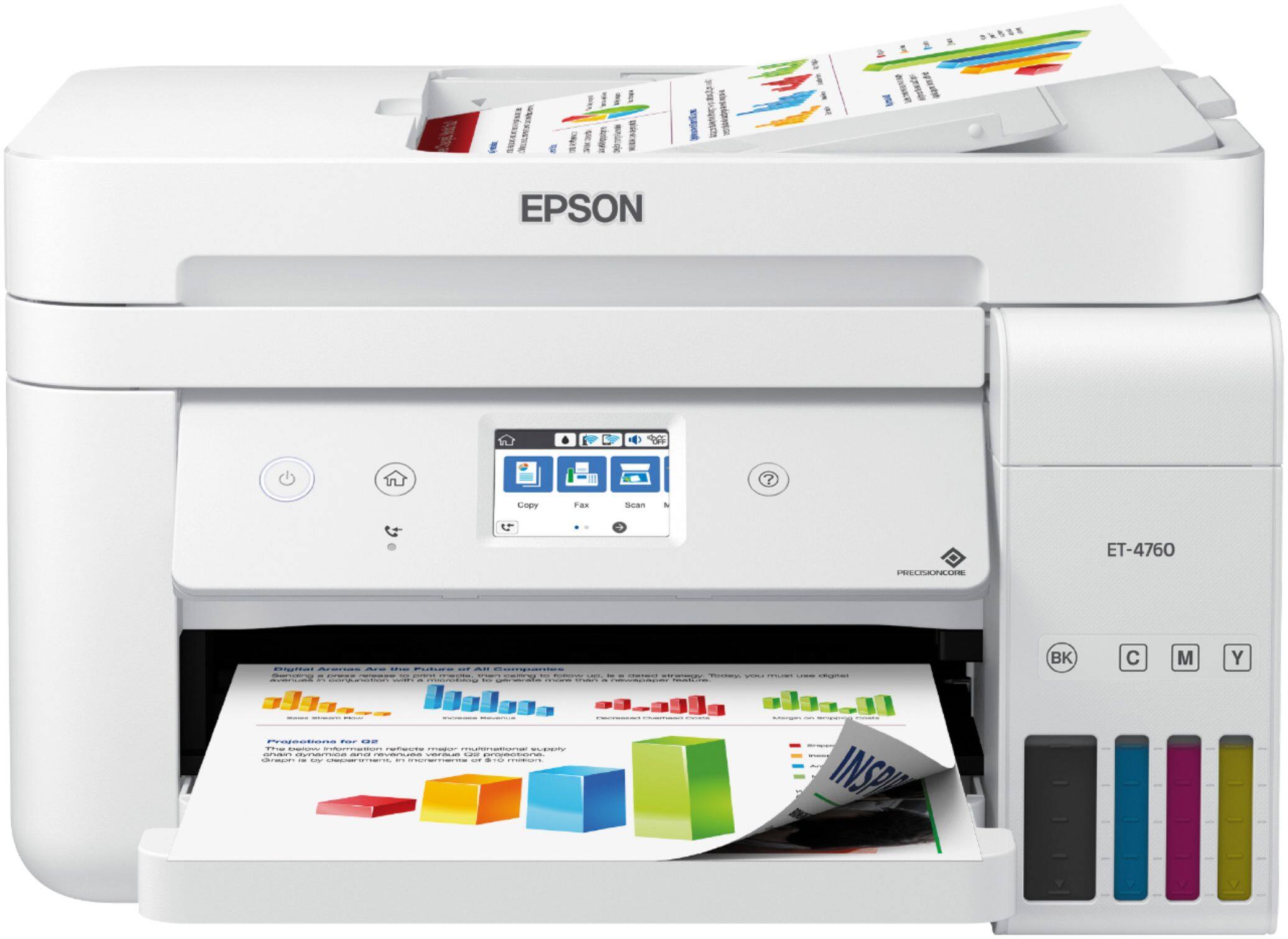
A:AnswerHi Bill. Yes, the Epson EcoTank ET-4760 was designed with an Automatic Document Feeder (ADF). You can load up to 30 Letter (8.5" x 11") or 10 Legal (8.5" x 14") -sized sheets. Regards, Bobby - The Epson Team.
A:AnswerHi stilloverweight, The EcoTank ET-4760 does send and receive faxes. It must be connected to a landline to fax. Regards, Mark - The Epson Team.
A:AnswerHi. Yes, the Epson EcoTank ET-4760 printer is compatible with computers running Mac OS 10.15.x (Catalina) and 11.x (Big Sur). Regards, Bobby - The Epson Team.
A:AnswerHi K80W, Sorry, the EcoTank ET-4760 does not include a scan directly to USB drive feature. The ET-5000 series does add this capability. Please see the Epson support site for details. Regards, Mark - The Epson Team.
A:AnswerHi mickey, The EcoTank ET-4760 does not include slide scanning capabilities. Epson's higher-end photo scanners have this capability and include negative and film holders. Please visit the Epson support site for details. Regards, Mark - The Epson Team.
A:AnswerHi, Yes you can. You have to create an Epson Connect account to set up email address destinations. After they are set up, you can use the ET-4760's front panel controls to email scans to the addresses you set up. Regards, Mark - The Epson Team.
A:AnswerHi JJ, The EcoTank ET-4760 scans, copies, prints and faxes. The scanner has an auto document feeder, but it only scans one side at a time. The included software allows you to scan the first side then flip the stack to scan the second side. The pages will be saved as double-sided documents. Regards, Mark - The Epson Team.
A:AnswerHi Deni, You have the option of changing the compression size of scanned PDFs to create larger or smaller files using the software included with the ET-4760. Regards, Mark - The Epson Team.
A:AnswerHi Shelly, The Auto document feeder on the EcoTank ET-4760 can hold 30 sheets at once. Using the included software, you can combine multiple 30-sheet scans into a single PDF document. Regards, Mark - The Epson Team.
A:AnswerHi scott, The ET-4760 supports single-sided scans through the auto document feeder. You can scan one side, flip the stack and then scan the other side. The included software will match up the pages for two-sided documents. Regards, Mark - The Epson Team.
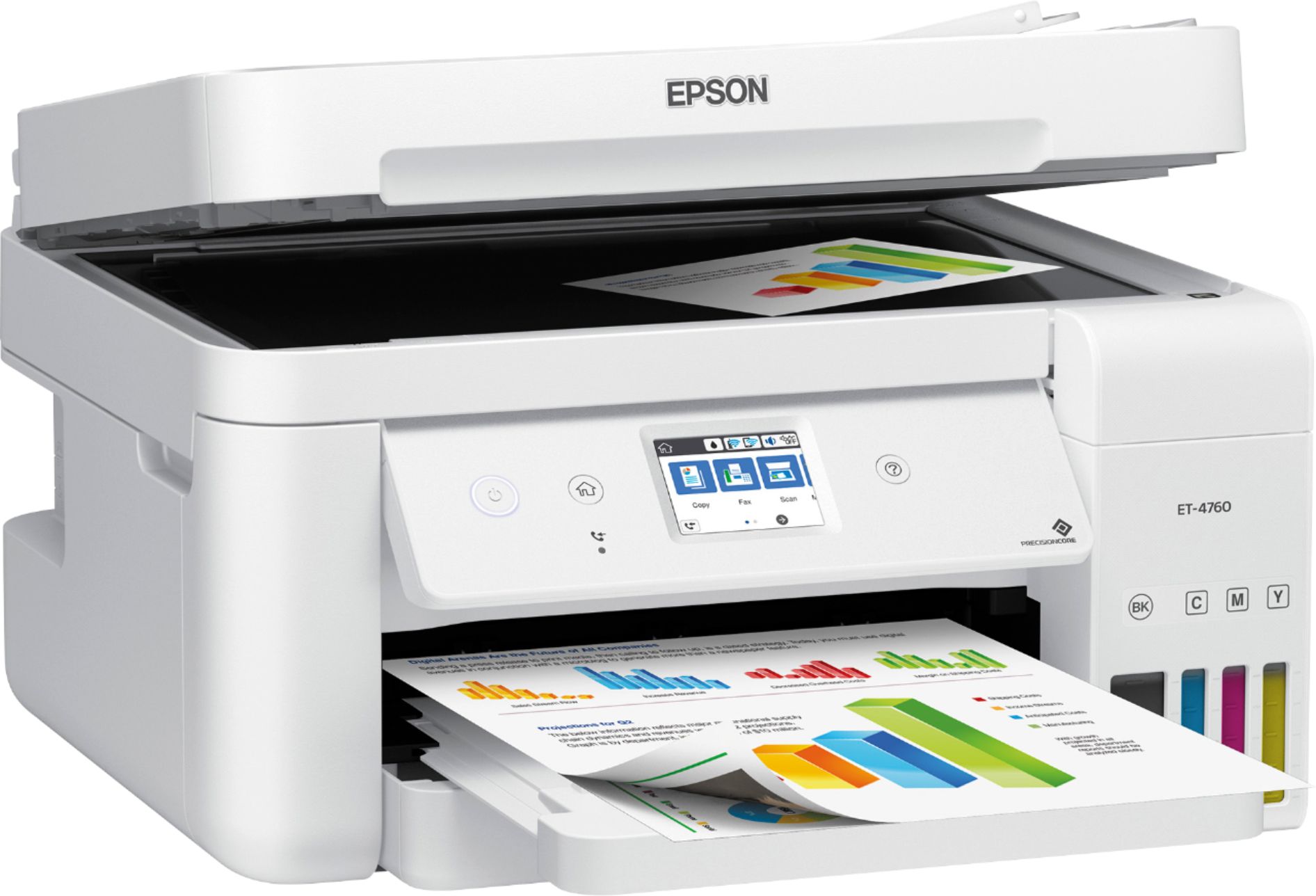
A:AnswerHi Dunesguy, Sorry, the ET-4760 does not support scanning to a USB drive. The rear USB port is used to connect the printer to a computer. Regards, Mark - The Epson Team.

A:AnswerHi jmgb, Yes, using the software included with the ET-4760 you can scan directly to most common email programs. Regards, Mark - The Epson Team.