Main Content

Questions & Answers

$599.99
Page Showing 61-80 of 99 questions
  • QuestionDoes this play DVD's or do you connect to a computer

    Asked by MJ.

    • Answer No it is not a DVD player...You'll need either a DVD player or a computer with a HDMI output (or convert to an HDMI output).

      Answered by RogerB

  • Question2 Questions 1) How can you do a sceeen mirroring from my iphone? 2) Can I use an HDMI splitter to connect the android TV dongle snd another device like a blue tay dvd player since I use the android tv to connect to my bluetooth speakers

    Asked by Maneesh.

    • Answer You will need to download a third-party app to mirror your screen directly to the Android TV (e.g. “DoCast”). You can cast most supported apps without a third-party app, however (e.g. ESPN, Netflix, streaming apps). I believe an HDMI splitter would work, but not certain.
      Answered by Neat

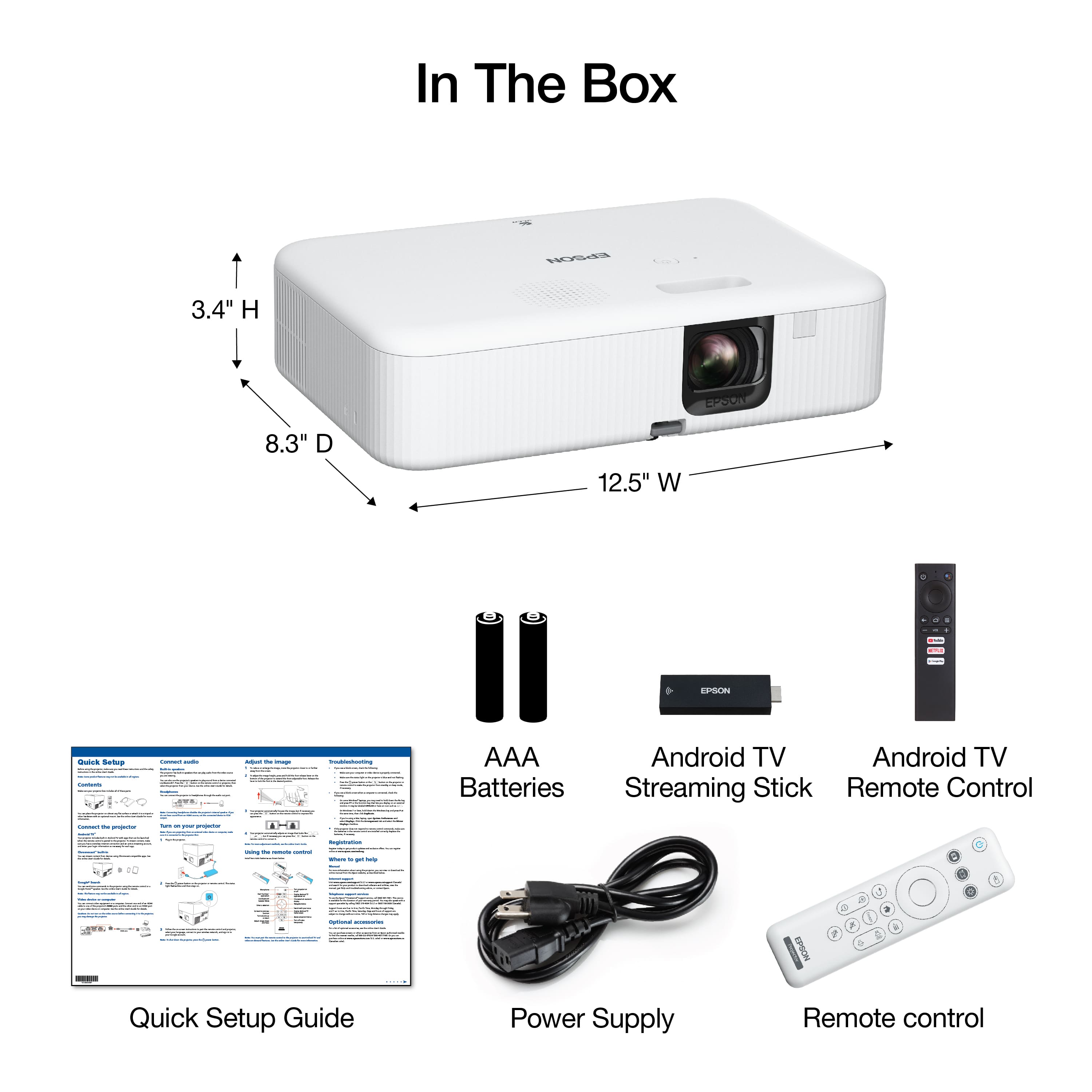
  • QuestionDoes it come with the white screen?

    Asked by Ali.

    • Answer Nope.

      Answered by RogerB

  • QuestionCan I set this proyector from my lap top and if yes , How?

    Asked by Santos.

    • Answer Without knowing the make and model of your laptop, it would be difficult to answer the how. In general, how ever you can connect an HDMI cable to your laptop will be the answer

      Answered by RogerB

  • QuestionCan this projector be mounted on the ceiling?

    Asked by Rigo3610.

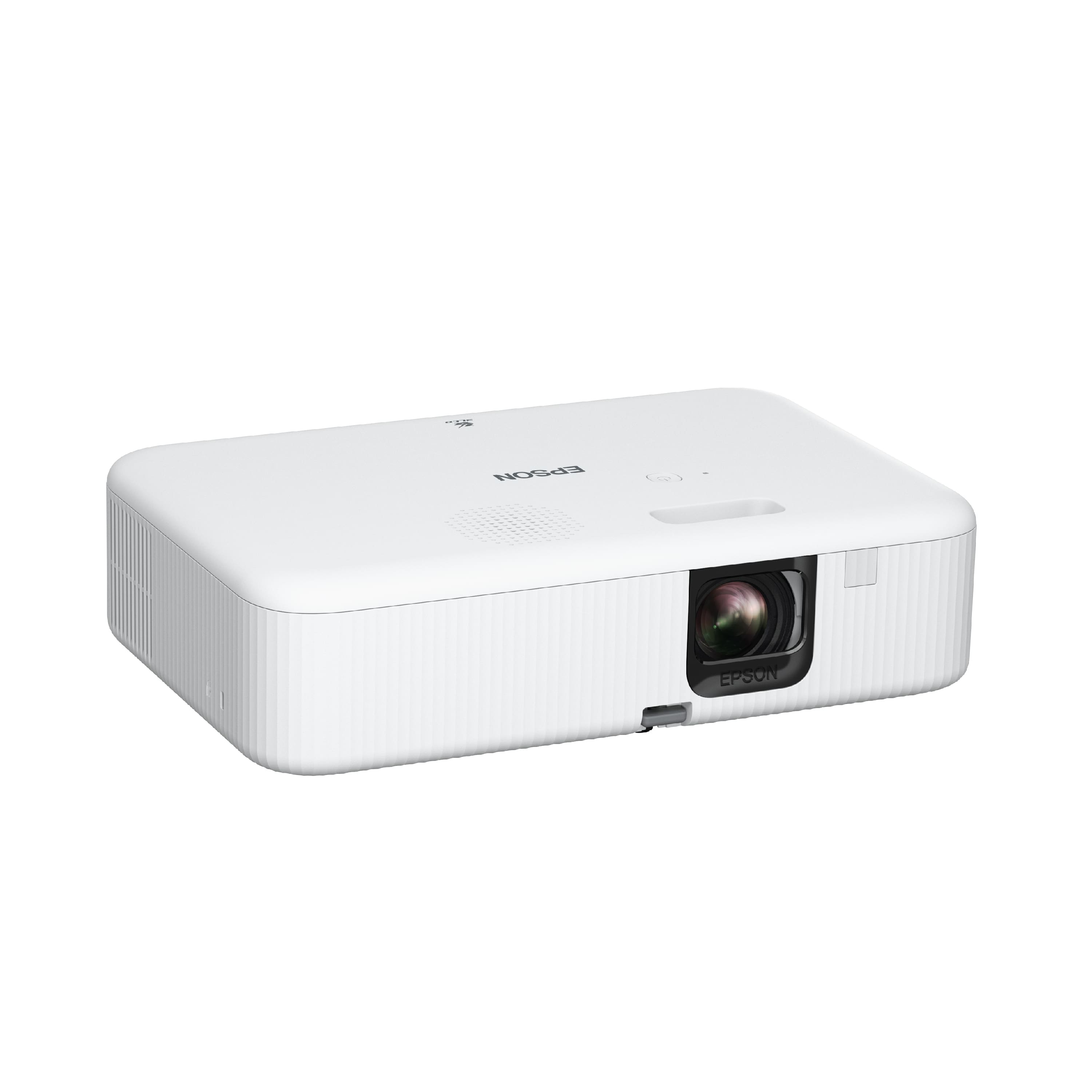
    • Answer Hello Rigo3610. The CO-FH02 only supports front and rear projection. Unfortunately, it cannot be ceiling mounted. Regards, Kevin - The Epson Team.

      Answered by Epson

  • QuestionDoes the projector have the ability to connect coax cable for tv instead of wireless streaming?

    Asked by Anonymous.

    • Answer Not unless you have a coax to hdmi adapter

      Answered by btjinx

  • QuestionHow many Bluetooth speakers can connect to this at one time? We are able to connect one but are hosting a movie night and would like to have more sound.

    Asked by Leigh.

    • Answer Hello Leigh. The CO-FH02 can connect to only one Bluetooth speaker at a time. Regards, Kevin - The Epson Team. Regards, Kevin - The Epson Team.

      Answered by Epson

  • QuestionCan you use this with I iPad if you use a HDMI cord

    Asked by Dalton.

    • Answer We're connecting to a MacBook Pro via an HDMI cable and a USB-C to HDMI cable.

      Answered by RogerB

  • QuestionCan this projector be used with a HP laptop for classroom purposes?

    Asked by Anonymous.

    • Answer Yes, no problem at all...

      Answered by BenS

  • QuestionHow to you set up for rear procection Epson CO-FH02 Pramod

    Asked by Pramod.

    • Answer Hello Pramod. You can enable rear projection on the CO-FH02 by going into the Settings > Projector Features > Installation > Projection. Regards, Kevin - The Epson Team.

      Answered by Epson

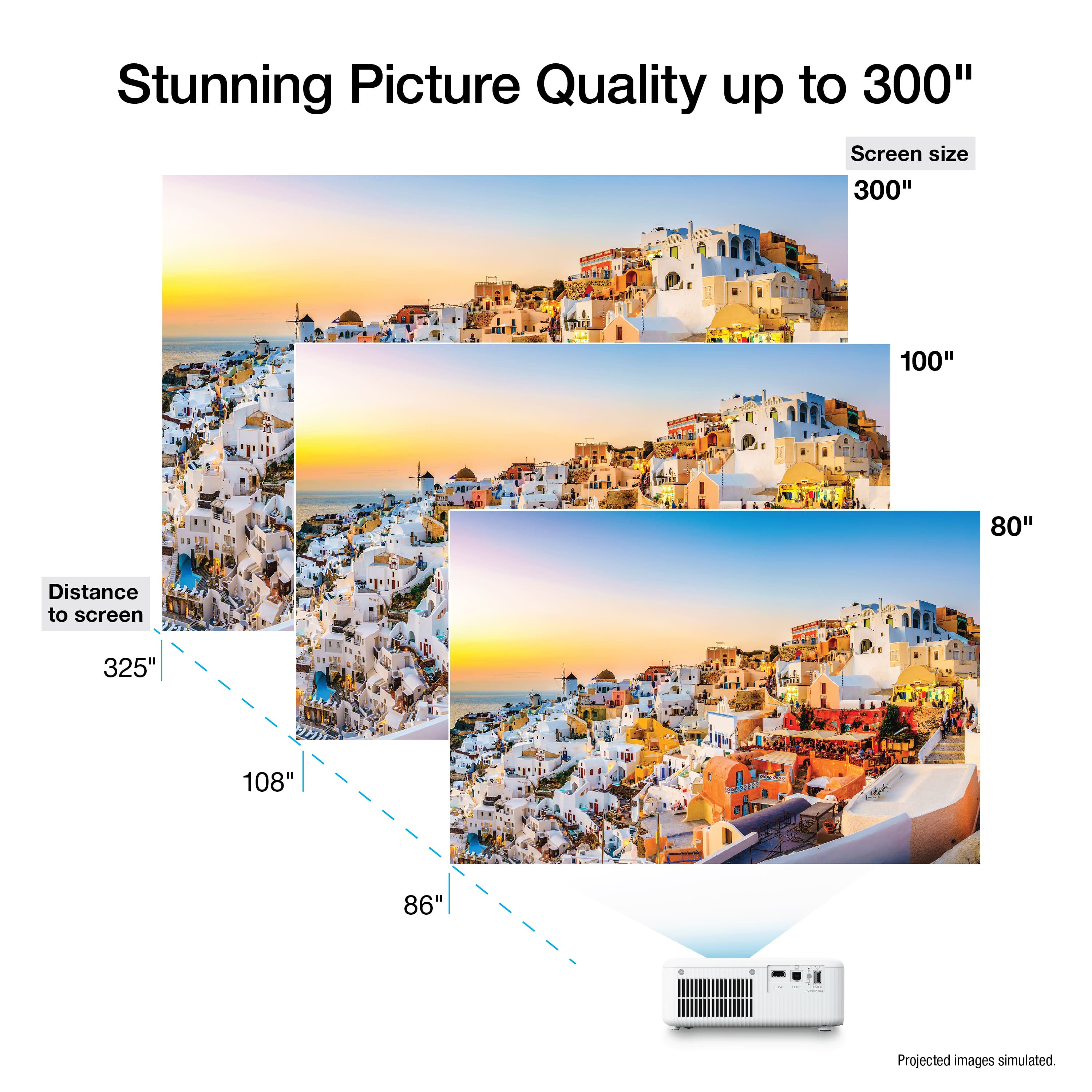
  • QuestionHow far does this throw work? Is 17 feet too far?

    Asked by Brock.

    • Answer Maybe, mine is 9’ from the wall and has a 10’ diagonal picture. You may be limited by focusing or the size of the wall.

      Answered by HarveyI

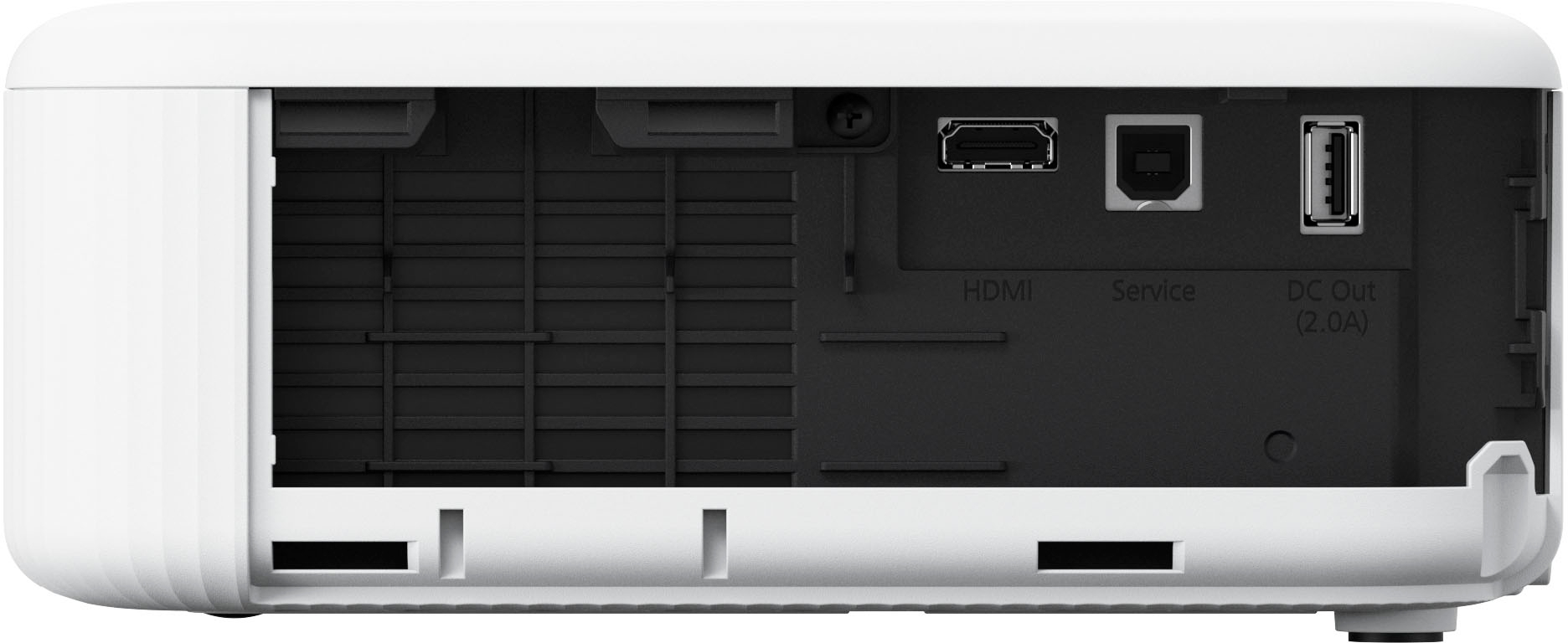
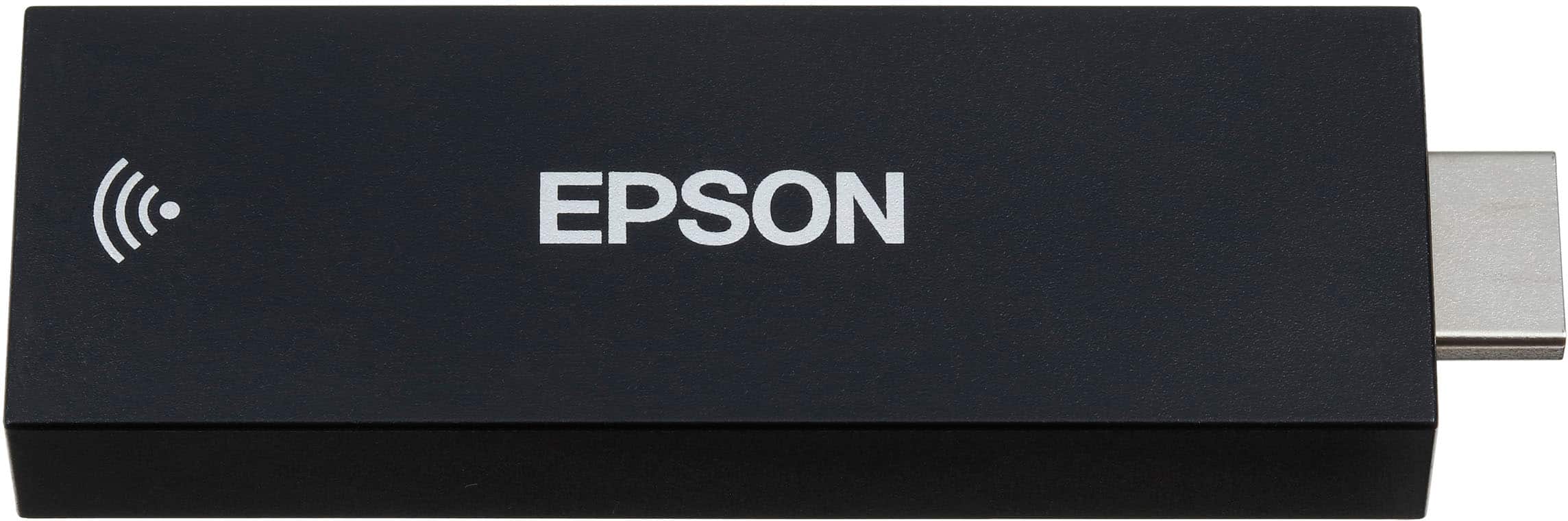
  • QuestionDoes this projector have wifi connectivity? I would like to set it up and only need to run power and connect it to the internet for smart tv capabilities wirelessly.

    Asked by TROZ.

    • Answer The projector itself no, it comes with a Android TV dongle that has all the apps etc.

      Answered by JoshuaM

  • QuestionCan I send Word Power :Point images from PC to this projector via wifi and proljector lamp stay on?

    Asked by Jim.

    • Answer Maybe with an Android app? and yes.

      Answered by JoshuaM

  • QuestionIs bluetooth the only audio-out option? I have a sound system but its not bluetooth capable.

    Asked by WillyStanker.

    • Answer If your AV receiver has HDMI then you can simply run the HDMI out from the receiver to the projector and then plug the Android stick into the back of your receiver.

      Answered by Anonymous

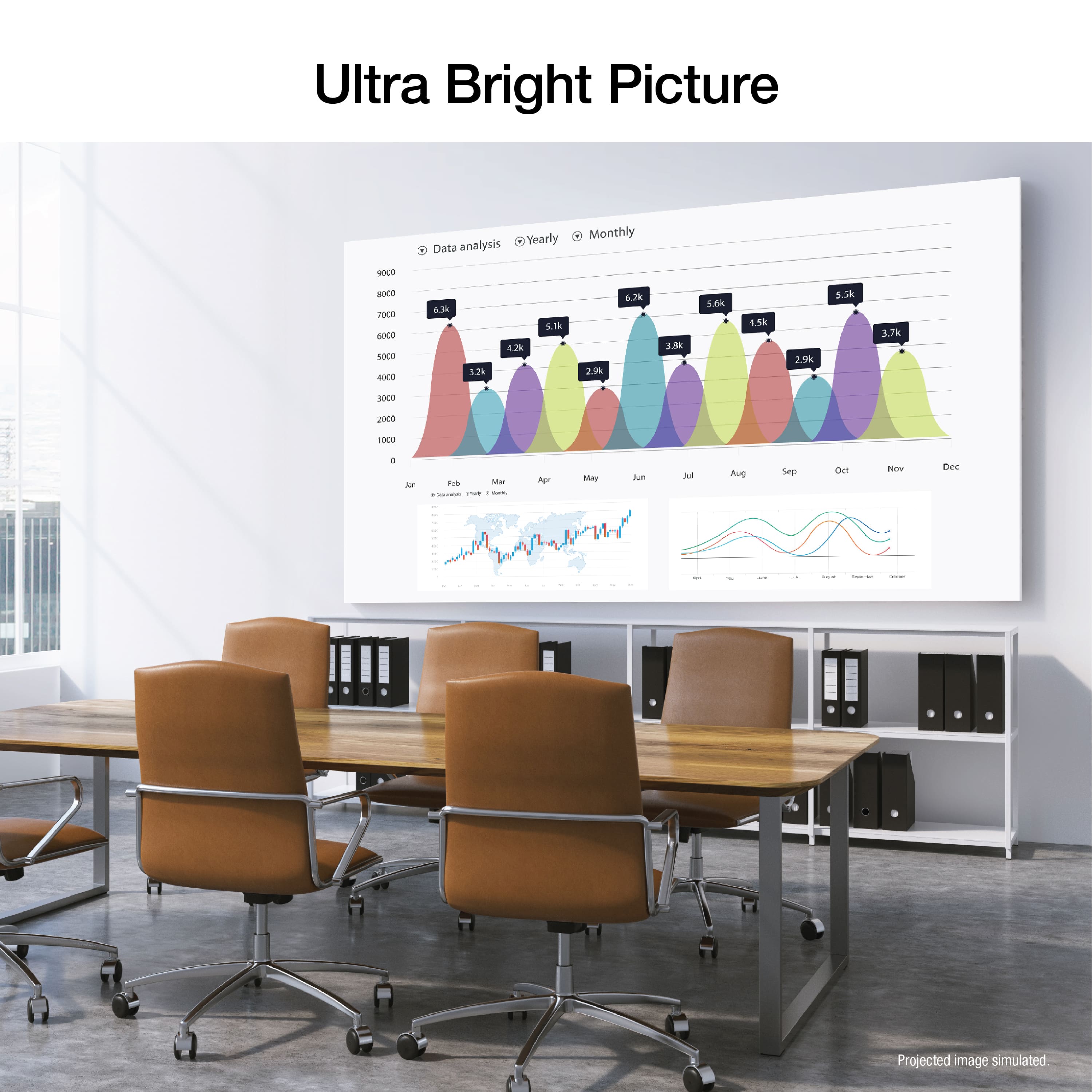
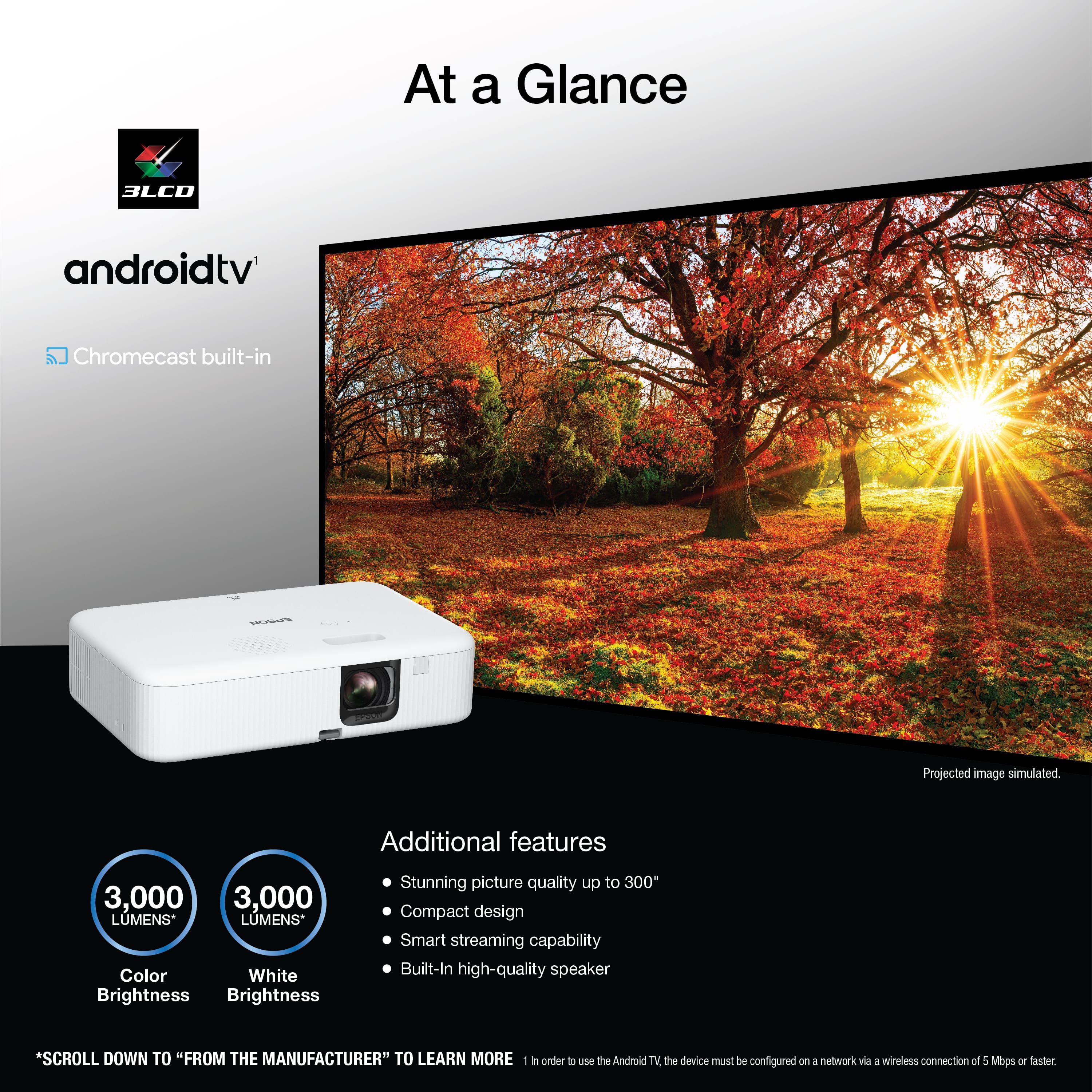
  • QuestionHow many lumens is this projector?

    Asked by Dan.

    • Answer 3000 lumens for the price its really worth it

      Answered by Carlosm

  • QuestionAs far as I know, keystone correction will cause a lot of loss of image quality and blurred corners, but will the physical inversion, verticality, and tilting of the projector affect the image quality and cause blurred images?

    Asked by WenxuanL.

    • Answer Nothing noticeable. Actually the image quality is superior compared to similar models

      Answered by user740507

  • QuestionCan this connect to an external bluetooth speaker?

    Asked by Pete.

    • Answer you can connect external Bluetooth speakers using the android stick it comes with or through a firestick

      Answered by moem

  • QuestionCan I set the auto timer for sleep mode in the settings?

    Asked by Confused.

    • Answer Hello Confused. Yes, you can set the sleep timer for 1 - 30 minutes. The option to make the change can be found under settings > operation settings > sleep mode timer. Regards, Kevin - The Epson Team.

      Answered by Epson

  • QuestionHow do I increase volume when having regular cable vision playing through projector? Volume button is raised to max.

    Asked by Sudden.

    • Answer Use the cable box remote provided by the provider

      Answered by Anonymous