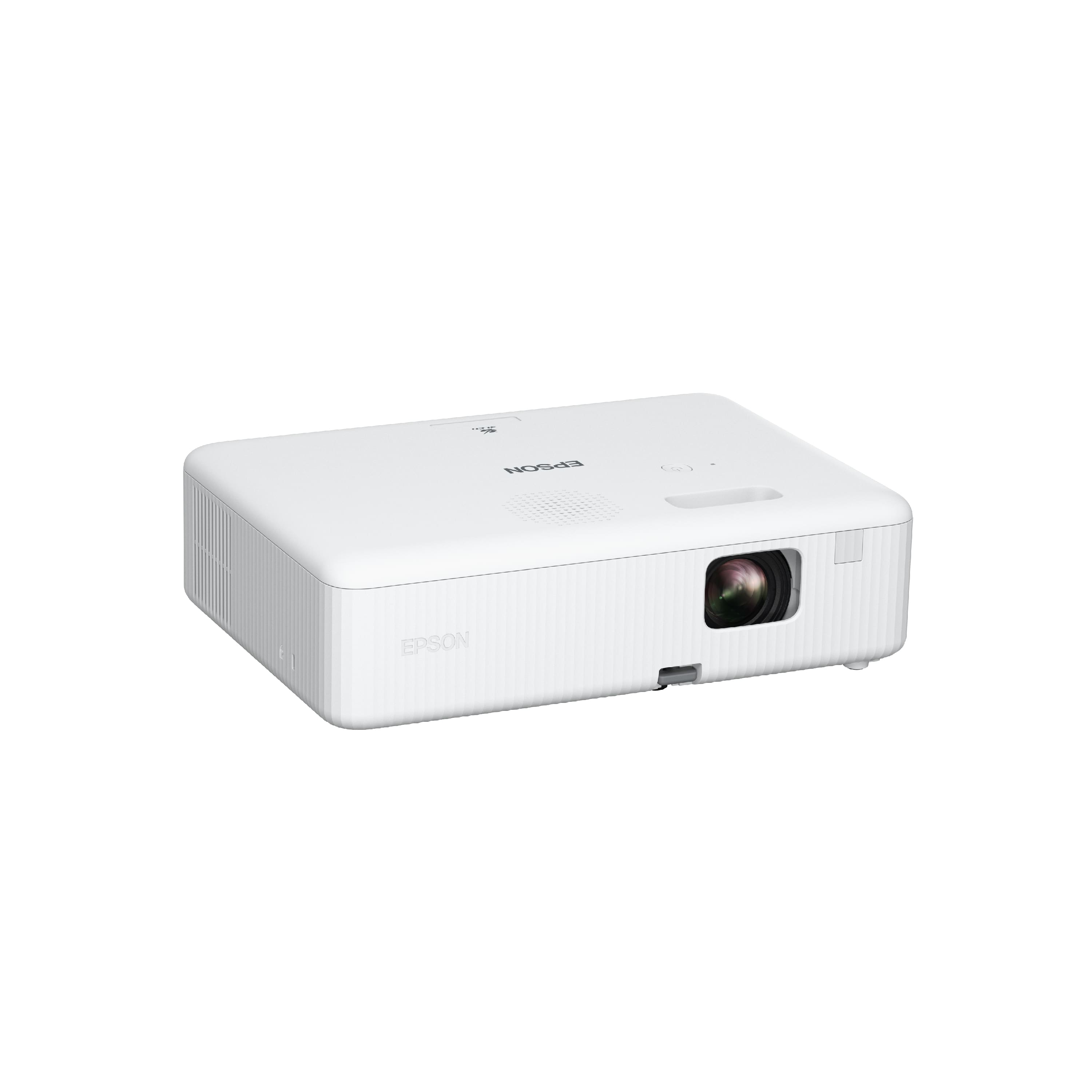
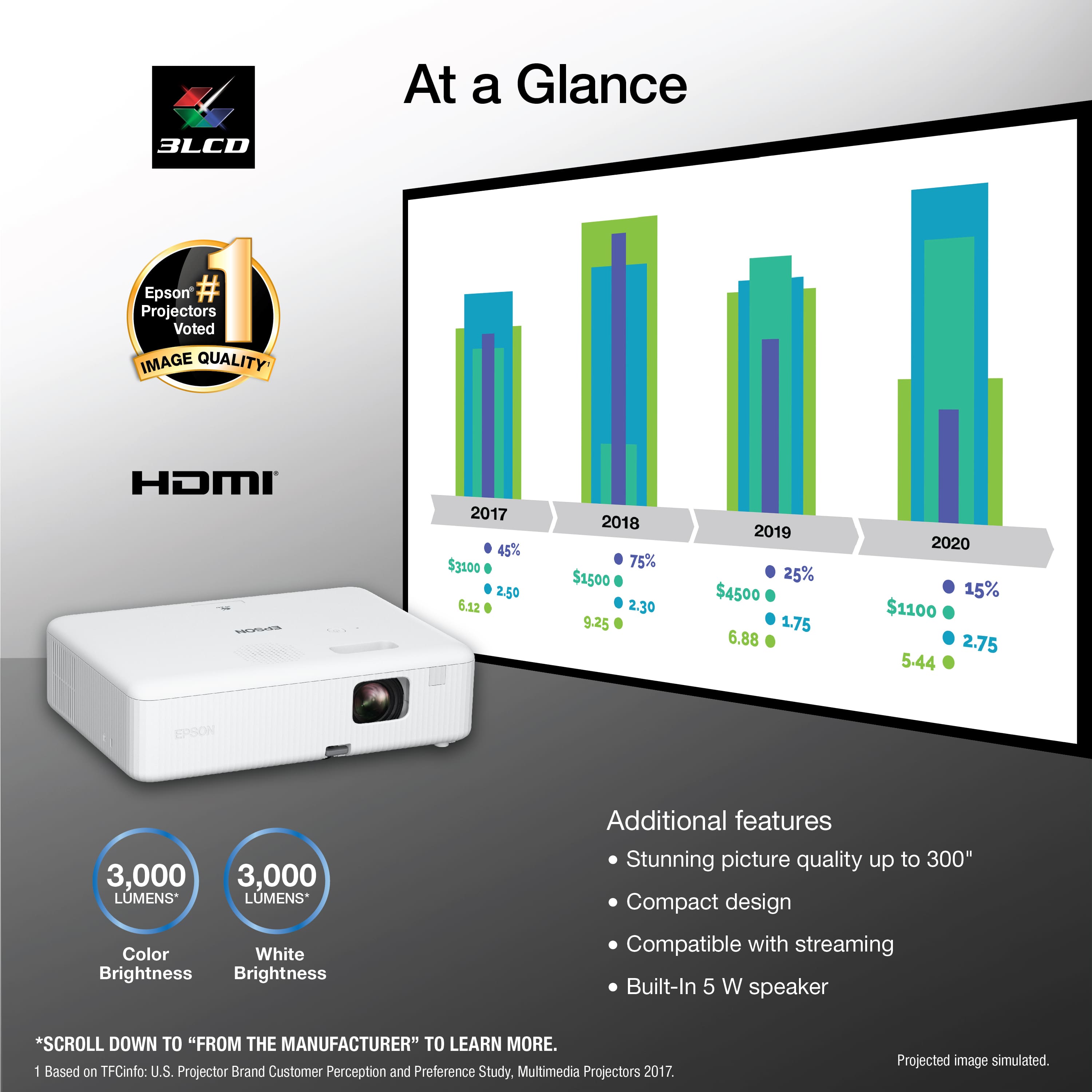
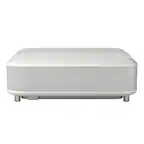
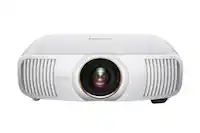
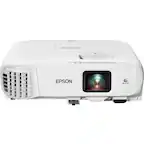
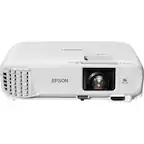
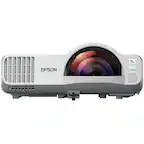
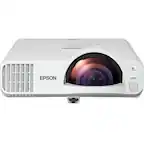
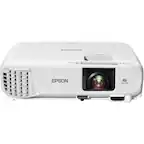
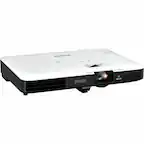
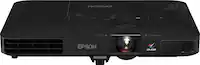
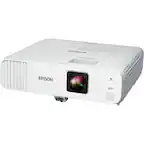
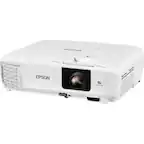
A:AnswerNo on the paper. Yes from the phone if you can find a phone to HDMI cable. The projector has HDMI input. It also has a USB input, but smartphones must be USB-mounted devices (not TWAIN-compliant) and must be USB Mass Storage Class compliant to use the USB input.
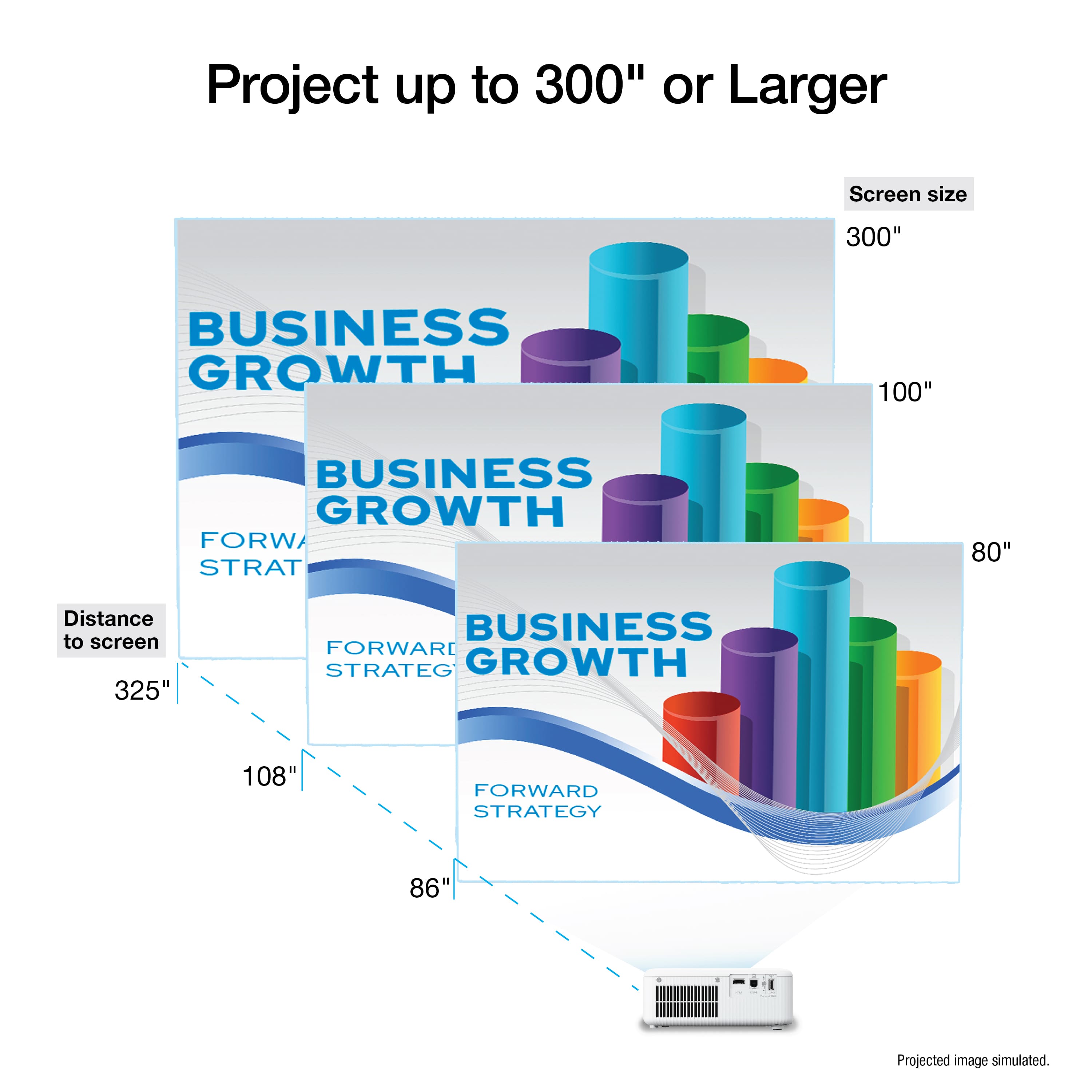
A:AnswerYes the projector has different settings for sizing and could also be projected from the back, after changing the size of the screen that’s projected you might notice it a little blurry but you could use the black nob on top of the projector to adjust the sharpness